Paper Cup Mockup Set v.8
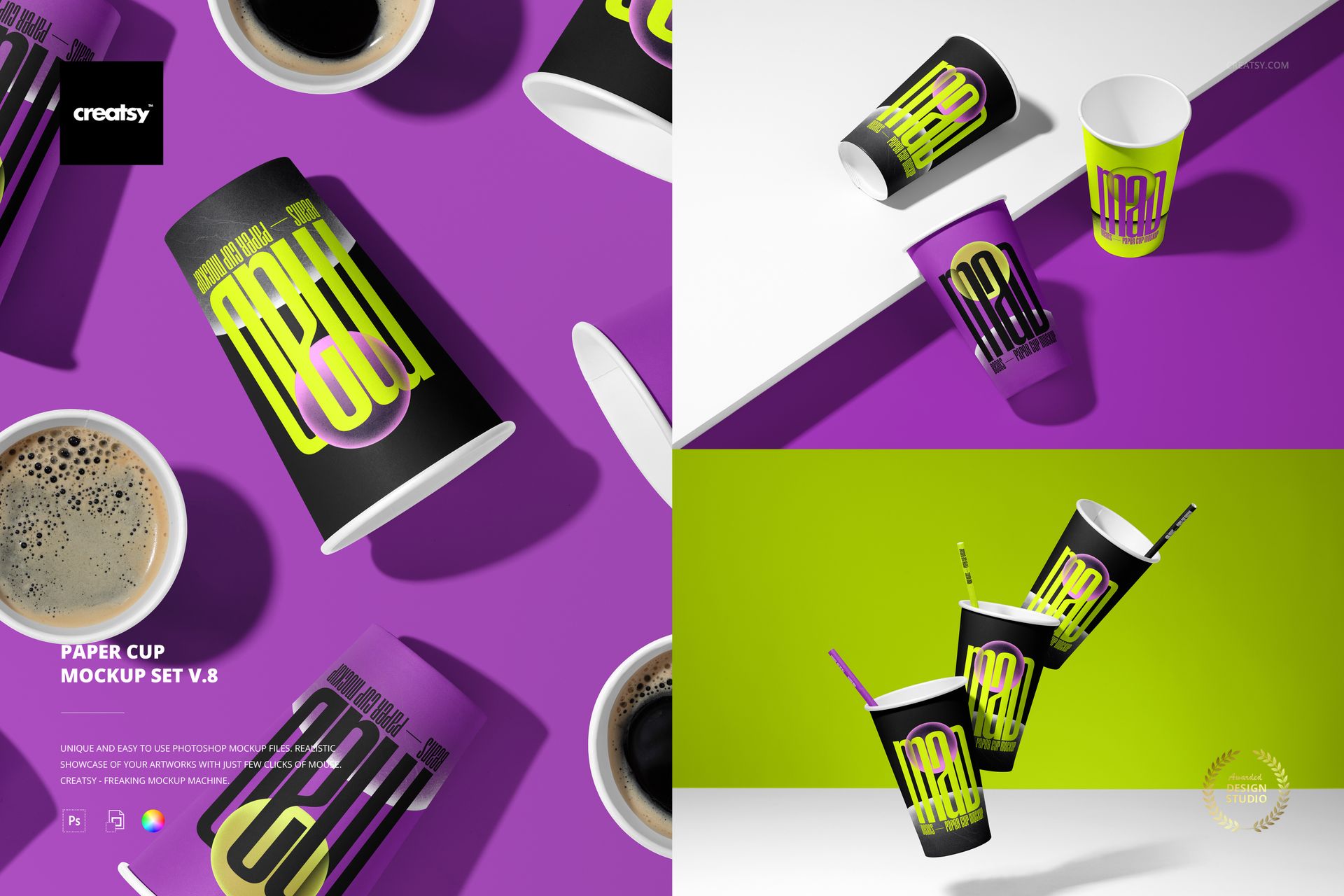
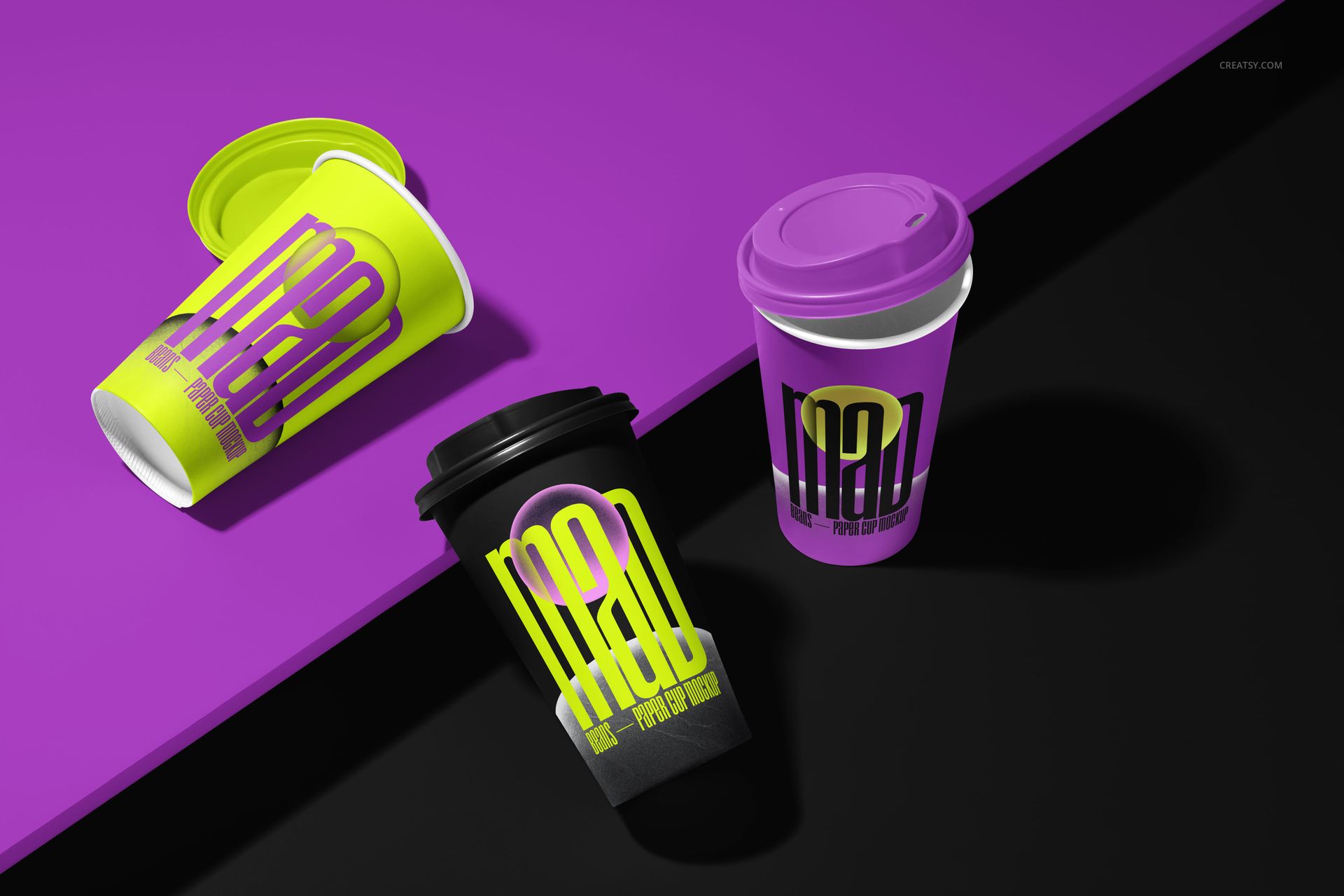
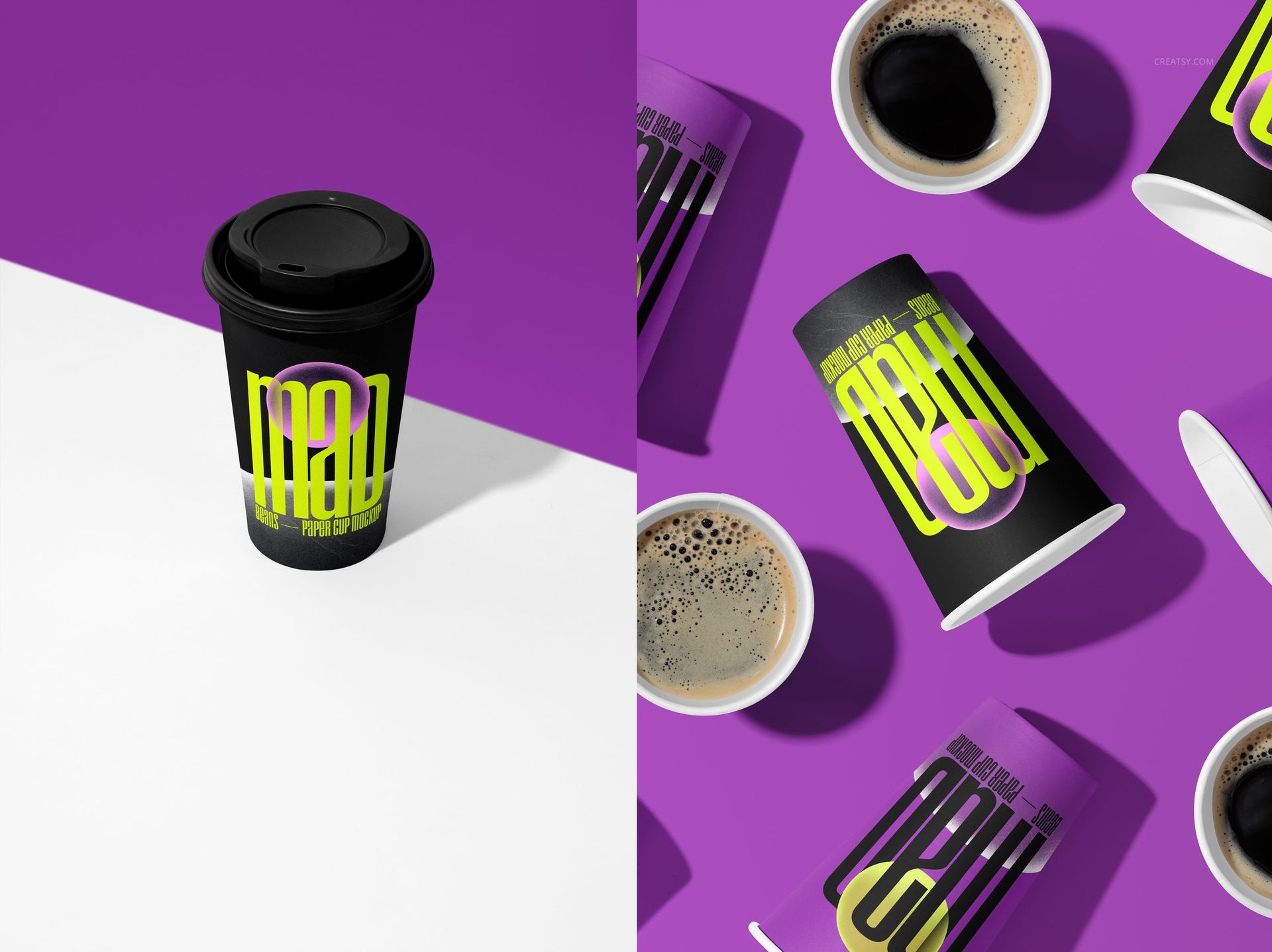
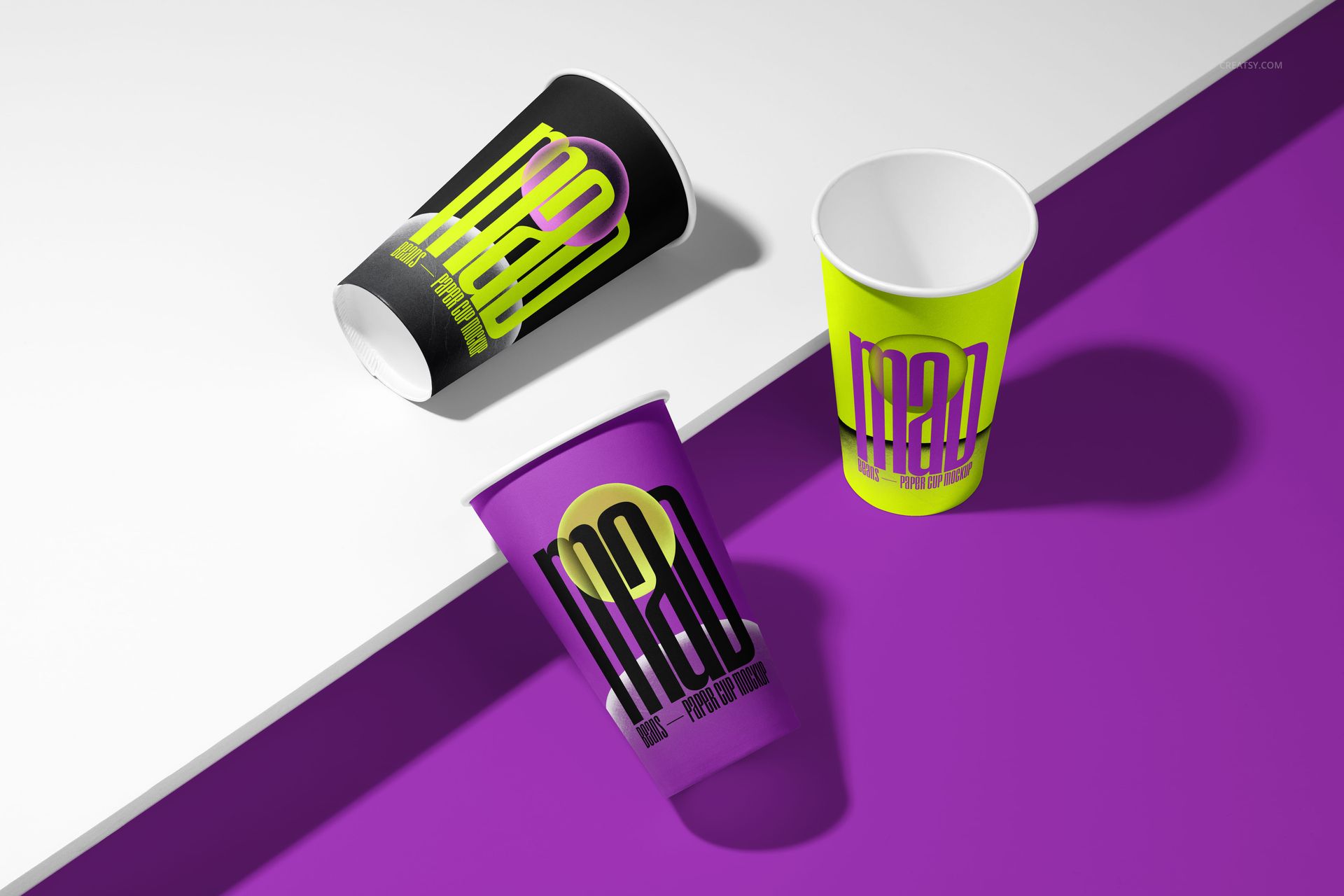
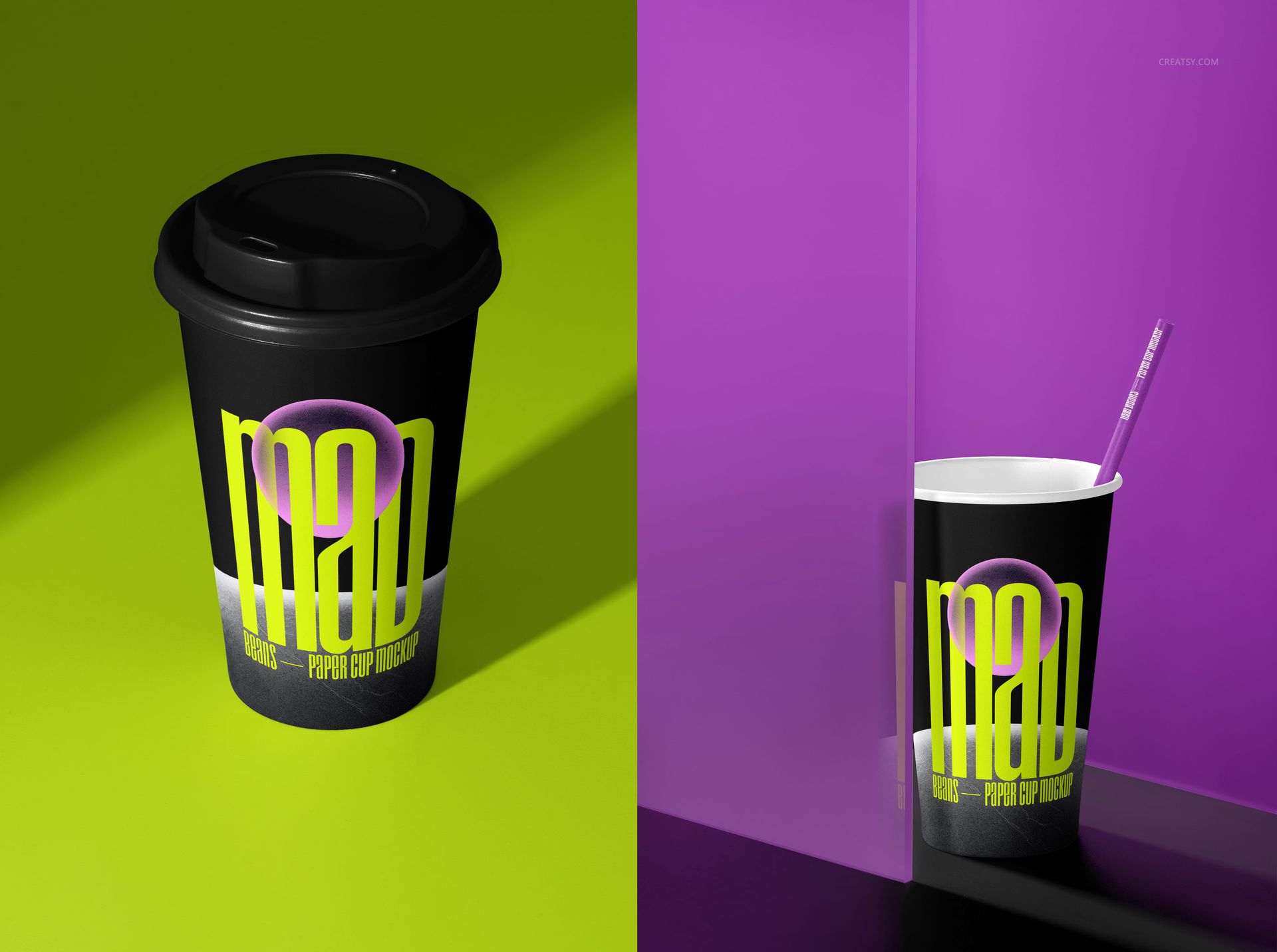
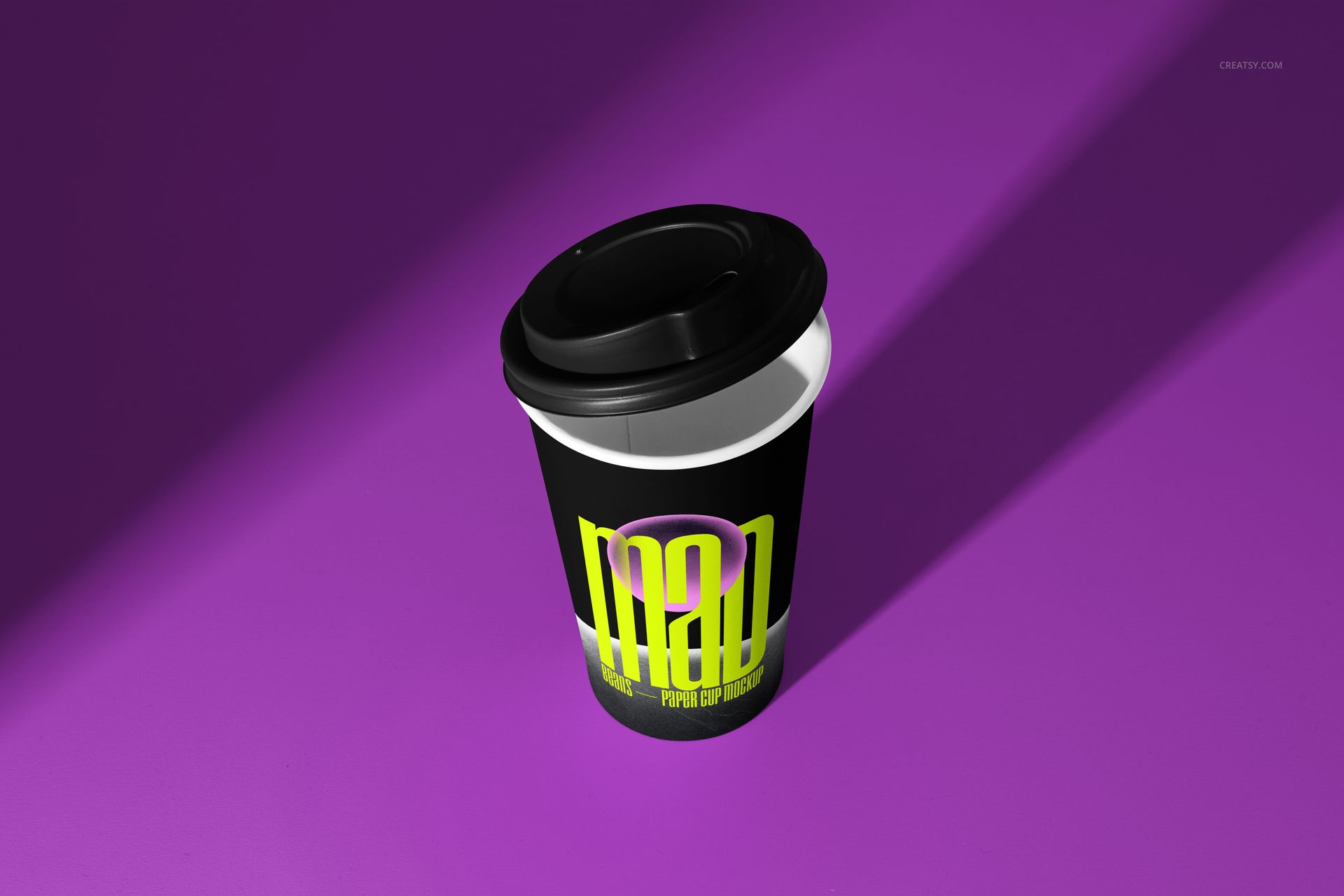
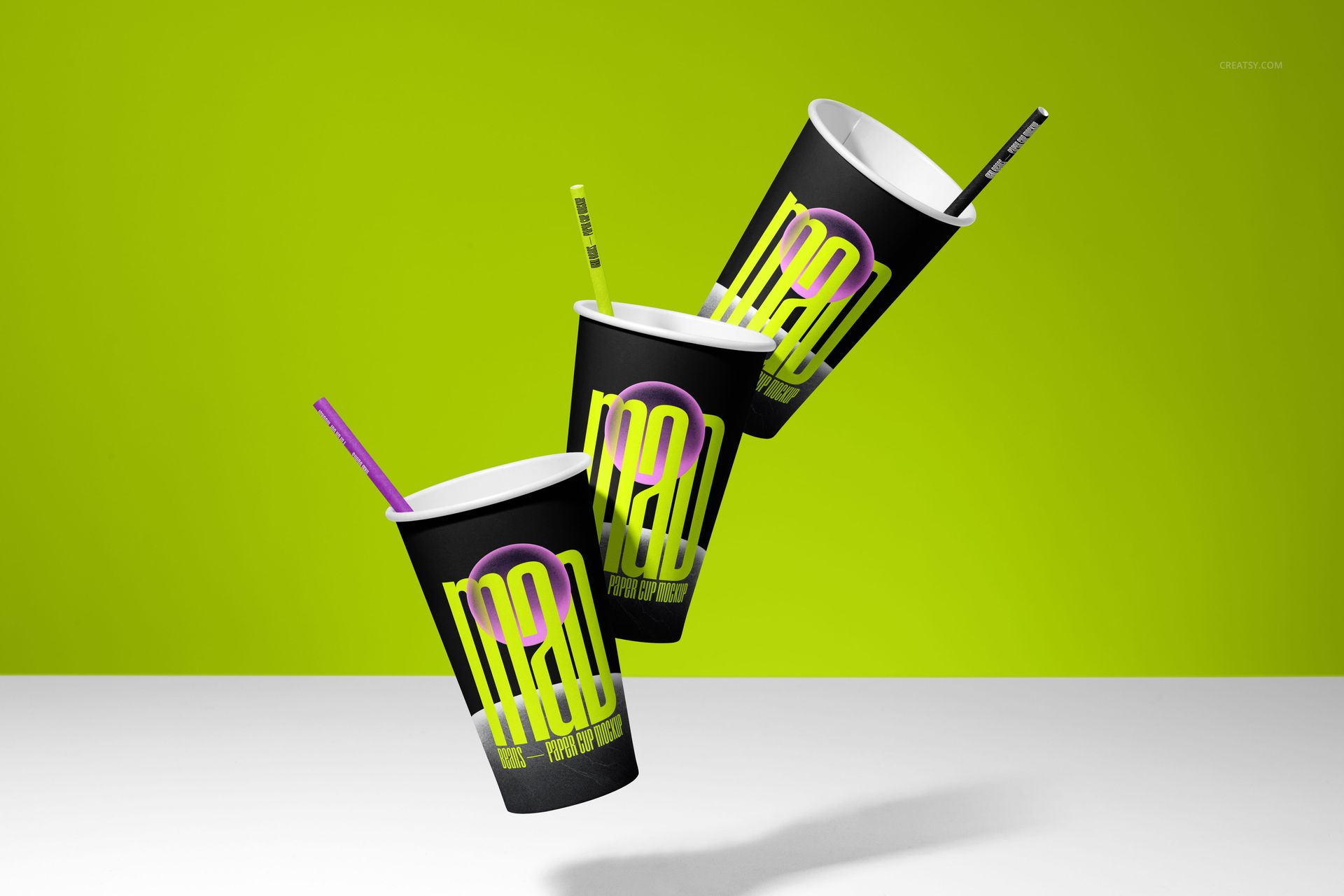
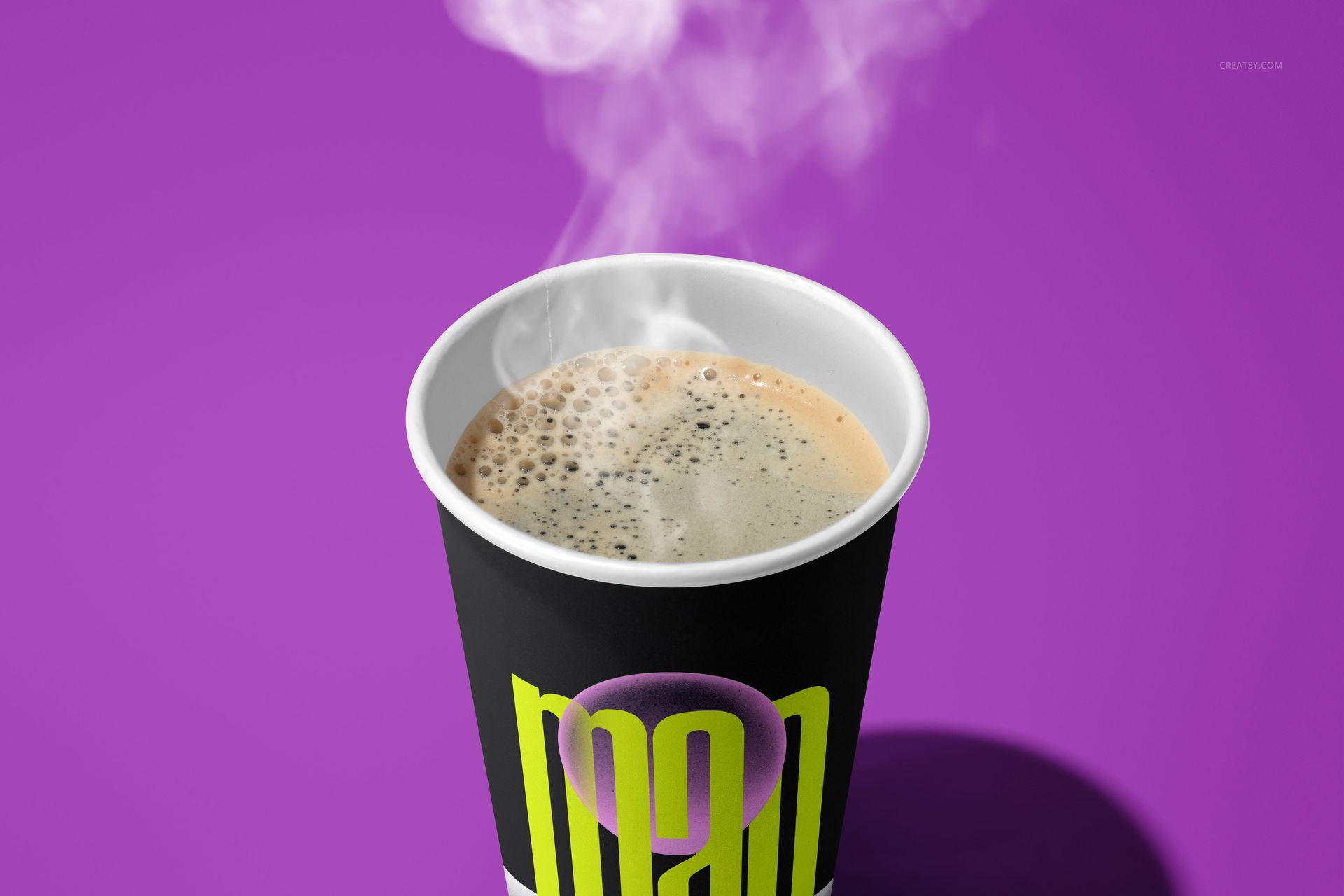
Turn one beverage identity into a varied presentation with 13 paper cup mockup scenes. The collection combines vivid purple, lime, black and white studio styling with floating cups, geometric arrangements, flat lays and coffee-filled compositions.
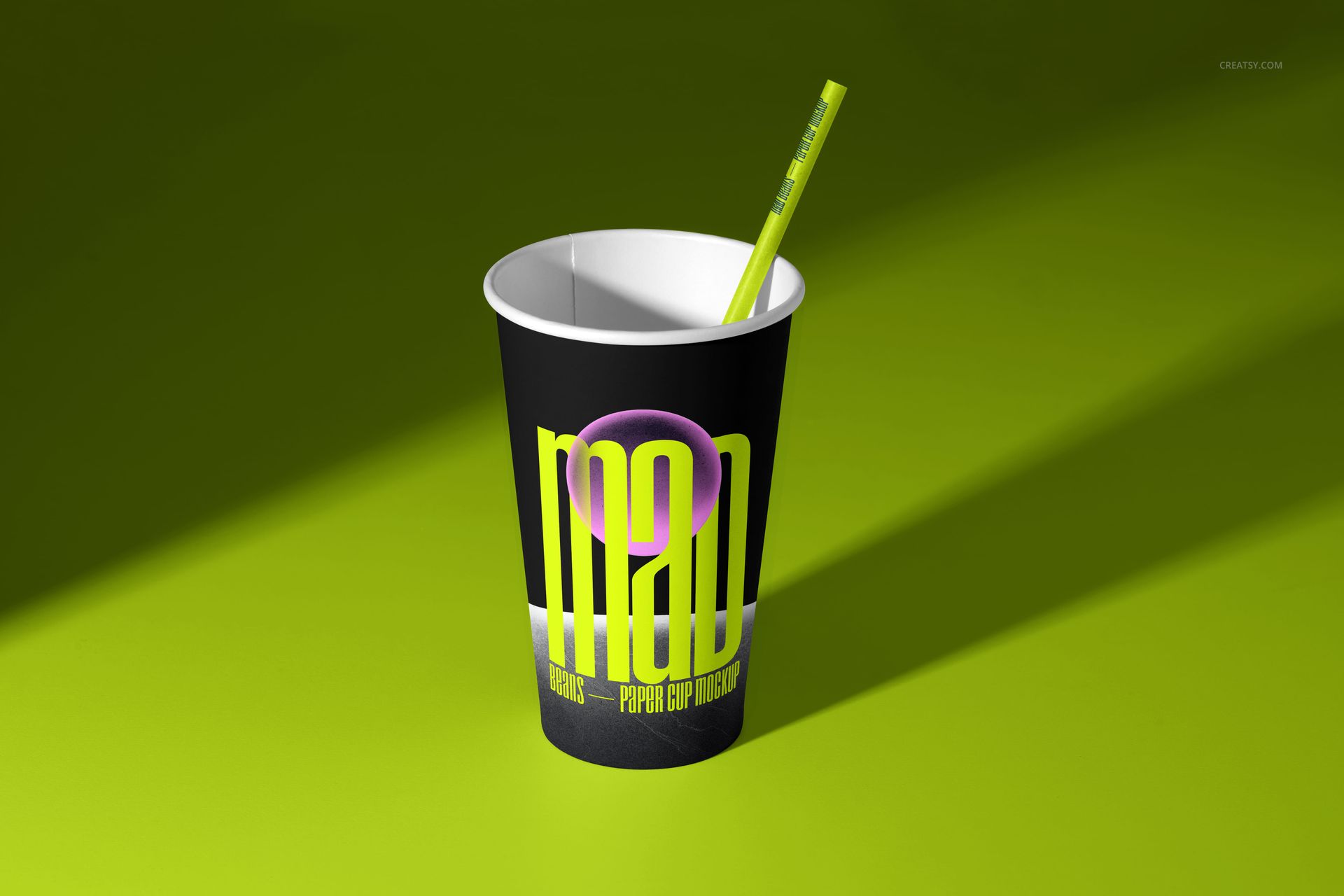
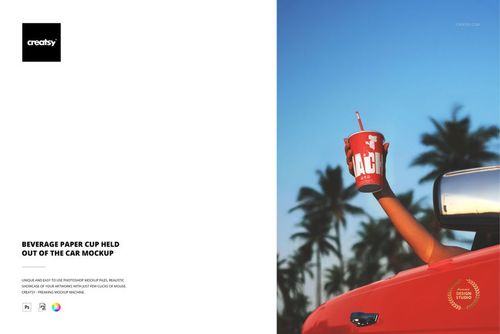
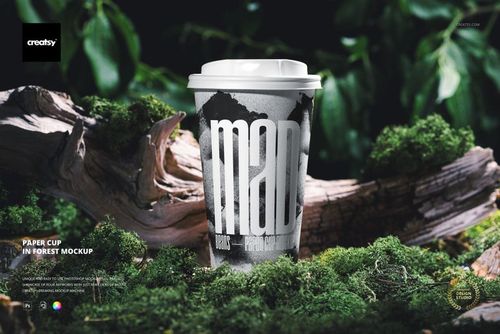
Use the set to show how a logo, pattern or label system performs across open cups, lidded takeaway cups and cups with straws. The mix of focused hero views and grouped compositions helps build a coherent project rather than repeating the same angle.
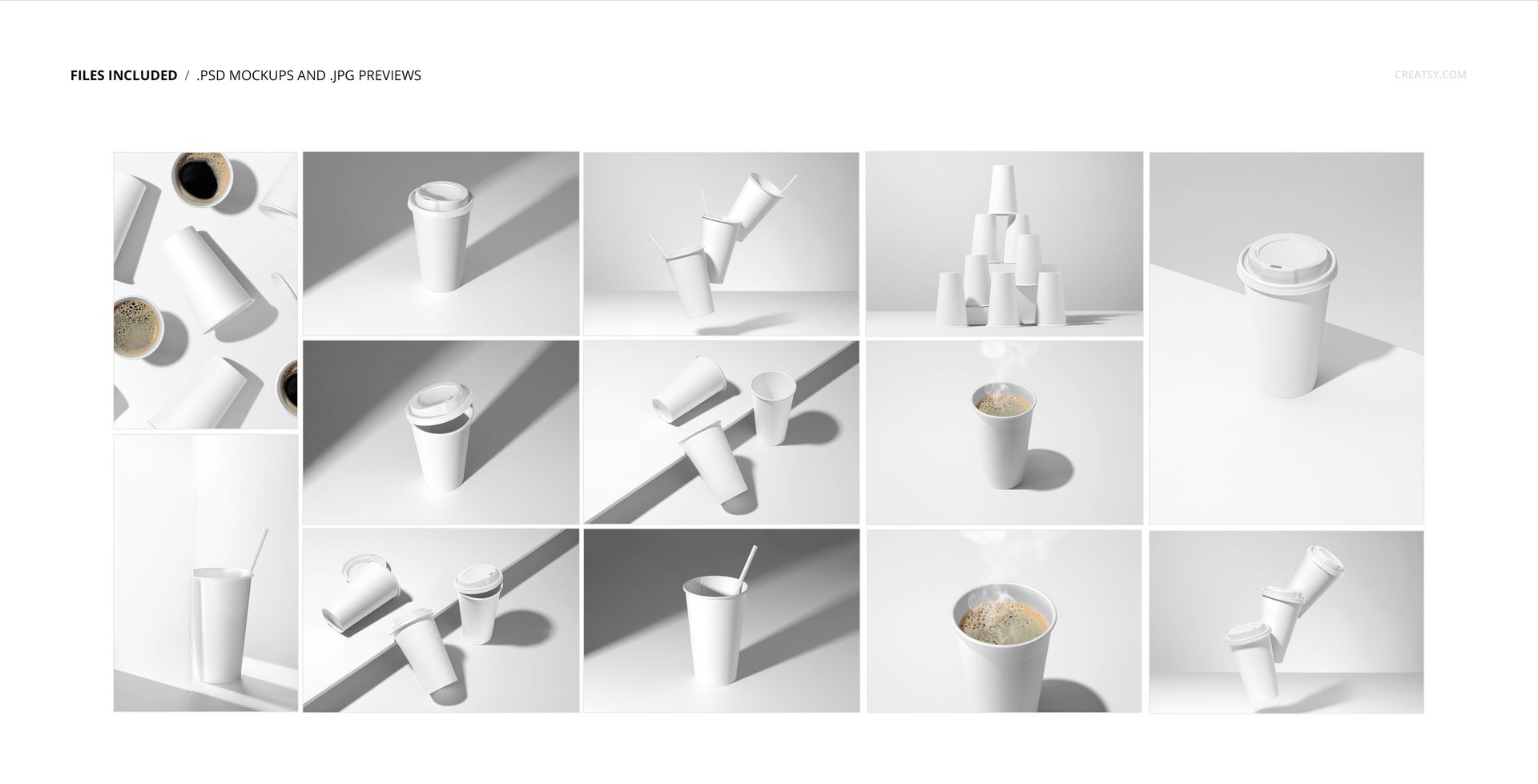
Thirteen Studio Scenes
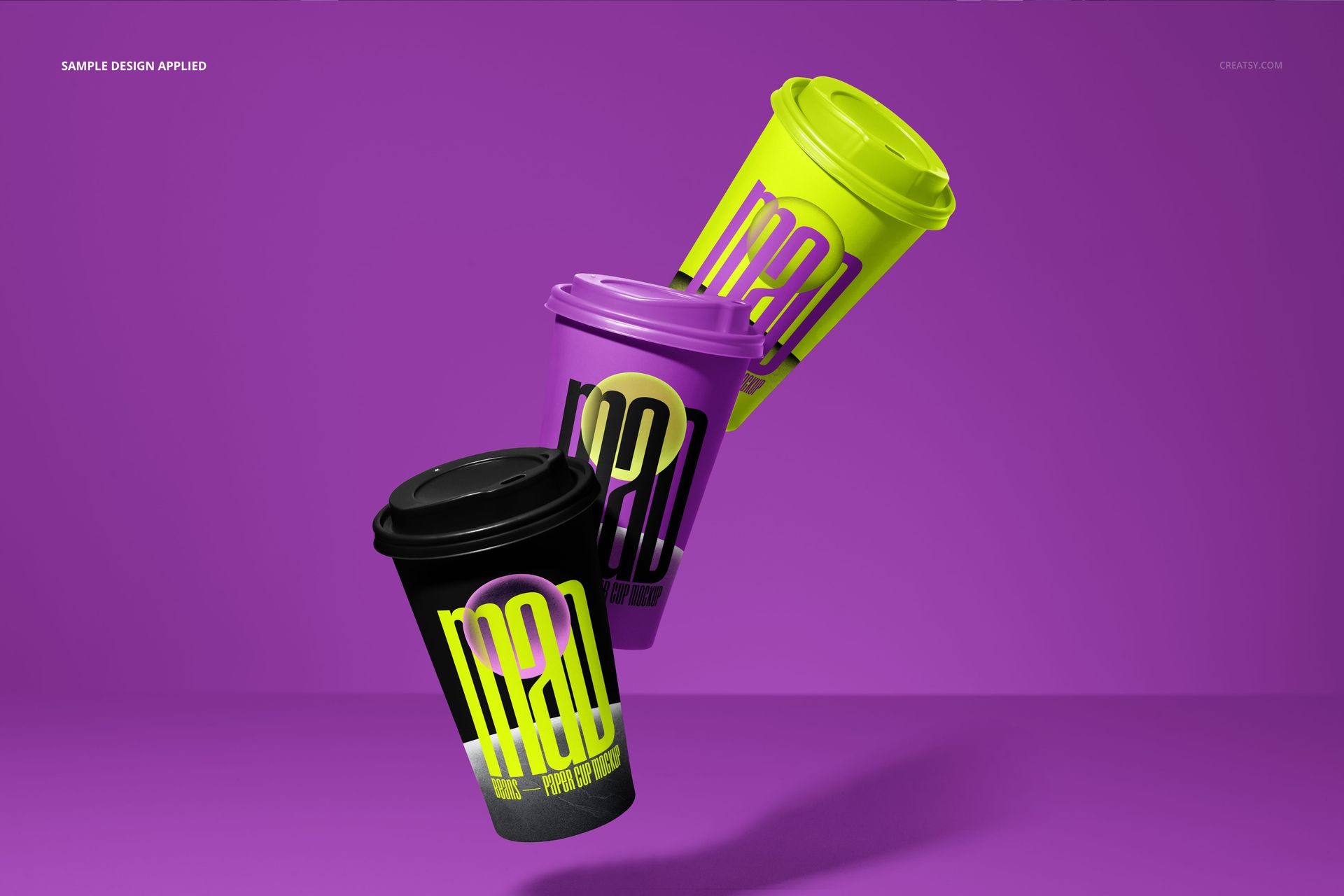
Floating and suspended cup arrangements for dynamic campaign visuals
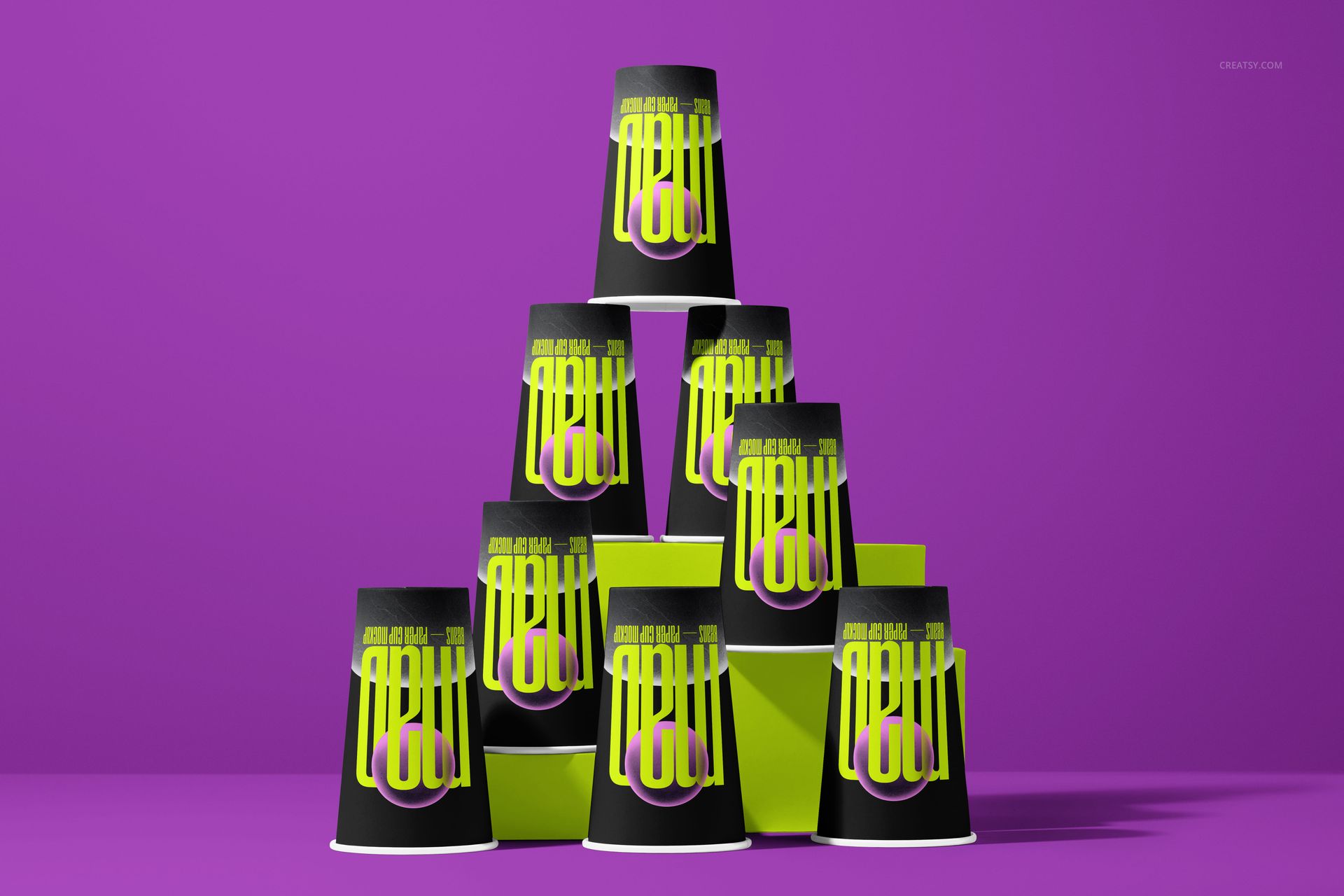
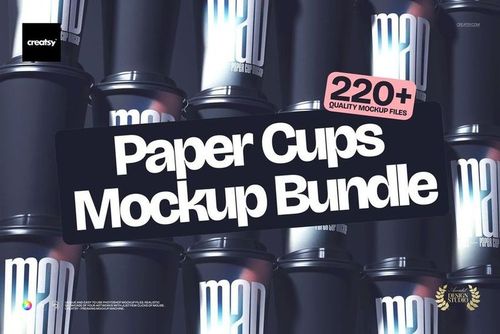
Stacked cups, cup pyramids and geometric blocks for structured packaging presentations
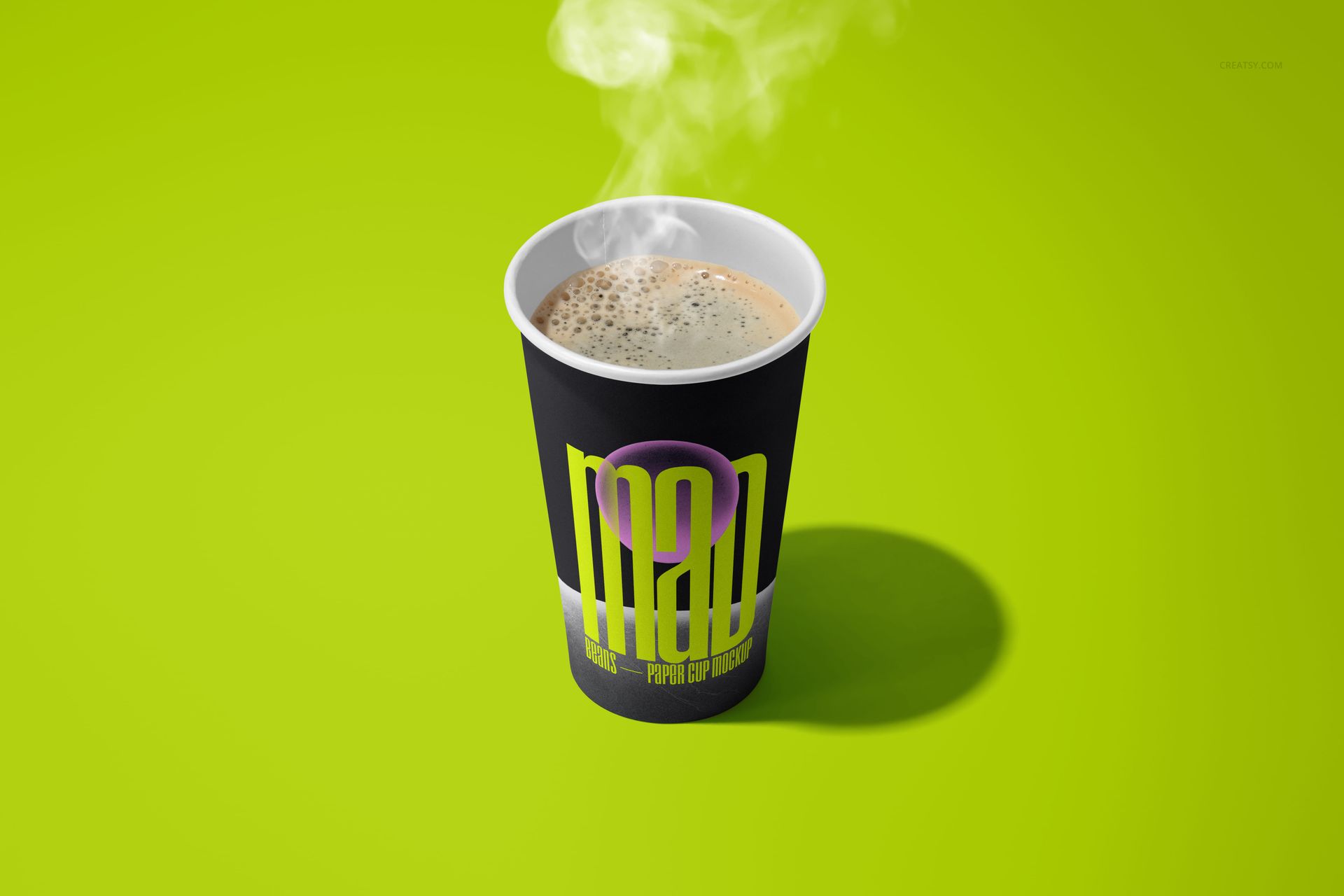
Open cups with coffee, foam and steam for warm cafe-focused imagery
Flat lays, close-ups and grouped cups for complete branding case studies
Purple, lime, black and white backgrounds with directional studio shadows
What Is Included
13 layered PSD mockup files and 13 JPG reference previews, 26 files in total
10 landscape and 3 portrait JPG reference orientations
Working canvas listed at approximately 6000 x 4000 px and 300 DPI, with orientation varying by scene
Compatibility with Adobe Photoshop CS6 or newer and Photopea
Easy Smart Object Editing
Place artwork through Smart Objects, then coordinate the colors of the paper cups, plastic lids, straight straws and backgrounds. Organized layer groups make it easier to move between scenes while keeping a consistent visual direction.
Perfect For
Coffee shop and cafe identity presentations
Takeaway drink packaging concepts
Portfolio projects and client pitch decks
Product launches, storefront graphics and social media previews
Logo, typography and surface-pattern comparisons across multiple cup views
Preview Artwork Credit
Product preview imagery is credited to Creatsy®. Any sample graphics visible in the presentations are used for demonstration and are not included with the downloadable mockup files.