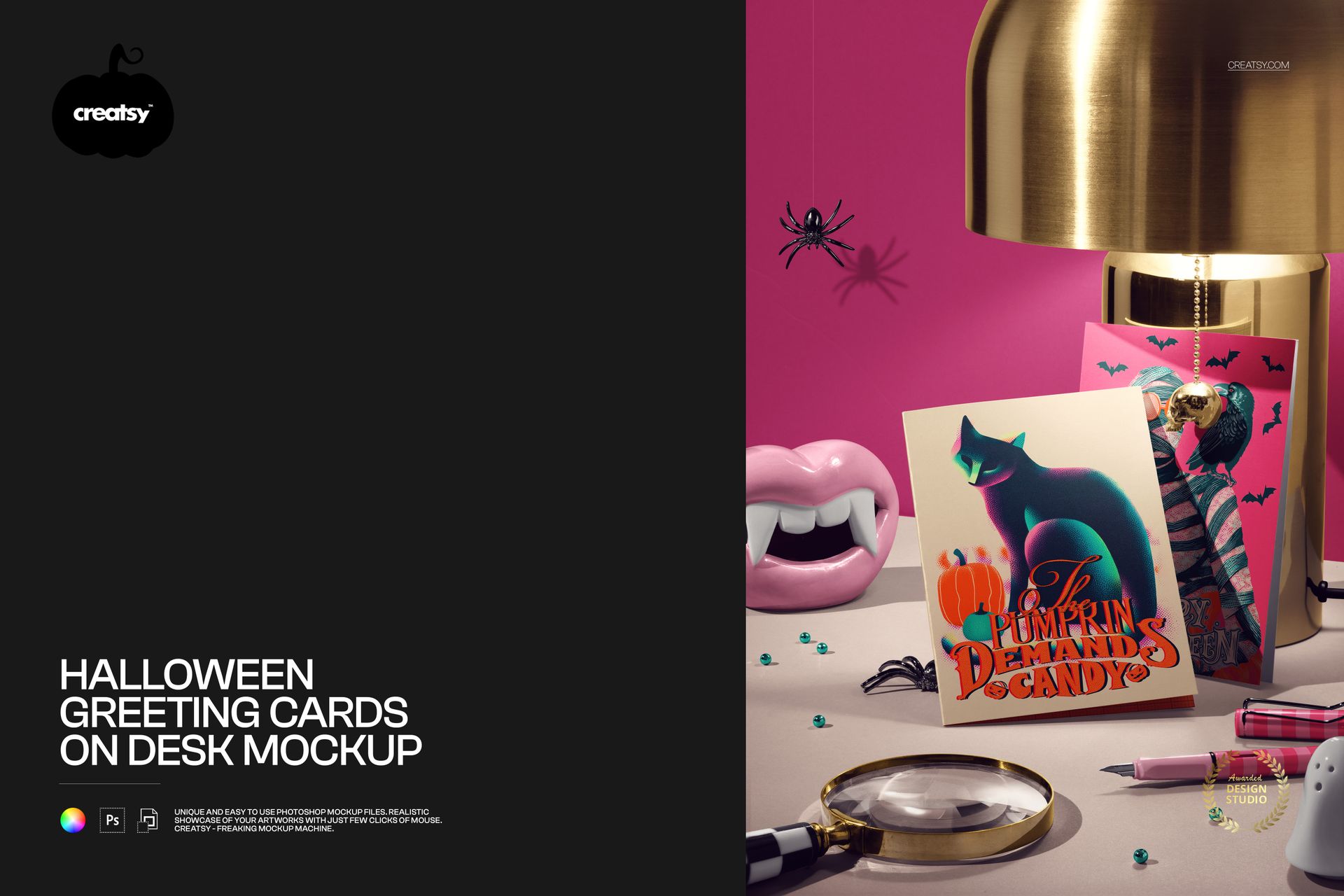
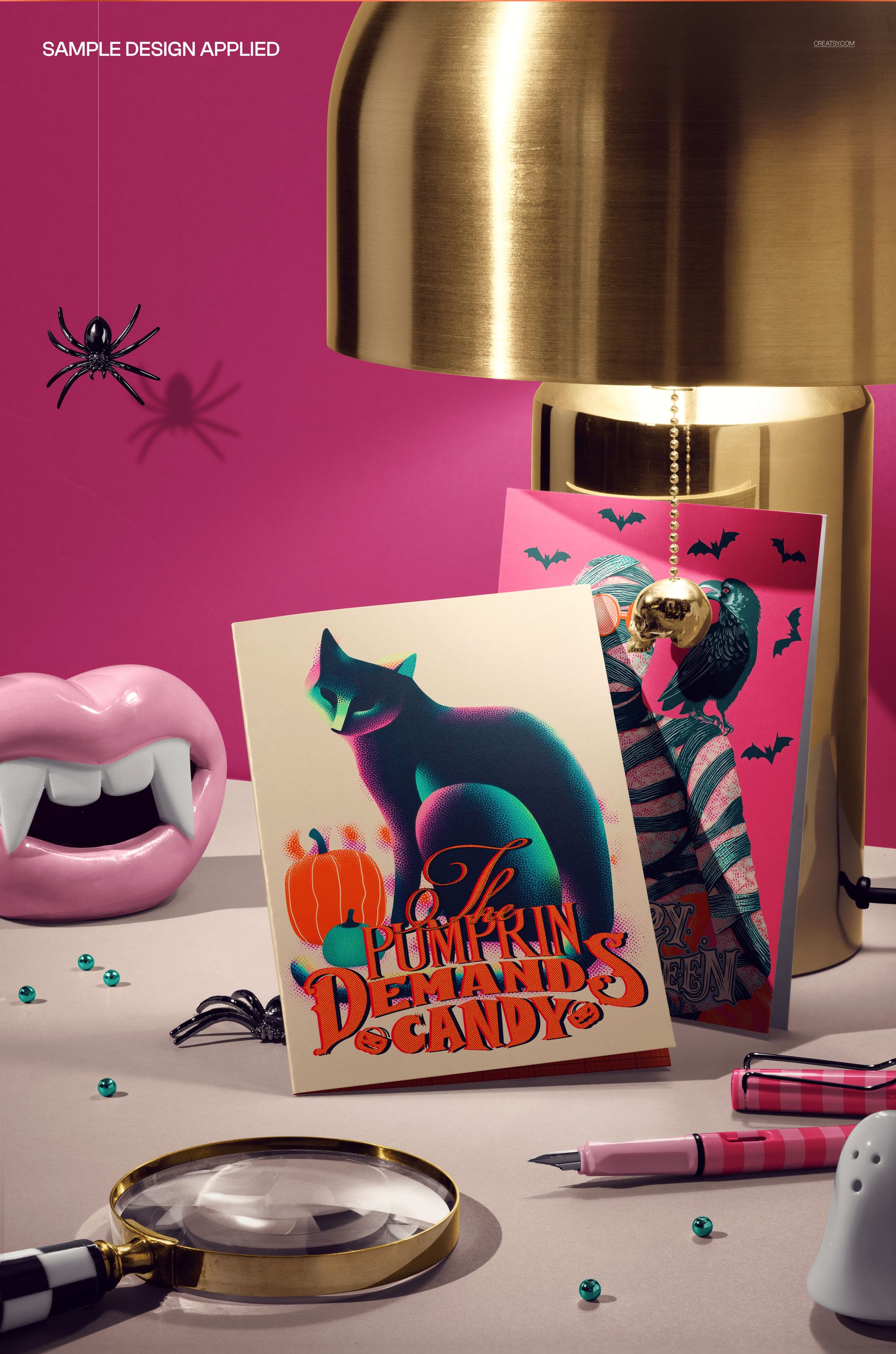
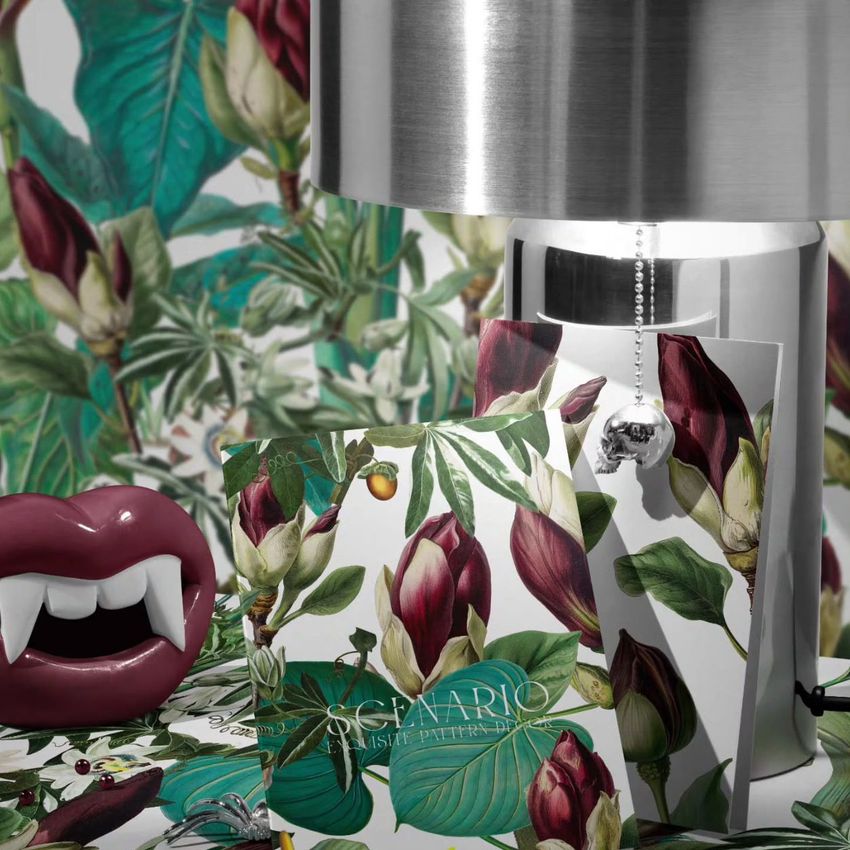
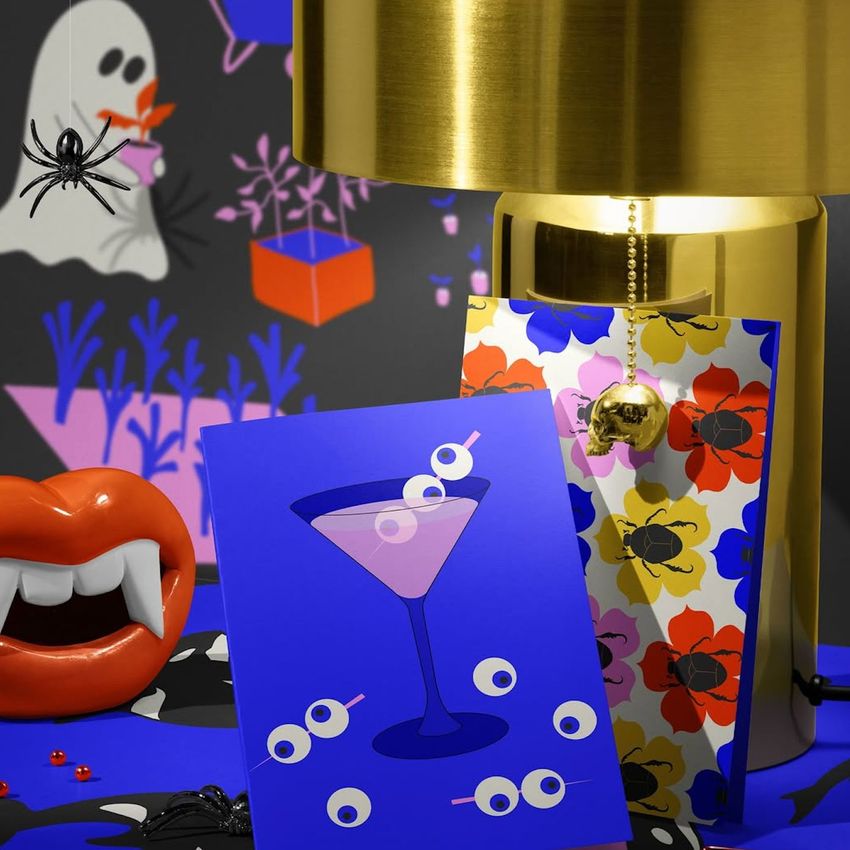
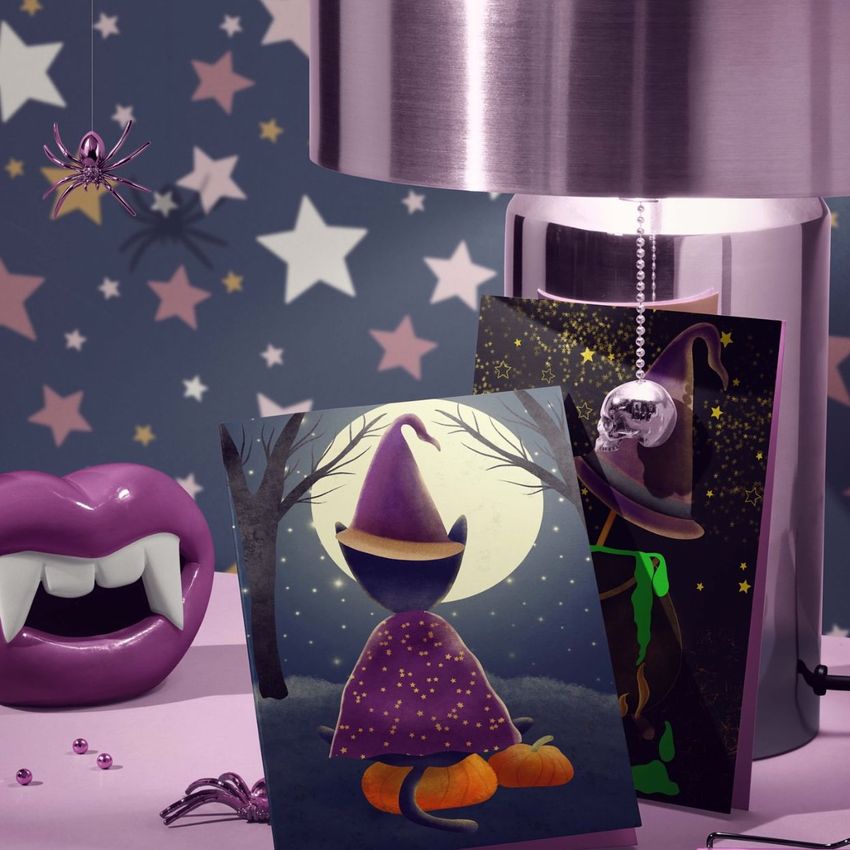
Set the scene for spooky stationery launches with this photo-realistic free Halloween Greeting Cards on Desk Mockup. Showcase Halloween cards, mini prints, or invitations in a richly styled desktop vignette: glowing lamp, vampire-teeth candle holder, beads, spiders, and pens – perfect for dramatic, story-driven presentations straight from Photoshop or Photopea. Free for commercial use – see license for details.
Highlights
Format: 1× PSD, 6000×4000 px, 300 dpi
Workflow: Smart Objects; well-organized, named layers
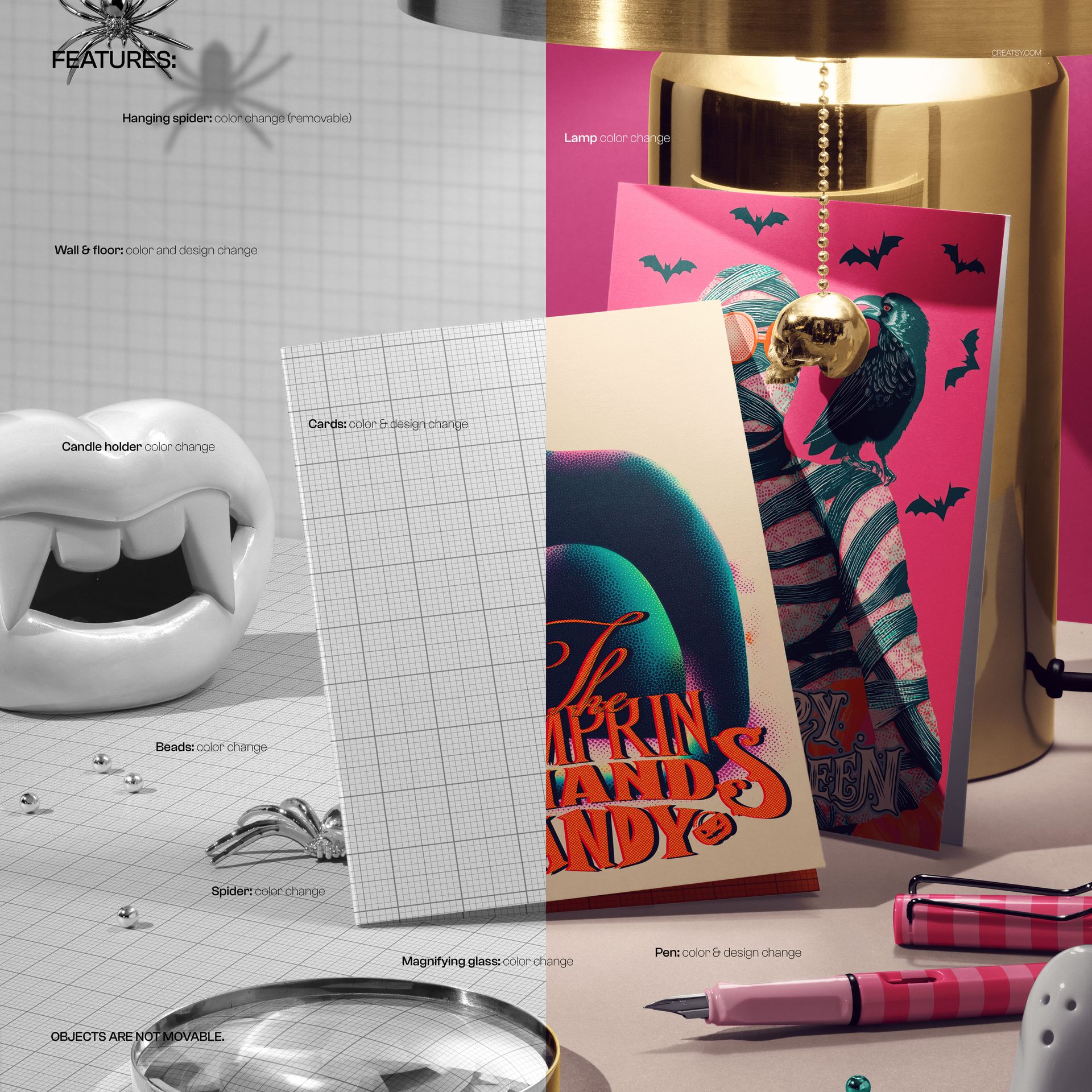
Editable: greeting cards (color & design), wall & floor (color/design), lamp, candle holder, beads, spider, magnifying glass, pen, hanging spider (color & removable)
Objects: scene composition is fixed (objects are not movable)
Apps: Photoshop (min. CC 2020) + Photopea (free online editor)
Use cases: Halloween greeting cards, invitations, print-on-demand previews, shop banners, social posts, portfolio shots
License: free for personal & commercial use (see terms)
What’s inside / Specs
- Smart Objects for each greeting card design
- Separate color controls for wall, floor, lamp, candle holder, beads, spiders, magnifying glass, and pen
- Optional hanging spider layer (on/off)
- Adjustable shadows and highlights for realistic depth and reflections
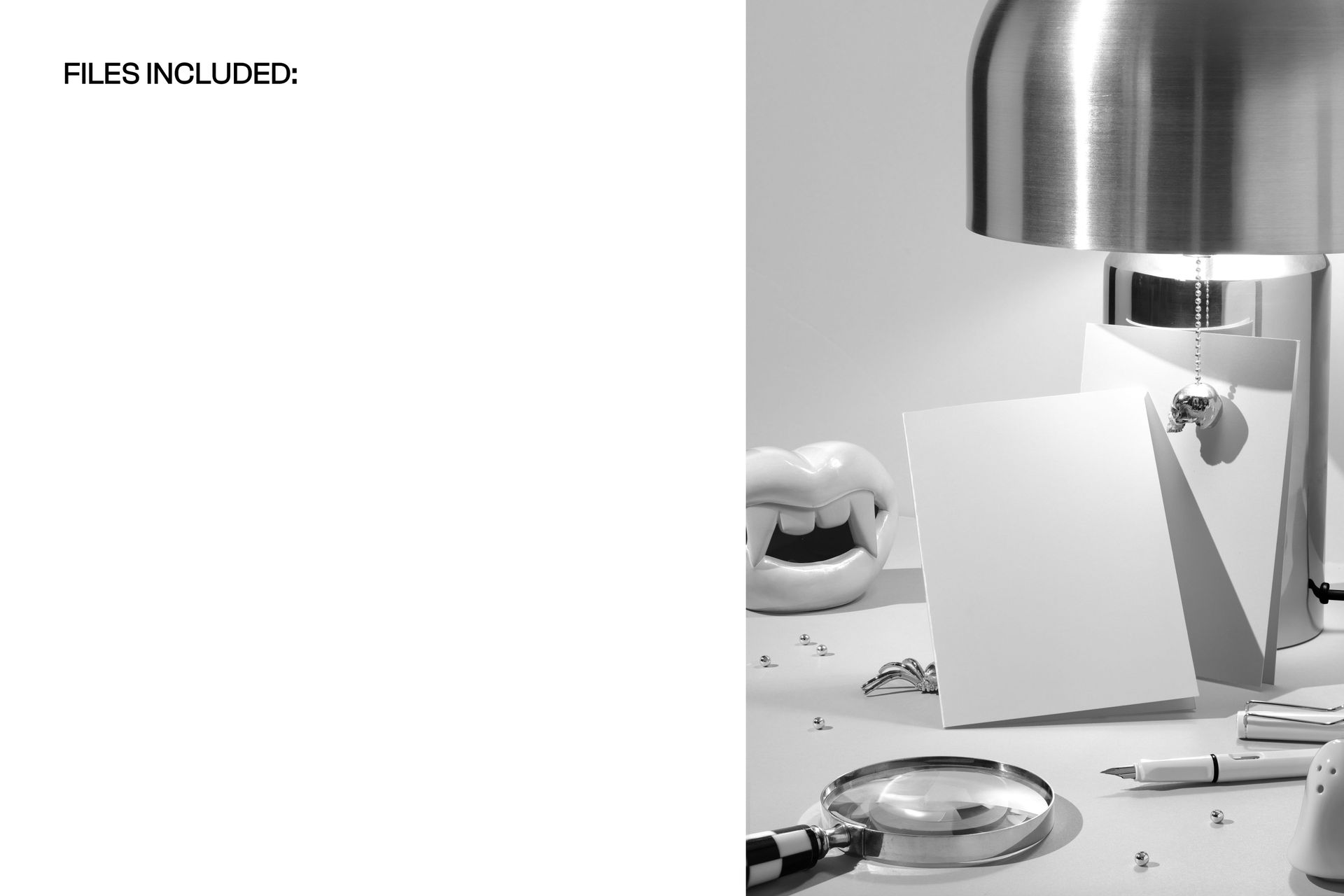
Scene: two Halloween cards displayed on a desk with themed props and warm lamp lighting
Compatibility: Photoshop CC 2020 or newer; works in Photopea
Approx. size: ~458–480 MB (archive may vary by compression)
How-to (Photoshop & Photopea)
Open the PSD in Photoshop (CC 2020+) or Photopea.
Replace card Smart Objects with your artwork, then Save to refresh the mockup.
Tweak wall, floor, and prop colors to fit your Halloween palette or brand identity.
Turn the hanging spider on or off and fine-tune shadows/highlights for extra drama.
Export high-res images (JPG/PNG/WebP) for web, print, or client presentations.
License & usage
Free for personal & commercial use (for 1 business, up to 5,000 end products). Source files cannot be resold, shared, or redistributed as-is. See full license – “Freebie” row – for complete terms.












Creatsy make the best Mockups on the market, no matter what you need to showcase. These mockups are highly customizable, and the lighting in them makes everything look very realistic. You can keep or turn off many of the Items in the mockup, also a great feature giving control over the look you want. They have the most friendly and very helpful support. I highly recommend these mockups!
Thank you for such a thoughtful review, Annet! We're glad the free card scene has been useful for presenting your artwork.