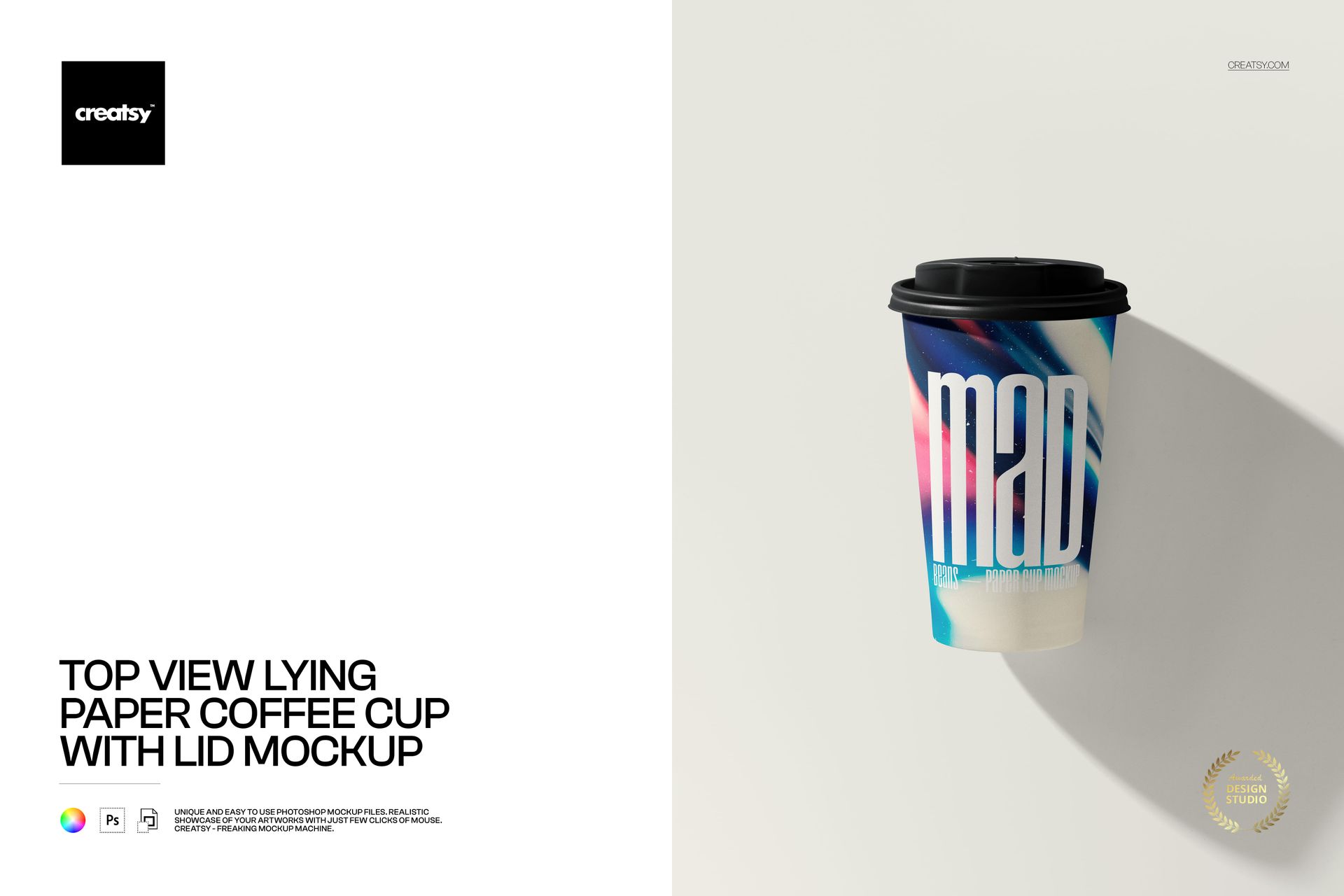
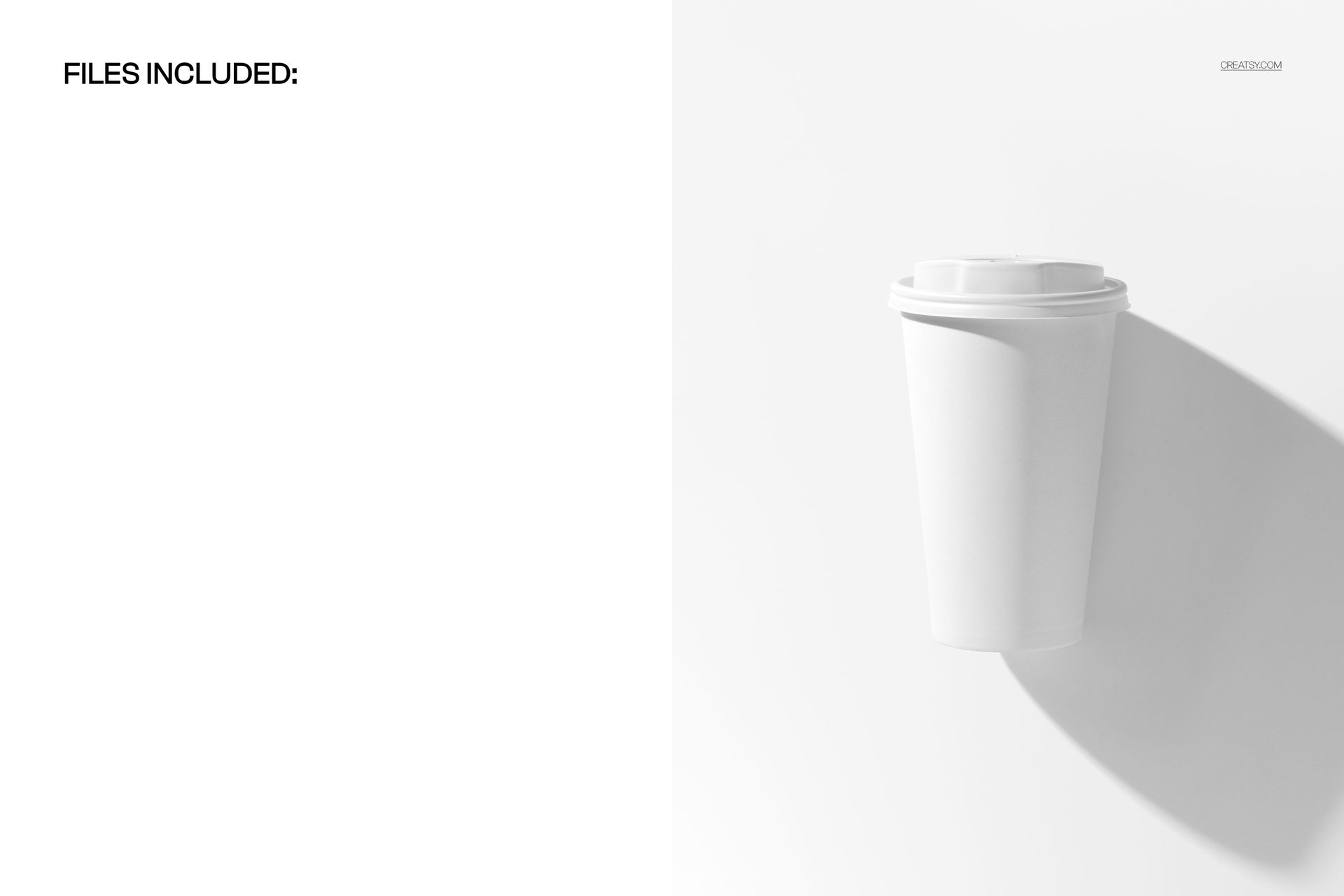
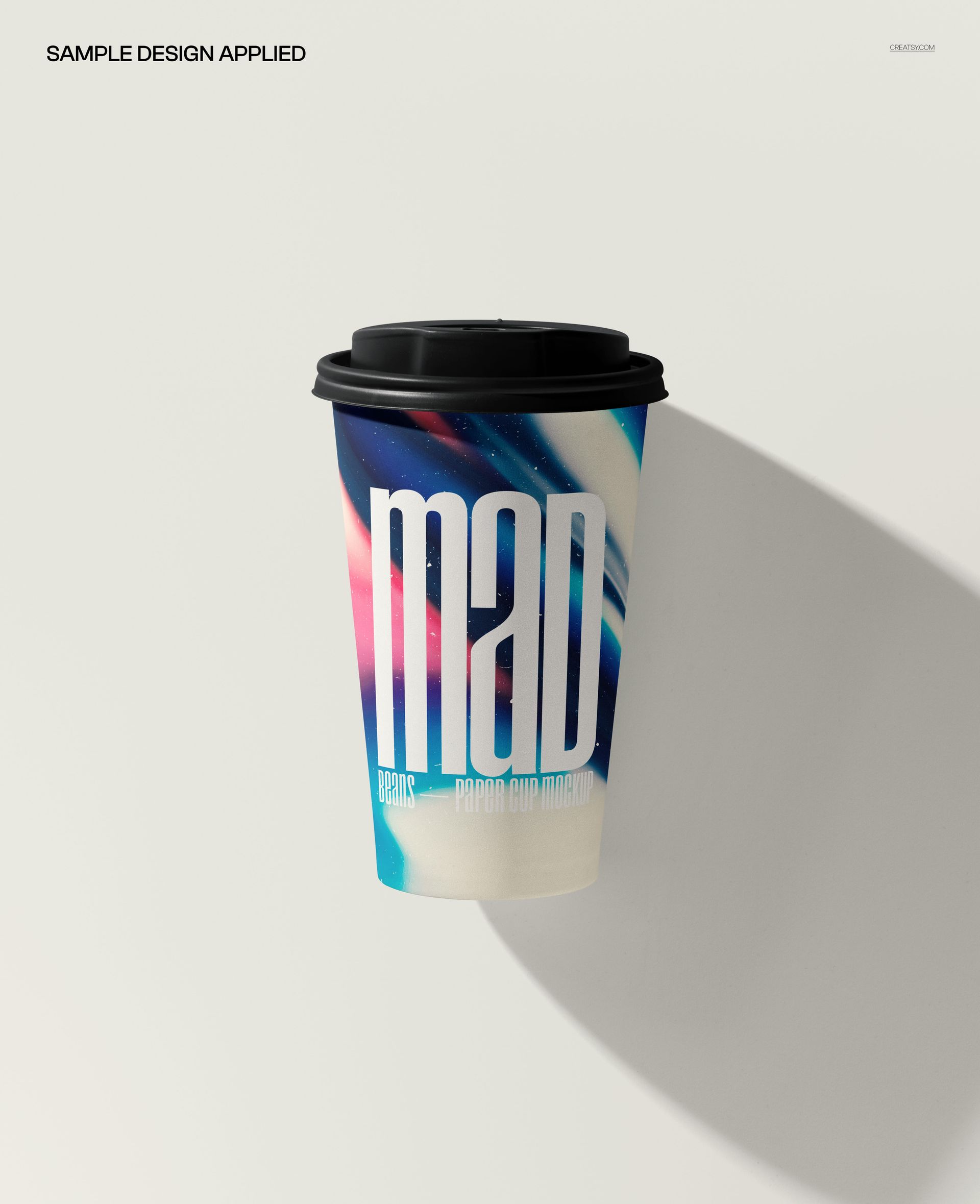
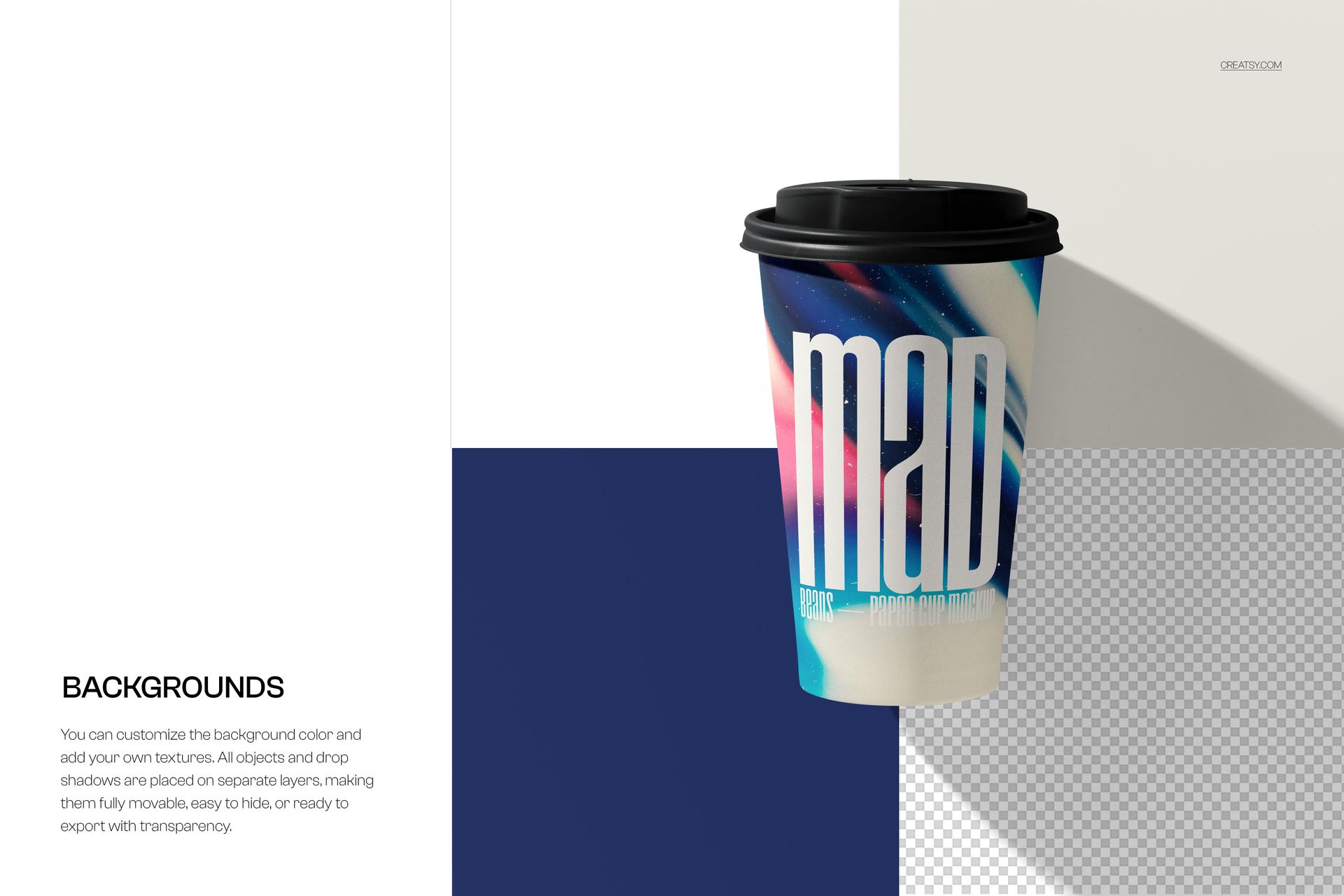
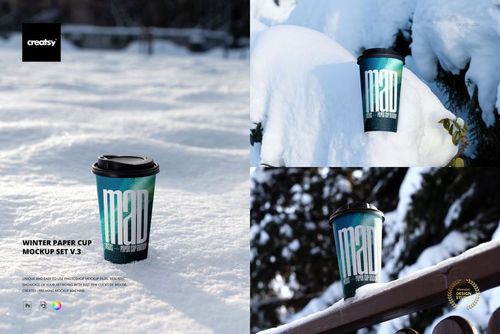
Showcase coffee branding, café identities, and takeaway packaging concepts with this free Top View Lying Paper Coffee Cup with Lid Mockup. Insert your artwork via Smart Objects to get natural lighting, shadows, and cup curvature in seconds. Free for commercial use – see license for details.
Highlights
- Format: 1× PSD, 4000×6000 px, 300 dpi
- Workflow: Smart Objects; well-organized layers
- Apps: Photoshop (min. CC 2020) + Photopea (free online editor)
- Use cases: coffee cup designs, café branding, packaging previews, social posts, ecommerce listings
- License: free for personal & commercial use (see terms)
What’s inside / Specs
- Files: PSD (+ preview JPG)
- Canvas: 4000×6000 px, 300 dpi
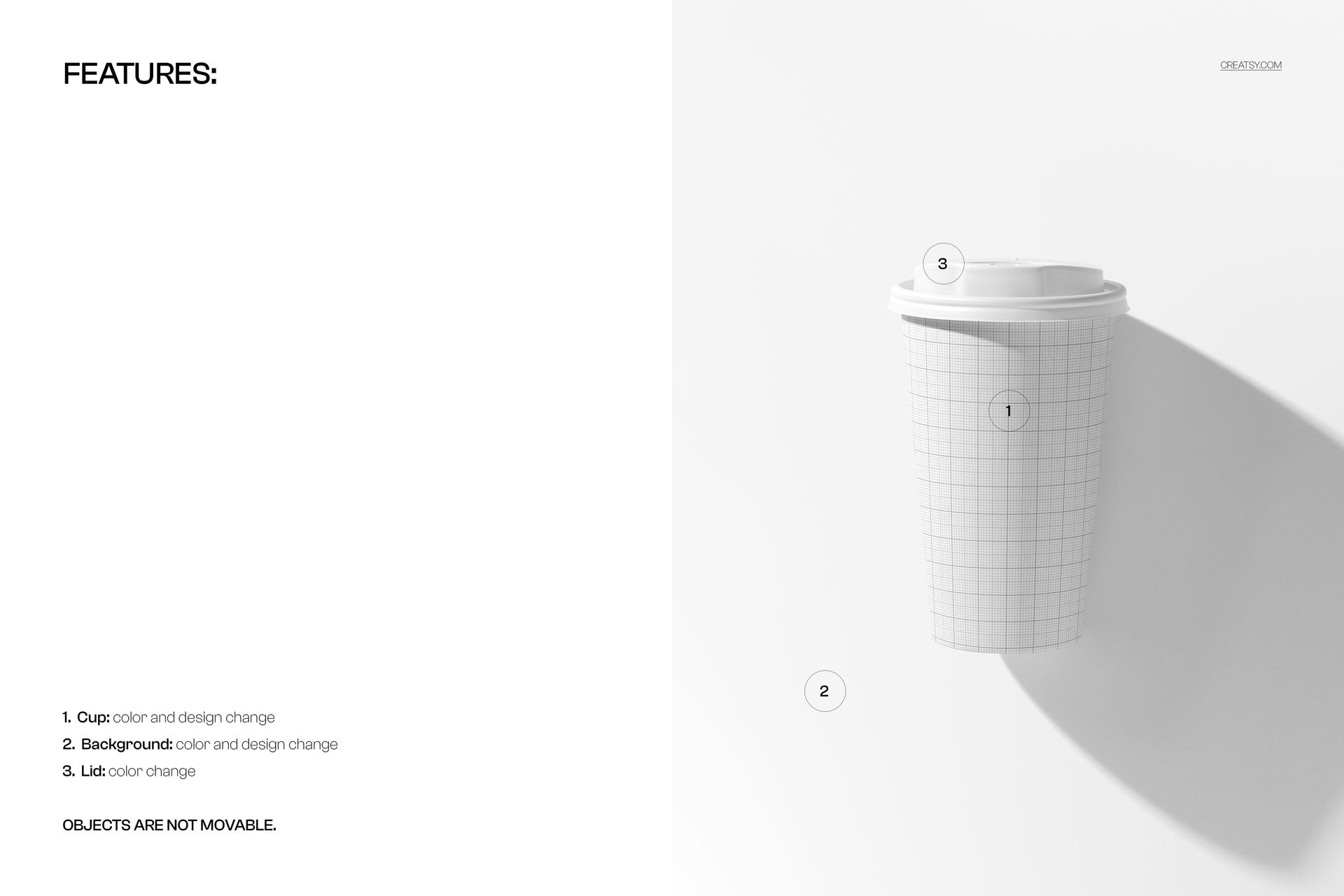
- Layers: Smart Object for cup artwork, background/shadows controls, lid color adjustment
- Customization: change cup design and color, tweak lid color, adjust background color or texture
- Compatibility: Photoshop CC 2020 or newer; works in Photopea
- Approx. size: ~116–122 MB (archive may vary by compression)
How-to (Photoshop & Photopea)
- Open the PSD in Photoshop (CC 2020+) or Photopea.
- Replace the Smart Object on the cup with your design, then Save to update the mockup.
- Adjust lid color, background, shadows, and highlights to fit your branding.
- Export high-res images (JPG/PNG/WebP) for web, social, or print.
License & usage
Free for personal & commercial use (for 1 business, up to 5,000 end products). See the full license on the product page – check the “Freebie” row for complete details.