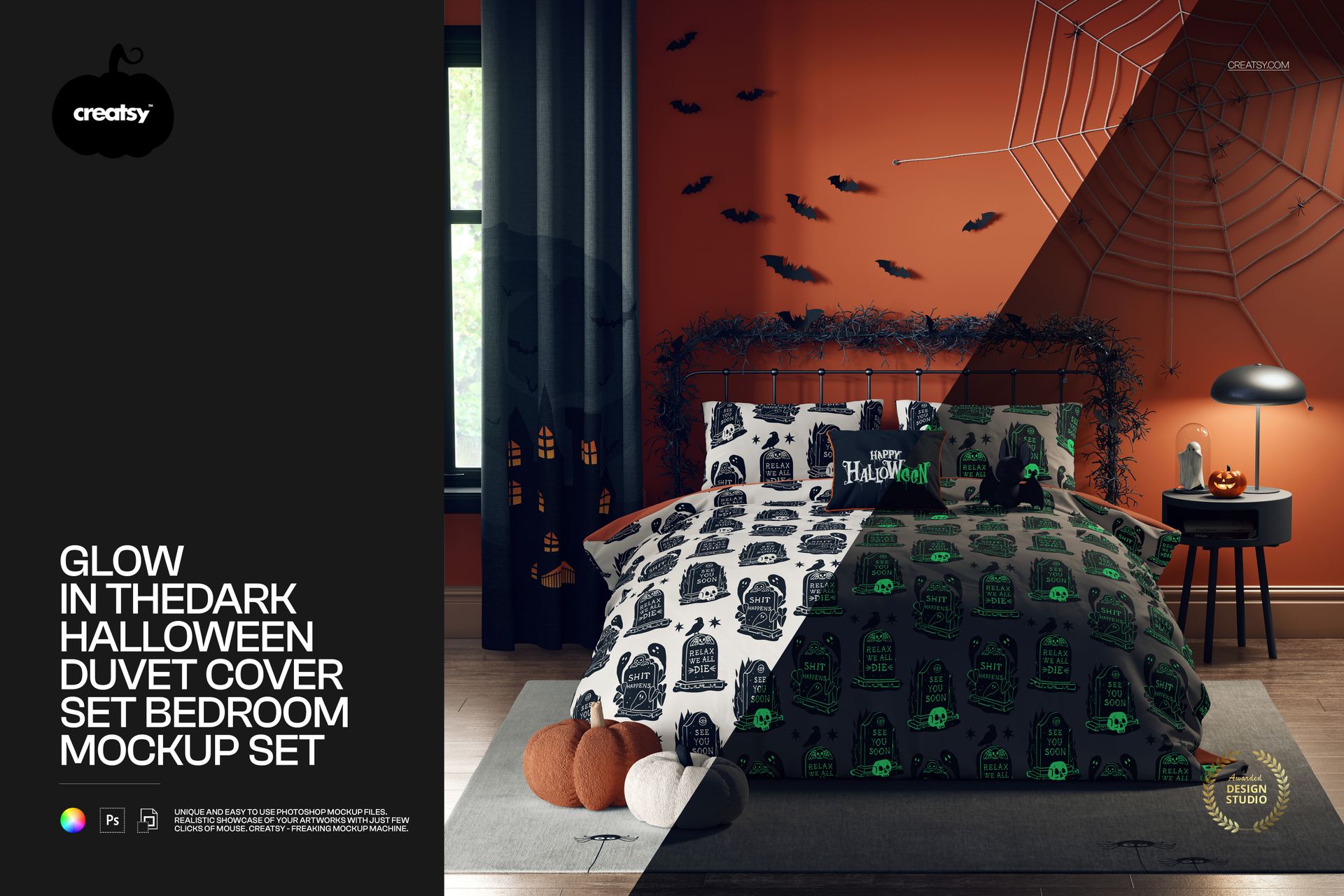
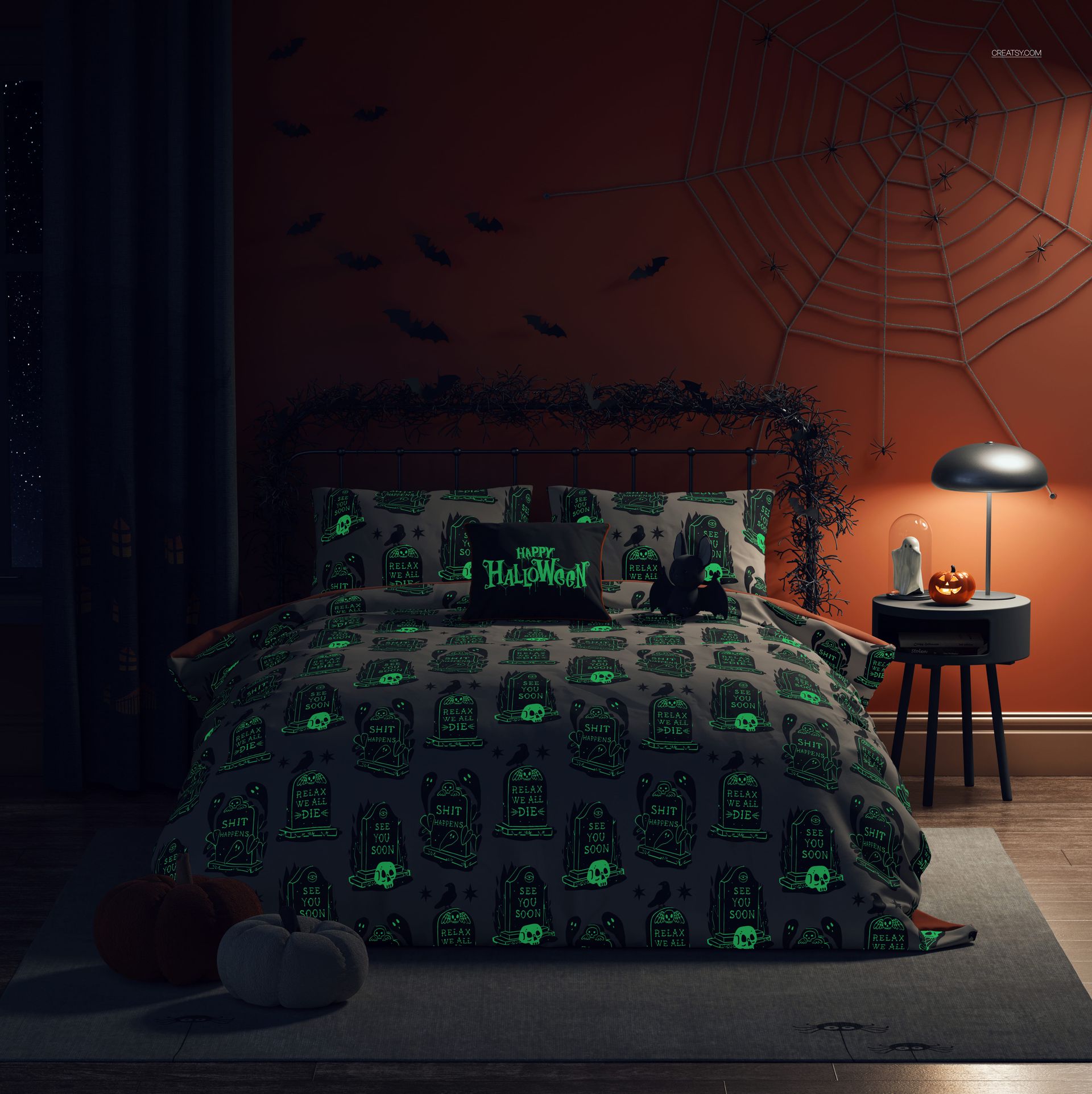
Glow in the Dark Halloween Duvet Cover Set Bedroom Mockup
This product is a part of Fabric Factory v.15 Mockup Bundle (Upholsteries & Wallpapers)
Product Details
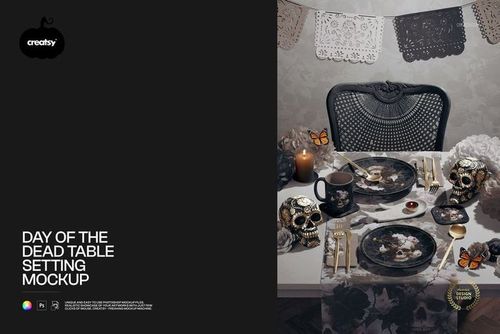
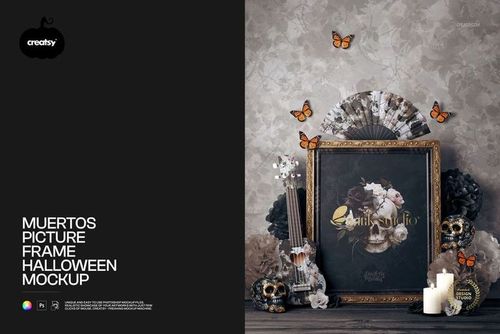
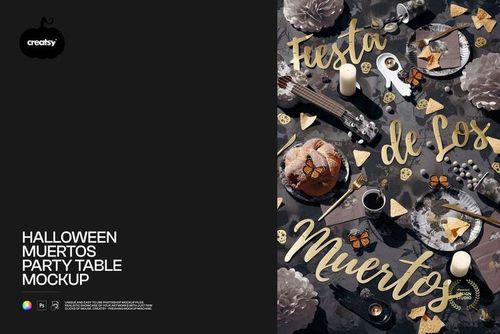
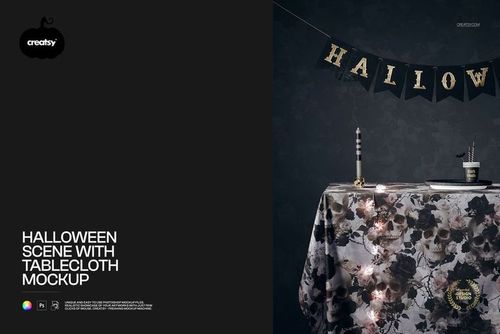
Bring a little night-time drama to your presentations with this Glow-in-the-Dark Halloween Duvet Cover Set - Bedroom Mockup. Designed for seasonal, full-bleed patterns and spooky motifs, the scene helps your artwork feel at home in a cozy interior while keeping editing fast and straightforward.
What’s included
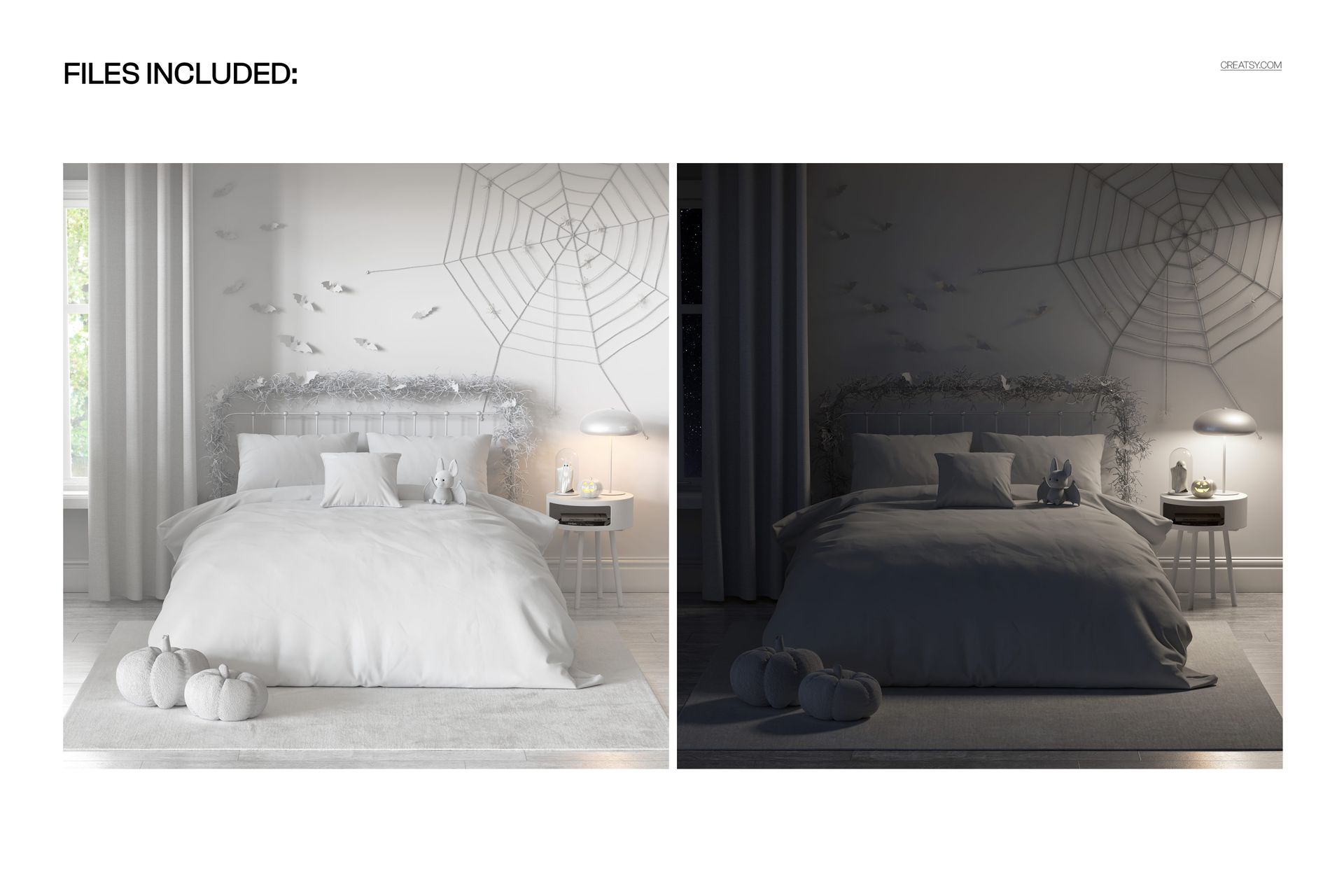
2 layered PSD files — 6000 × 6000 px, 300 dpi.
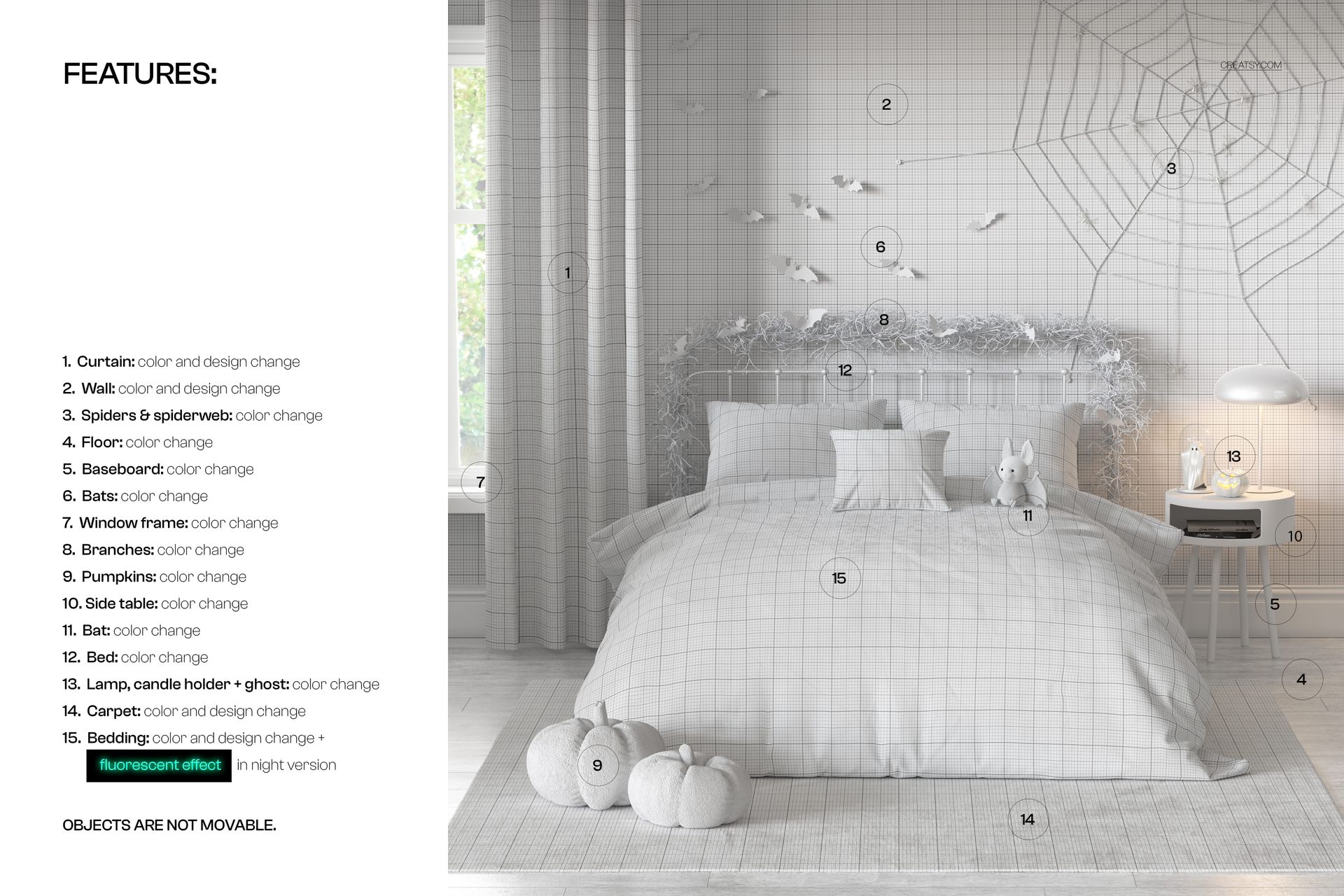
Well-organized layers to keep your workflow clear and efficient.
Compatibility & formats
Works in Adobe Photoshop (min. CC2020) and in Photopea.
File types: .PSD and .JPG.
Specs
Resolution: 6000 × 6000 px.
Approx. pack size: 1.1–1.18 GB.
Suggested use
Showcase all-over prints and seasonal graphics for e-commerce, portfolio shots, social media, and client presentations.
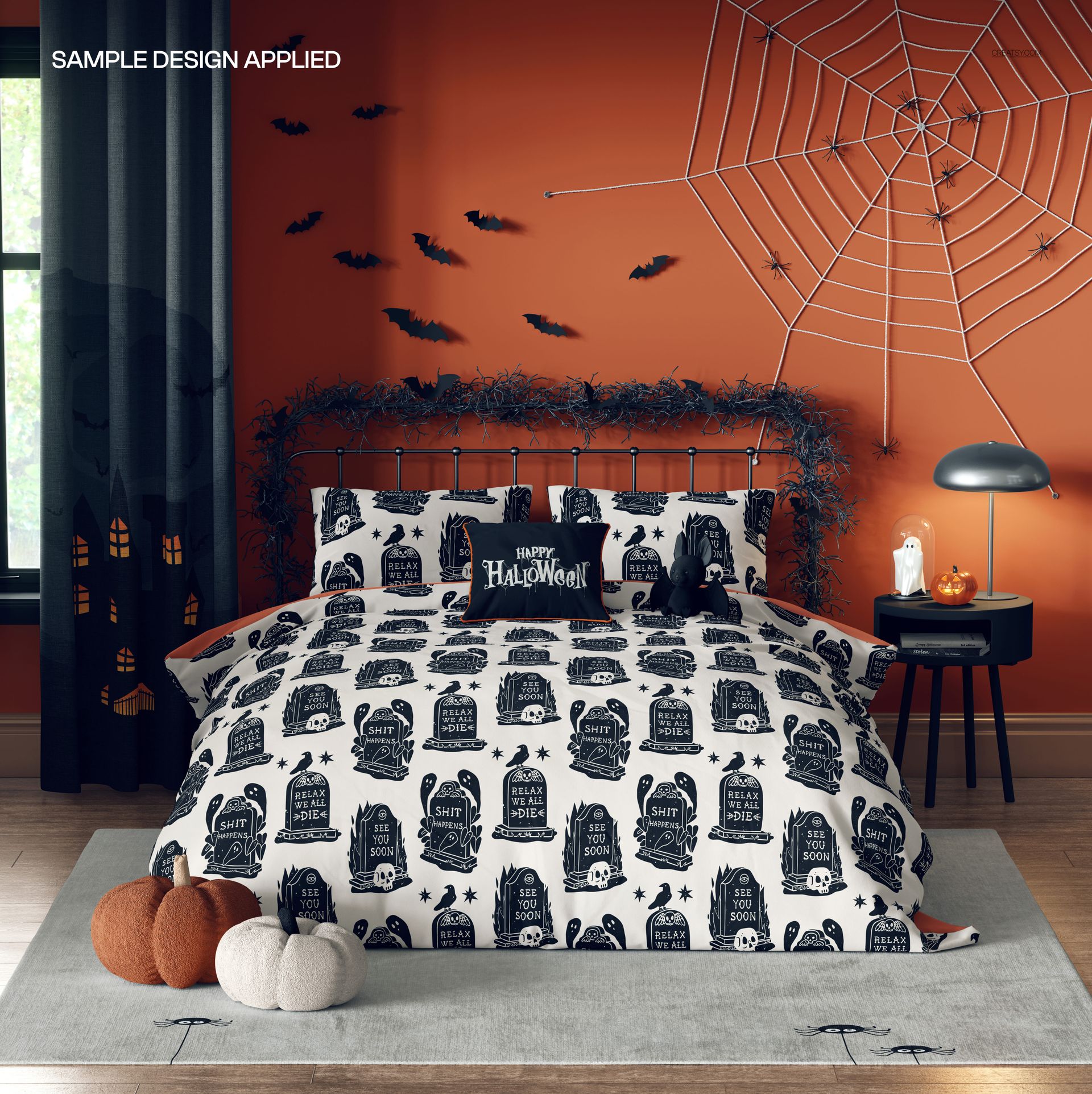
Replace the placeholder design with your artwork, adjust lighting/contrast to taste, and export crisp images for your channels.
Note: This is a digital mockup. Sample graphics shown in the previews are for demonstration only and are not included.
File details
- Compatibility
- Number of files included
- 4
- Package size
- 1.1 GB
|1.18 GB
- Files type
- .psd, .jpg
- Files size
- 6000x6000


Made with Creatsy
Real designs. Real customers. See how creatives use Creatsy mockups to turn their artwork, branding, and product ideas into polished visuals.
MEET THE SHOP

HOW IT WORKS
3 clicks. That's it.
No tutorial needed. If you can copy-paste, you can use this.
- 1OpenDouble-click the smart object inside the PSD - in Adobe Photoshop, or free in your browser with Photopea.
- 2PasteDrop in your pattern, print, or artwork. Any design, any style.
- 3SaveHit save and the mockup wraps it in for you - shadows, folds, and lighting included.
FROM IDEA TO IMAGE
Built for real workflows
Skip the photo shoot Show your artwork on the real product type for approvals or listings - no studio, no model, no sample.
See it on the product, not a swatch Drop your file into the smart object and the scene's lighting and folds wrap around it, so you judge the real thing before you commit.
Smart Objects
Edit once and you're done. Your artwork drops into a smart object and the mockup updates itself - no masking, no warping by hand.
Perfectly Organized
Named layers and folders you can actually navigate. Find what you need, change what you want, and get out fast.
Print-Ready
High-resolution files built to hold up on screen and in print. Exact size and DPI are in this product's Details above.