5x7 Greeting Cards Mockup Set
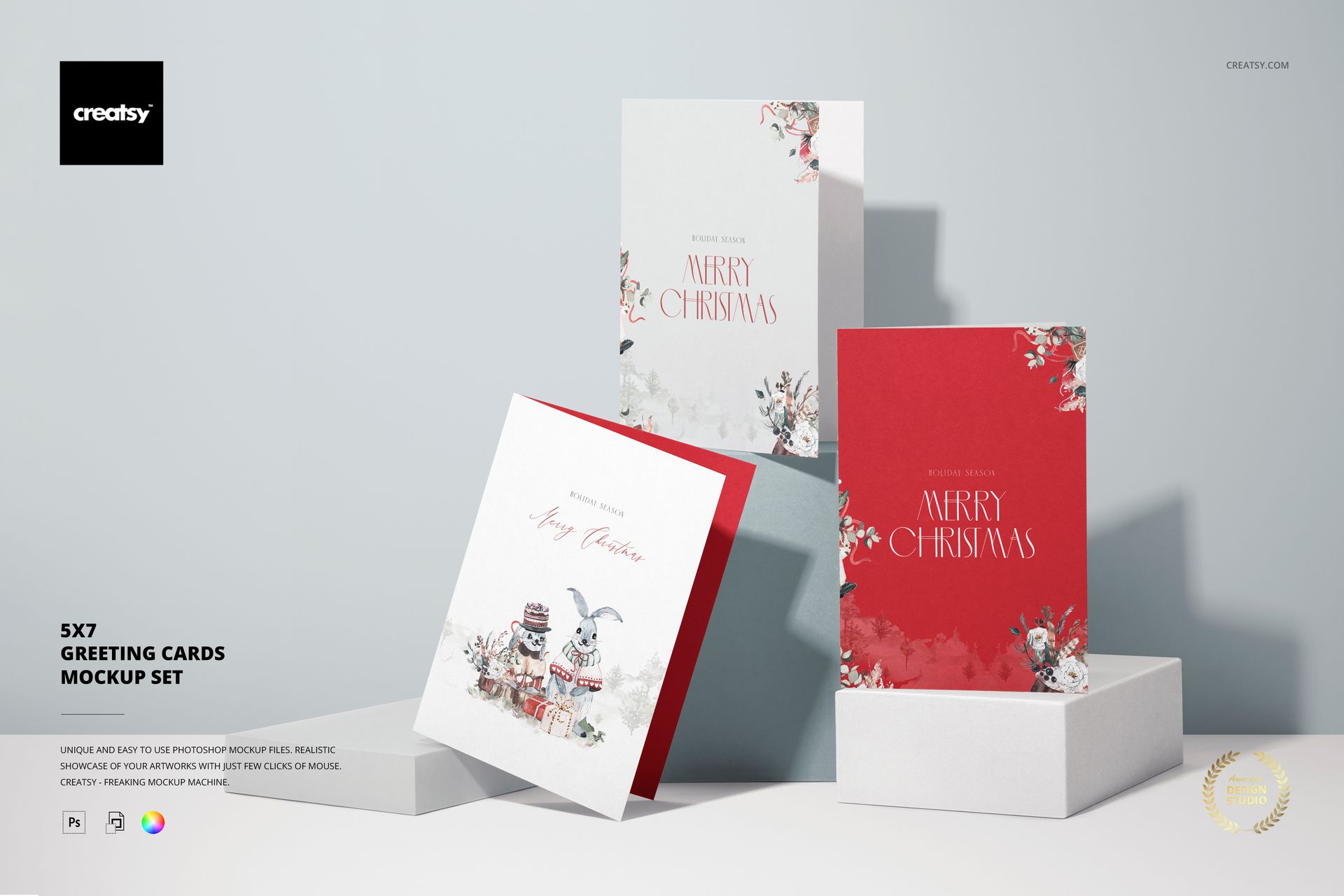
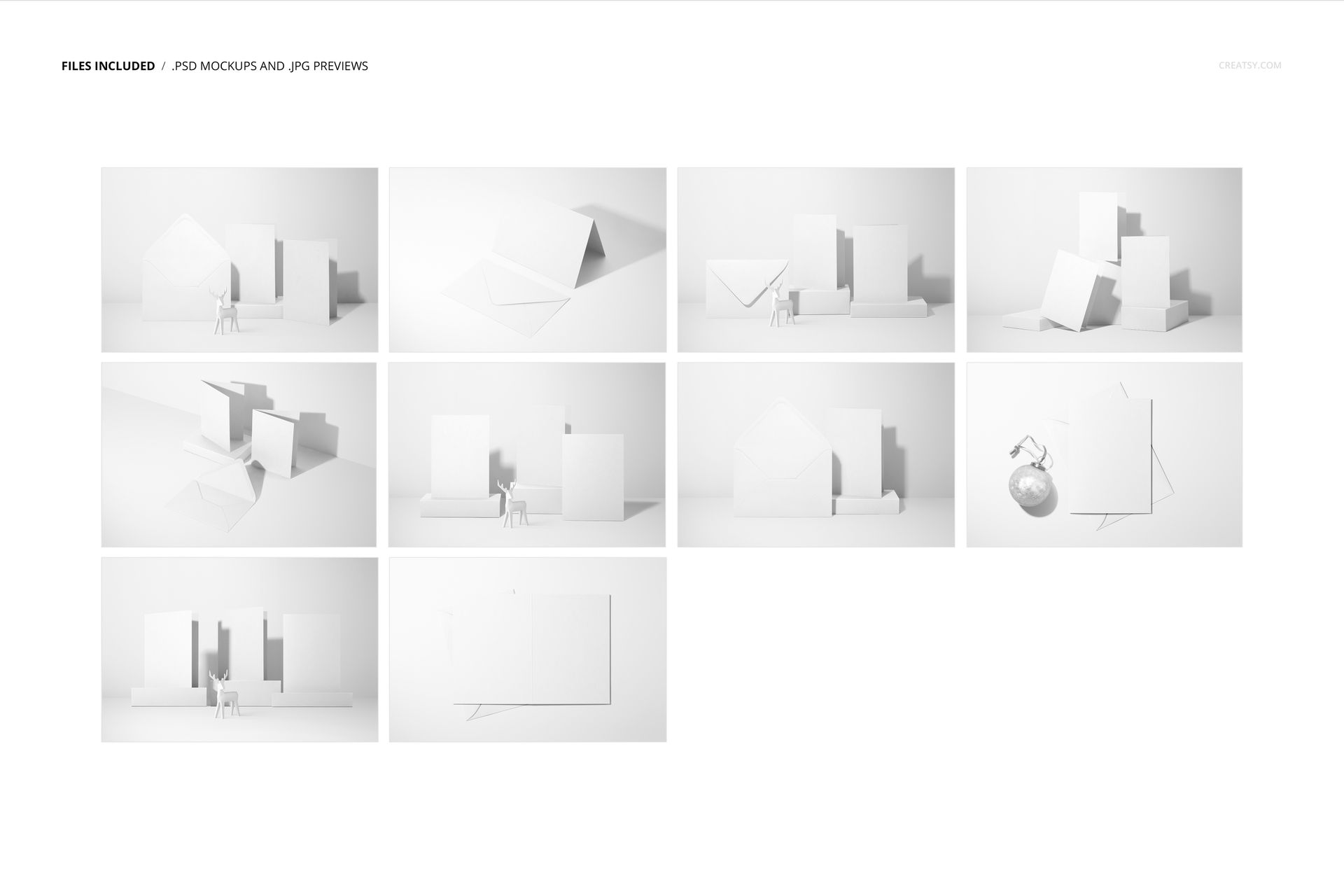
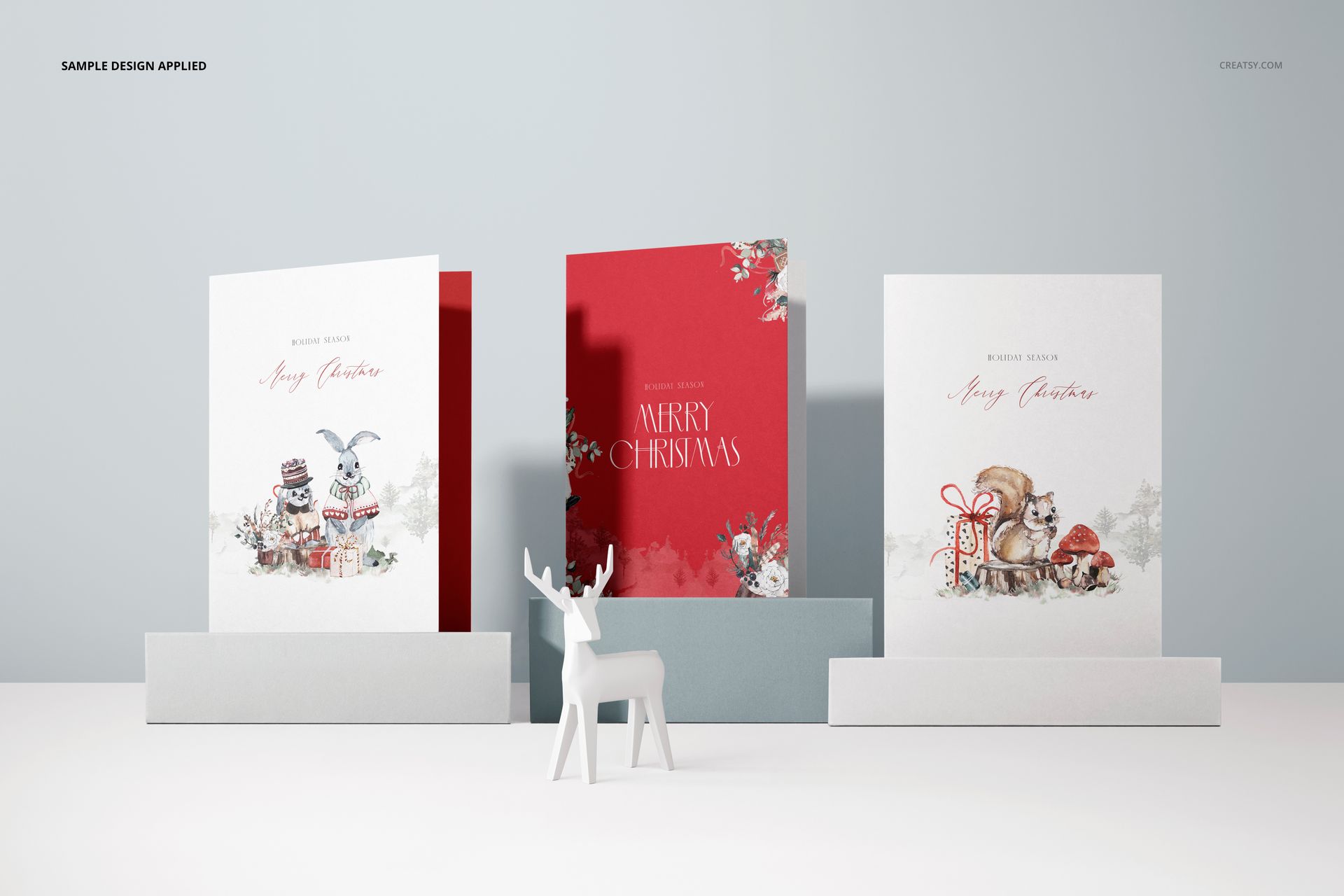
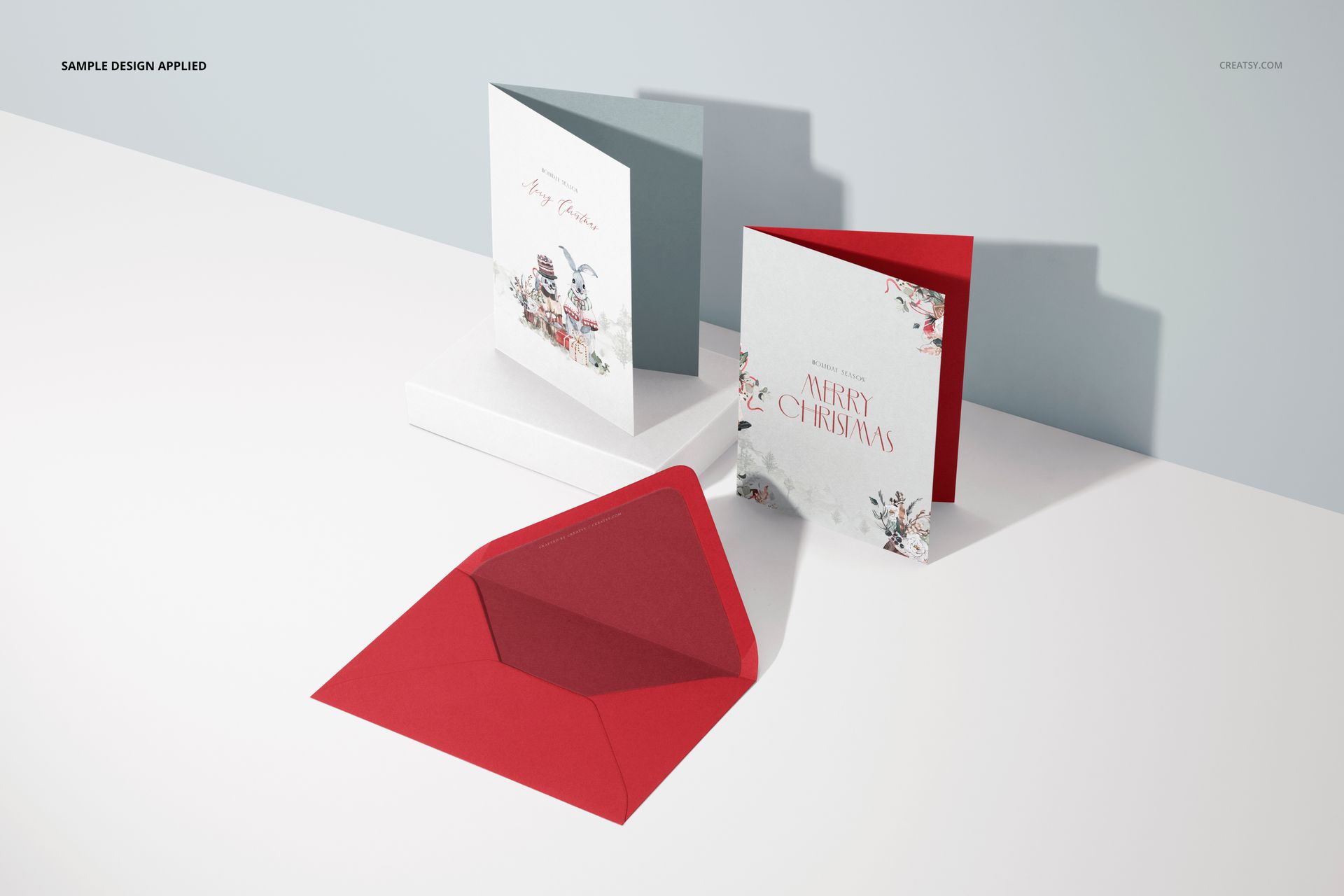
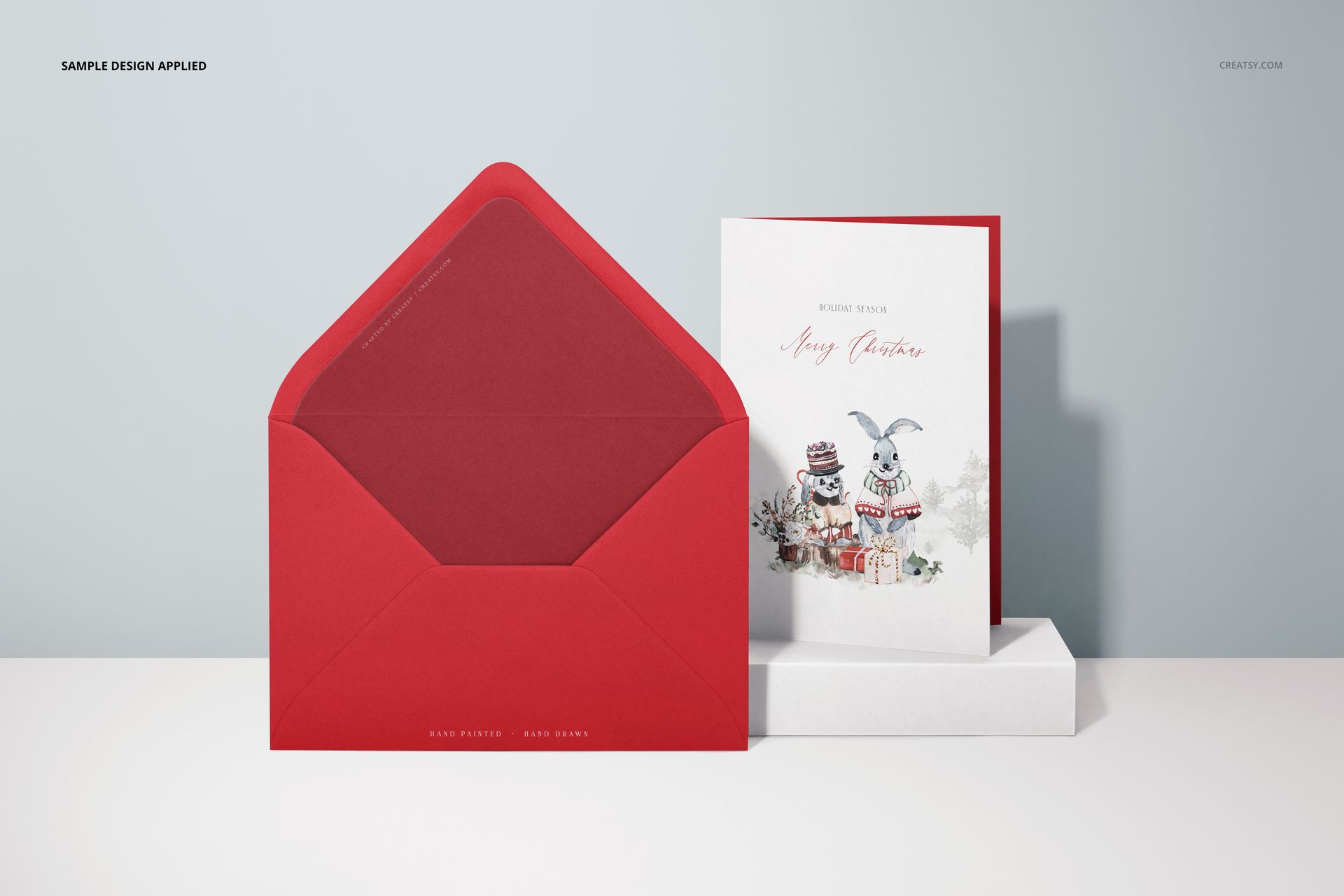
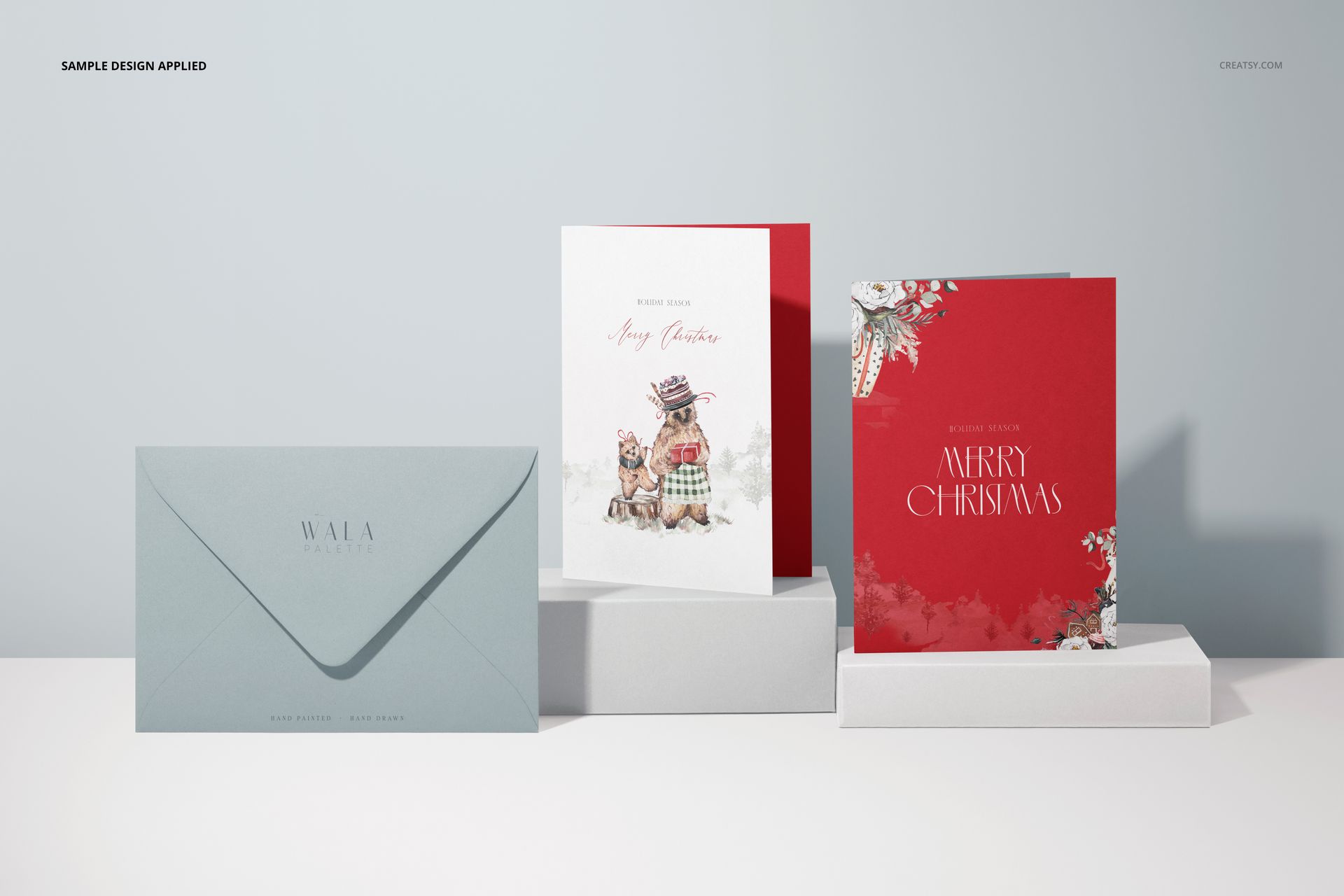
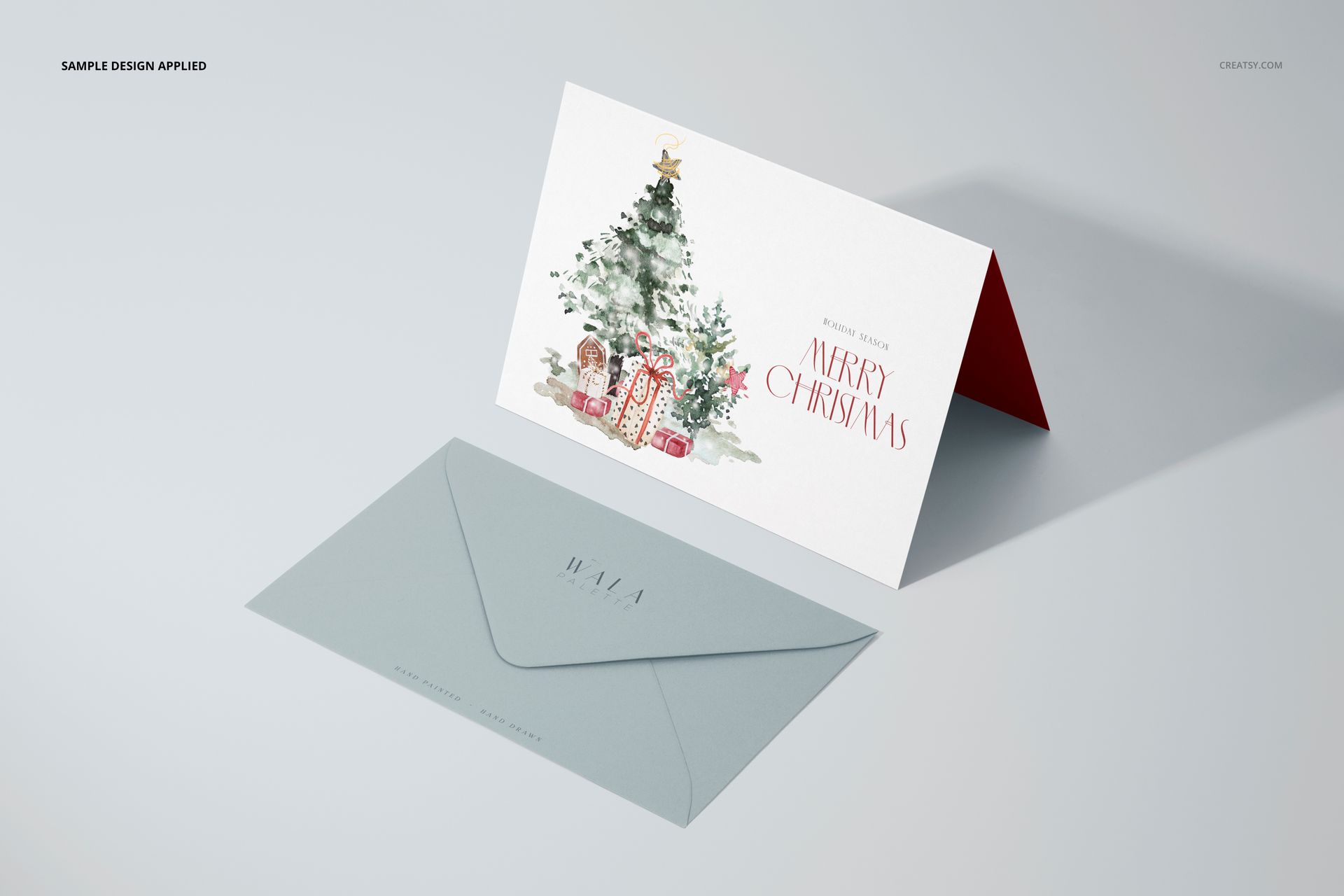
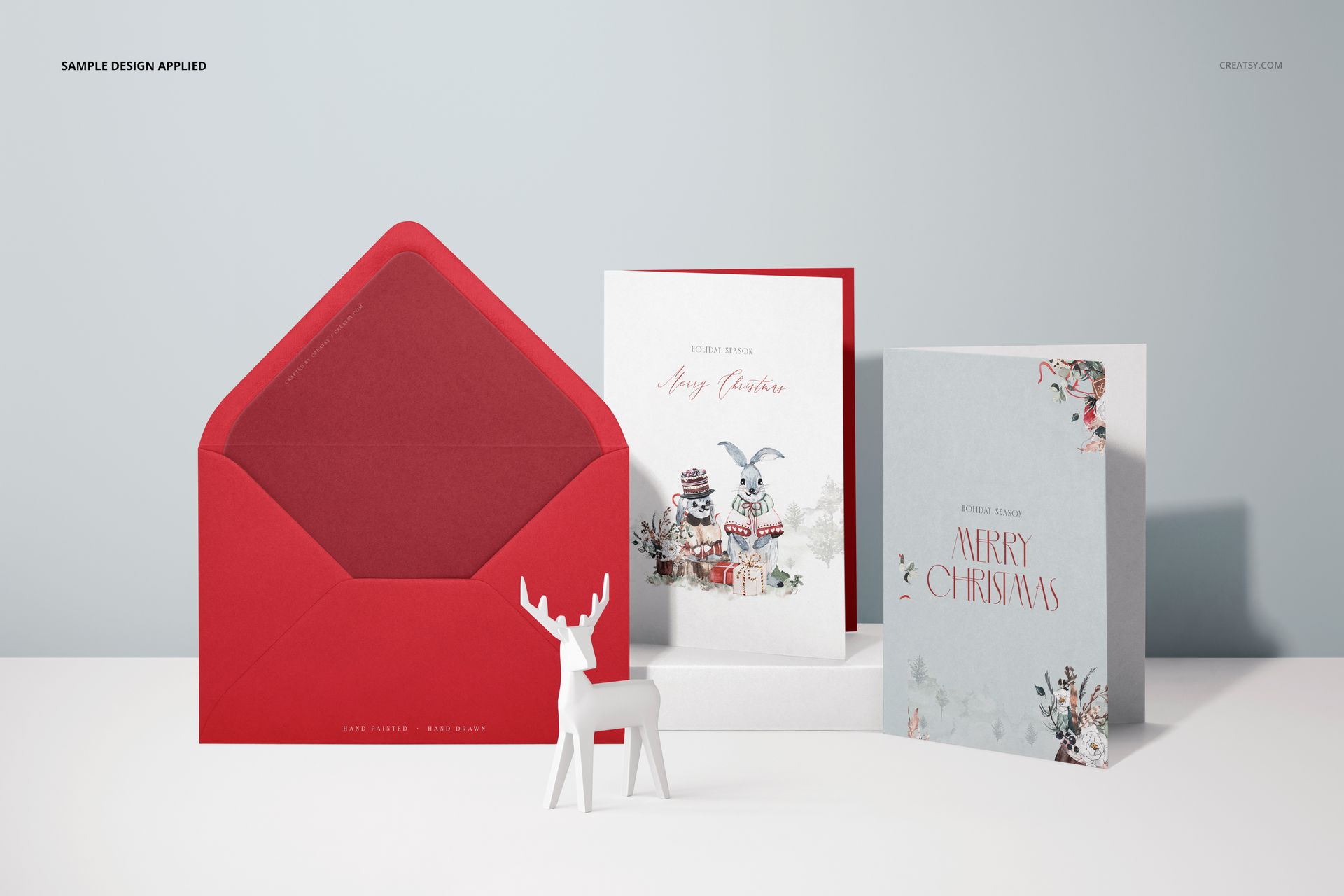
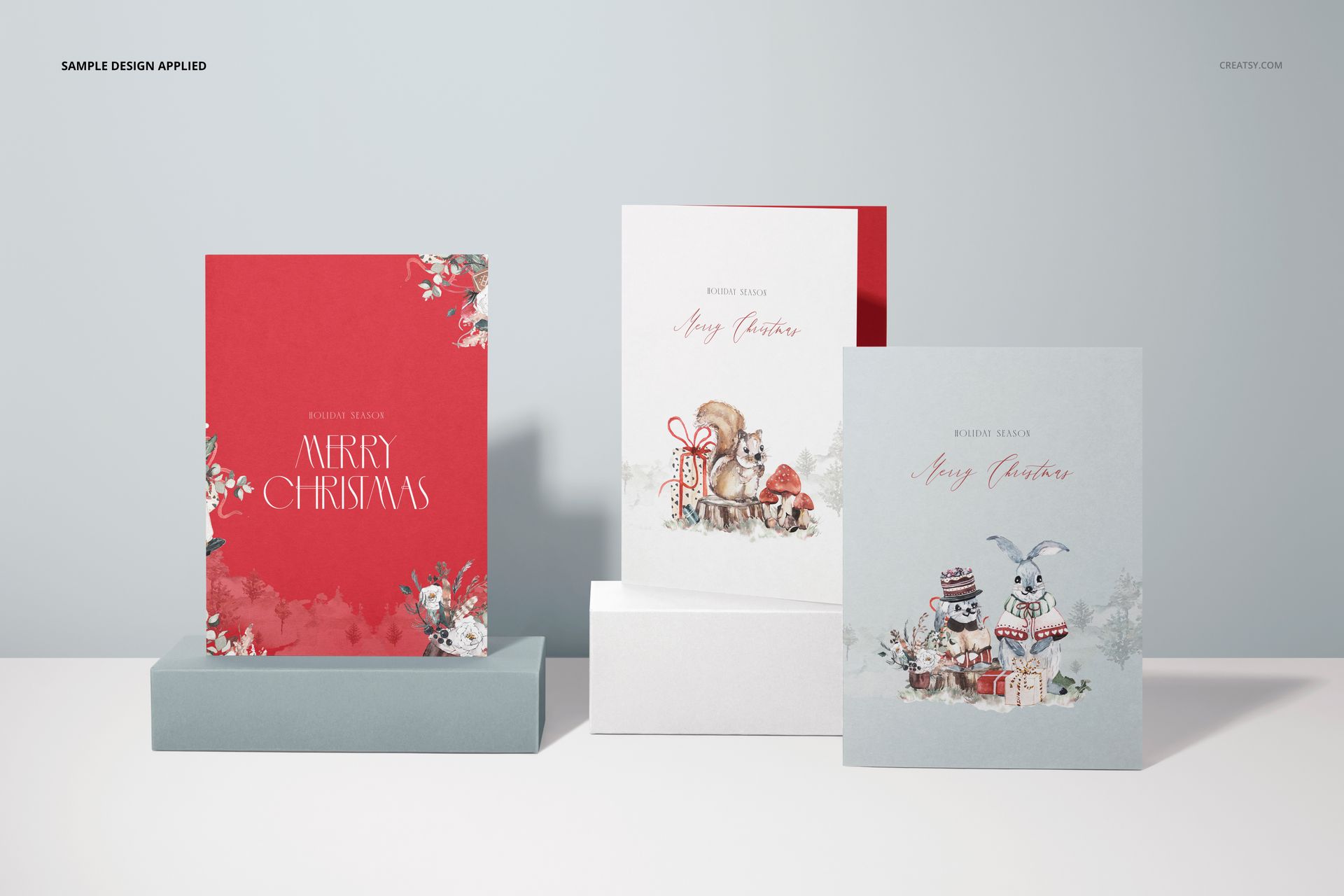
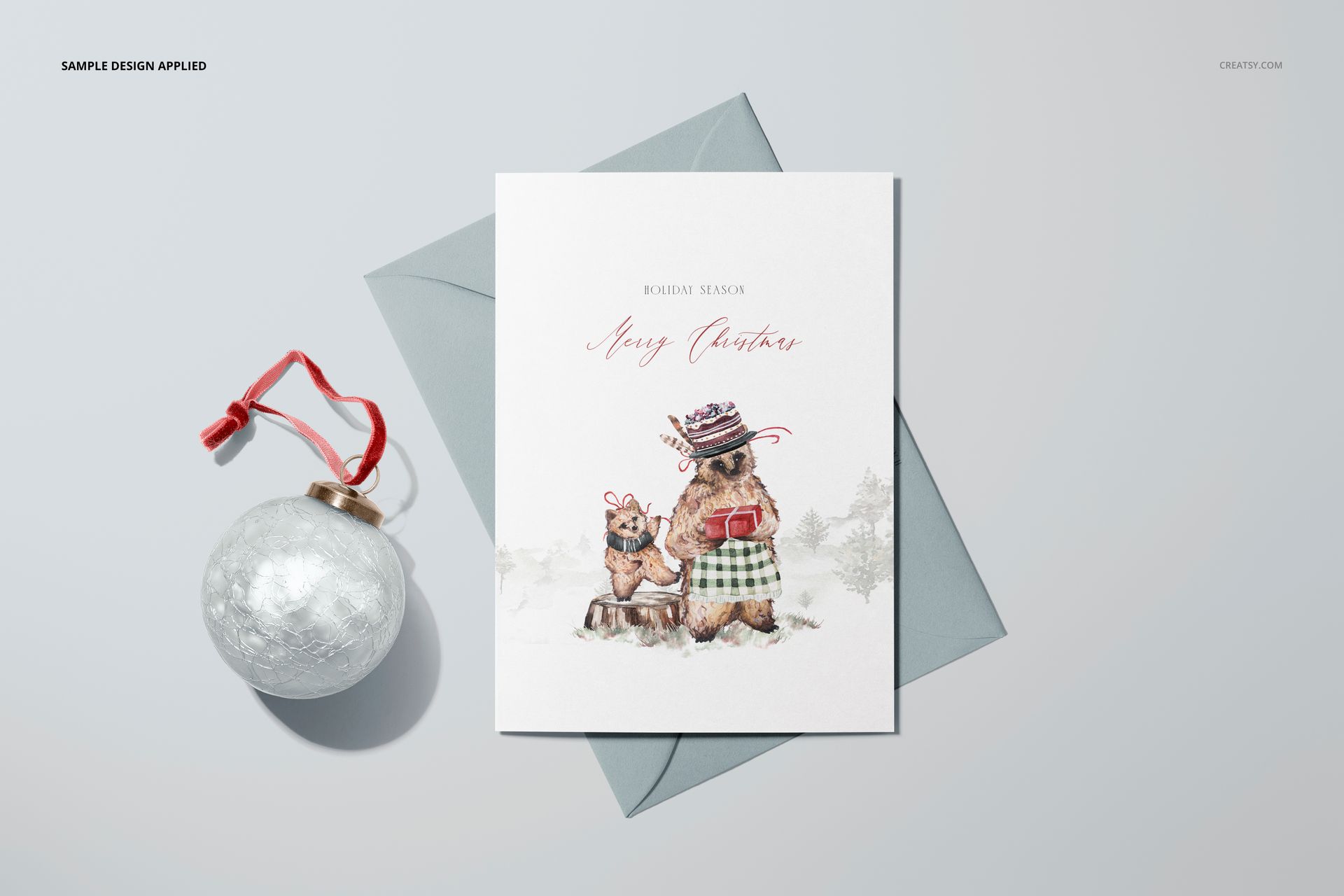
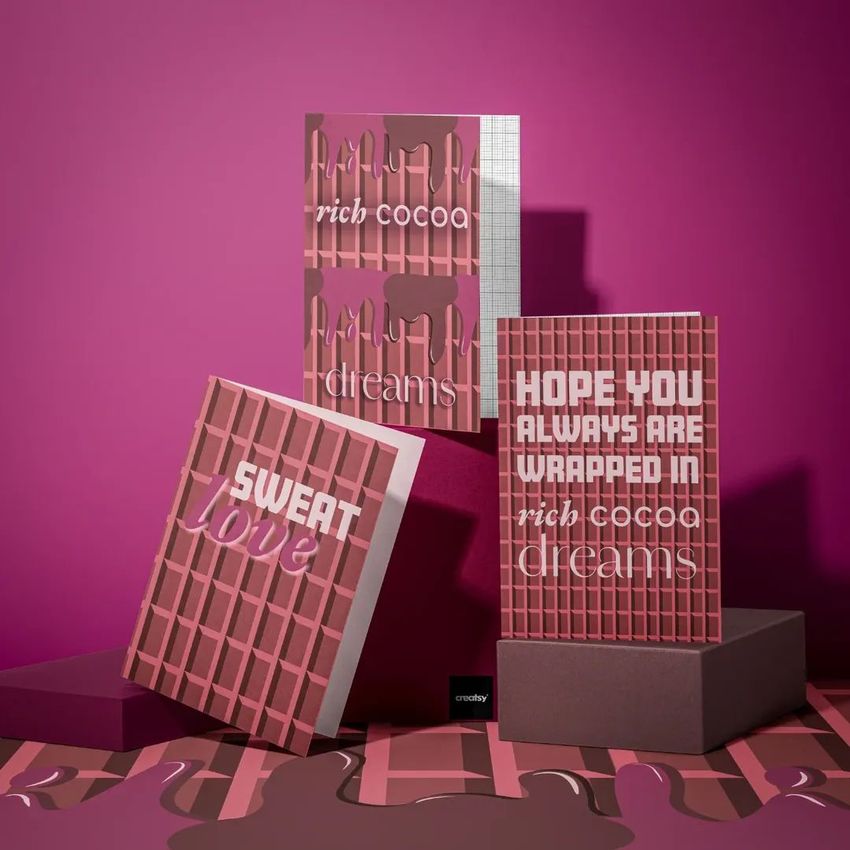
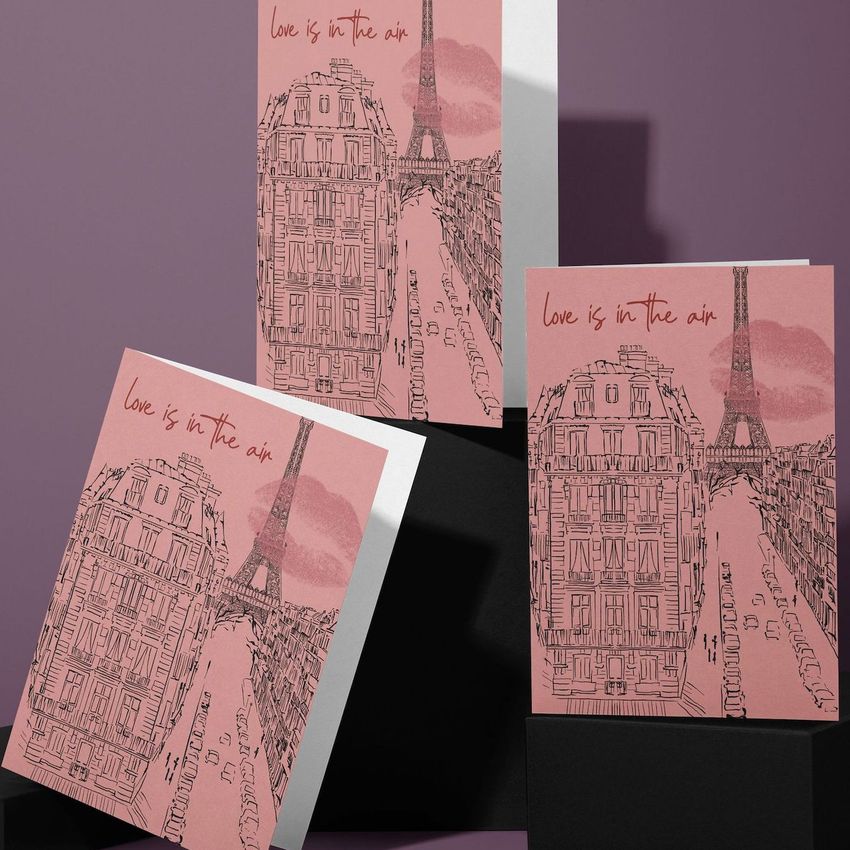
Build a varied presentation around the familiar 5x7 greeting card format with 10 scenes covering folded and flat cards, envelopes, vertical and horizontal orientations, standing views, open cards, and front-facing layouts. White platforms and restrained props give the collection a clean setting that keeps attention on the artwork.
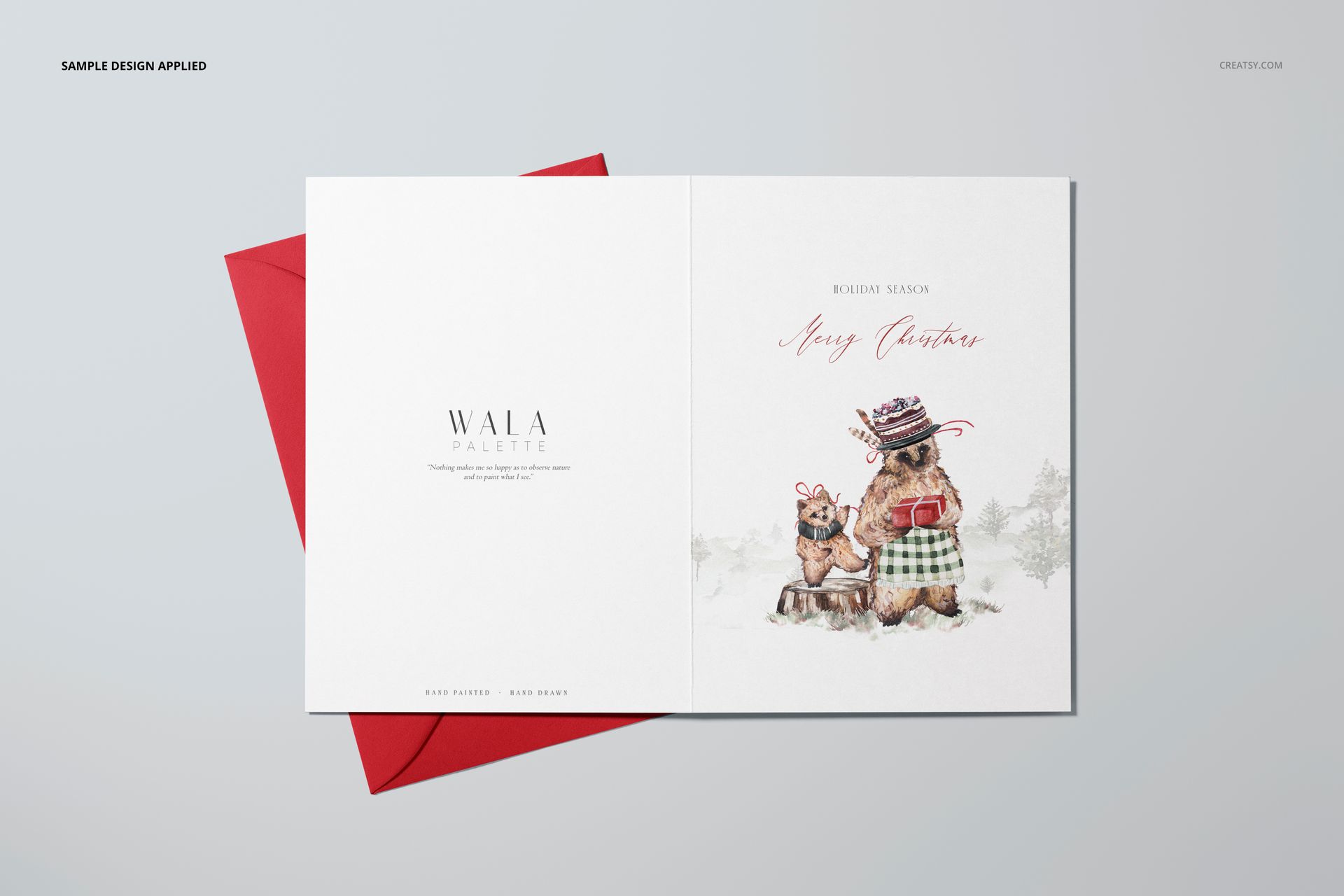
The range of angles and card states helps you explain more than a single cover design. Show the outside and inside of a folded card, compare portrait and landscape artwork, pair cards with envelopes, or prepare a complete online gallery that remains visually consistent from one image to the next.
What Is Included
10 layered and organized PSD mockup files
10 JPG preview files
1 PDF User Manual
21 files in total
6000 × 4000 px at 300 DPI per PSD
Smart Object and color-layer editing in Adobe Photoshop CC2018 or newer and Photopea
Ten Ways to Present 5x7 Cards
Folded and flat greeting card scenes
Vertical and horizontal orientations
Standing, open, and front-facing views
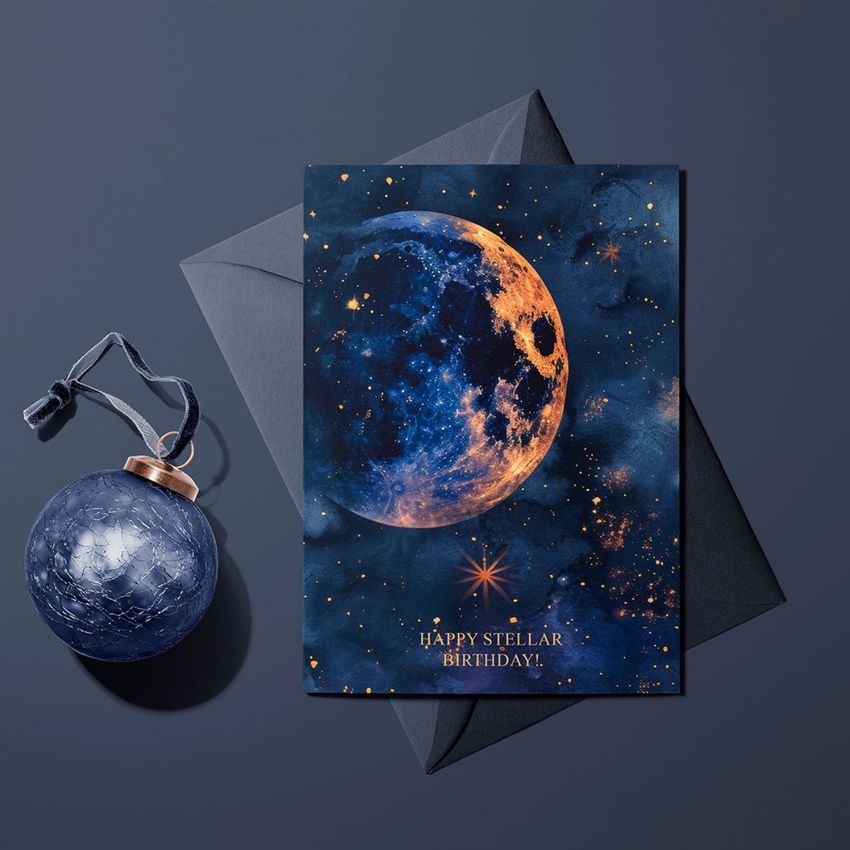
Card and envelope combinations
Minimal compositions with white platforms and restrained props
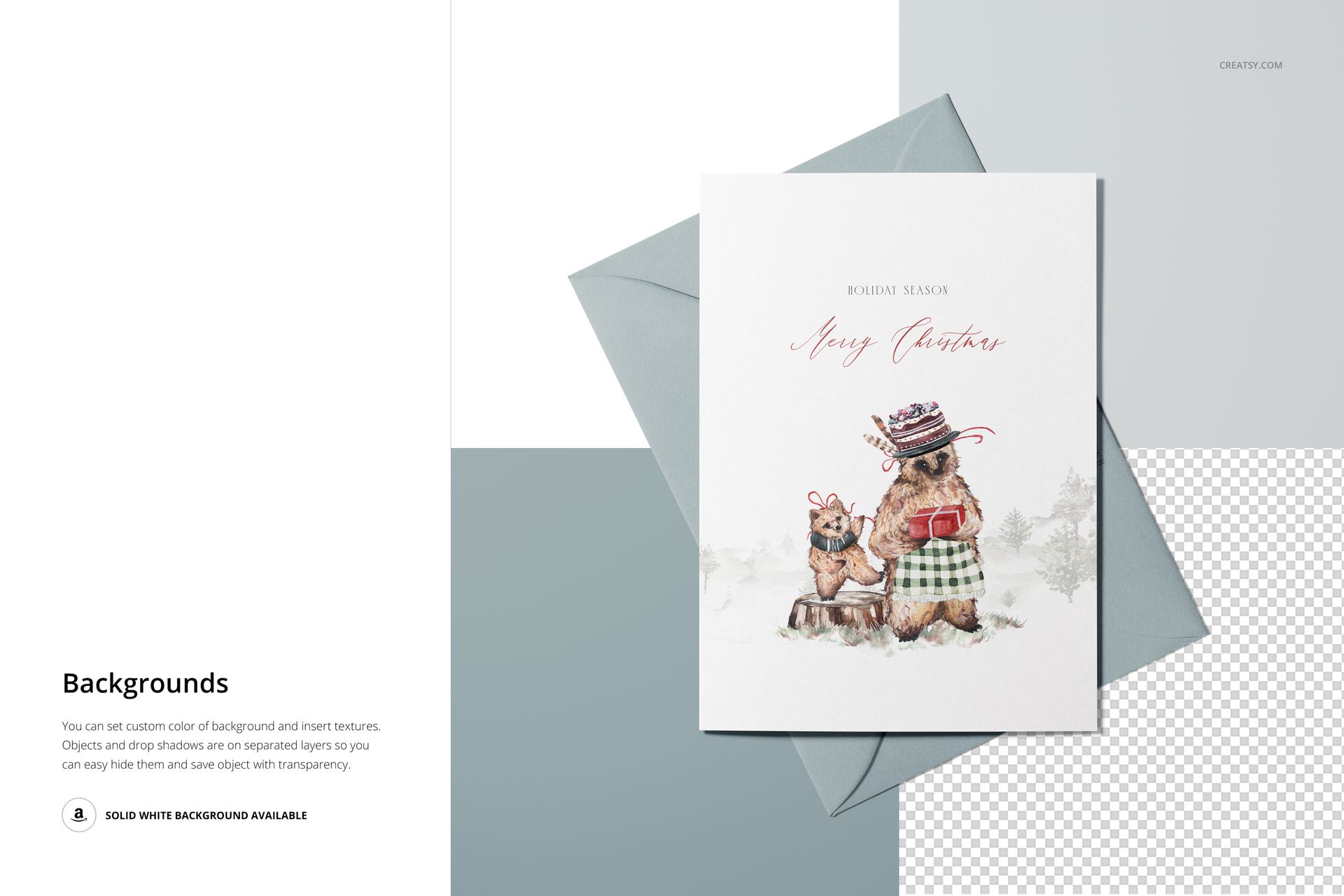
Adjust Objects, Shadows, and Backgrounds
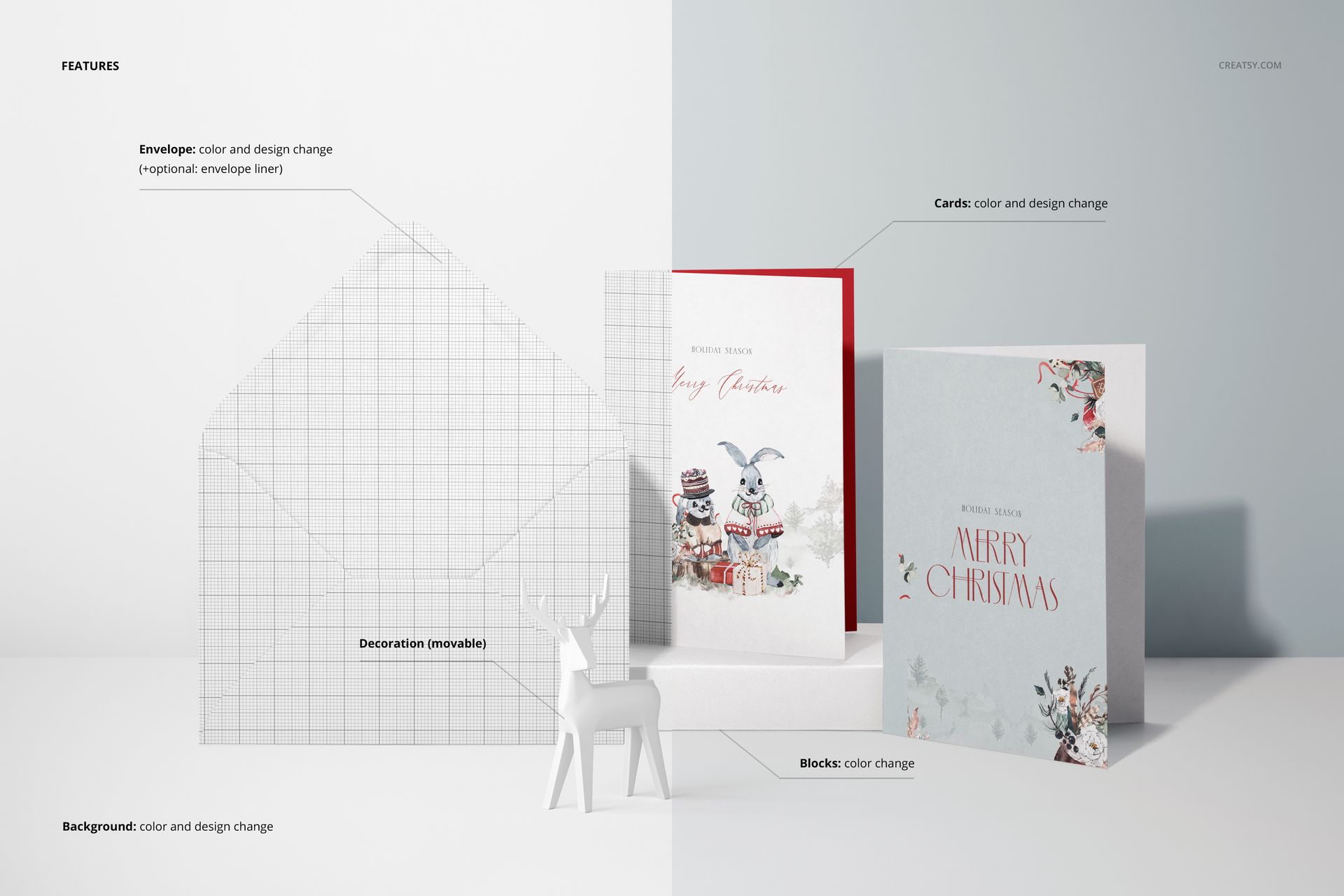
Scene objects and shadows can be adjusted individually or removed when you need a simpler composition. Customize the background to coordinate it with the artwork, then use the color layers and Smart Objects to prepare alternate card and envelope presentations.
Edit in Photoshop or Photopea
Open the appropriate Smart Object, insert your card artwork, save the layer, and return to the main scene to review the result. The organized PSD structure works with Photoshop CC2018 or newer and Photopea. A PDF User Manual is included for additional workflow guidance. You can also explore the Creatsy Online Mockup Editor.
Ideal For
5x7 greeting cards and invitations
Folded card cover and interior presentations
Portrait and landscape artwork comparisons
Illustration, lettering, and pattern collections
Client approvals, portfolios, and online shops
Creating a consistent multi-image product gallery
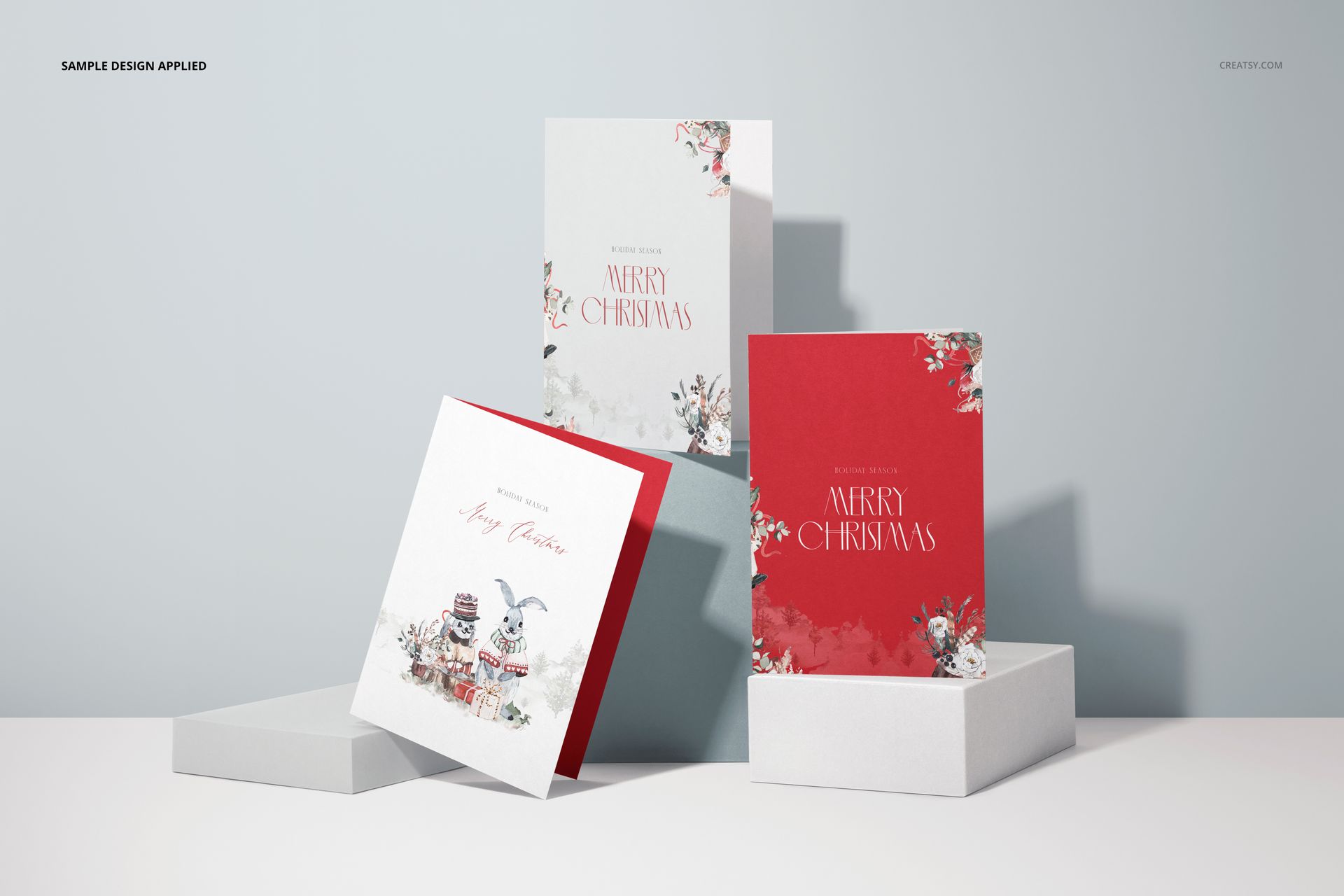
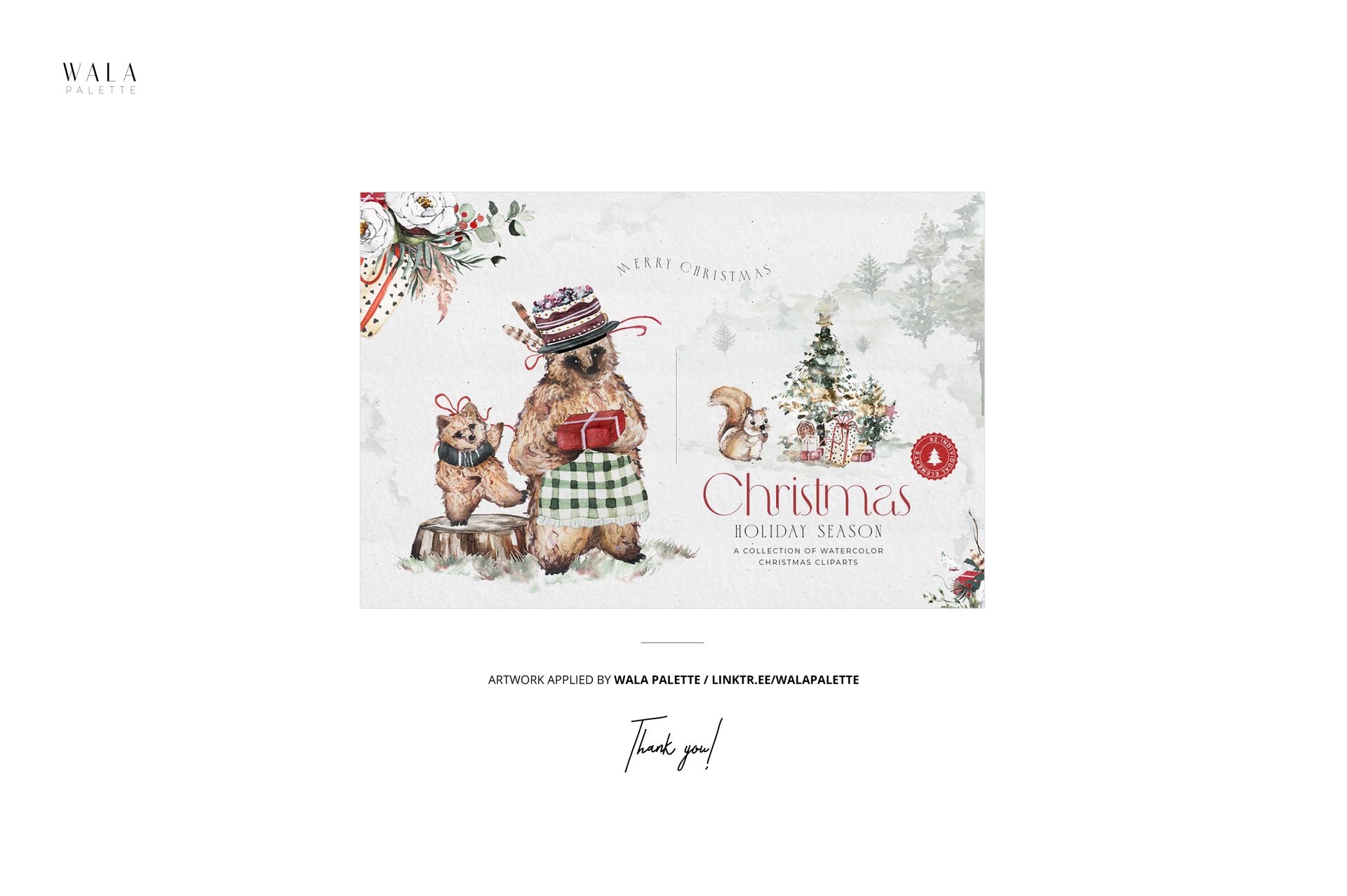
This is a digital mockup product. No physical greeting cards, envelopes, platforms, or props will be shipped. The preview artwork by Wala Palette is used for presentation only and is not included.


















Nothing but perfection! Once again.
Thank you so much, Kyle! We're delighted you enjoyed the mockup once again, and we truly appreciate your continued support.