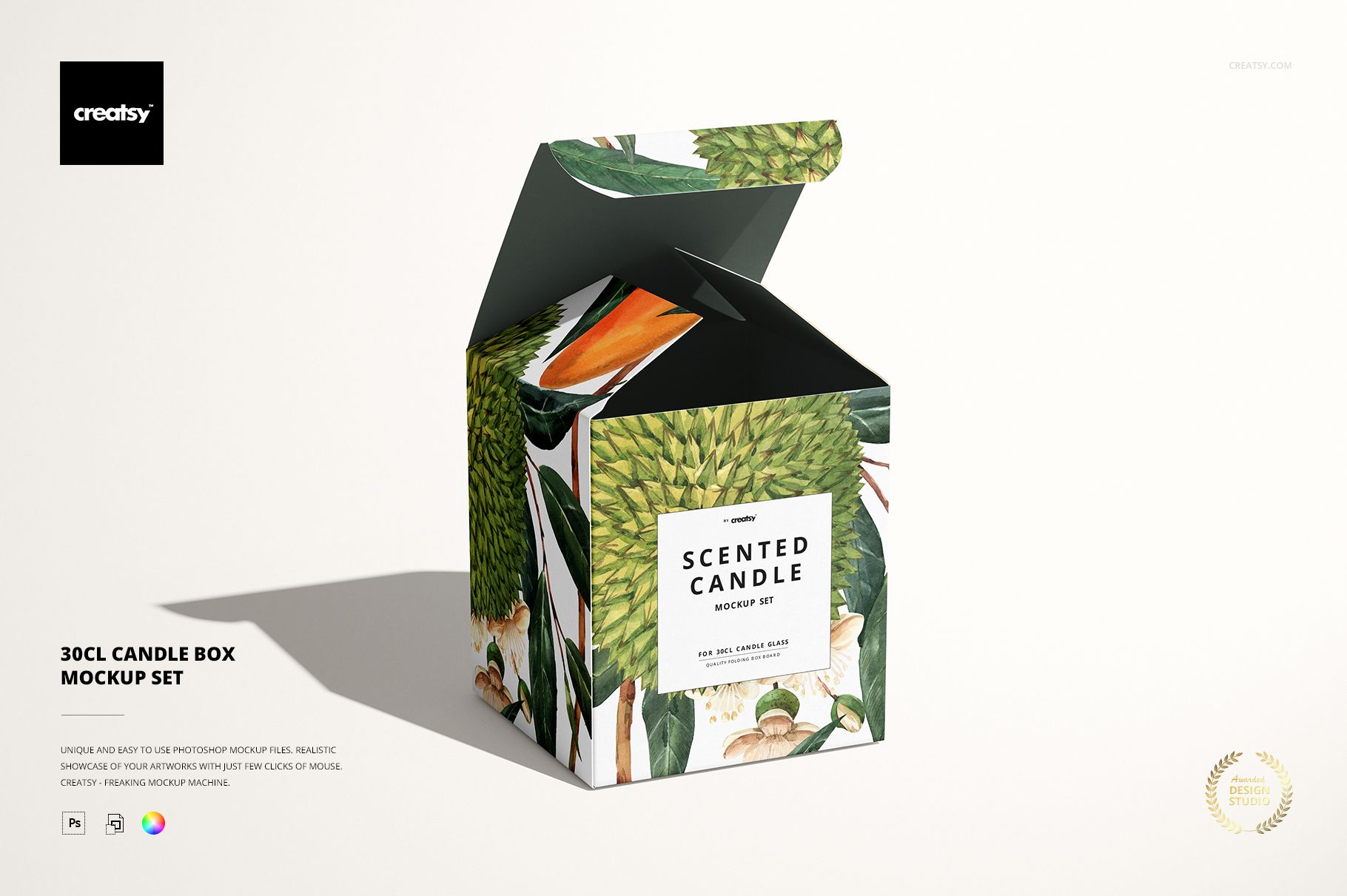
30cl Candle Box Mockup Set
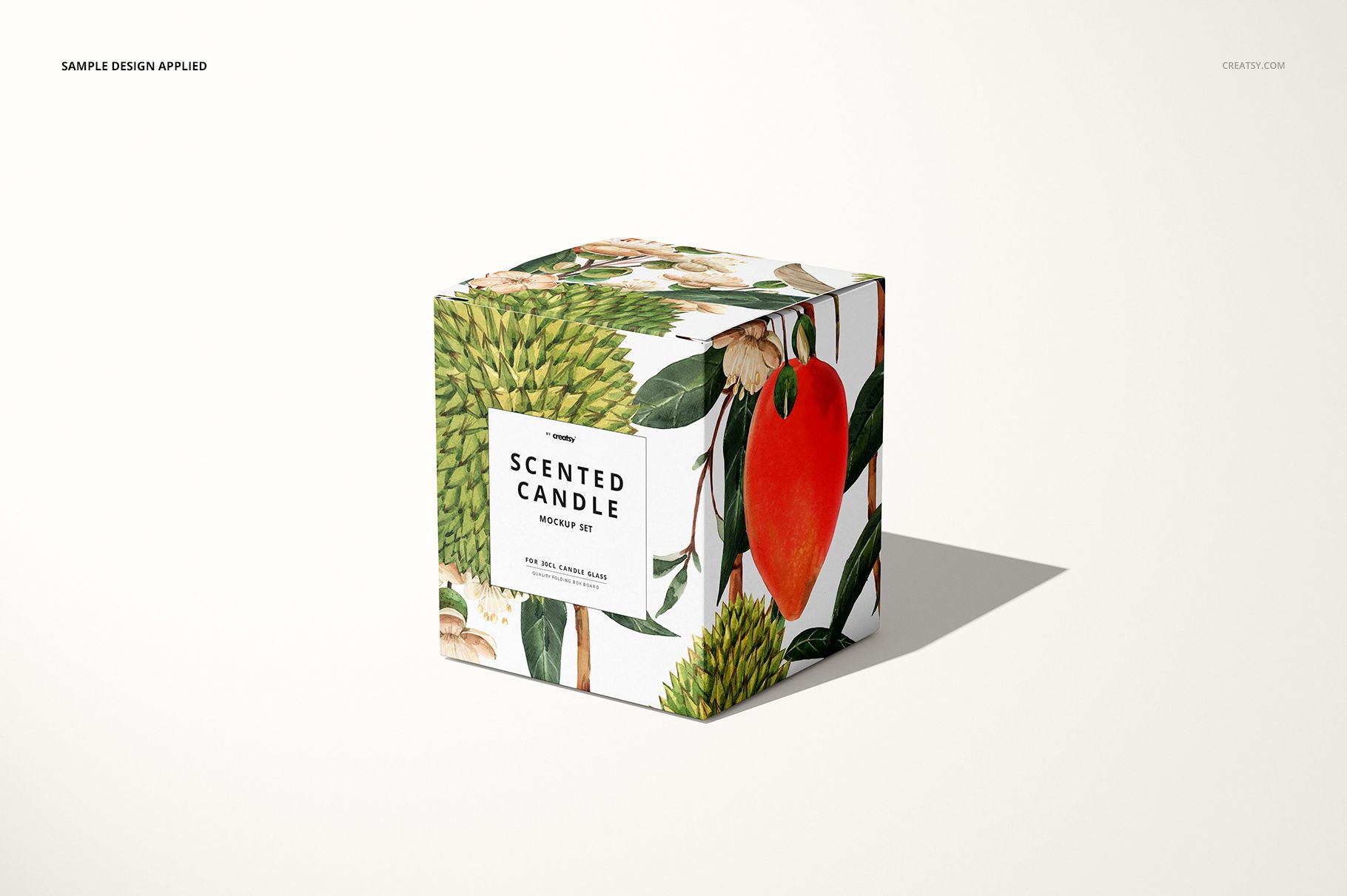
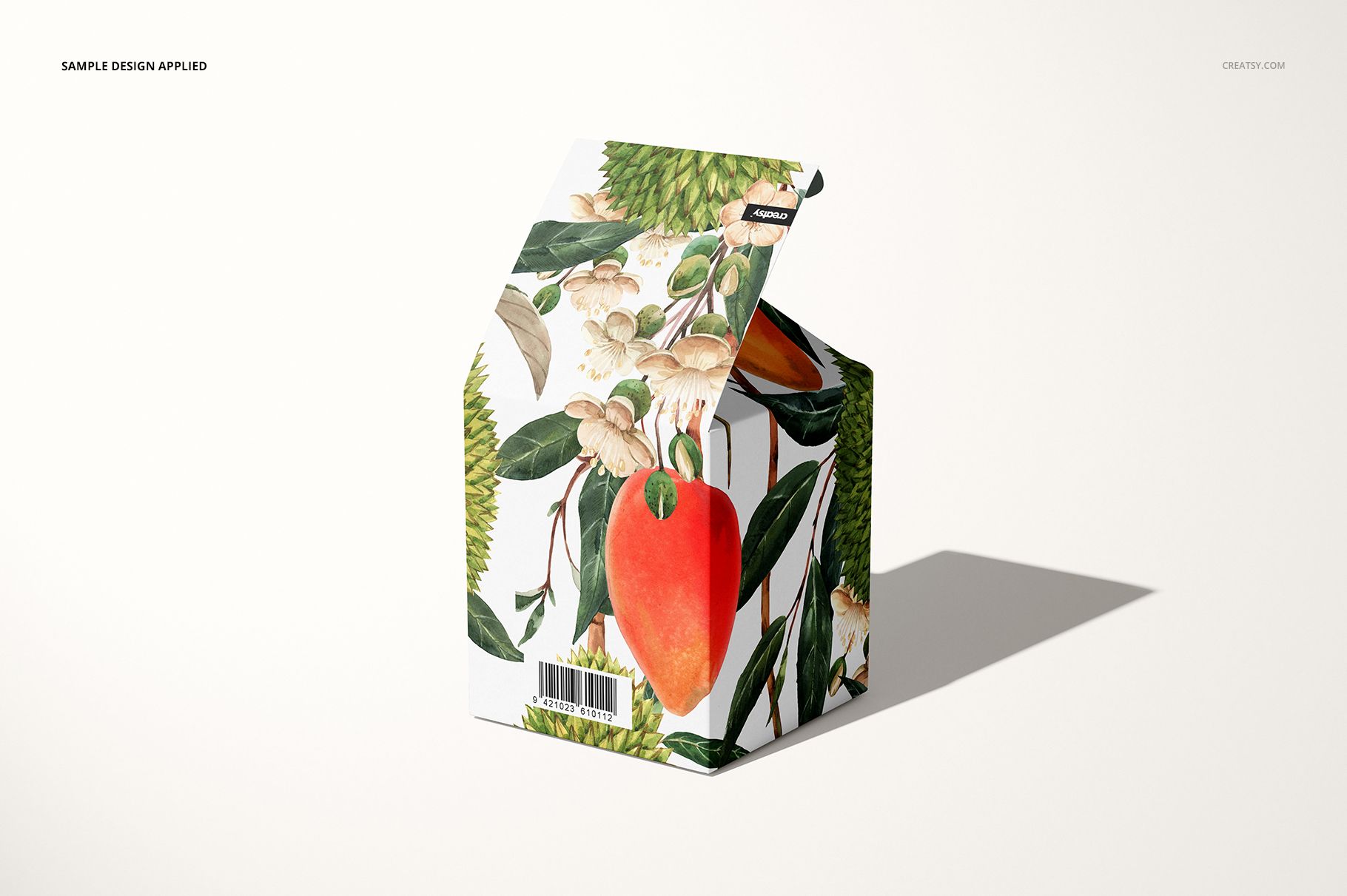
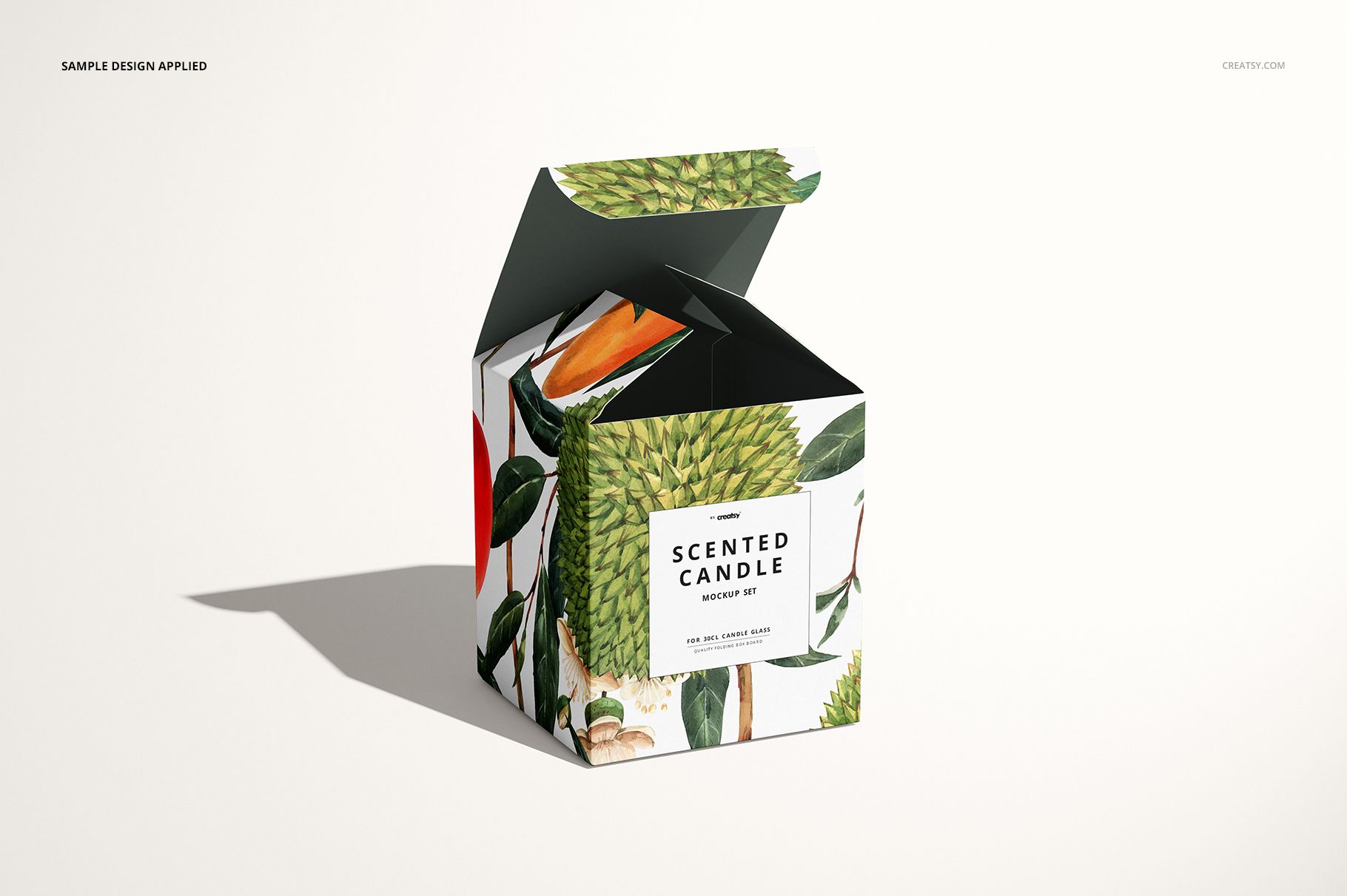
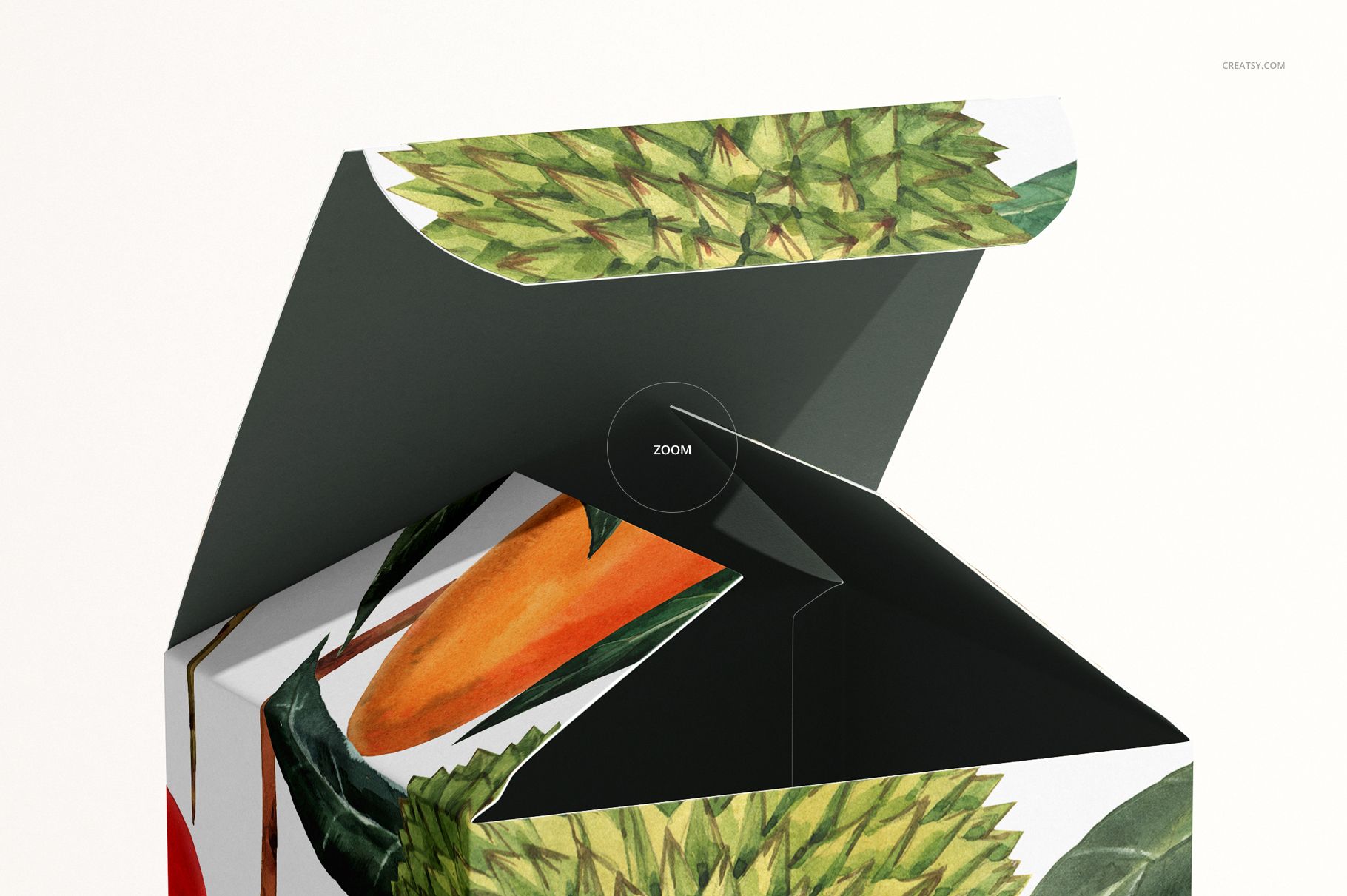
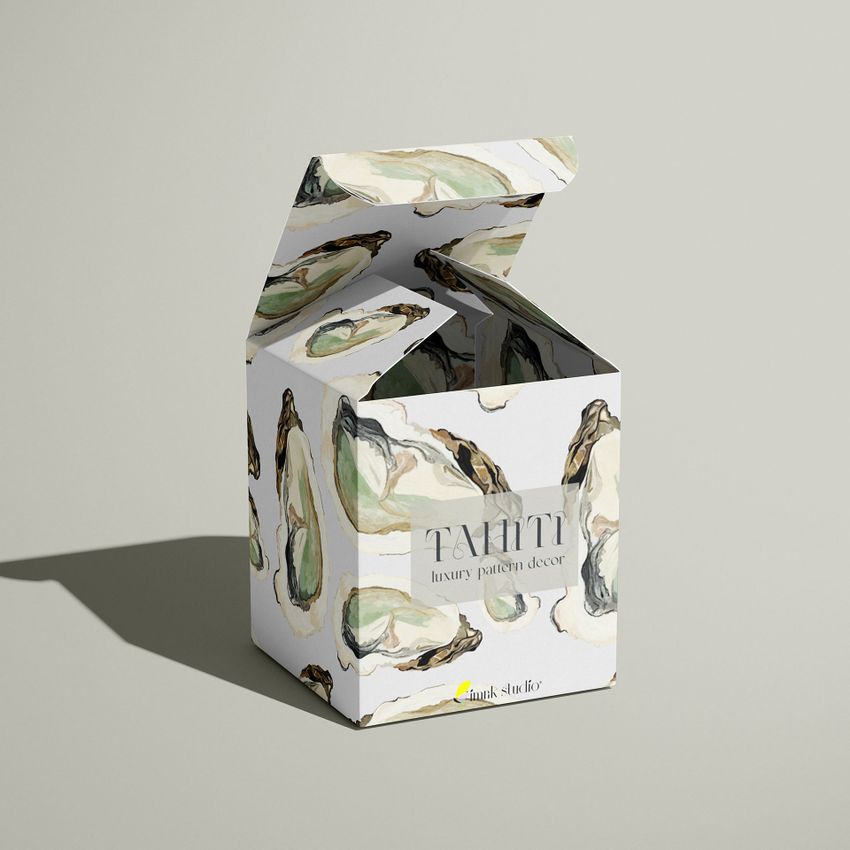
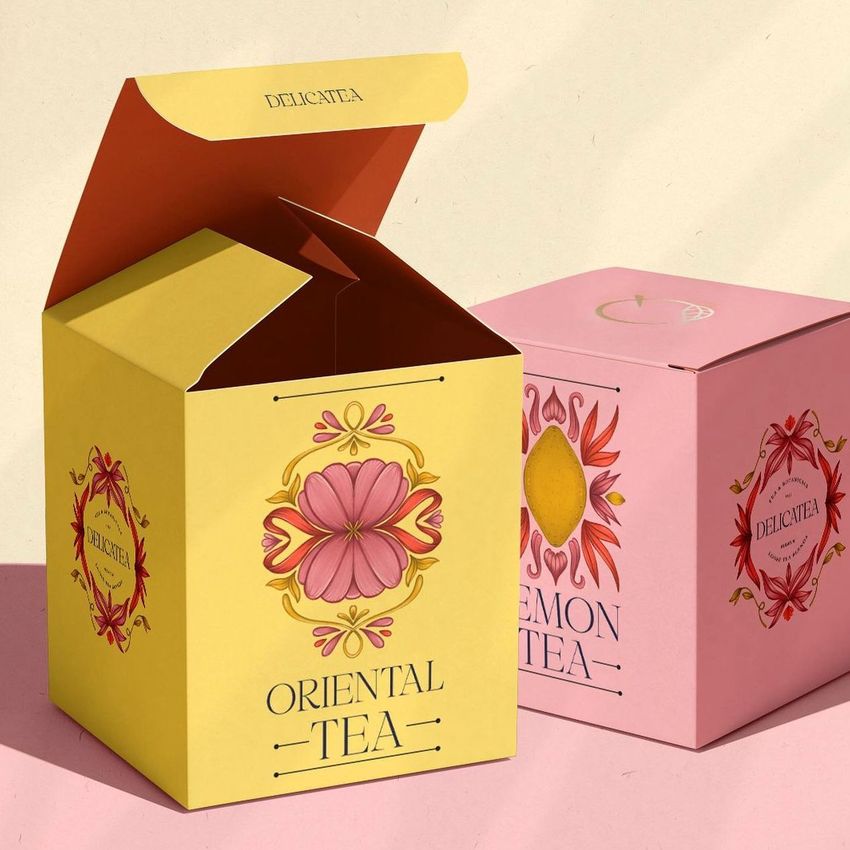
A candle box has two moments to make an impression: on the shelf and when the lid opens. This 30cl candle box mockup set shows both, with four views of a folding carton and editable artwork on the outside and inside. Use it to present a fragrance collection as a coordinated packaging system.
What Is Included
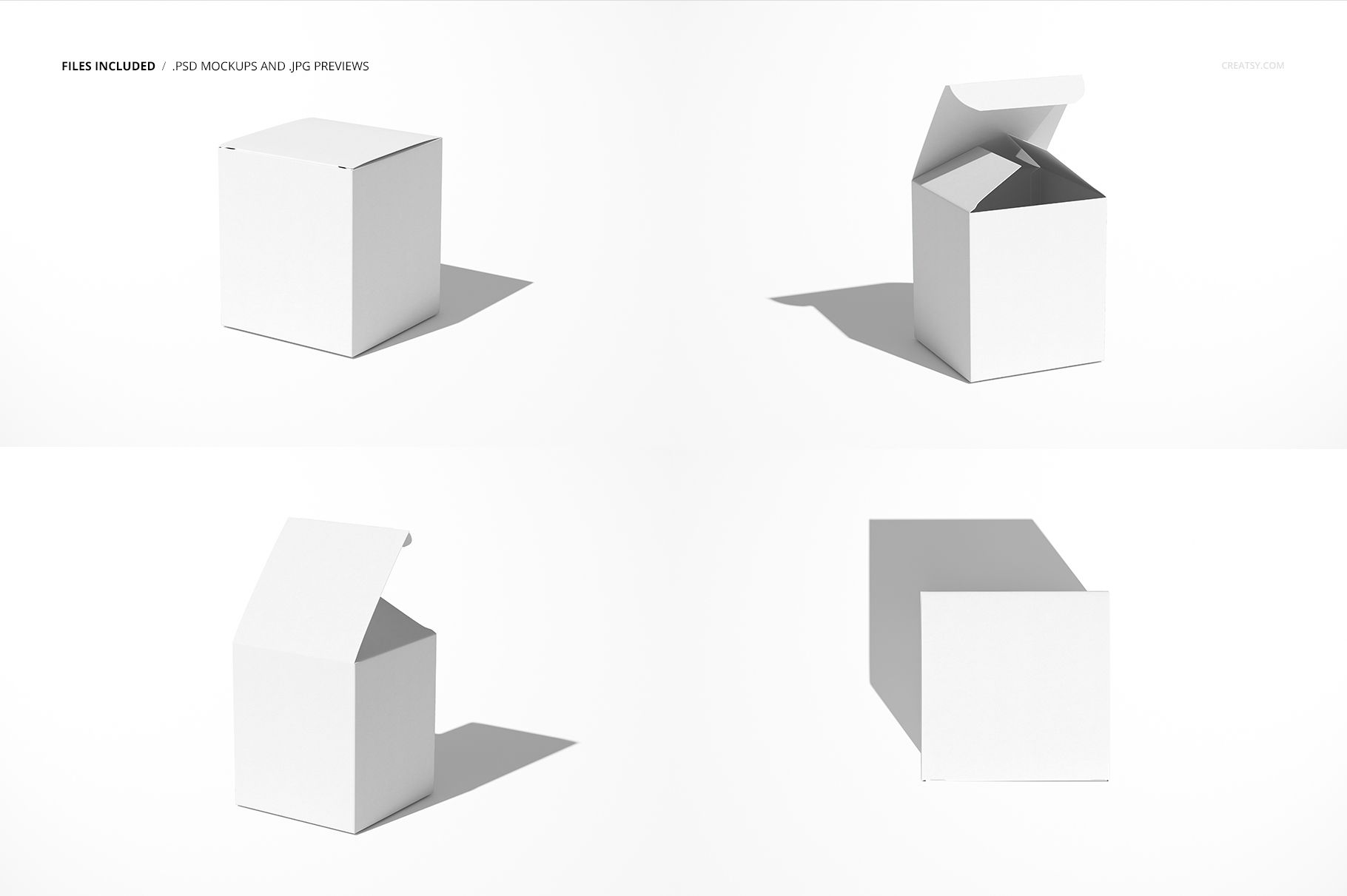
4 layered PSD mockup files, each 6000 × 4000 px at 300 DPI
4 JPG scene previews and 1 PDF user manual, 9 files in total
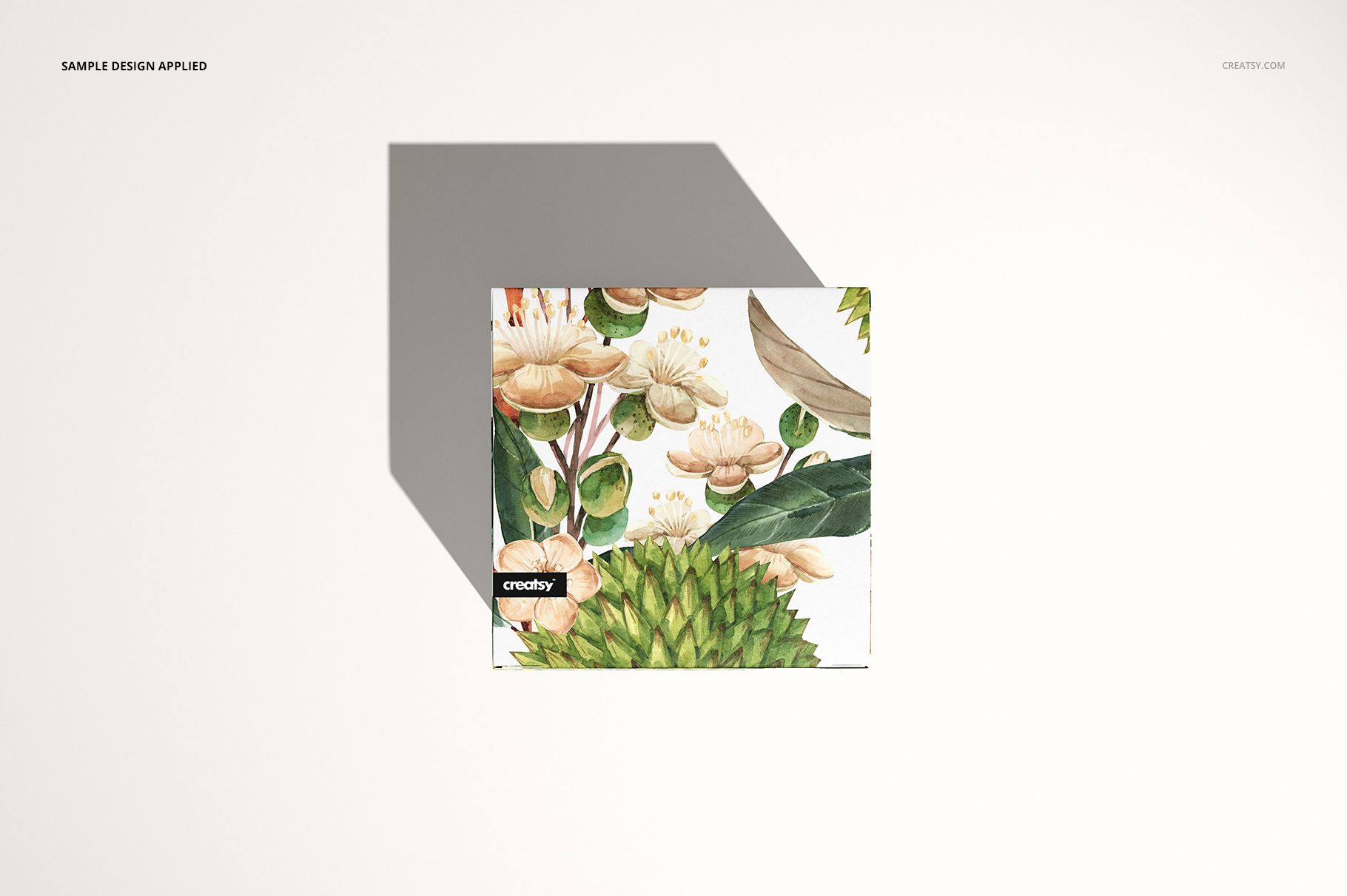
Closed, open and top-view scenes of a 100 × 86 × 86 mm box
Carry the Design from Outside to Inside
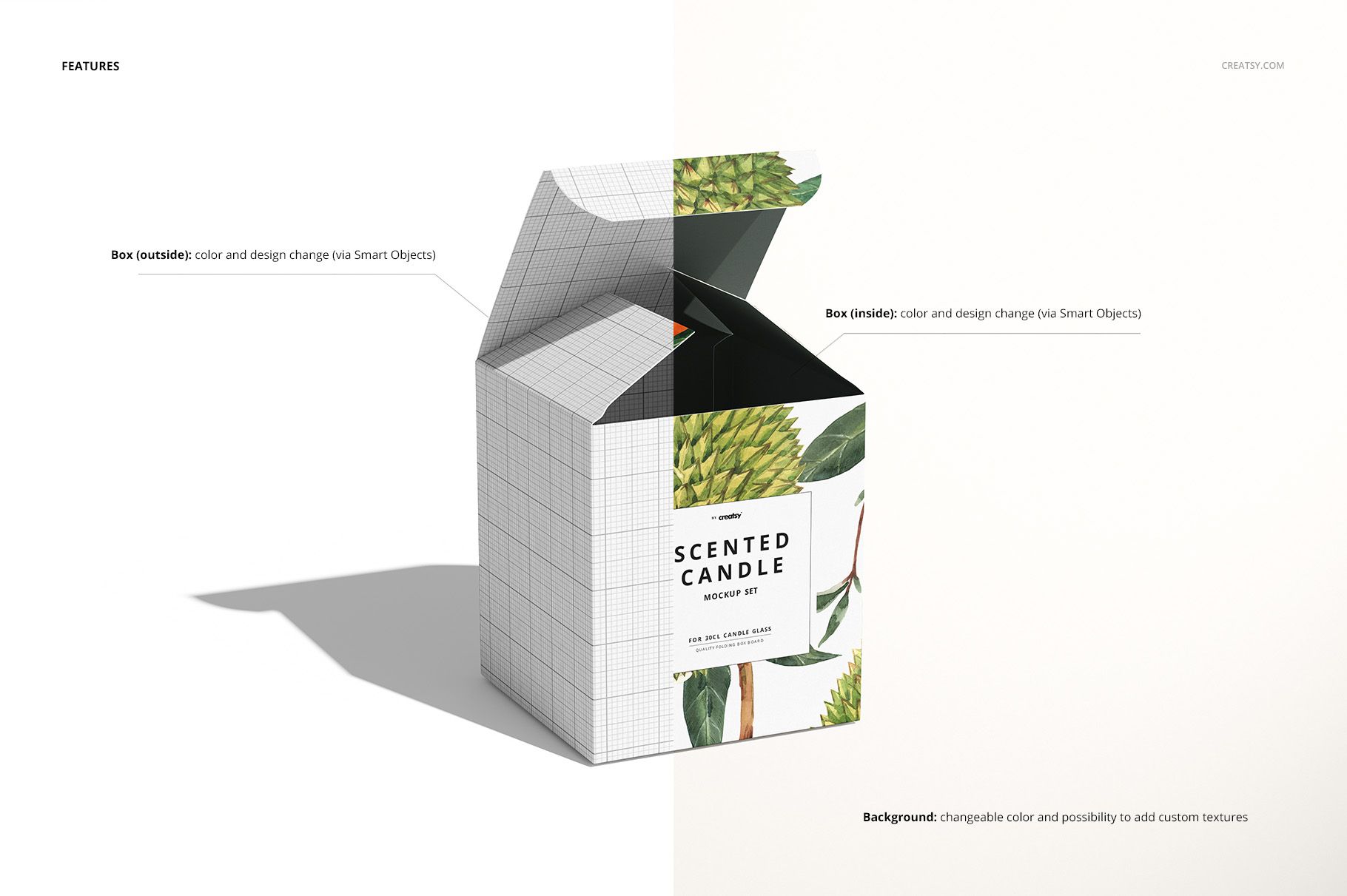
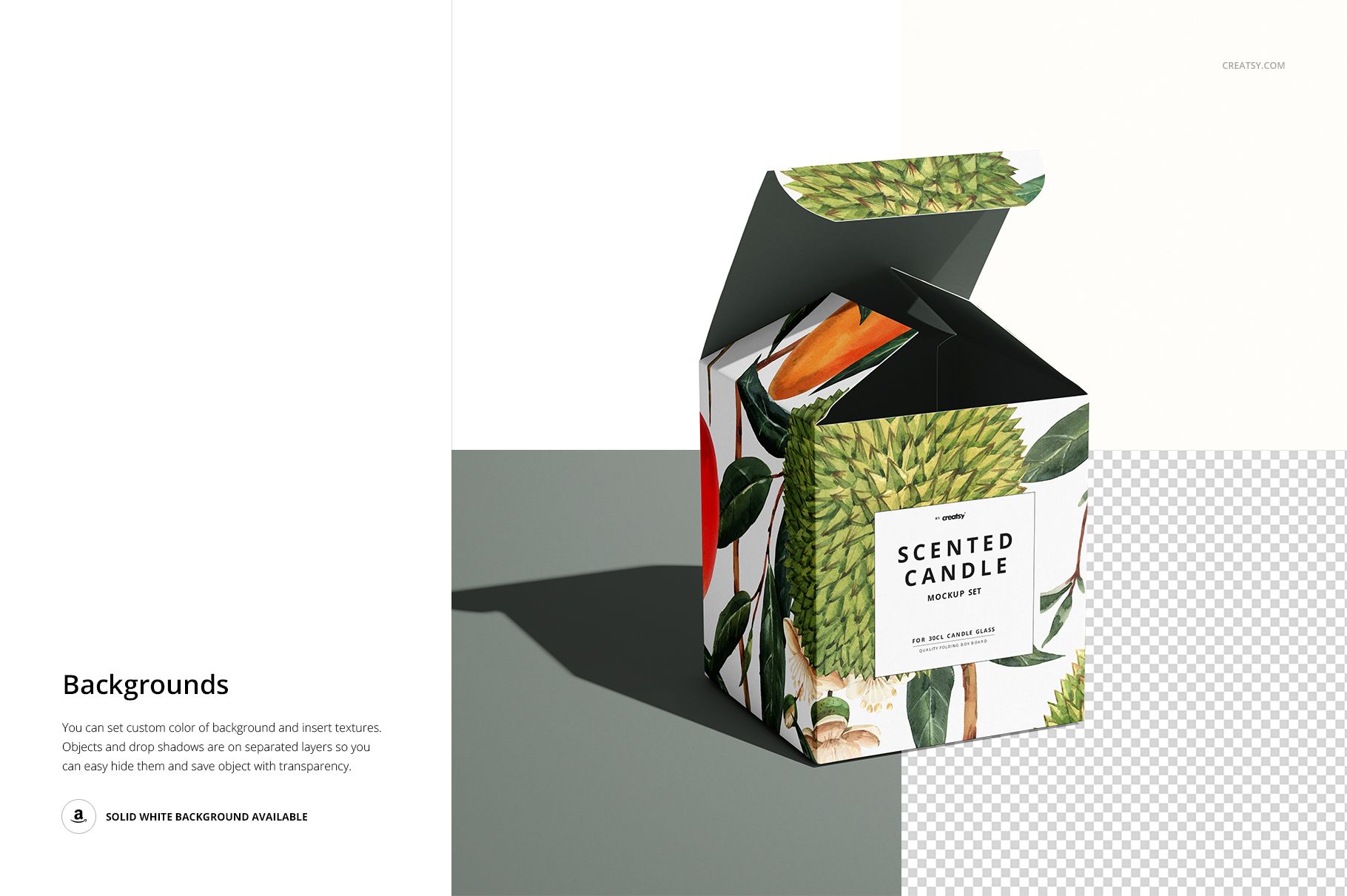
Pair a restrained exterior with an illustrated interior, or repeat a small motif across the panels and inner flaps. The open views help you judge how these elements work together. Change box colors and artwork, then choose a background color or add a texture to suit the collection. Objects and drop shadows are on separate layers.
Easy Smart Object Editing
The current files use Smart Objects for artwork replacement and work in Adobe Photoshop and Photopea. Open the relevant Smart Object, place your design, save the edit and return to the scene. Keep one layout consistent across the four PSDs to compare its appearance from different angles.
Perfect For
Candle makers, home-fragrance brands, packaging designers and illustrators can use these scenes for scent-range proposals, retailer presentations and portfolio projects. The mockup depicts a box intended for a 30cl (300 ml) candle format, not a supplied physical candle or carton.
This is a digital mockup set. Example artwork shown in the previews is not included.