Noissue Food Safe Paper Mockup Set (ice cream)
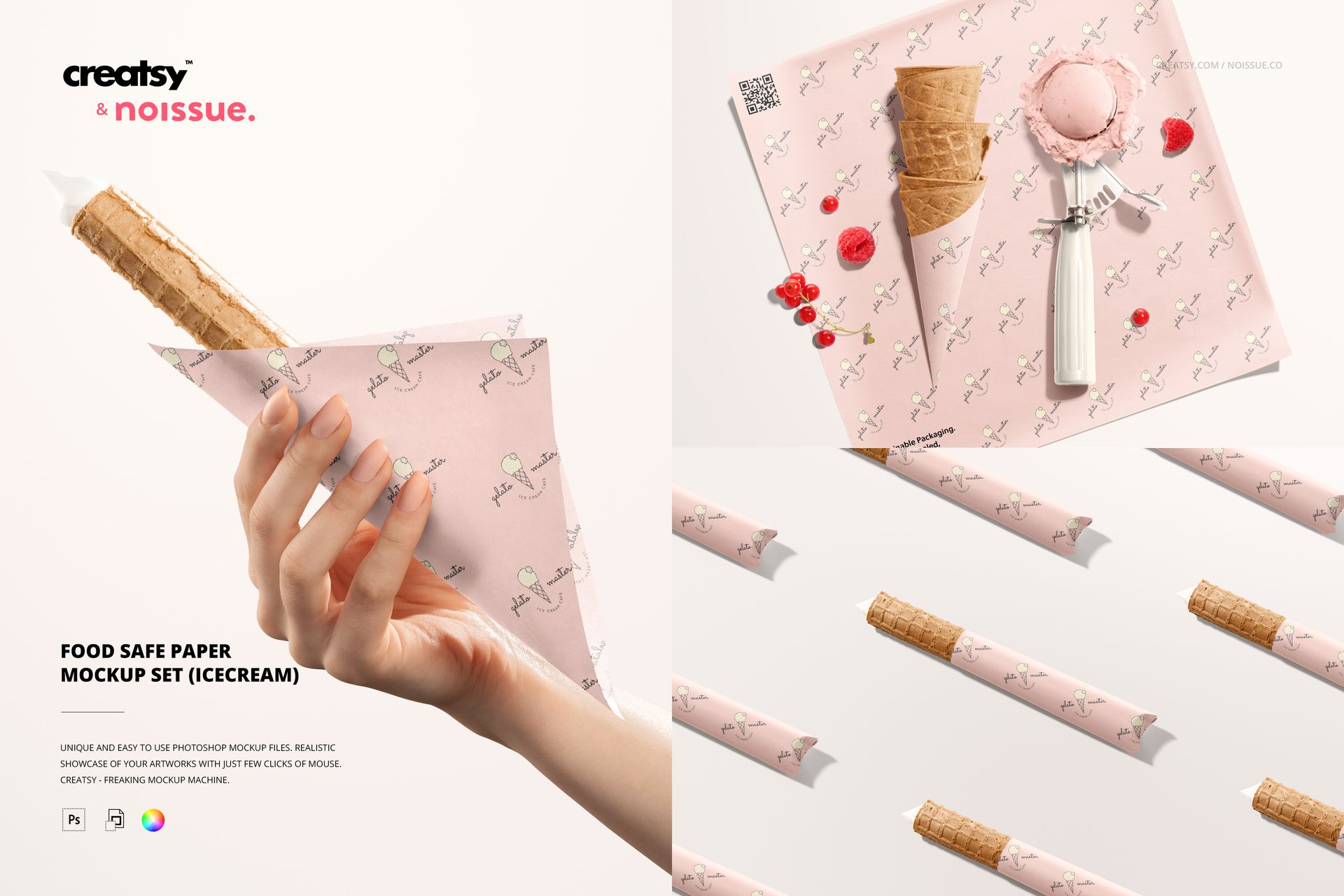
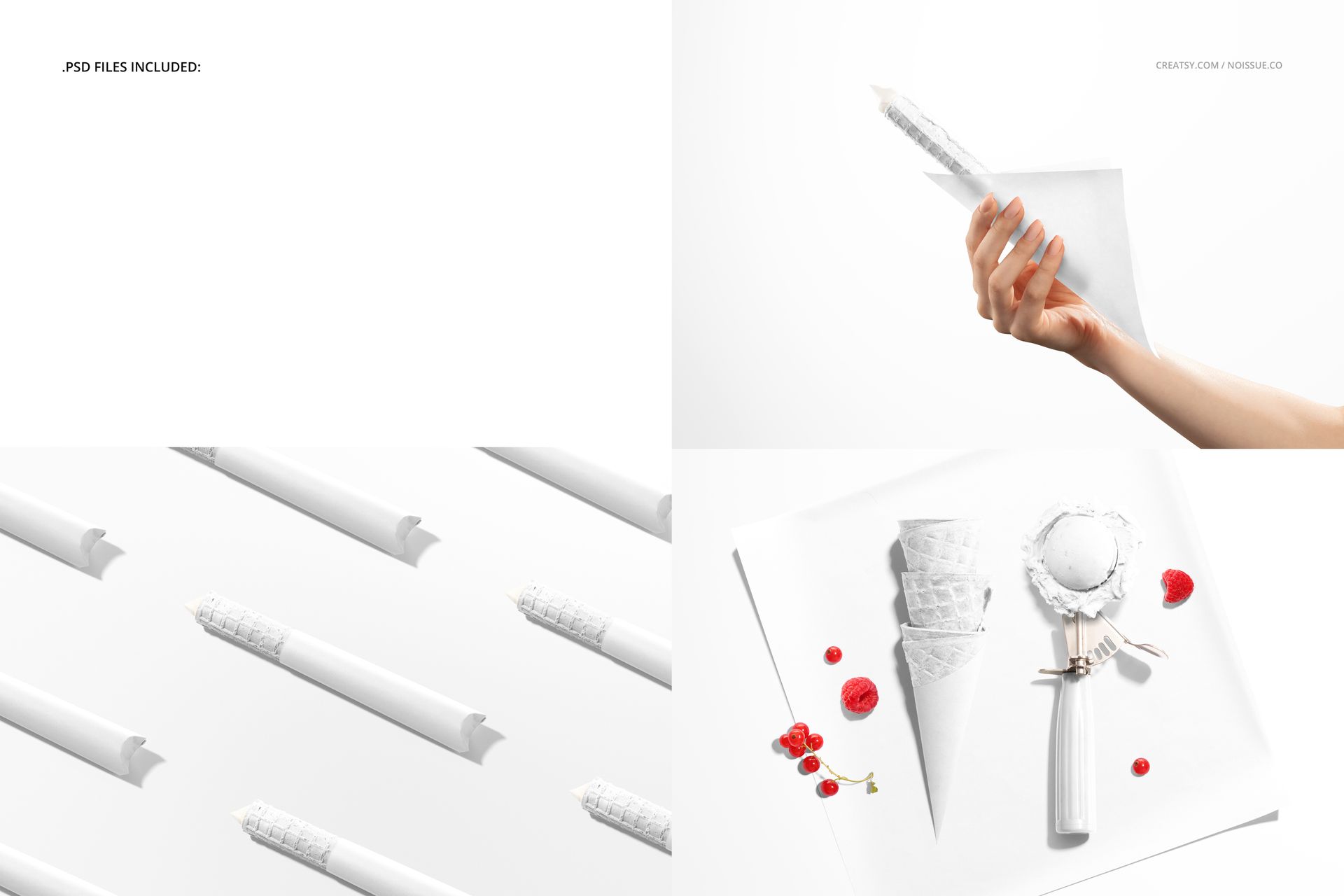
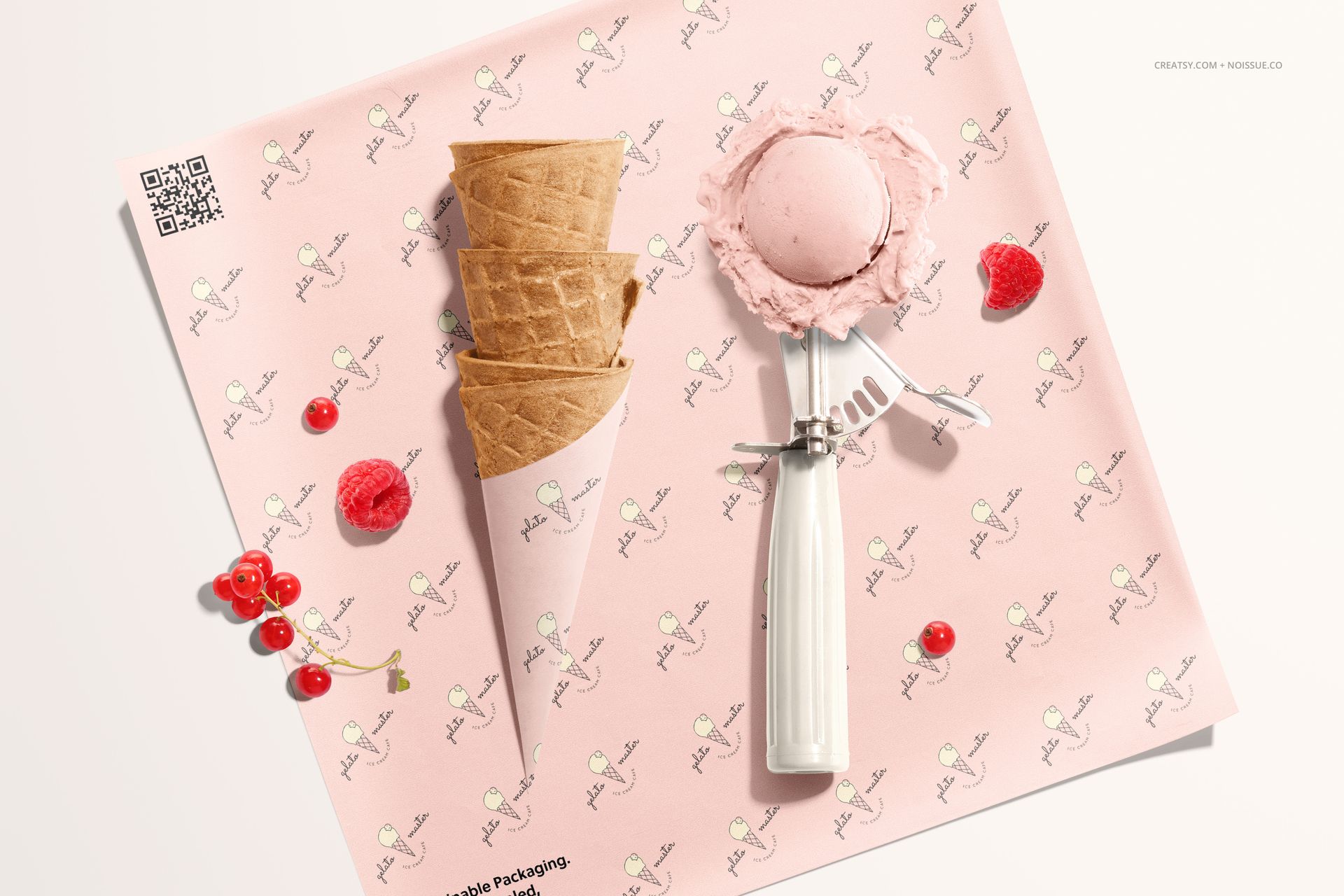
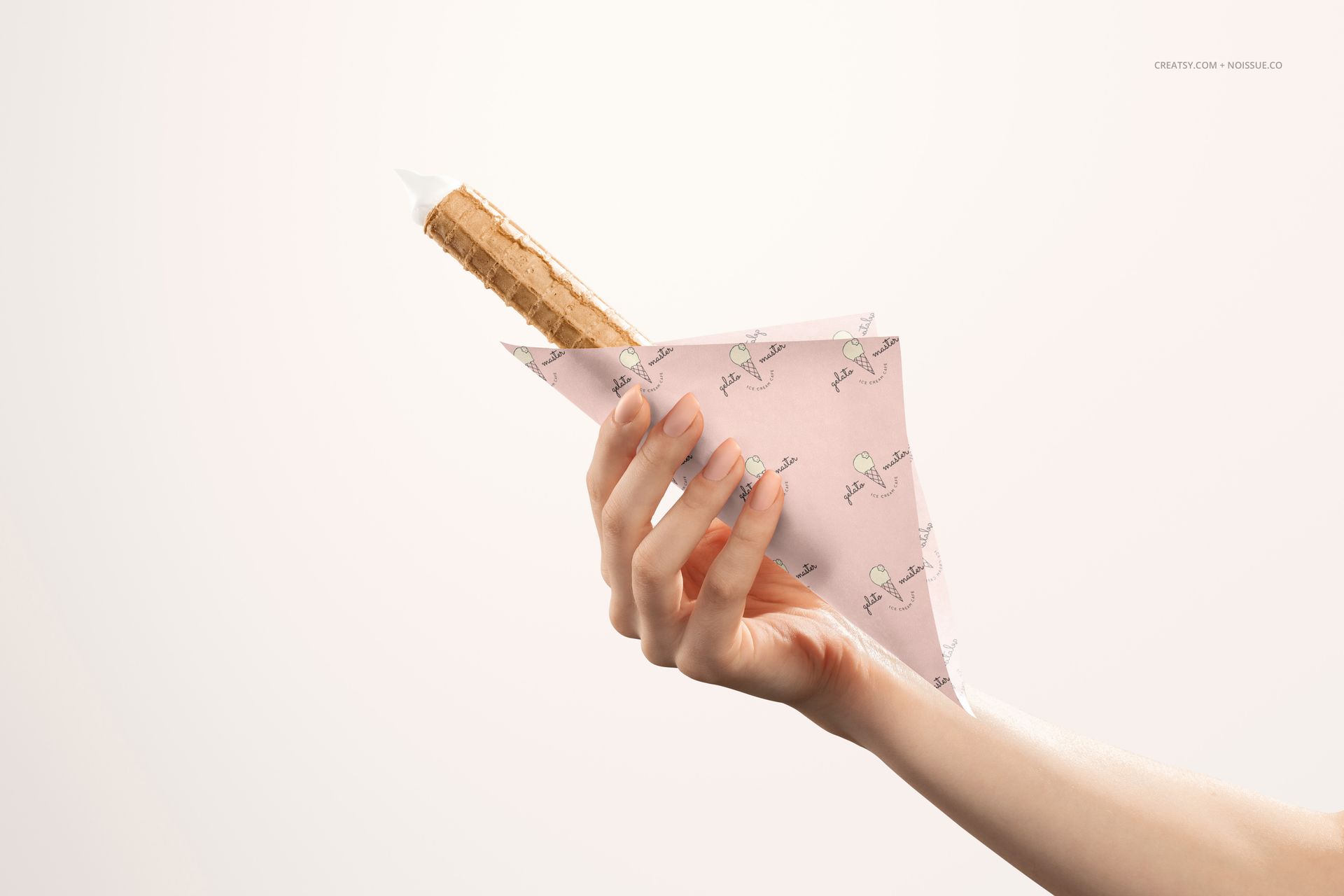
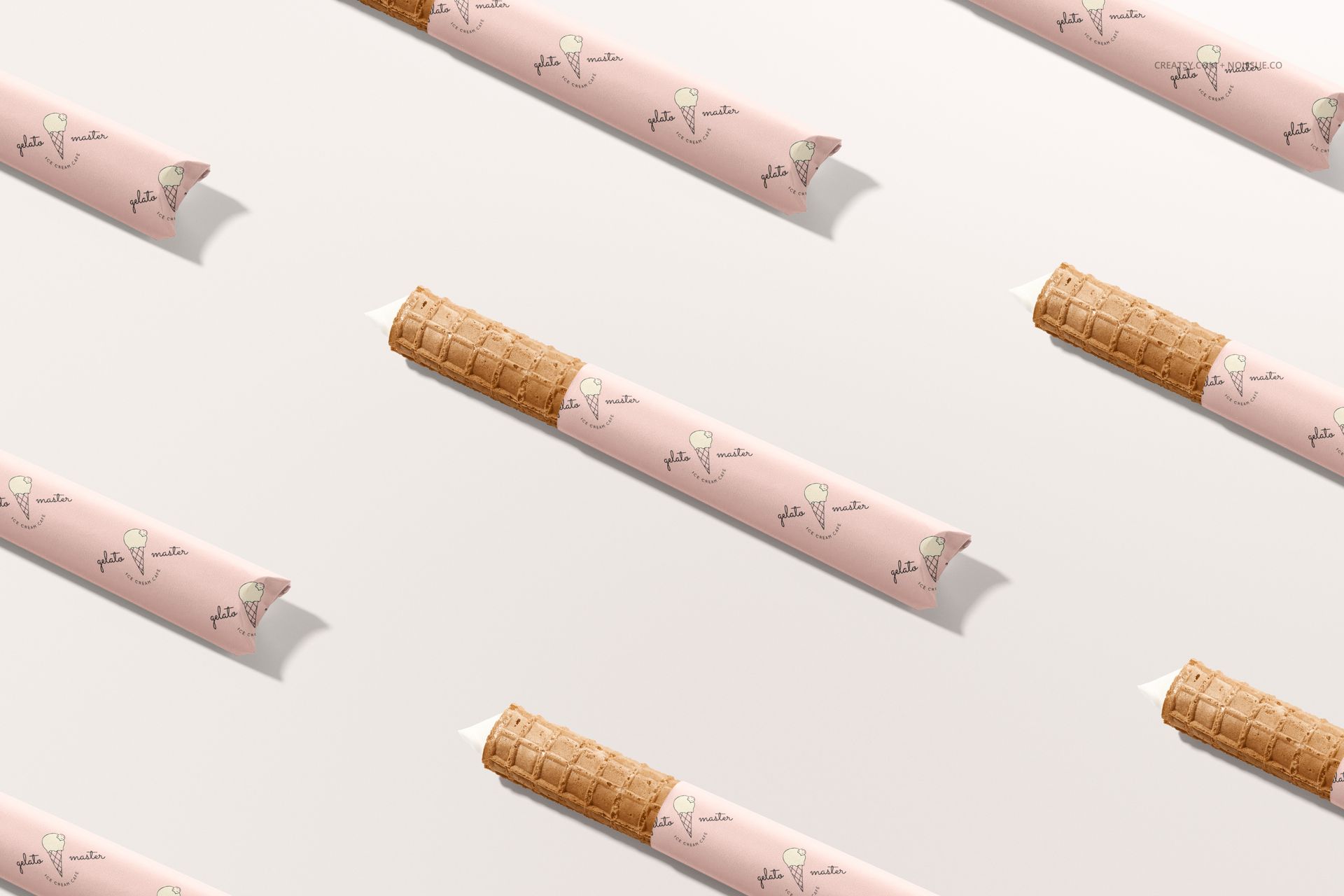
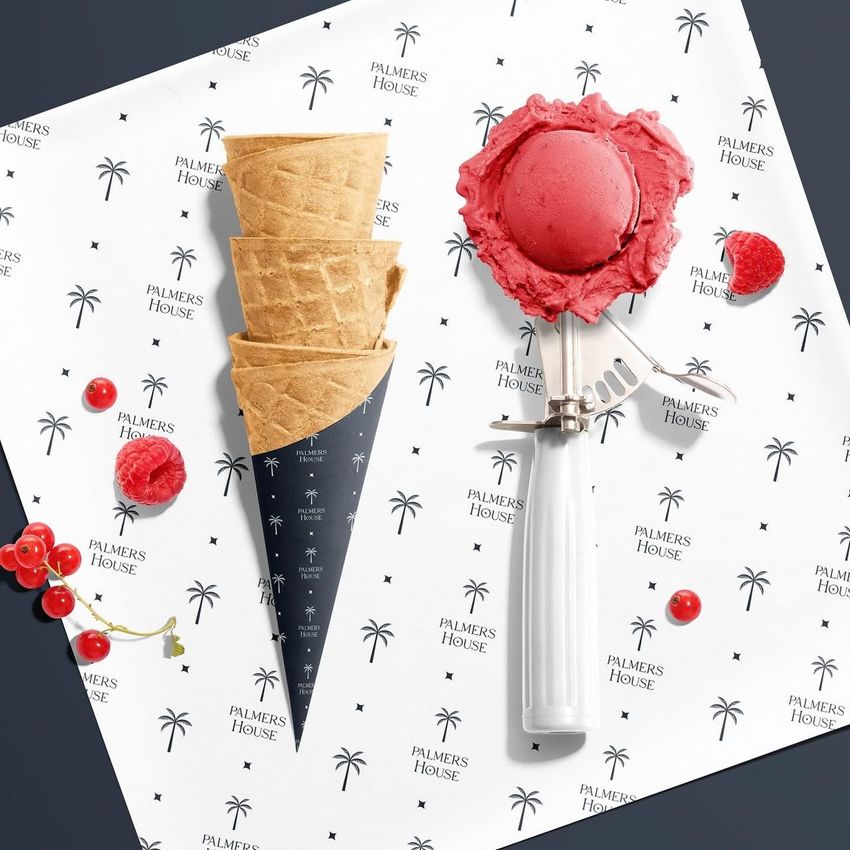
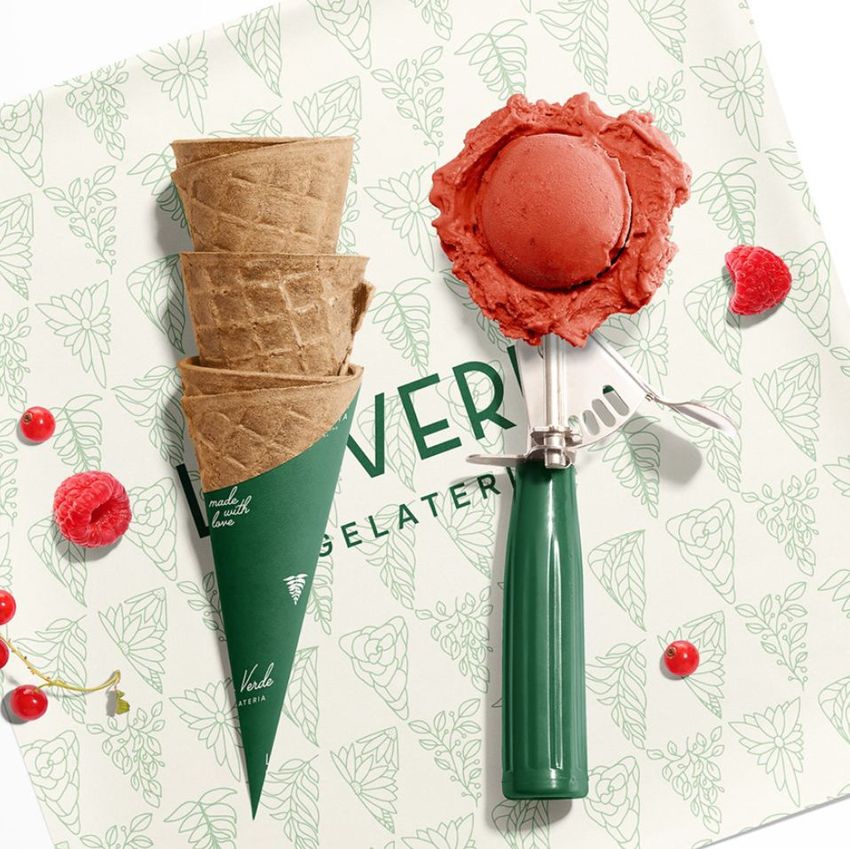
Give gelato branding a place in the serving moment. These three ice cream paper mockup scenes show a hand-held wrapped wafer roll, a repeating arrangement of wrapped rolls, and a top view of stacked cones beside an ice cream scoop. Compare a pattern on a broad paper sheet with its appearance around a narrow wrapper.
What Is Included
3 layered PSD mockup scenes at 6000 × 4000 px and 300 DPI.
3 JPG previews and 1 PDF user manual, 7 files in total.
Paper artwork and color editing through organized layers.
Compatibility with Adobe Photoshop CC2018 or newer and Photopea.
Paper, Cones and a Coordinated Dessert Palette
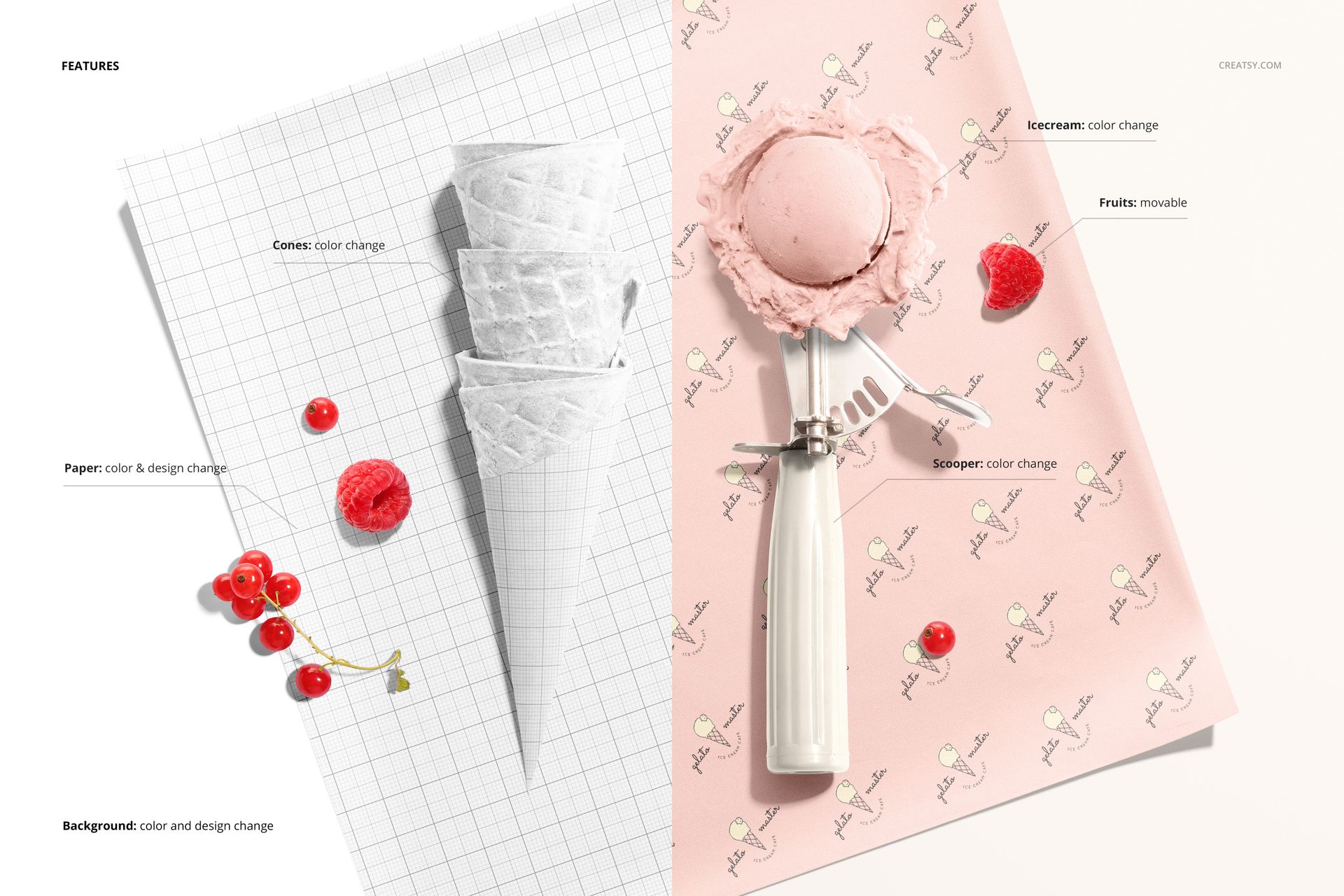
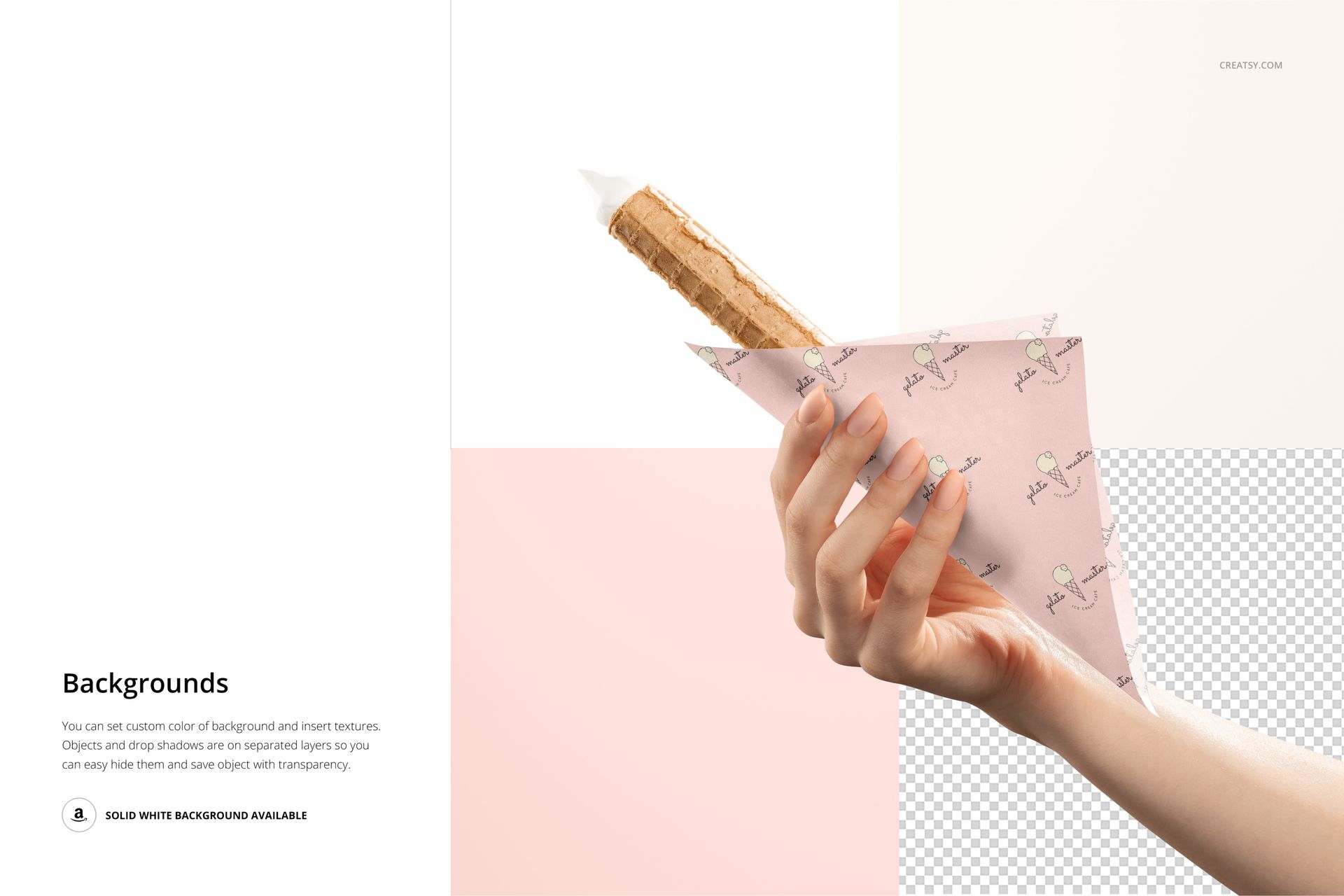
Apply your design to the paper, then adjust the cone, ice cream and scooper colors in the tabletop scene. Movable fruit props help balance the composition. Custom background colors, your own textures and separate object and shadow layers give you options for both styled visuals and transparent-background exports.
Easy Smart Object Editing
Open a PSD, double-click the paper Smart Object and replace the placeholder with your artwork. Save that Smart Object to update the scene, then refine the available color layers. Keep an editable working copy and export the finished preview for your presentation.
Perfect For
Ice cream shops and gelaterias presenting wrapper concepts.
Surface pattern designers testing small repeat motifs.
Dessert branding designers creating coordinated campaign images.
Digital mockup files only. No physical paper or food is supplied. The example artwork and patterns shown in the previews are not included.