Noissue Food Safe Paper Mockup Set (desserts)
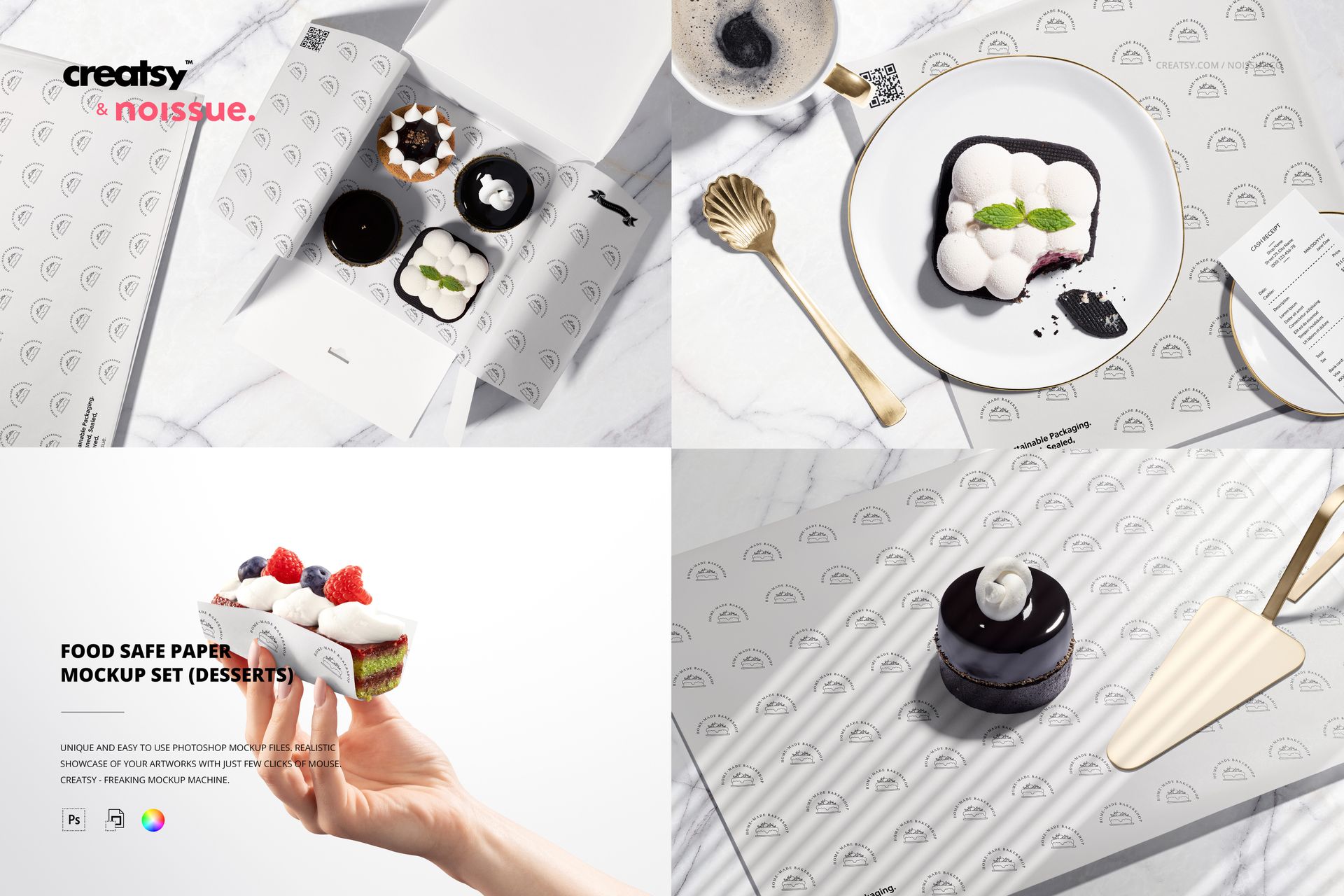
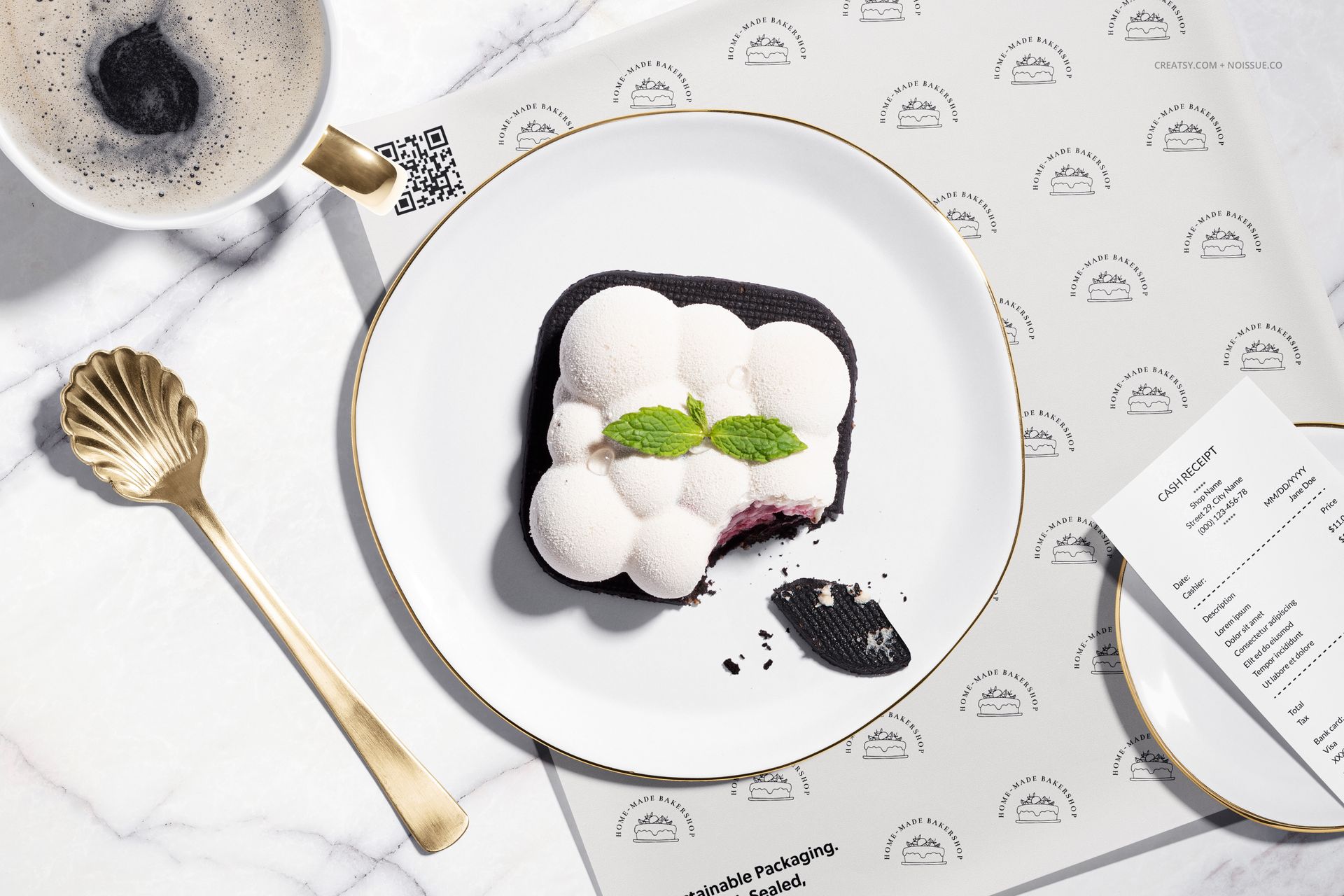
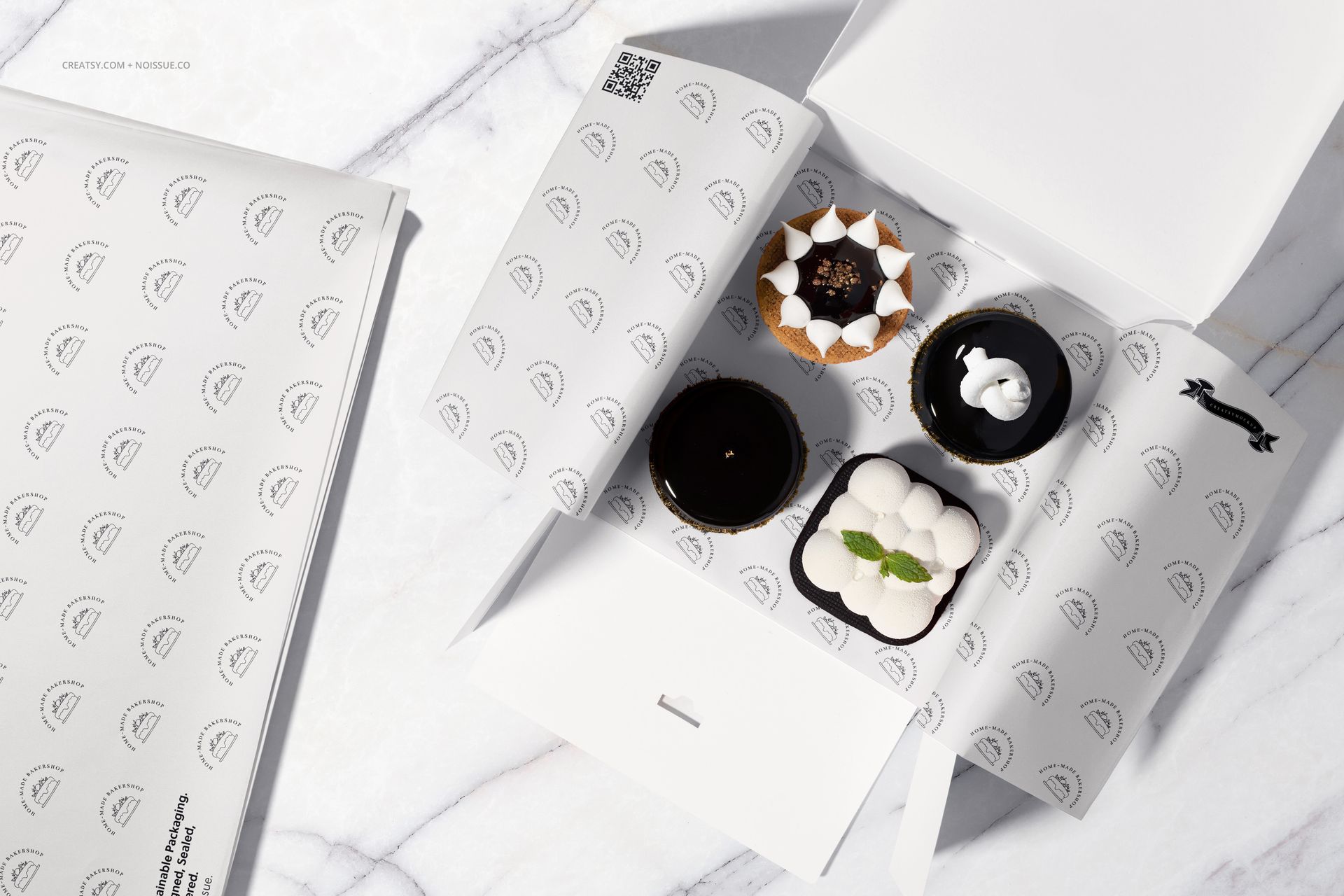
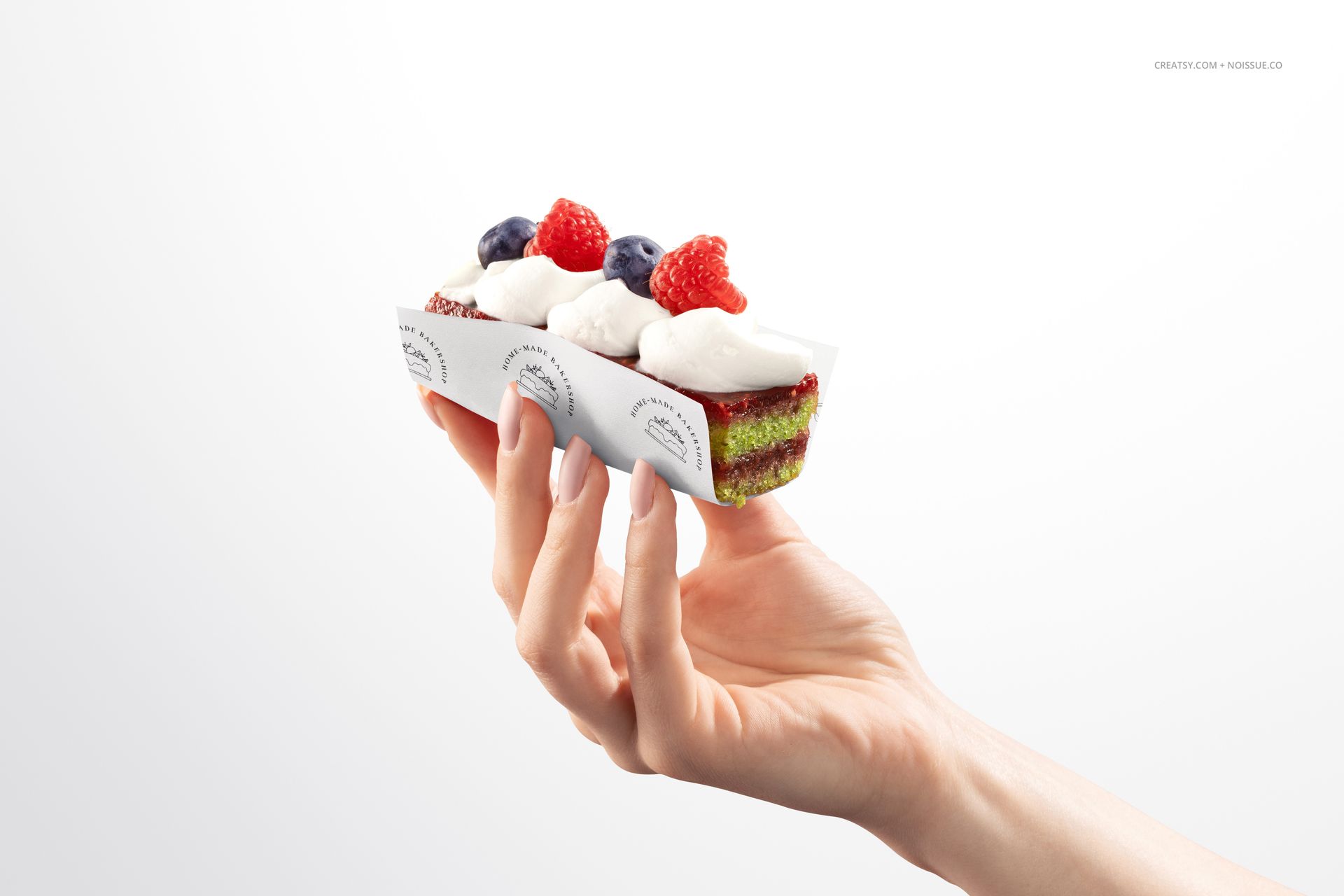
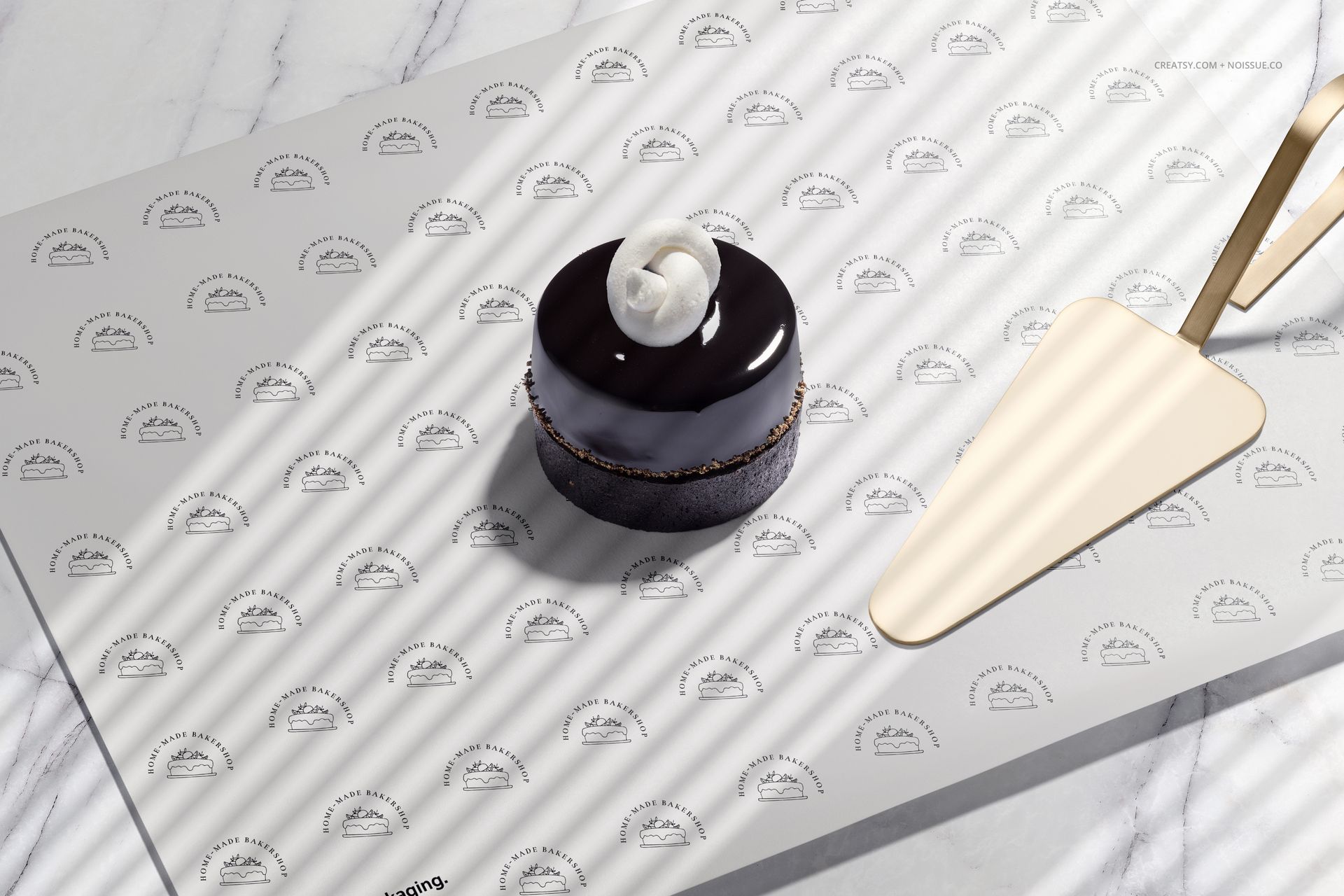
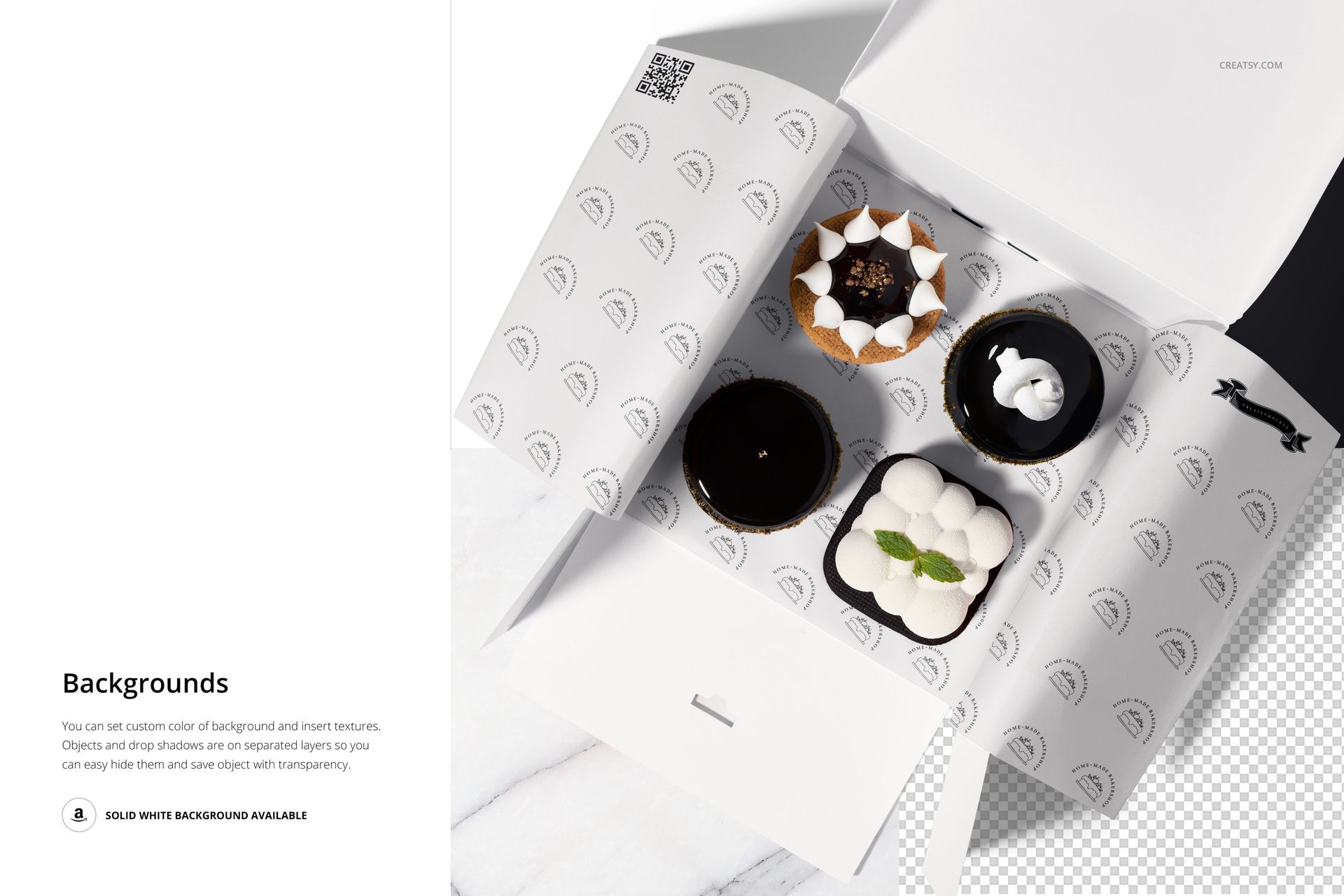
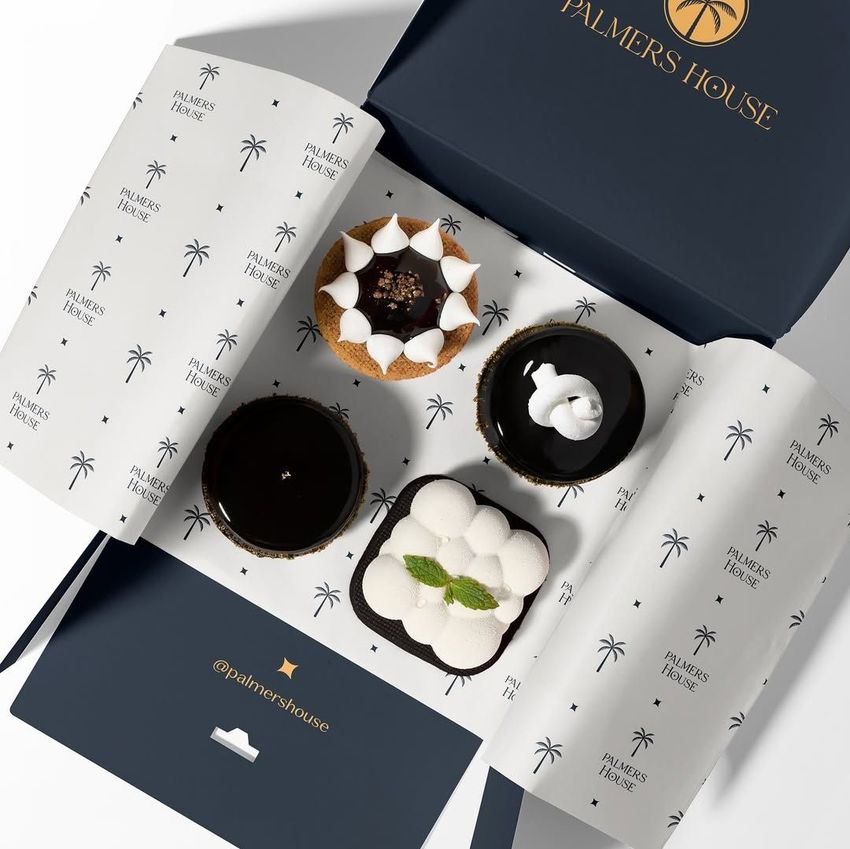
A small cake can reveal a lot about a packaging design. This dessert wrapping paper mockup set shows your artwork around a hand-held slice, inside a takeaway box and beneath plated cakes, so you can judge how a pattern reads when food covers part of the sheet.
Four different serving contexts help you present one patisserie identity as a connected collection, rather than relying on a single flat pattern swatch.
What Is Included
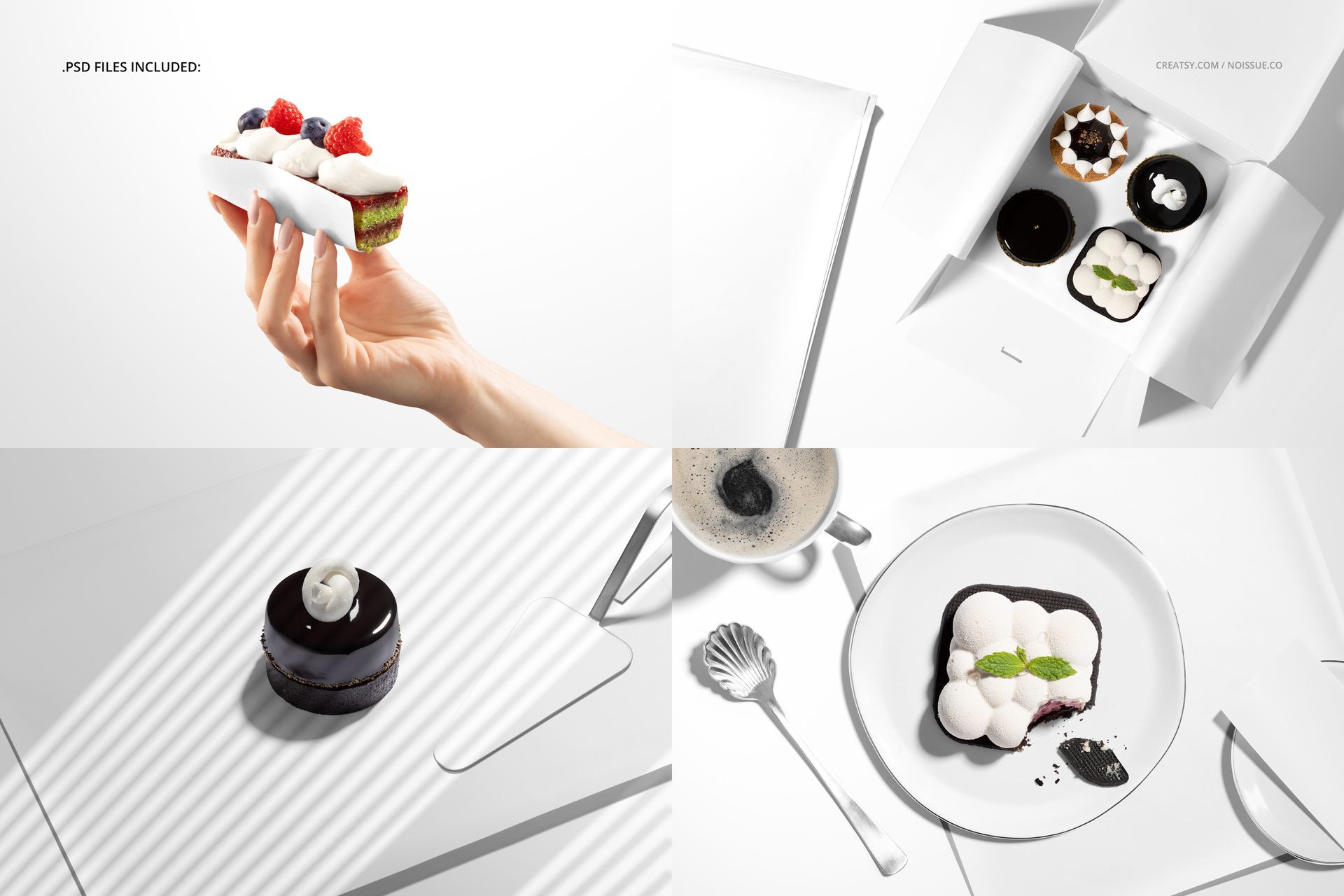
4 layered PSD mockup scenes, each 6000 × 4000 px at 300 DPI.
4 JPG previews and 1 PDF user manual, 9 files in total.
A hand-held cake, a paper-lined dessert box, a glazed cake on paper and a plated dessert with coffee.
From a Cake Wrap to a Dessert Box
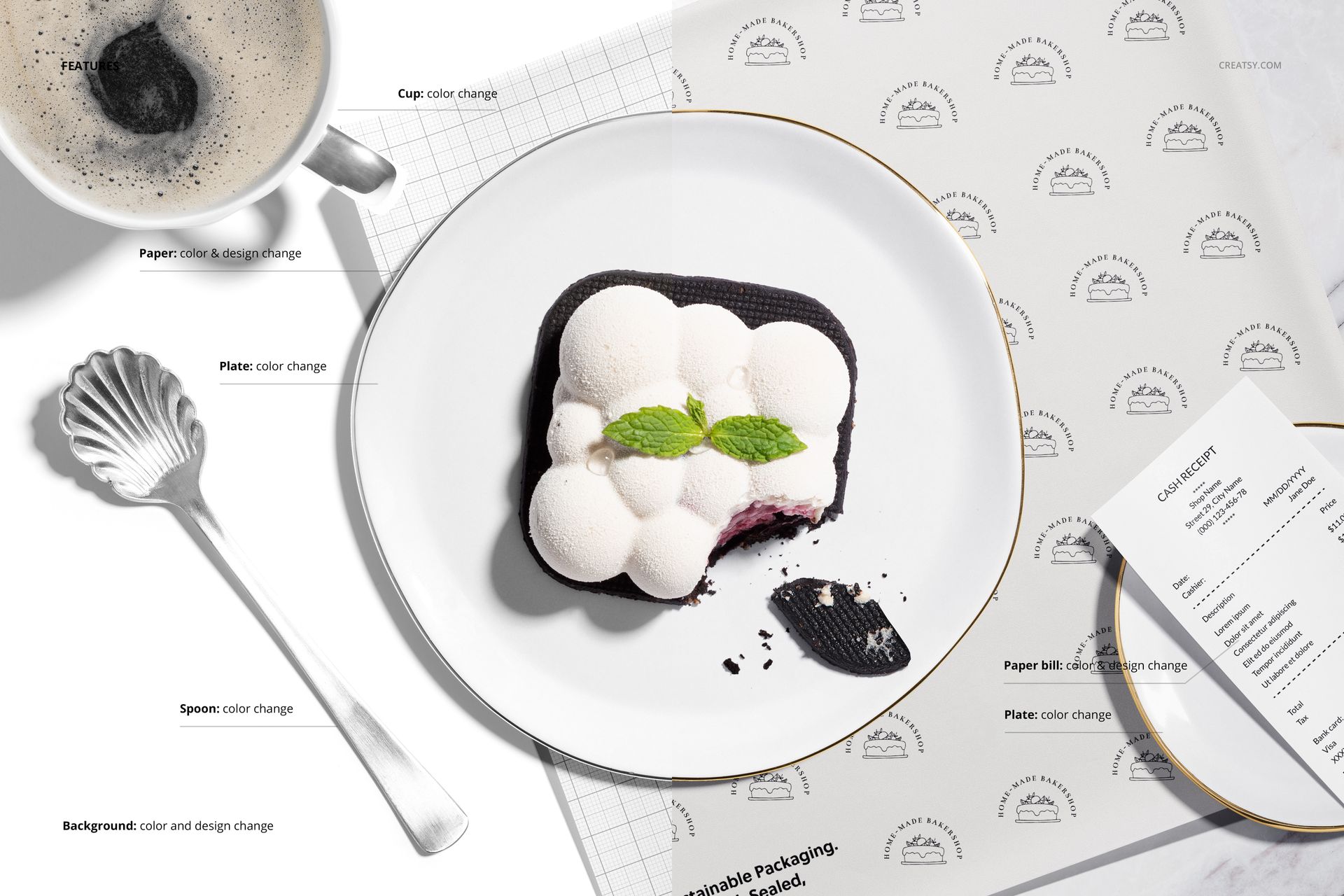
Replace the paper artwork and adjust its color to compare a delicate repeat with a bolder bakery identity. The plated scene also offers cup, plate and spoon color changes, plus color and design editing for the paper bill. Customize the background with a color or texture; separate object and shadow layers support transparent-background presentations.
Easy Smart Object Editing
Open a PSD in Adobe Photoshop CC2018 or newer, or Photopea. Open the paper Smart Object, place your artwork, save it and return to the scene. Use the organized color layers to coordinate the styling, then export your presentation image.
Perfect For
Patisserie branding and dessert packaging proposals.
Surface pattern collections for printed food wrapping paper.
Cafe presentations that connect takeaway packaging with table service.
Digital mockup files only. Physical packaging, food and the sample artwork shown in the previews are not included.