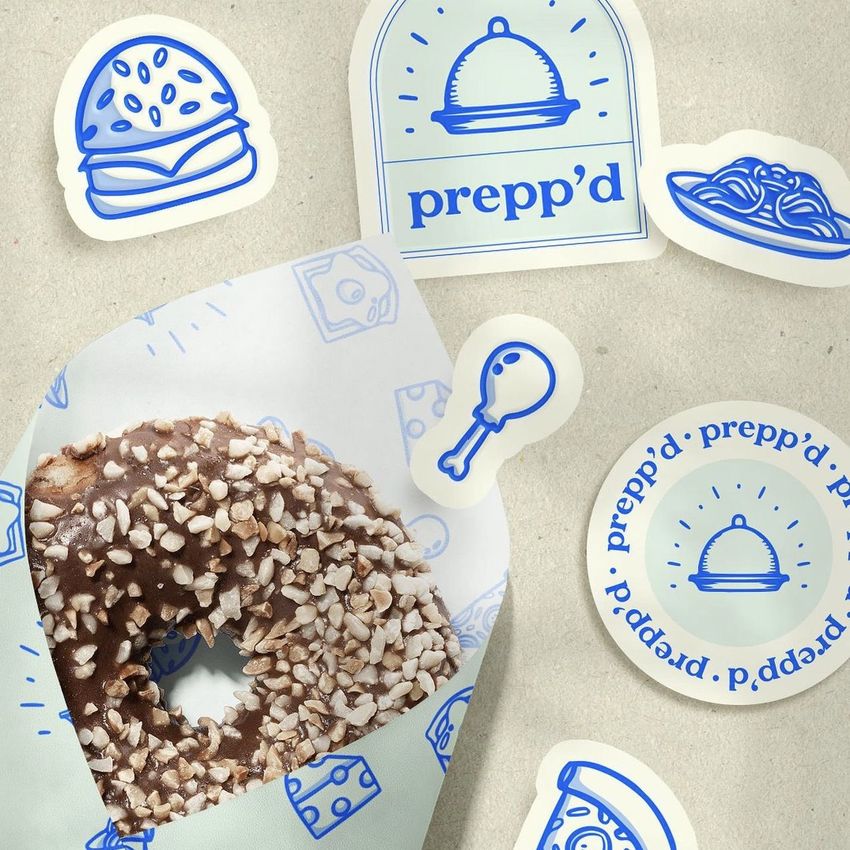
Noissue Food Safe Paper Mockup Set (pastry shop)
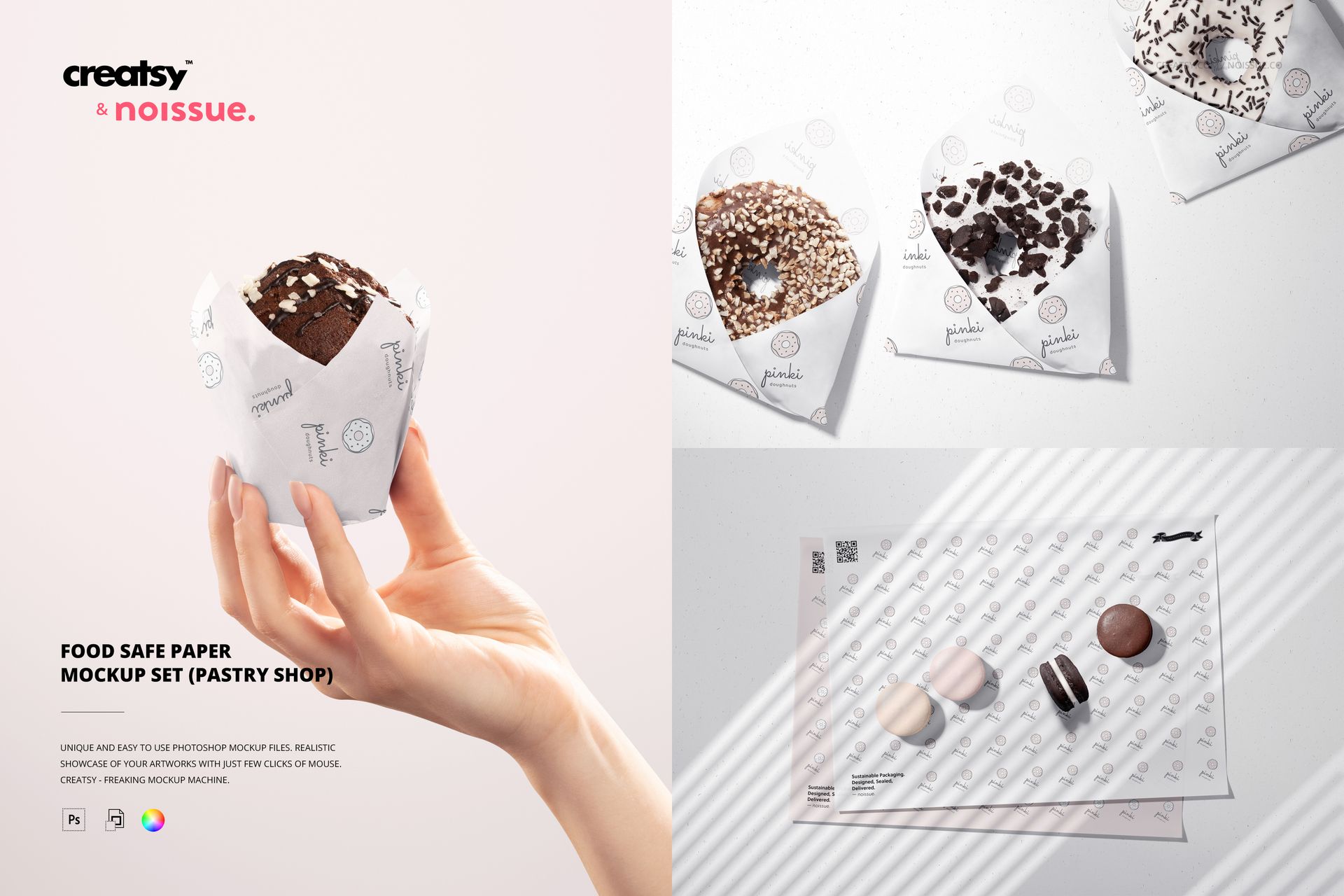
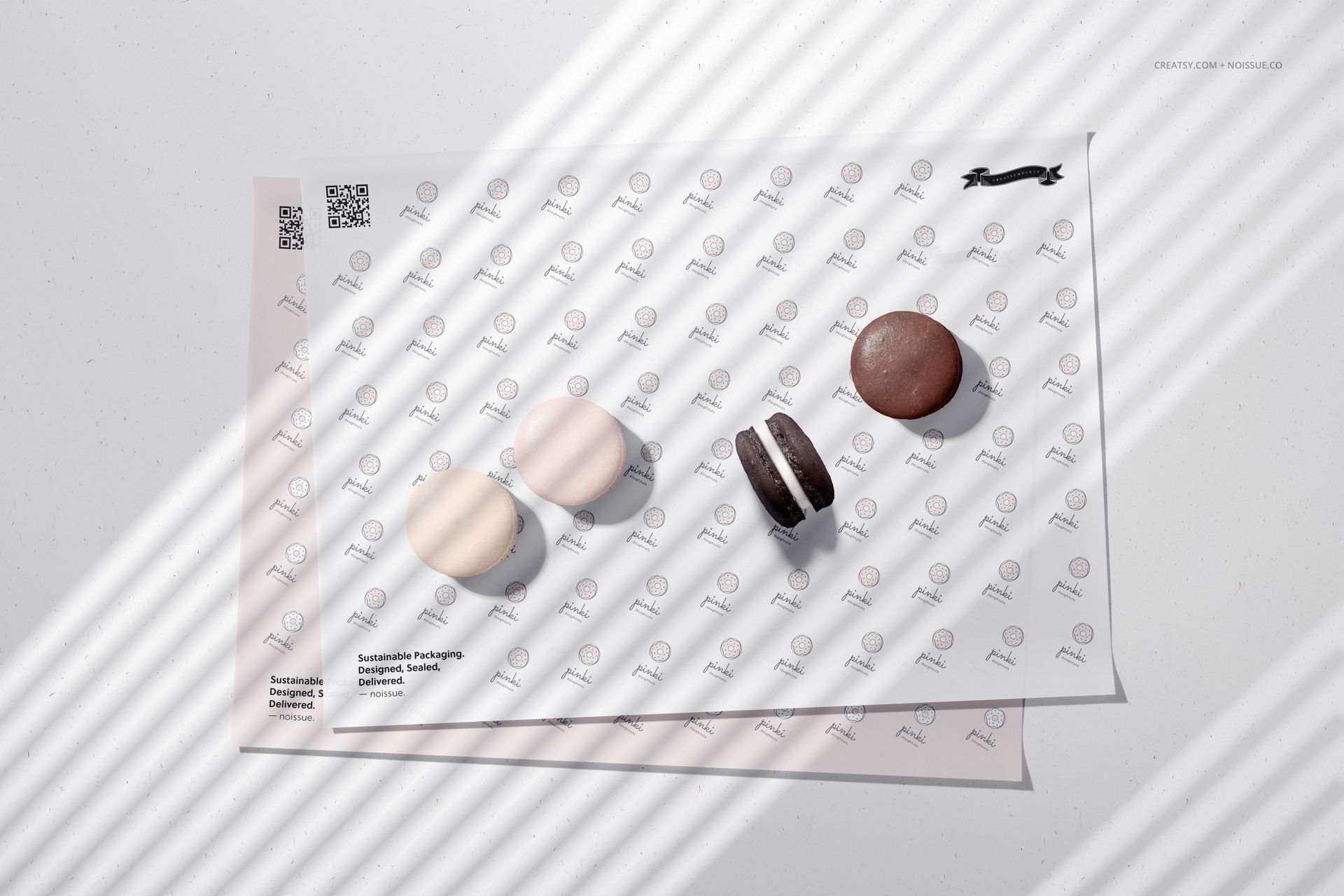
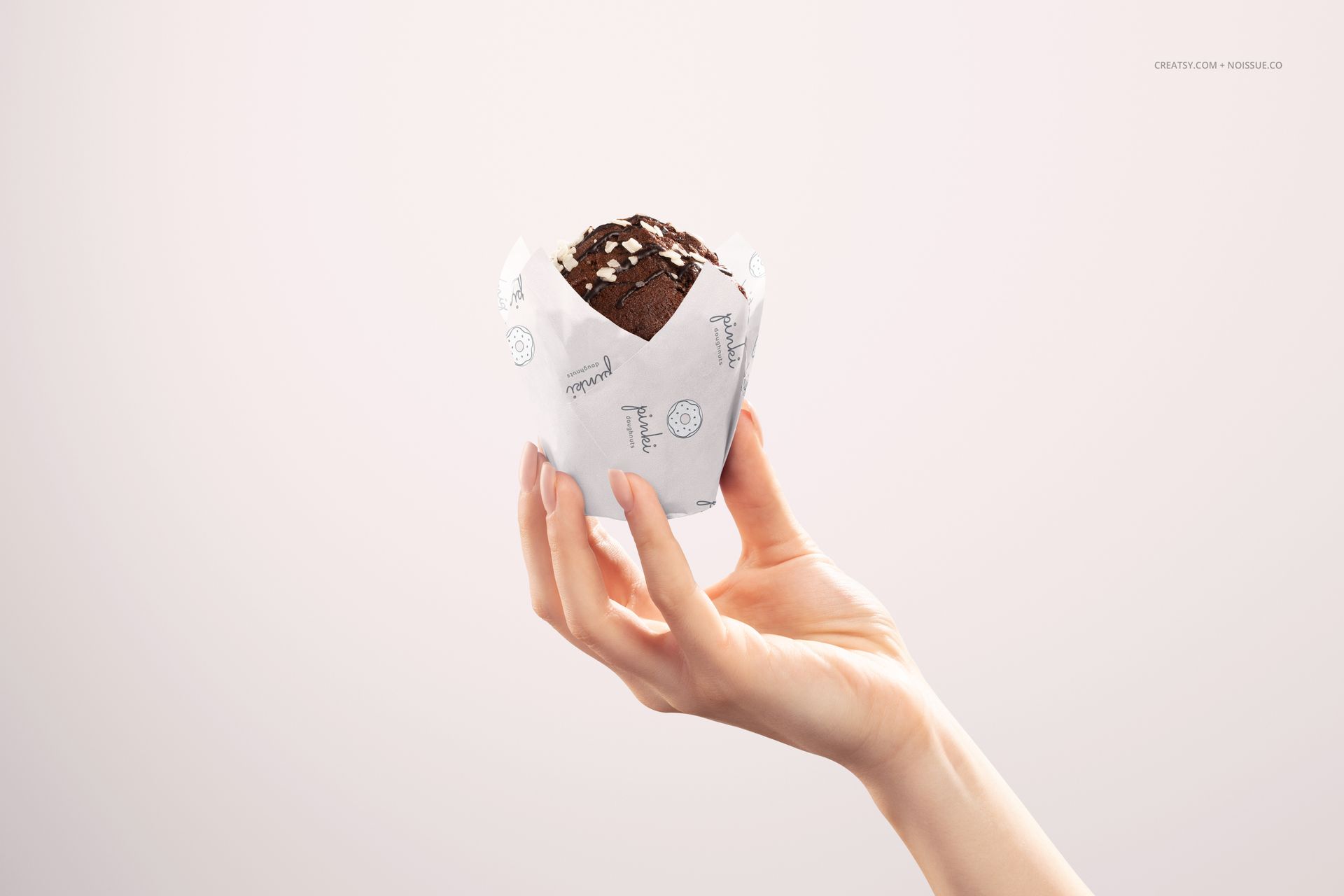
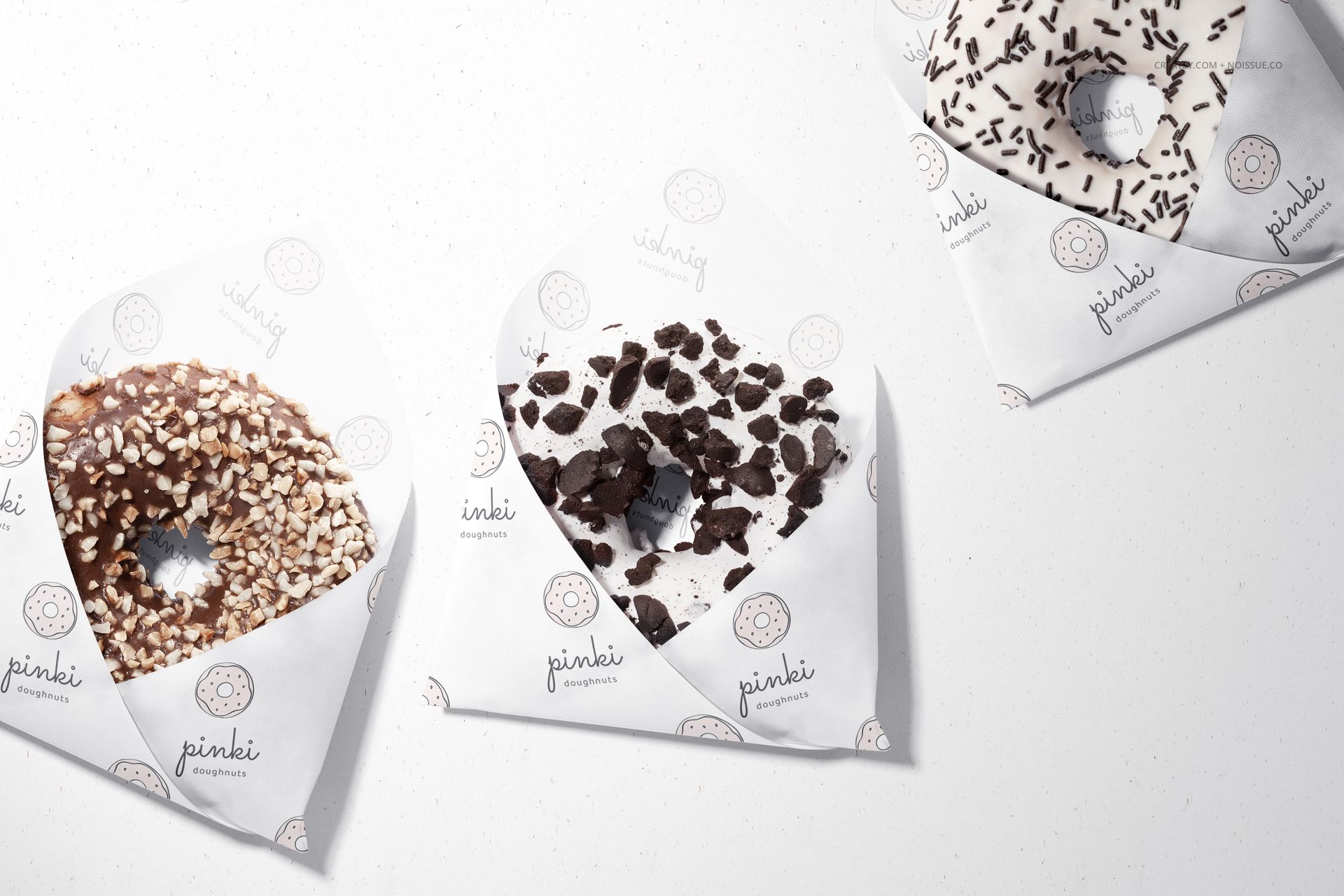
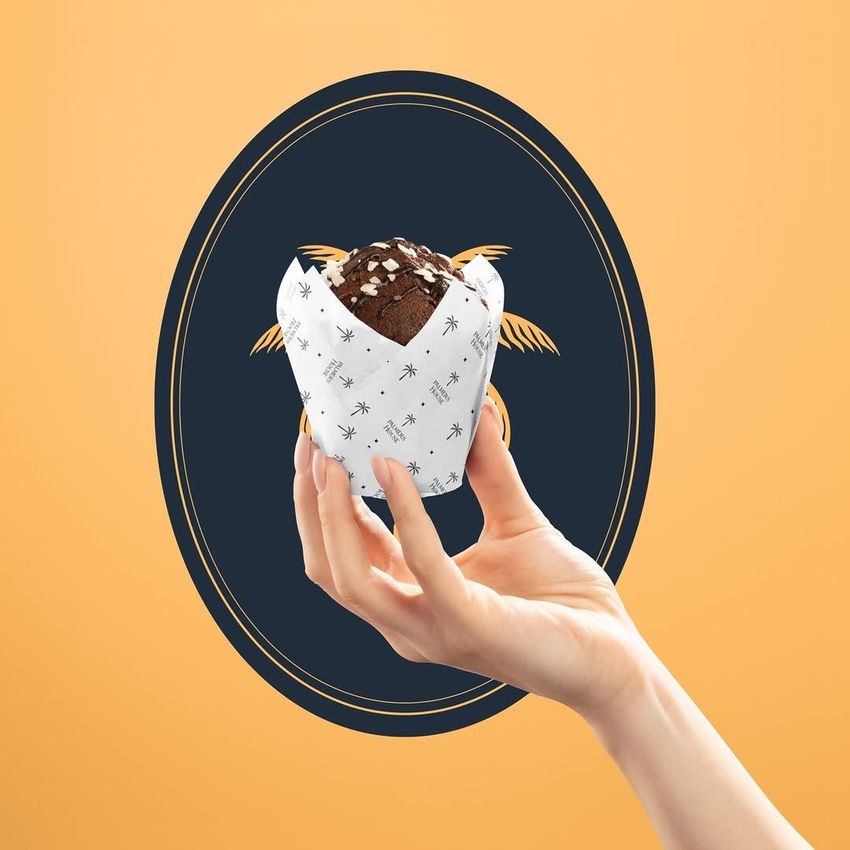
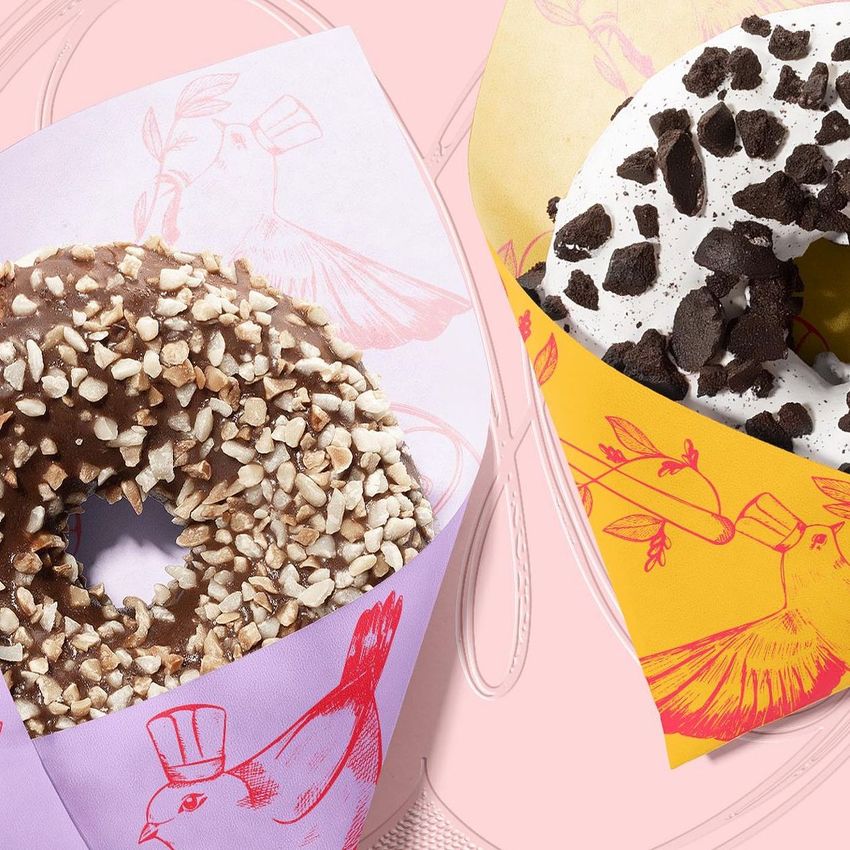
Compare your pastry shop identity on three familiar counter favorites: doughnuts, macarons and a chocolate muffin held in a paper wrap. This pastry shop wrapping paper mockup set moves between an open sheet and folded paper, helping you check a design before presenting the full concept to a client.
The exposed sheets make repeat spacing easy to inspect, while the doughnut and muffin scenes show how much of the pattern remains visible around the food and the hand.
What Is Included
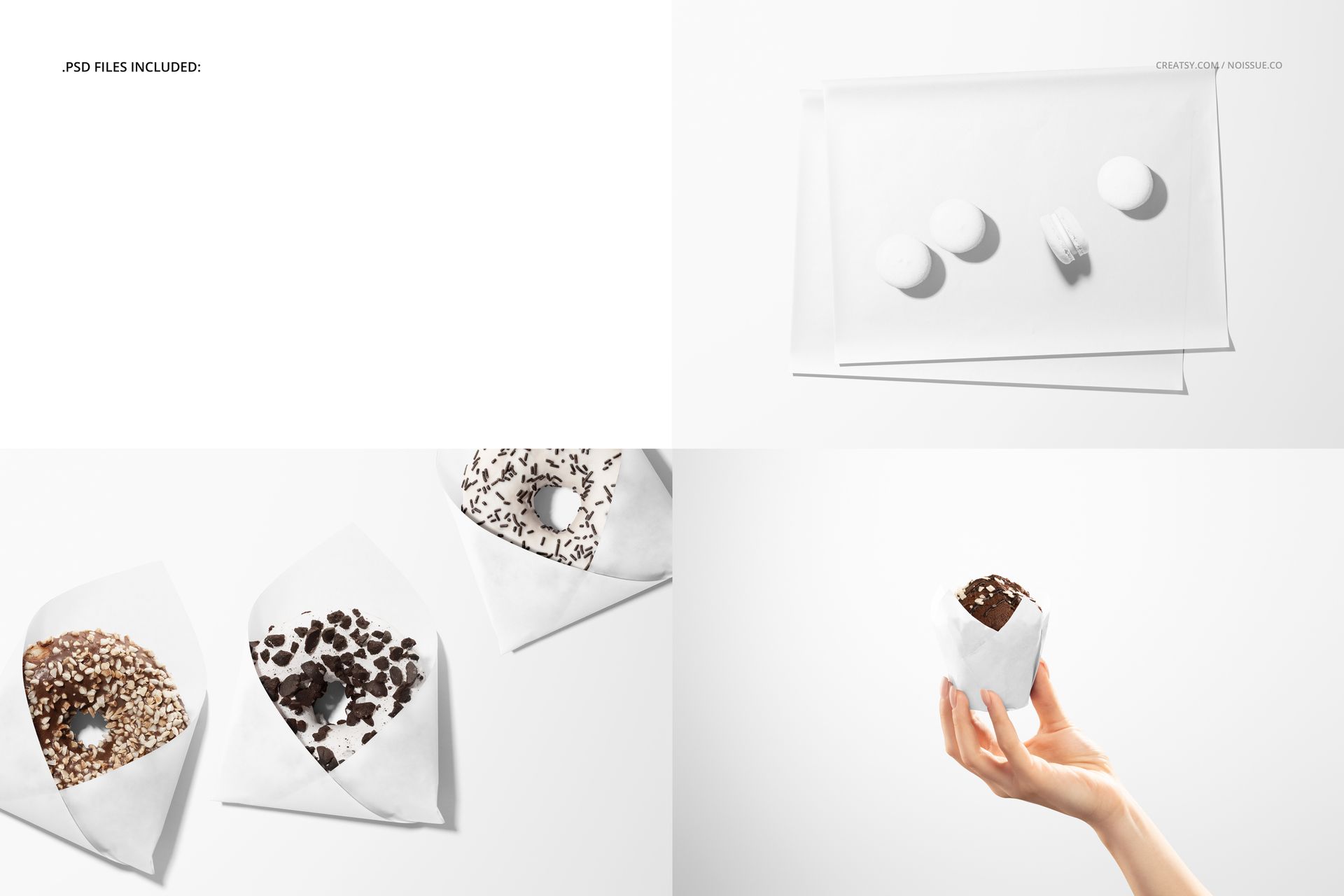
3 layered PSD mockup files, each 6000 × 4000 px at 300 DPI.
3 JPG previews and 1 PDF user manual, 7 files total.
Three scenes: macarons on paper sheets, doughnuts in folded paper and a hand holding a wrapped muffin.
Flat Sheets, Folded Paper and a Hand-Held View
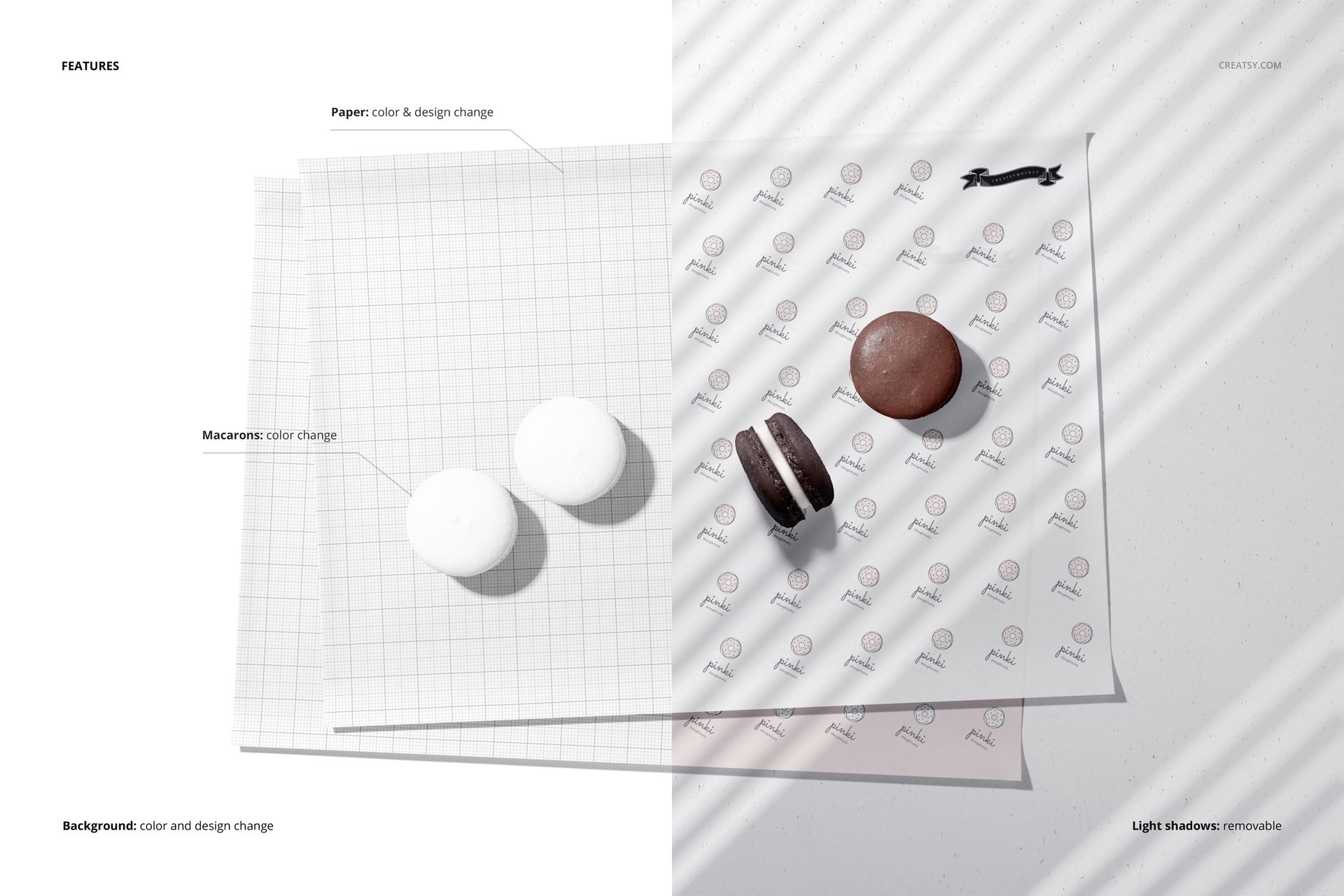
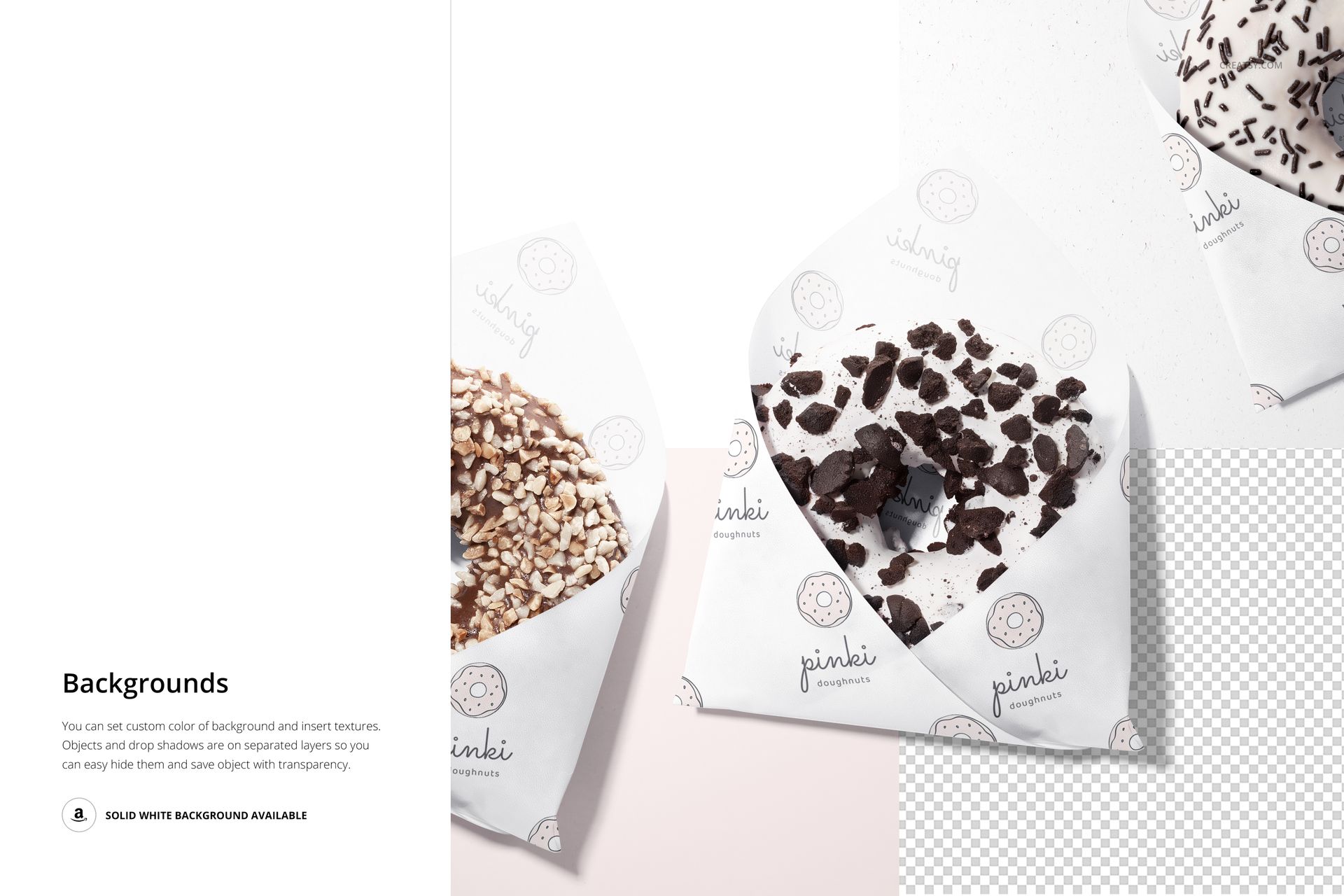
Edit the paper color and design across three different presentations. The macaron scene also lets you change the macaron colors, making it useful for matching a packaging palette to a flavor range. Background color and texture can be customized, with separate object and shadow layers for transparent-background exports.
Easy Smart Object Editing
Use Adobe Photoshop CC2018 or newer, or Photopea. Open the paper Smart Object, insert your logo or repeat pattern, save it and return to the main PSD. Adjust the available color layers and export the finished scene for your presentation.
Perfect For
Doughnut shops, patisseries and cafe branding proposals.
Printed food paper patterns and illustrated bakery collections.
Packaging portfolios that need both tabletop and hand-held context.
Digital product only. The food, physical packaging and example artwork shown in the previews are not included.