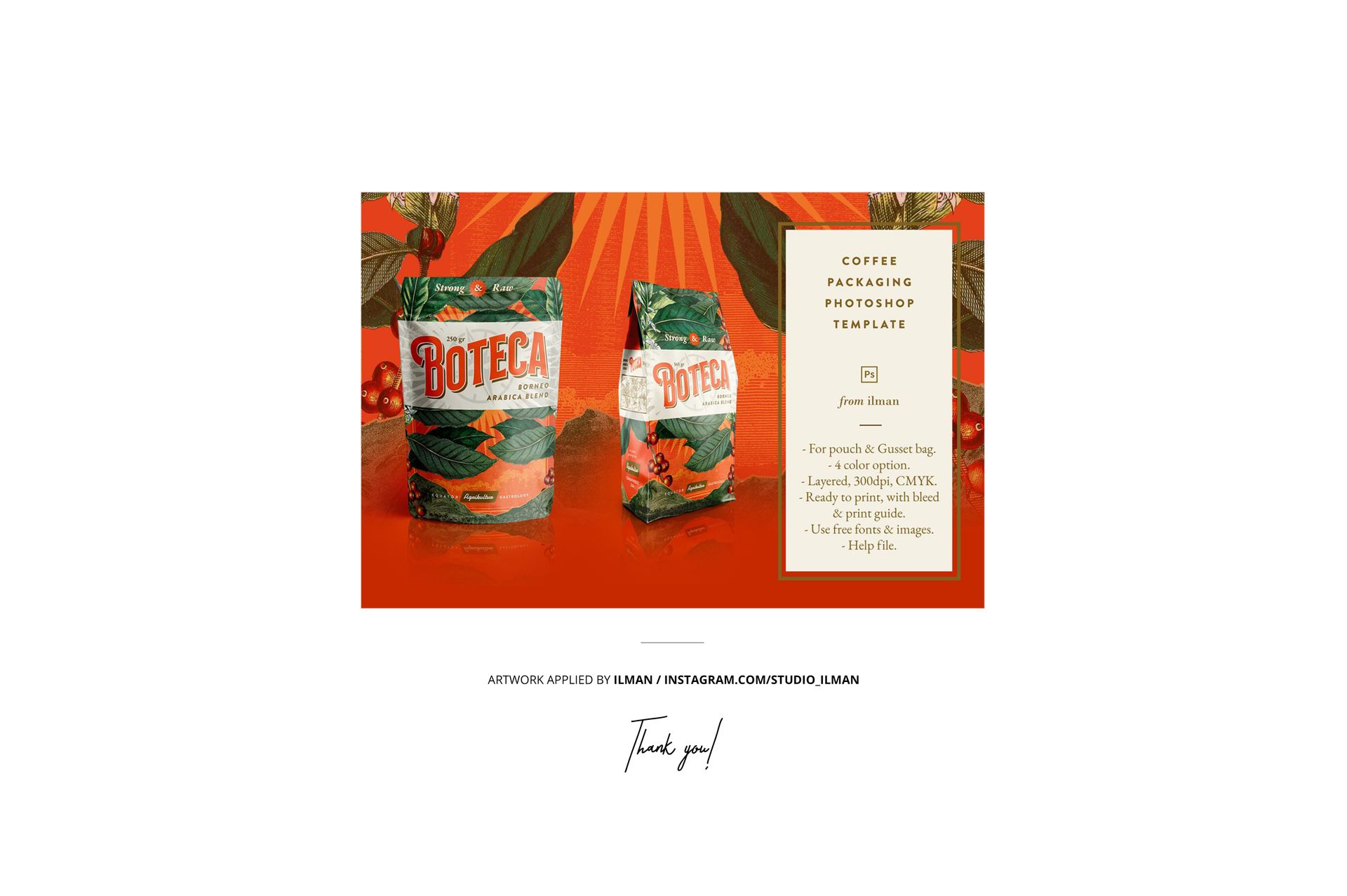
Plain-Top Resealable Stand-Up Pouch Mockup Set
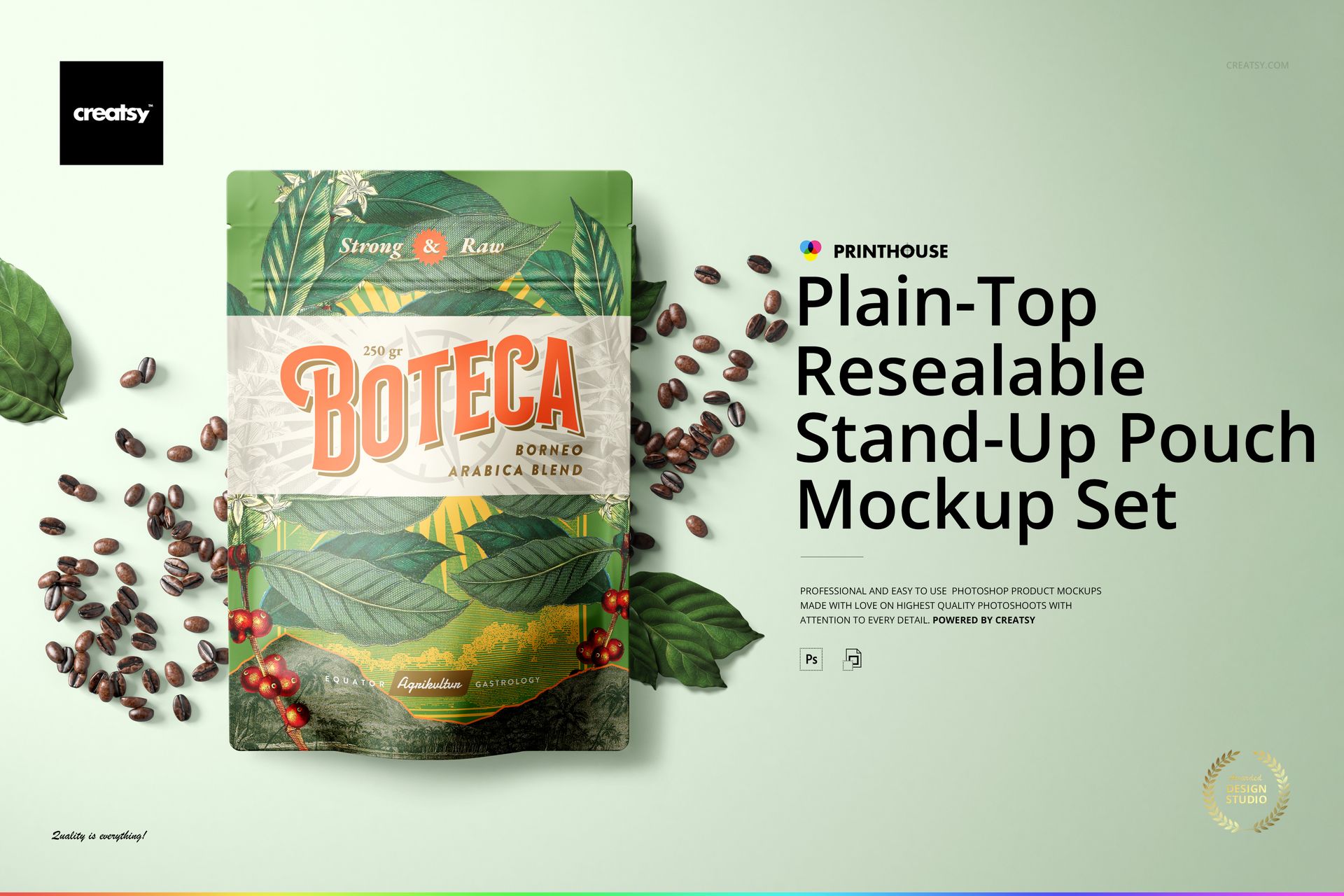
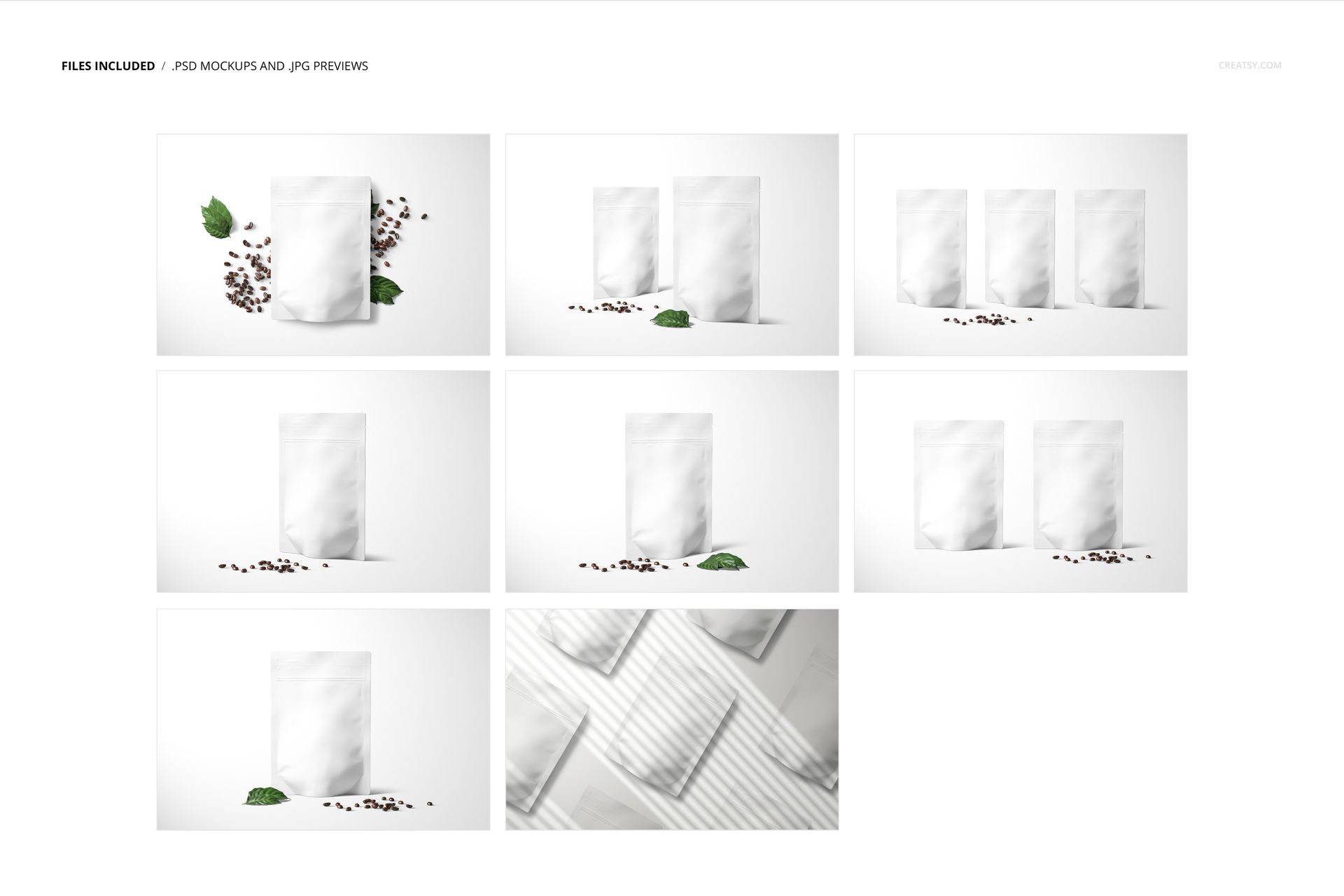
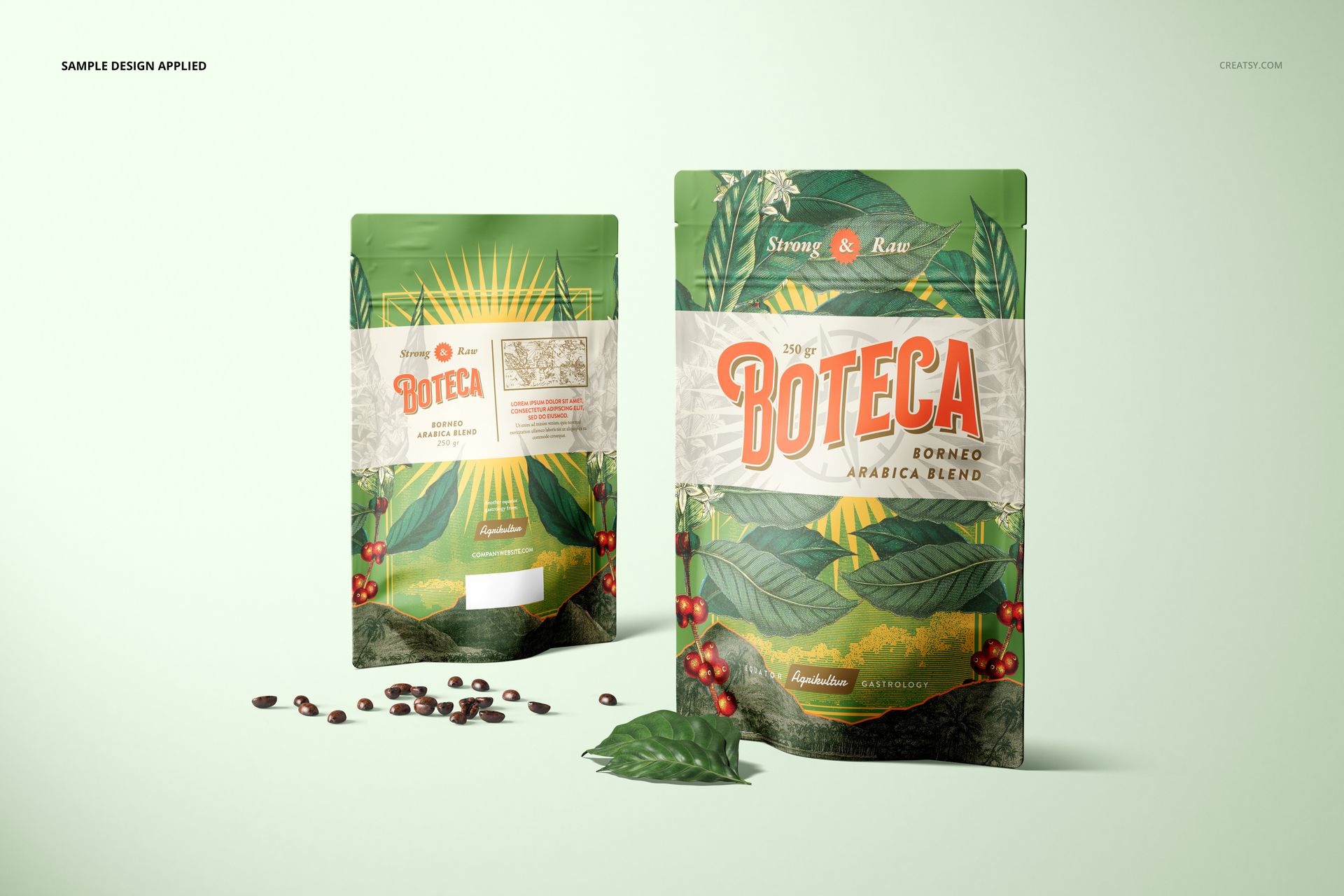
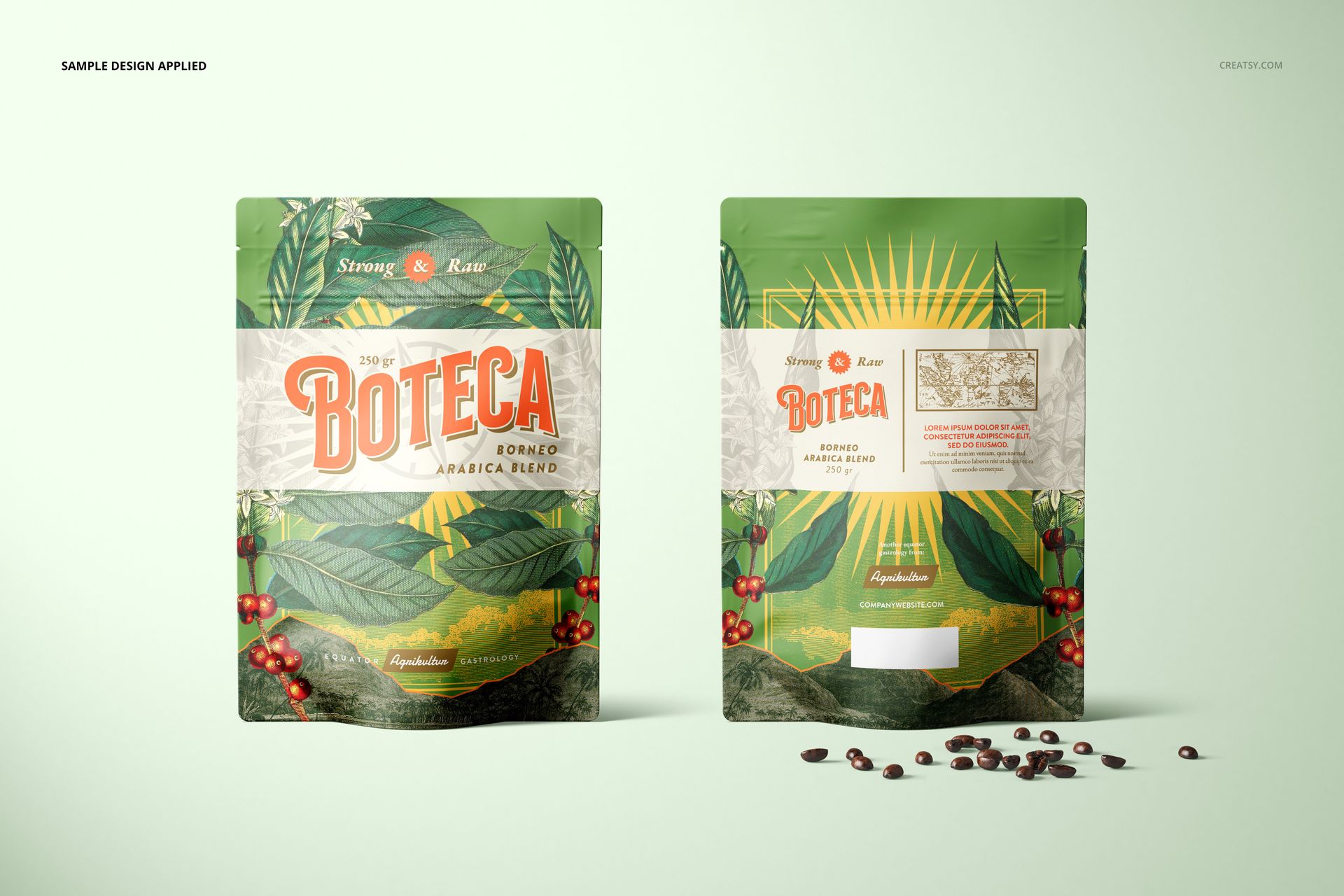
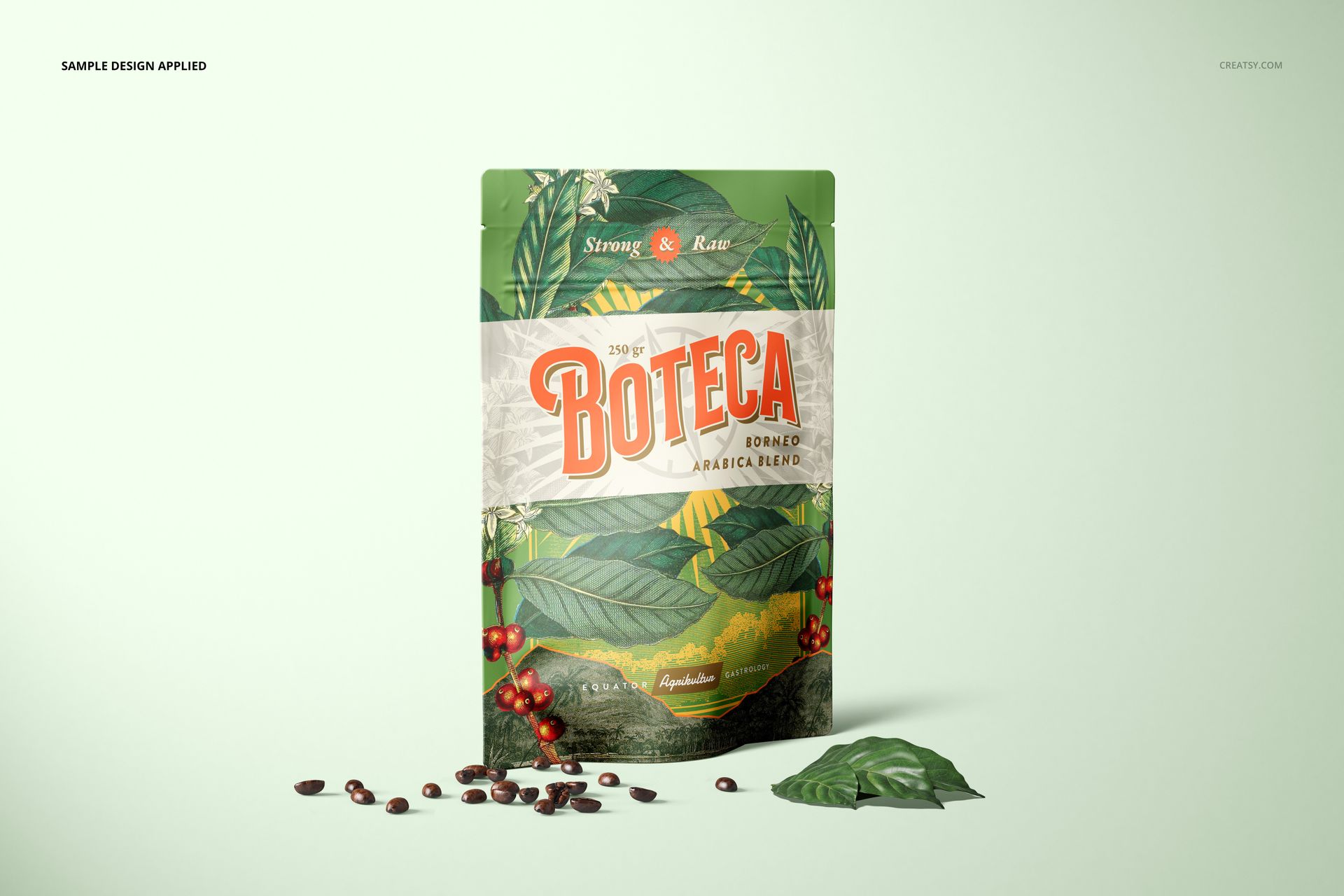
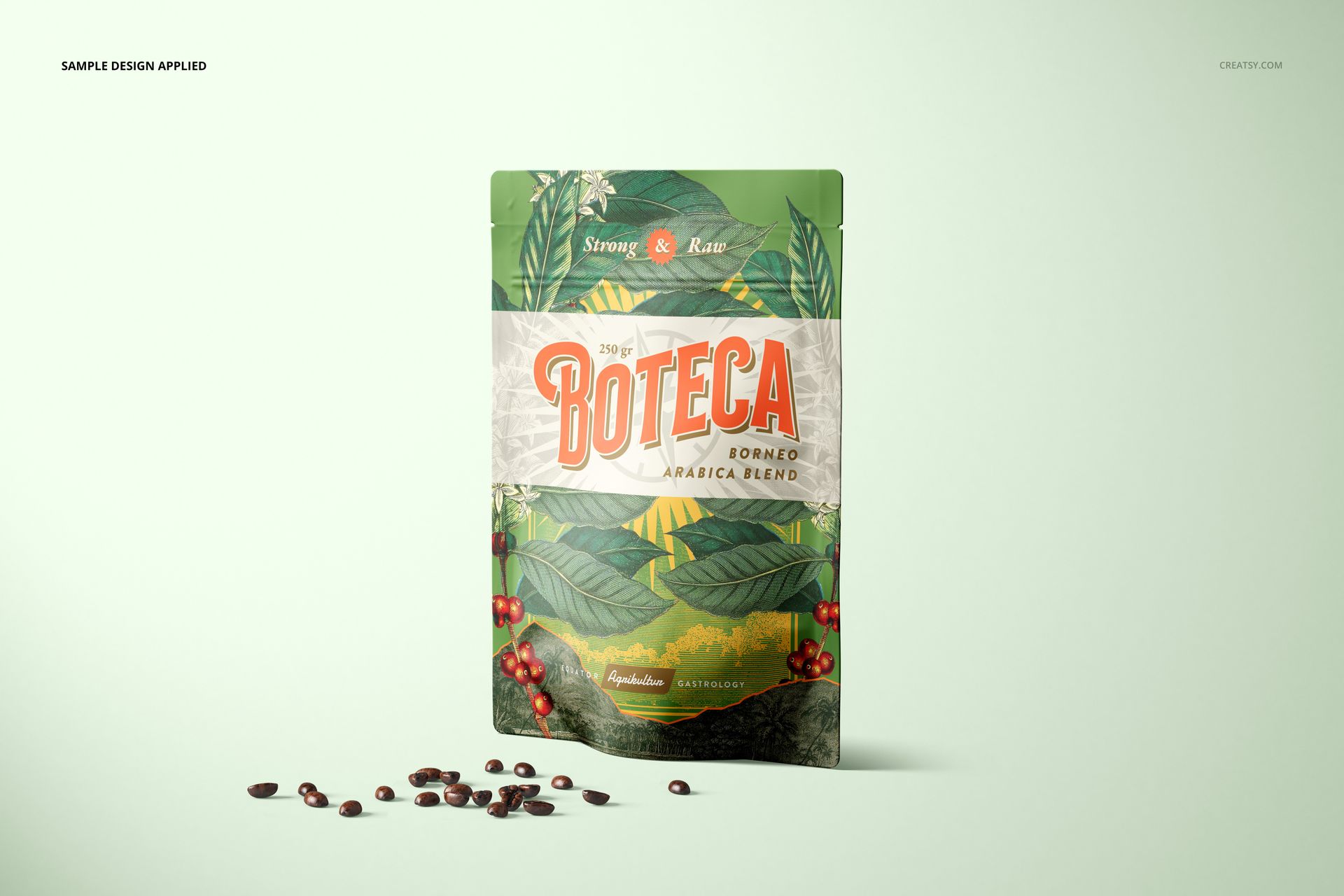
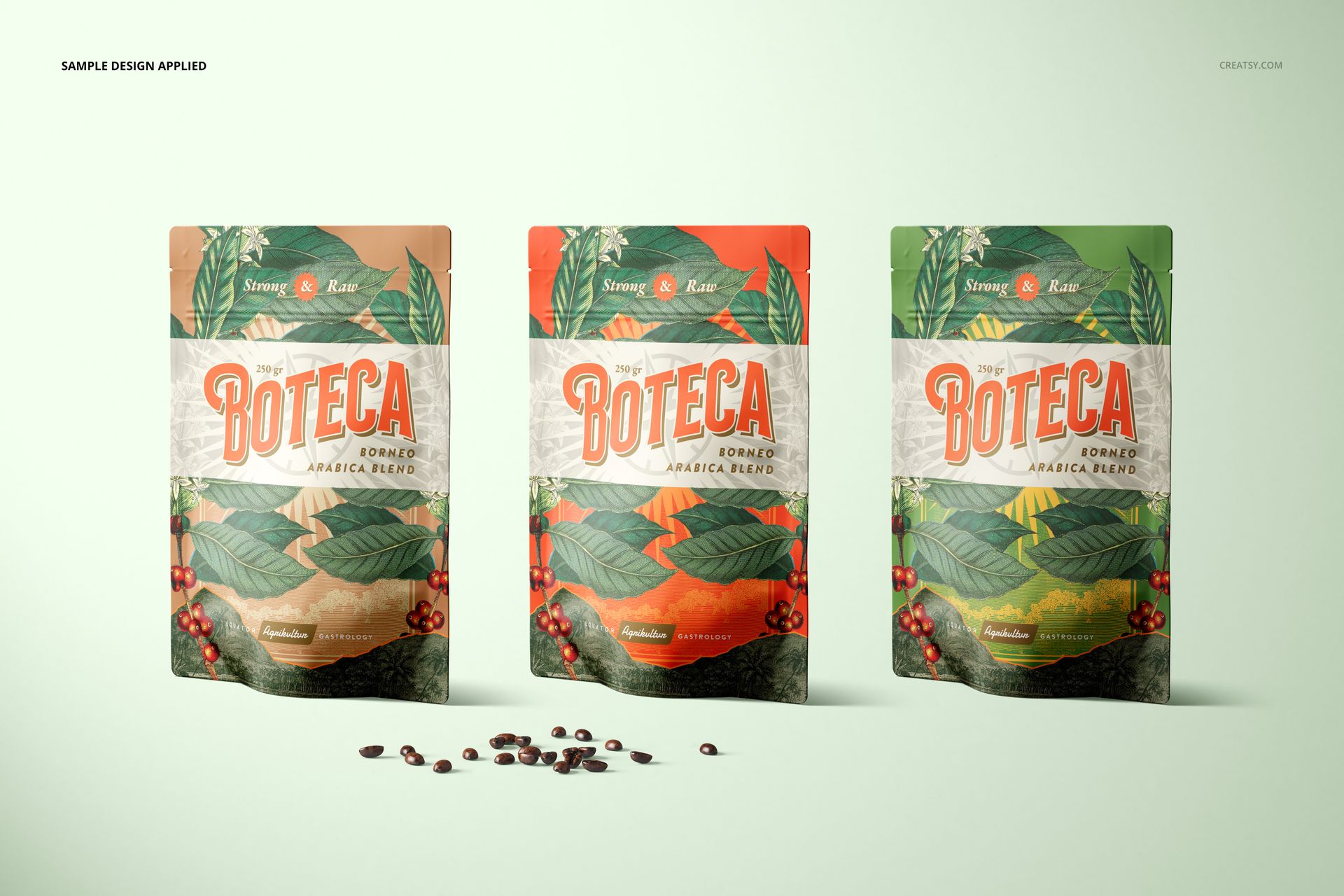
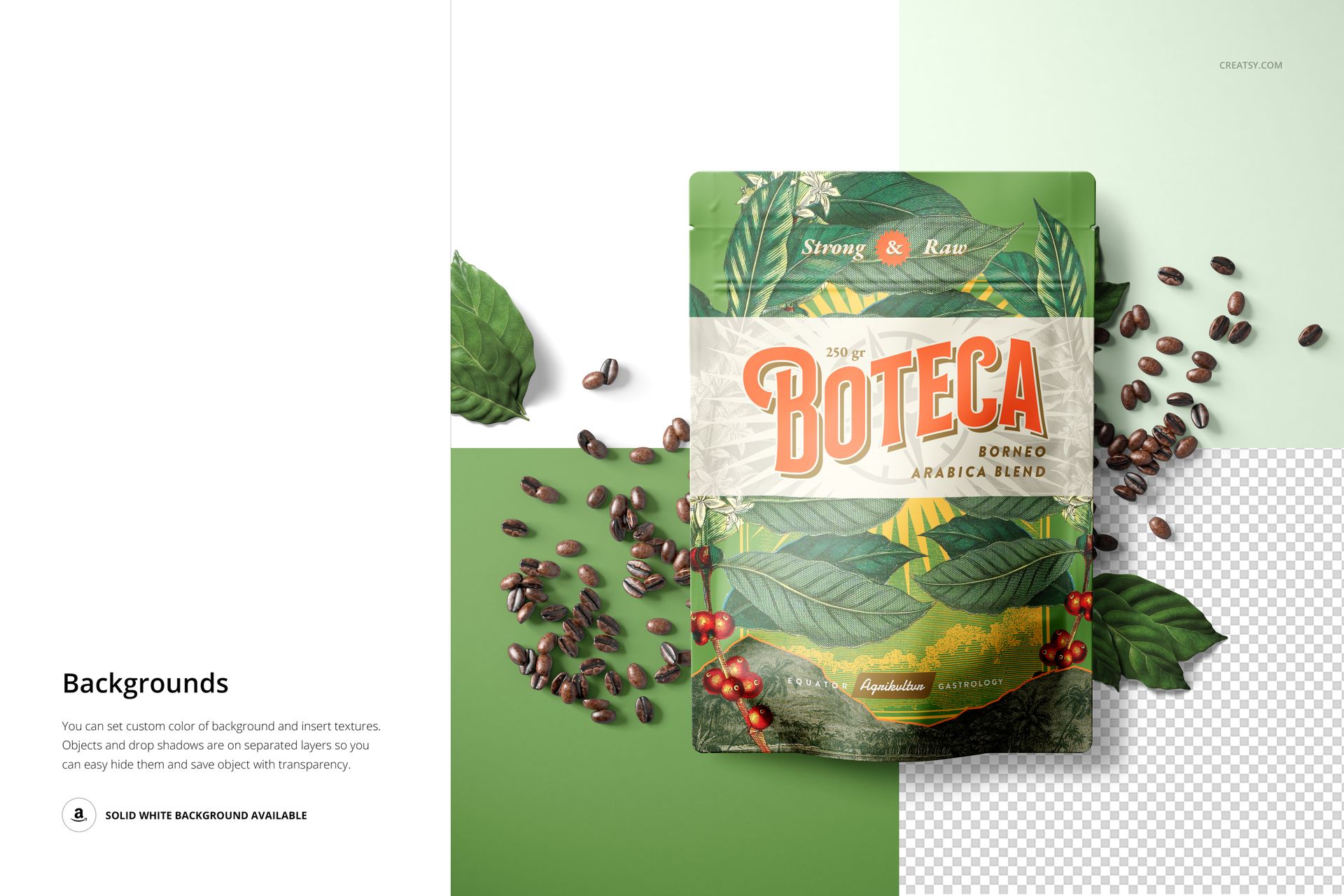
Build a food-packaging presentation around a plain-top resealable stand-up pouch. Eight coordinated Photoshop scenes combine readable front views, grouped packages and overhead arrangements, helping you show one design or compare a whole product range.
What Is Included
8 editable landscape scenes: 7 layered PSD files and 1 layered PSB file
8 JPG previews and 1 PDF user manual, 17 files in total
6000 × 4000 px scene resolution; product details specify 300 DPI
Adobe Photoshop CC2020 or newer for the complete set
From One Pouch to a Coordinated Range
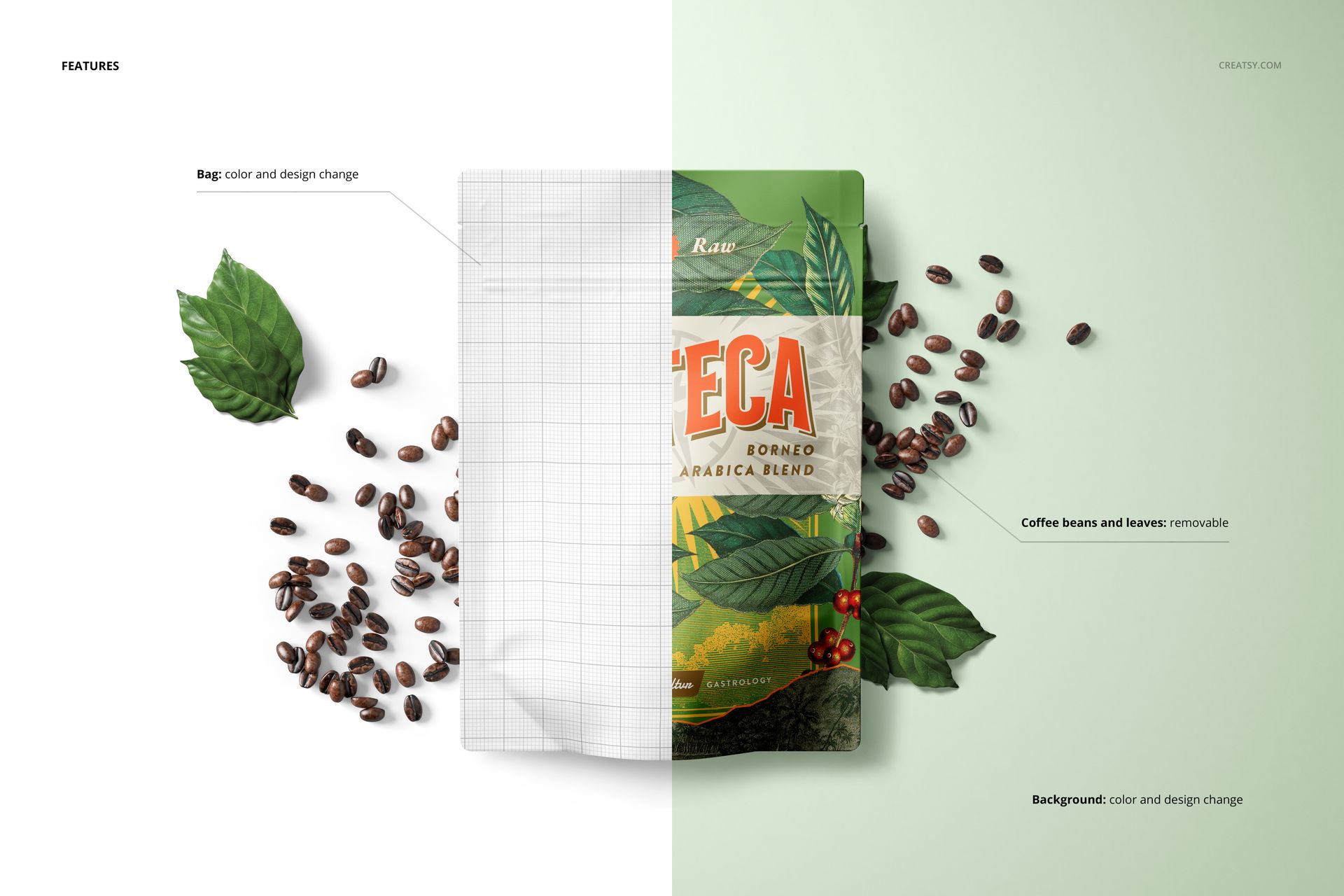
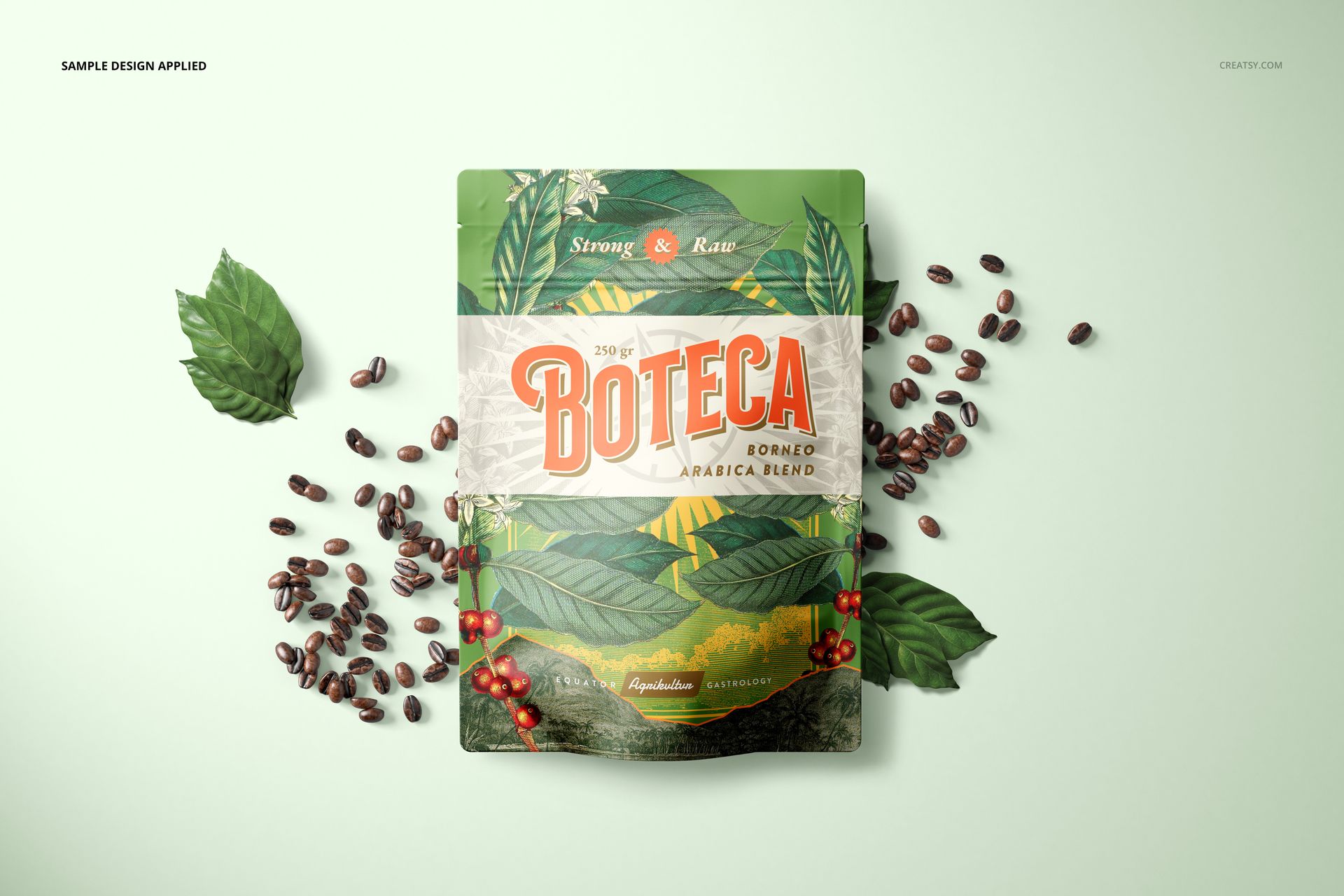
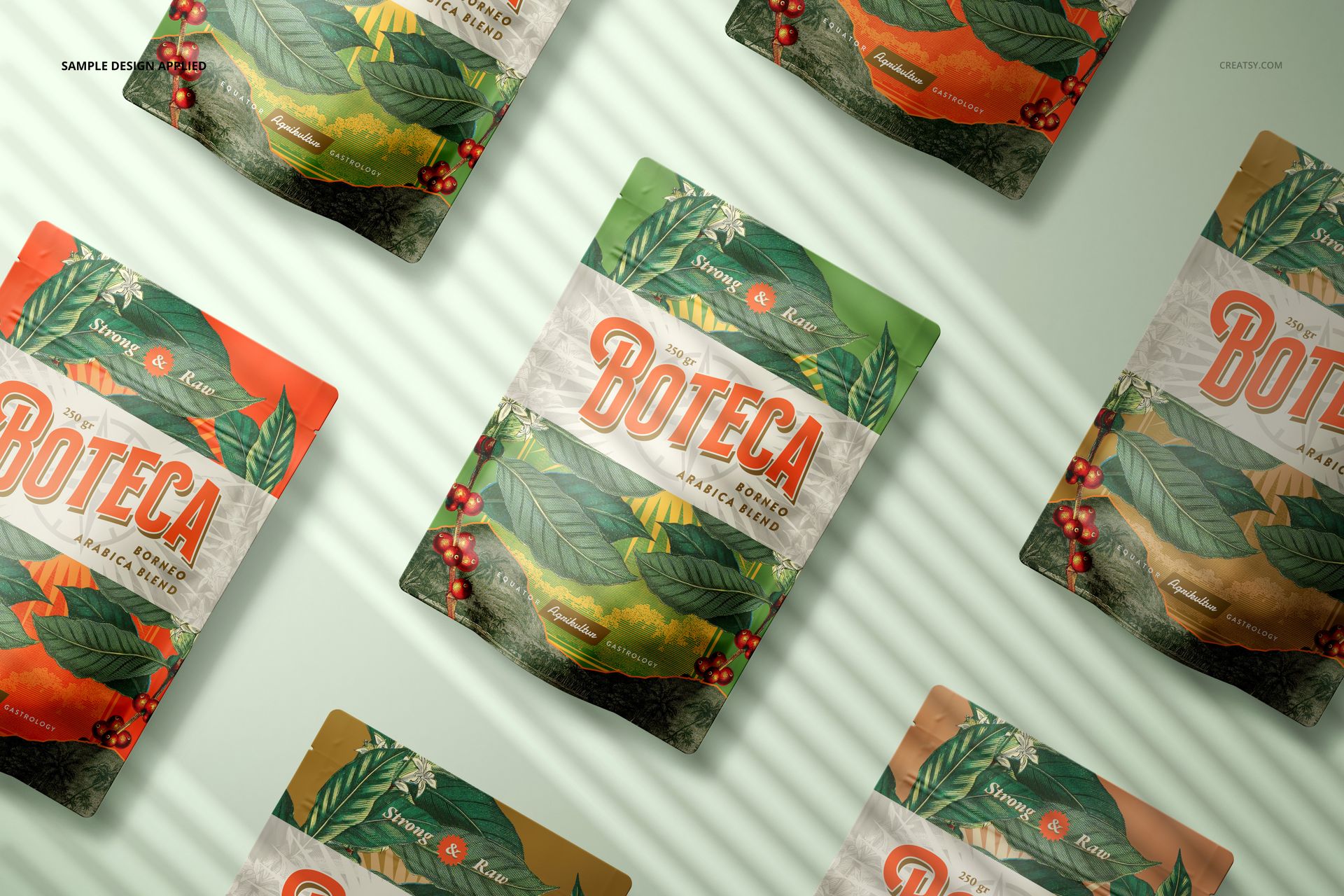
Move between single-pouch views, paired and three-pouch compositions, and repeated flat lays. The straight top edge and softly folded body keep the packaging shape recognizable across the set. Some scenes add striped shadows, coffee beans or leaves; the beans and leaves can be removed when they do not suit your product.
Easy Smart Object Editing
Open the chosen scene in Photoshop and replace the artwork in its designated Smart Objects. Save the Smart Object changes to update the main composition, adjust the pouch color and design, then coordinate the background color or artwork. The package includes a large PSB scene as well as PSD files, so plan a desktop Photoshop workflow for the full collection.
Perfect For
Coffee, tea, snack and supplement packaging concepts
Flavor ranges, seasonal editions and label colorway comparisons
Brand presentations, ecommerce galleries and packaging case studies
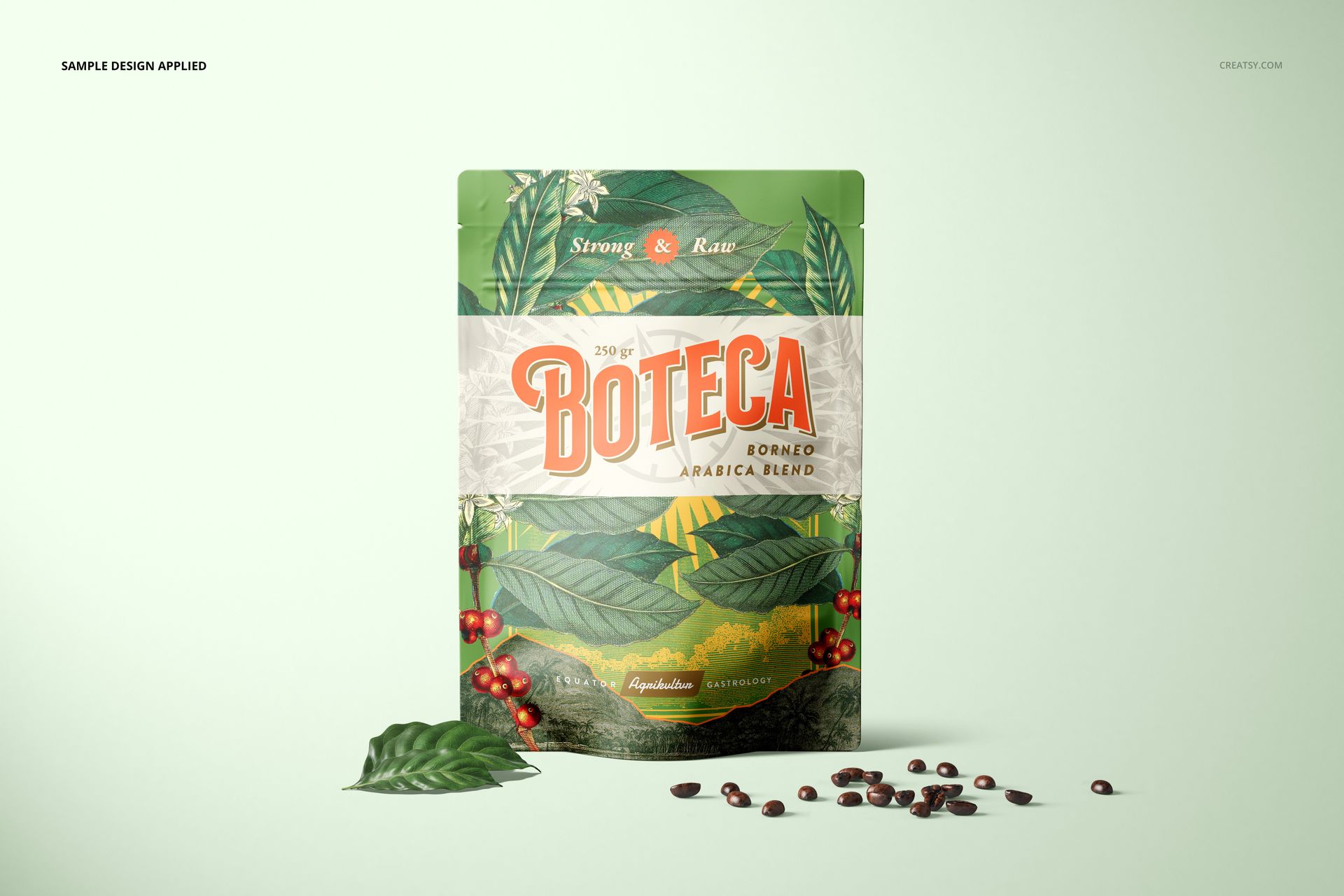
This is a digital mockup set. No physical packaging or production dieline is supplied. Sample artwork and patterns in the previews are not included.