Dried Plums Paper Pouch Mockup Set
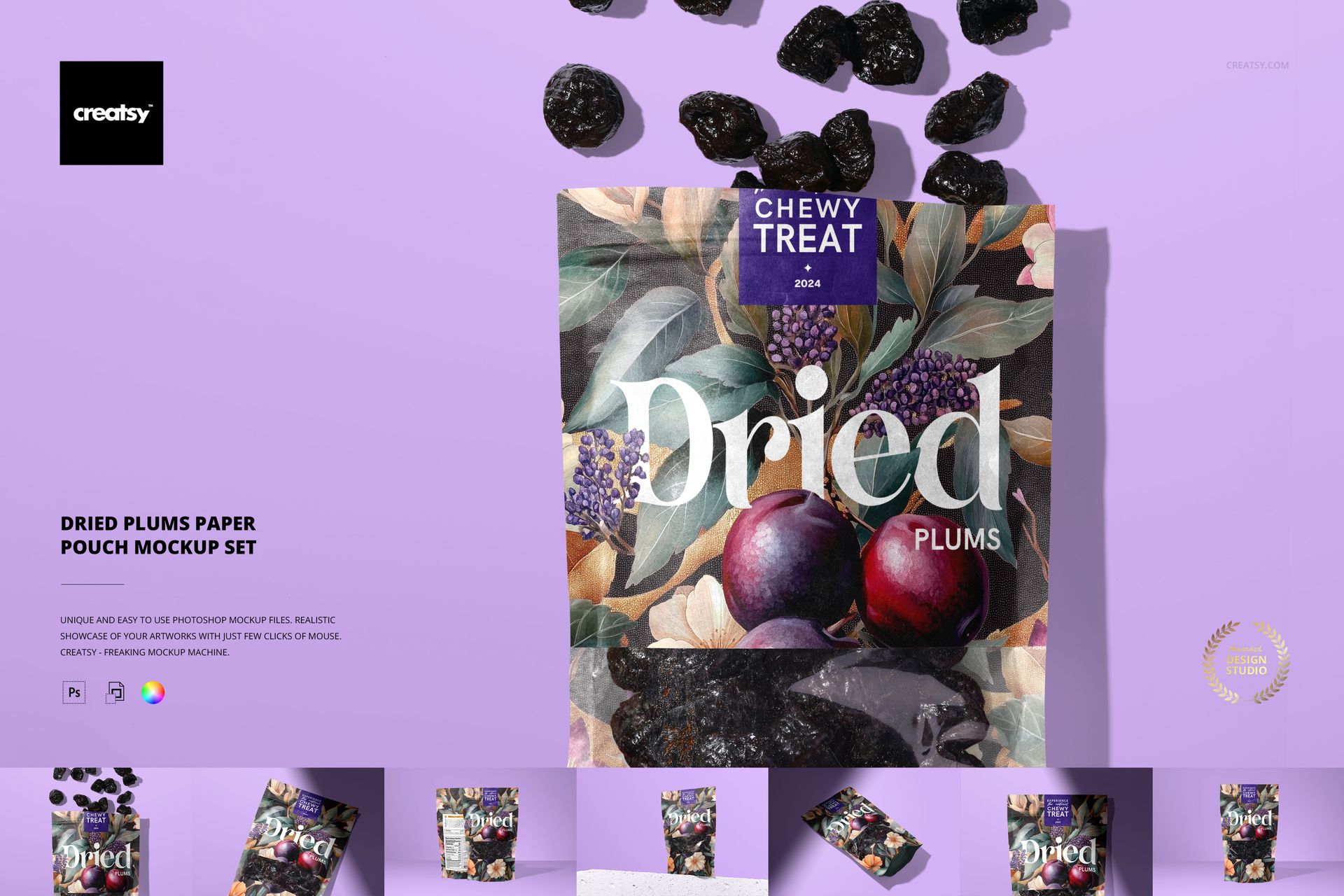
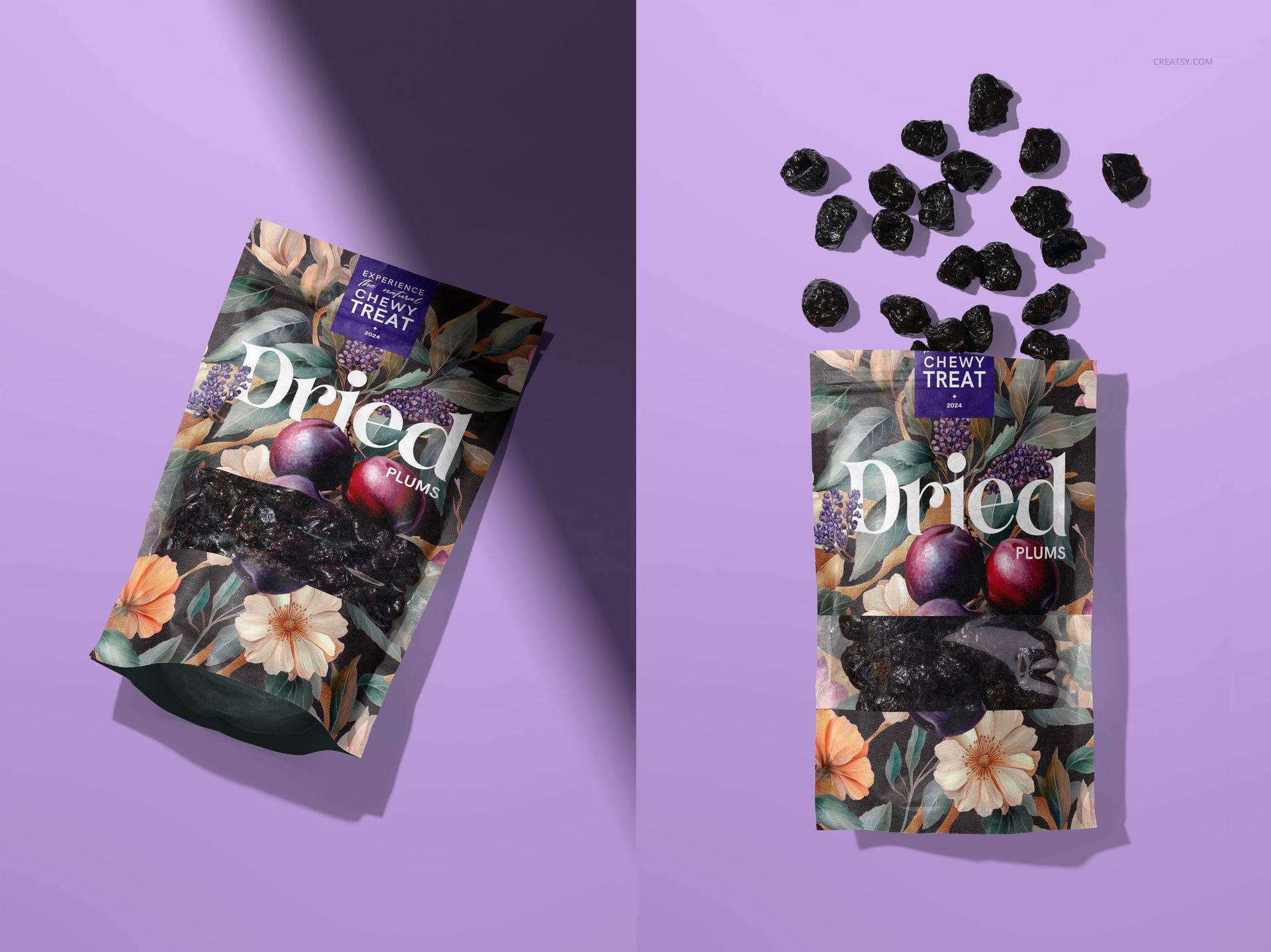
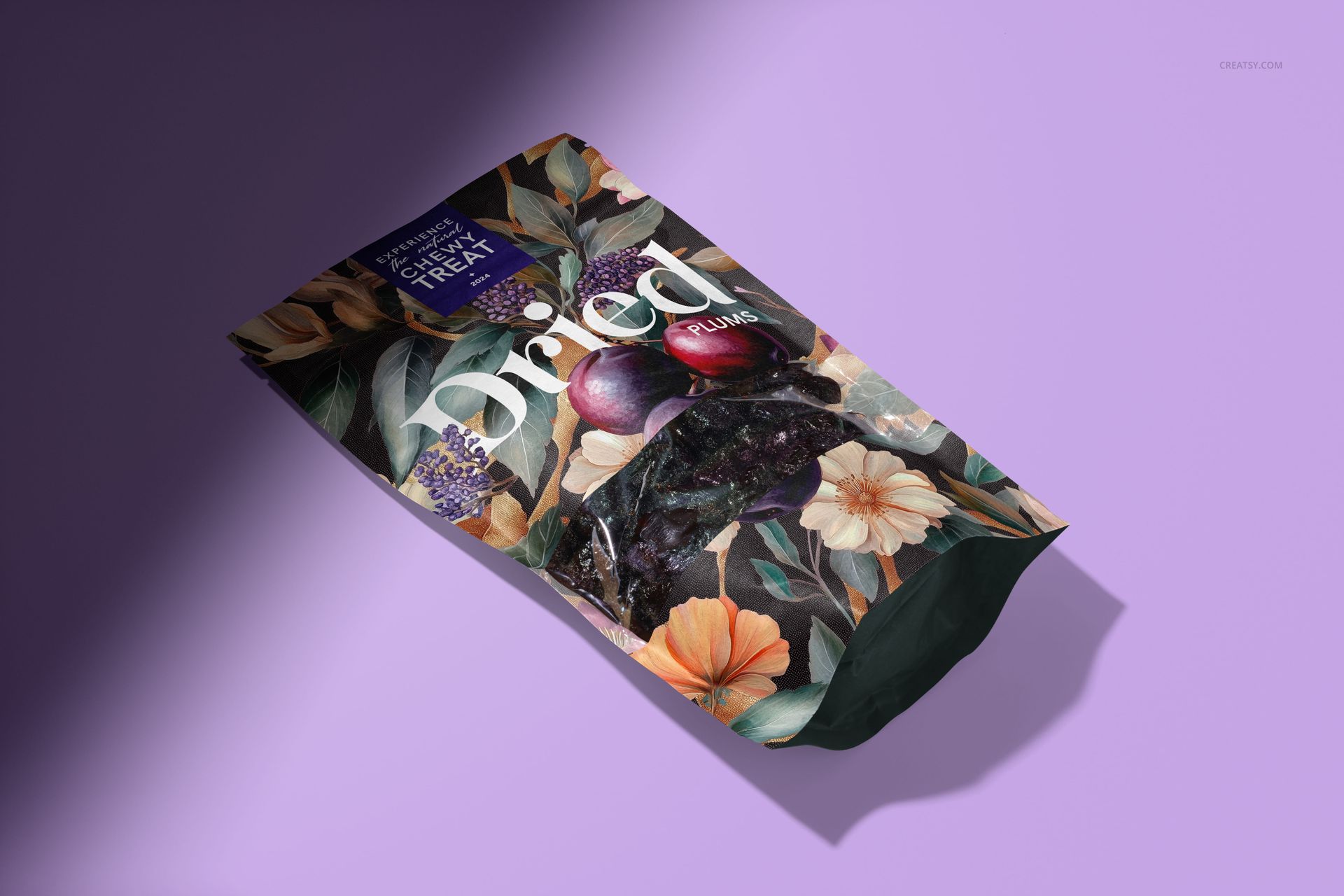
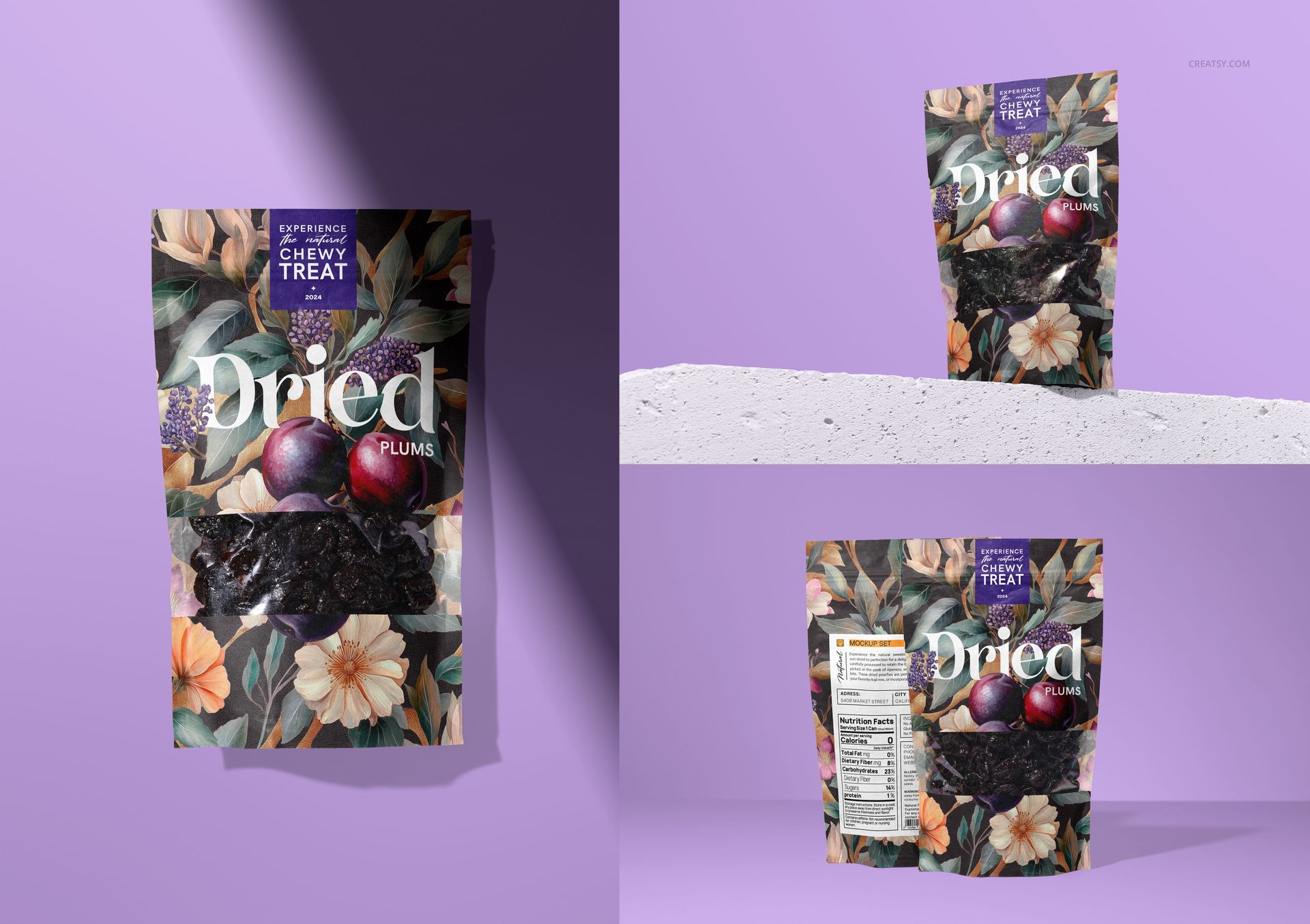
Dark dried plums bring a distinctive contrast to this windowed paper pouch. The Dried Plums Paper Pouch Mockup Set gives packaging designers seven PSD scenes for presenting prune labels, fruit illustrations, and snack-brand identities. Move from a clean standing view to a paired front-and-back composition or a flat lay with dried plums above the pack, while retaining the paper creases, window reflections, and lighting shown in the previews.
What You Can Customize
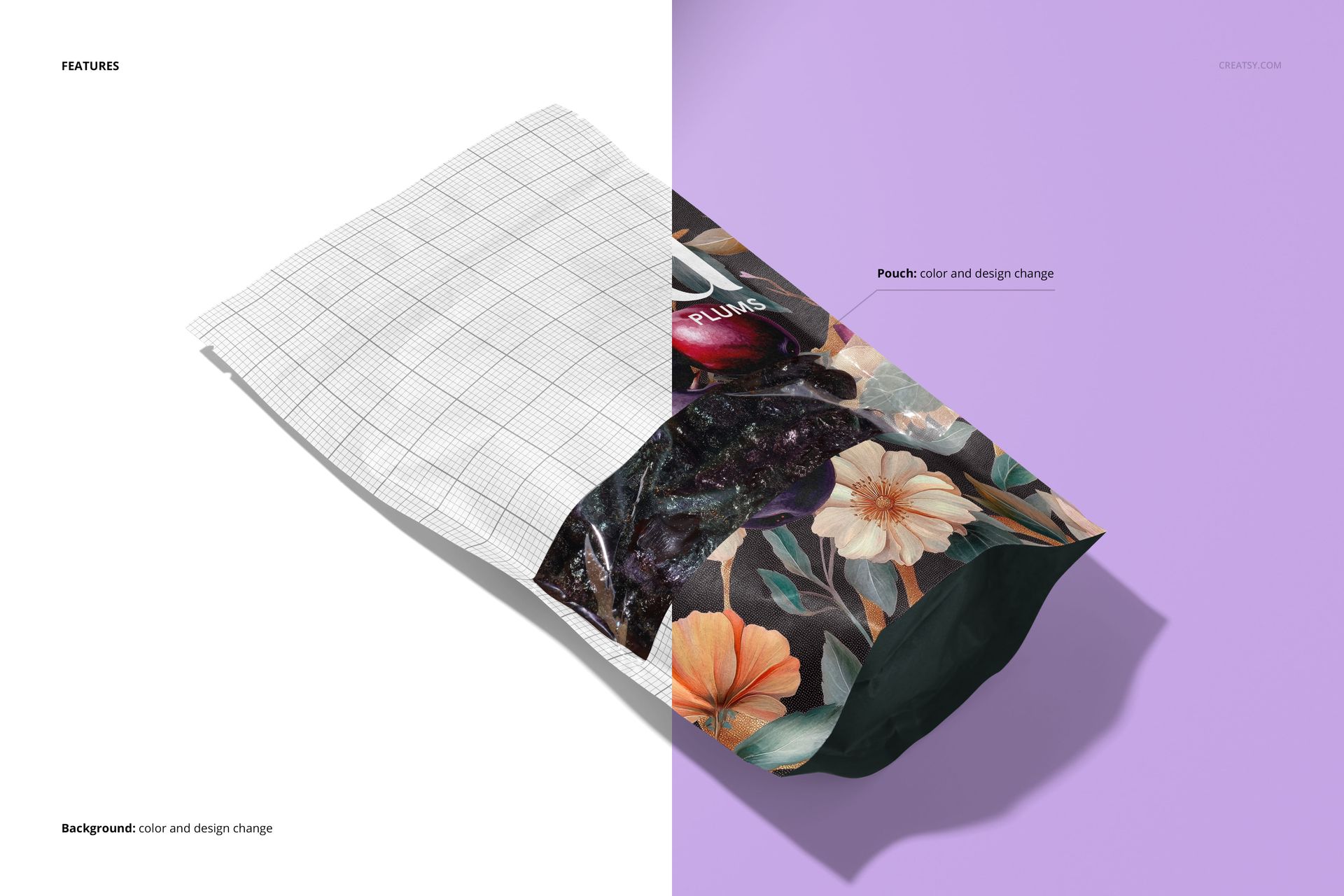
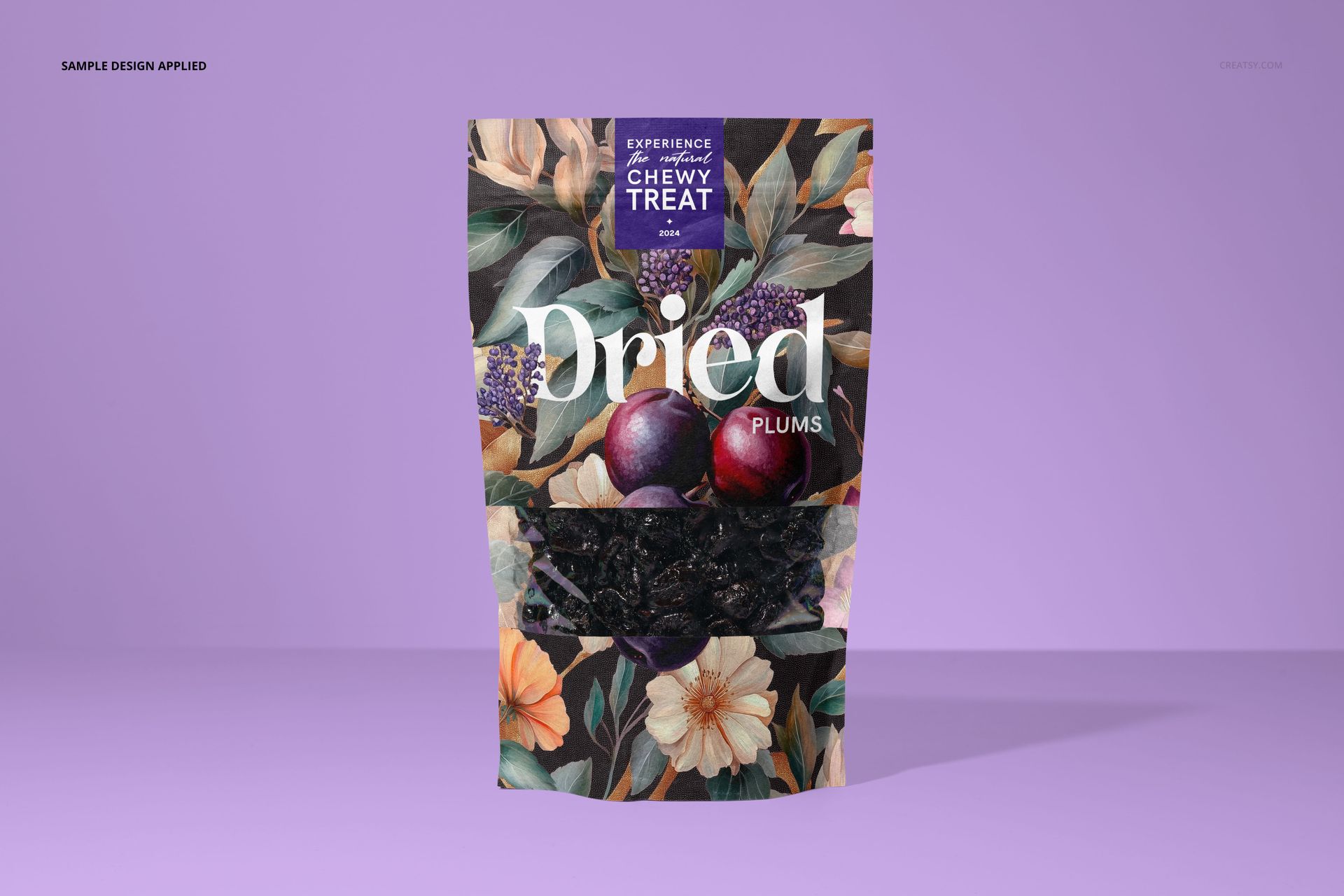
Apply your own design to the pouch and adjust its color.
Present the printed paper around a clear window showing dried plums.
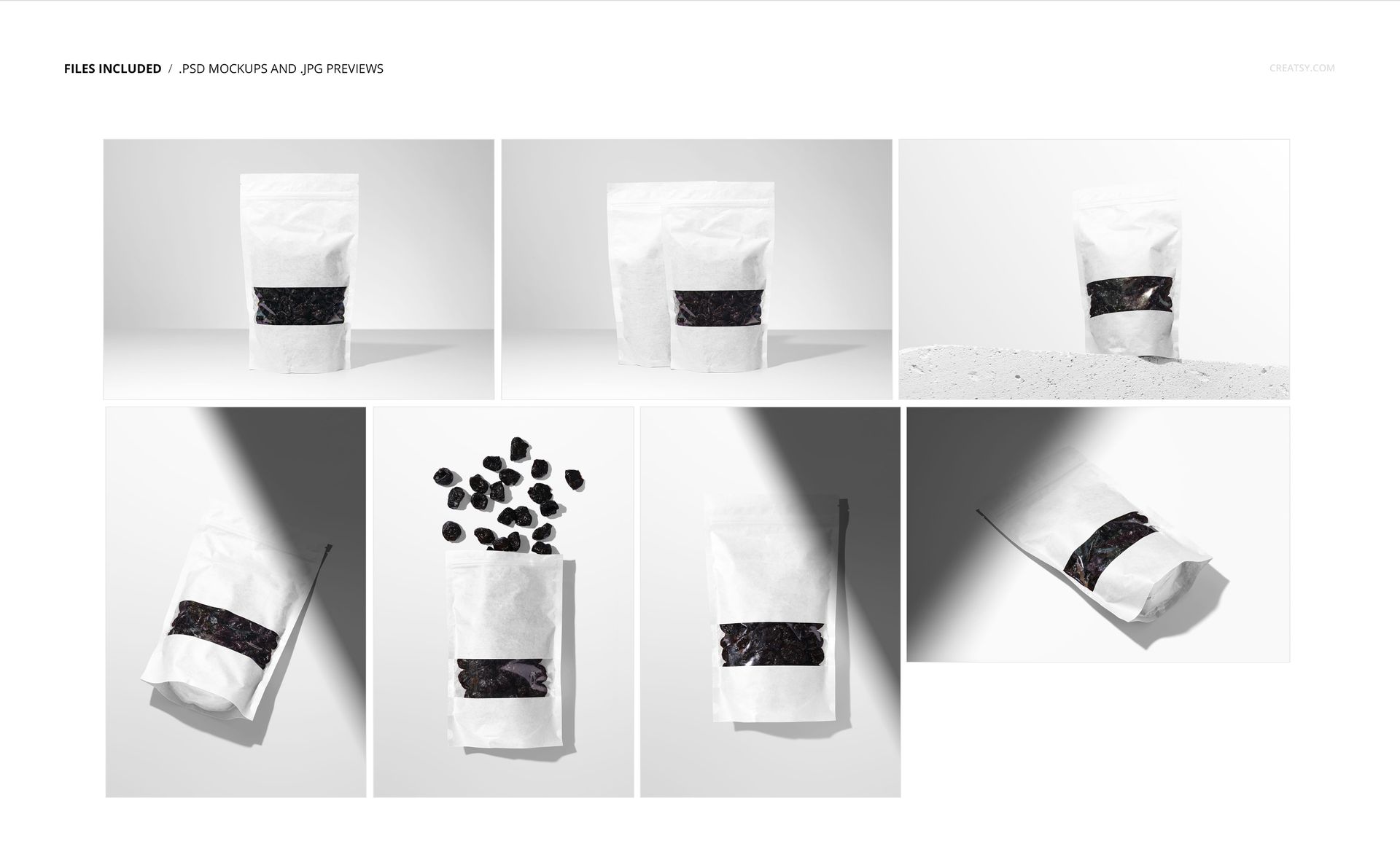
Use upright, overhead, angled, paired front-and-back, and concrete-ledge compositions.
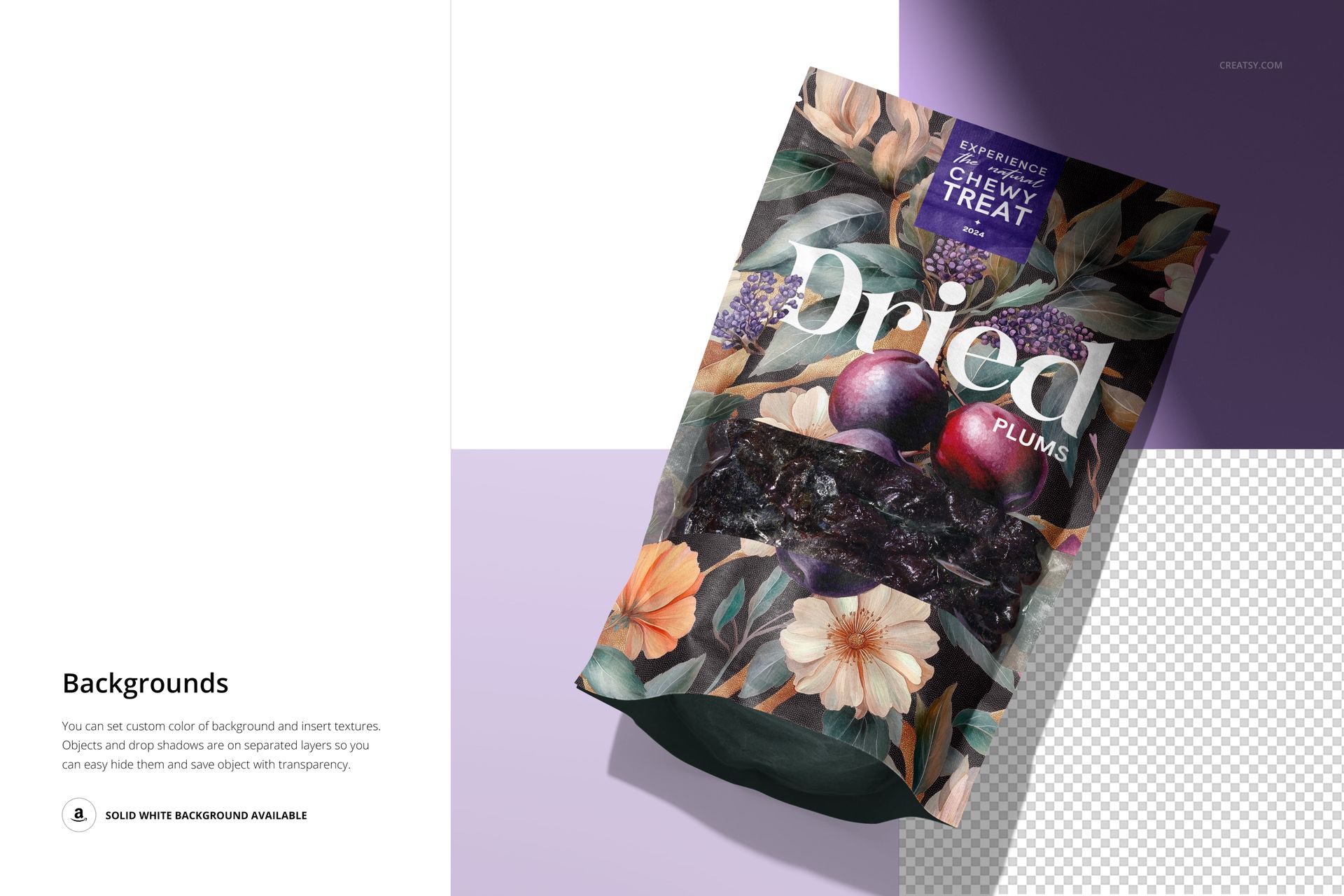
Set a background color, insert a background texture, or choose solid white.
Work with separate object and drop-shadow layers and export an isolated pouch with transparency.
Keep Dark Packaging Readable
Deep purple or charcoal artwork can visually merge with the dark fruit behind the window. Try a lighter printed area near the product name, then compare the label at full size and at a small shop-thumbnail size. Keep the same background for each version so you can judge contrast without changing several variables at once. This is a presentation check, not a print-color proof.
File Specifications
The download contains 7 layered PSD mockups and 7 JPG previews, at 300 DPI. PSD scenes 1–4 are 6000 × 4000 px; scenes 5–7 are 4000 × 6000 px. Works in Adobe Photoshop CC2020 or later and Photopea. This is a digital mockup set, not a physical pouch.