Dried Cherries Paper Pouch Mockup Set
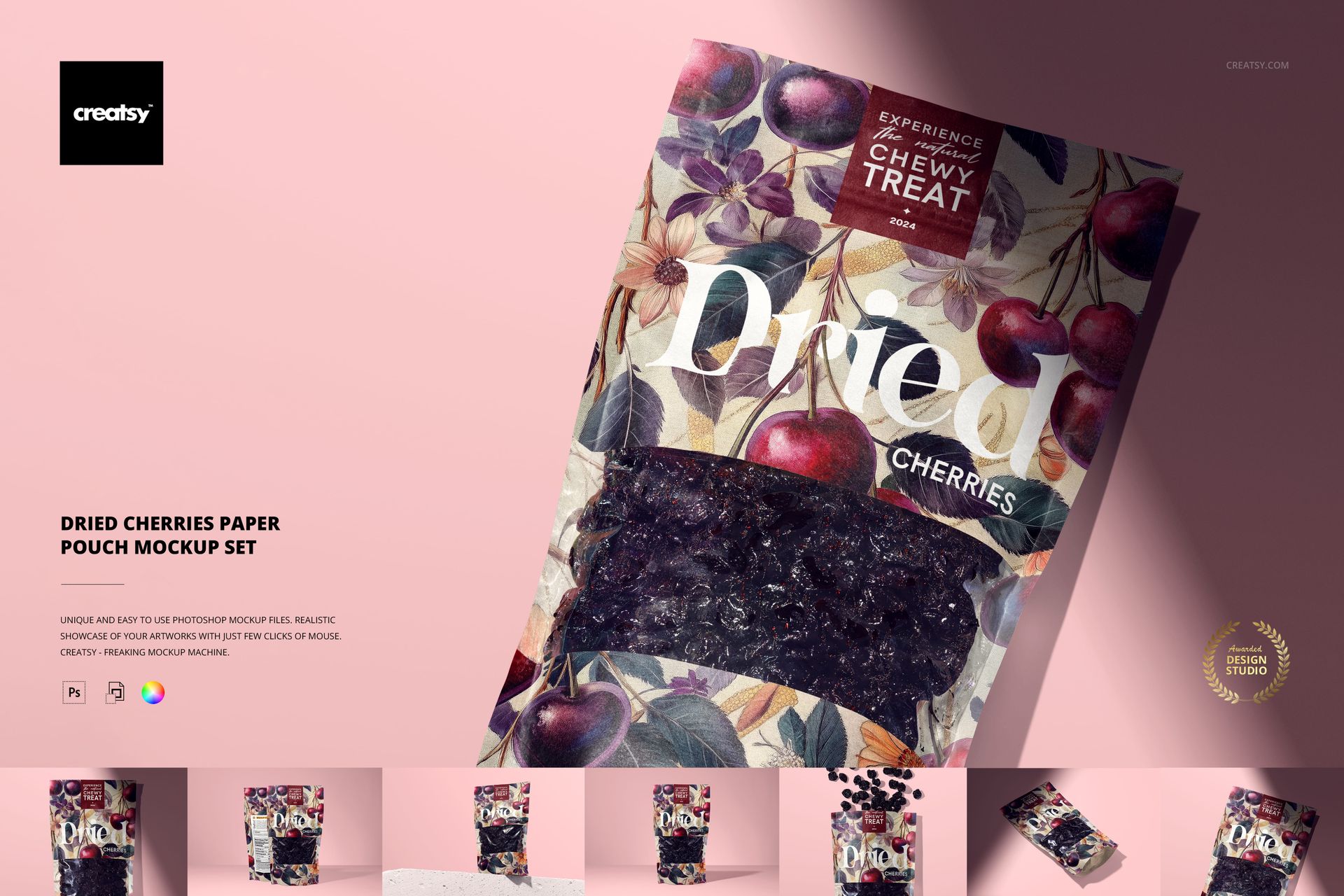
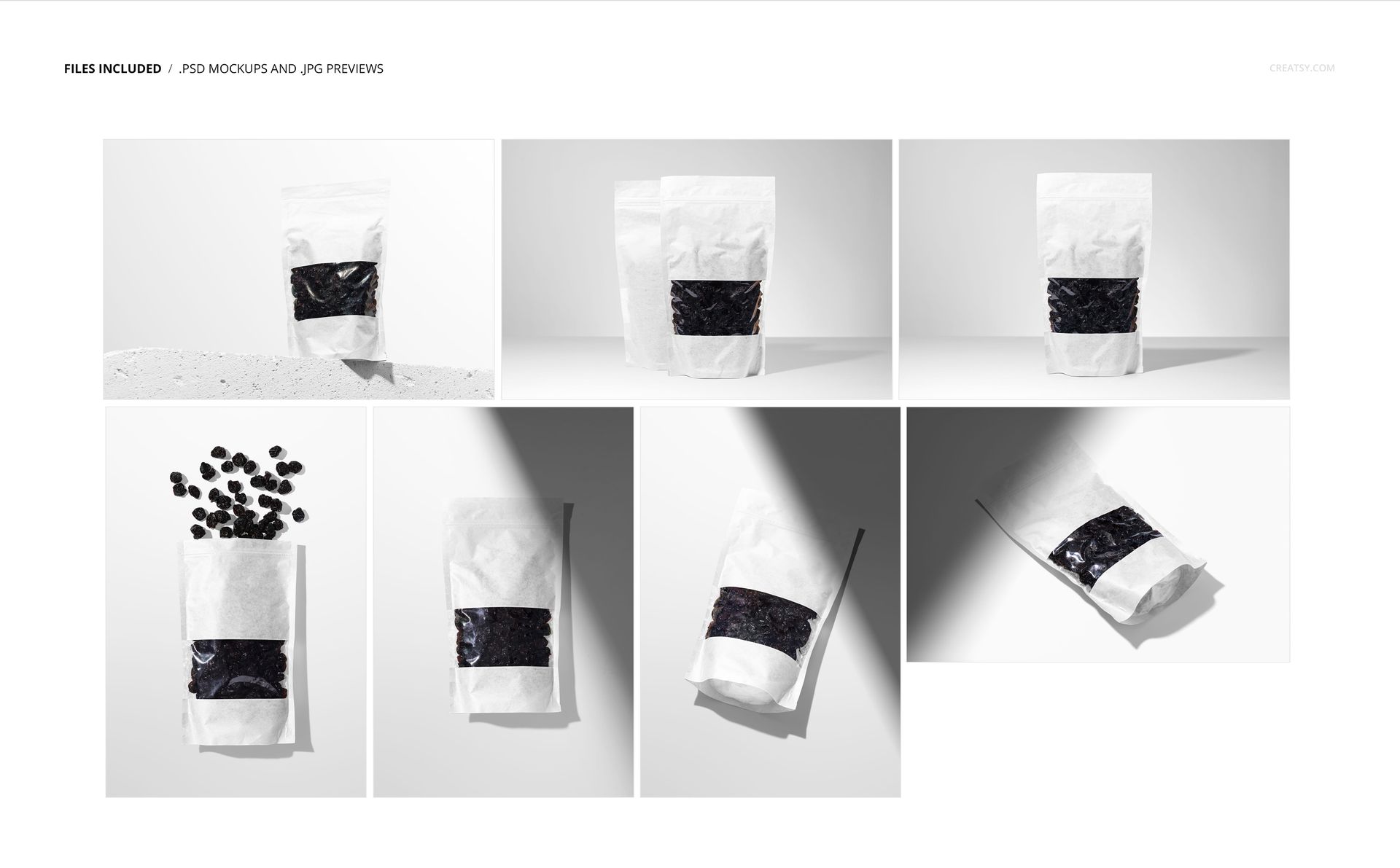
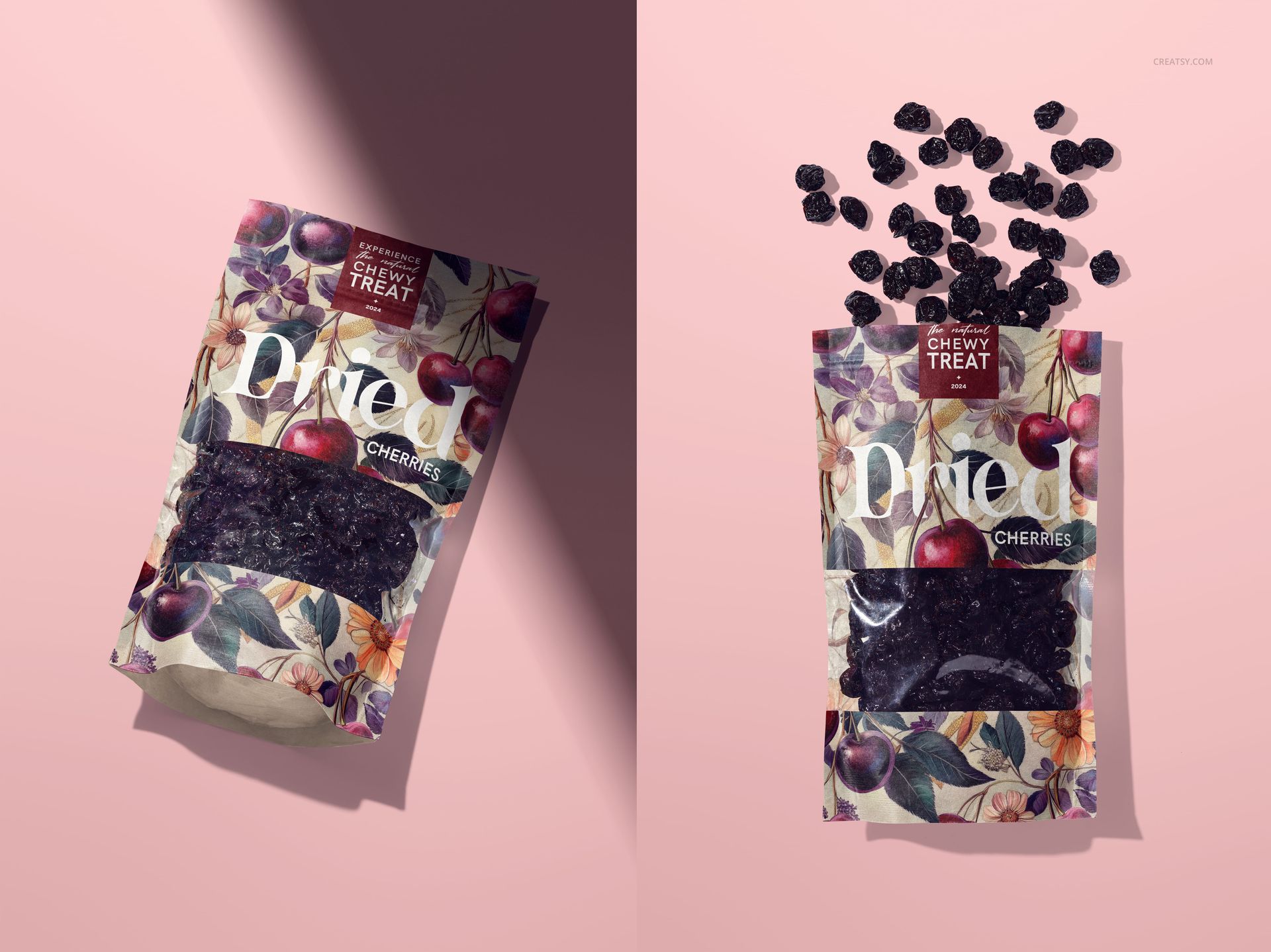
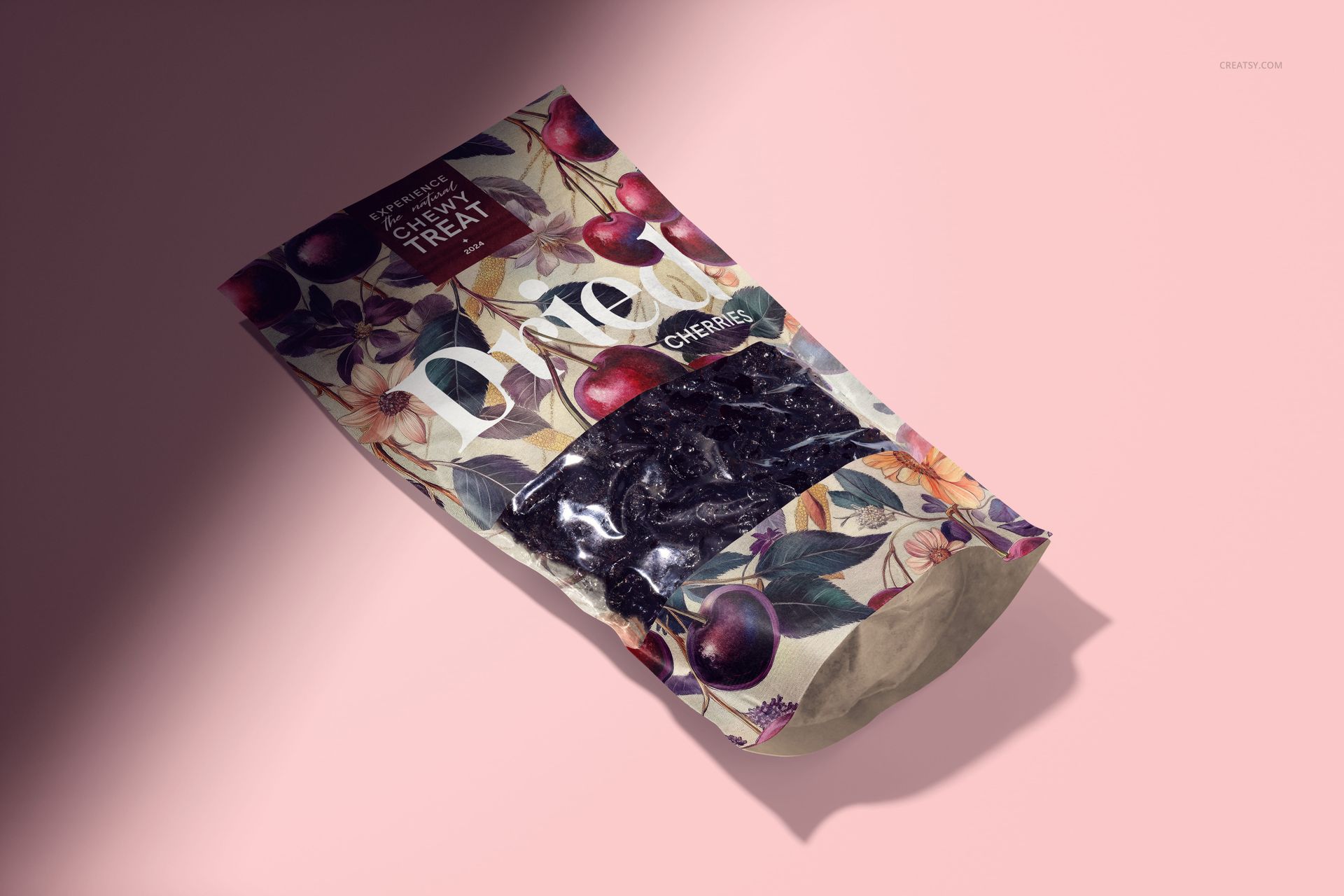
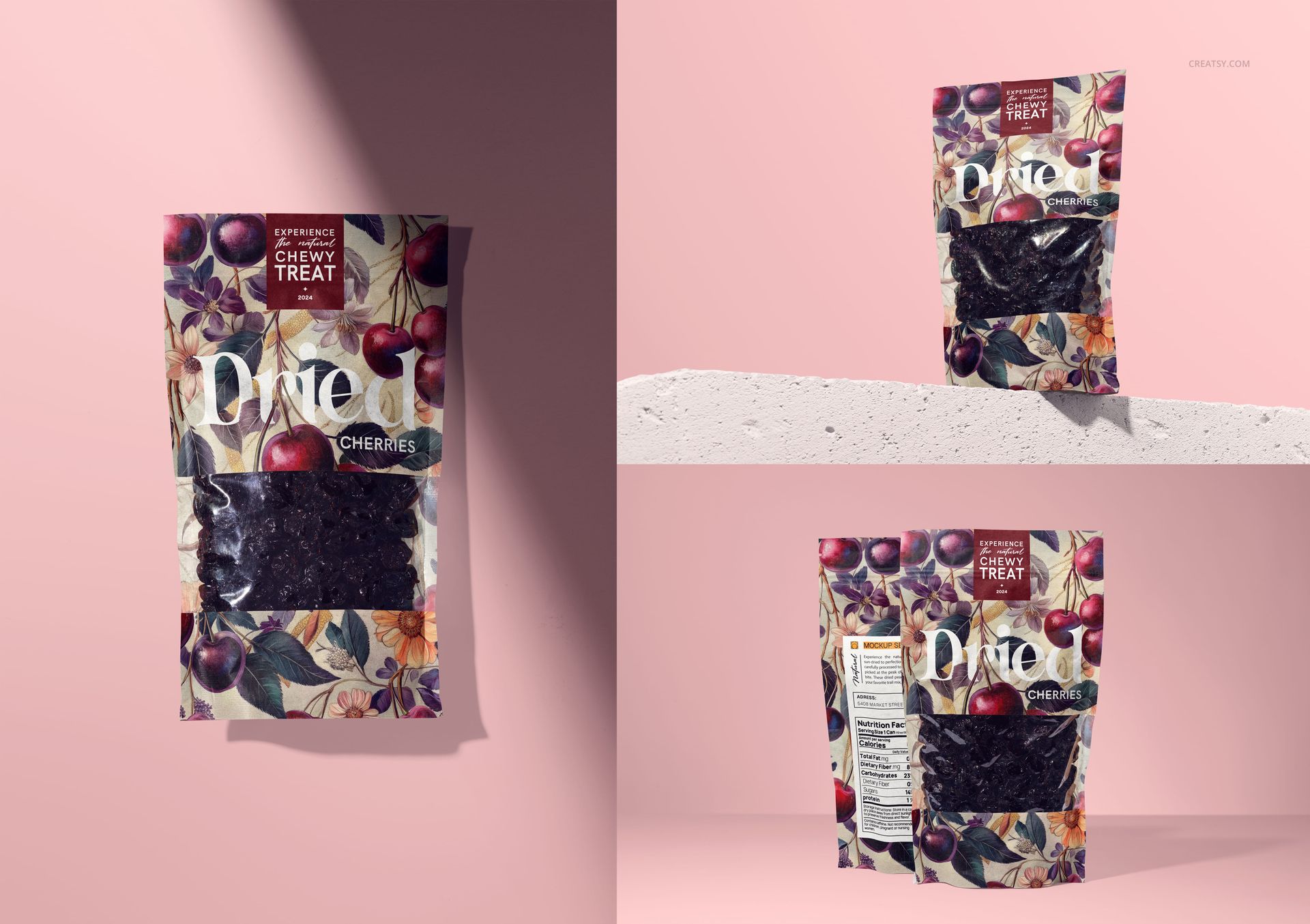
Give a cherry snack identity room to work across more than one product image. This dried cherries paper pouch mockup set includes seven PSD scenes with windowed packaging, paper folds, and cast shadows. A concrete-ledge view, paired front-and-back arrangement, standing pouch, and several flat lays let you present both the package and its printed details. One composition adds dried cherries above the pouch for a more ingredient-focused presentation.
Editable Packaging and Backgrounds
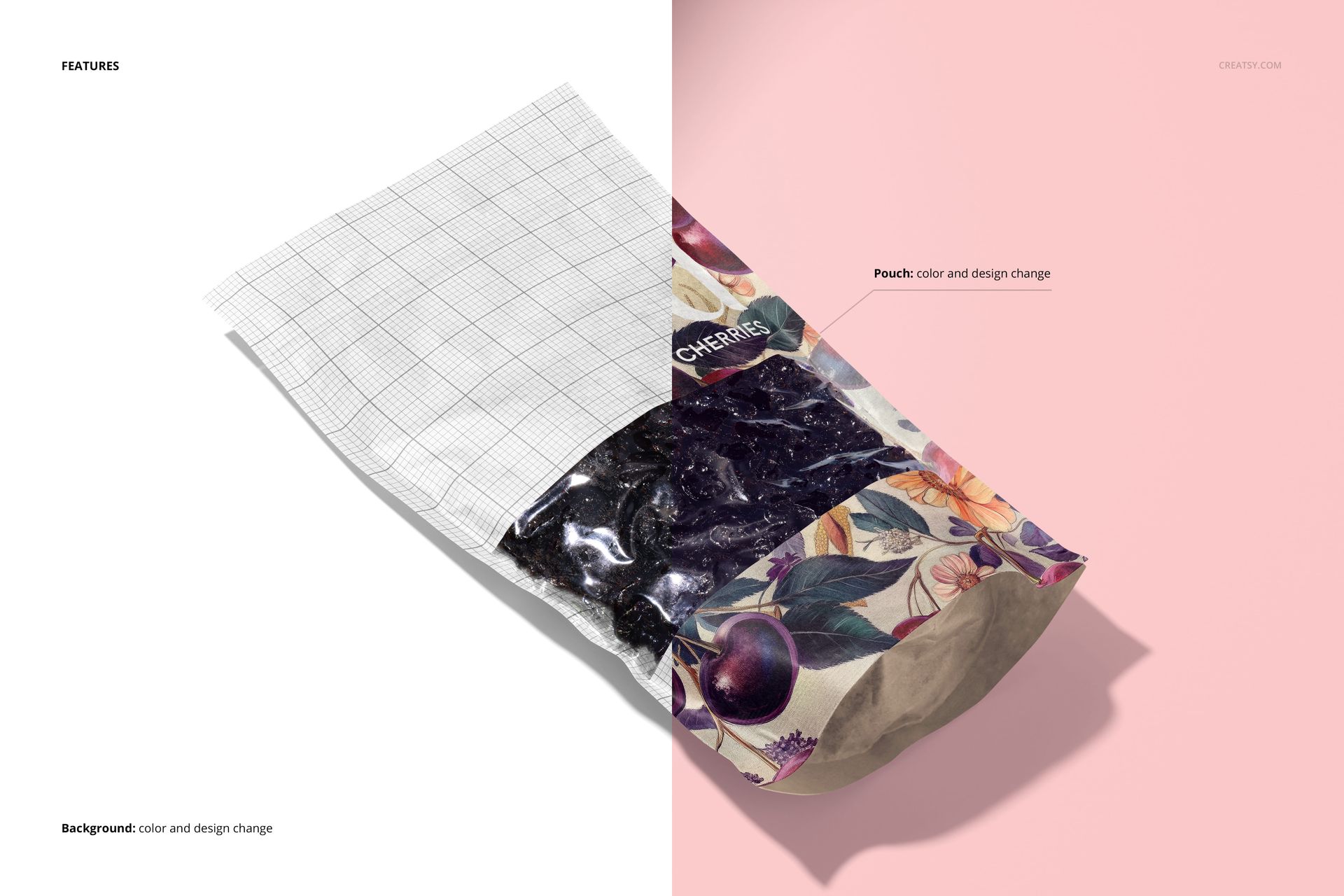
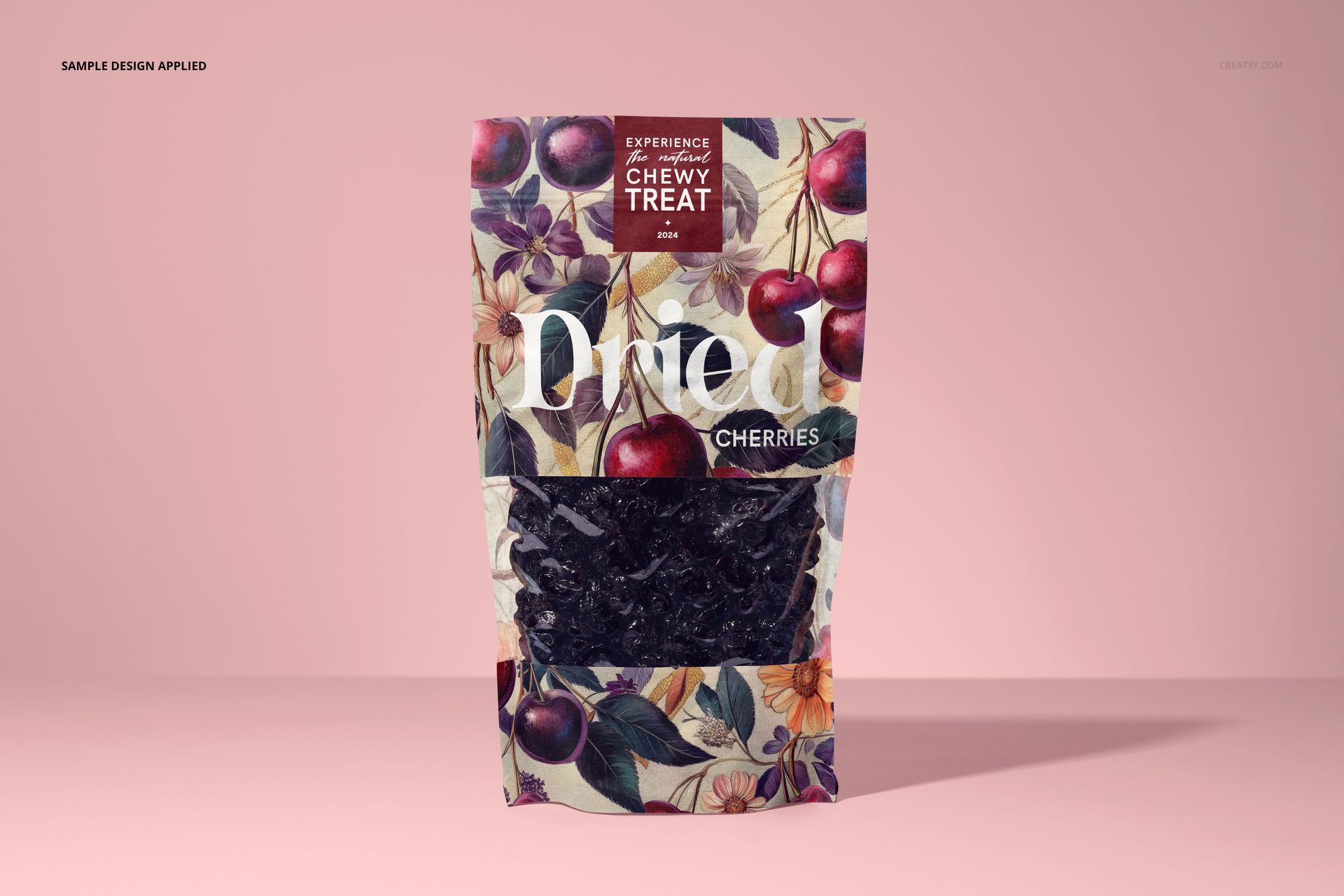
Replace the pouch design with your own logo, cherry illustrations, pattern, or label layout.
Change the pouch color while presenting the clear window and visible dried cherries.
Choose upright and overhead scenes, including angled views and a paired front-and-back composition.
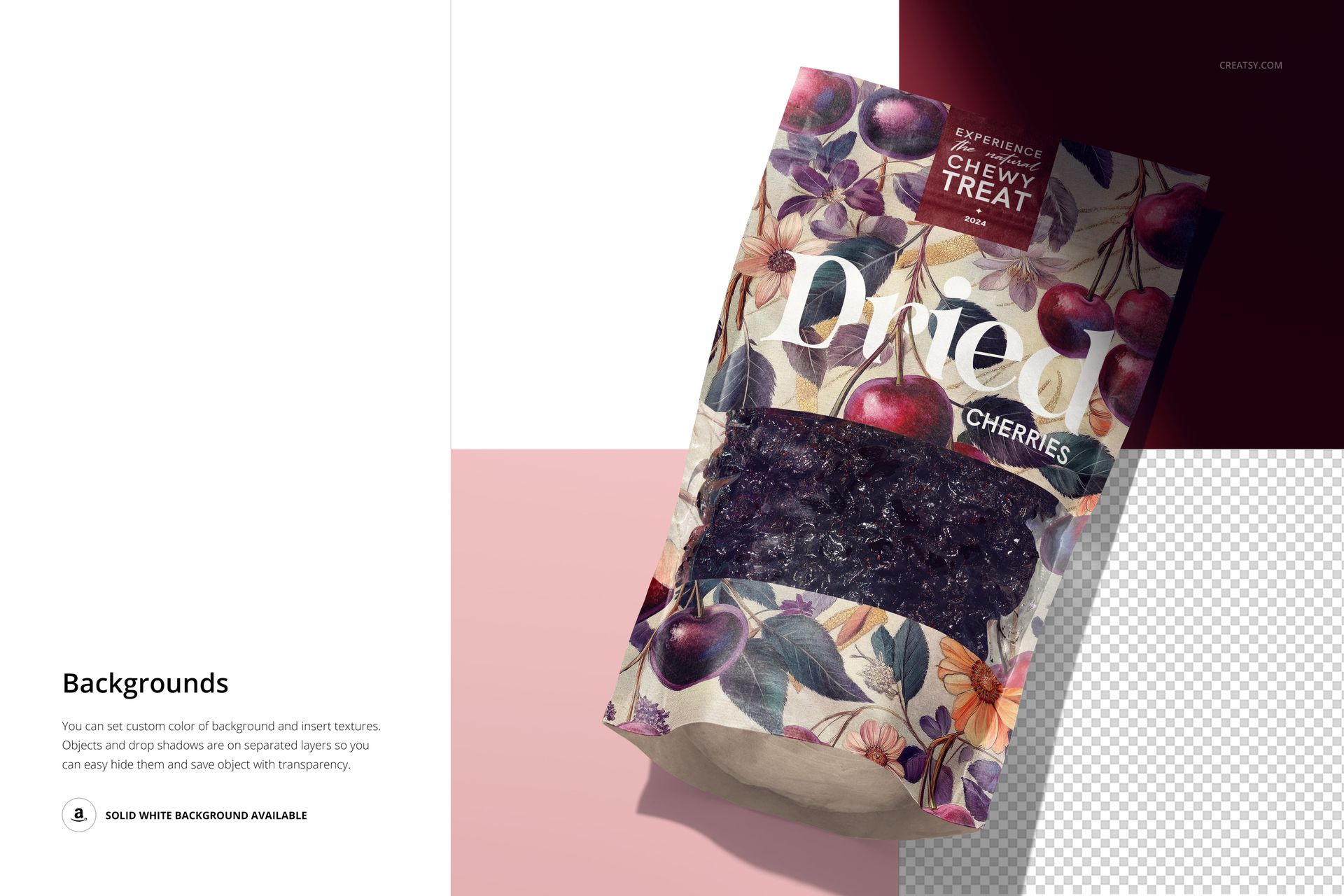
Use a solid white background, a custom color, or an inserted background texture.
Separate object and drop-shadow layers support background control and transparent-background exports.
Make the Cherry Variant Recognizable
When presenting a multi-flavor snack range, keep the brand mark, typography, and label positions consistent, but give the cherry variant a distinct fruit illustration and name. Compare the front view at a small display size: can someone identify the flavor without relying only on background color? Then use a flat lay to show finer artwork details that disappear in a thumbnail.
File Specifications
Supplied as 7 layered PSD mockups plus 7 JPG previews, all at 300 DPI. PSD scenes 1–4 measure 6000 × 4000 px, and scenes 5–7 measure 4000 × 6000 px. Compatible with Adobe Photoshop CC2020 or later and Photopea. Digital files only; no physical packaging is supplied.