Dried Apricots Paper Pouch Mockup Set
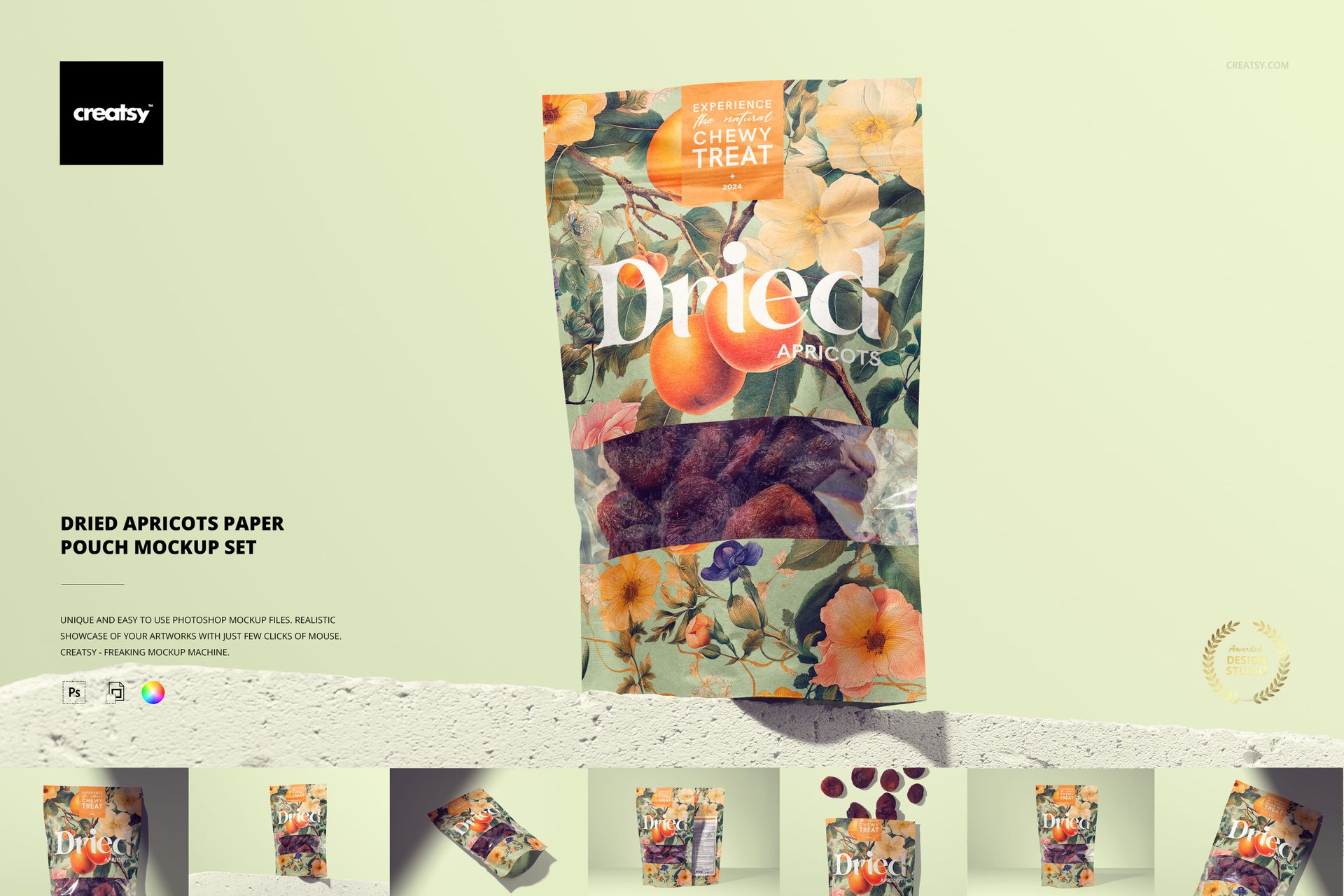
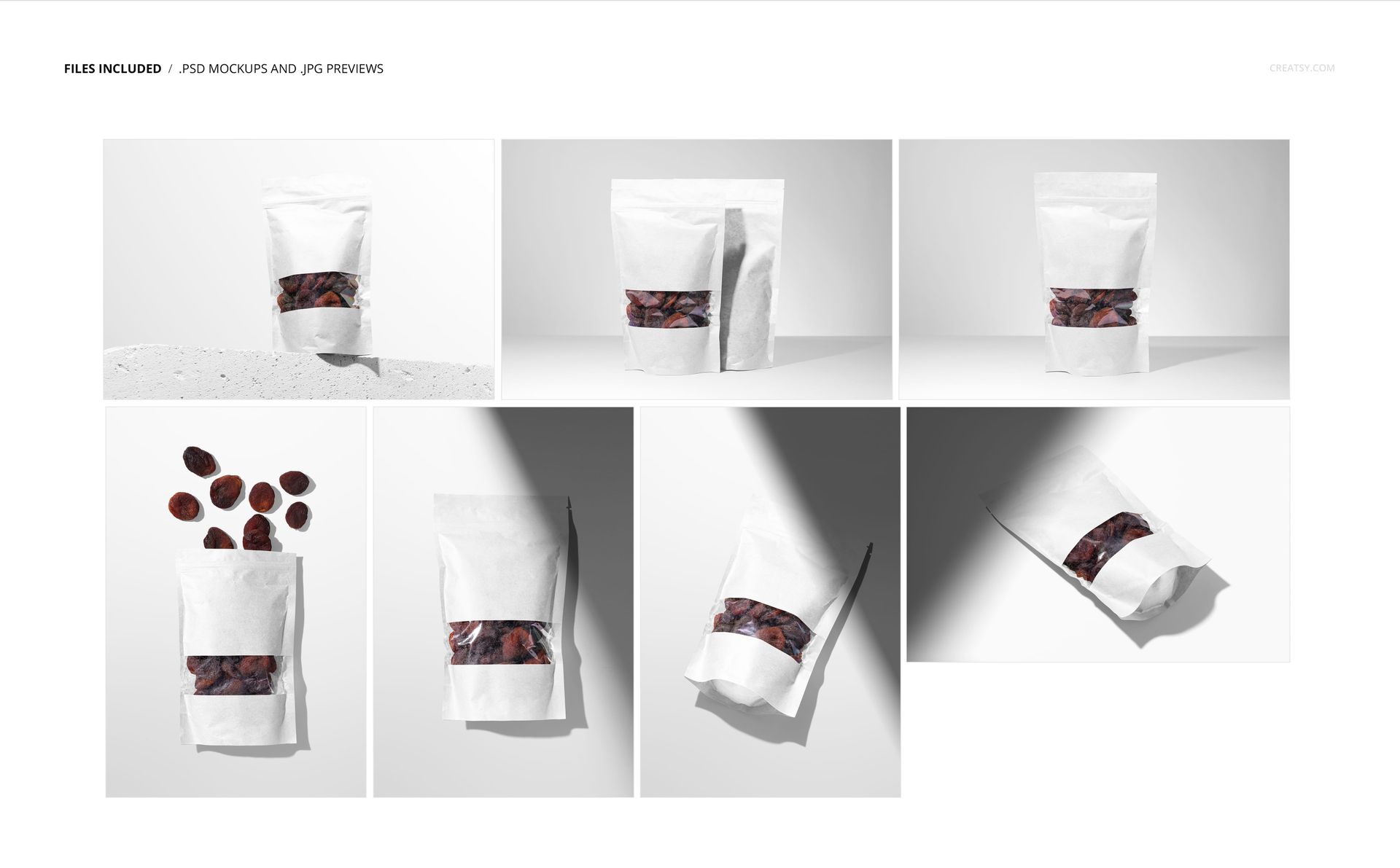
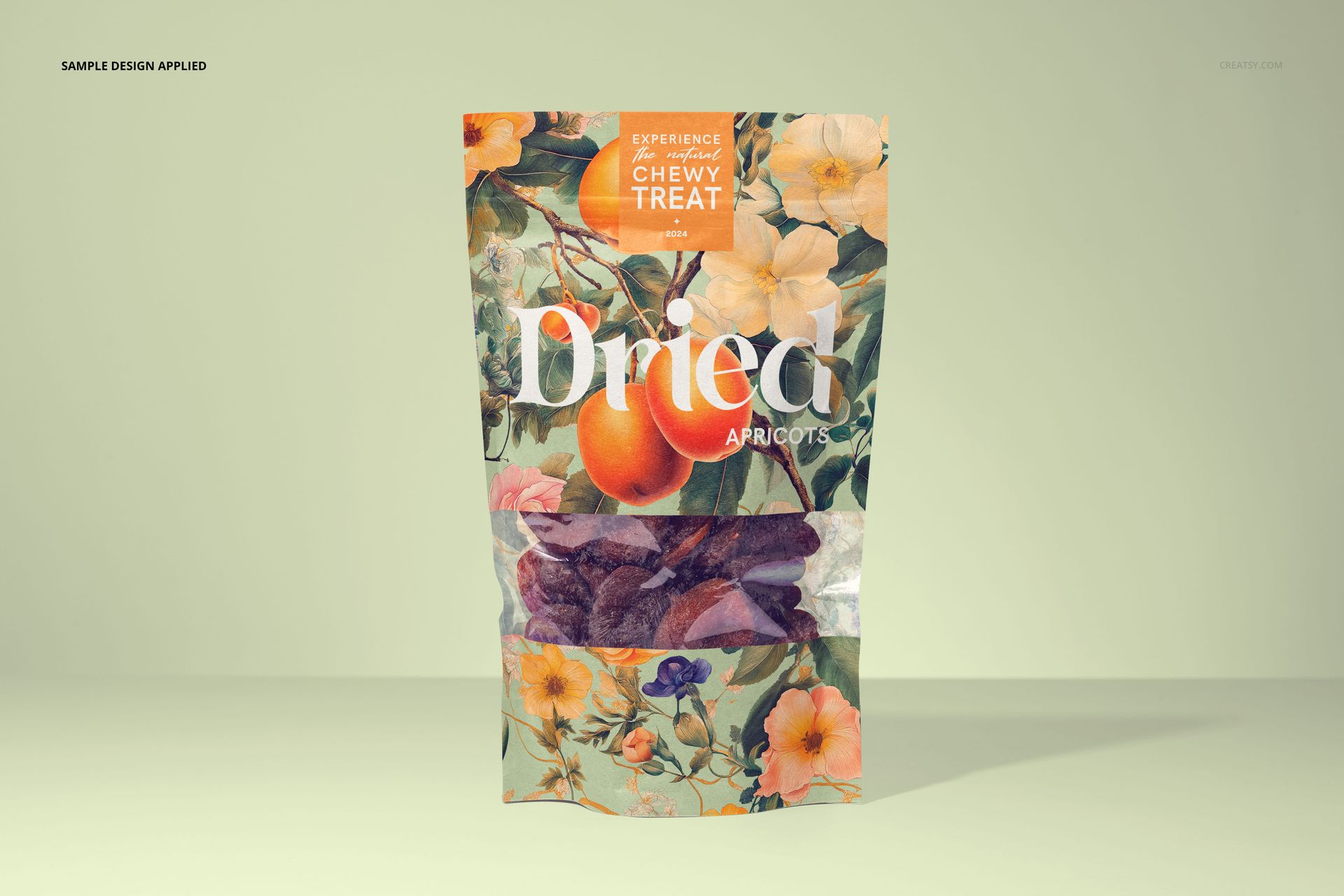
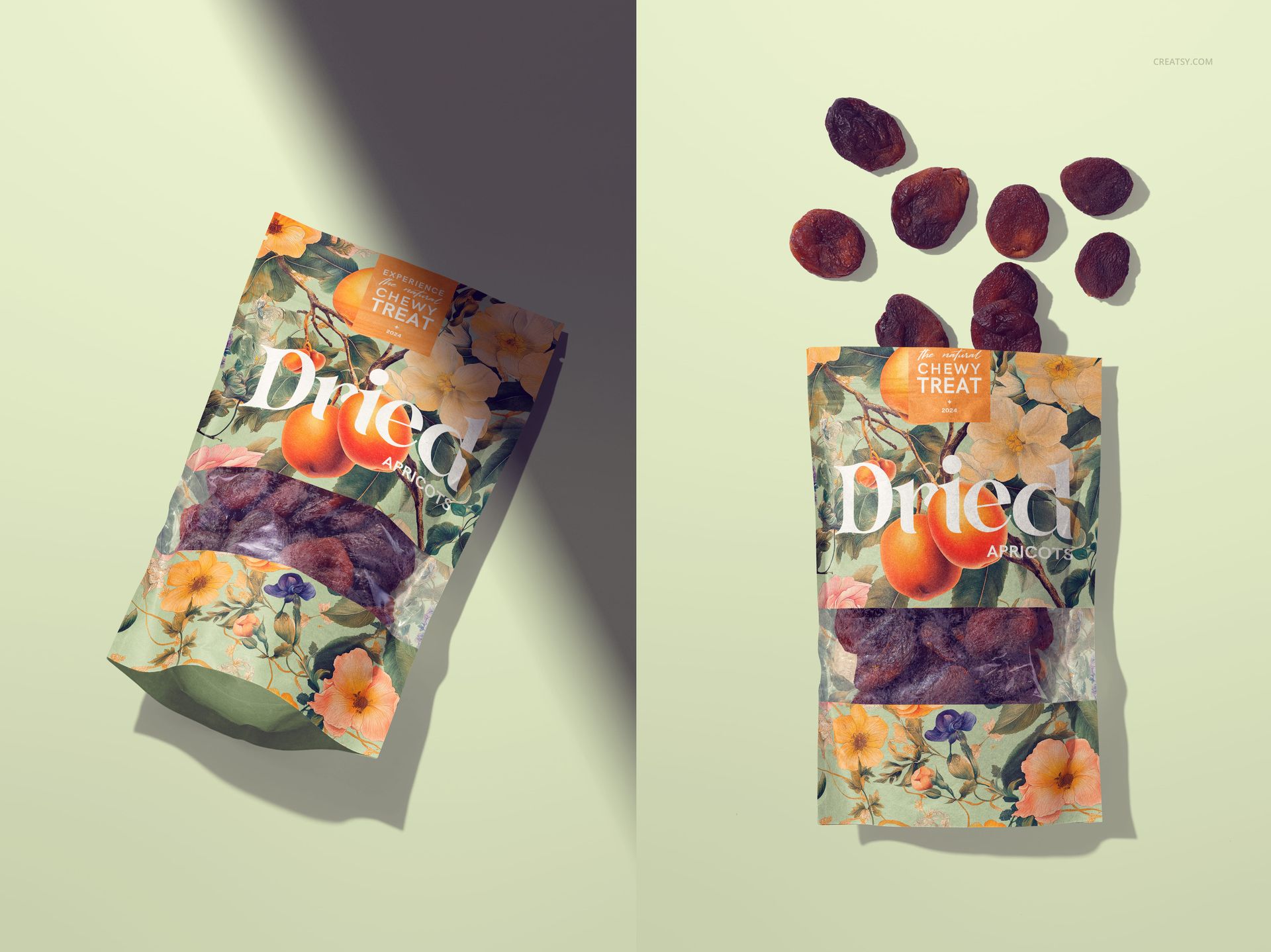
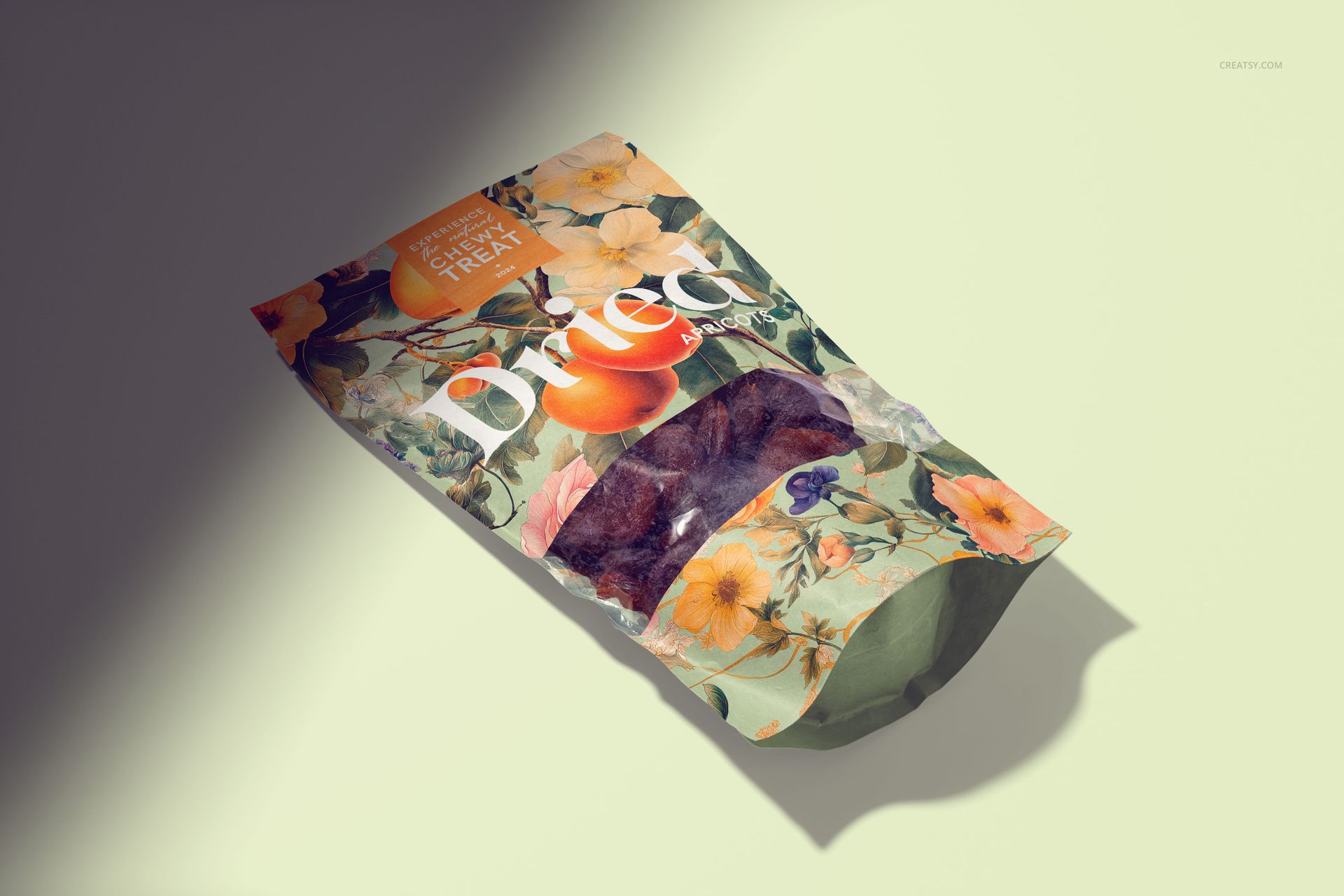
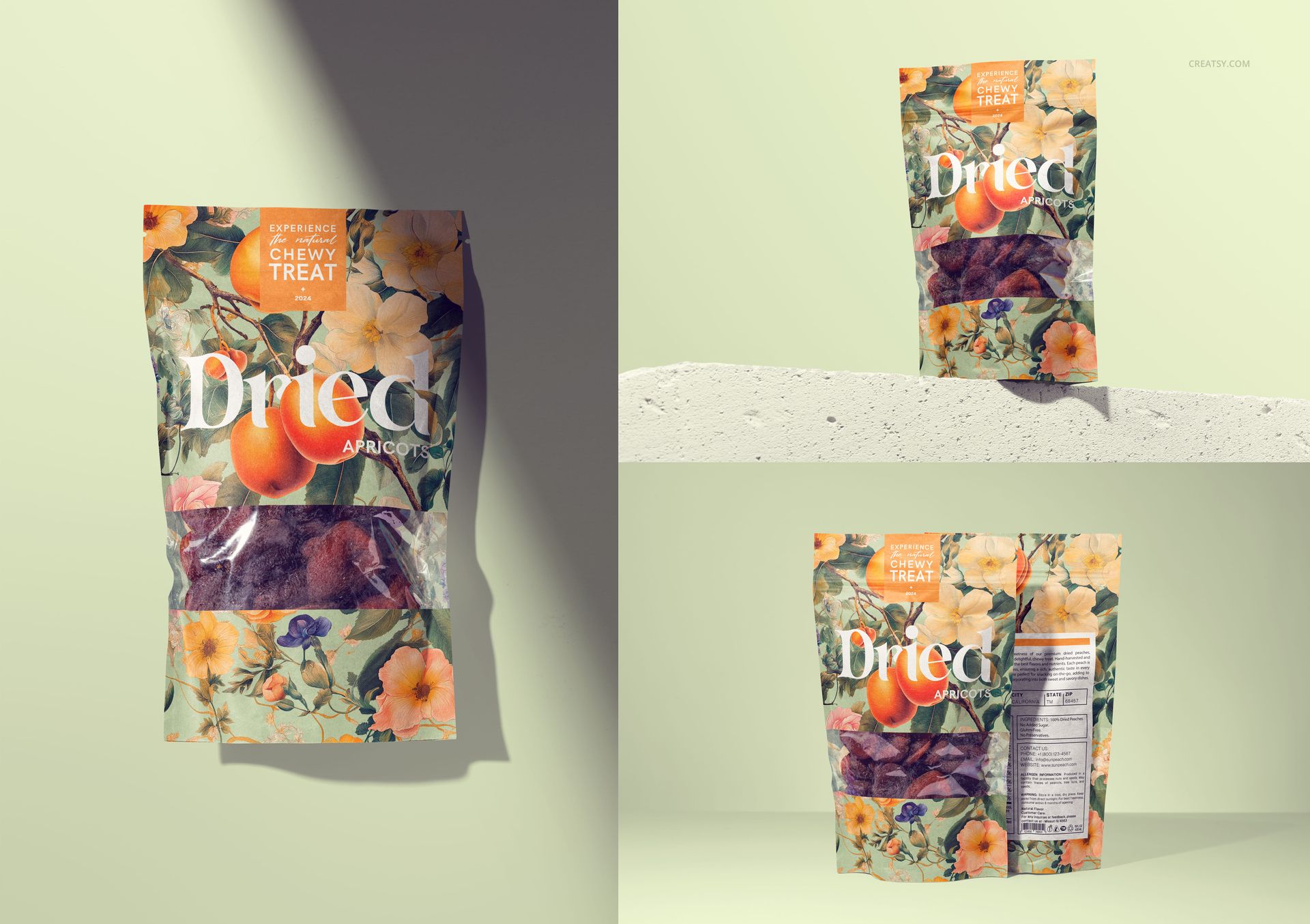
Present dried apricot packaging as a complete design, from the printed paper surface to the fruit visible through its clear window. This seven-scene PSD pouch mockup set combines upright product views, a paired front-and-back composition, a pouch on a concrete ledge, and flat lays with directional shadows. Use it to compare label layouts, show a packaging concept to a client, or build images for a snack-brand portfolio.
Pouch Design and Scene Options
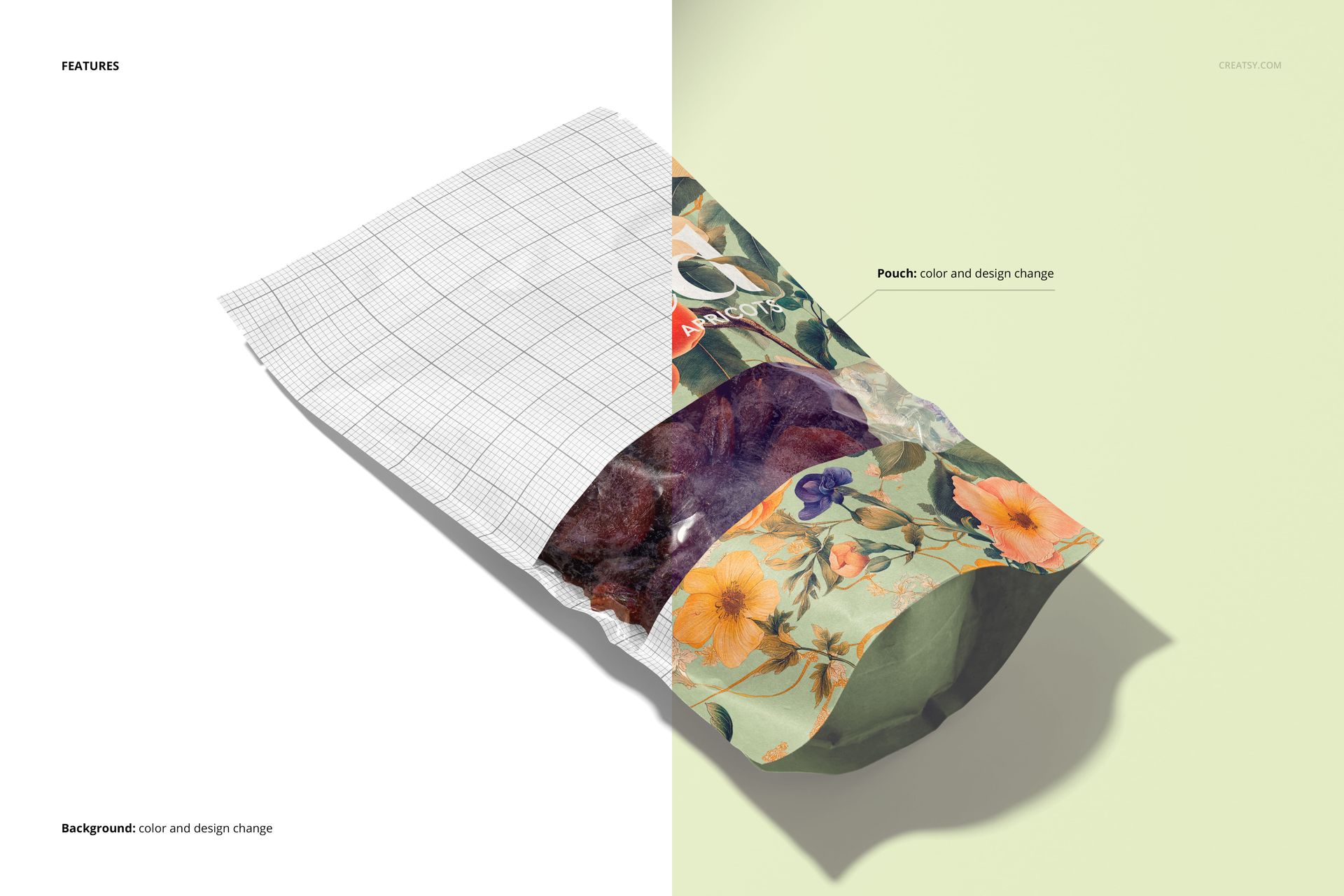
Replace the pouch artwork and change its color to suit your branding.
Preview your layout across paper creases, the curved base, and the area surrounding the transparent window.
Choose standing, paired, or overhead compositions, including a flat lay with dried apricots arranged above the pouch.
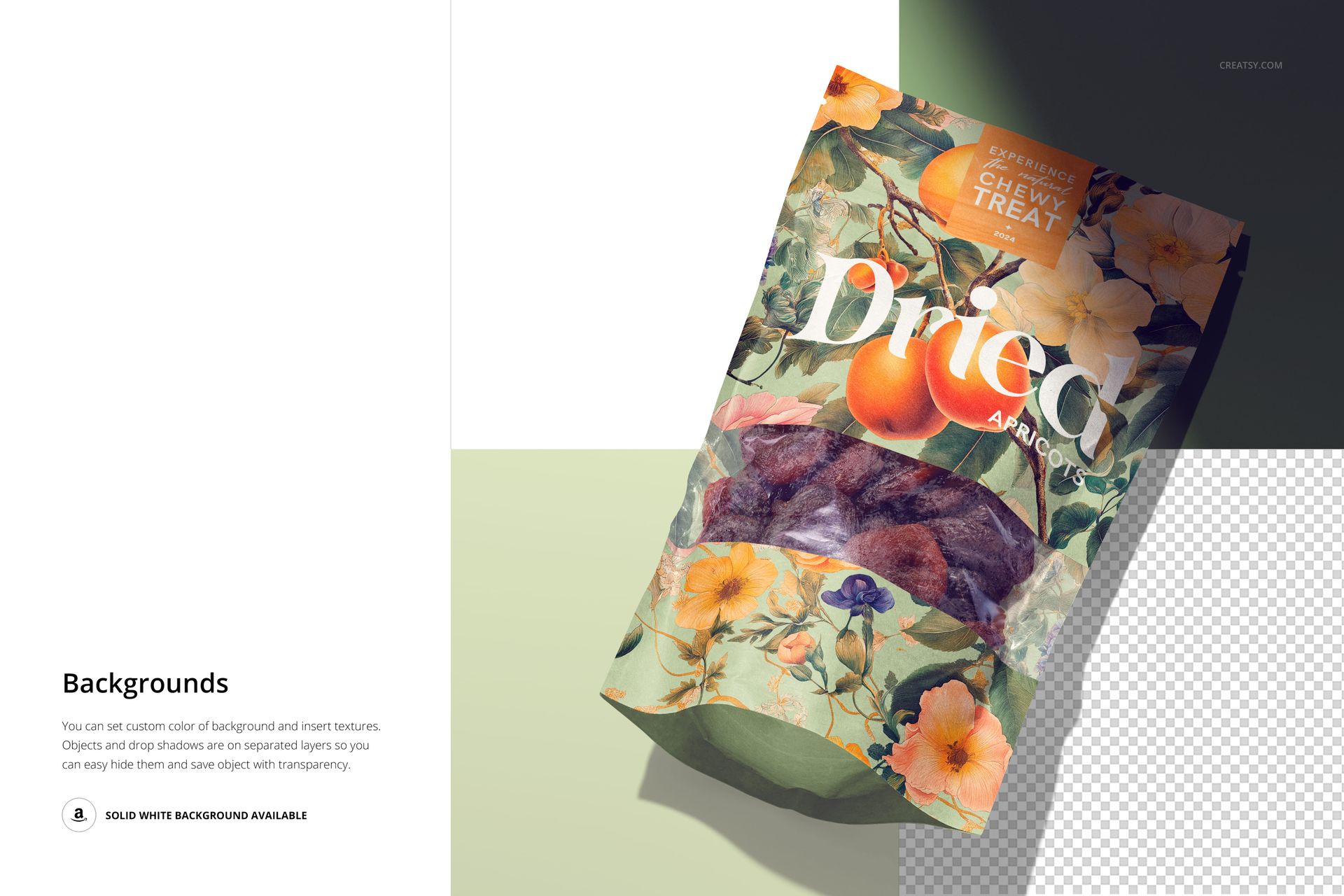
Change the background color or add a texture; a solid white background is also available.
Objects and drop shadows are on separate layers, with a transparent-background export option.
Check Pattern Scale Across Different Views
An illustration that feels balanced on an upright pouch can look oversized in a close flat lay. Compare the same apricot artwork in both views, keeping the brand name and fruit name readable around the folds. For a useful client comparison, keep the scene and background fixed while changing only the pattern scale. This makes differences in the design easier to judge.
File Specifications
Includes 7 layered PSD mockups and 7 JPG previews. PSD scenes 1–4 measure 6000 × 4000 px; scenes 5–7 measure 4000 × 6000 px, all at 300 DPI. Compatible with Adobe Photoshop CC2020 or later and Photopea. Digital mockup files, not physical packaging.