Paper Coffee Cup in the Front of Wooden Blinds Mockup
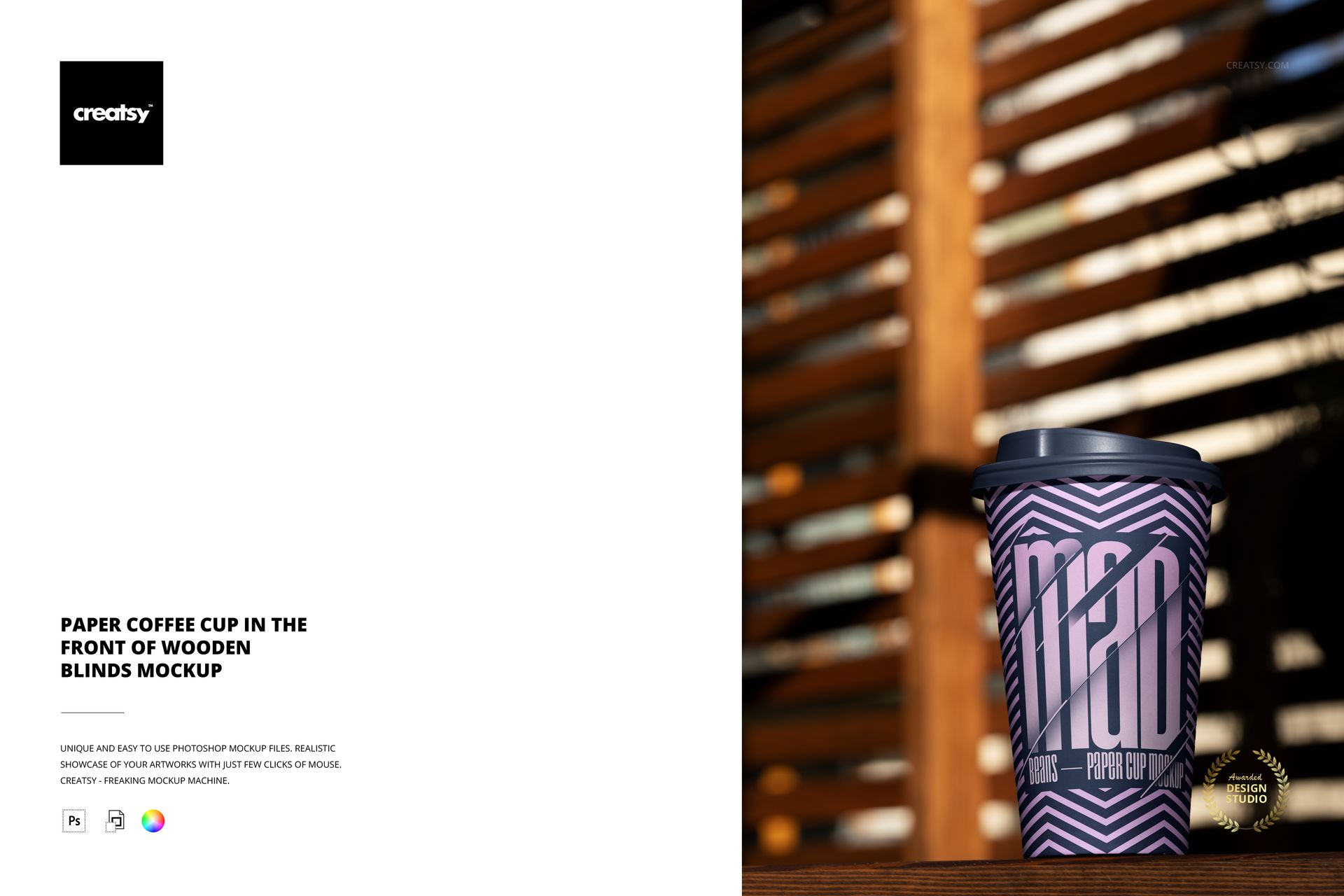
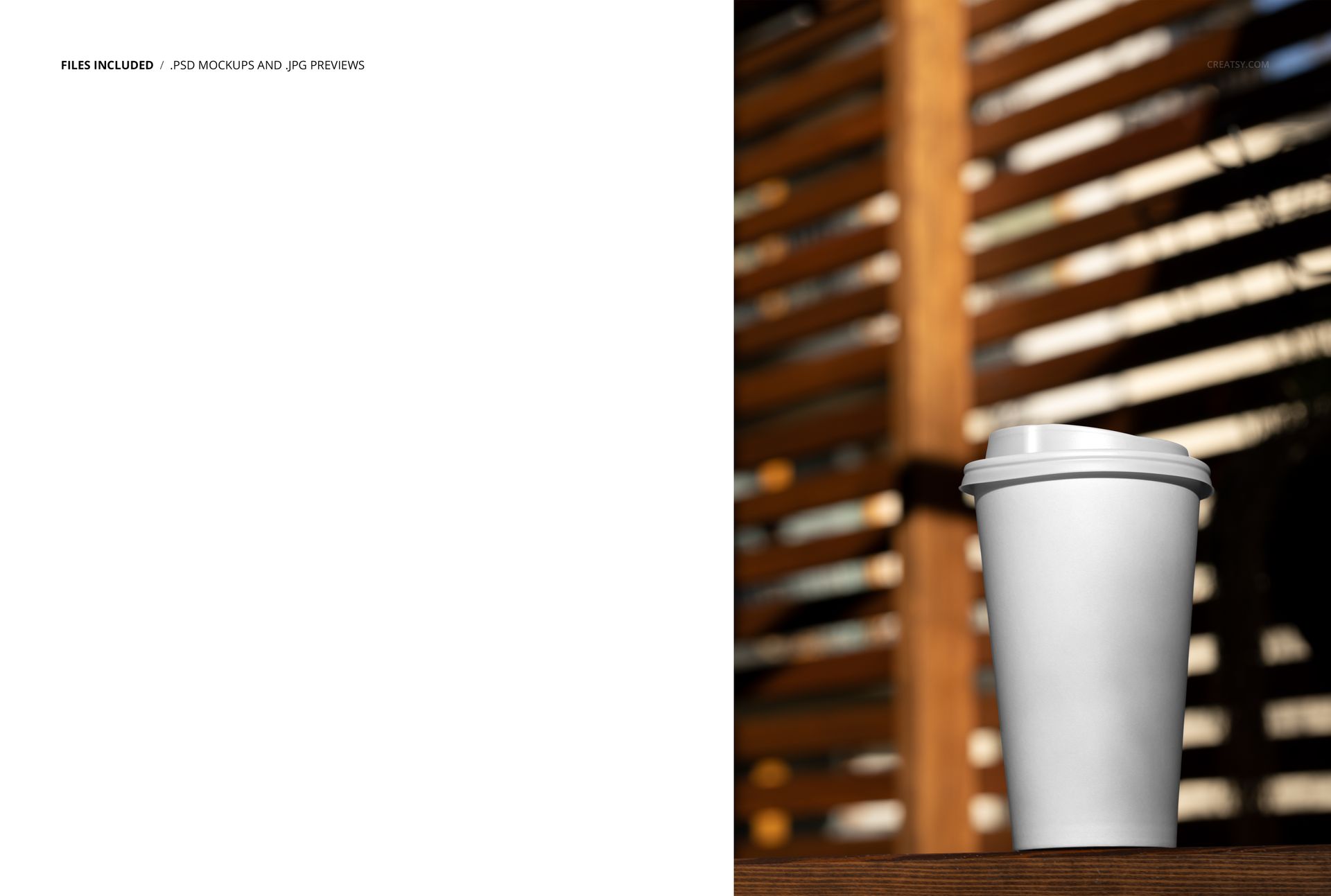
Present a takeaway coffee identity in a warm portrait scene with a tall paper cup, fitted drink-through lid, wooden tabletop and softly blurred wooden blinds. Directional light passes through the horizontal slats, creating a natural cafe atmosphere while keeping the cup artwork easy to evaluate.
Insert a logo, pattern, illustration or typographic layout through the Smart Object workflow. The organized PSD preserves the photographed highlights and shadows, so branding follows the tapered cup shape instead of appearing as a flat rectangle.
What You Can Edit
Replace the paper cup artwork with your own branding
Adjust the cup, lid and background colors using the organized layers
Prepare clean presentation variations without rebuilding the lighting
What Is Included
1 layered PSD mockup scene
1 JPG reference image
Portrait canvas listed as approximately 4000 x 6000 px at 300 DPI
Support for Adobe Photoshop CS6 or later and Photopea
No PSB or PDF files
A Warm Window-Light Setting
The wood grain, repeated blind slats and shallow depth of field give the scene a tactile hospitality feel. The cup sits upright in the foreground with enough uninterrupted surface area for logos, repeat patterns and vertical label systems.
Practical Uses
Coffee shop identity and takeaway packaging presentations
Seasonal beverage launches, menu graphics and social campaigns
Restaurant brand guides, packaging portfolios and client approvals
Ecommerce images for printed paper cup concepts
Preview Artwork Credit
Product preview imagery is credited to Creatsy®. The graphic shown on the cup is presentation artwork and is not included as a separate design asset.