Cotton Baby Blanket (Shawl) Mockup Set
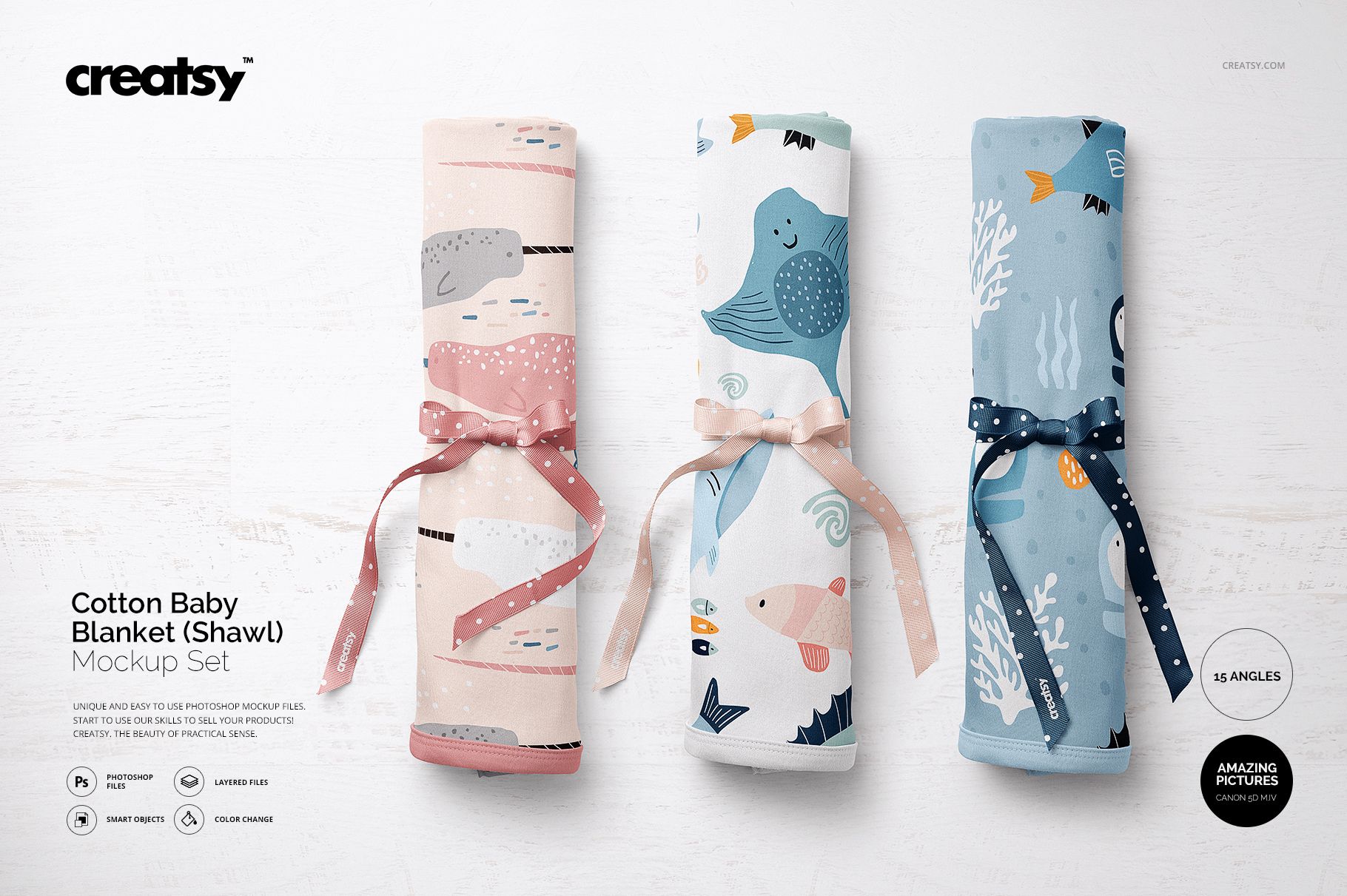
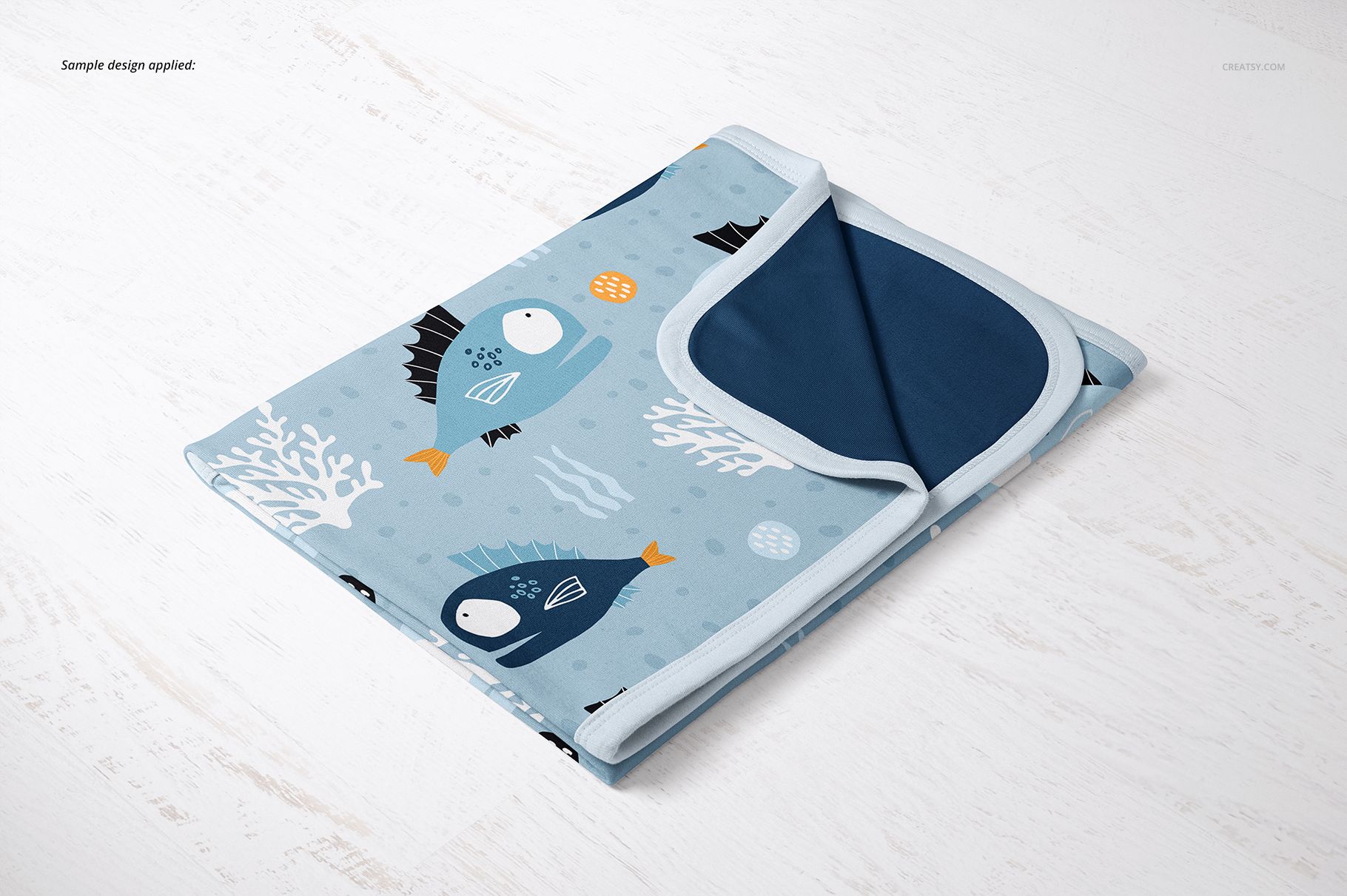
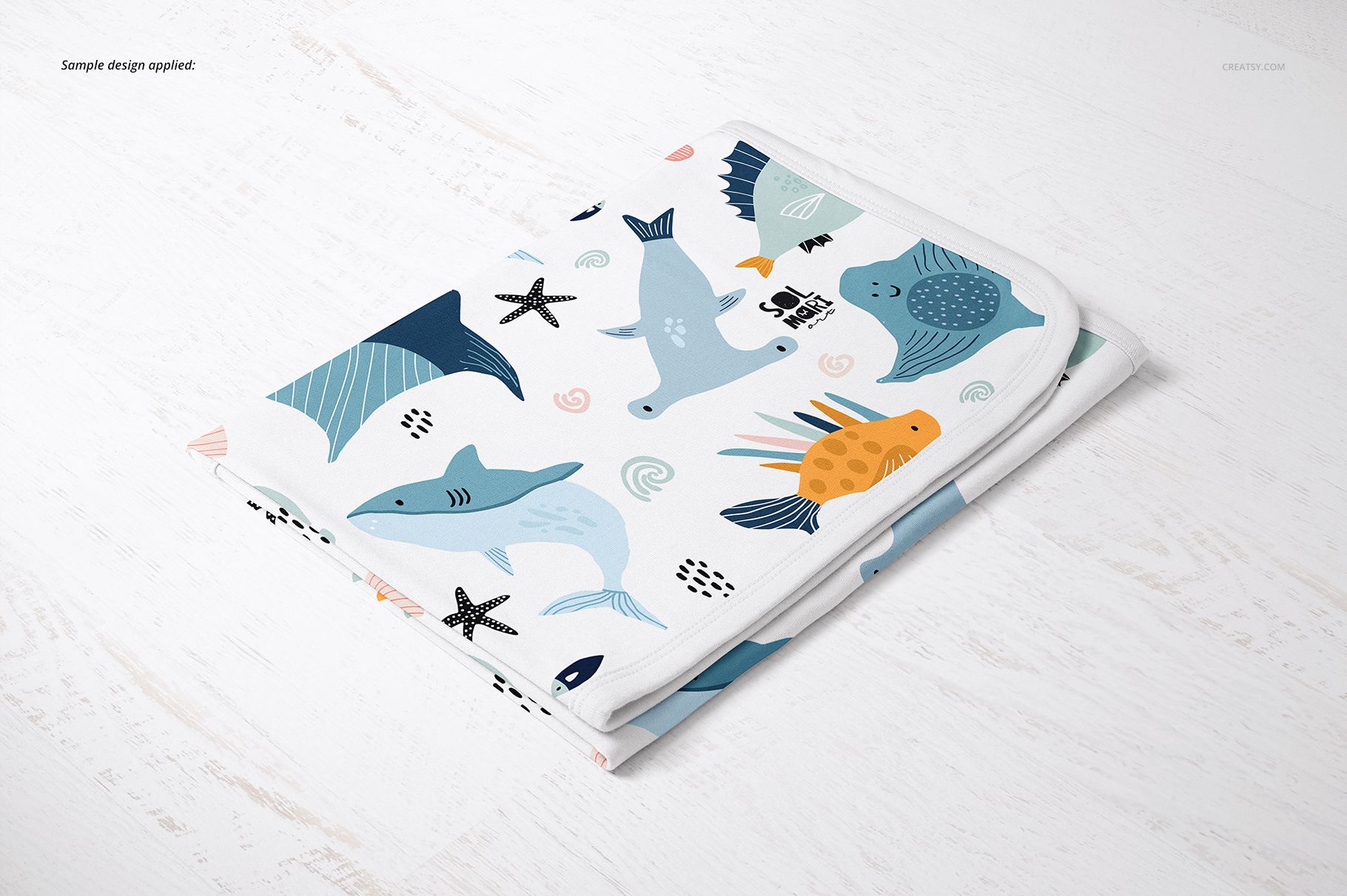
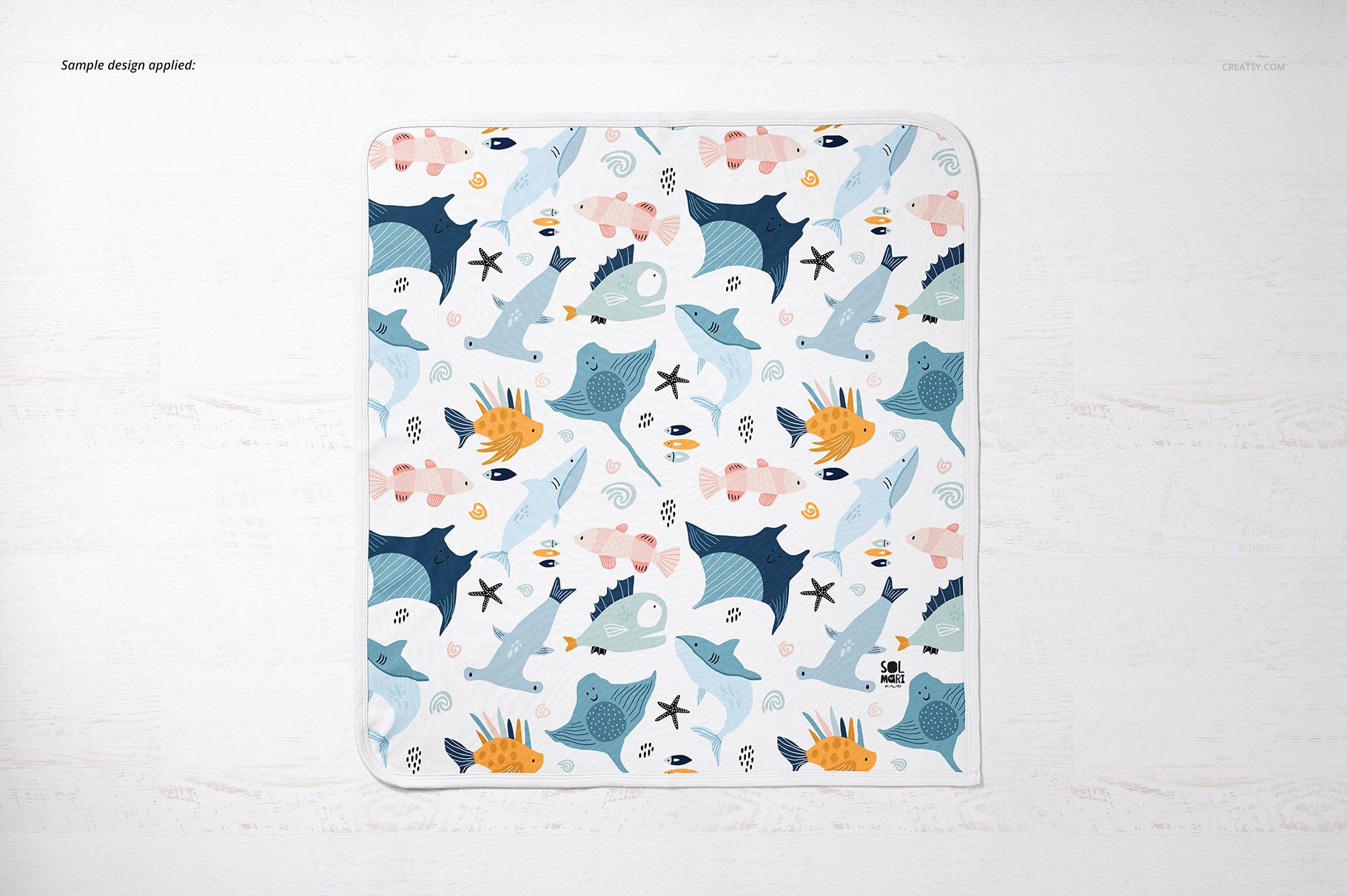
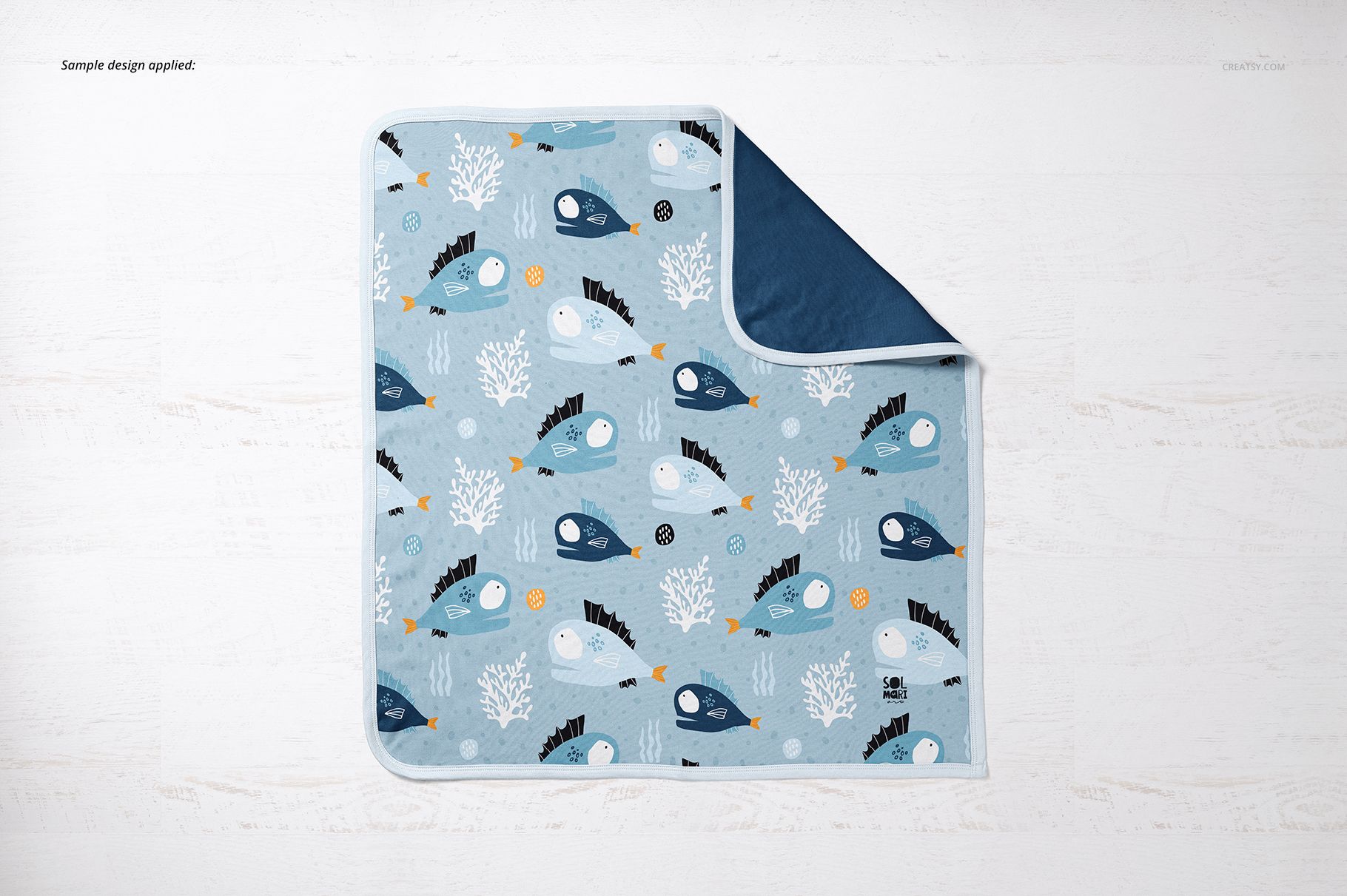
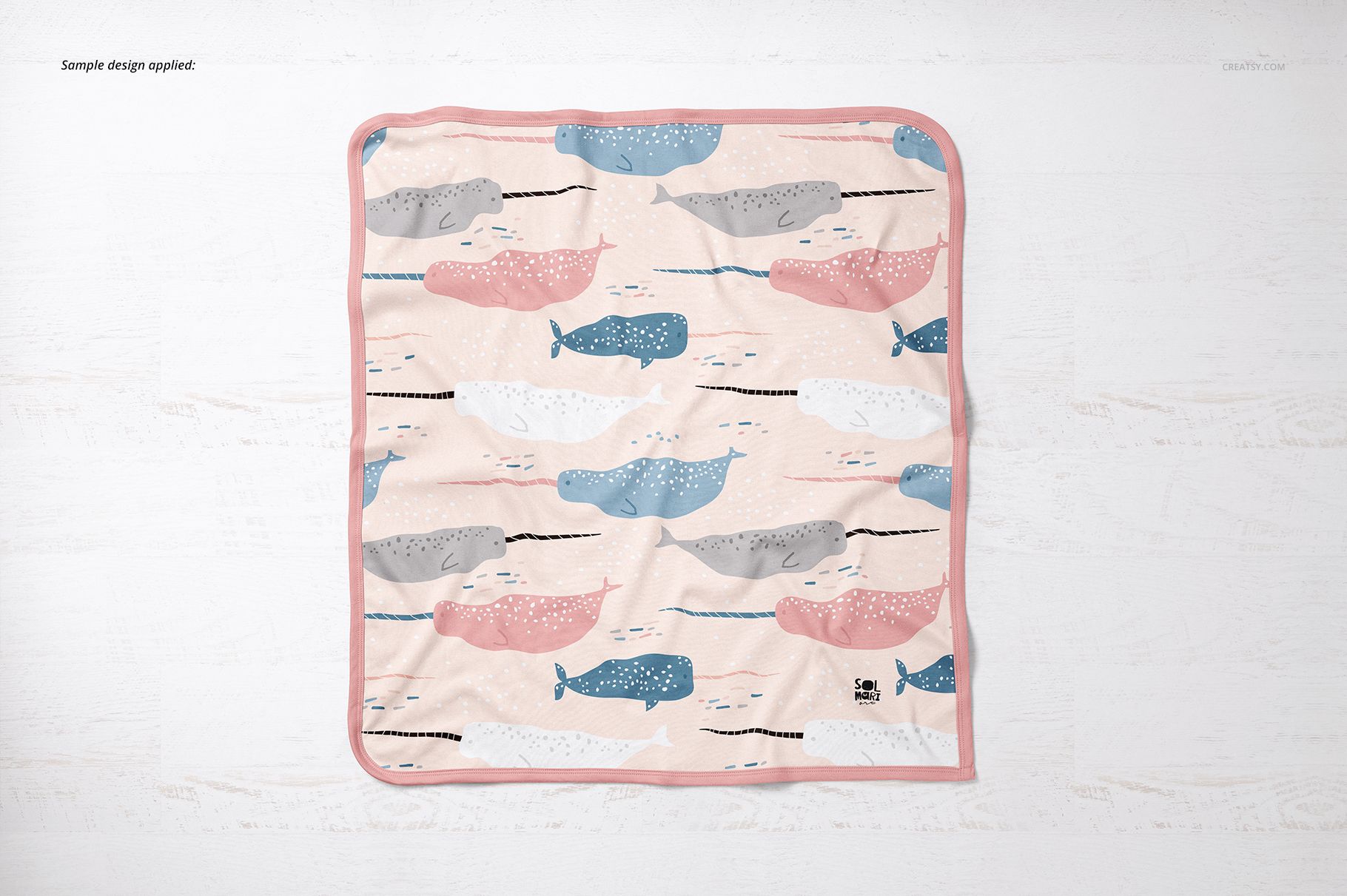
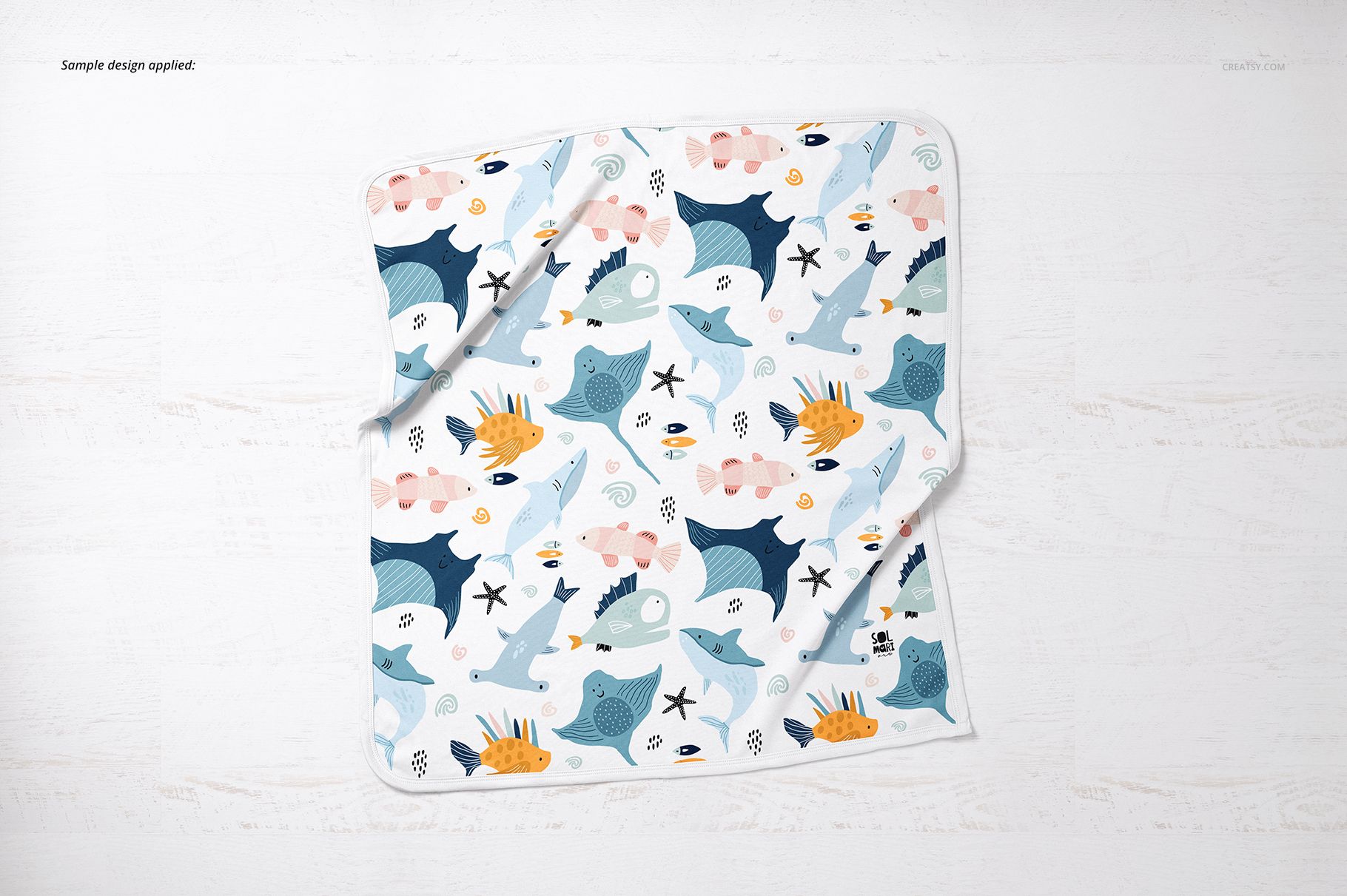
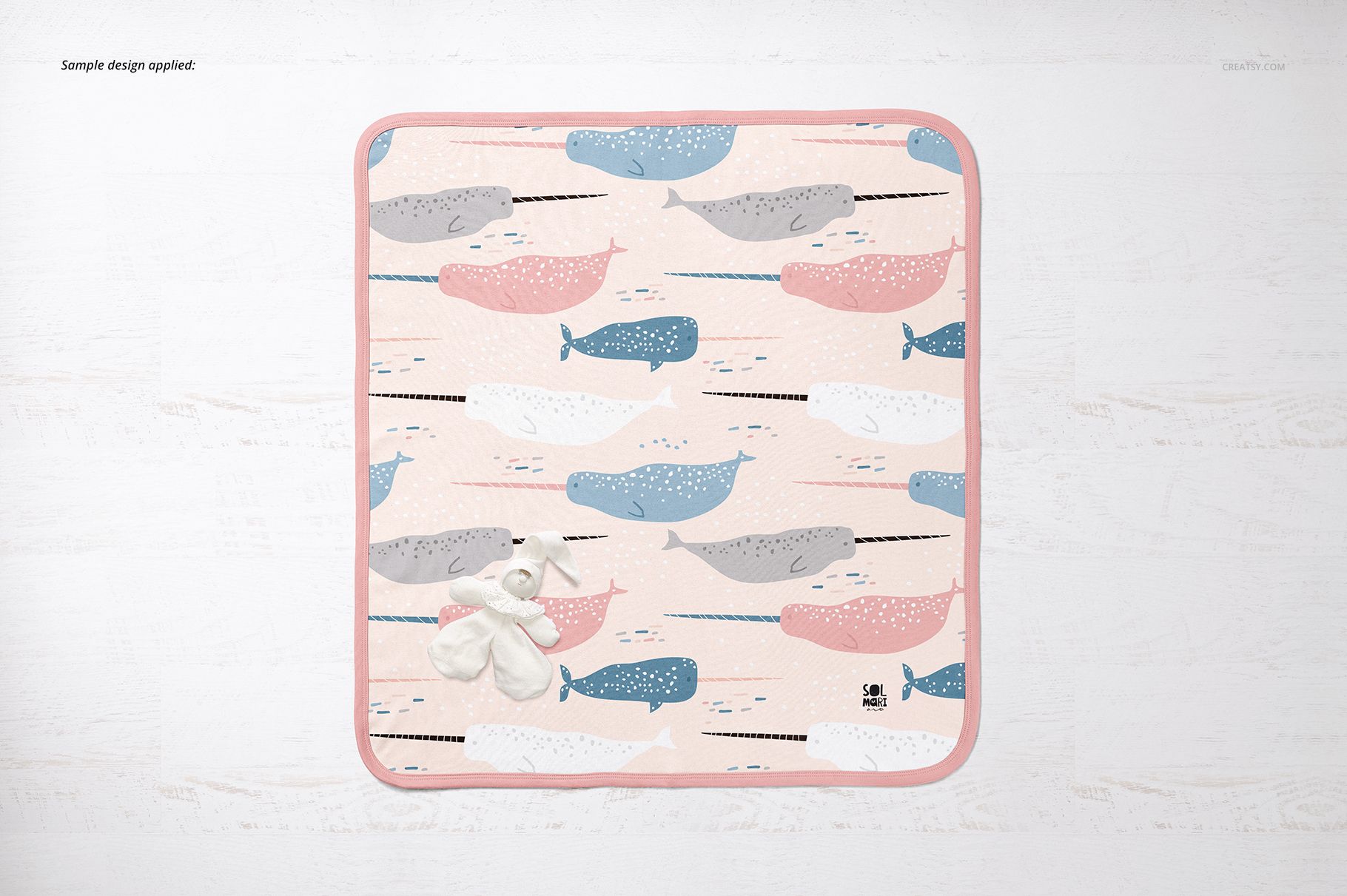
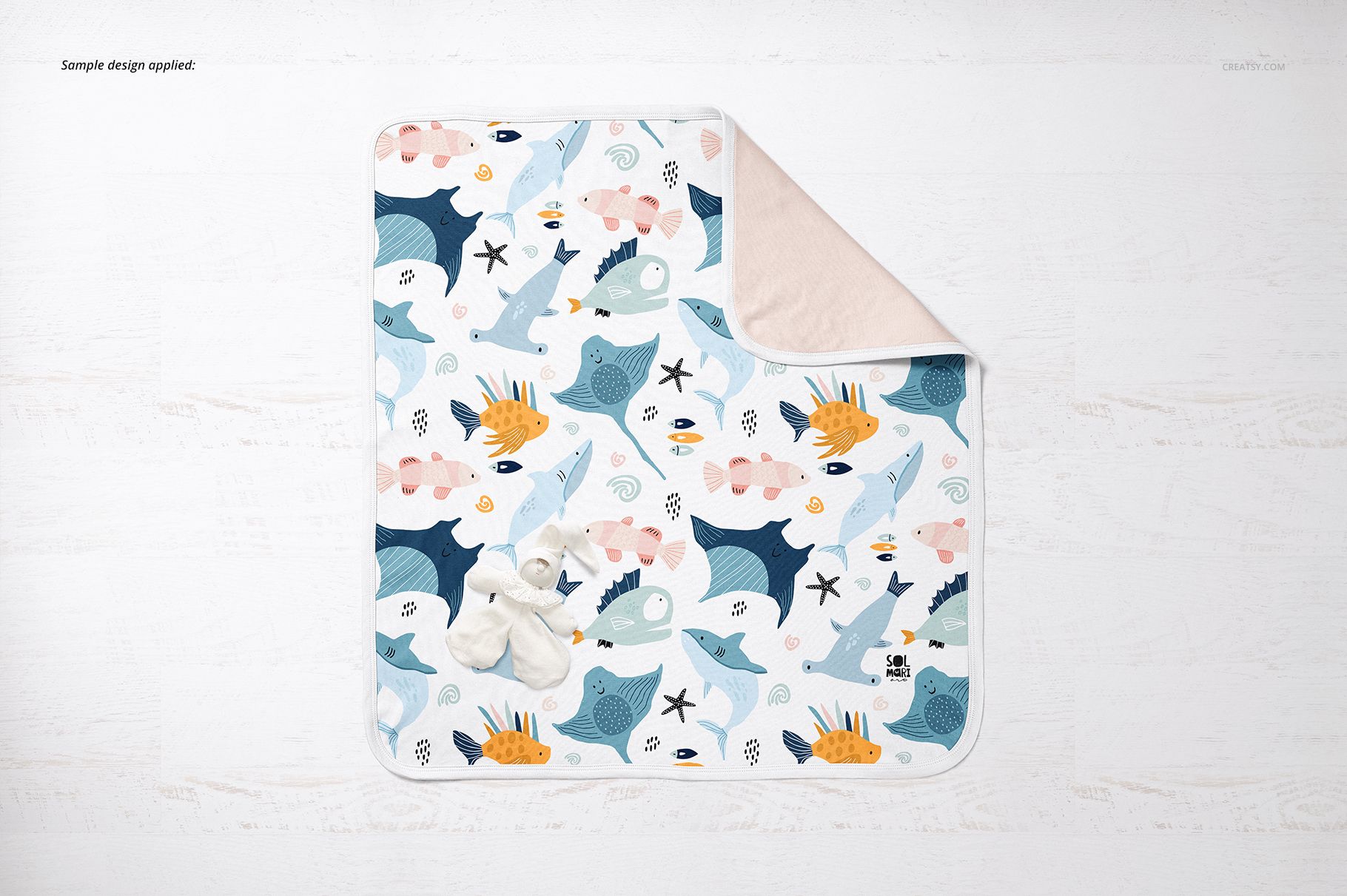
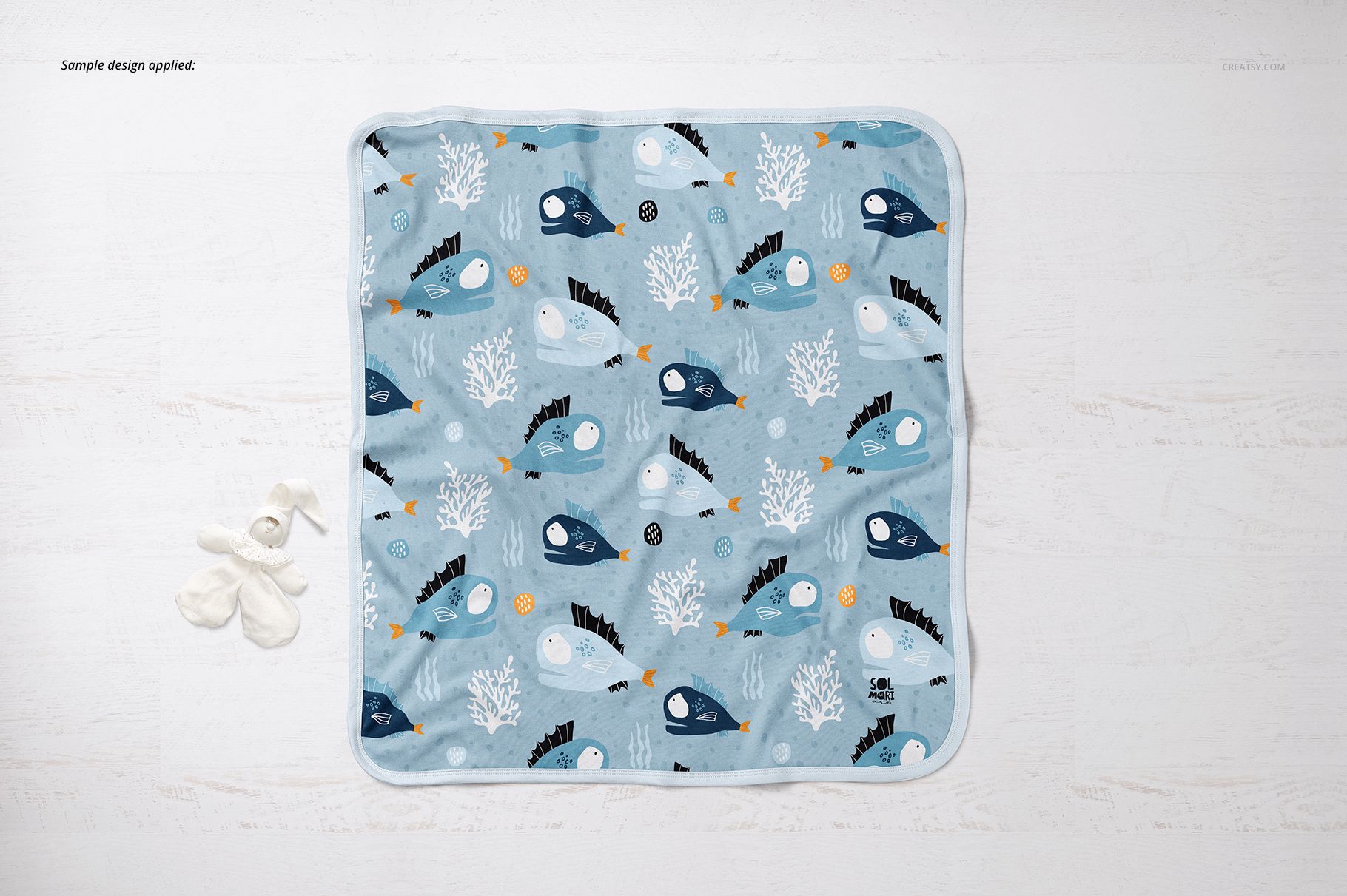
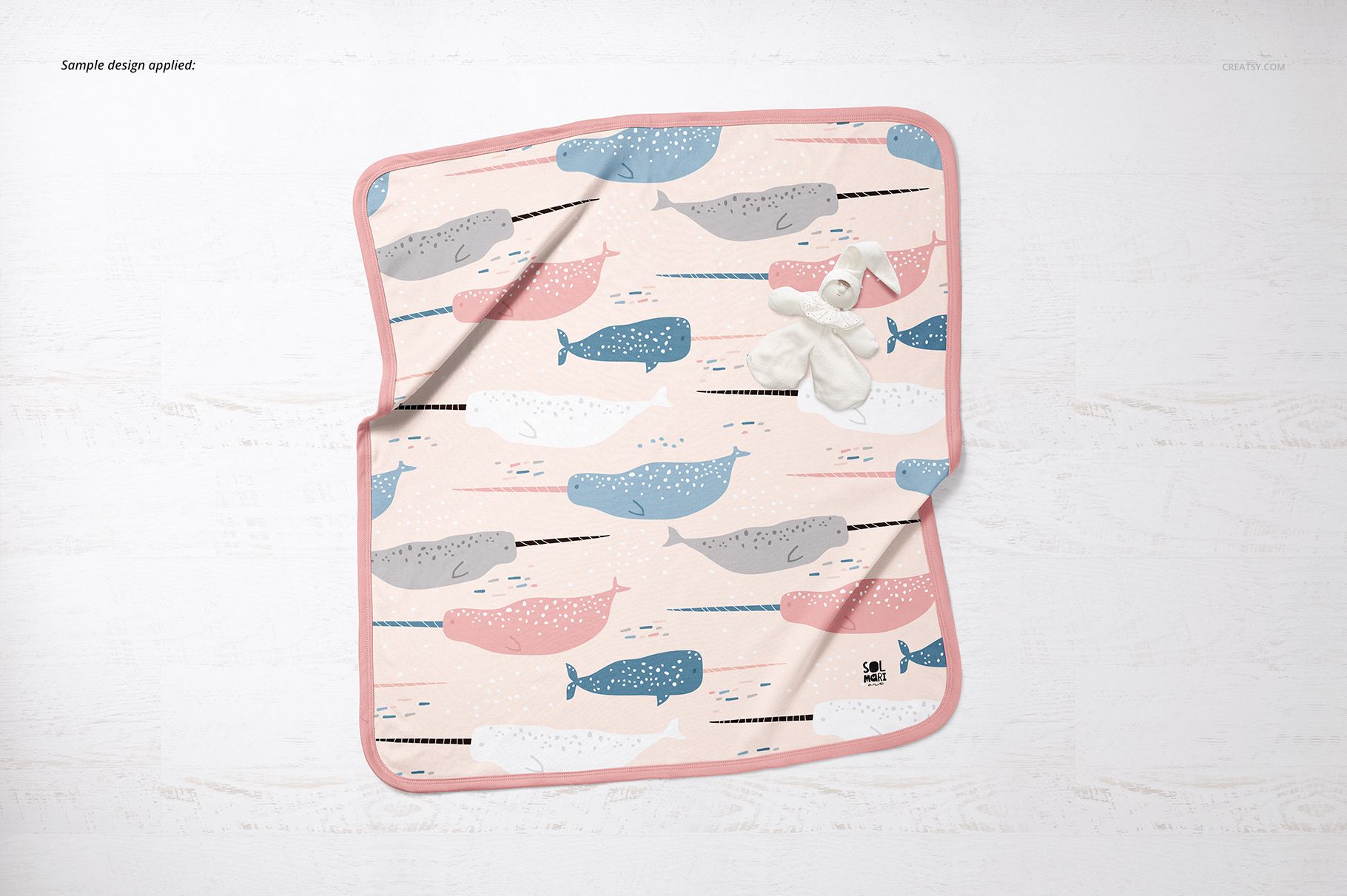
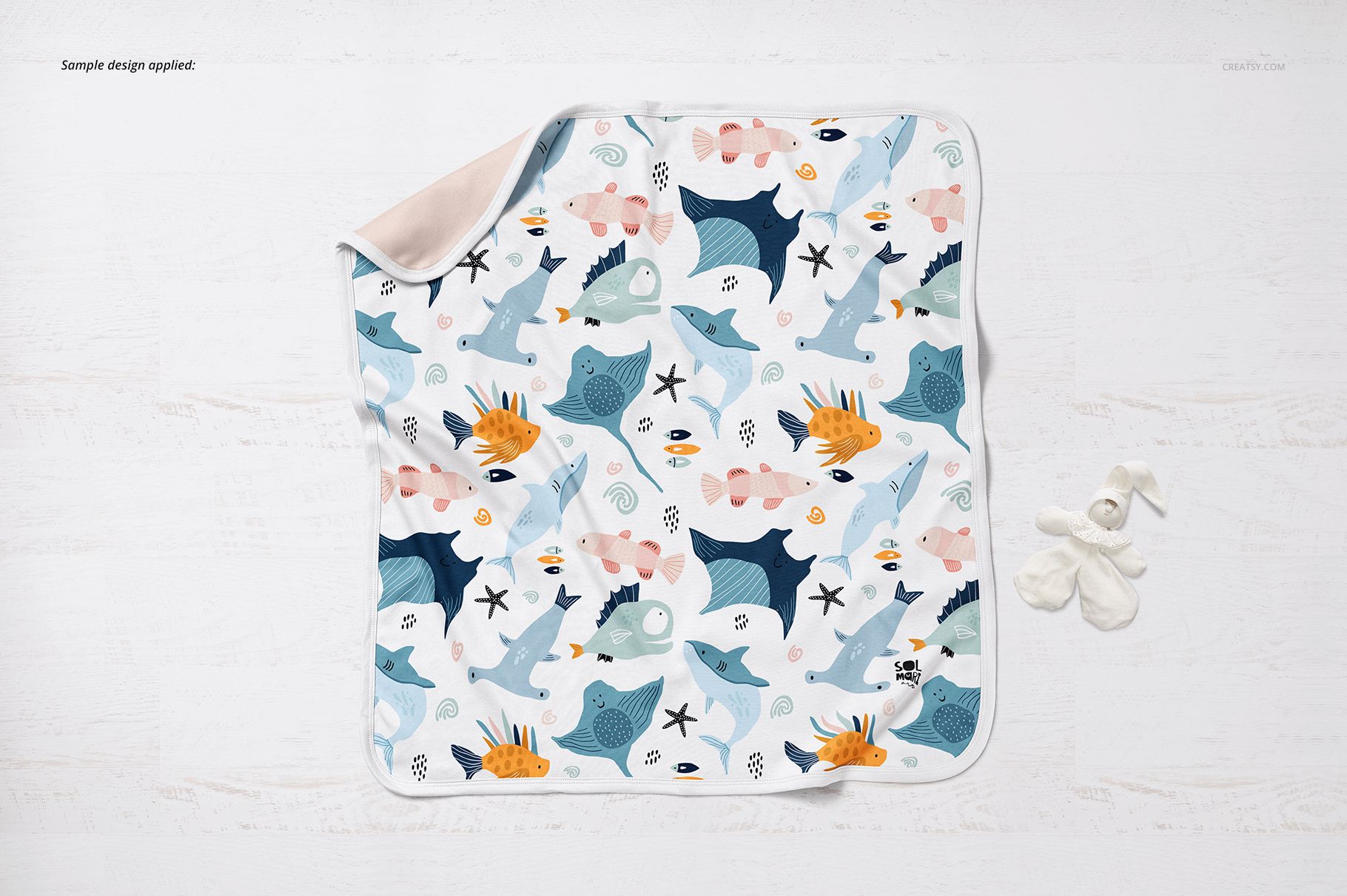
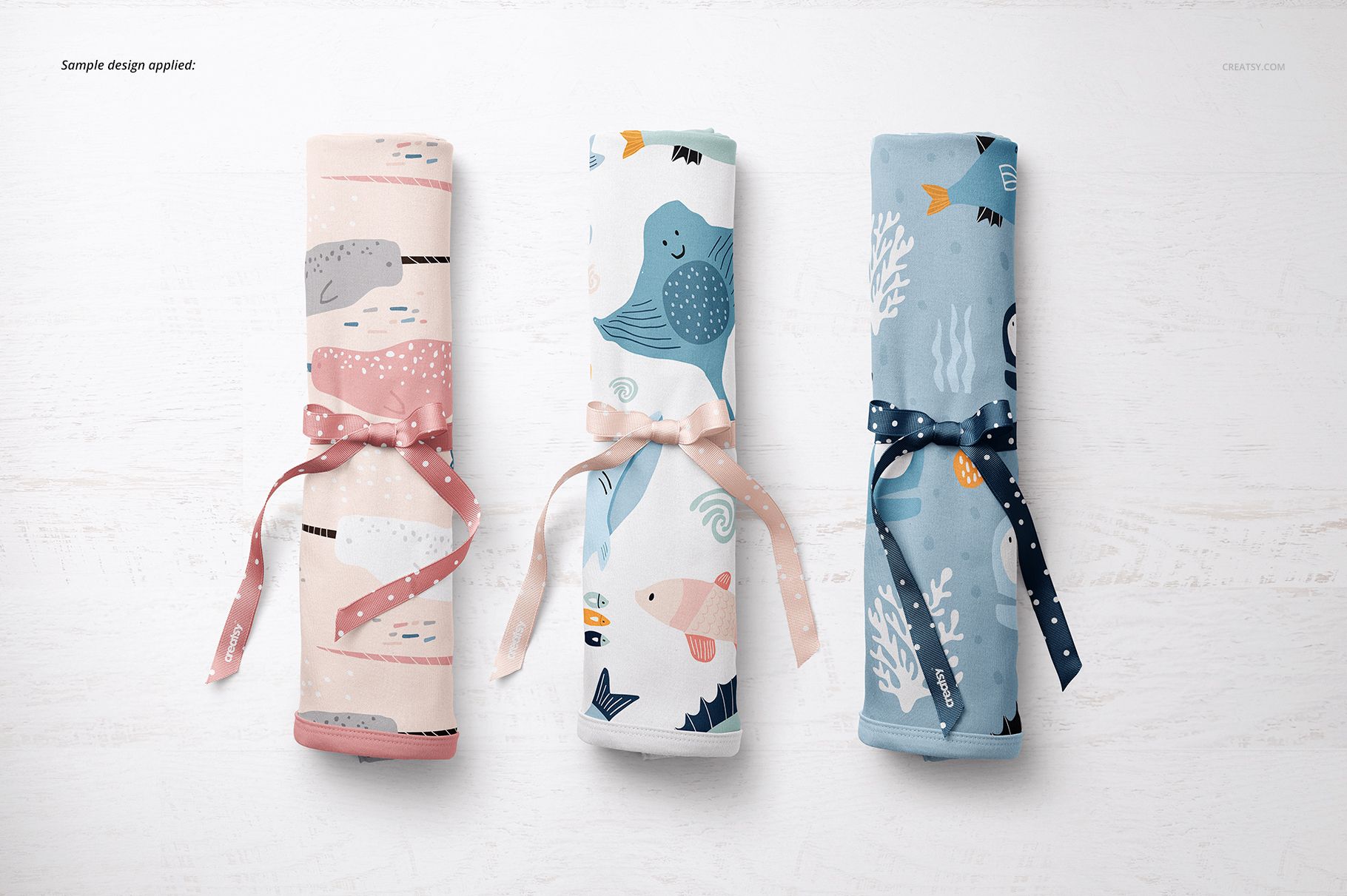
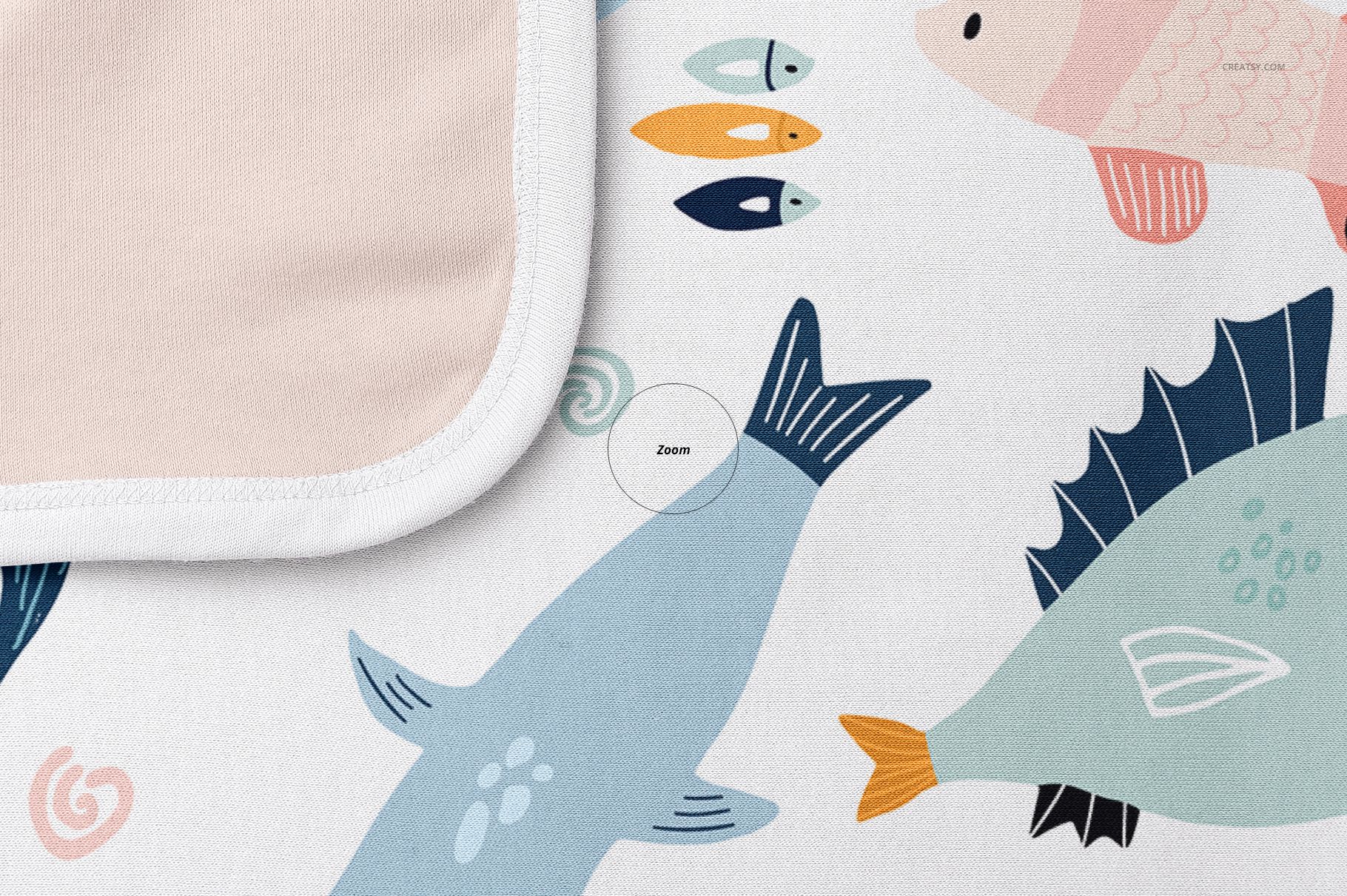
Fifteen views make a small blanket collection feel complete. Present a 74 × 74 cm cotton baby blanket as an open square, a softly folded shawl or a ribbon-tied roll, with photographed fabric texture and stitched edges that give your artwork a tangible setting.
What Is Included
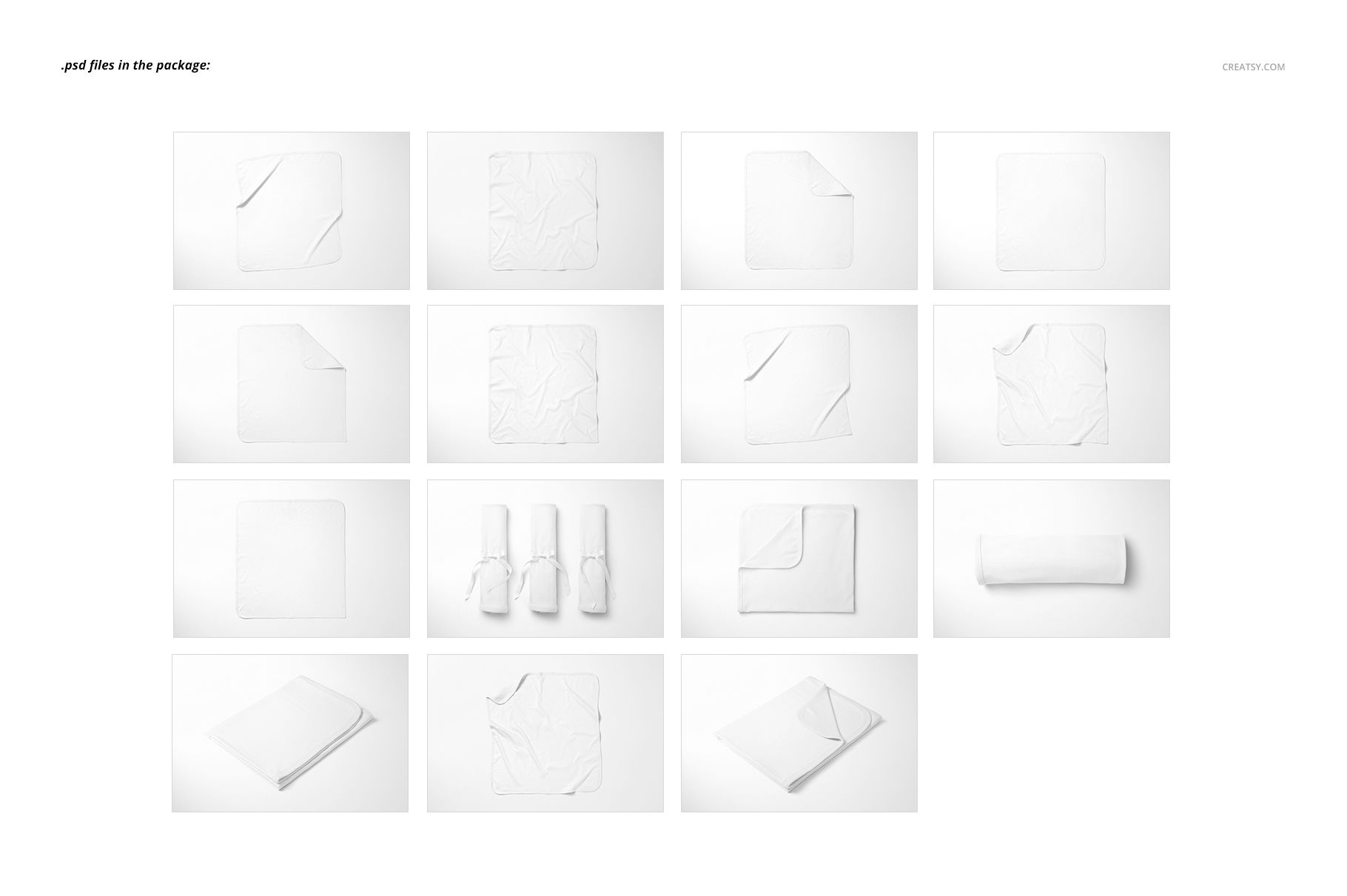
15 layered PSD mockups, 6000 × 4000 px at 300 DPI per scene.
15 JPG scene previews and 1 JPG guide, 31 files in total.
Smart Object artwork editing and color layers for Photoshop CC2018 or newer and Photopea.
Open, Folded and Ready for a Gift Presentation
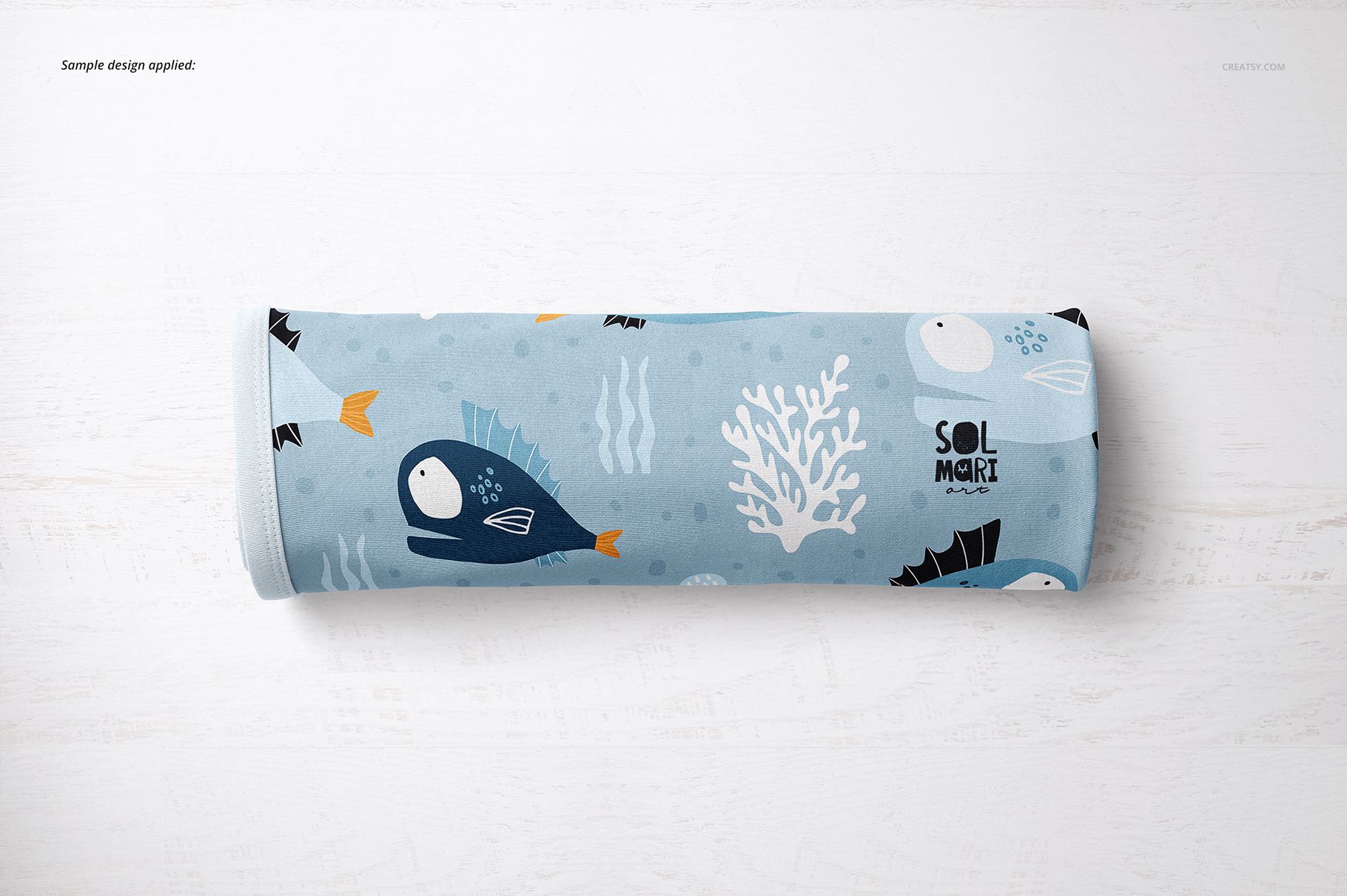
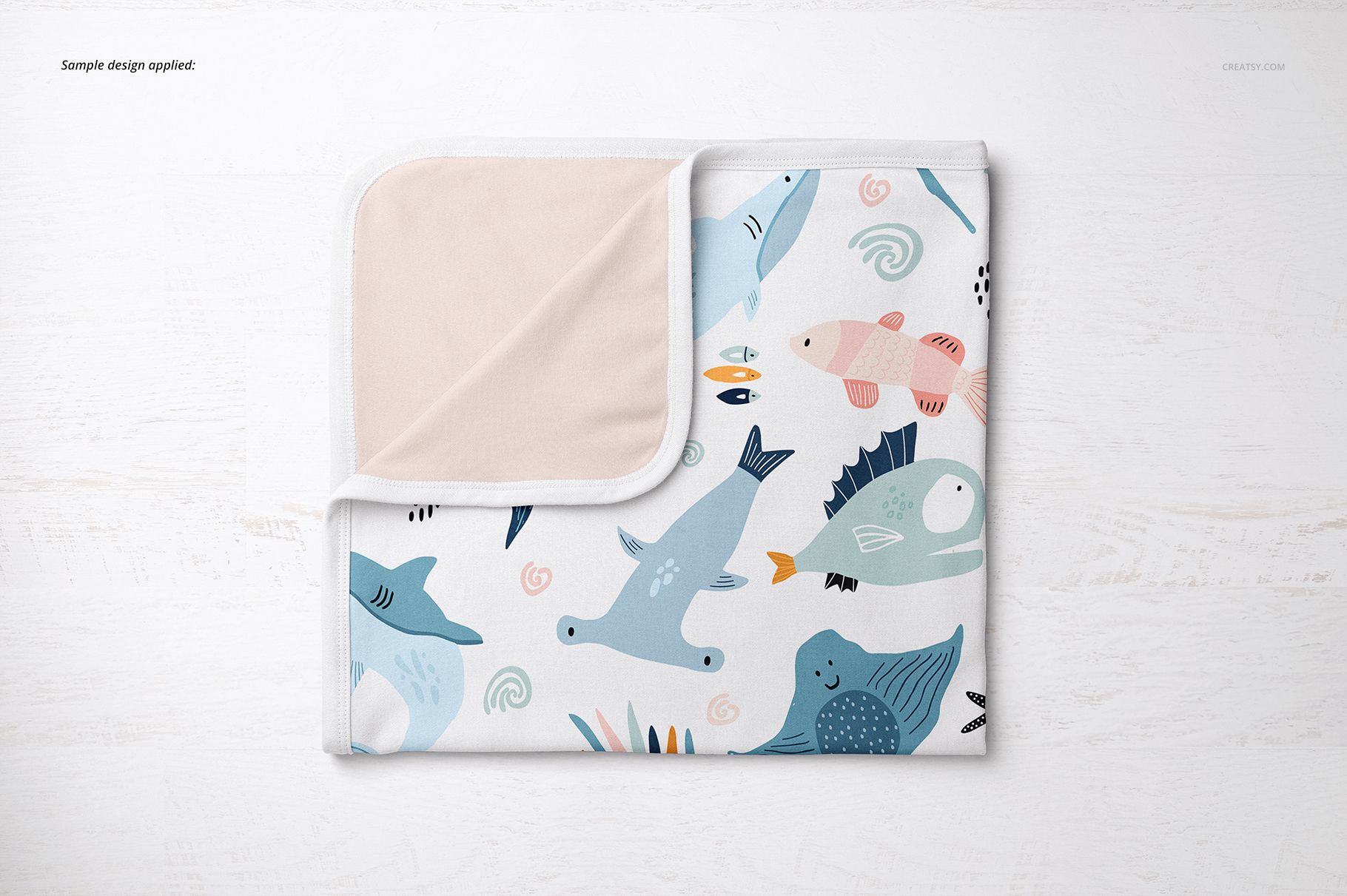
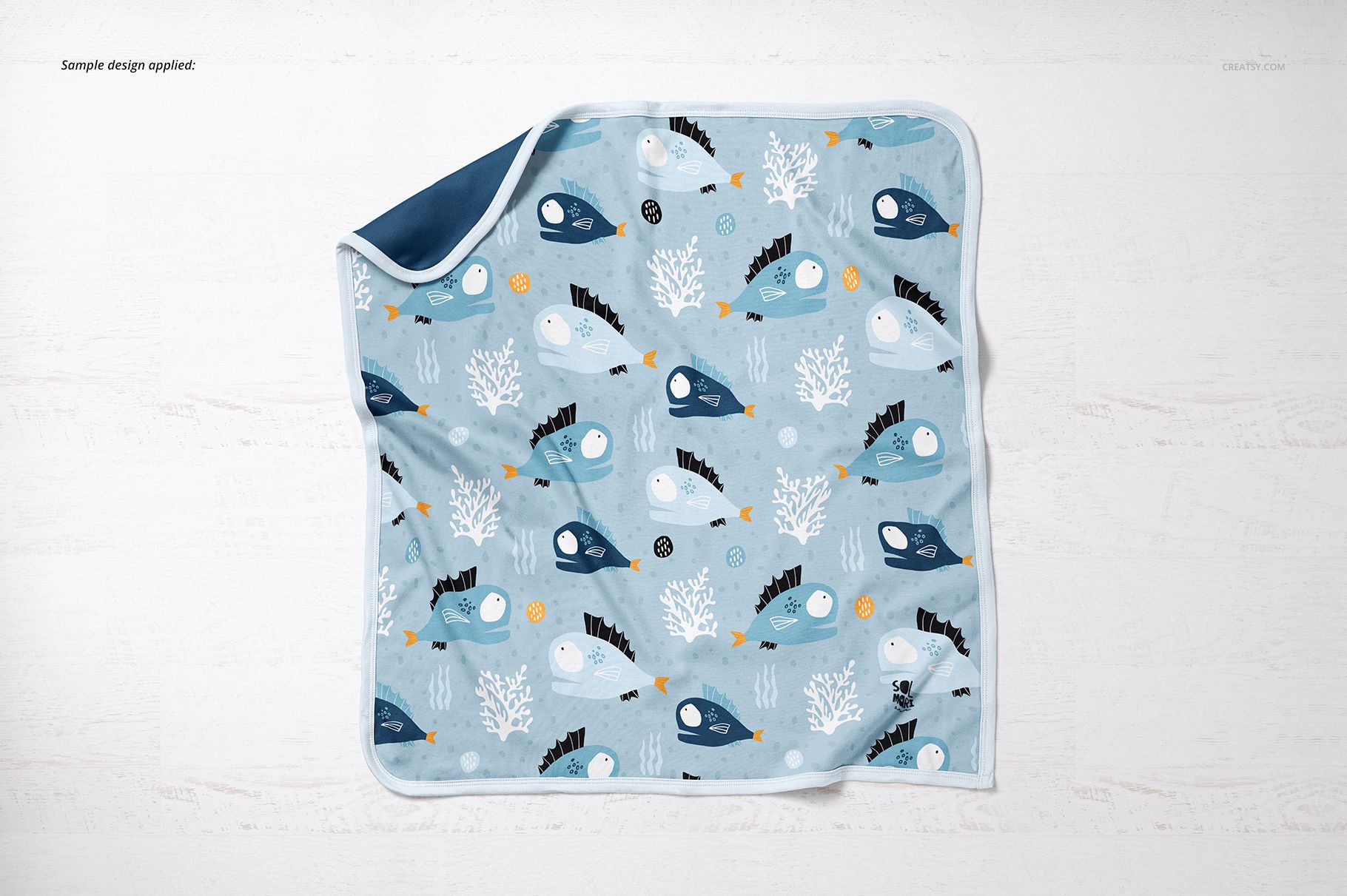
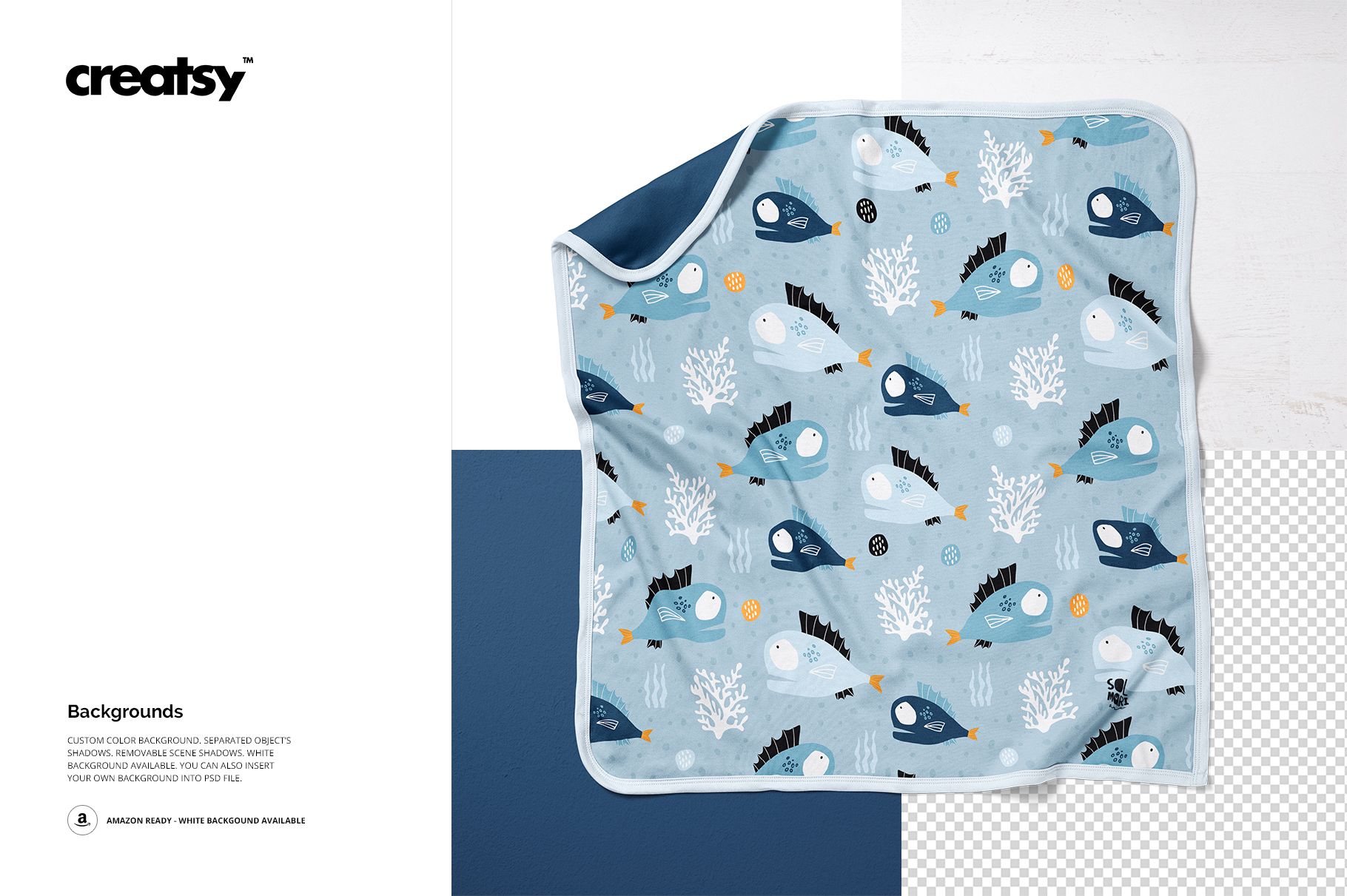
The range includes flat-lay arrangements, folded corners that reveal the reverse, compact folded views and three ribbon-tied rolls displayed together. Use open views to show the repeat across the blanket, then switch to folded or rolled compositions for a gift-focused presentation. Color and design controls let you develop matching textile options.
Easy Smart Object Editing
Replace the sample artwork inside the Smart Object, save it and return to the scene to review the result. Adjust the color layers and background to suit your collection. The previews confirm custom background colors, removable scene shadows and the option to insert your own background.
Perfect For
A multi-scene set for baby blanket brands, textile illustrators and surface pattern designers preparing coordinated colorways, collection presentations and portfolio images. The photographed cotton surface offers a different visual character from fleece or sherpa blanket mockups.
This is a digital mockup set. Physical blankets and the artwork shown in the previews are not included.