Fitted Crib Sheet + Adds Mockup Set
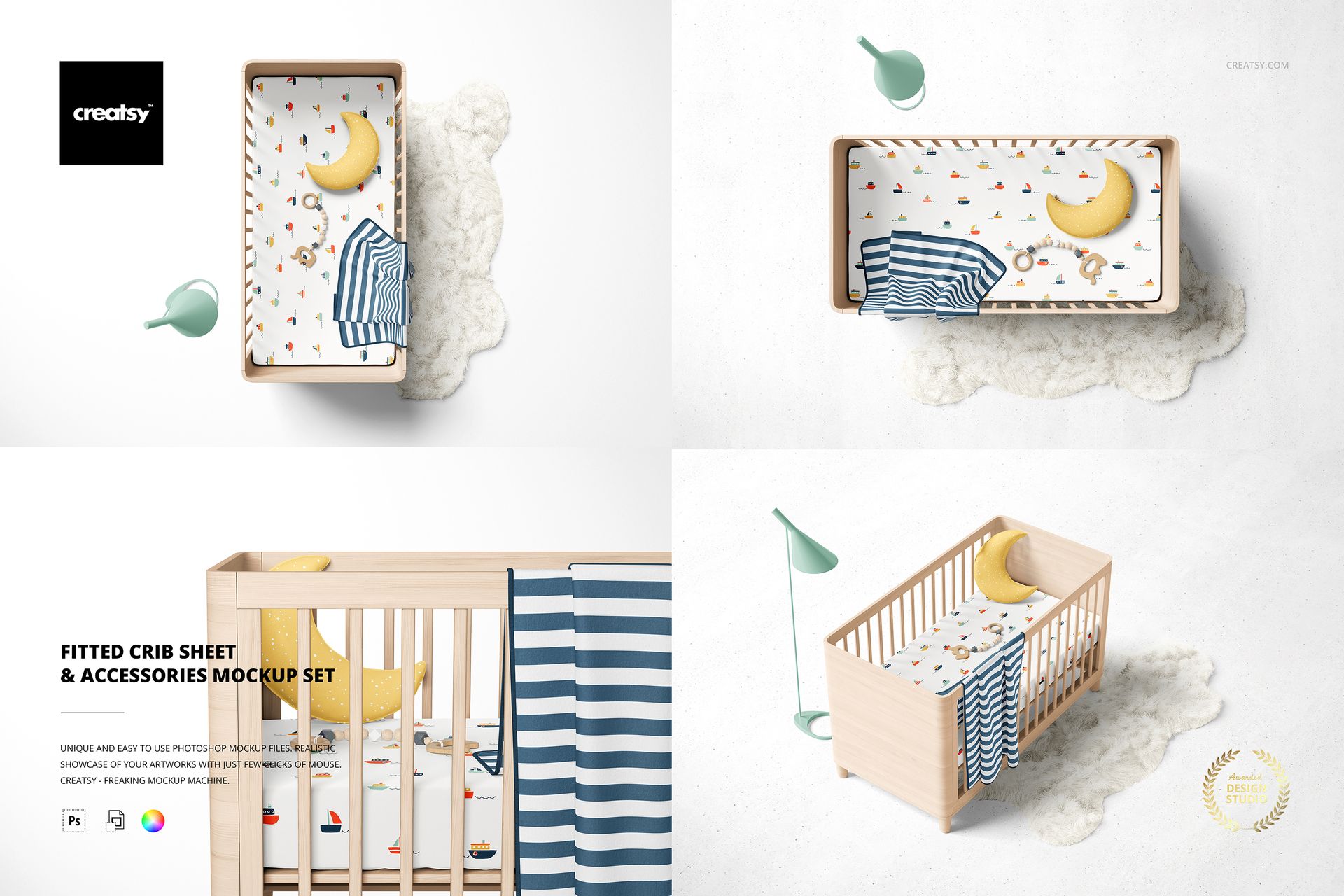
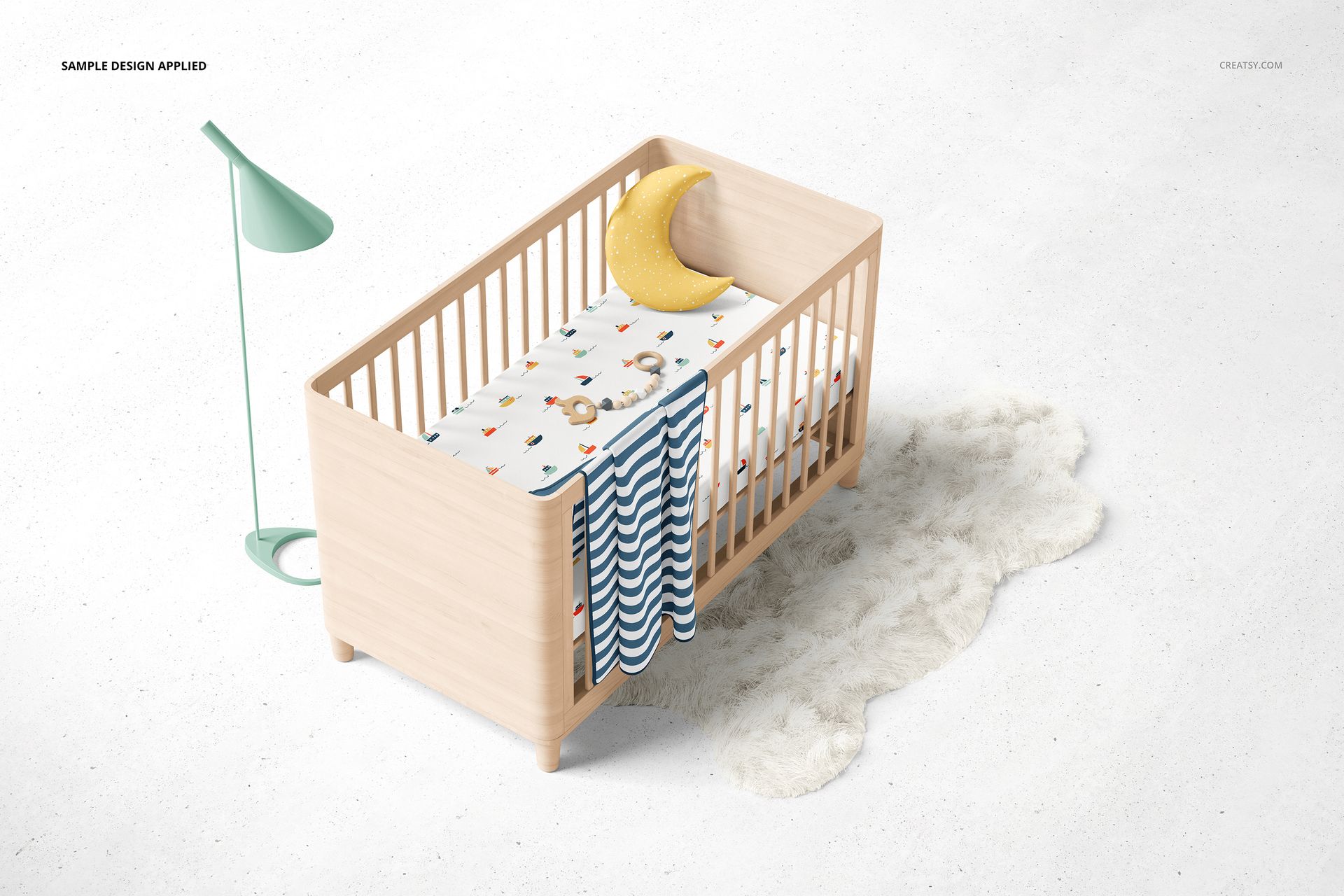
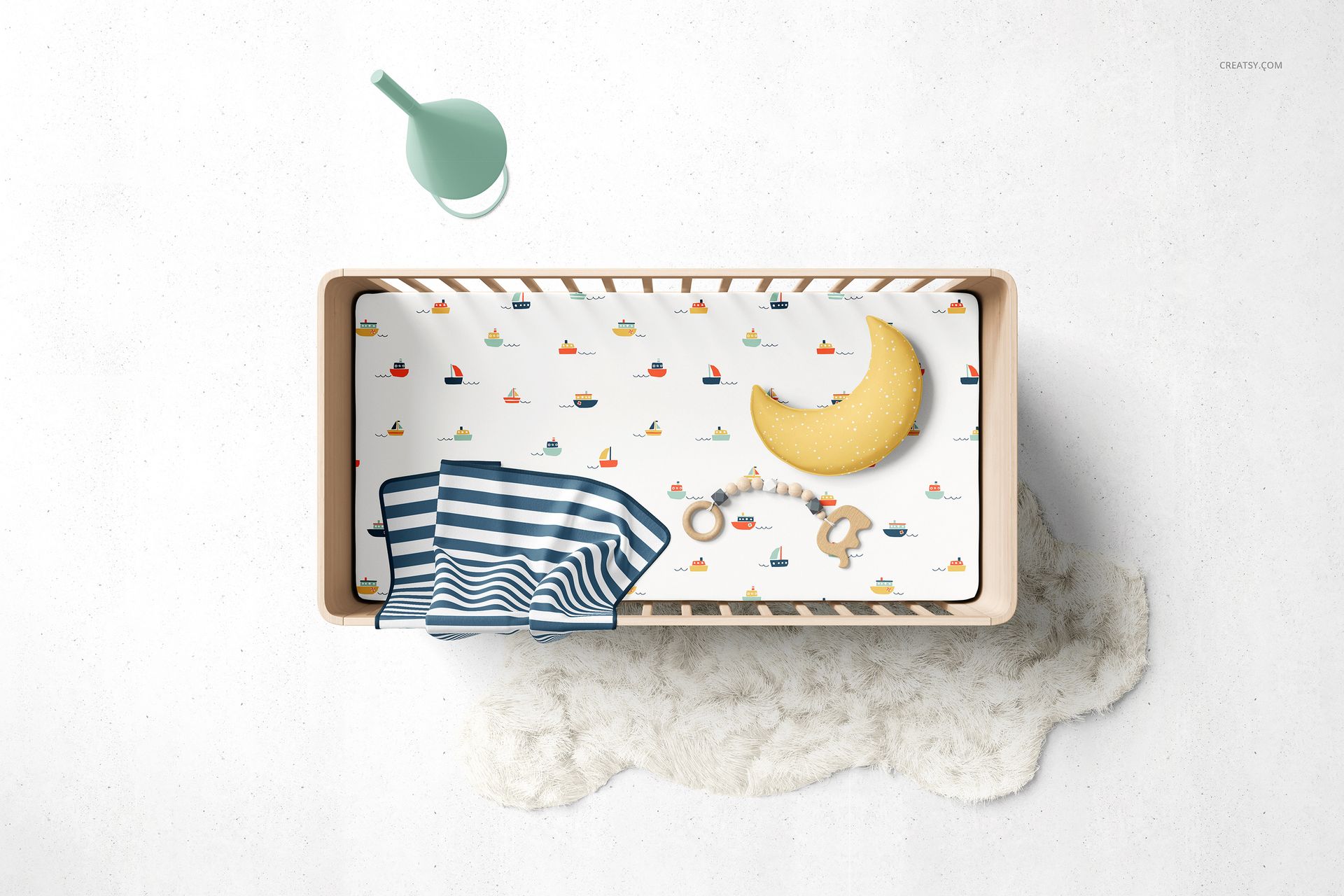
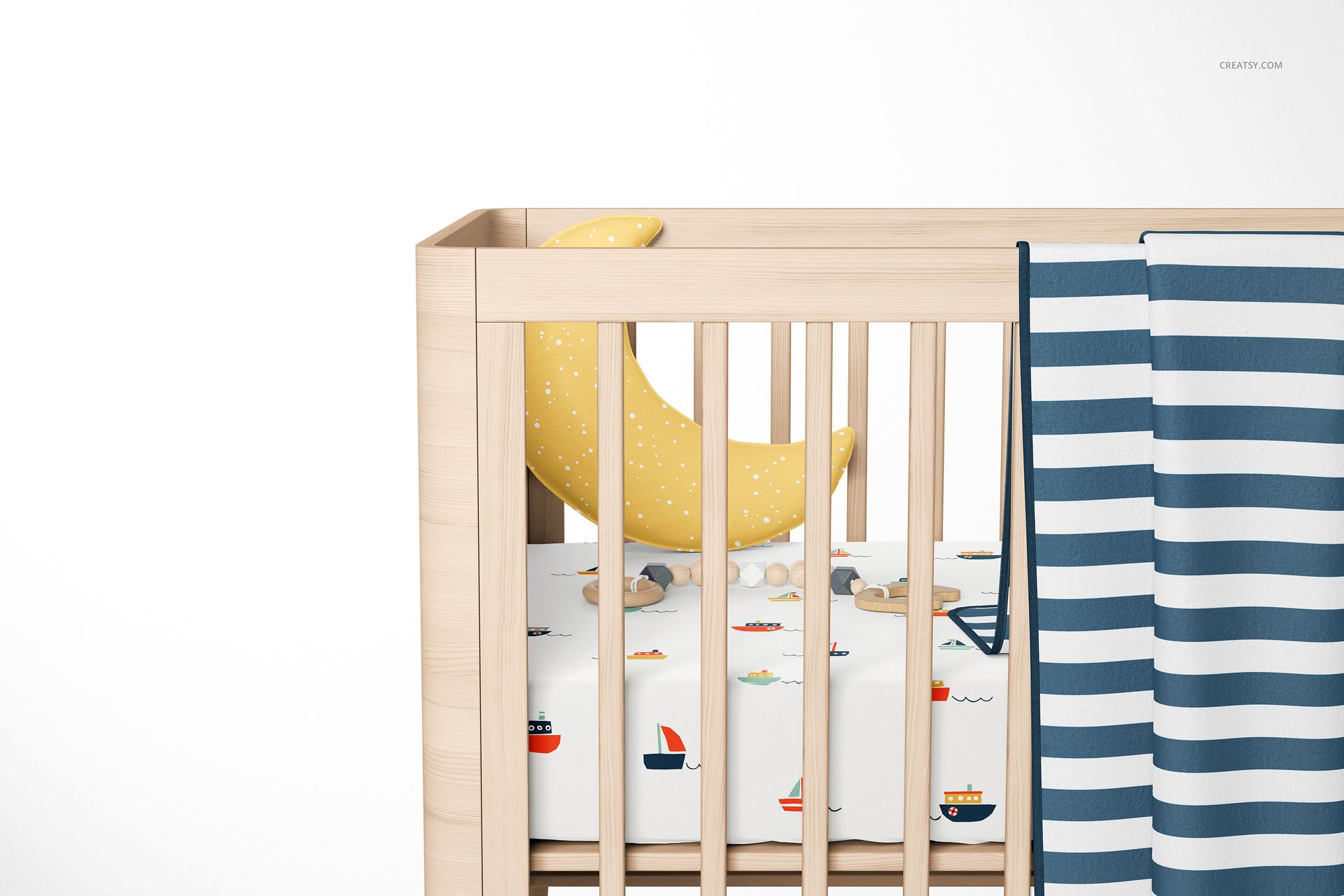
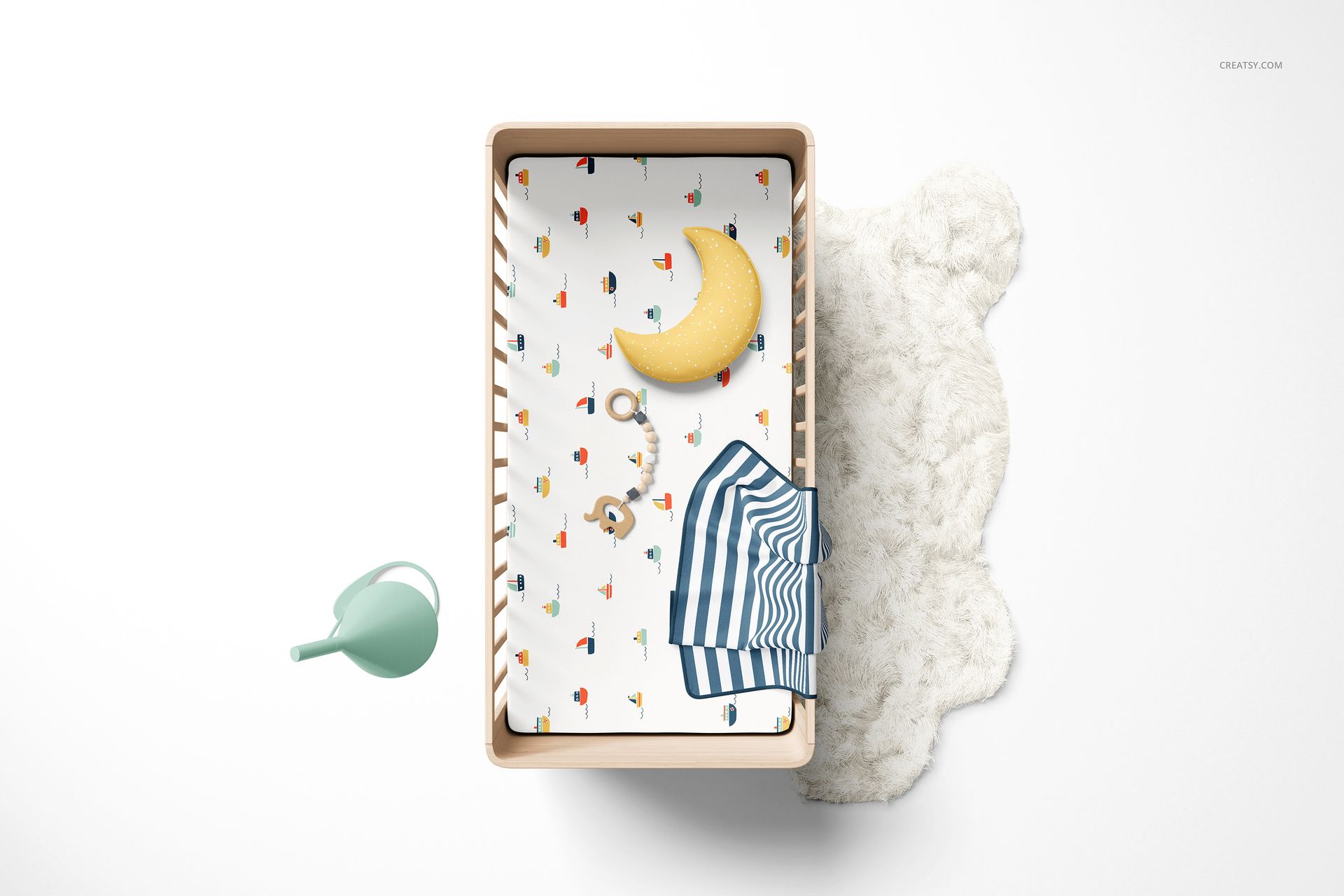
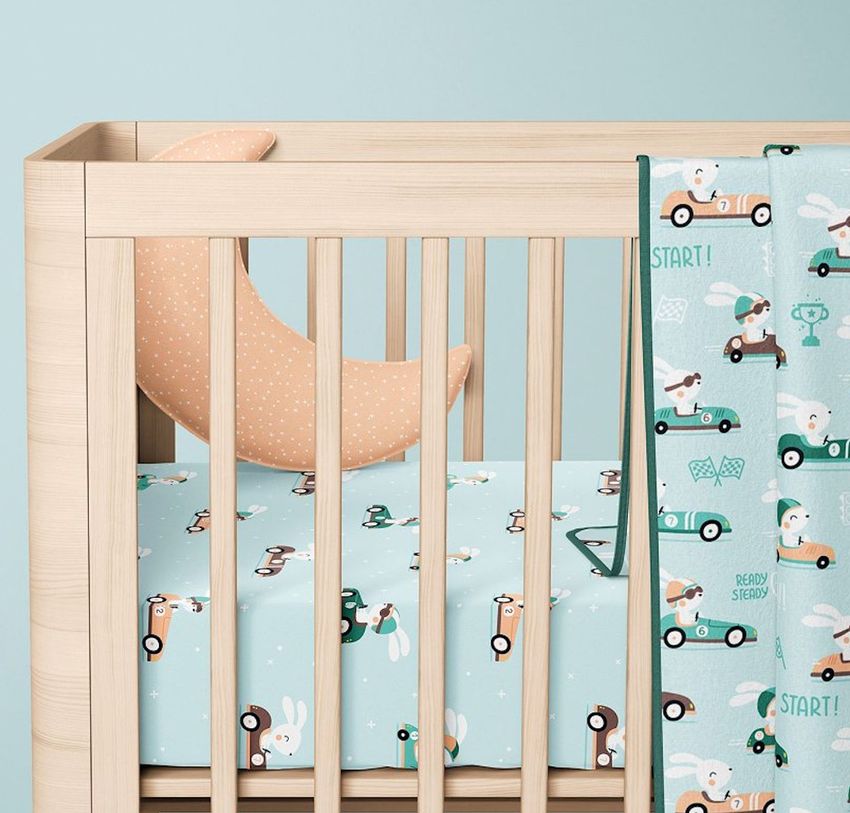
Let the sheet pattern lead the nursery story. Four views of a wooden crib show your fitted sheet from above, at an angle and in close-up, with optional accessories that help turn a single print into a coordinated bedding presentation.
What Is Included
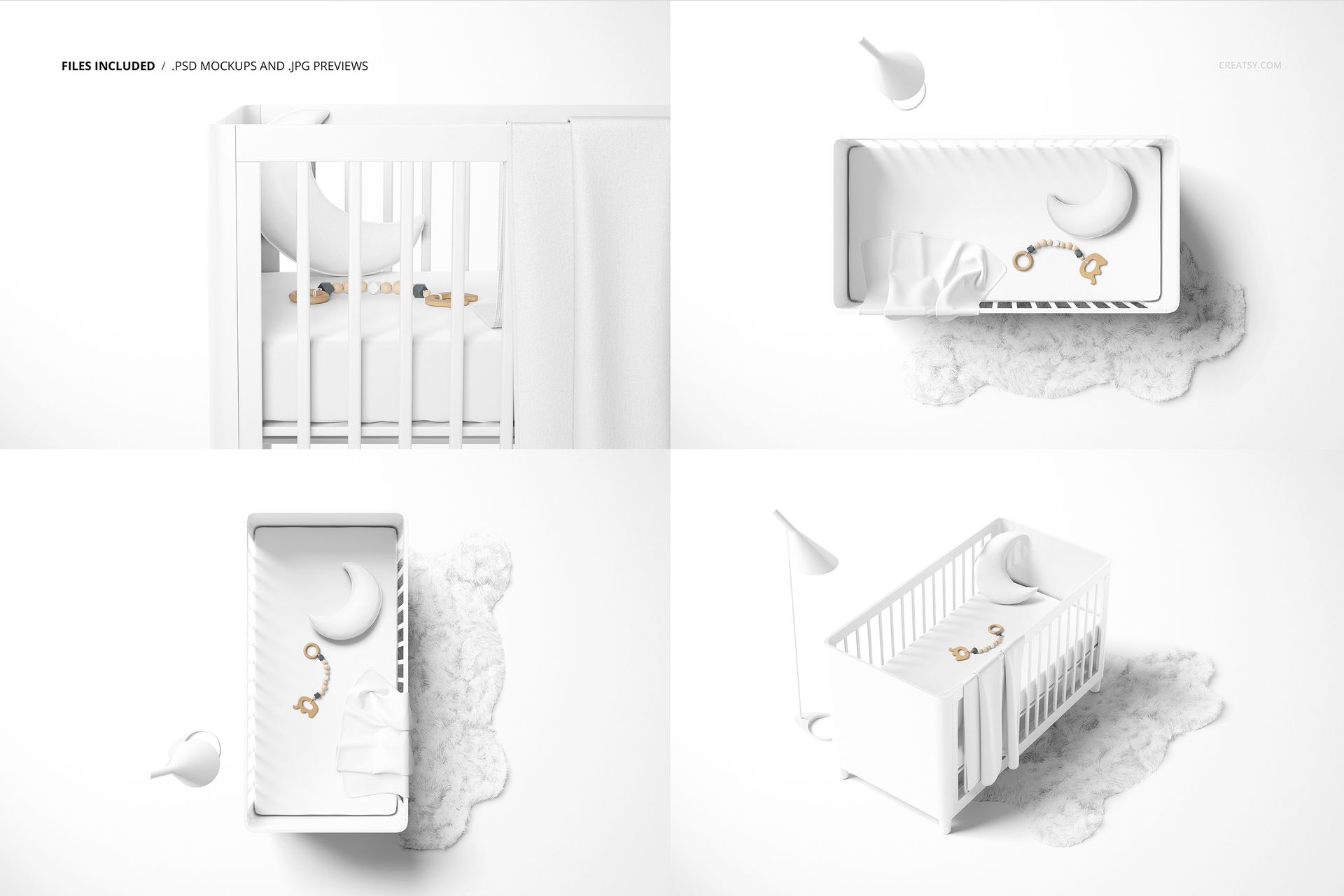
4 layered PSD mockups: Closeup View, Angled View, Top Vertical View and Top Horizontal View.
6000 × 4000 px at 300 DPI per PSD, plus 4 JPG previews.
Smart Object artwork editing and organized color layers, compatible with Photoshop CC2020 or newer and Photopea.
Style the Crib Around Your Print
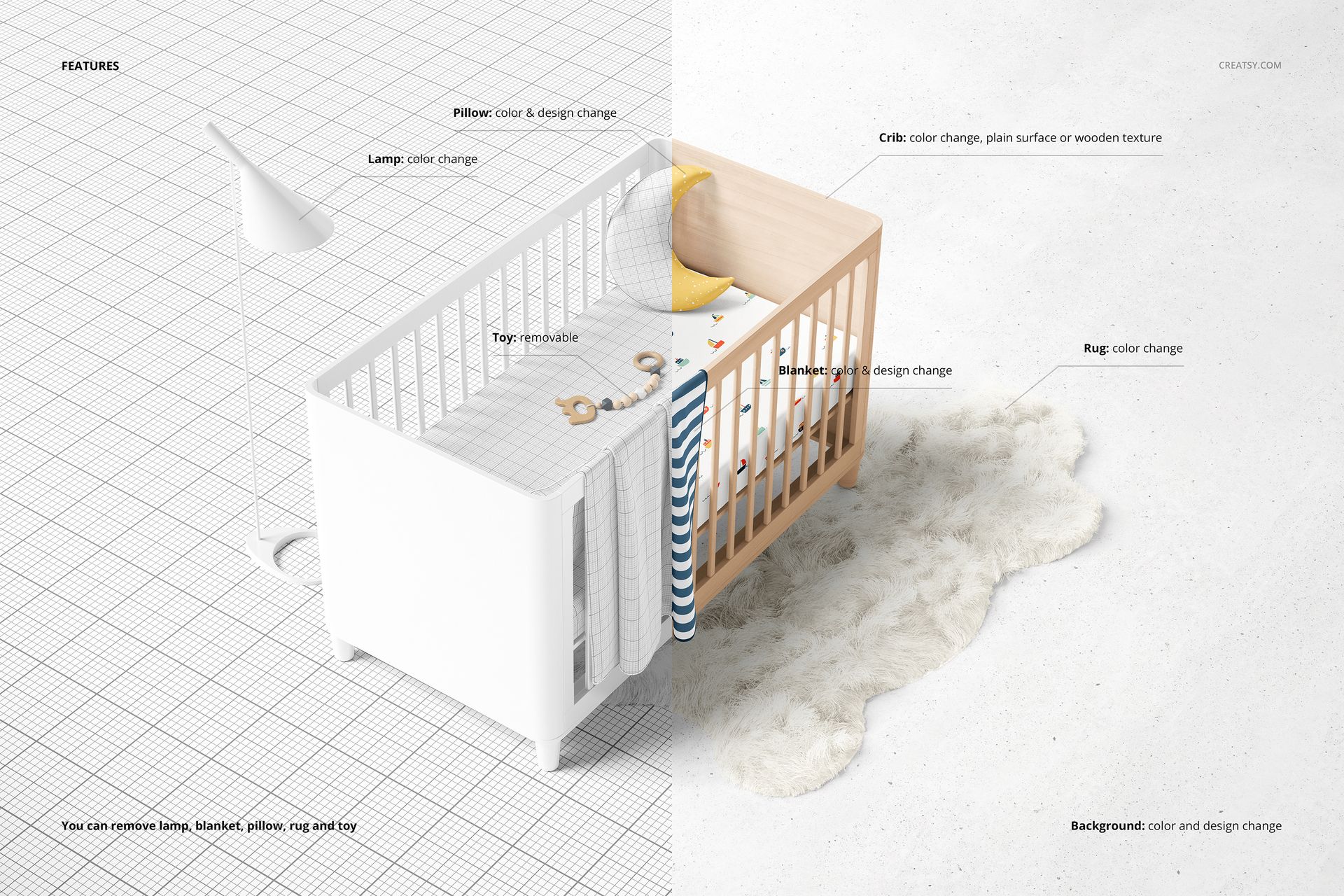
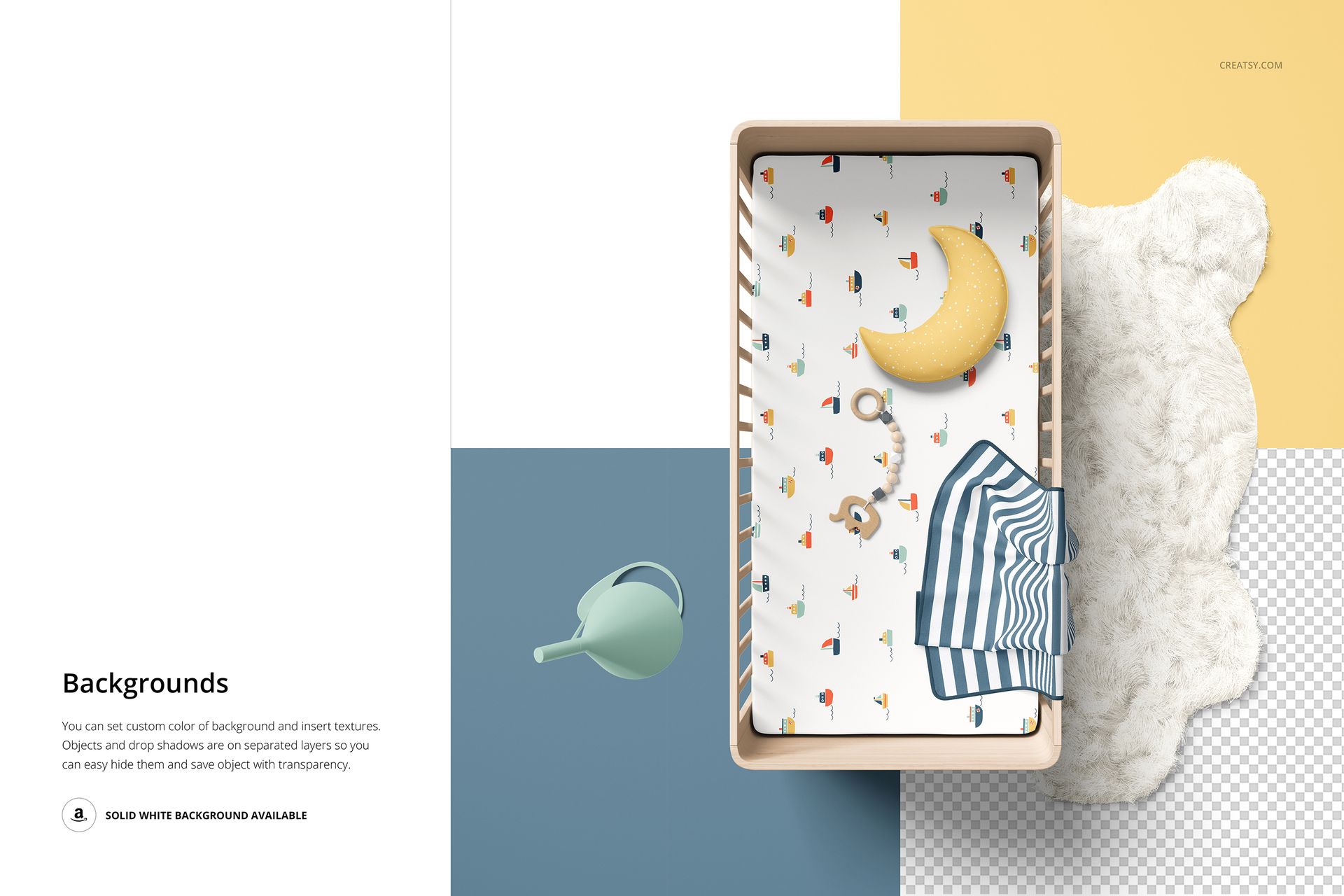
Change the fitted sheet design, then coordinate the blanket and moon-shaped pillow. Adjust the crib color and choose a plain or wood-textured finish. The lamp and rug have color controls, while the lamp, blanket, pillow, rug and toy can be removed. Set a custom background color or texture, or use the separated objects and shadows for a transparent-background presentation.
Easy Smart Object Editing
Open a PSD, replace the artwork inside its Smart Object, save that object and return to the scene. Adjust the color layers and prop visibility to suit your collection. Keep the same motif scale across views so clients can compare the print consistently.
Perfect For
A practical set for nursery bedding brands, surface pattern designers and illustrators preparing collection previews, licensing presentations or portfolio galleries. The overhead views reveal repeat placement, while the angled view gives the design context on a fitted sheet.
Digital mockup files only. No physical bedding is supplied, and the sample artwork shown in the previews is not included.