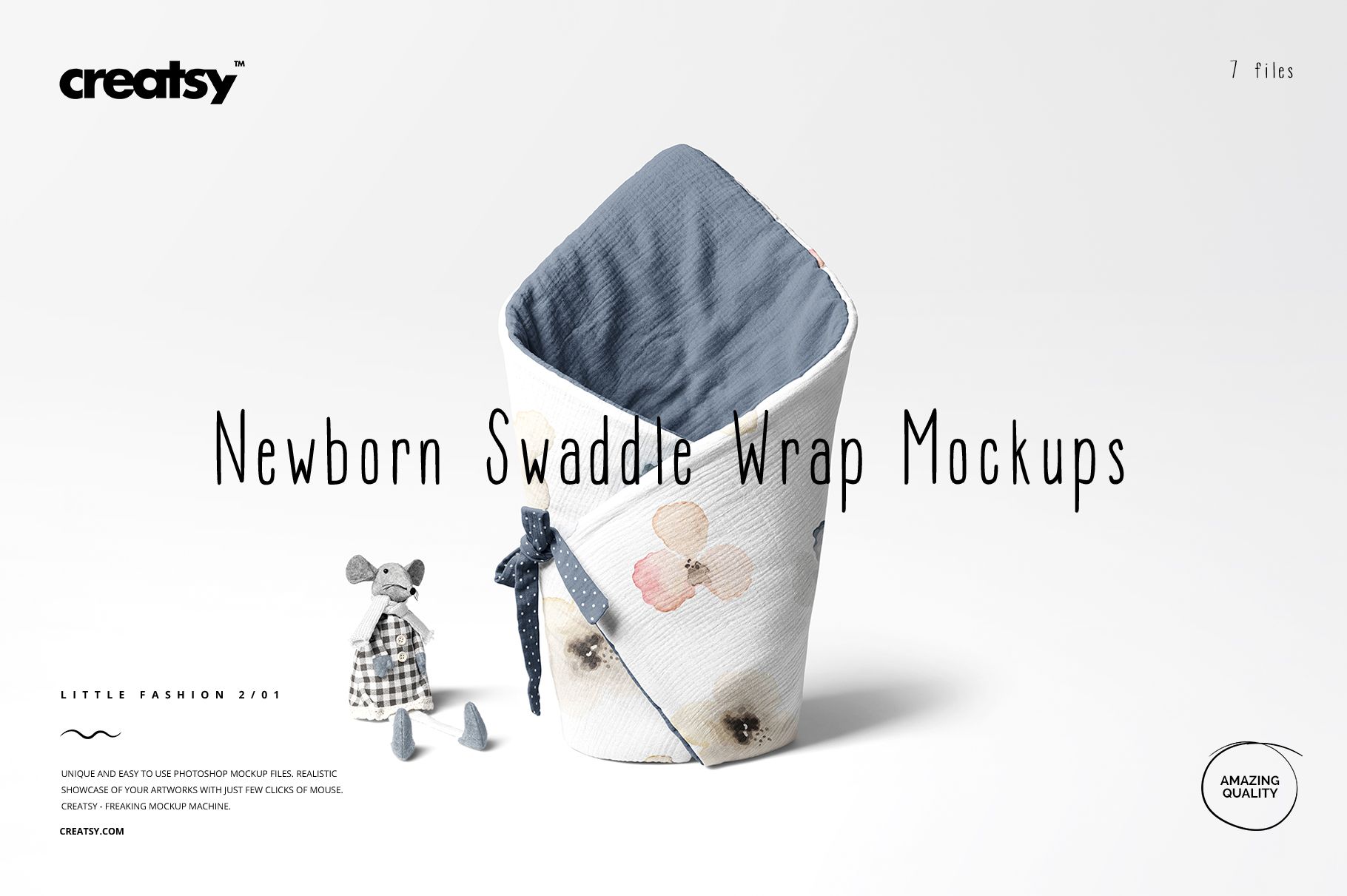
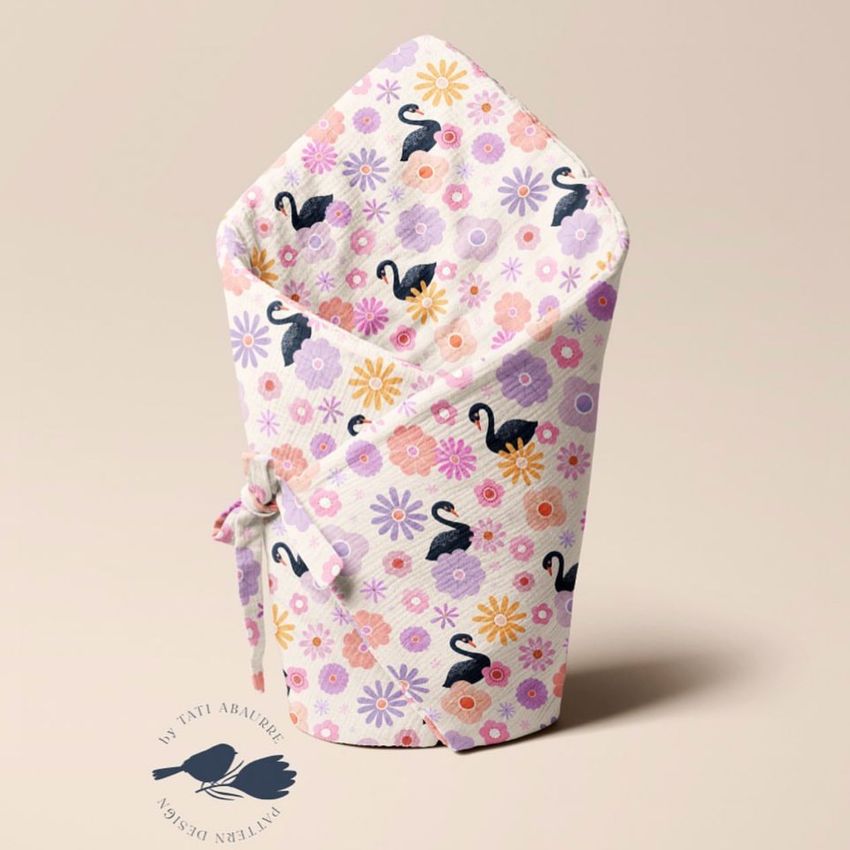
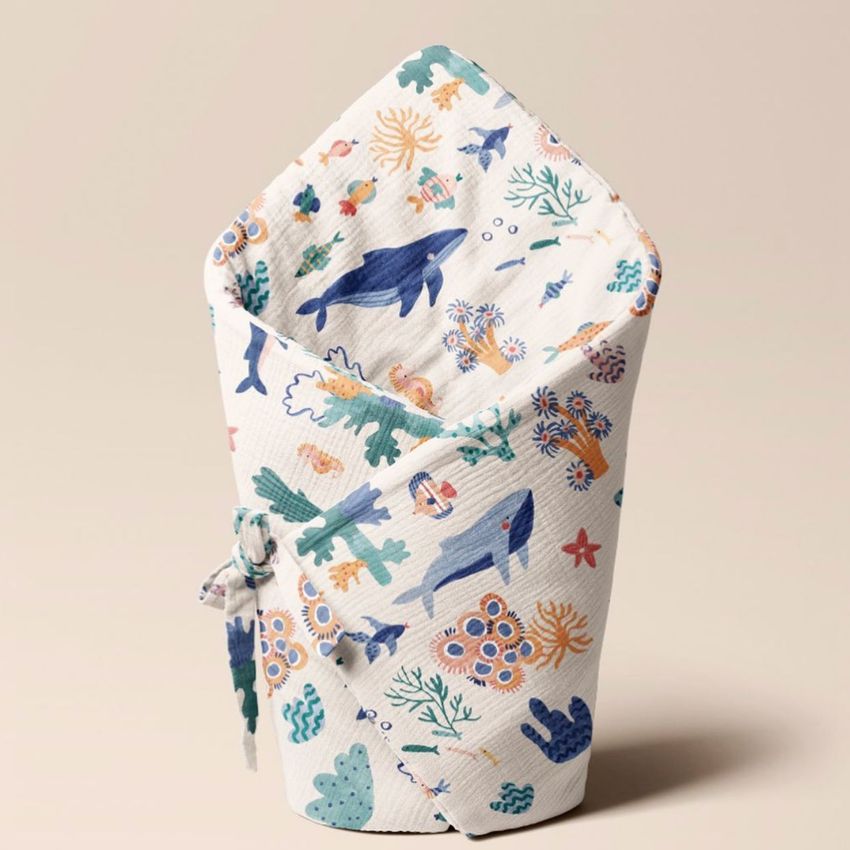
Newborn Swaddle Wrap Mockup Set (01/LFv.2)
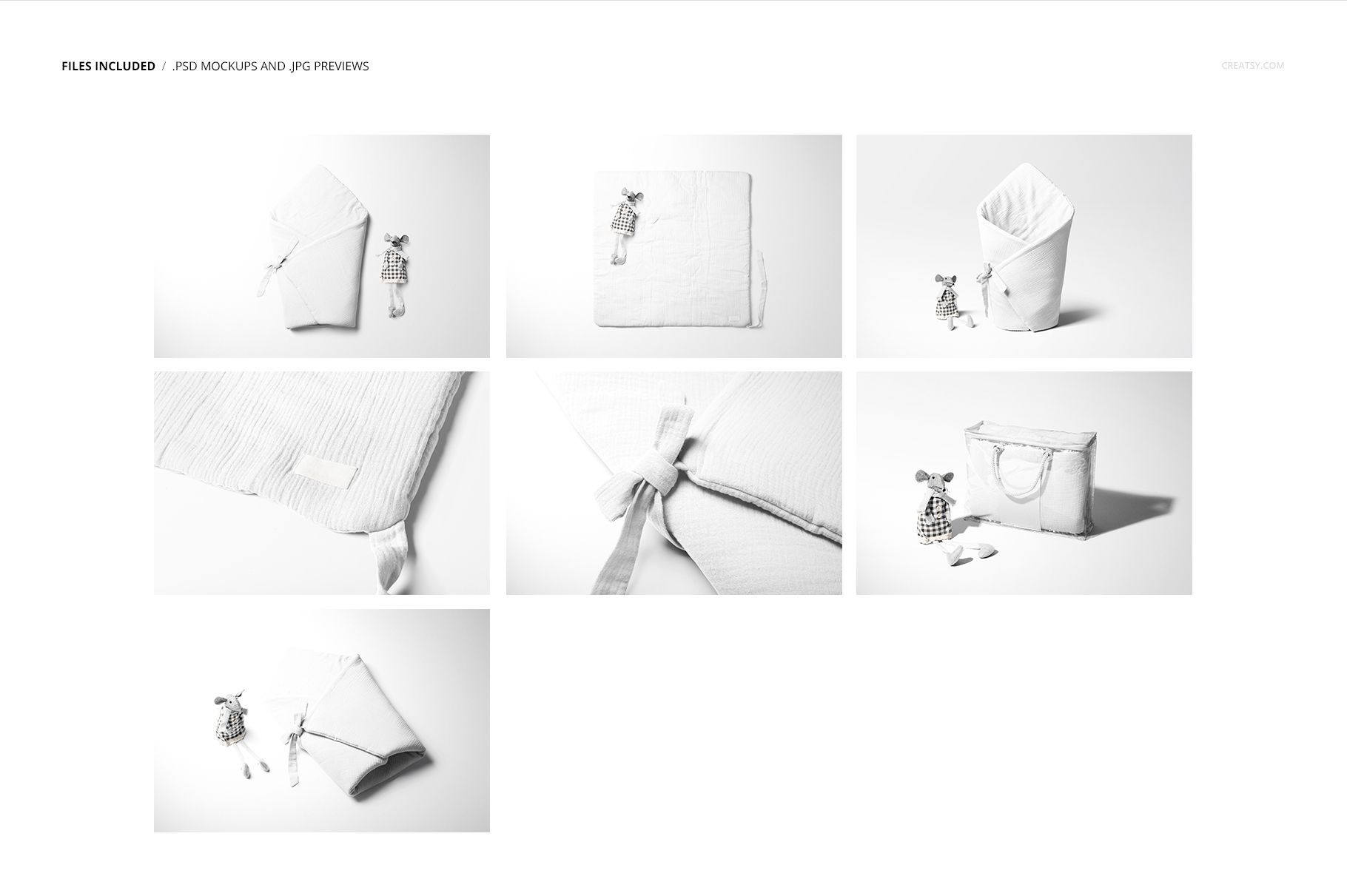
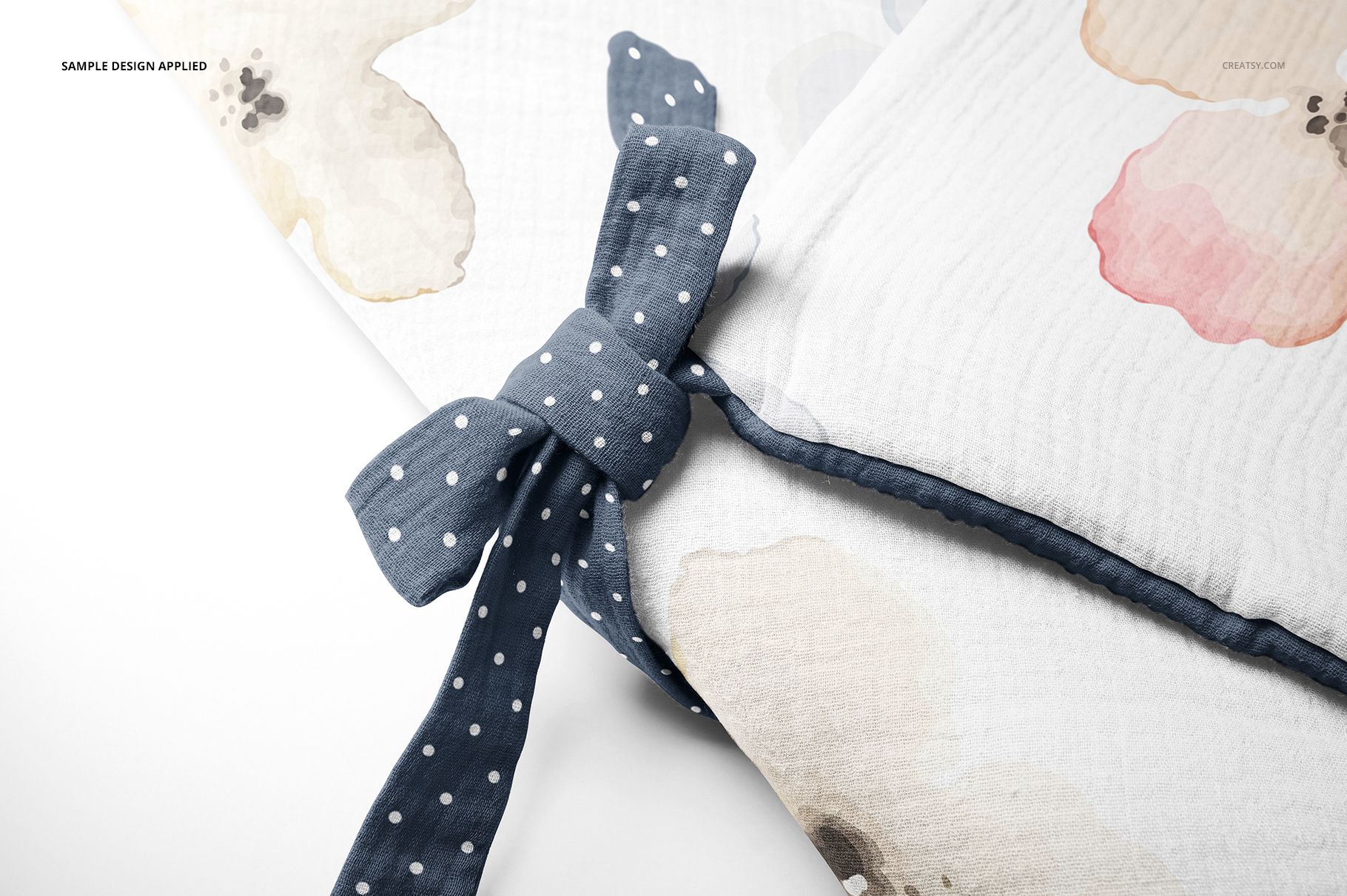
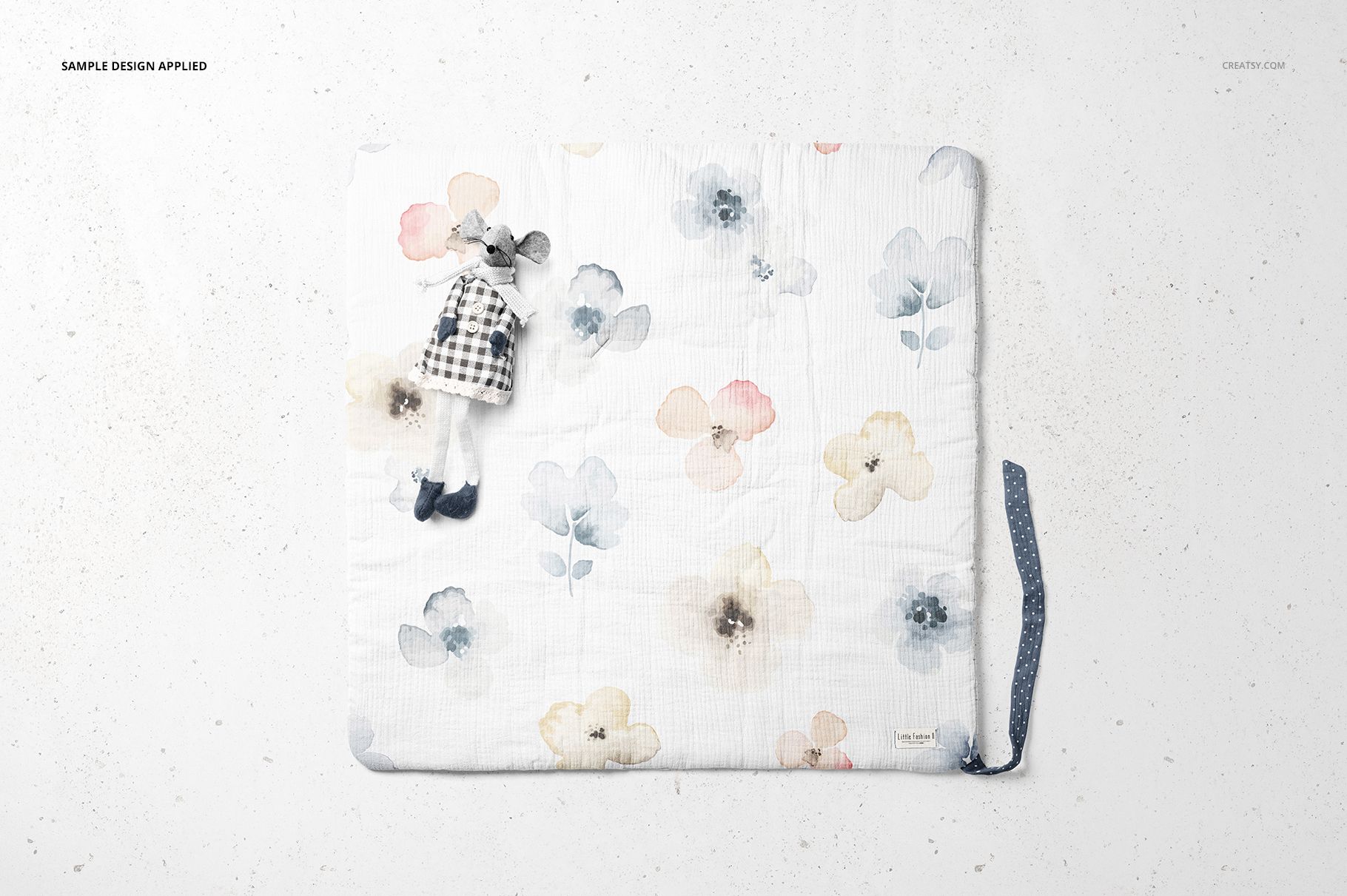
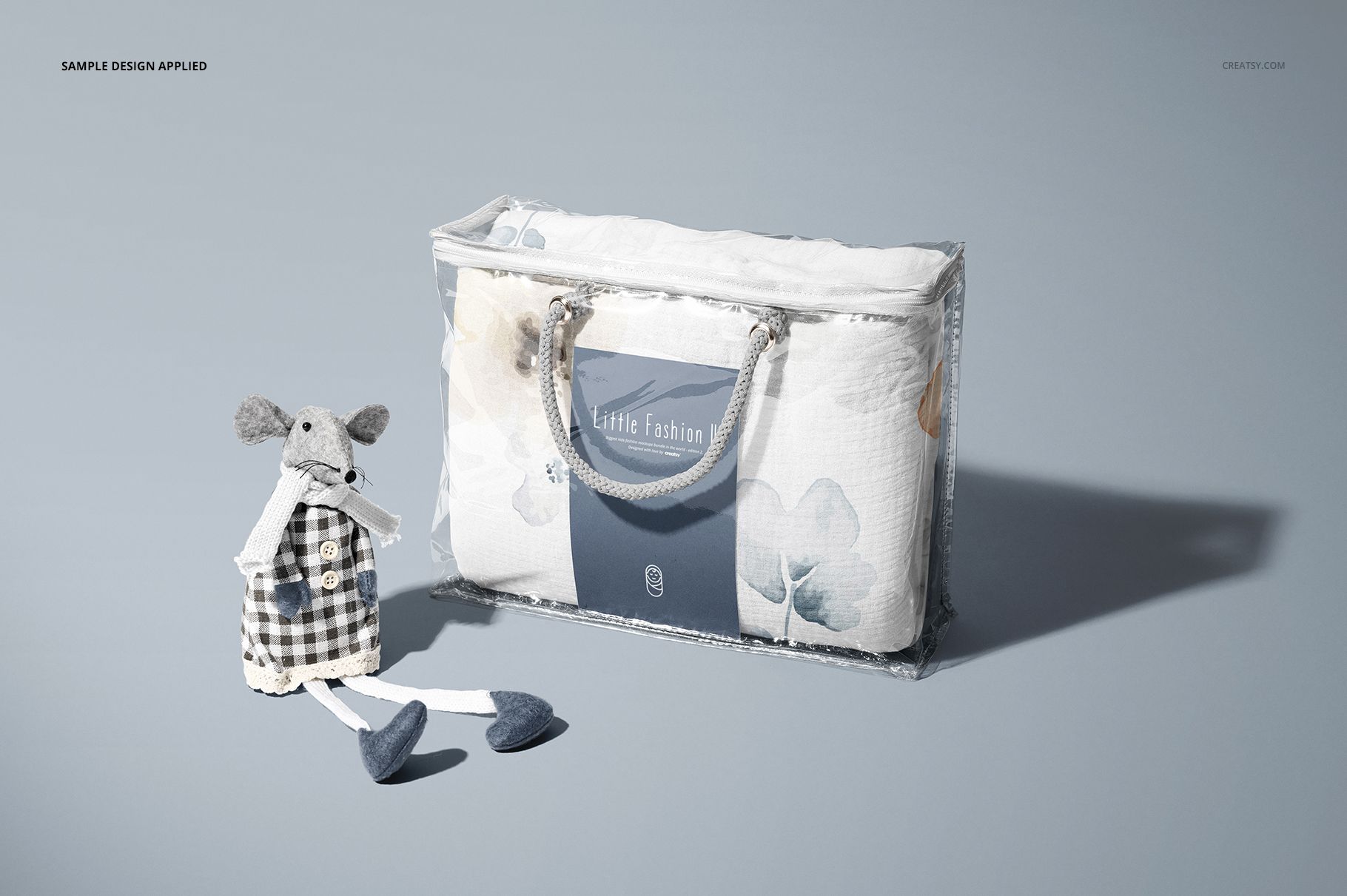
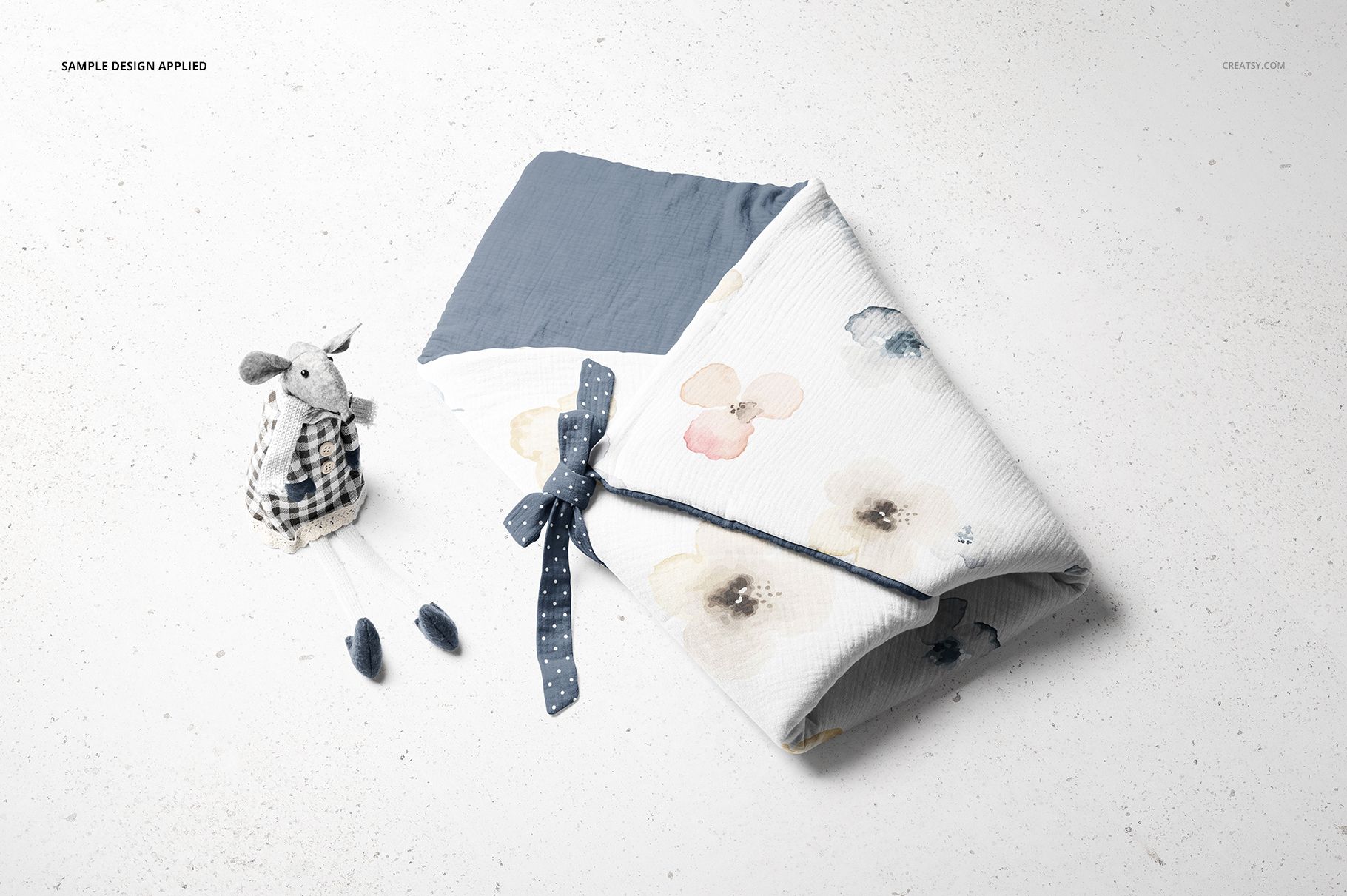
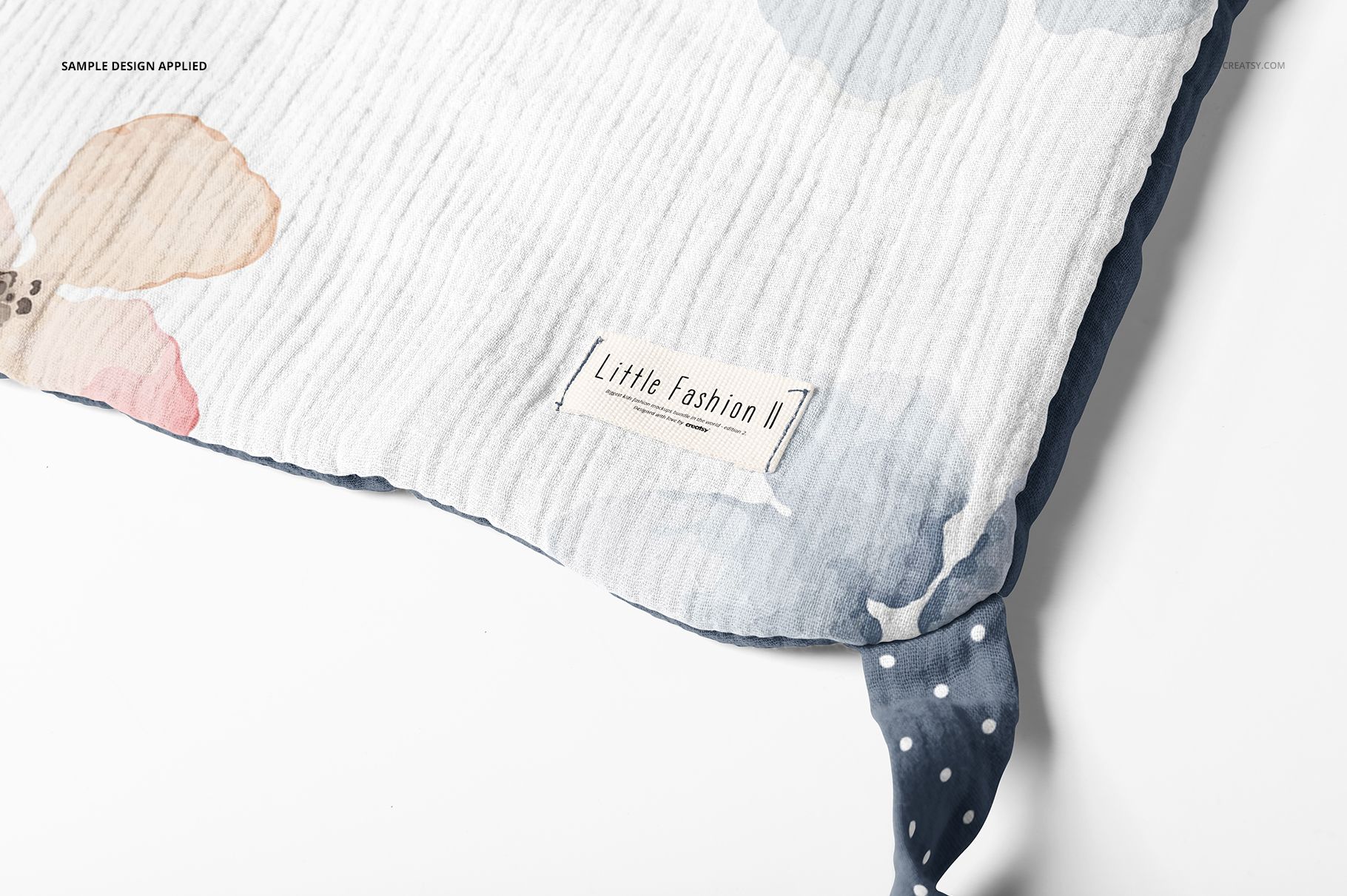
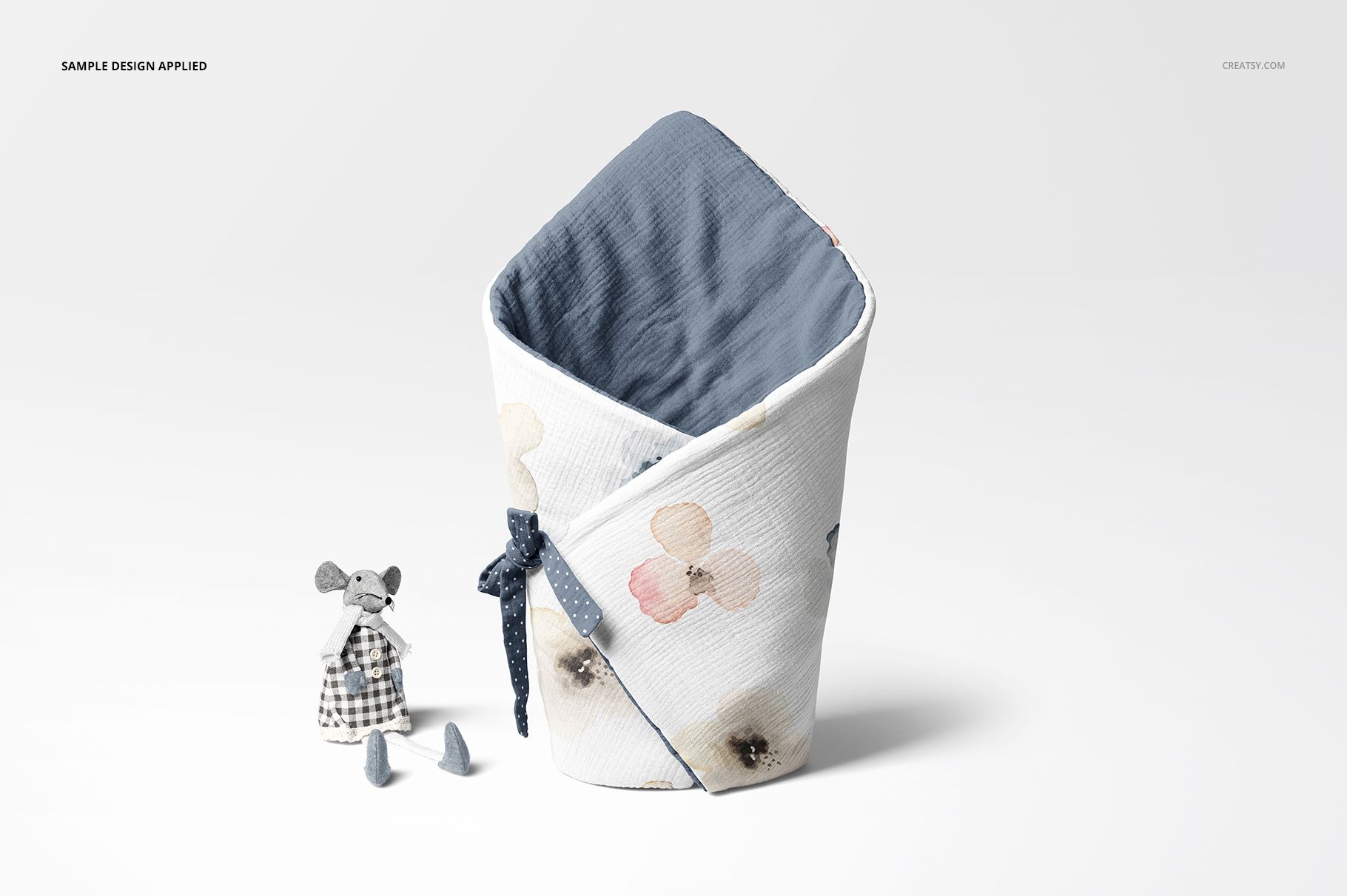
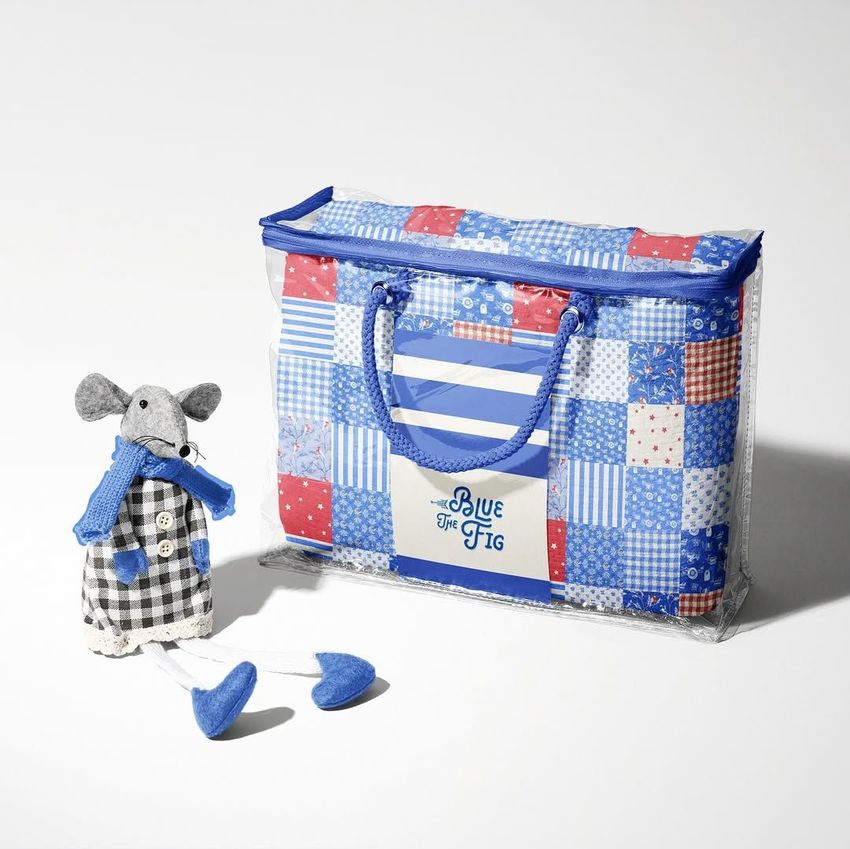
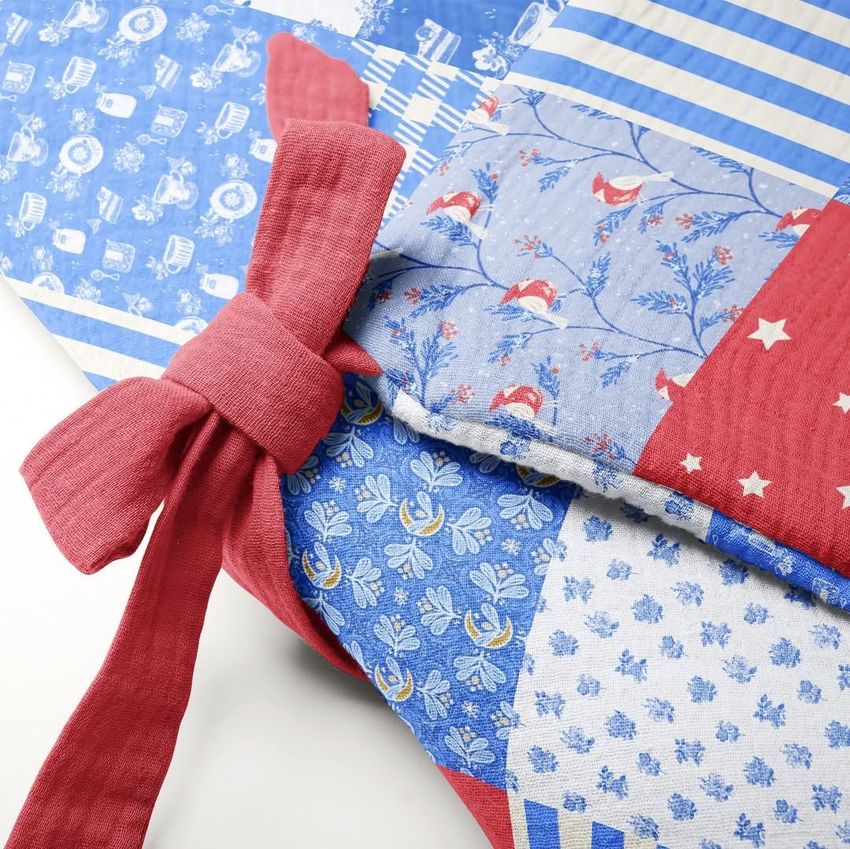
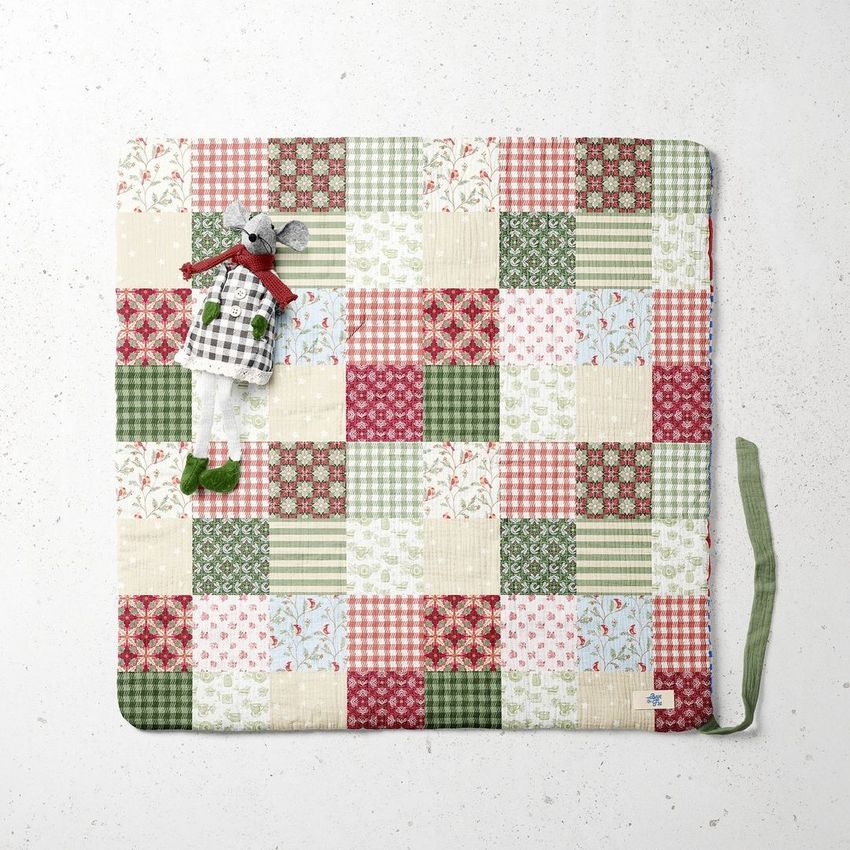
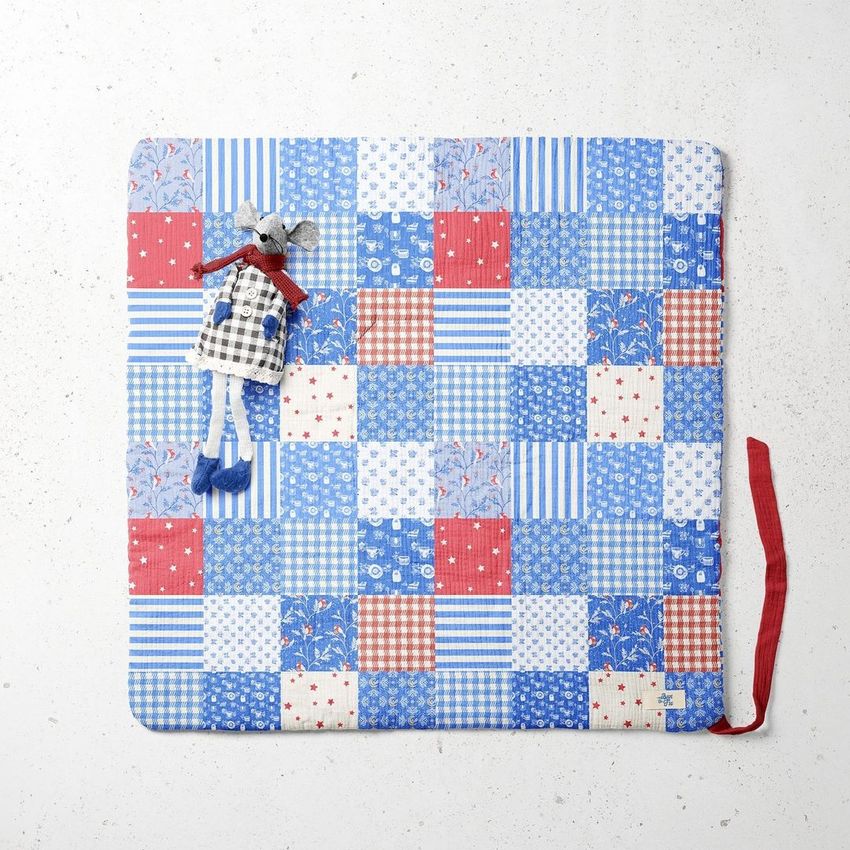
Follow a newborn swaddle design from open fabric to a wrapped presentation and its clear carry bag. Seven scenes combine top, angled and standing views with fabric and label close-ups, giving baby textile brands a way to show both the pattern and its packaging details.
What Is Included
7 editable scenes supplied as 5 layered PSD files and 2 large PSB files.
7 JPG scene previews and 1 JPG guide, 15 files in total.
Organized Smart Object and color layers for Adobe Photoshop CC2018 or newer.
From Fabric Repeat to Carry-Bag Label
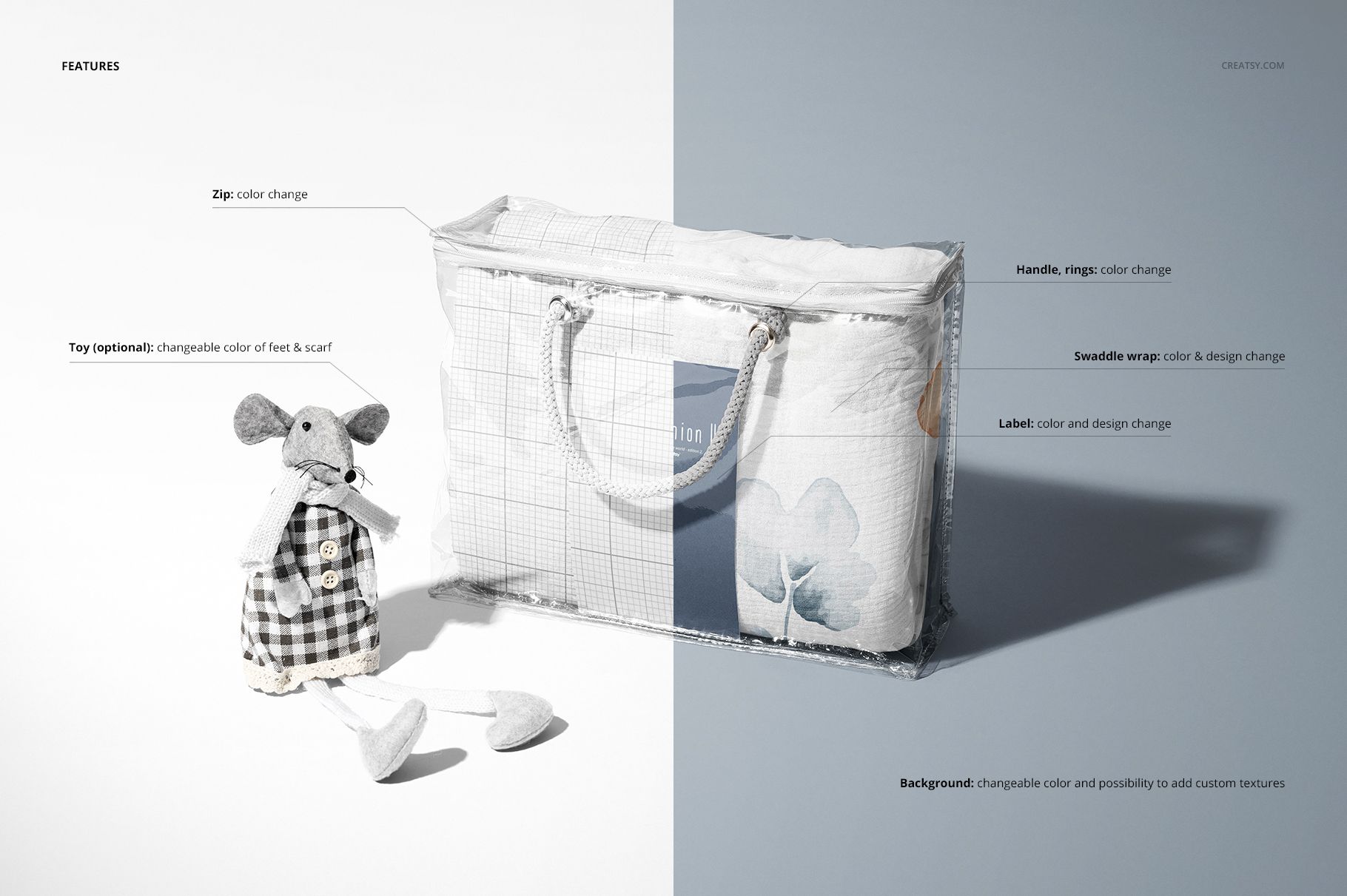
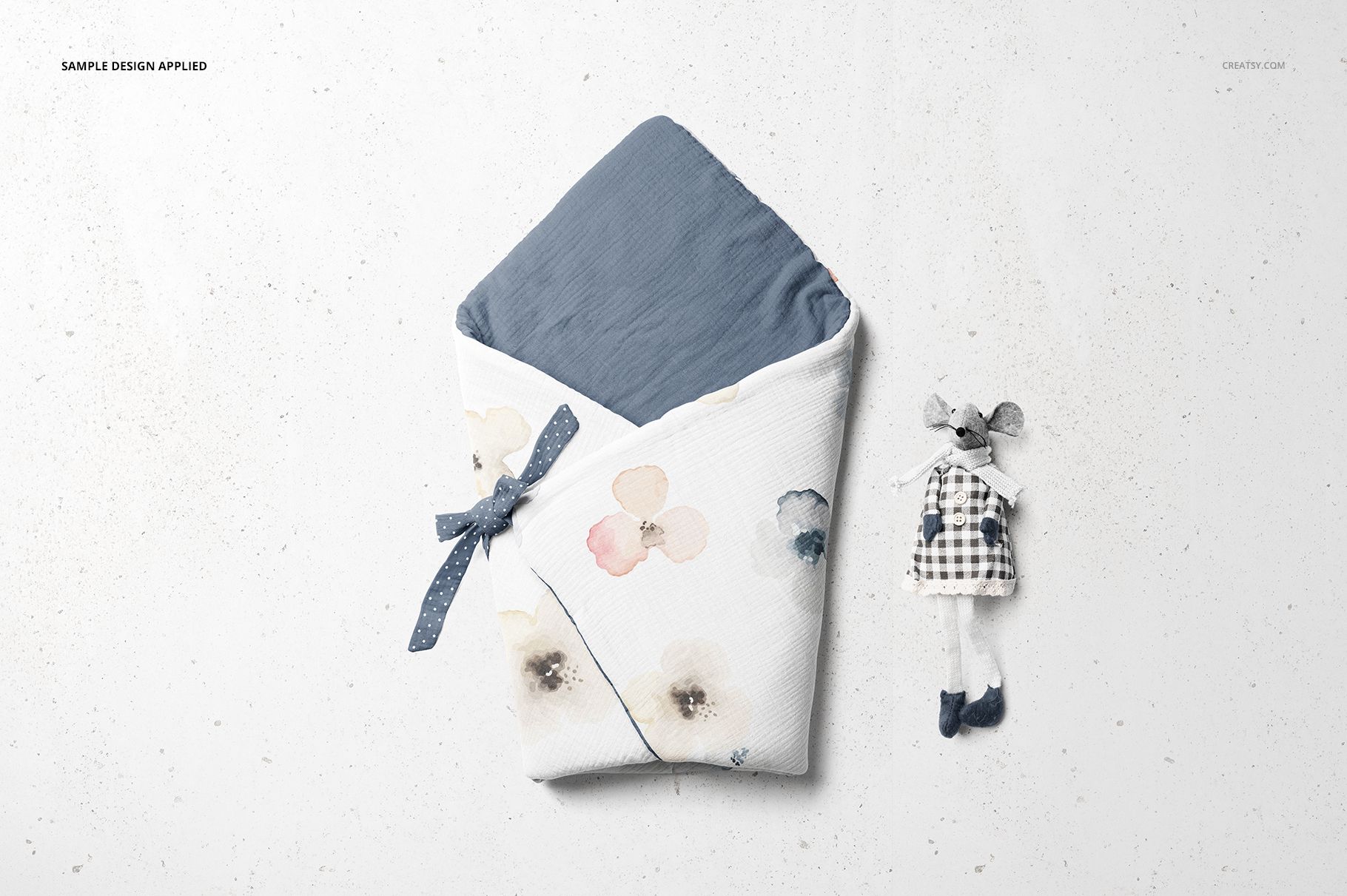
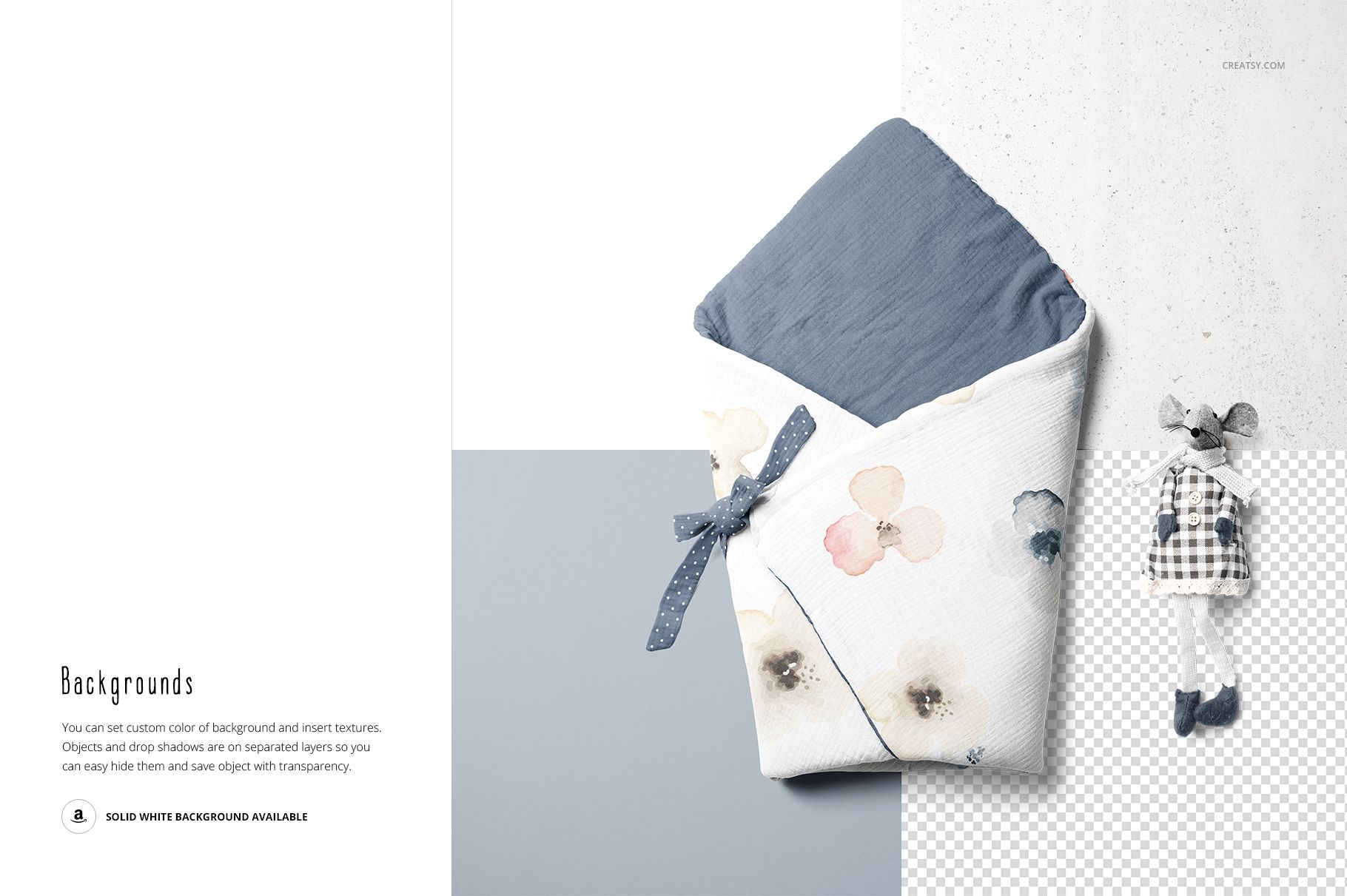
Apply your design to the swaddle wrap and customize the label artwork. Coordinate the bag zipper and handle-ring colors, then adjust the optional toy’s feet and scarf colors or remove the toy. Custom background colors and textures help you match the scene to a product collection, while separated objects and shadows support transparent-background presentations.
Easy Smart Object Editing
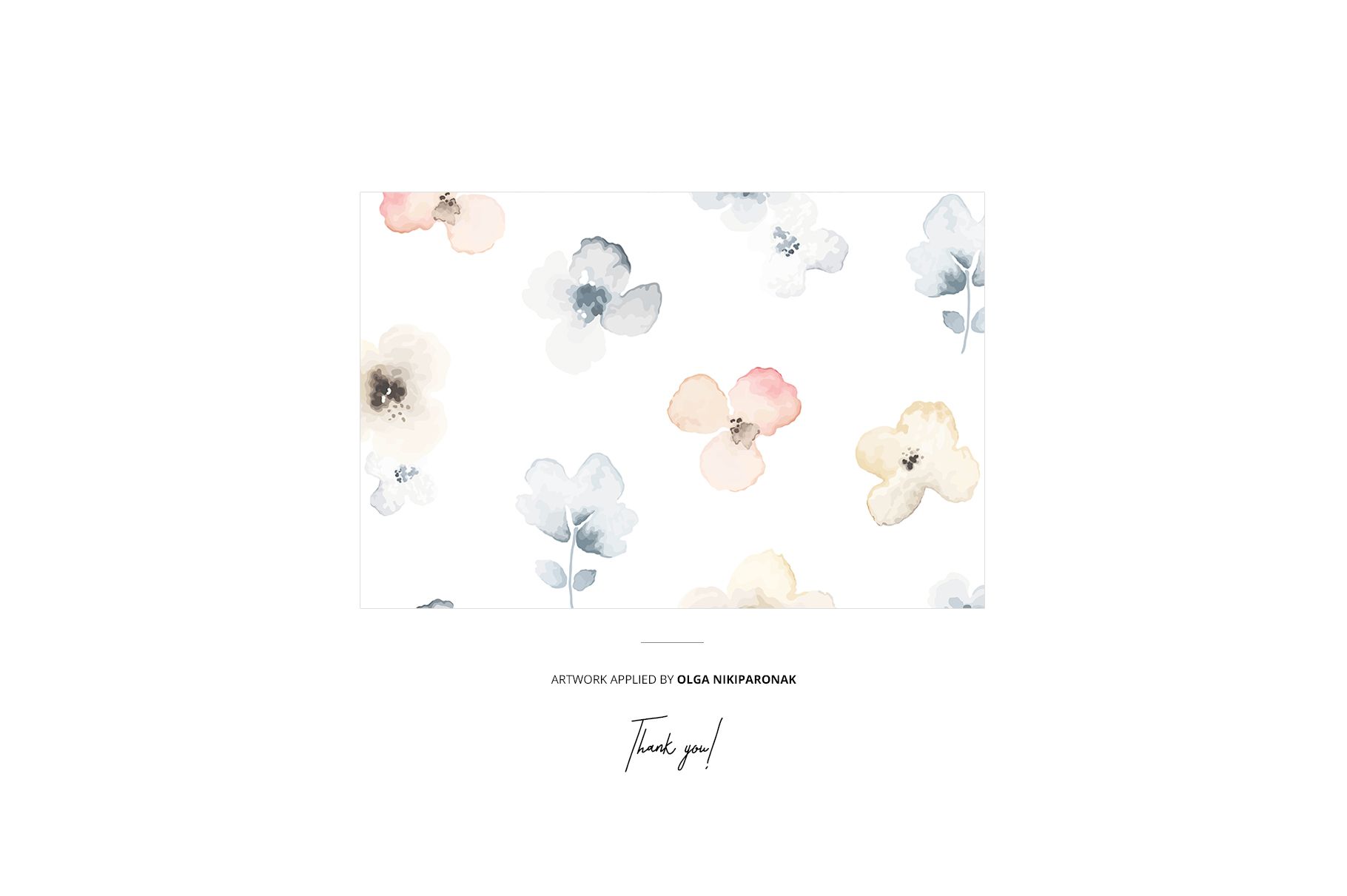
Open the scene in Photoshop, replace the artwork inside its Smart Object and save the object to update the mockup. Use the separate color layers for coordinating details. The two close-up scenes are large PSB documents, so allow sufficient memory and working storage when editing them.
Perfect For
Suitable for baby textile brands, surface pattern designers and illustrators creating collection previews, packaging presentations or a multi-image portfolio. Pair an overall wrapped view with a label close-up to show how the textile print and brand identity work together.
Digital mockup files only. No physical swaddle, carry bag or toy is supplied. The sample artwork is not included.