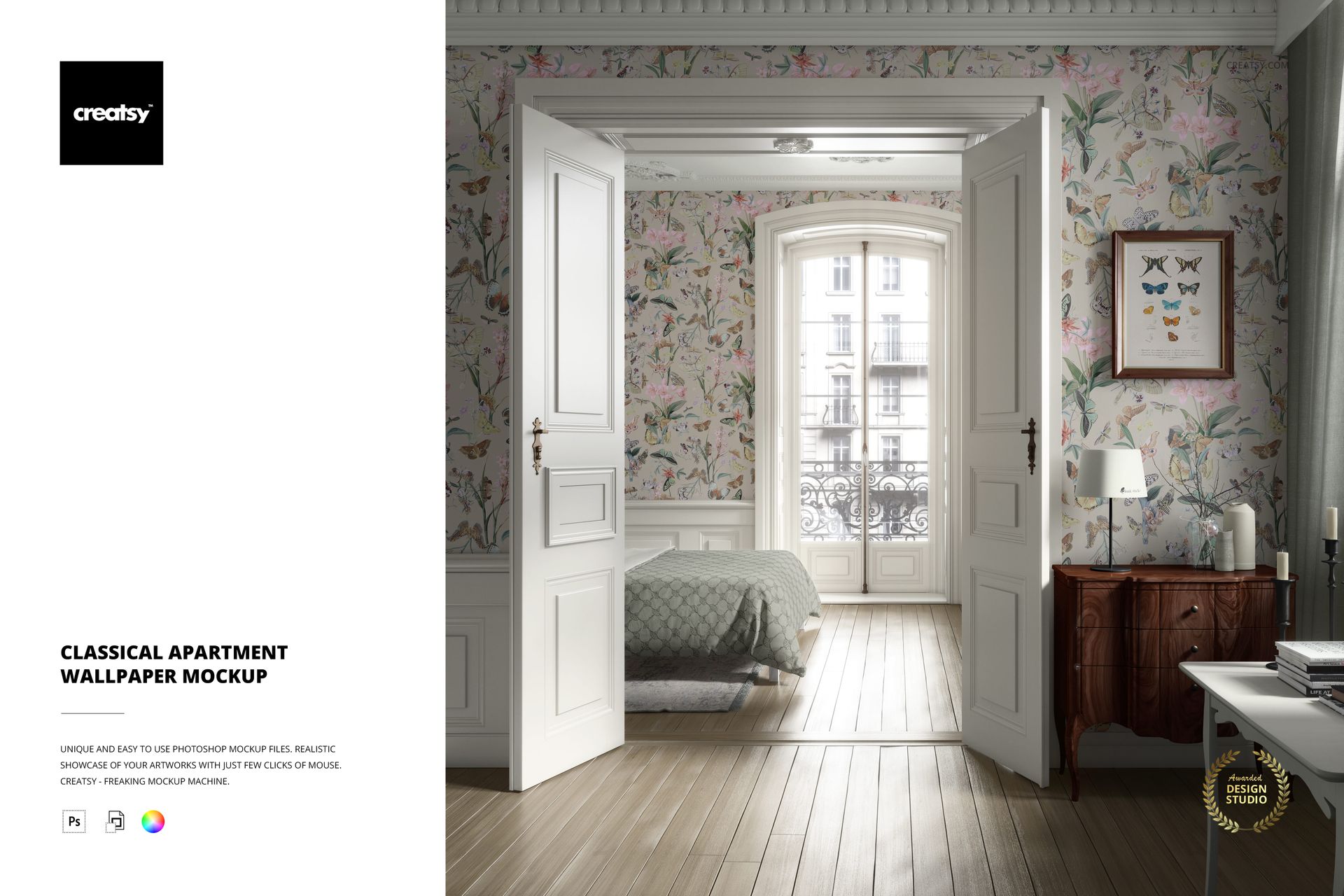
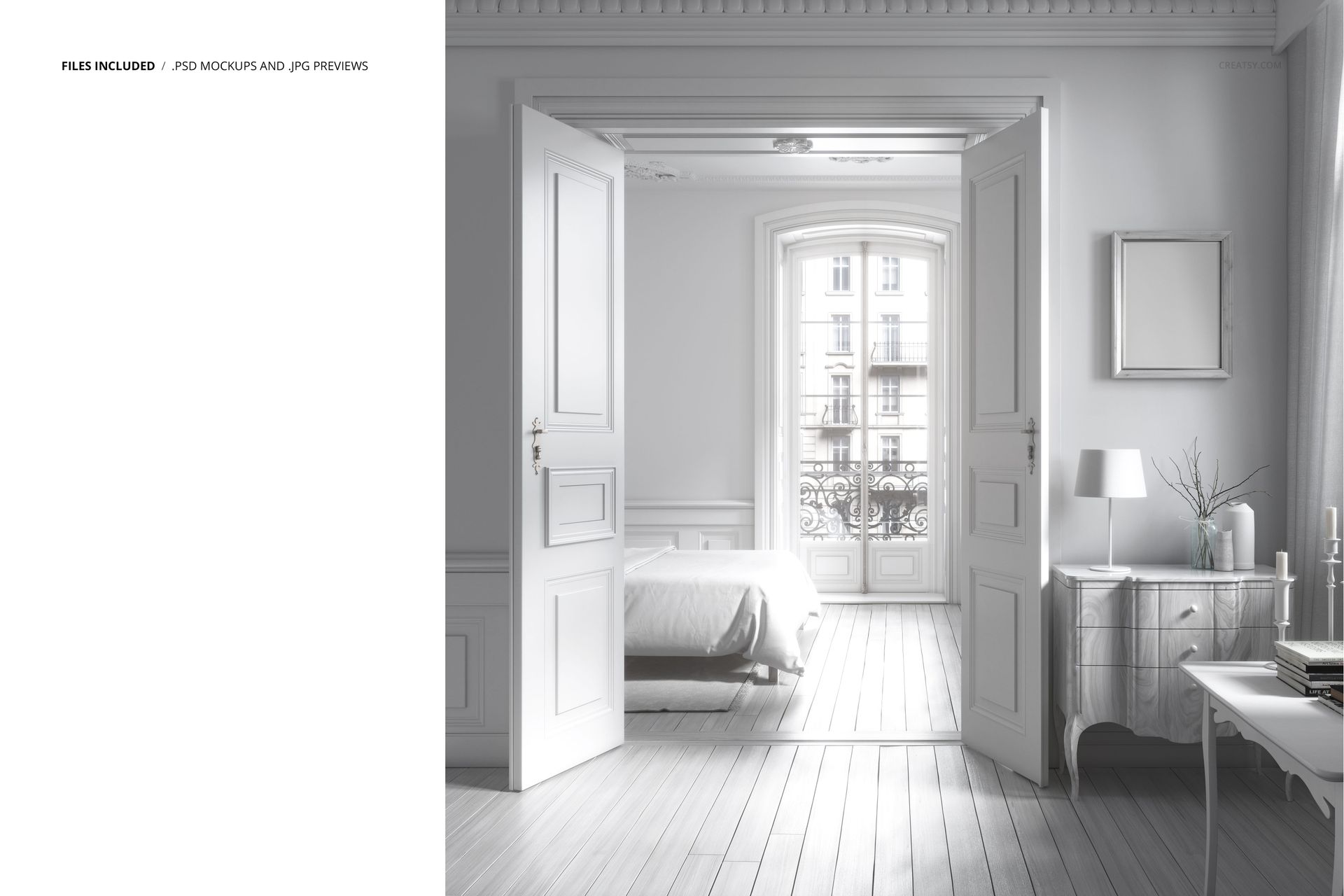
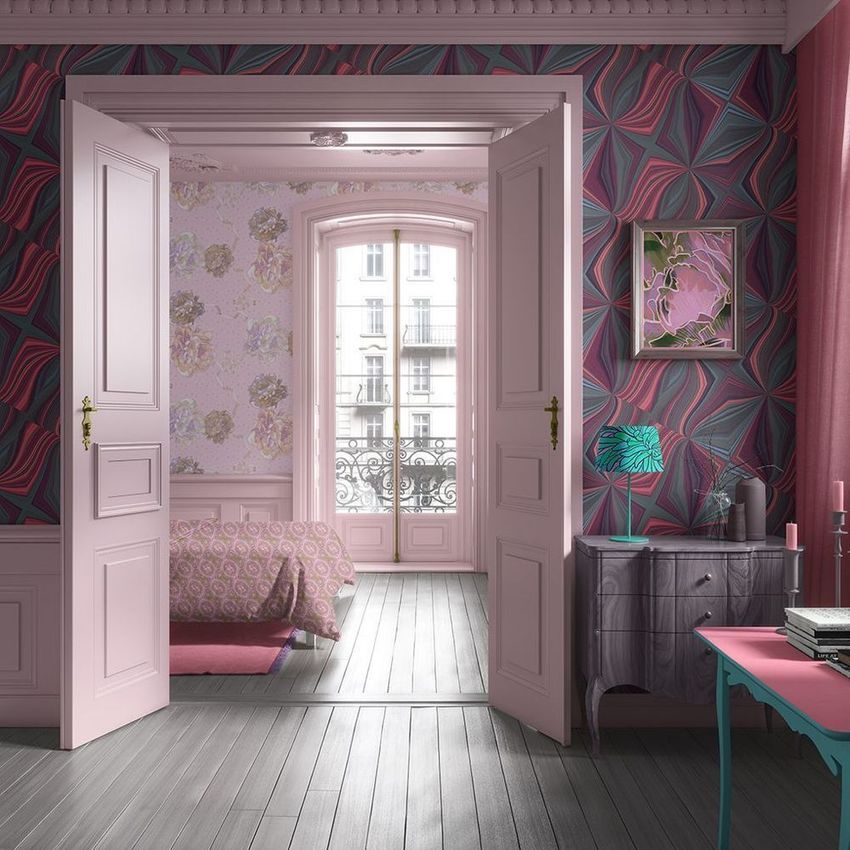
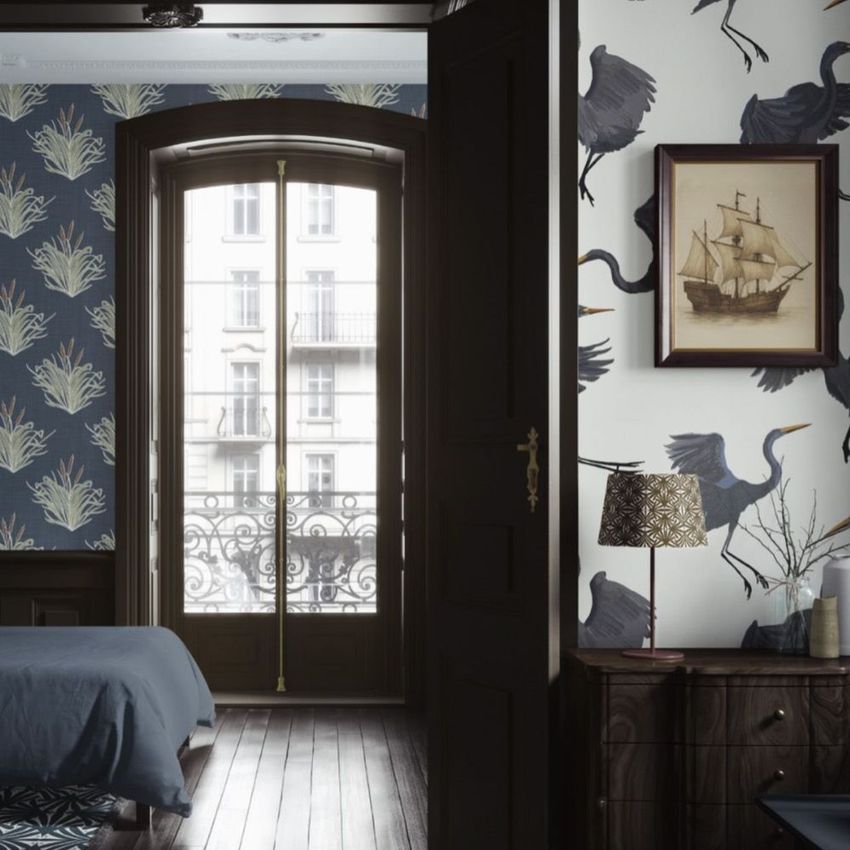
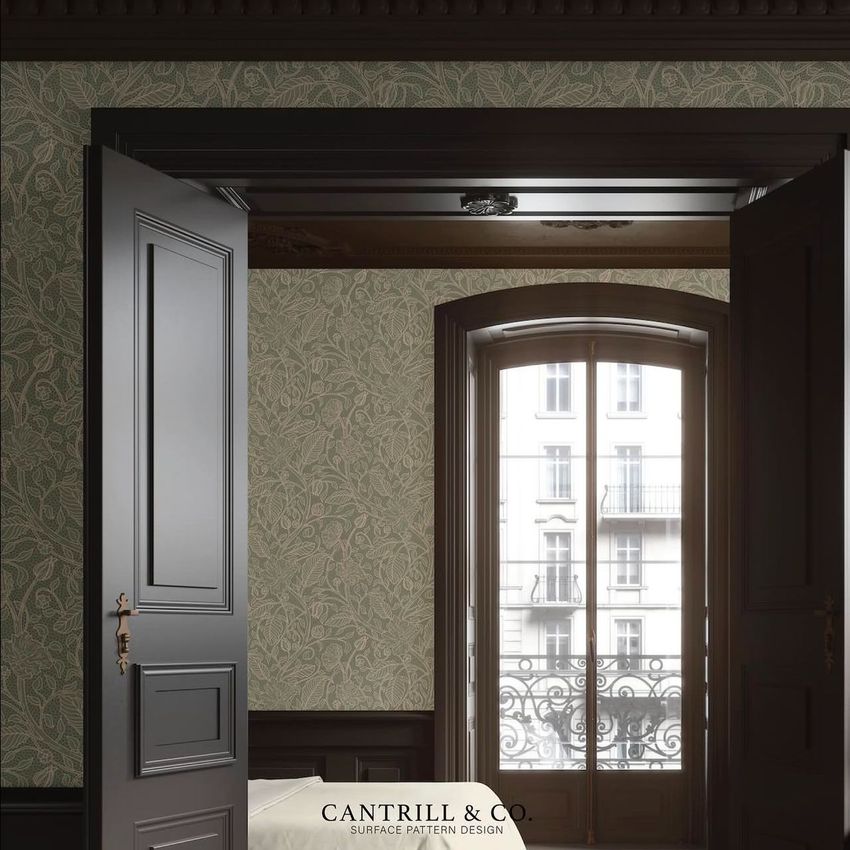
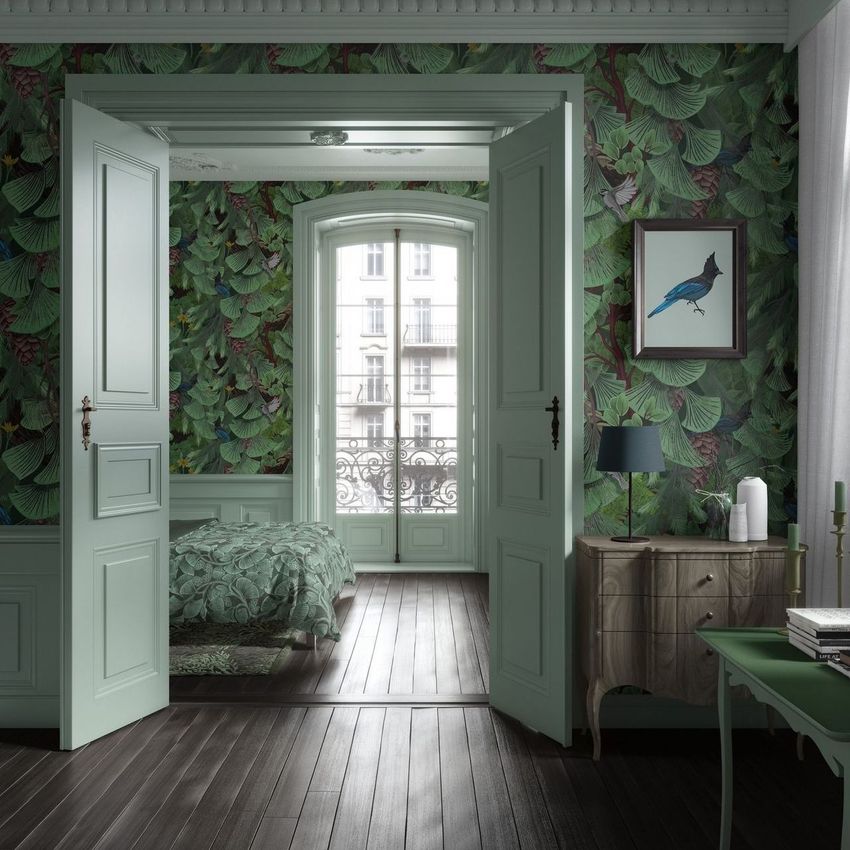
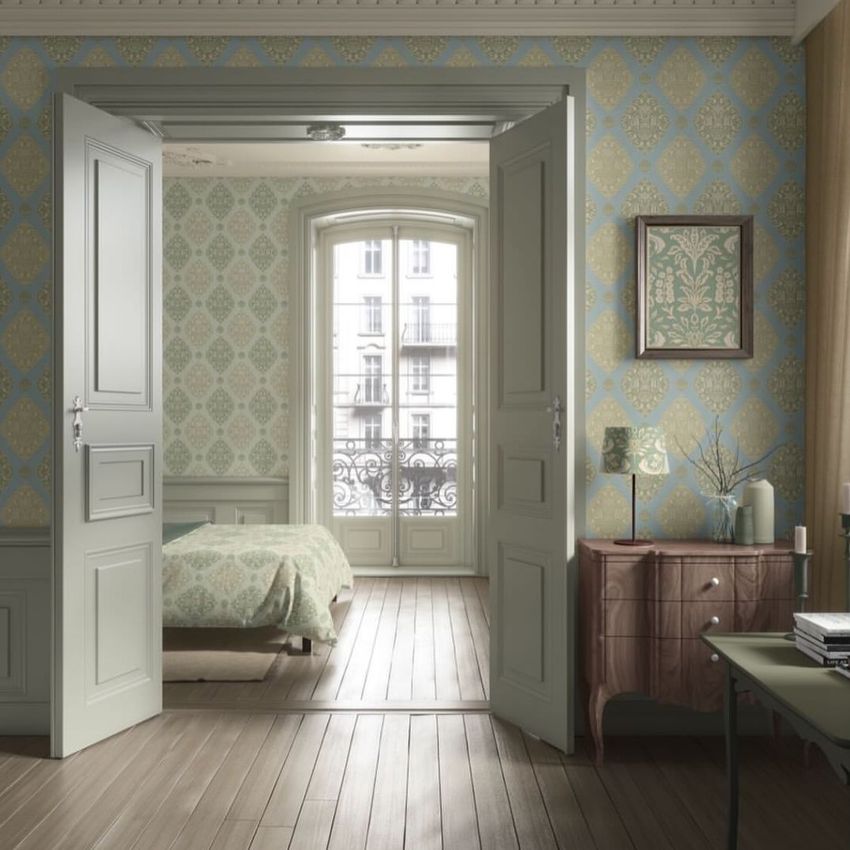
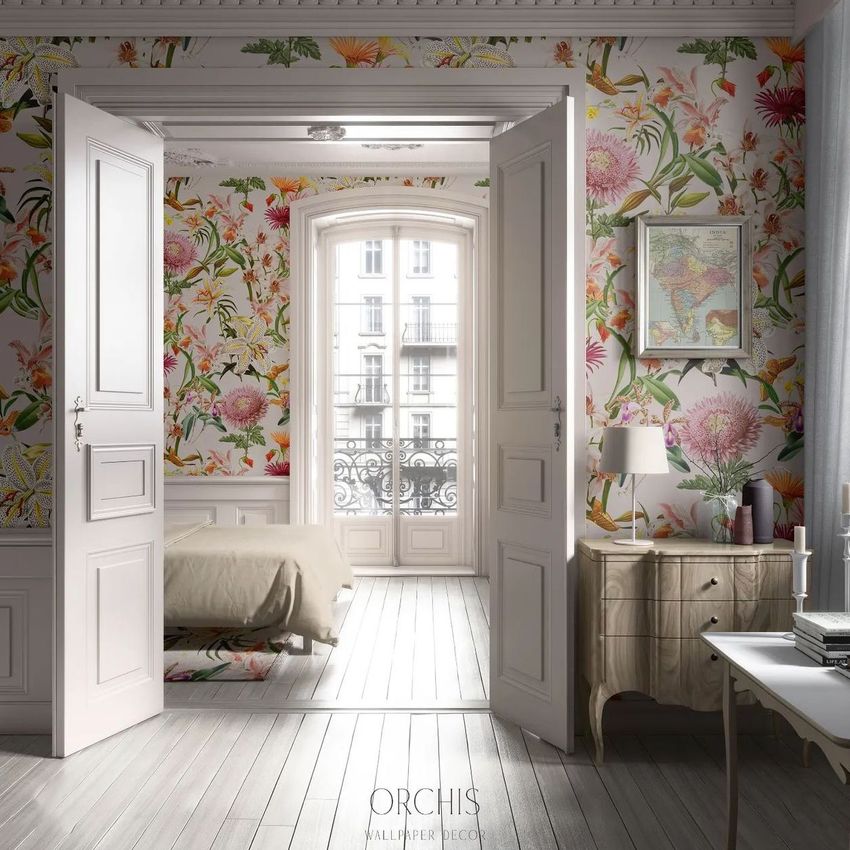
Show your wallpaper and home decor patterns in a classical apartment. This is a single high-resolution scene of an elegant, traditional interior, built so you can put a pattern on the wall and carry it across the bedding, the rug, the lampshade and a framed print, then recolor the furniture and woodwork to match. Five surfaces take your own design, and the rest of the room recolors, so a whole pattern collection can be shown in one styled room instead of on separate flat swatches.
You get one layered PSD at 6000 x 6000 px, 300 dpi, a large square scene that crops cleanly for shop listings, Pinterest and printed lookbooks. It opens in Adobe Photoshop, version CC2020 or newer, and in Photopea, the free browser editor, so you can use it whether or not you pay for Photoshop.
Five surfaces take your design
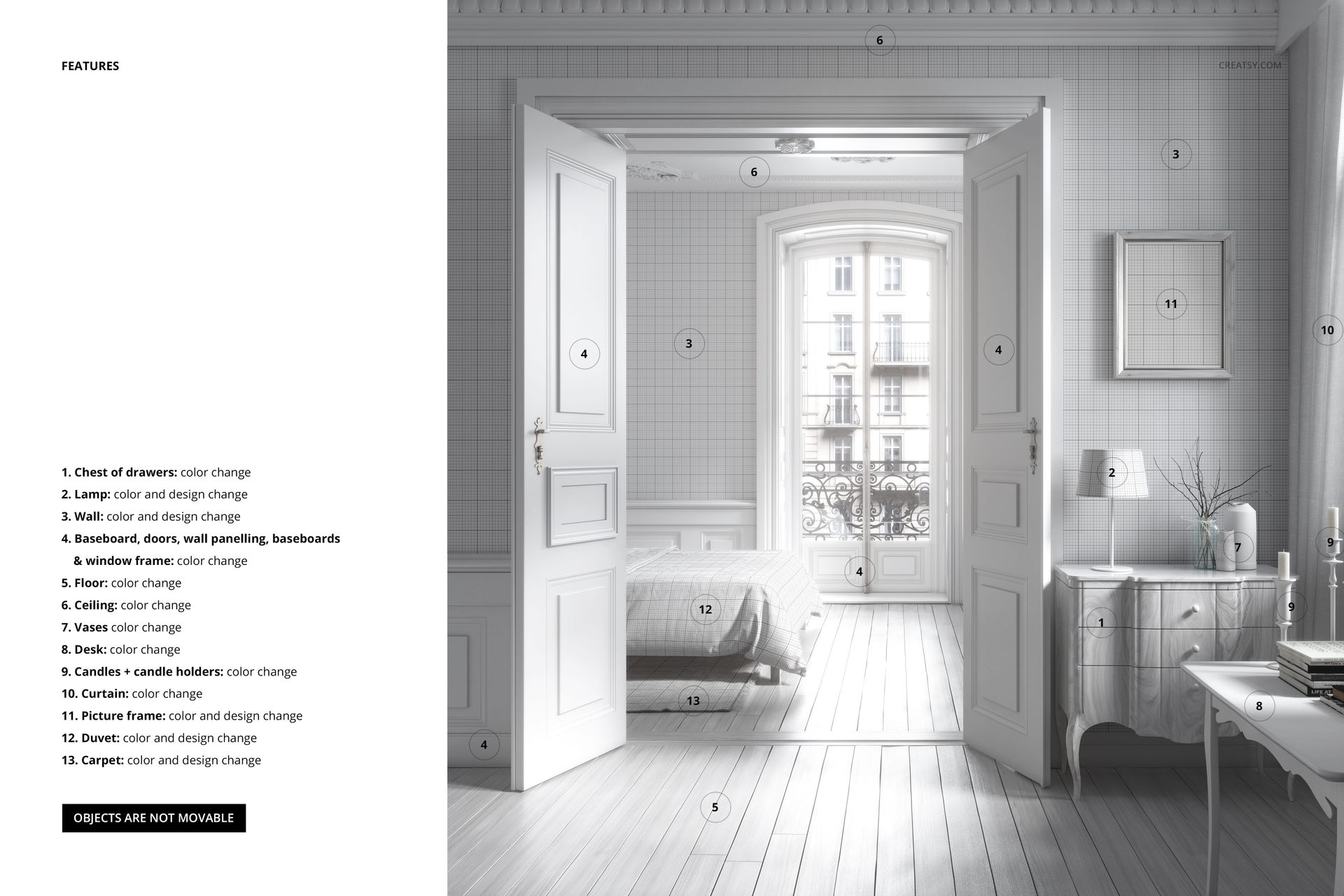
Each of these sits on its own smart object, so your artwork drops straight in:
Wall: color and design. The main surface for your wallpaper or repeat pattern.
Duvet: color and design, for a bedding print.
Carpet: color and design, for a rug or floor pattern.
Lampshade: color and design.
Picture frame: color and design, for a print or a piece of wall art.
Because five things take a full design, you can show a coordinated range in one image, with the wallpaper, the bedding and the rug all drawn from the same collection.
Recolor the rest of the room
Color changes cover the chest of drawers, the desk, the vases, the candles and their holders, the curtain, the floor and the ceiling, plus all the woodwork, from the doors and wall panelling to the baseboards and the window frame. That lets you set the whole apartment around your pattern, from a pale, classical scheme to something bolder. The furniture and fixtures stay in place, so the room keeps its balanced, styled look from one edit to the next.
How the edit works
Double-click a smart object, paste your pattern and save, and it appears on that surface with the room light and shadow already on it. Do the same for the wall, the duvet, the rug, the lampshade and the frame, then work through the color layers for the furniture and woodwork. Because the scene is already lit and styled, you are dressing a finished apartment rather than building one from scratch.
Who it is for
Wallpaper and surface pattern designers, home textile and soft furnishing brands, interior and decor sellers, and Etsy or Shopify shops listing wallpaper, bedding, rugs or wall art. If you sell patterns or decor and want them shown in a real, styled room rather than flat on a swatch, this classical apartment does the staging for a whole collection at once, and gives your listings a consistent, high-end look.
What is in the download
One .psd scene plus .jpg previews in a single zip. Layers are named and grouped by element, with smart objects for each design surface, so every edit stays reversible and you can revisit a look later.
File and software details
1 layered PSD file
6000 x 6000 px, 300 dpi
Adobe Photoshop CC2020 or newer, or free Photopea in the browser
five surfaces take color and design via smart objects: wall, duvet, carpet, lampshade and picture frame
color change on the furniture, woodwork and decor
objects fixed in place
well organized, named layers
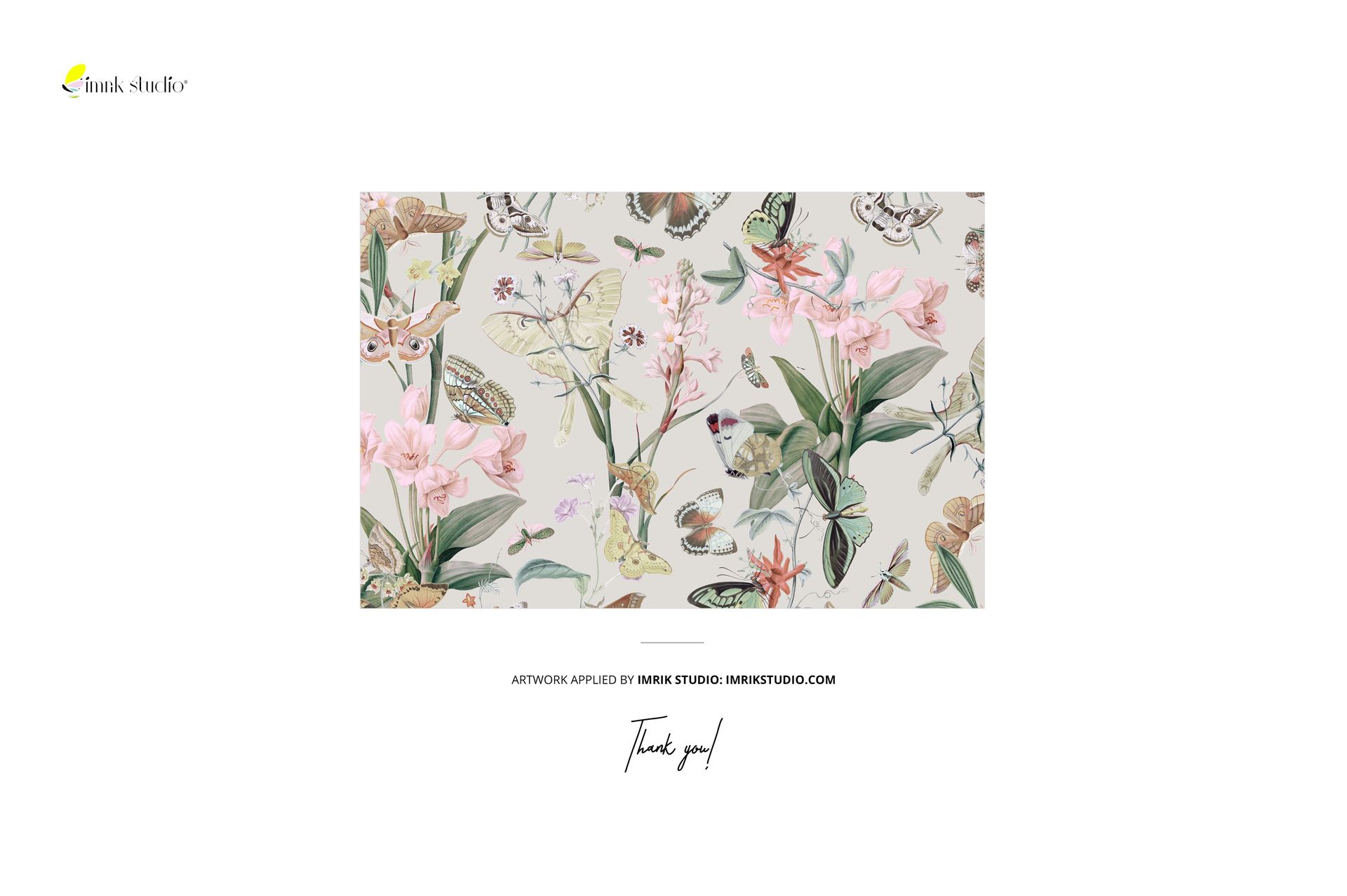
Artwork credit
The patterns shown in the previews are example work by Imrik Studio (imrikstudio.com). They are used to style the scene and are not included in the download. You add your own designs.












Creatsy make the best Mockups on the market, no matter what you need to showcase. These mockups are highly customizable, and the lighting in them makes everything look very realistic. You can keep or turn off many of the Items in the mockup, also a great feature giving control over the look you want. They have the most friendly and very helpful support. I highly recommend these mockups!
Thank you so much for this lovely review! We’re thrilled to hear you like the realistic atmosphere, editable elements, and overall flexibility of this classical apartment scene. Thank you again for your support and recommendation.