Spiral Planner and Notebook Mockup
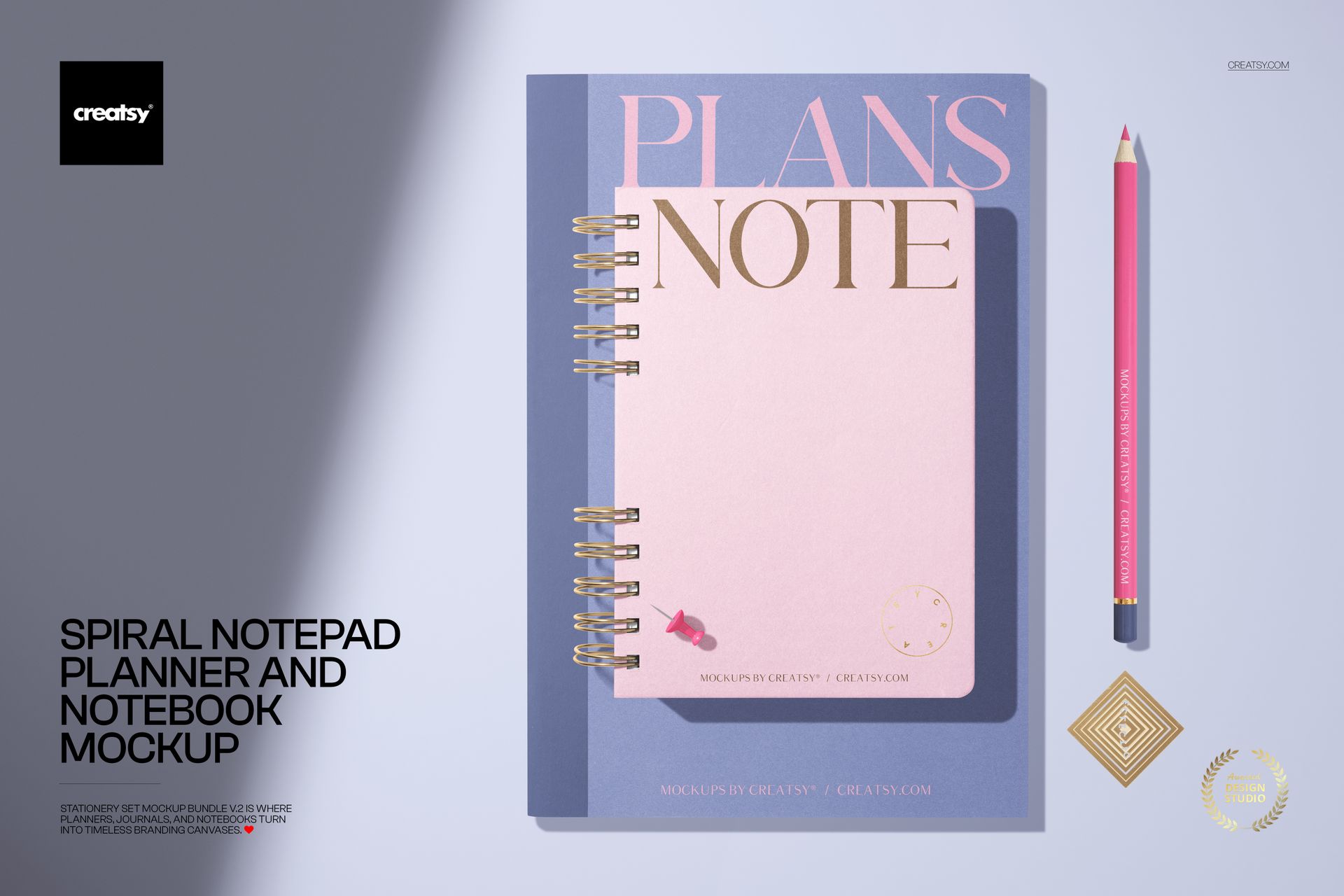
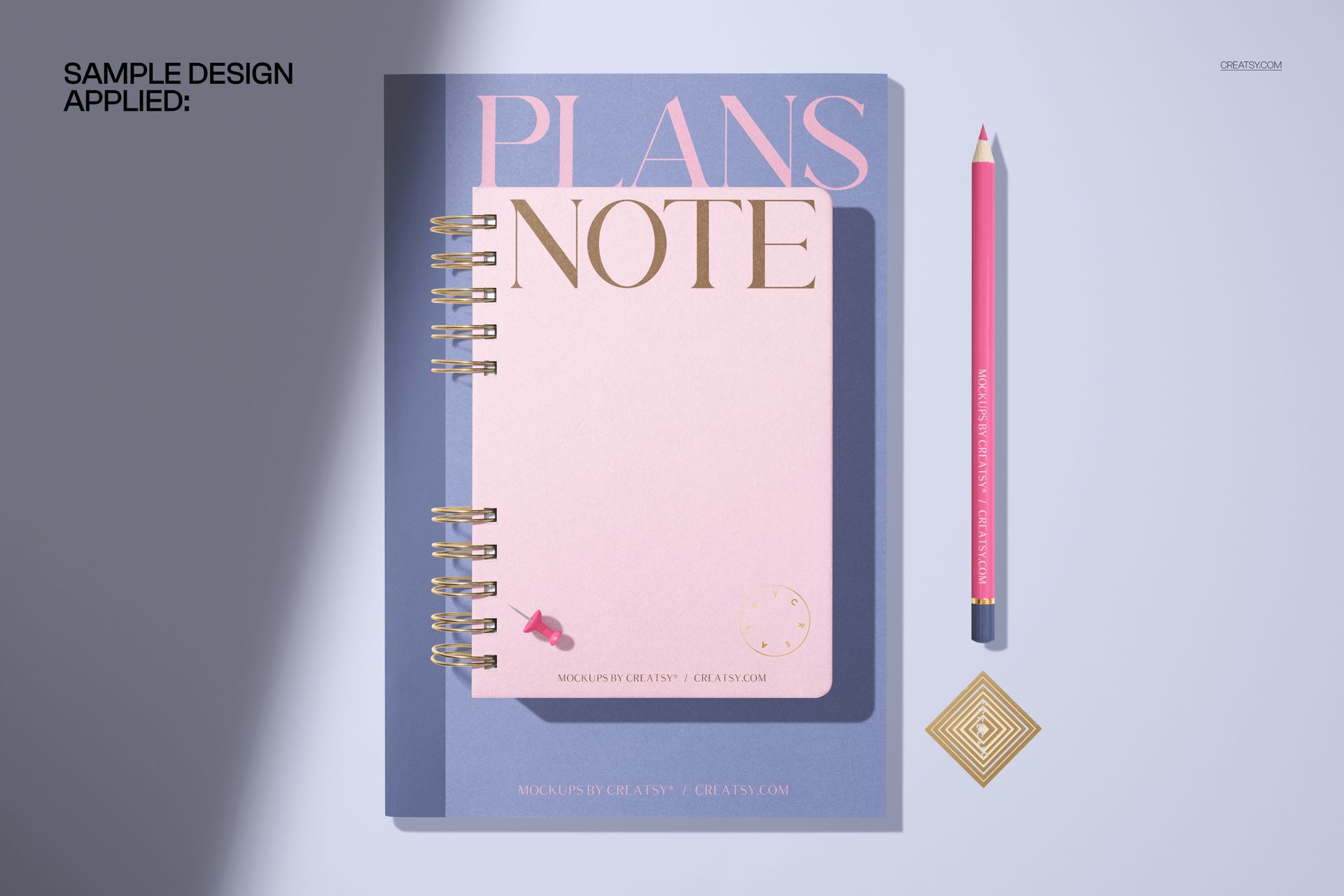
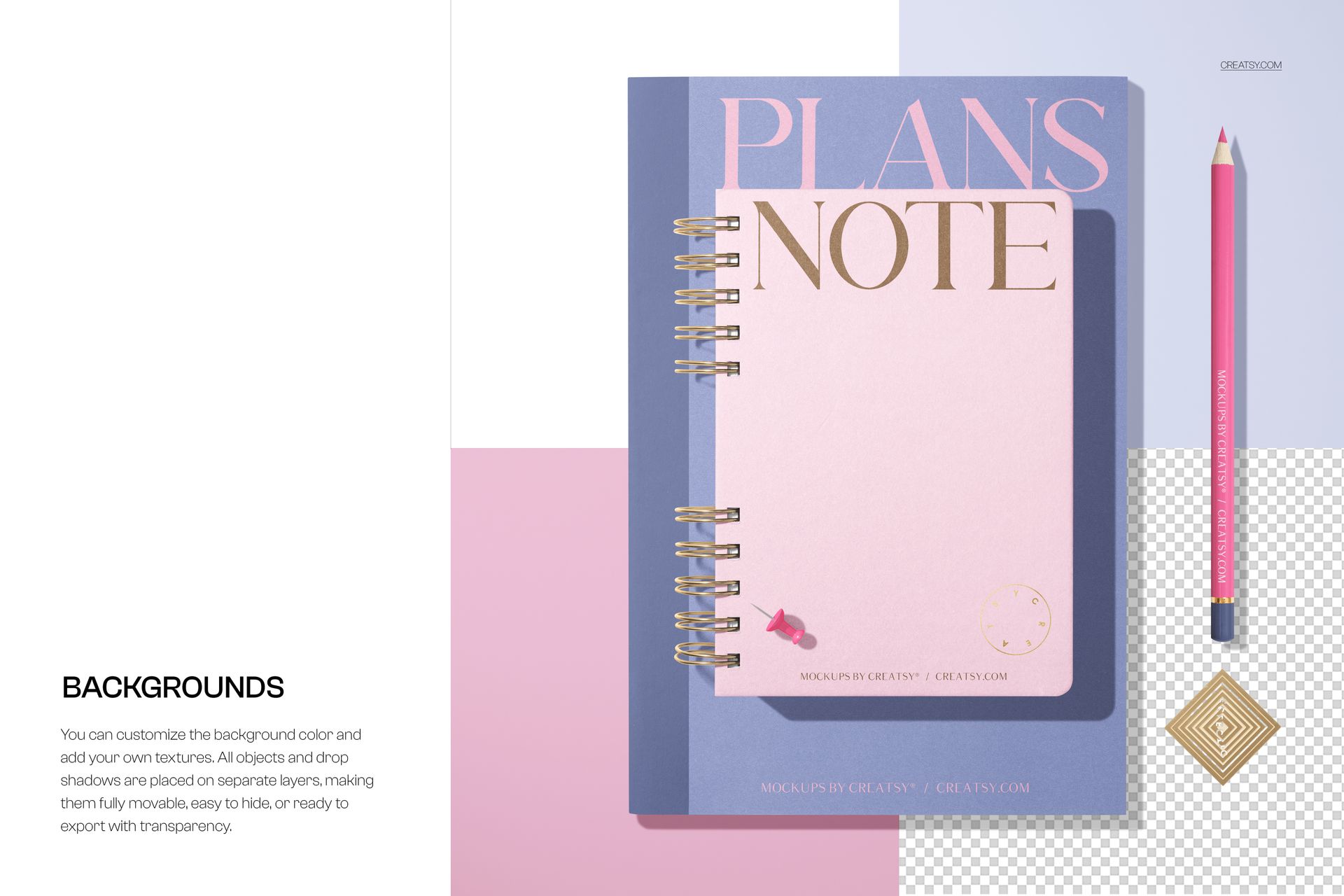
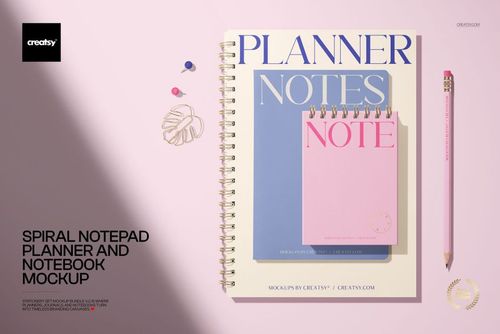
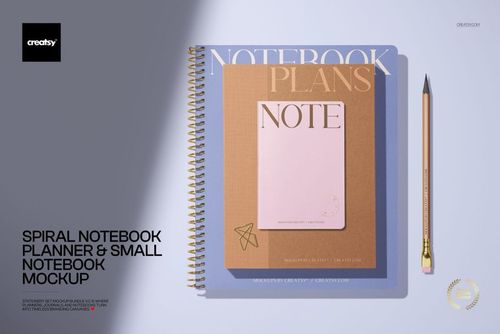
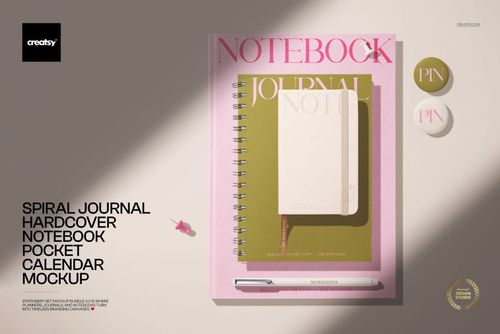
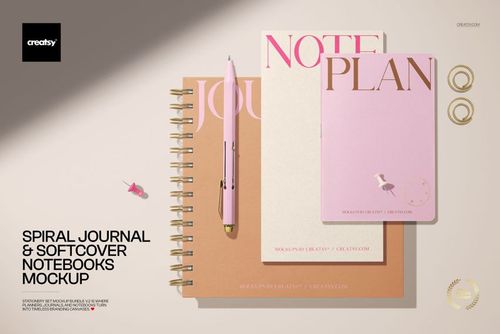
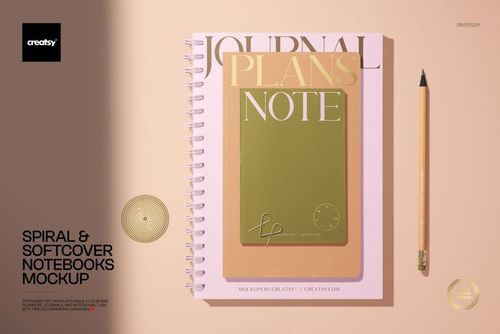
Place cover artwork into a polished top-view stationery composition featuring a spiral planner or notepad layered with a companion notebook, pencil, and metallic paper clip. Pastel, color-block styling keeps the presentation clean while giving clients and customers a clear sense of the finished cover design.
This high-resolution mockup is a practical way to present a coordinated stationery idea, compare artwork across two cover formats, or build a consistent visual for an online shop, portfolio, or client review.
What Is Included
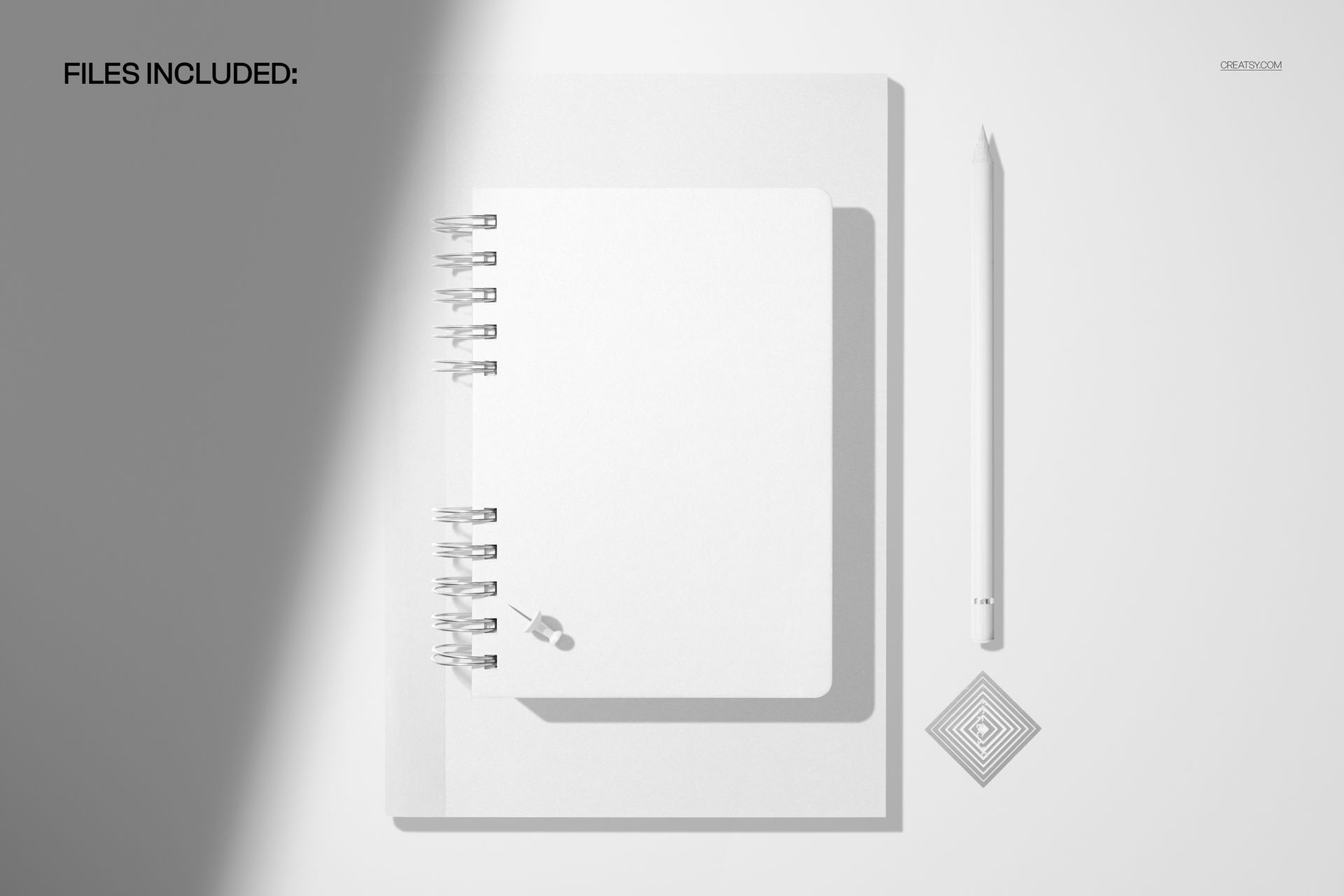
1 layered PSD mockup scene at 6000 × 4000 px
1 JPG preview file
300 DPI resolution
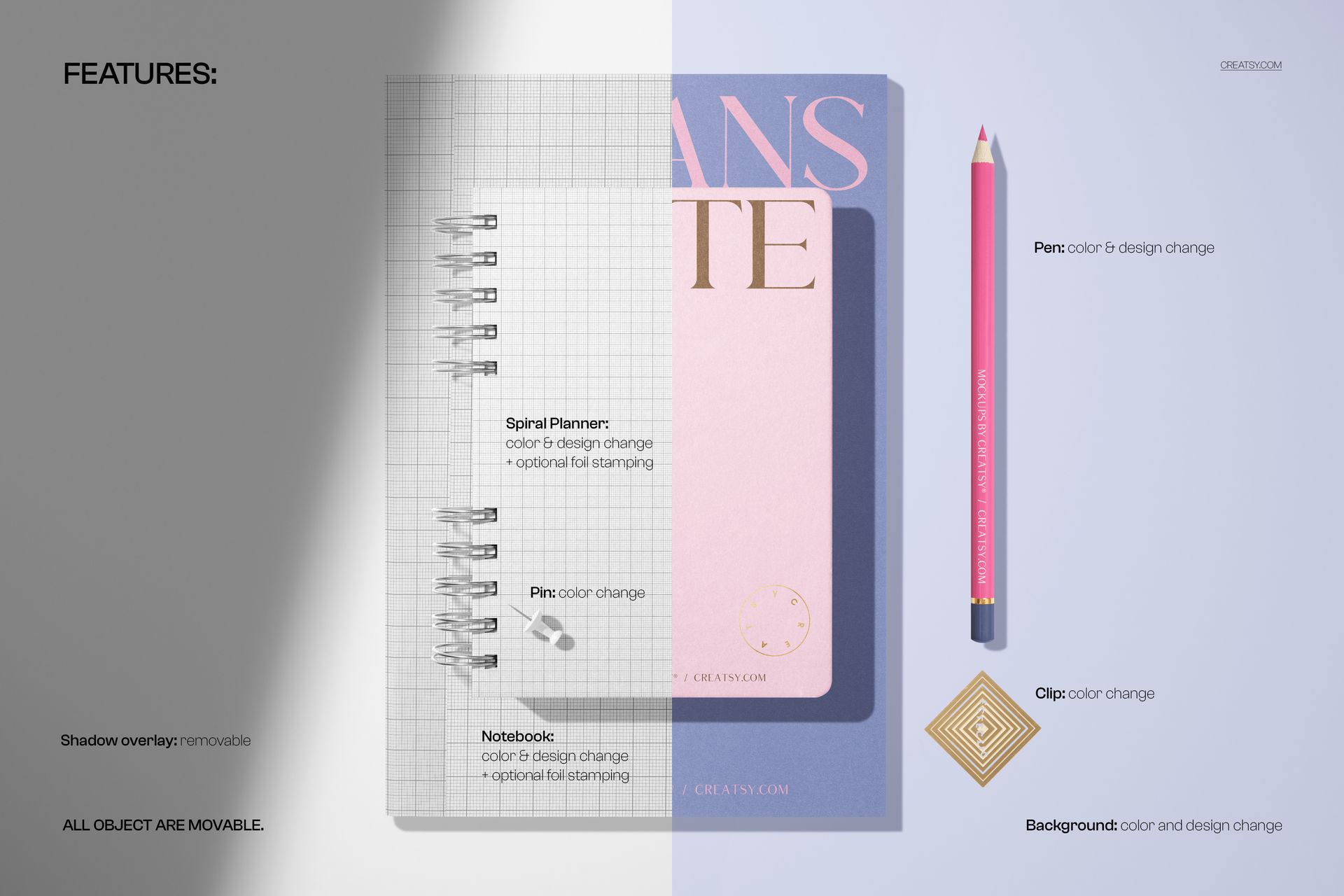
Smart Object editing and organized layers
Compatibility with Adobe Photoshop and Photopea
A Coordinated Top-View Scene
The overhead composition shows the spiral-bound piece and notebook together, with a pencil and metallic clip adding useful visual scale. The pastel backgrounds and balanced spacing make cover artwork, illustrations, patterns, and branding the focus of the scene.
Easy Smart Object Editing
Open the layered PSD, locate the relevant Smart Object, paste your artwork, and save it to update the mockup. The established lighting and shadows help the placed design sit naturally within the flat-lay composition.
Perfect For
Planner, notepad, and notebook cover concepts
Stationery branding presentations
Pattern and illustration previews
Online shop product galleries
Portfolio images and client approvals
This is a digital mockup product. Sample cover artwork is shown for presentation purposes only, and no physical item will be shipped.