Spiral Notepad Planner and Notebook Mockup
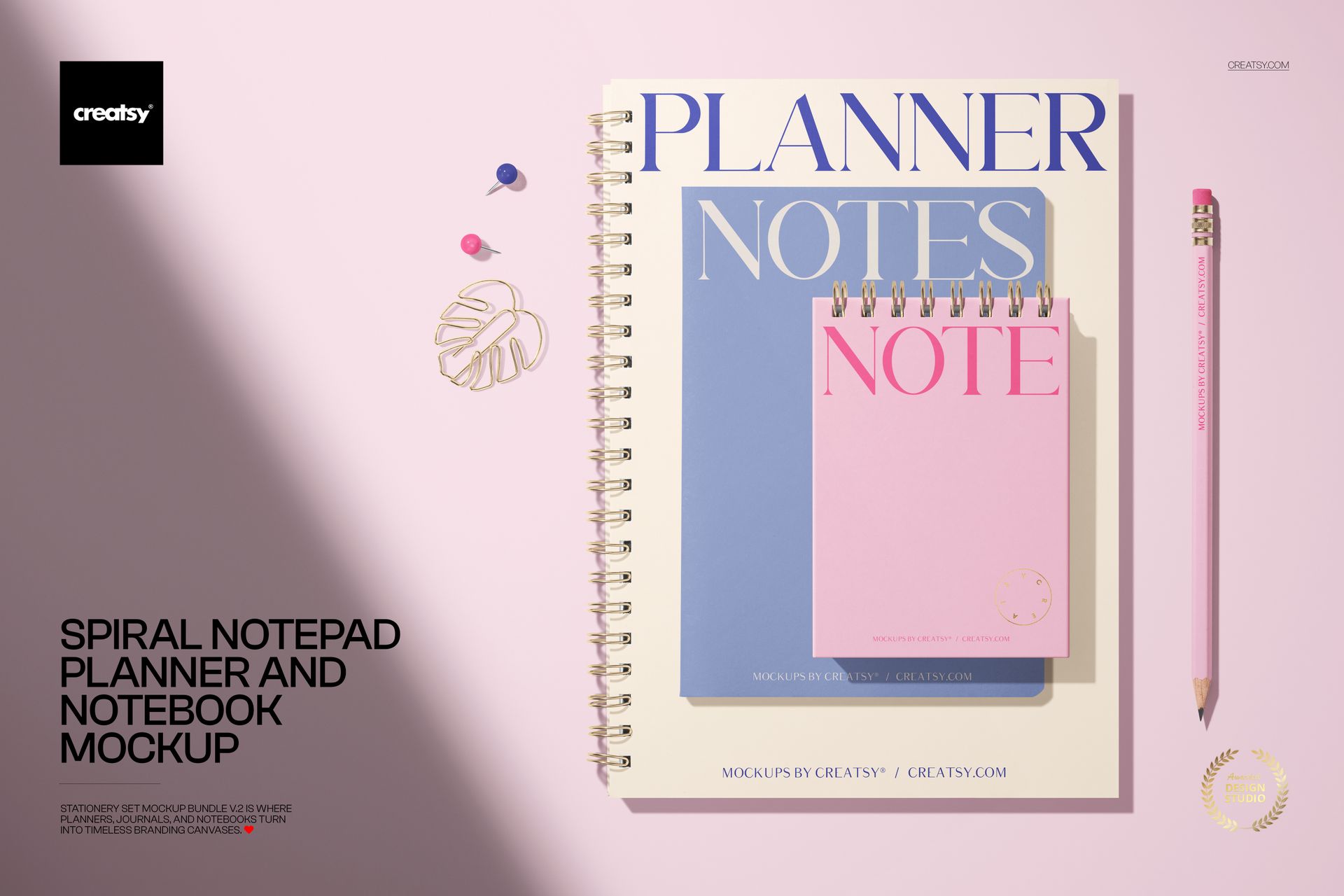
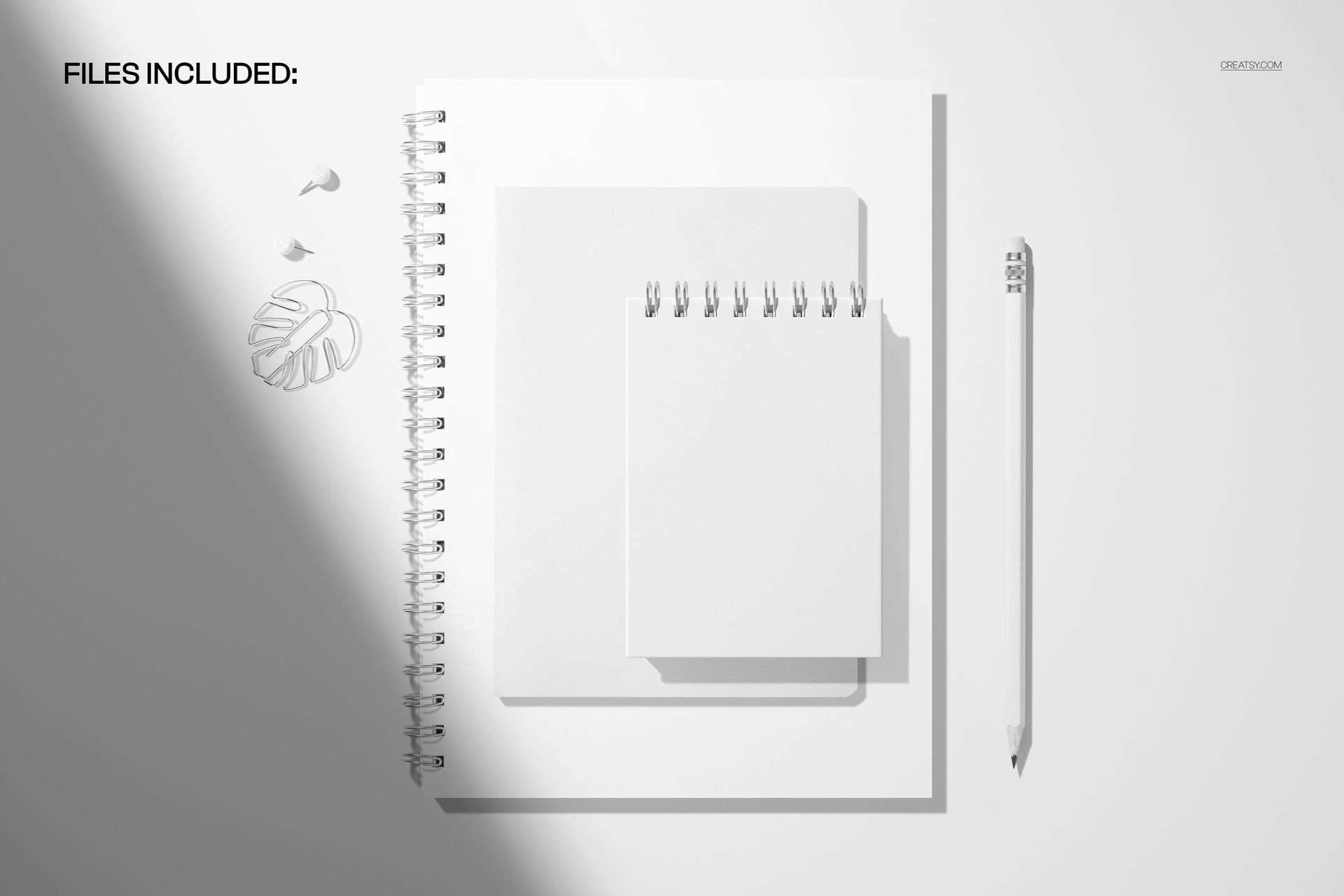
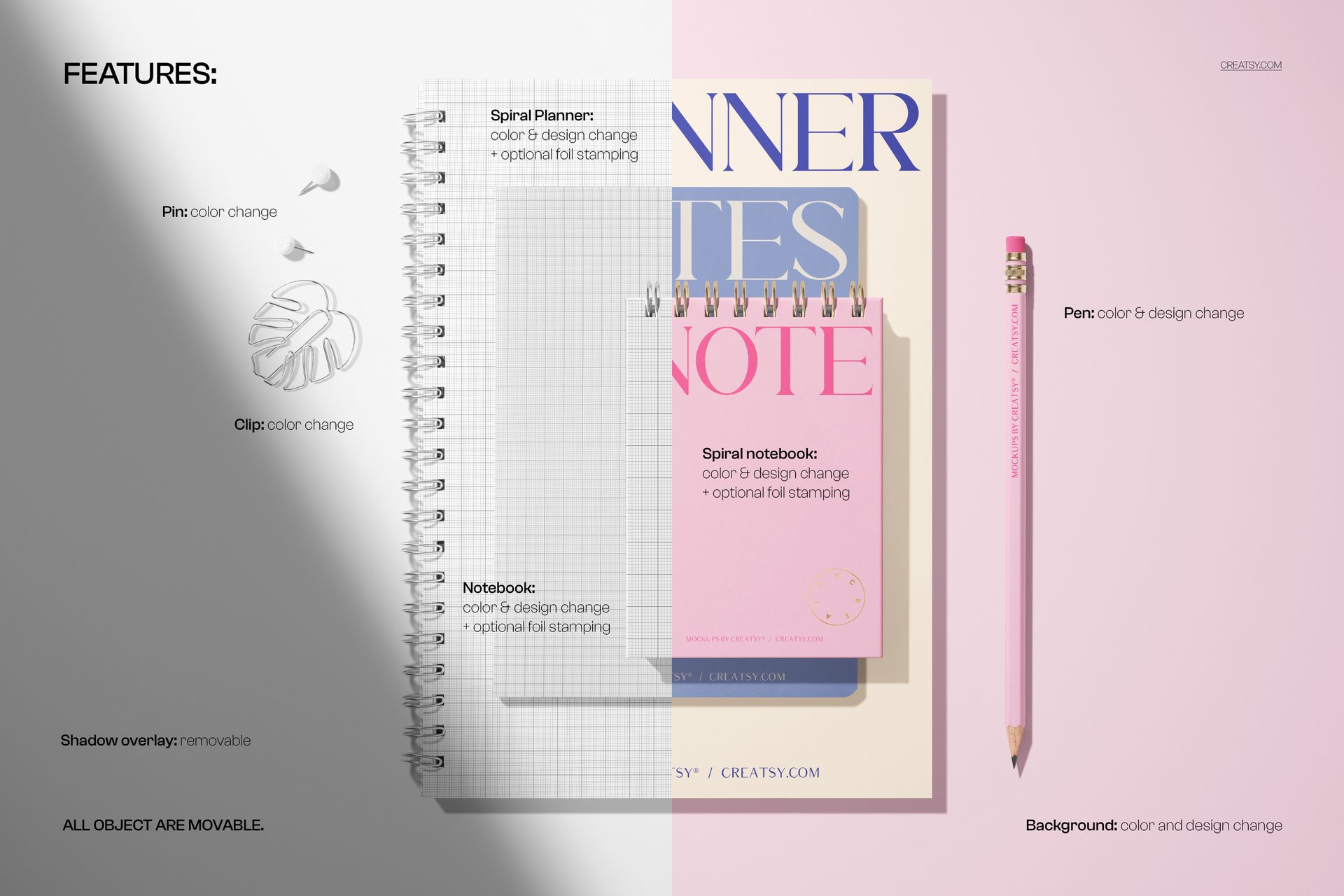
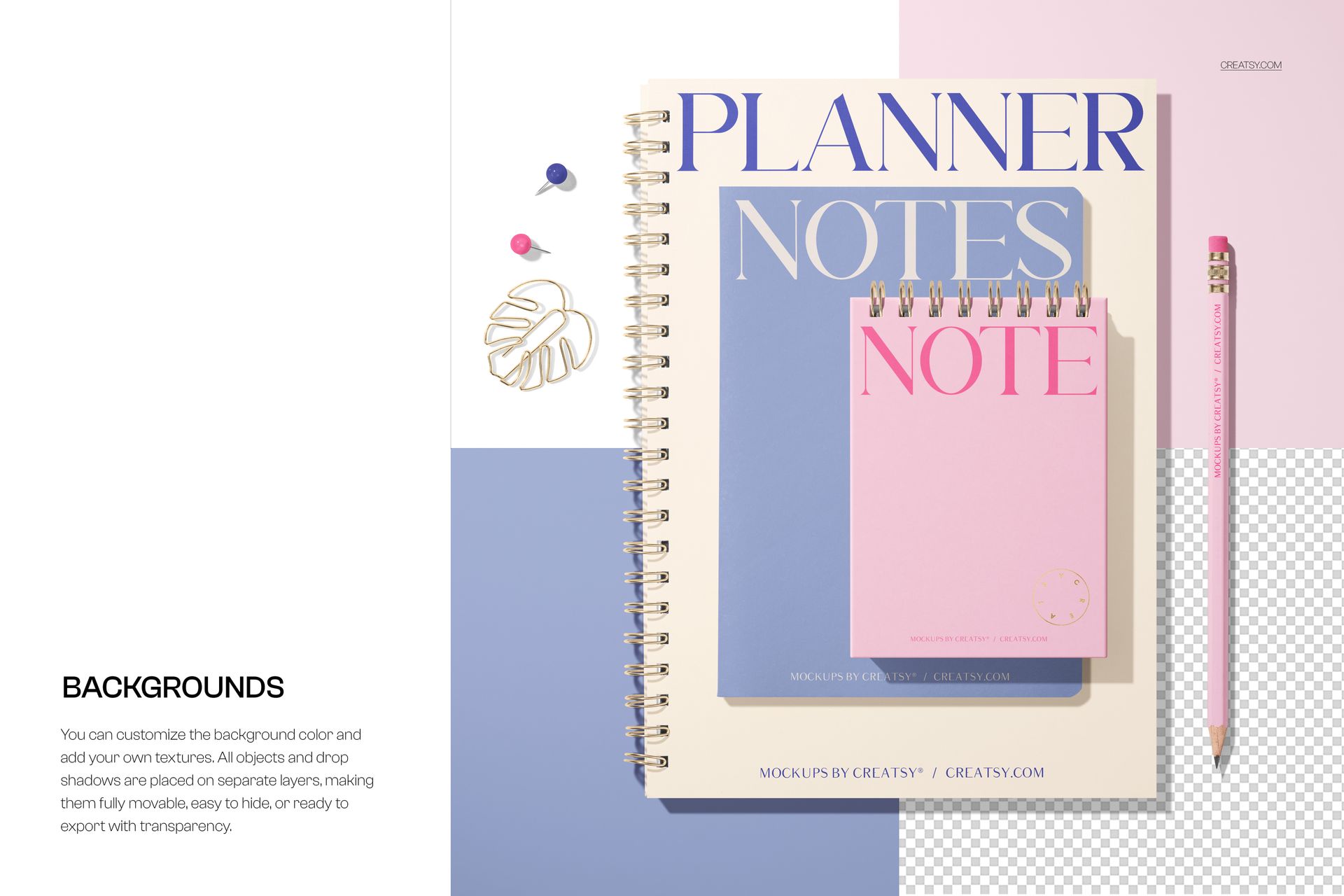
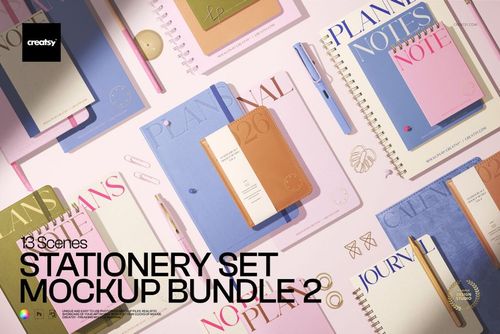
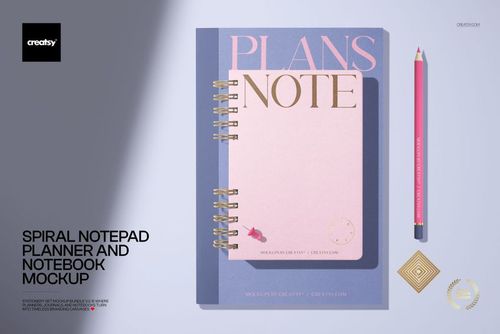
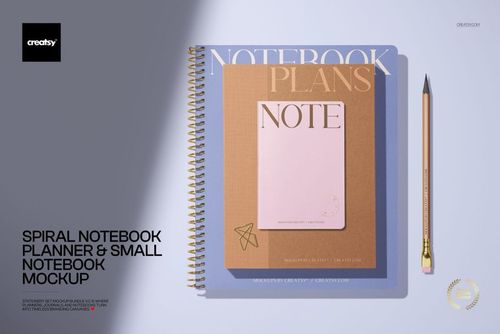
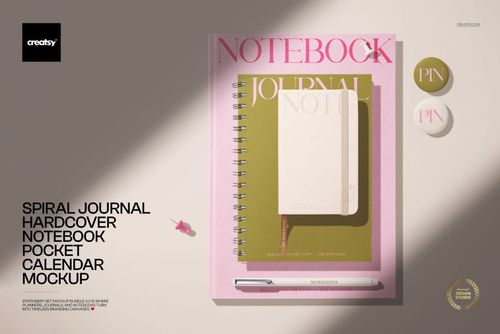
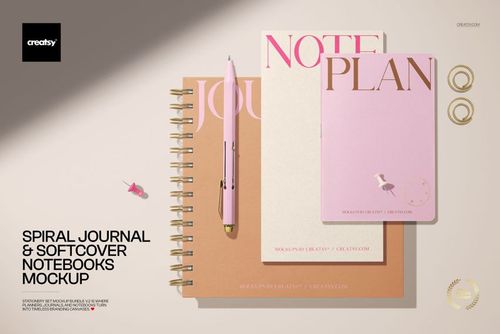
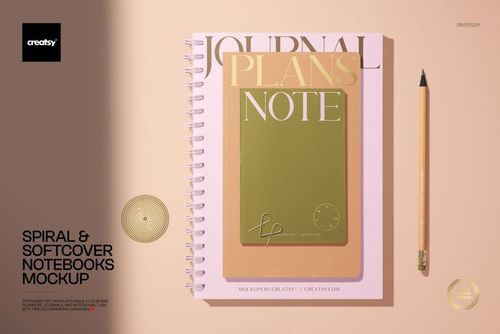
Bring a coordinated three-piece stationery range together in one clean overhead presentation. The flat-lay scene combines a spiral notepad, planner, and notebook with a pink pencil and paper clips, giving cover artwork useful context while keeping the product surfaces at the center of the image.
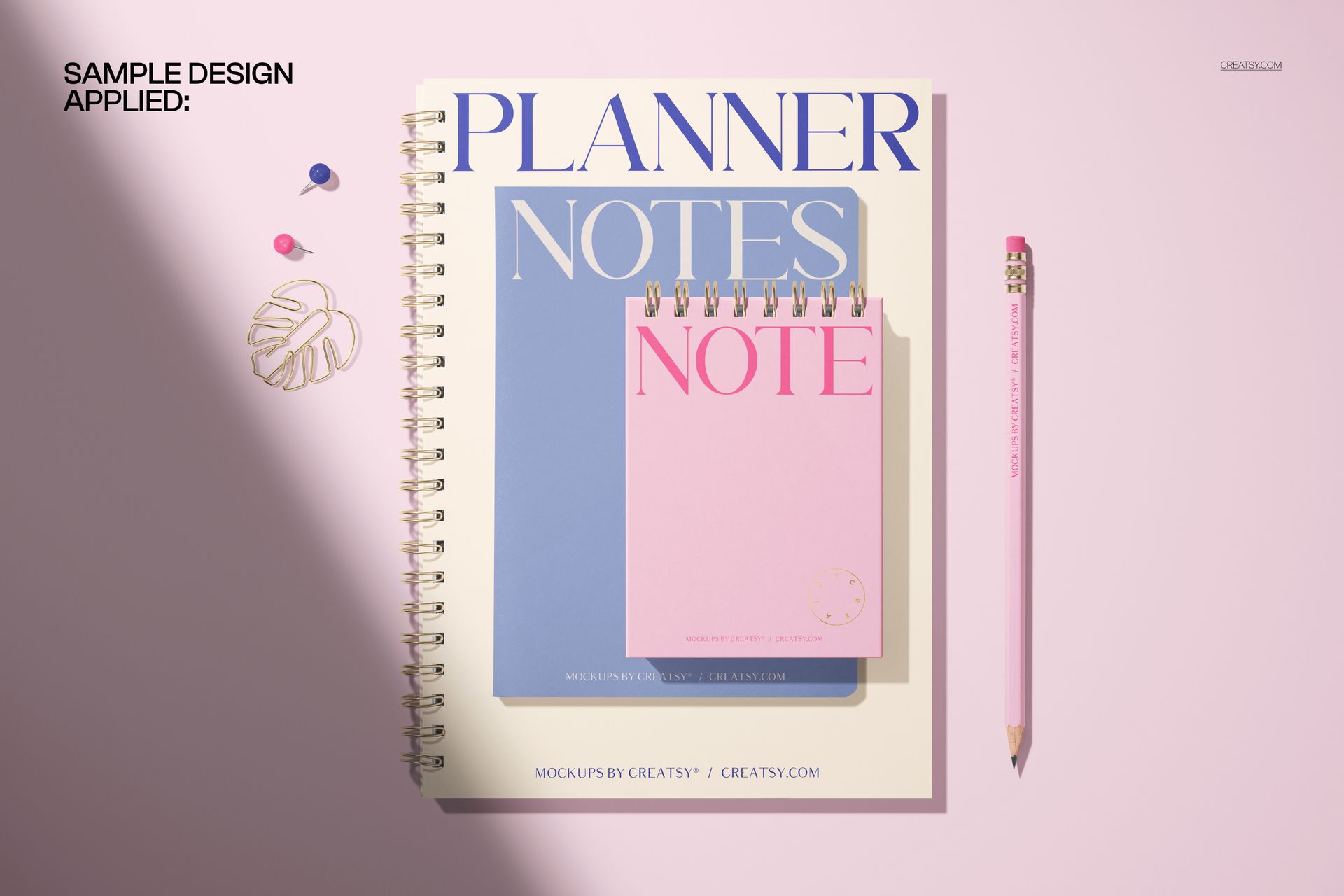
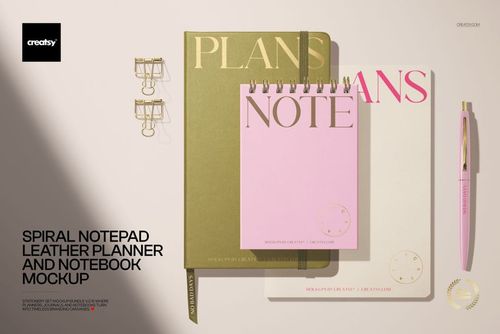
With three formats visible at once, the mockup helps communicate how a pattern, illustration, typographic concept, or brand direction can carry across a small collection. The preview examples use pastel blue, pink, and beige covers against white, split, and color-block settings to demonstrate different visual moods.
What Is Included
1 layered PSD mockup scene at 6000 × 4000 px
1 JPG preview file
300 DPI resolution
Artwork placement through Smart Objects
Well-organized layers
Compatibility with Adobe Photoshop and Photopea
One Scene, Three Coordinated Products
Instead of presenting a single cover in isolation, this arrangement shows the spiral notepad, planner, and notebook as a connected stationery family. The pencil and clips add visual scale, while the top-view composition keeps the overall collection easy to understand at a glance.
Easy Smart Object Editing
Open the layered PSD, locate the relevant Smart Object, paste your artwork, and save it to update the mockup. The established lighting and shadows help the placed design sit naturally within the supplied scene.
Perfect For
Planner, notepad, and notebook cover presentations
Stationery collection launches
Surface pattern and illustration previews
Branding portfolios and client presentations
Online shop product galleries
This is a digital mockup product. Sample artwork is shown for presentation purposes only, and no physical stationery will be shipped.