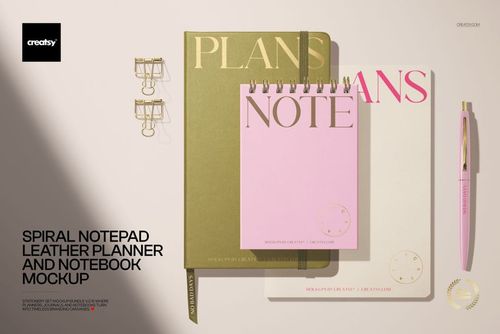
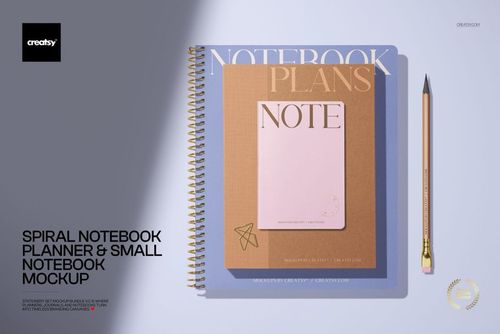
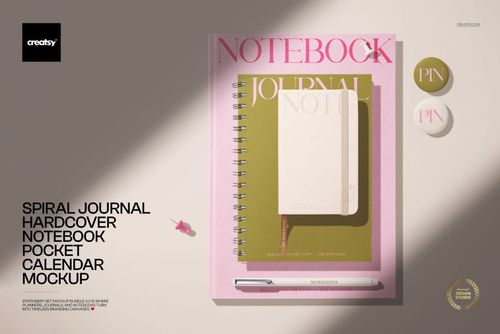
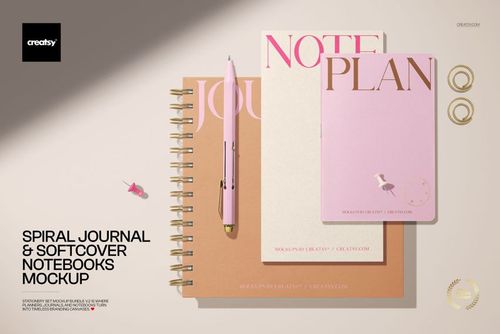
Calendar mockup with a leather stationery set on a desk
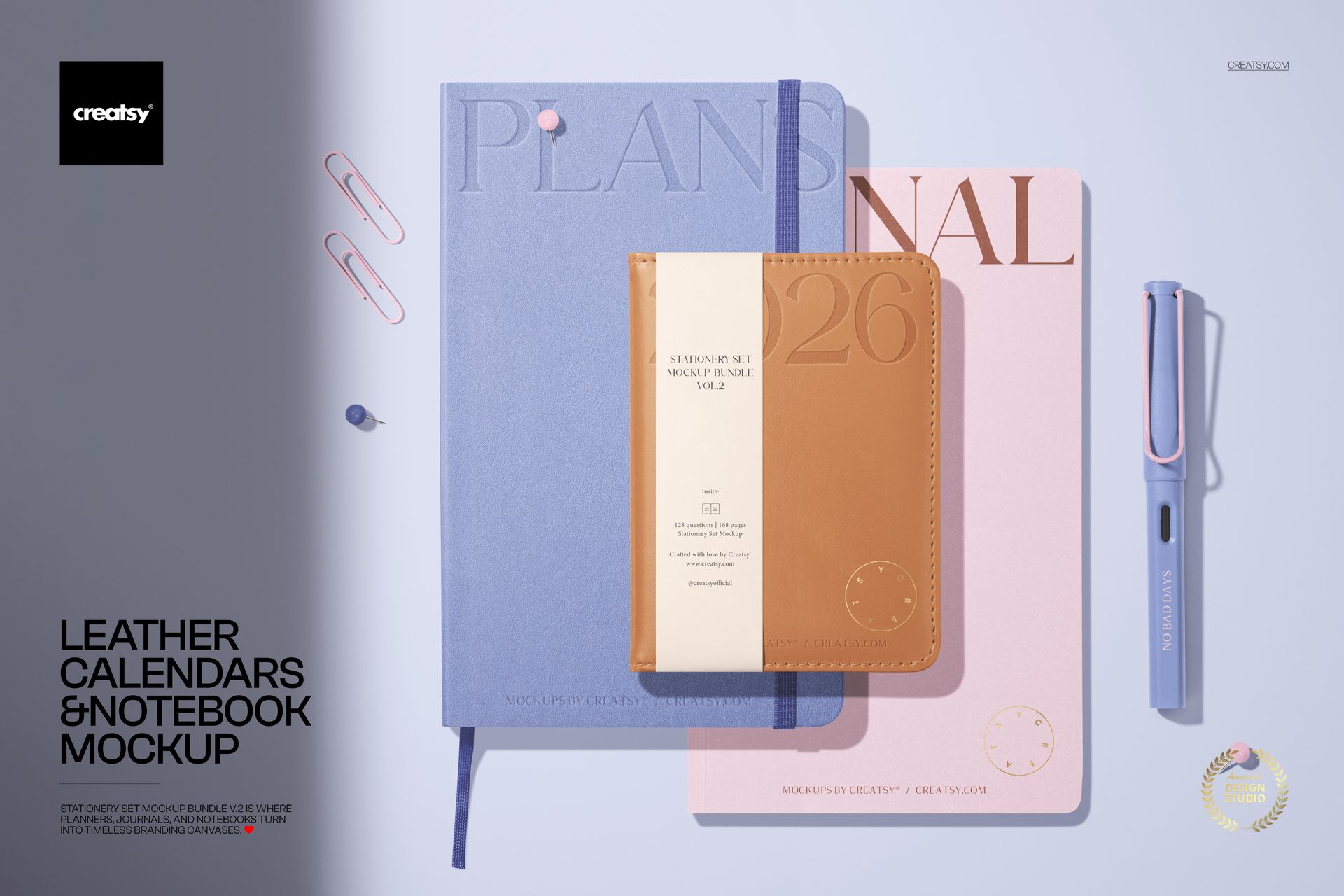
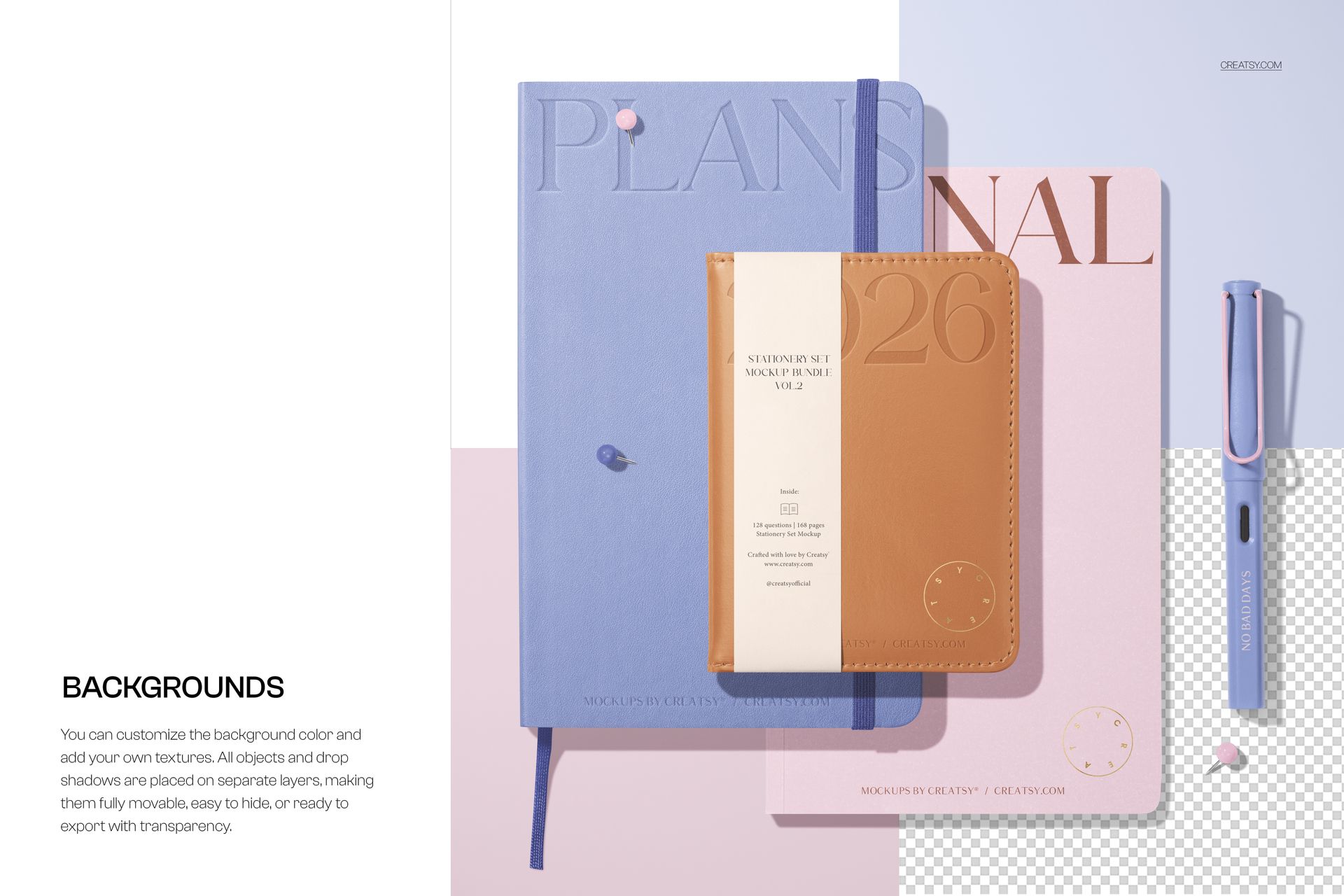
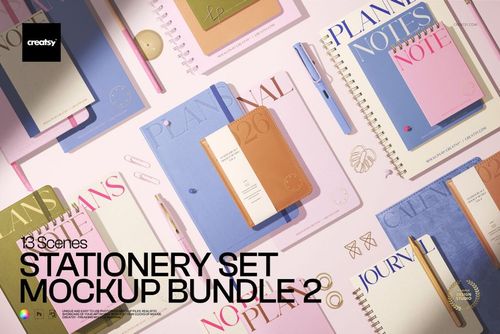
This is a calendar mockup built as a premium desk set: two leather calendars, a notebook, a pen, and a few clips and pins, shot from above on a soft background. Add your covers and artwork through the smart objects, recolor each piece, and you present a whole leather stationery collection in one image, with no printing and no photographer. It even carries debossing and foil options, so your branding can look properly made.
The scene
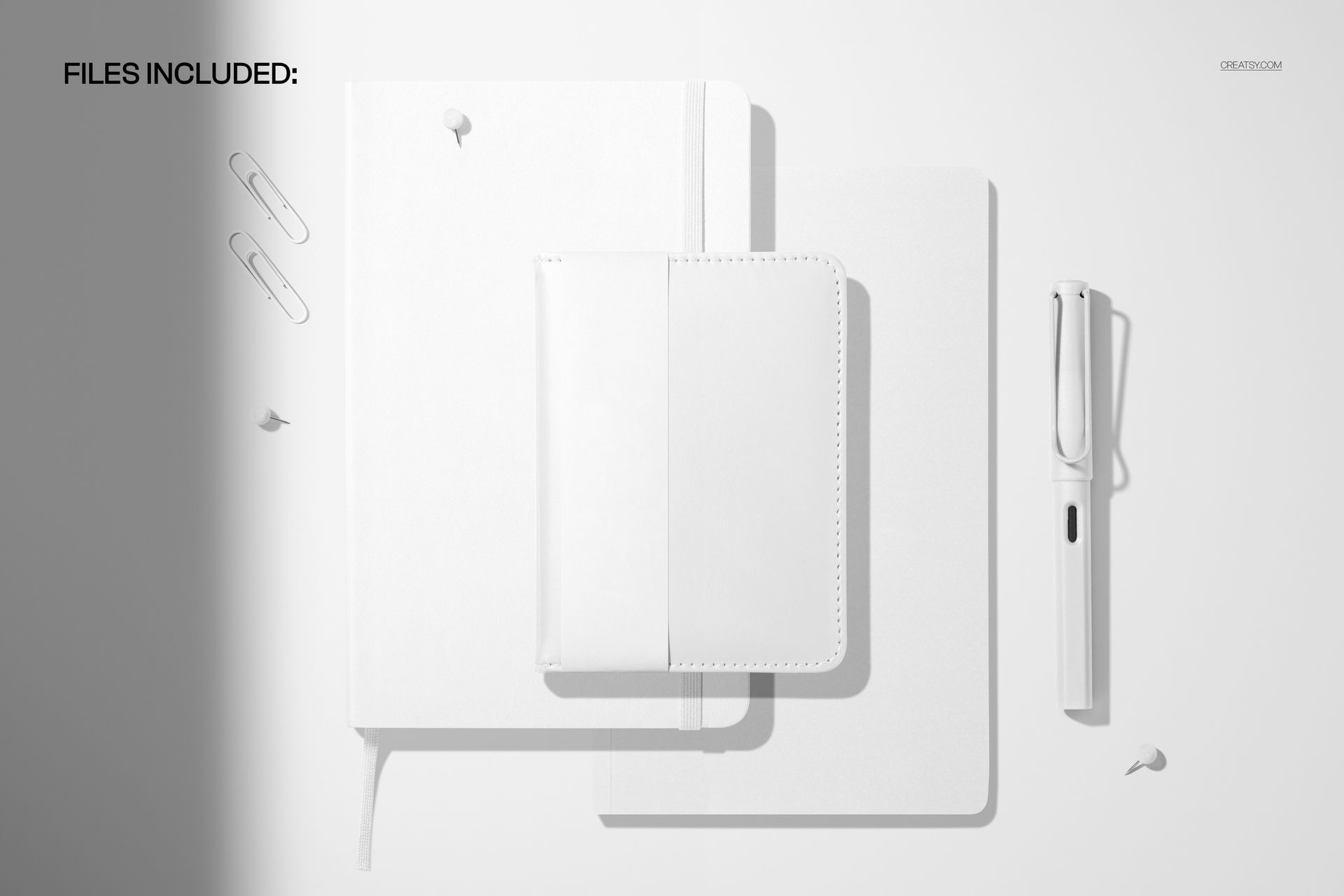
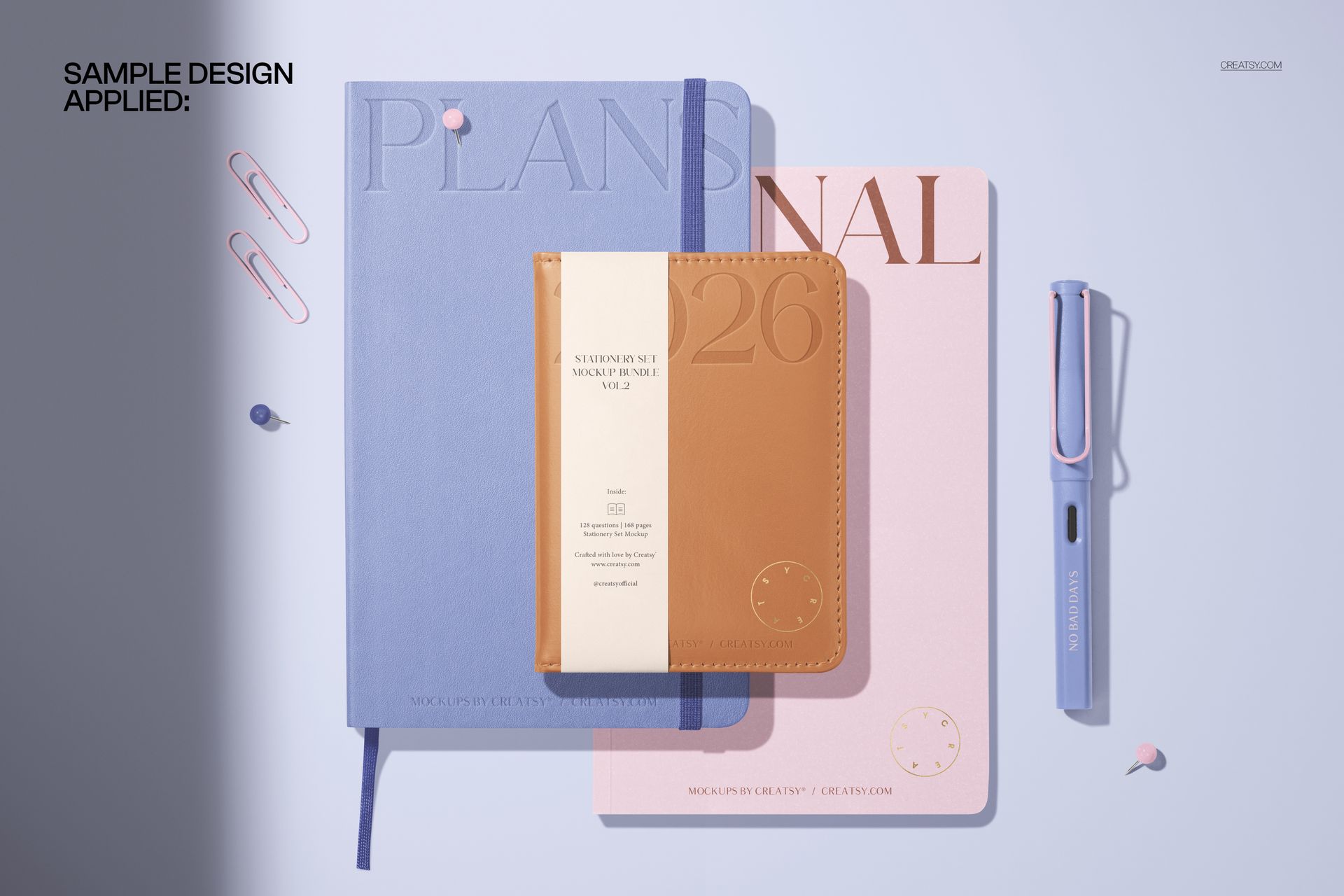
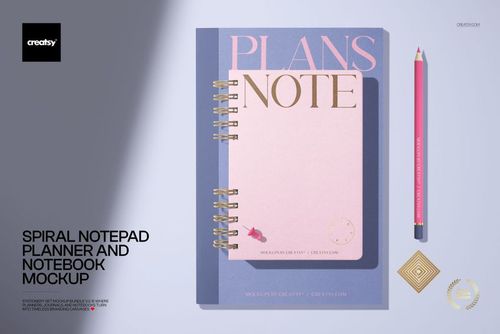
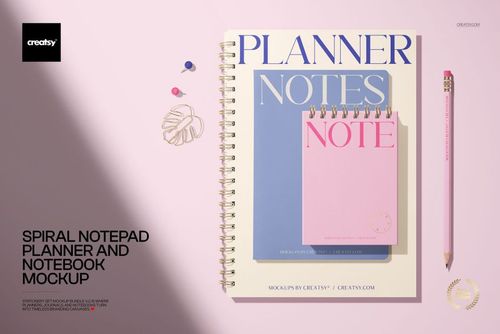
Seen from the top, an open leather calendar sits beside a smaller pocket calendar with a paper band, a notebook, and a slim pen, with paper clips and pins scattered like a real desk. The mood is modern, minimal, and high-end, the kind of frame that suits calendars, planners, journals, and premium stationery lines. Because the pieces hold their positions, every design you load lands in the same tidy layout, so a set reads as one collection.
What you can edit
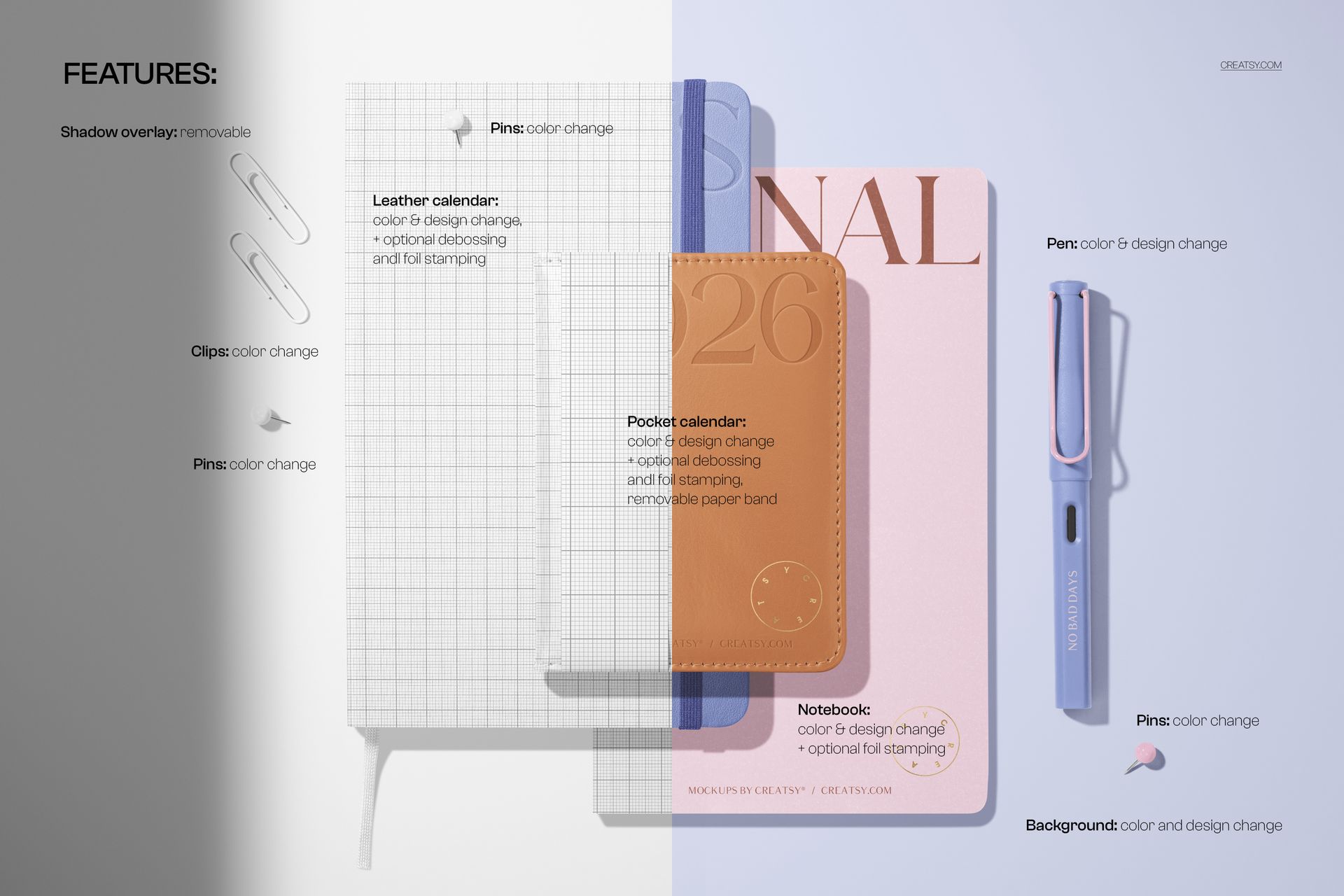
You control the whole set. The leather calendar and the pocket calendar each take a color and a design change, with optional debossing and foil stamping for a pressed, metallic look, and the pocket calendar band can be removed. The notebook changes color and design with optional foil, the pen changes color and design, and the clips and pins change color. The background changes color and design too, and the soft shadow overlay can be turned off. The pieces stay in place, so this is one clean, styled top-view angle.
Show leather that looks real
The debossing and foil options are what set this apart. Instead of a flat logo on a cover, you can press your mark into the leather or add a gold or silver foil, so a buyer sees the finish they would actually get on a premium product. For a calendar or planner brand that detail is the difference between a mockup that looks printed and one that looks manufactured.
How it works
Open the PSD in Photoshop or in Photopea, the free browser editor. Double-click a smart object, drop in your cover art, and save, and it appears on the calendar, the notebook, or the pen with the leather grain, folds, and light already in place. Switch on the debossing or foil layer, recolor each piece and the background, then export a JPG or PNG for an Etsy listing, a product page, an ad, or a catalog.
One scene, a whole range
Since the pieces, the light, and the angle stay put, a set of shots made from this file all match. Swap the covers and colors for each product or each year, export, and your shop shows a tidy, on-brand stationery line rather than a pile of mismatched photos. That consistency reads as professional in a busy marketplace, and it costs nothing once the file is set up.
Specifications
1 layered PSD file
6000 x 4000 px, 300 dpi
Editable leather calendar and pocket calendar (color, design, optional debossing and foil)
Editable notebook (color, design, optional foil) and pen (color, design)
Editable clip and pin color; removable paper band and shadow overlay
Editable background color and design
Designs placed through smart objects
Well organized, clearly named layers
Works in Adobe Photoshop CC2020 or newer and in Photopea
Package size about 342 MB
Who it is for
It fits calendar, planner, and journal brands, leather-goods and stationery makers, and Etsy or Shopify sellers presenting a premium set. Designers and studios can use it to show a leather-bound collection to a client without a sample run. If you want a high-end, top-view stationery shot in a few minutes, this delivers it and keeps working for every new cover and year.