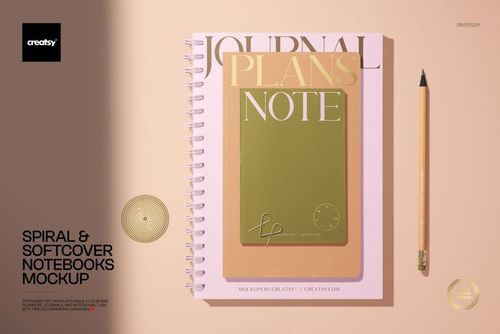
Spiral Journal and Softcover Notebooks Mockup
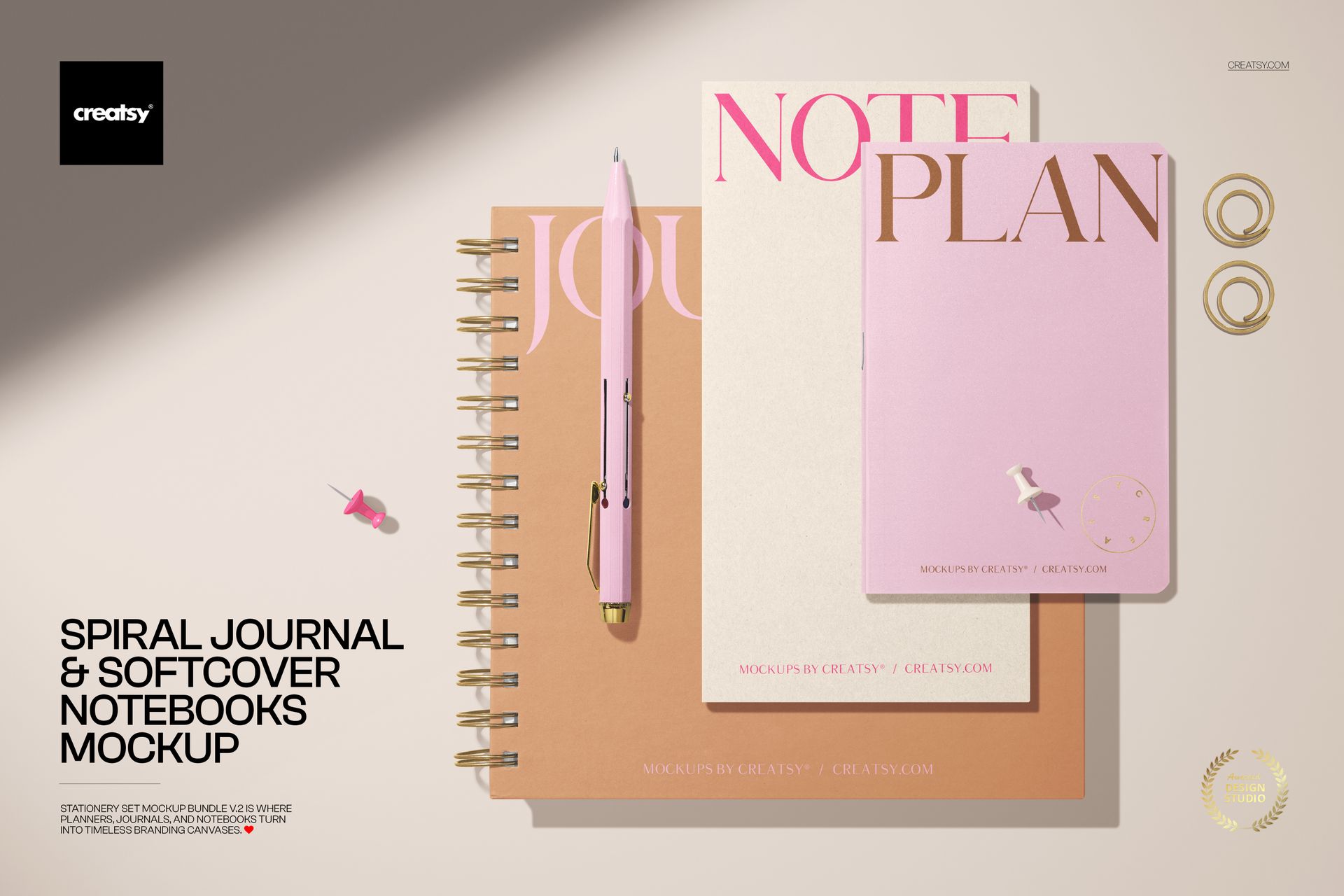
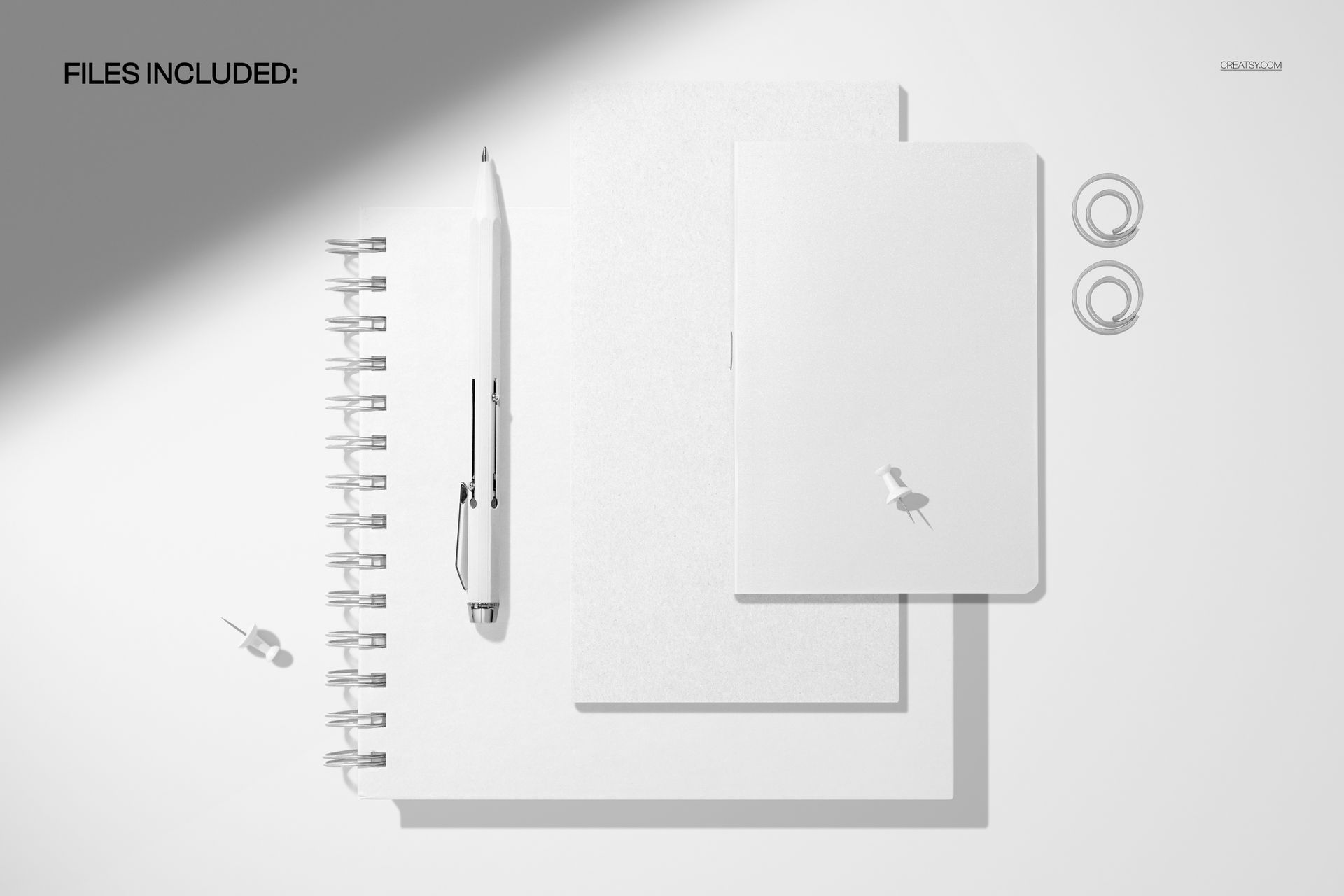
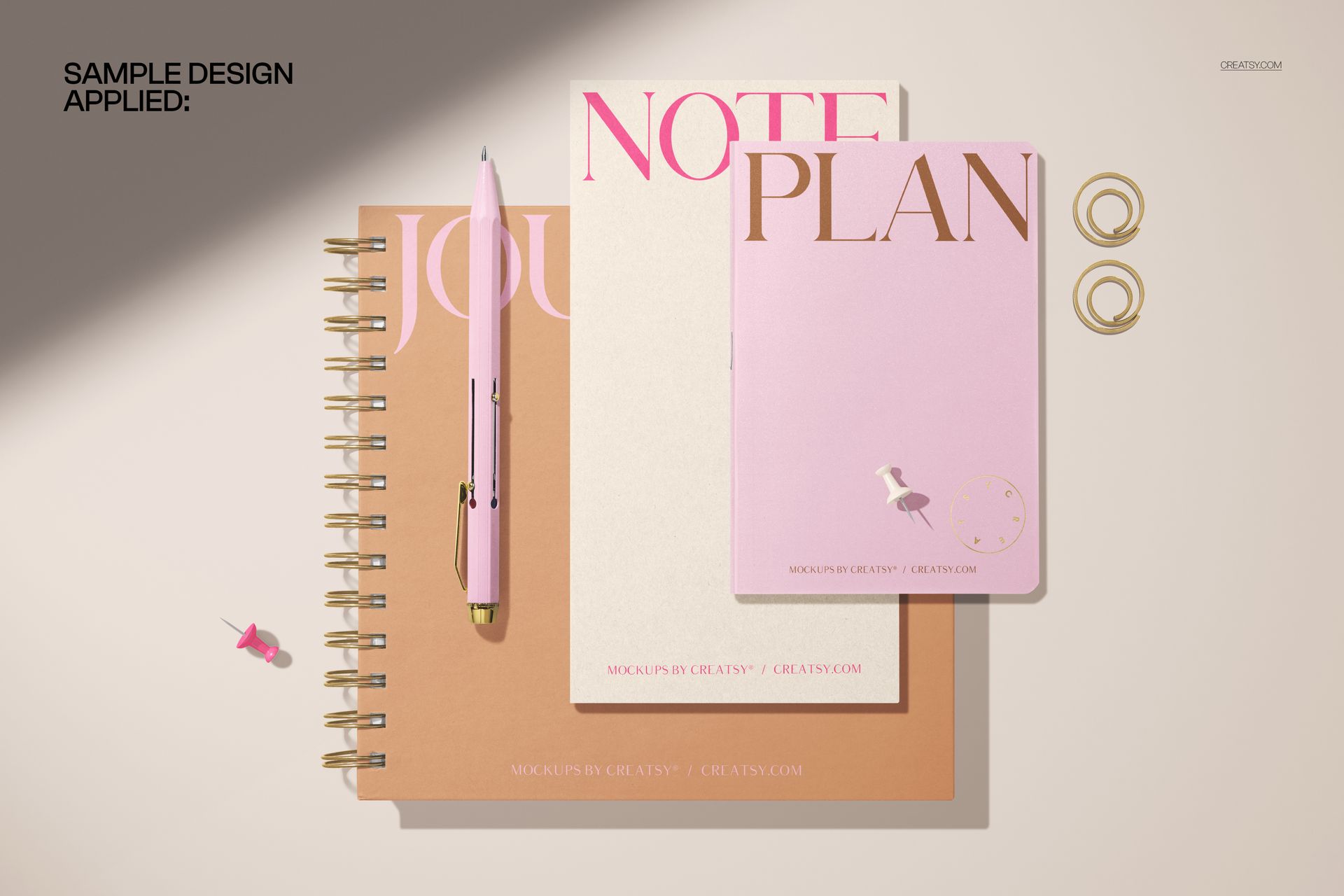
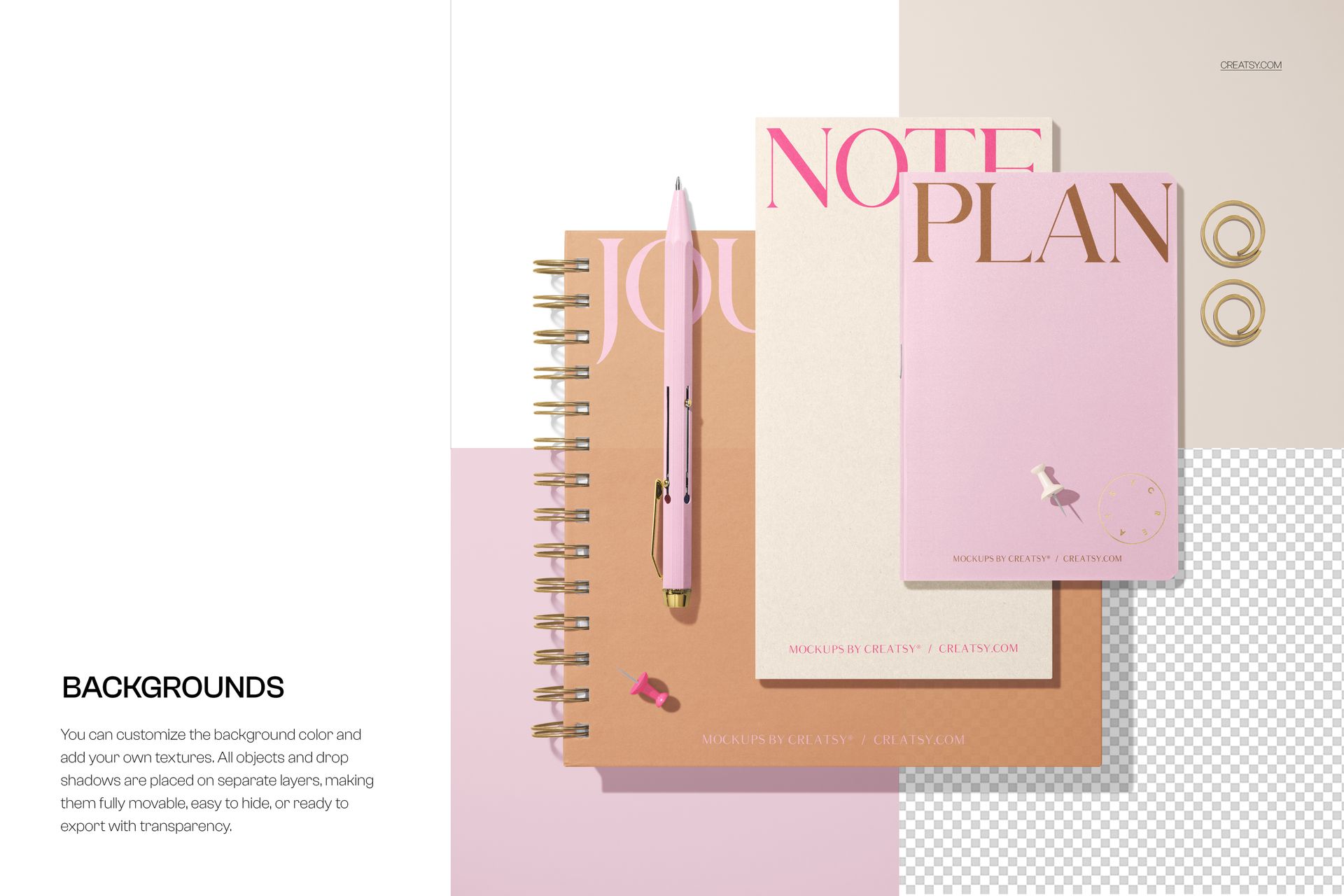
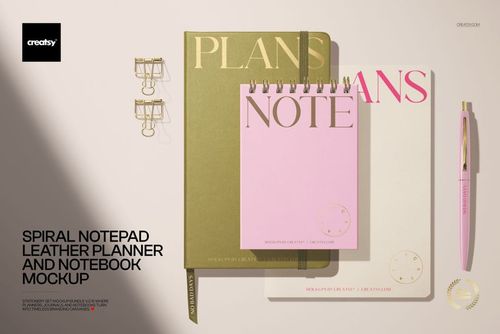
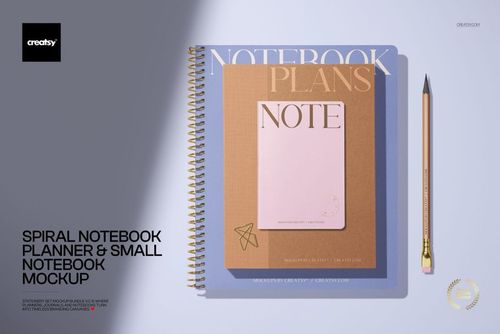
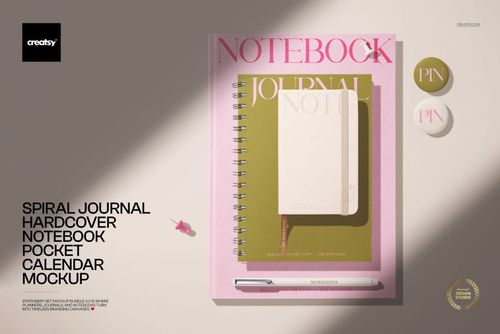
Show a coordinated cover collection in a clean pastel flat lay featuring one spiral-bound journal and two softcover notebooks. Pens, paper clips, and split-color surfaces add realistic stationery context while the top-view composition keeps every cover easy to see. This focused scene is useful for presenting matching artwork as a family rather than as separate flat files.
Use the mockup to compare cover variations, introduce a notebook collection, or show how typography, illustration, photography, and patterns work across different formats. The high-resolution composition gives designers a polished way to prepare portfolio pieces, customer previews, and product imagery without photographing a physical sample.
What Is Included
1 layered PSD mockup file
1 matching JPG preview file
2 files in total
Canvas listed at approximately 6000 x 4000 px
300 DPI source specification
Compatibility with Adobe Photoshop and Photopea
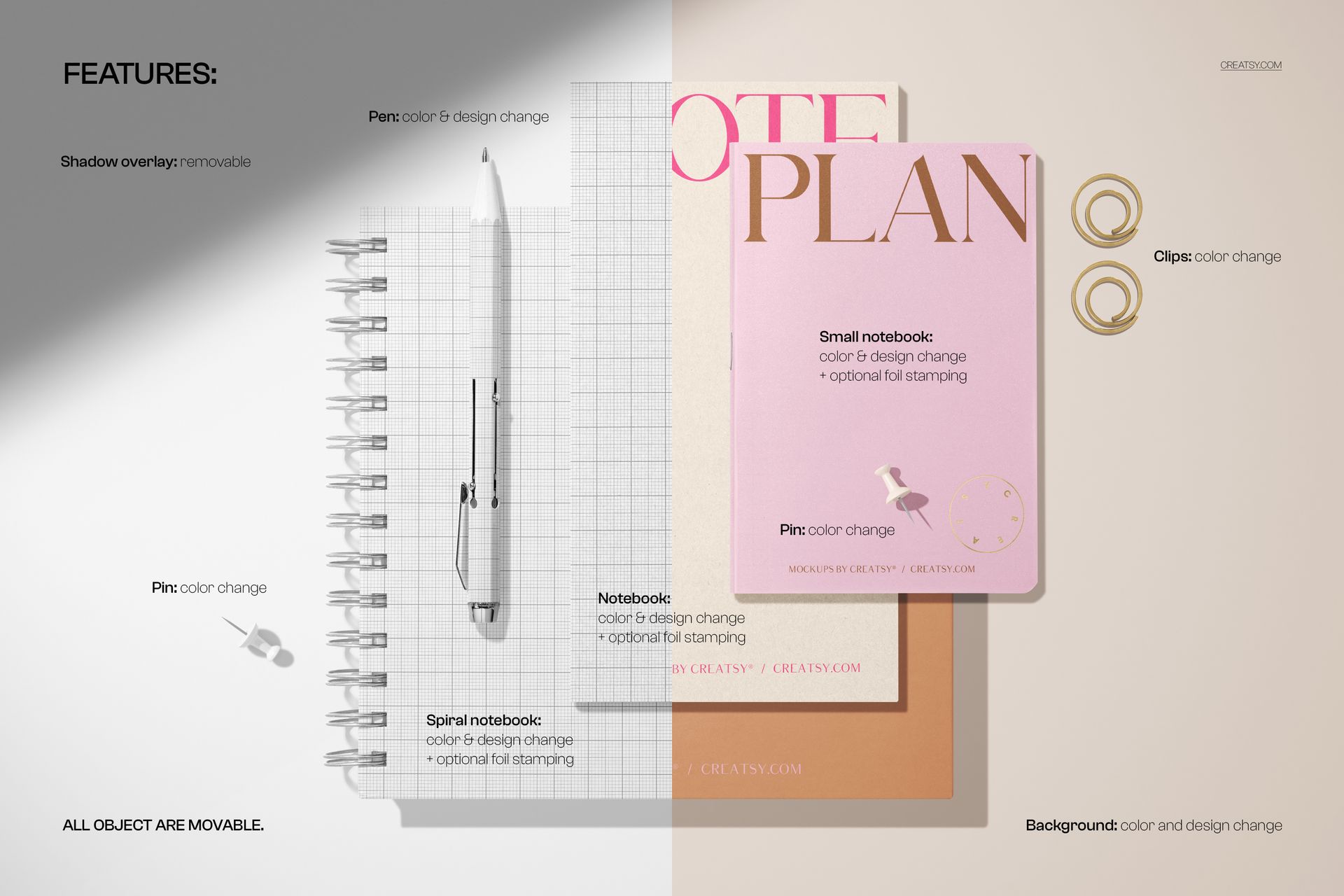
Organized layers and Smart Object artwork editing
The listing gallery contains five preview images that demonstrate the composition and its presentation options. These screenshots illustrate the product, while the downloadable package contains one editable PSD and one matching JPG.
One Scene for Three Coordinated Covers
The mix of spiral binding and soft covers helps you present related designs across distinct stationery formats in one image. Apply a shared visual system for a cohesive collection, or compare complementary colorways and cover concepts side by side. The overhead angle also makes the scene well suited to layouts where titles, logos, or repeat patterns need to remain legible.
Easy Smart Object Editing
Open the layered PSD in Adobe Photoshop or Photopea, locate the designated Smart Object, place your artwork, and save it to update the main composition. Organized layers make the file easier to navigate when testing alternate cover directions or preparing several final exports. Keeping an untouched copy of the original PSD is recommended before beginning a new presentation.
Perfect For
Journal and notebook cover collections
Stationery branding and visual identity presentations
Pattern, illustration, and typography portfolios
Client approvals before printing or production
Online shop images, launch graphics, and social media content
This is a digital mockup product. No physical journal or notebook will be shipped. Sample cover artwork shown in the previews is for presentation purposes only and is not included with the mockup files.