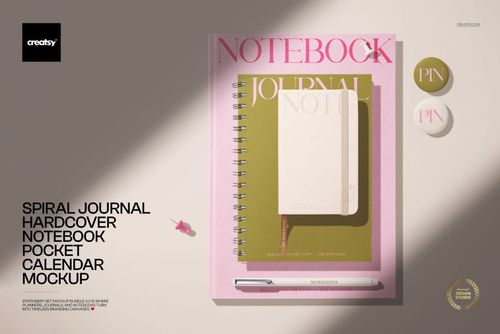
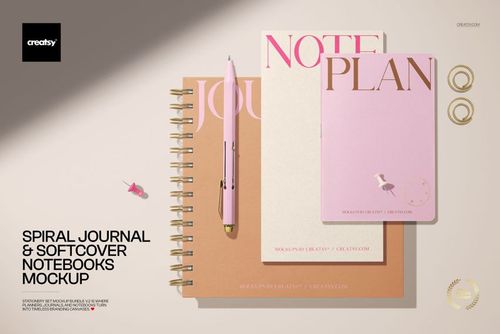
Softcover Notebooks and Spiral Journal Mockup
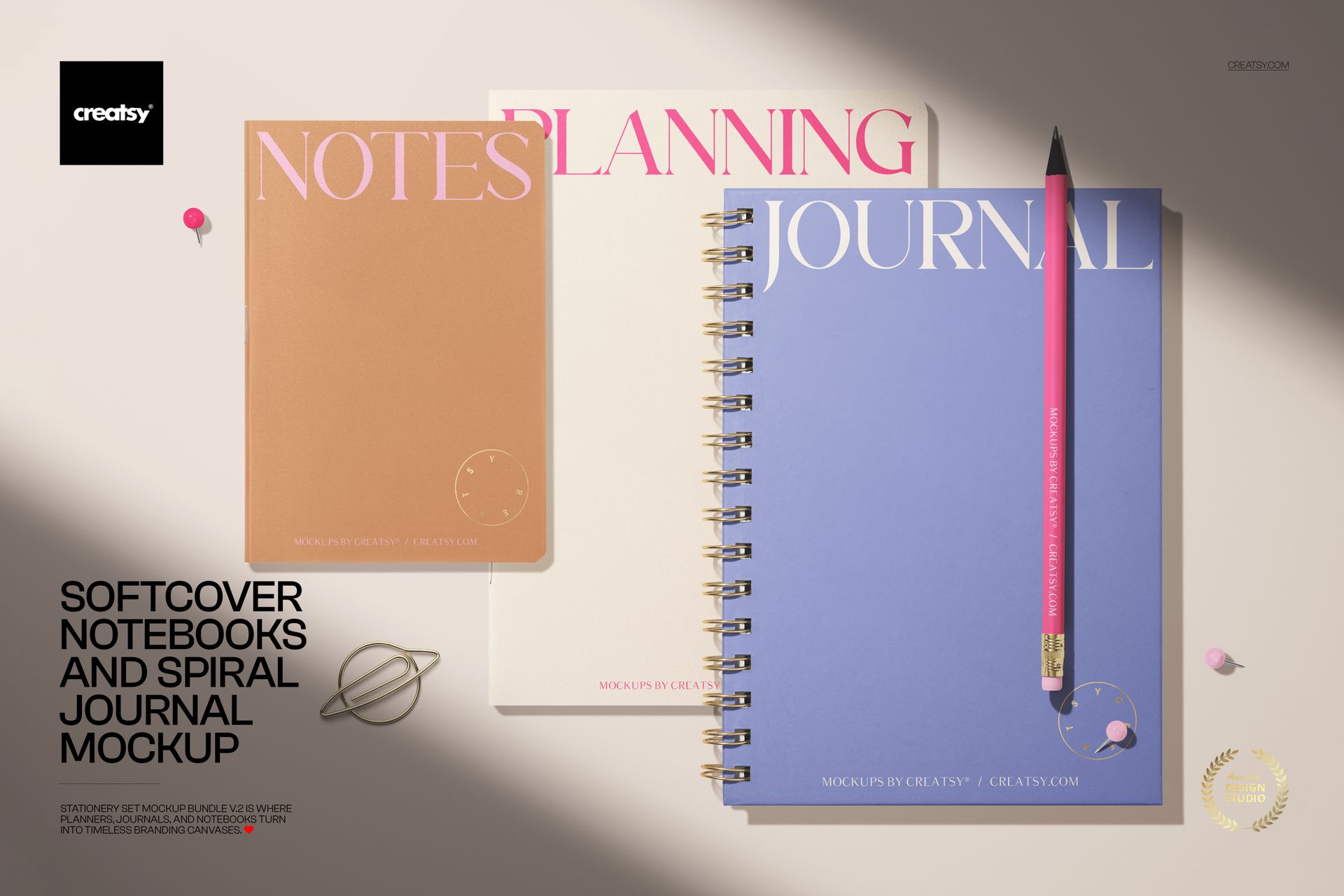
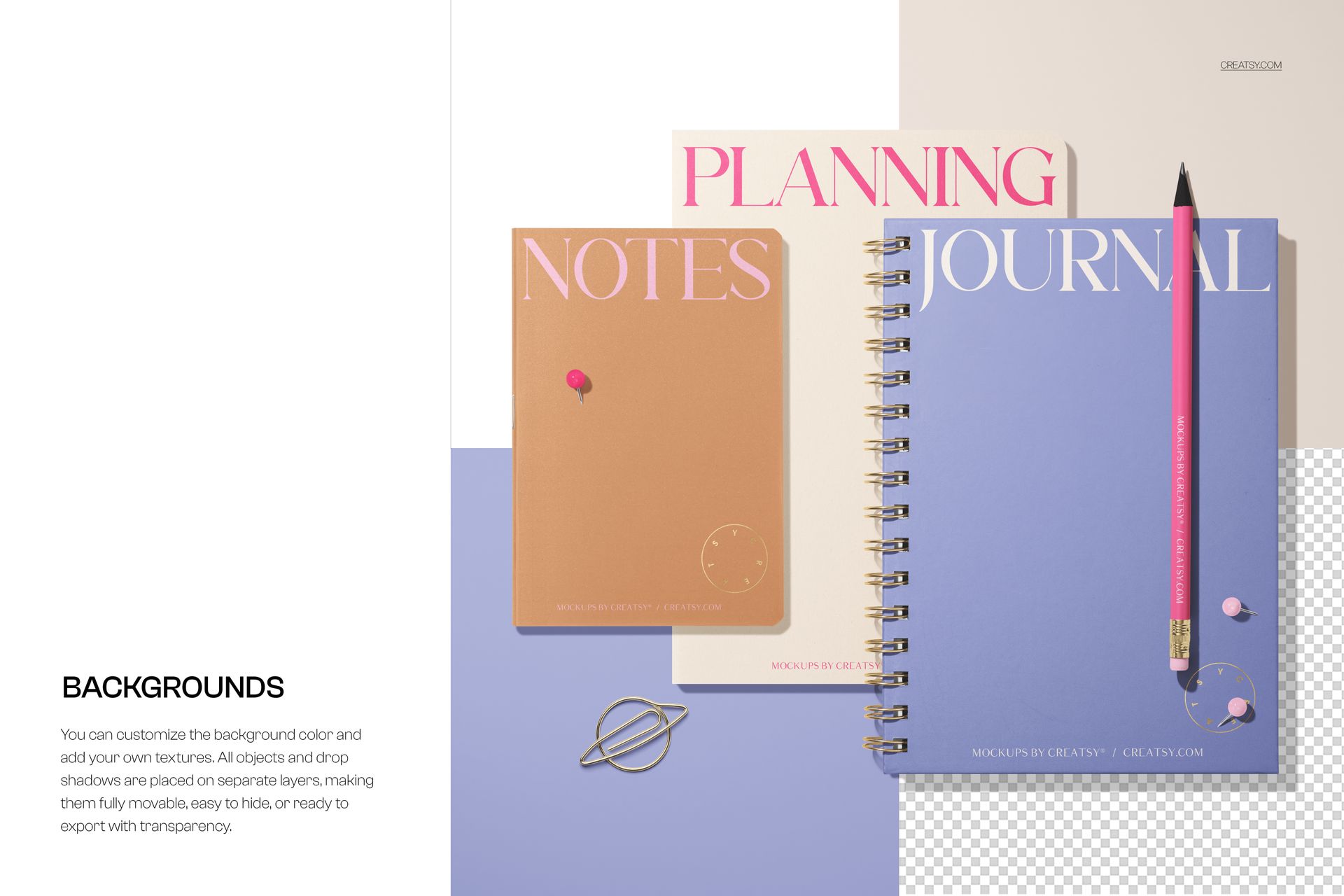
Present coordinated cover artwork in a clean top-view scene featuring two softcover notebooks and one spiral journal. The three items form a distinctive overlapping, staggered composition, while the pastel preview styling and minimal stationery accents keep attention on the cover designs.
A three-piece stationery presentation
The layered arrangement makes it easy to show related cover versions as one cohesive collection. It is well suited to branding concepts, pattern collections, publishing projects, stationery designs, portfolio images, and client presentations.
Key features
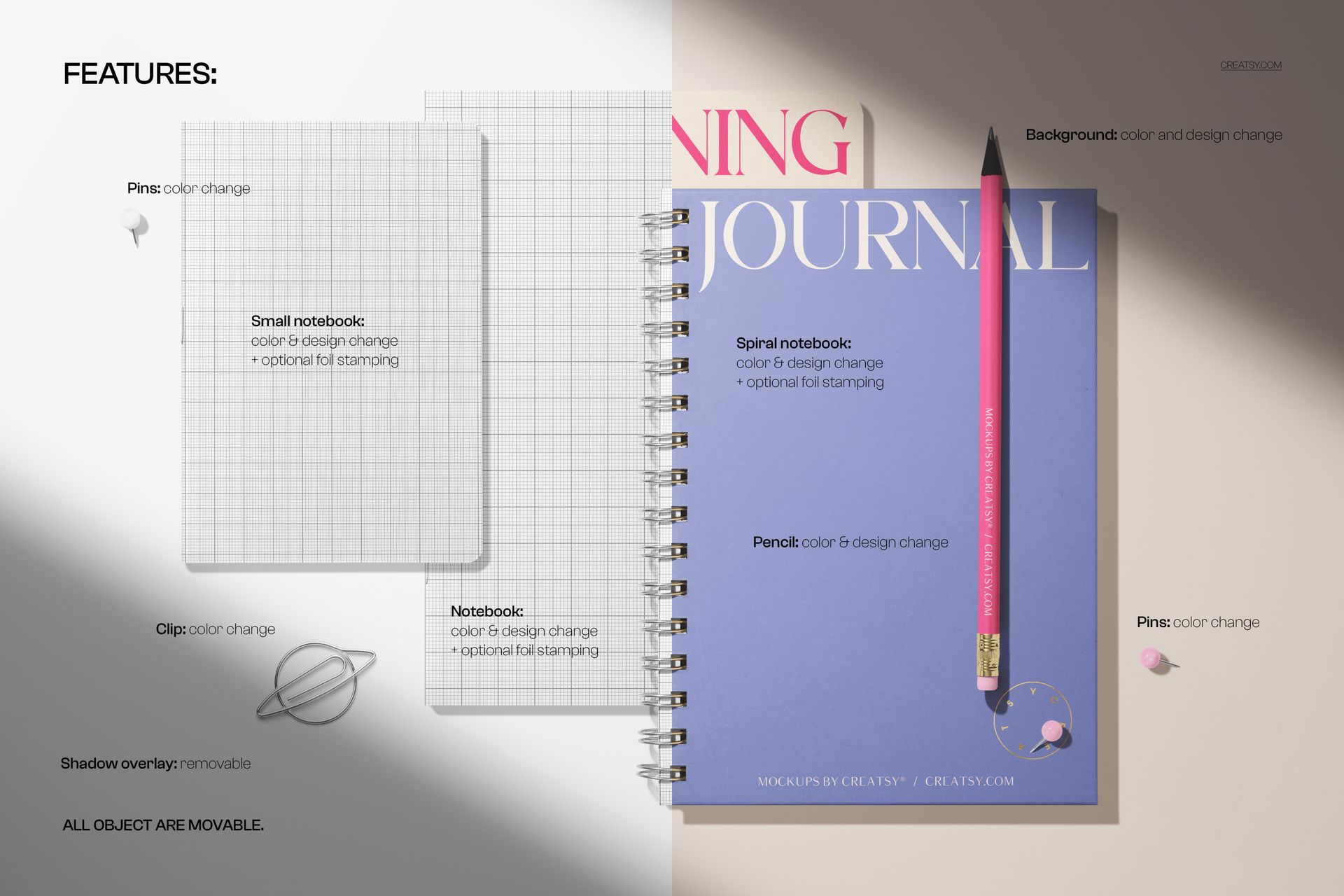
Two softcover notebooks and one spiral journal in a single top-view composition
Smart Objects for placing your artwork into the mockup
Well-organized layers for an efficient editing workflow
High-resolution format at approximately 6000 x 4000 px and 300 DPI
Compatible with Adobe Photoshop and Photopea
Files included
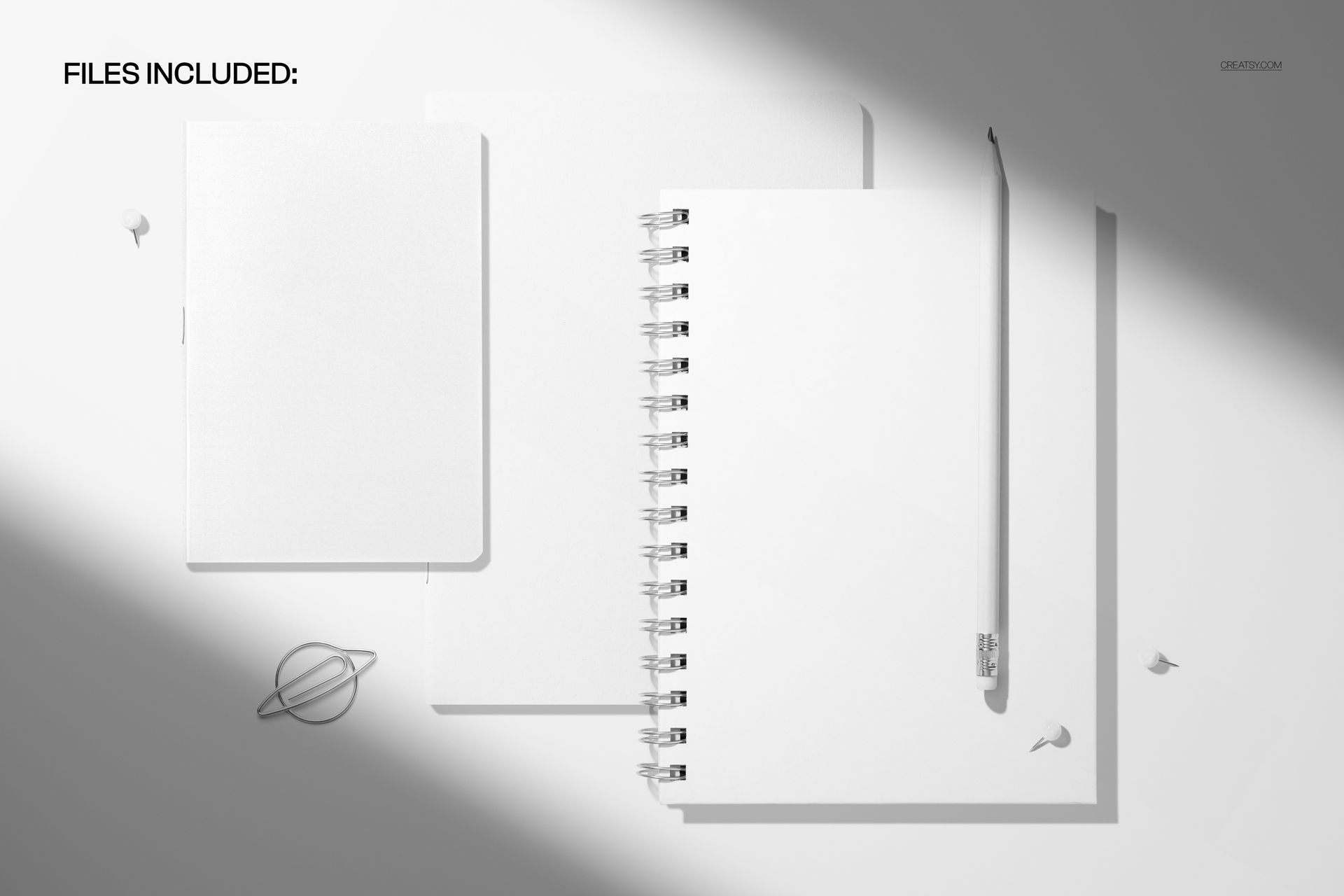
1 layered PSD file
1 matching JPG file
2 digital files in total
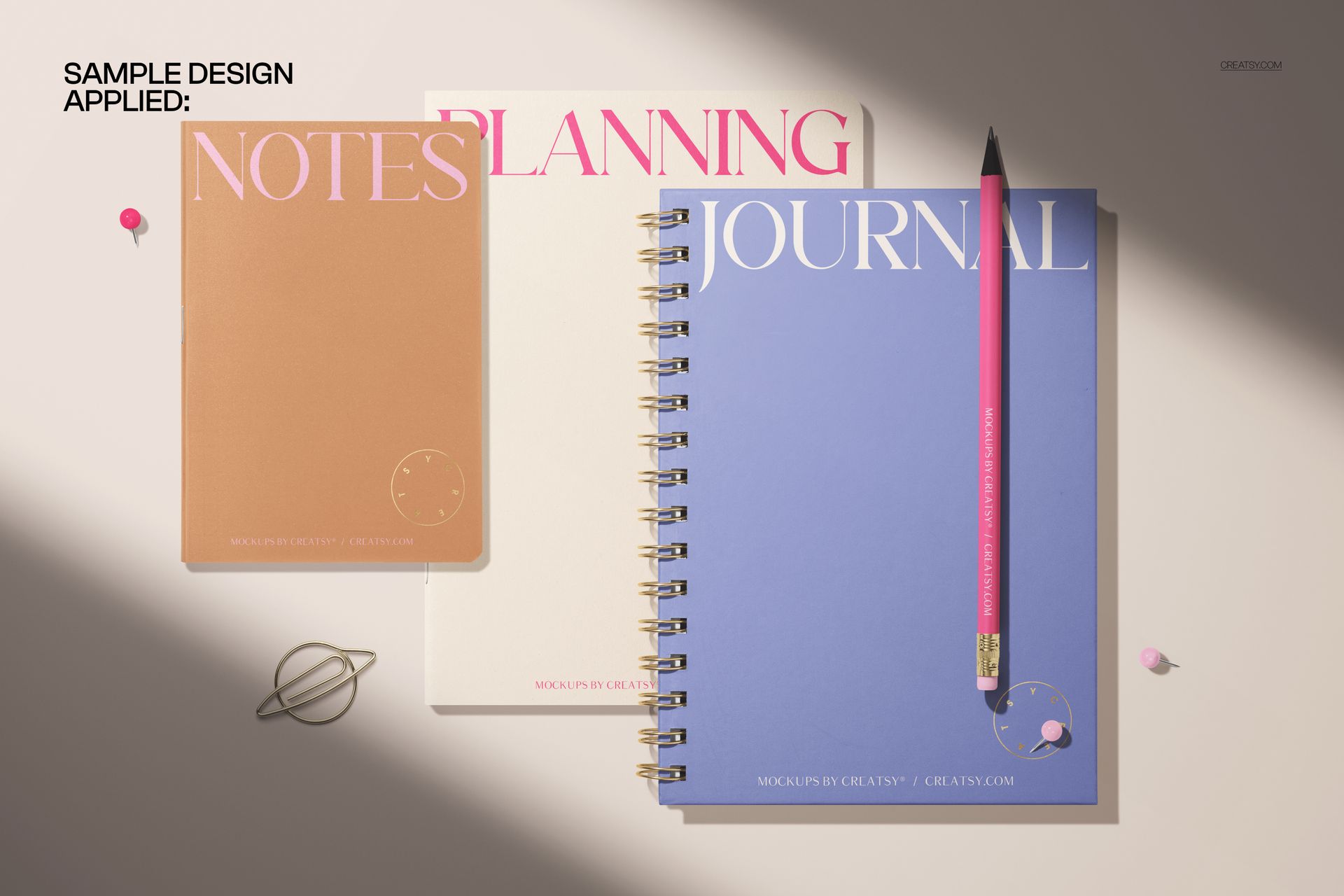
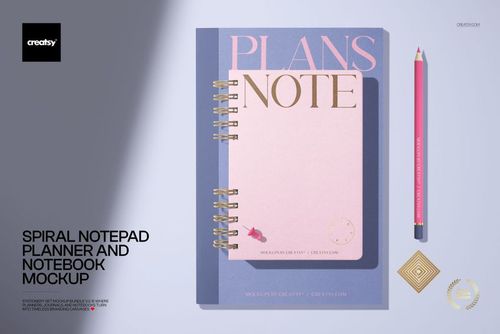
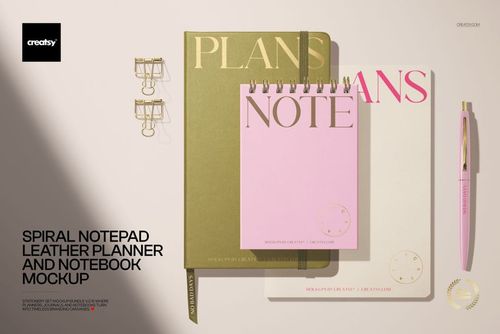
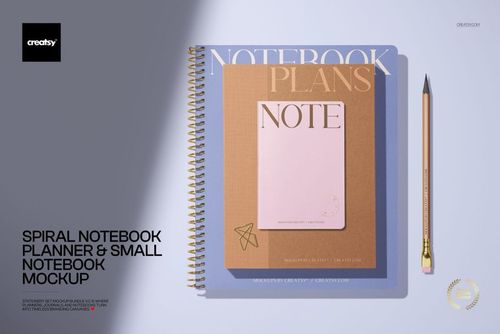
The five gallery images are product previews that demonstrate the mockup and its presentation possibilities. They do not represent five separate PSD scenes.
Simple editing workflow
Open the PSD file in Adobe Photoshop or Photopea.
Locate the relevant Smart Objects in the organized layer structure.
Insert your cover artwork and save the Smart Objects.
Review the completed composition and export it in your preferred format.
This is a digital mockup product. Physical stationery and sample artwork shown in the gallery previews are not included.