Spiral Notebook Planner and Small Notebook Mockup
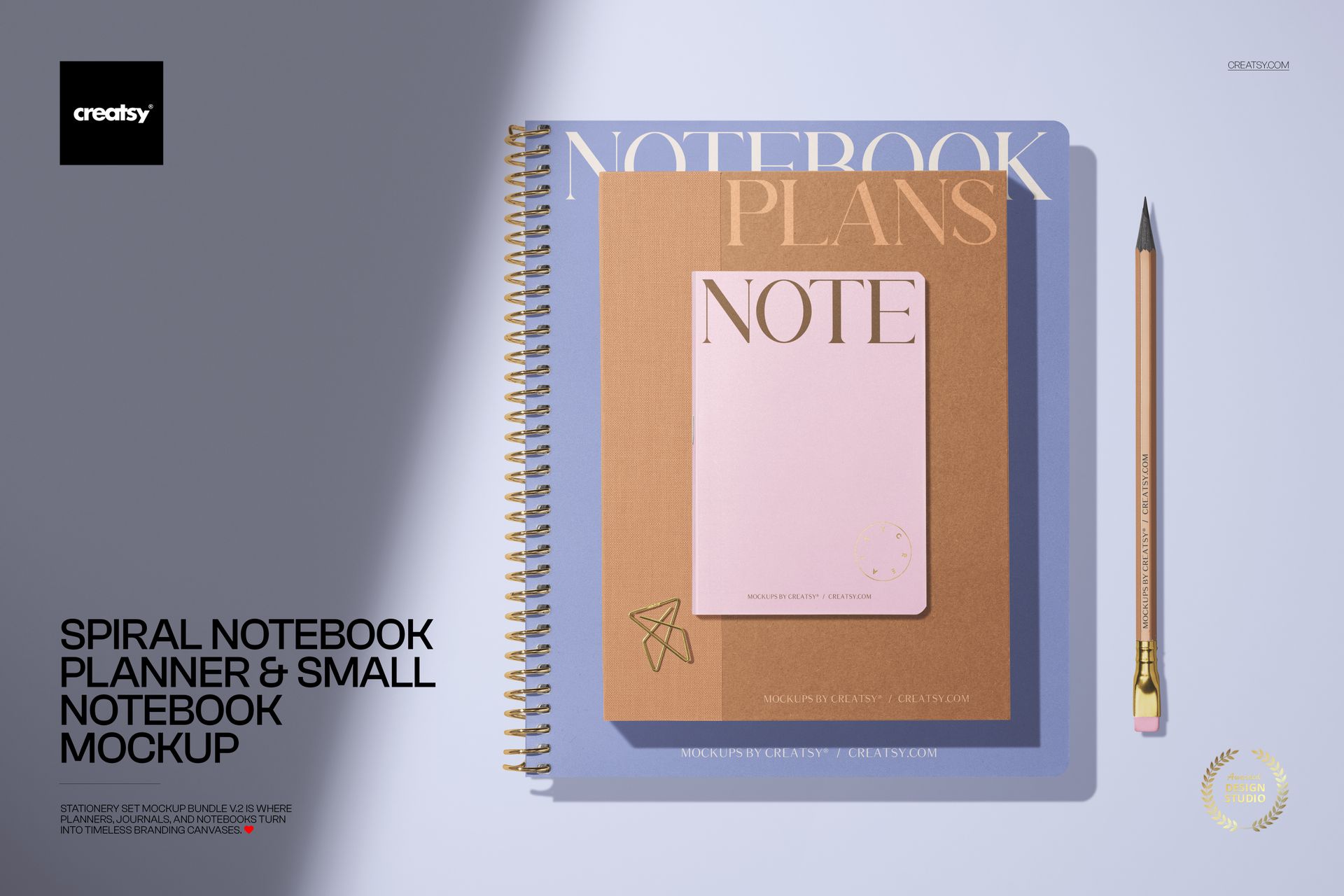
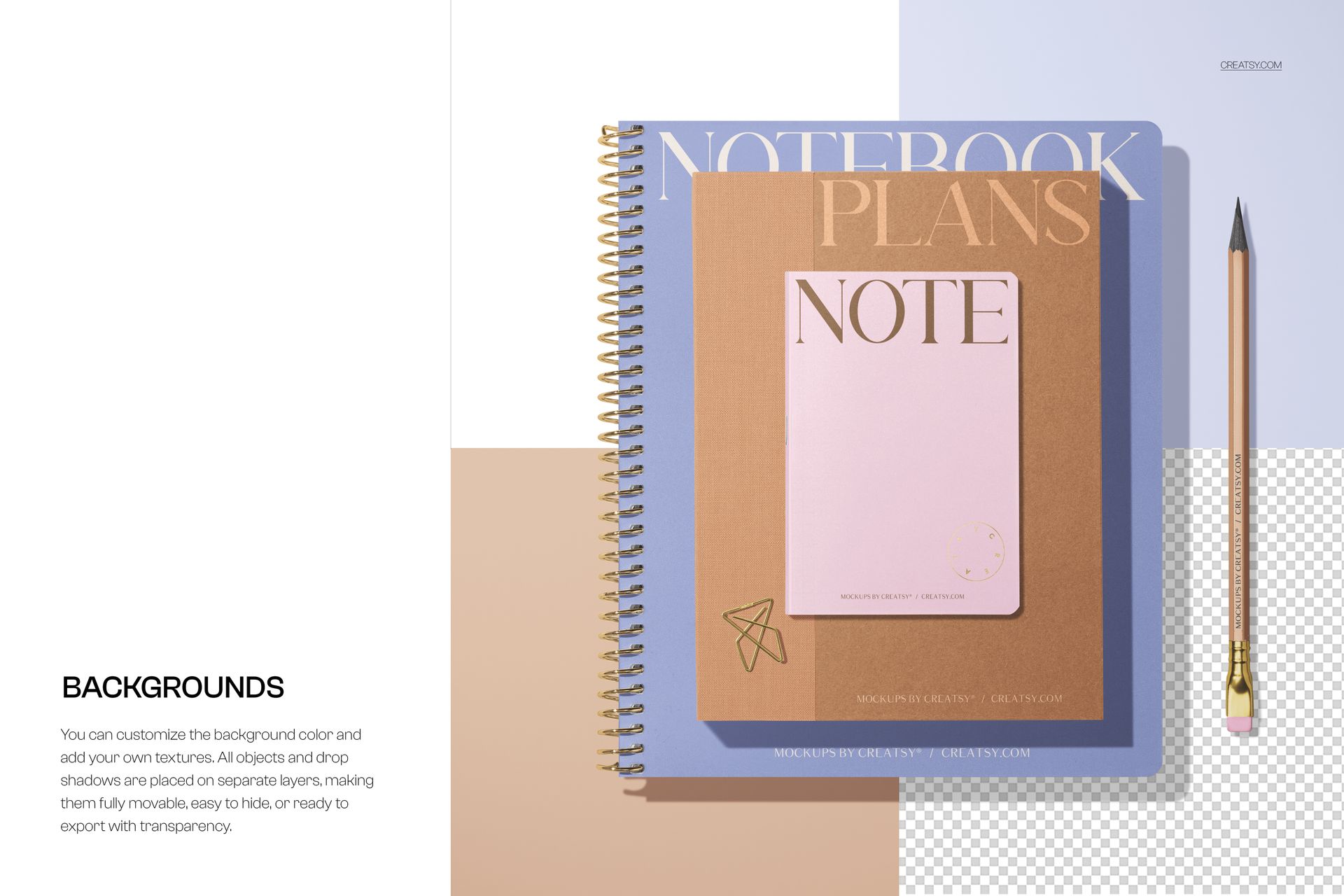
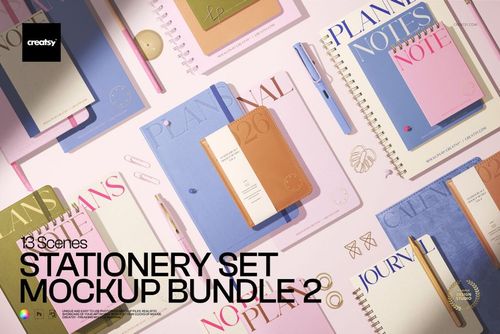
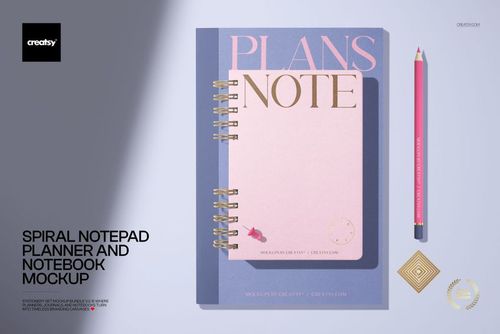
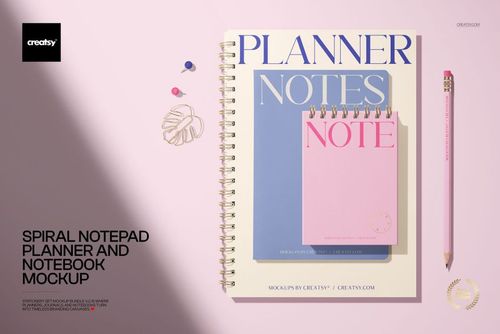
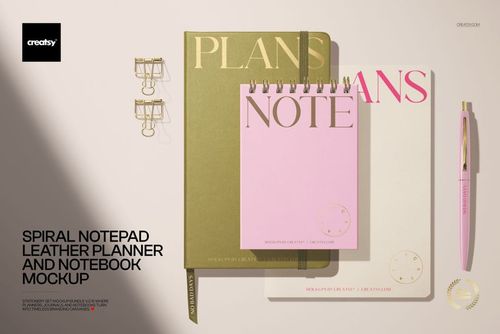
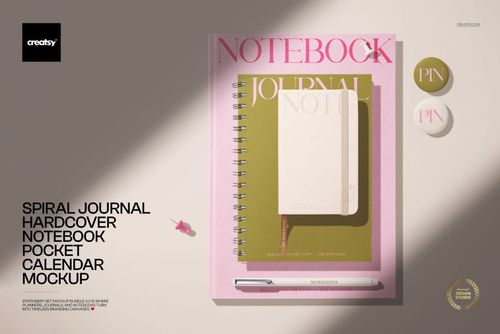
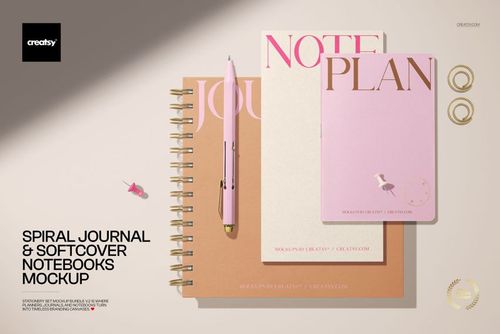
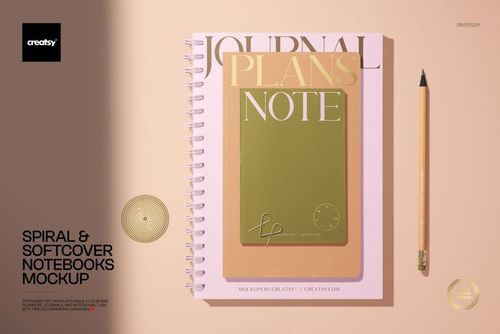
Pair two stationery scales in one clean top-view presentation. A spiral-bound notebook planner sits beside a compact notebook and pencil, making the relationship between the larger and smaller formats easy to understand without distracting from the cover artwork.
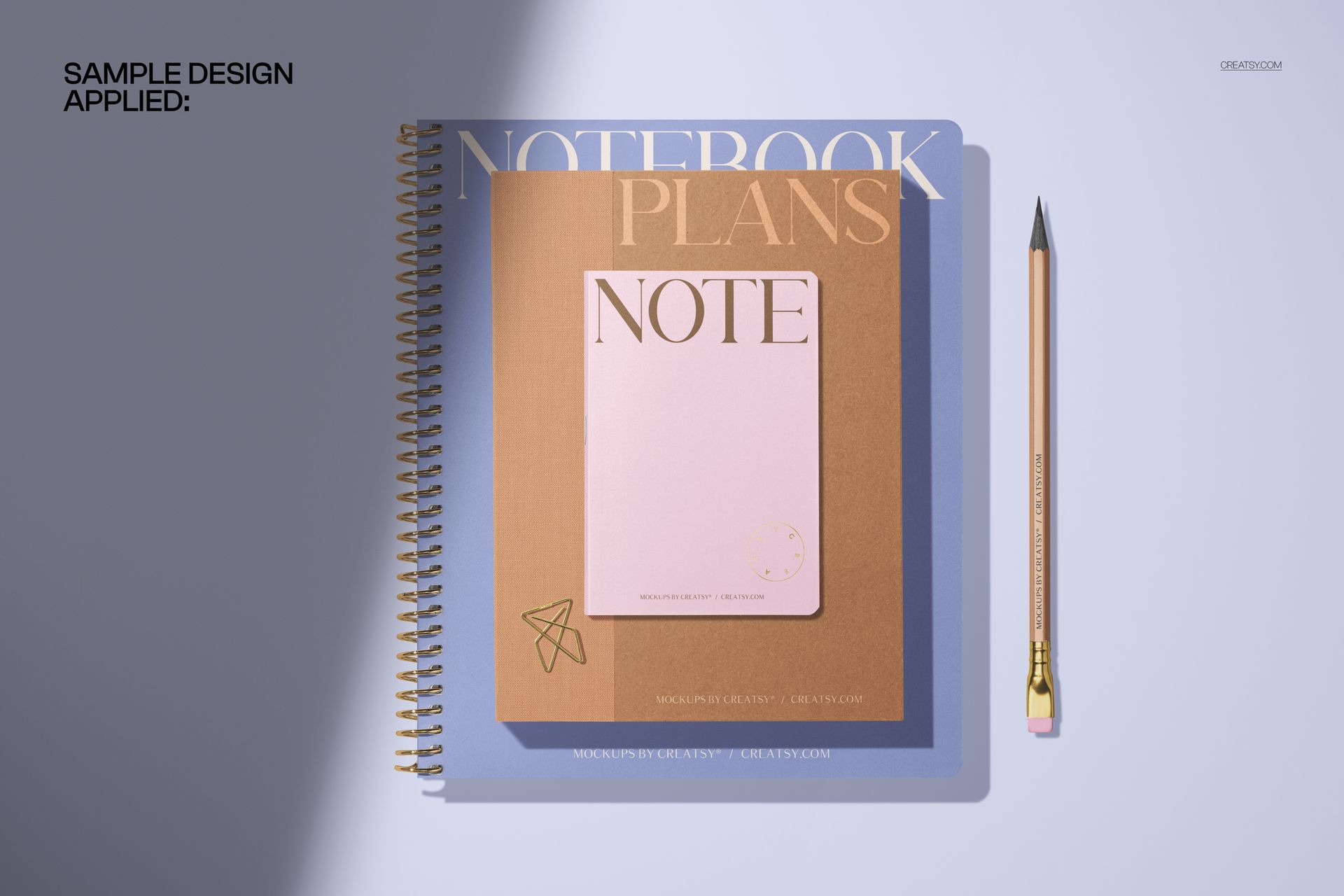
The preview examples use neutral, white, pastel, and geometric settings to keep the composition calm and versatile. This focused pairing is useful for presenting a main planner and companion notebook as one coordinated product family.
What Is Included
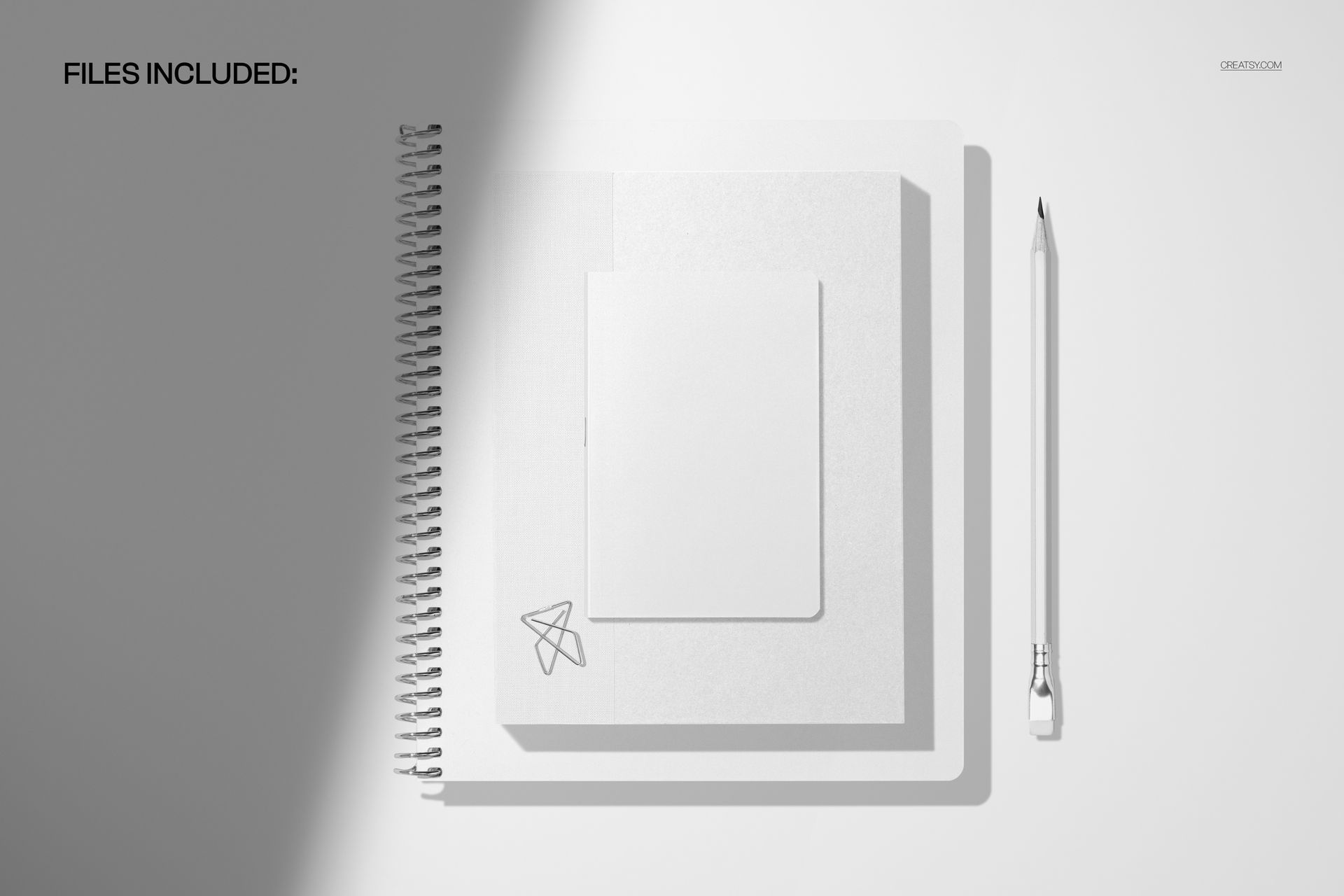
1 layered PSD mockup scene at 6000 × 4000 px
1 JPG preview file
300 DPI resolution
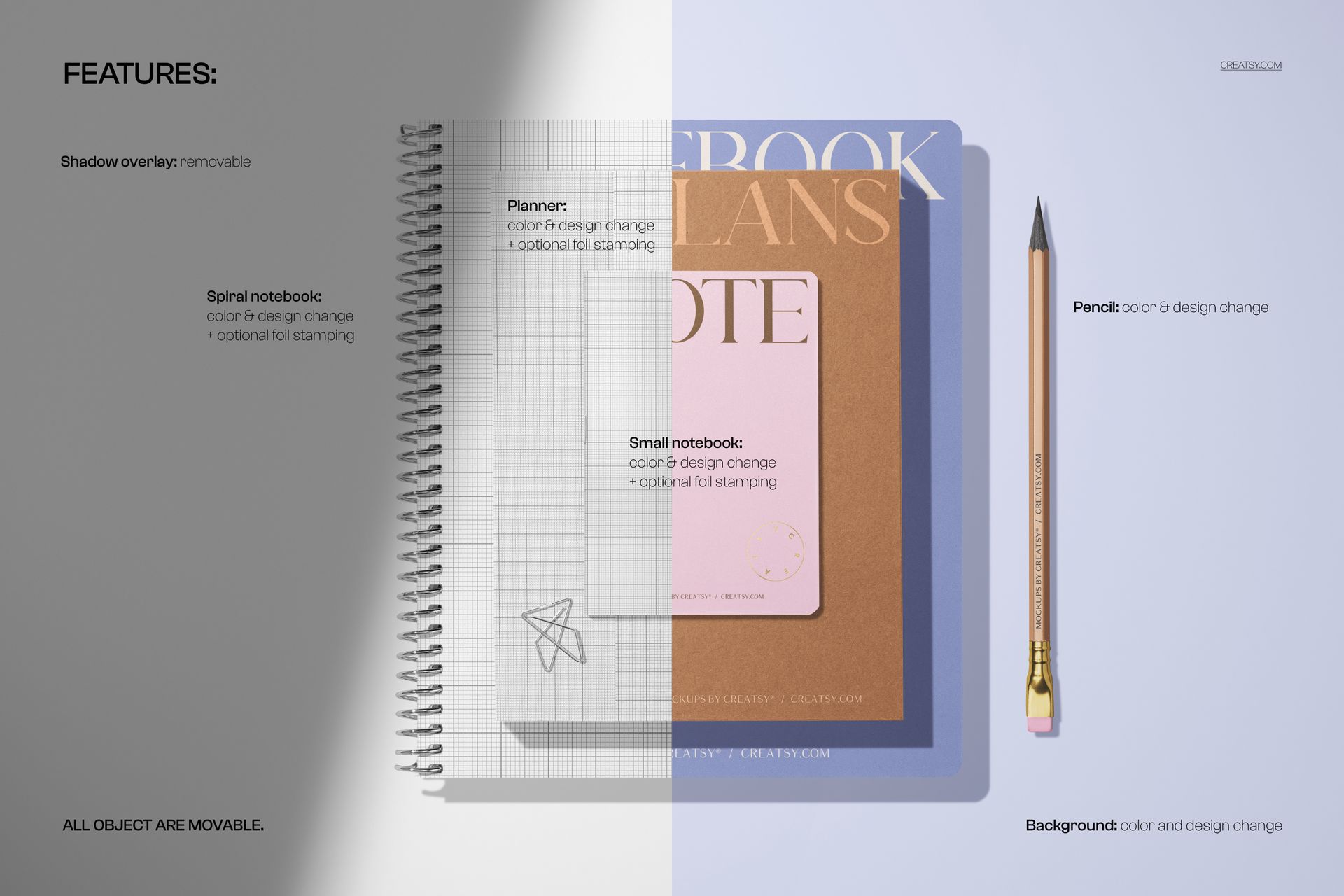
Artwork placement through Smart Objects
Well-organized layers
Compatibility with Adobe Photoshop and Photopea
A Clear Large-to-Compact Pairing
The overhead arrangement shows the scale difference between the spiral planner and small notebook at a glance. The pencil adds a familiar visual reference, while the uncluttered scene keeps both stationery formats readable within a single image.
Easy Smart Object Editing
Open the layered PSD, locate the relevant Smart Object, paste your artwork, and save it to update the mockup. The established lighting and shadows help the placed design sit naturally within the supplied flat-lay scene.
Perfect For
Planner and compact notebook cover presentations
Coordinated stationery collection previews
Surface pattern and illustration portfolios
Client reviews and brand presentations
Online shop product galleries
This is a digital mockup product. Sample artwork is shown for presentation purposes only, and no physical stationery will be shipped.