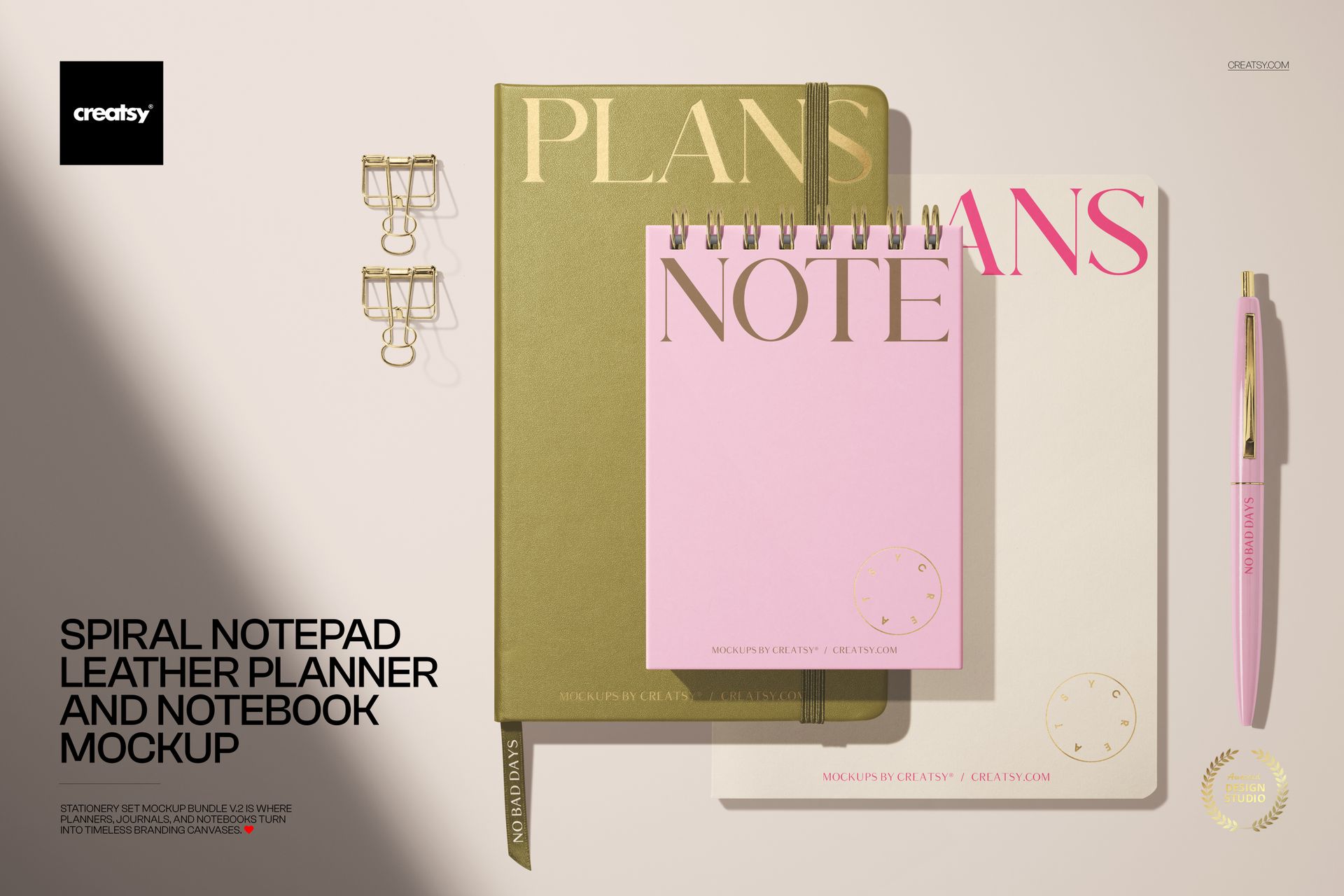
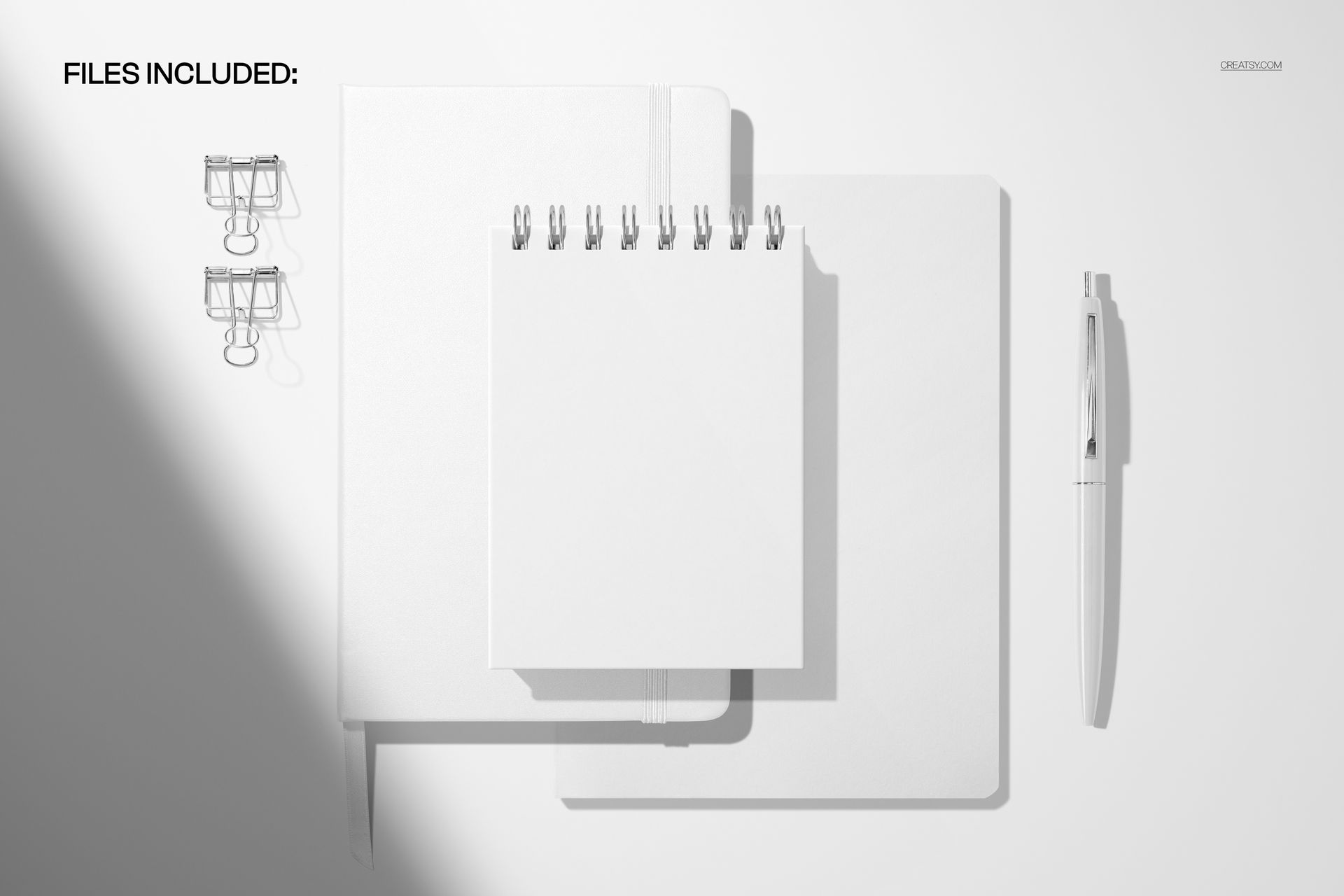
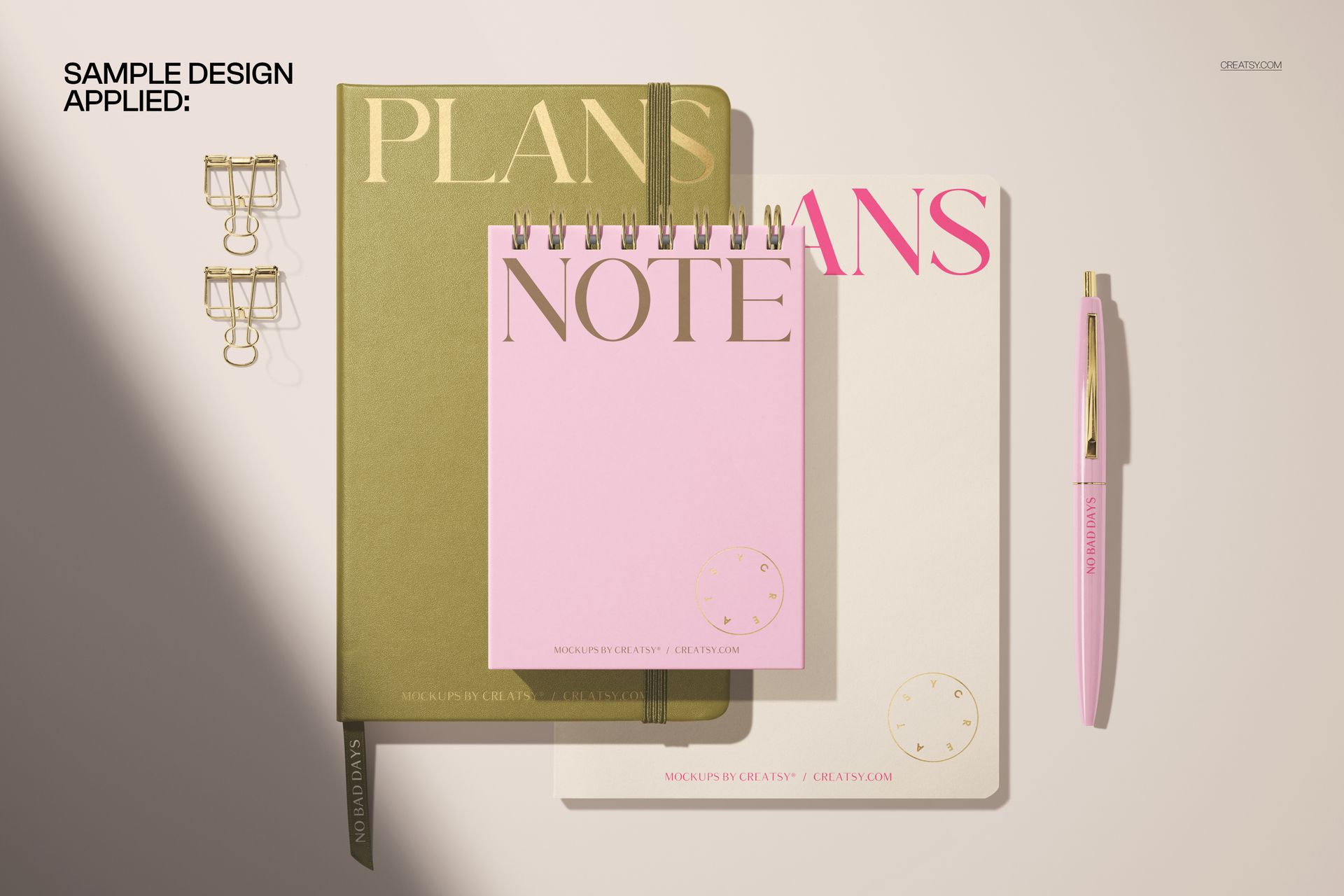
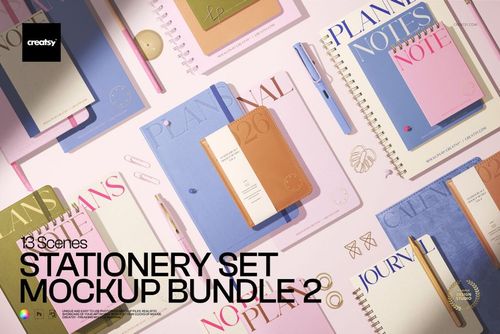
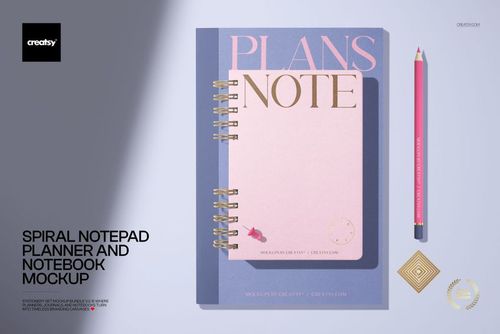
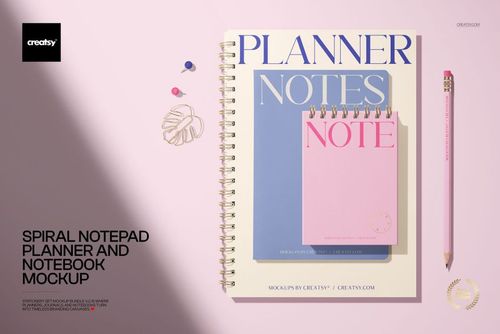
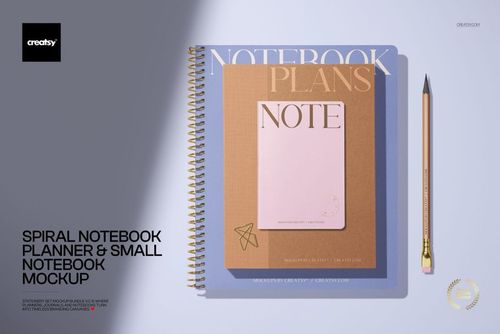
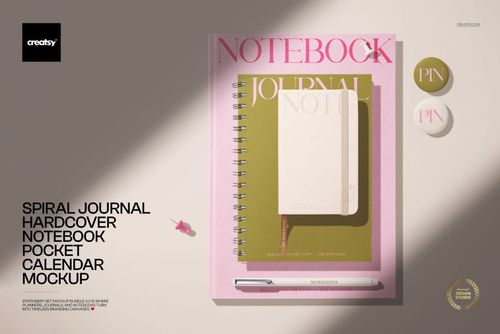
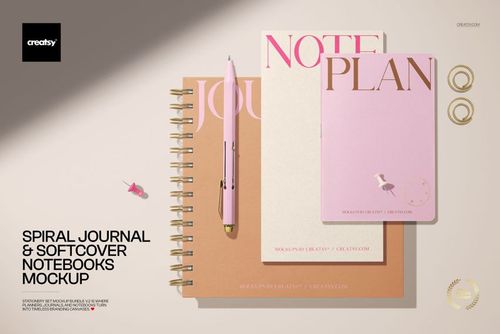
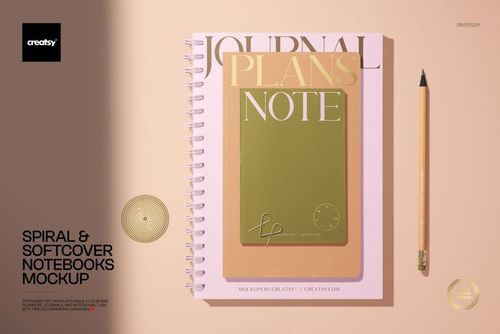
Two spiral-bound stationery pieces photographed together on a styled surface: a leather planner and a notebook, both with customizable covers, spines, and interior pages visible through the spiral binding. The composition is arranged so both items are clearly visible in a single frame, which means one mockup file produces an image that shows two coordinated products at once. Smart object layers handle each customizable surface independently, so you can apply different designs to the planner cover and the notebook cover, or use the same branding across both for a cohesive set presentation. The file opens in Adobe Photoshop CC 2020 or newer and in Photopea, the free browser-based editor.
What Can You Customize?
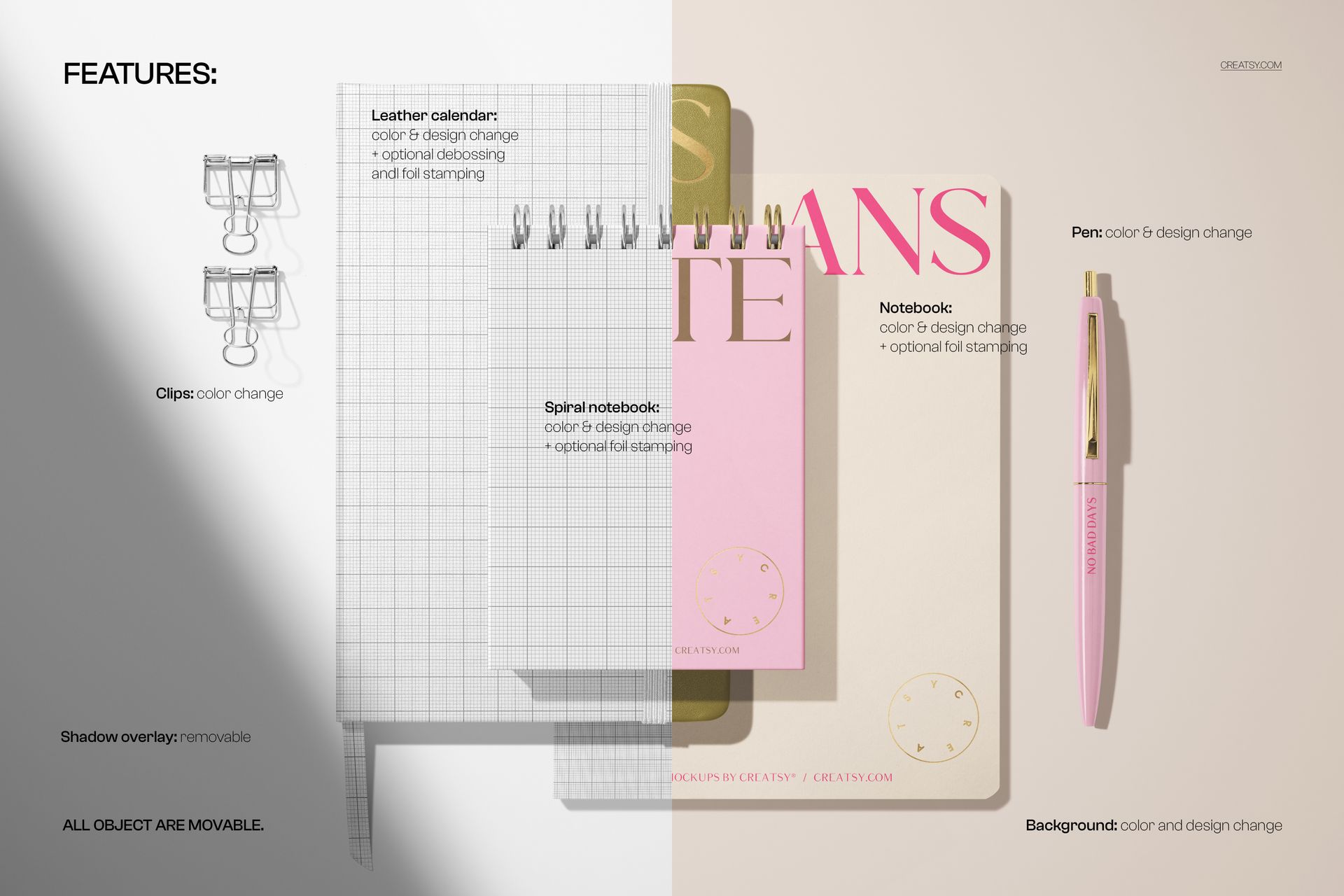
The smart objects give you control over the front covers of both the planner and the notebook, the visible spine areas, and any interior page surfaces that are exposed through the spiral binding. Each surface has its own smart object, so you can apply cover artwork to the front, a different design or logo to the spine, and page content to the interior. The adjustment layers let you shift the overall scene lighting, which is useful when your brand palette needs warmer or cooler tones than the default photograph provides. The leather texture on the covers remains visible beneath your artwork, adding material authenticity that a completely flat overlay would miss.
Why Show Two Products Together?
Stationery brands rarely sell a single product. Planners come with matching notebooks, notebooks pair with journals, and the full collection includes pens, clips, and accessories. Showing two items in one image communicates that you sell a coordinated line, not isolated products. Buyers who came for the planner see the notebook and think about adding it to their order. This composition also works exceptionally well for social media content where a single styled image performs better than a grid of individual product shots.
The Leather Factor
The photographed planners have genuine leather covers, and that texture carries through into the final composited image. When you apply your design through the smart object, the leather grain subtly influences how your artwork renders on the surface. Metallic foil effects, debossed logos, and minimal typography all look more convincing on a leather surface than on a smooth one because the texture interaction adds depth. If you sell or design premium stationery, this material context signals the quality tier your products occupy.
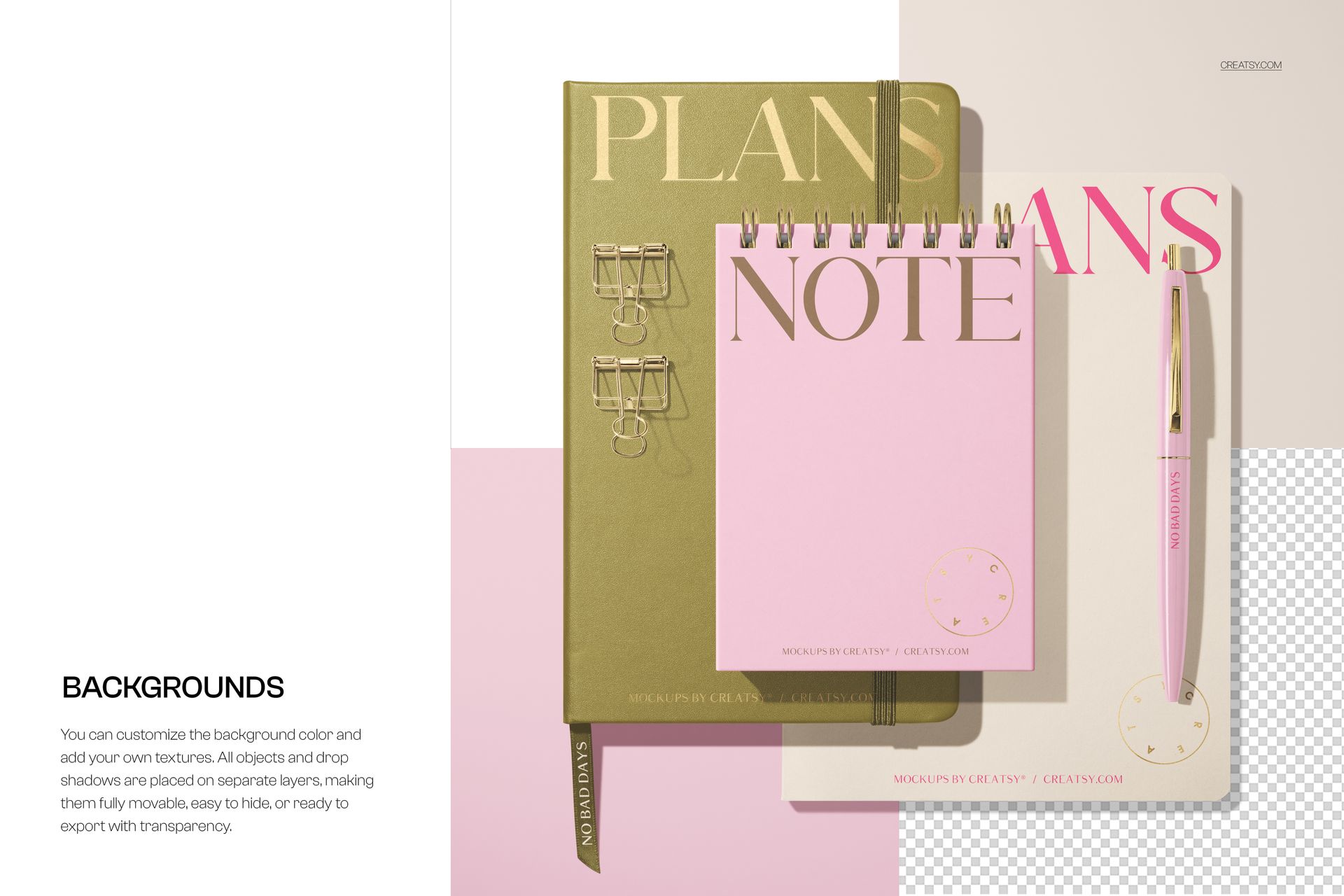
Backgrounds
The scene includes background options that you can toggle through the layer panel. Different background settings change the mood of the composition without altering the product placement, so you can generate multiple versions of the same product image for different marketing contexts. A clean white background works for e-commerce listings, a textured surface works for lifestyle content, and a colored backdrop works for seasonal campaigns.
File Specifications
One PSD file at 6000 by 4000 pixels, 300 DPI, RGB color mode. Download size is 344.16 MB as a ZIP archive. Layers are organized into labeled groups for each customizable element. Compatible with Adobe Photoshop CC 2020 or newer and Photopea (free online editor). No plugins or additional fonts required.