Spiral and Softcover Notebooks Mockup
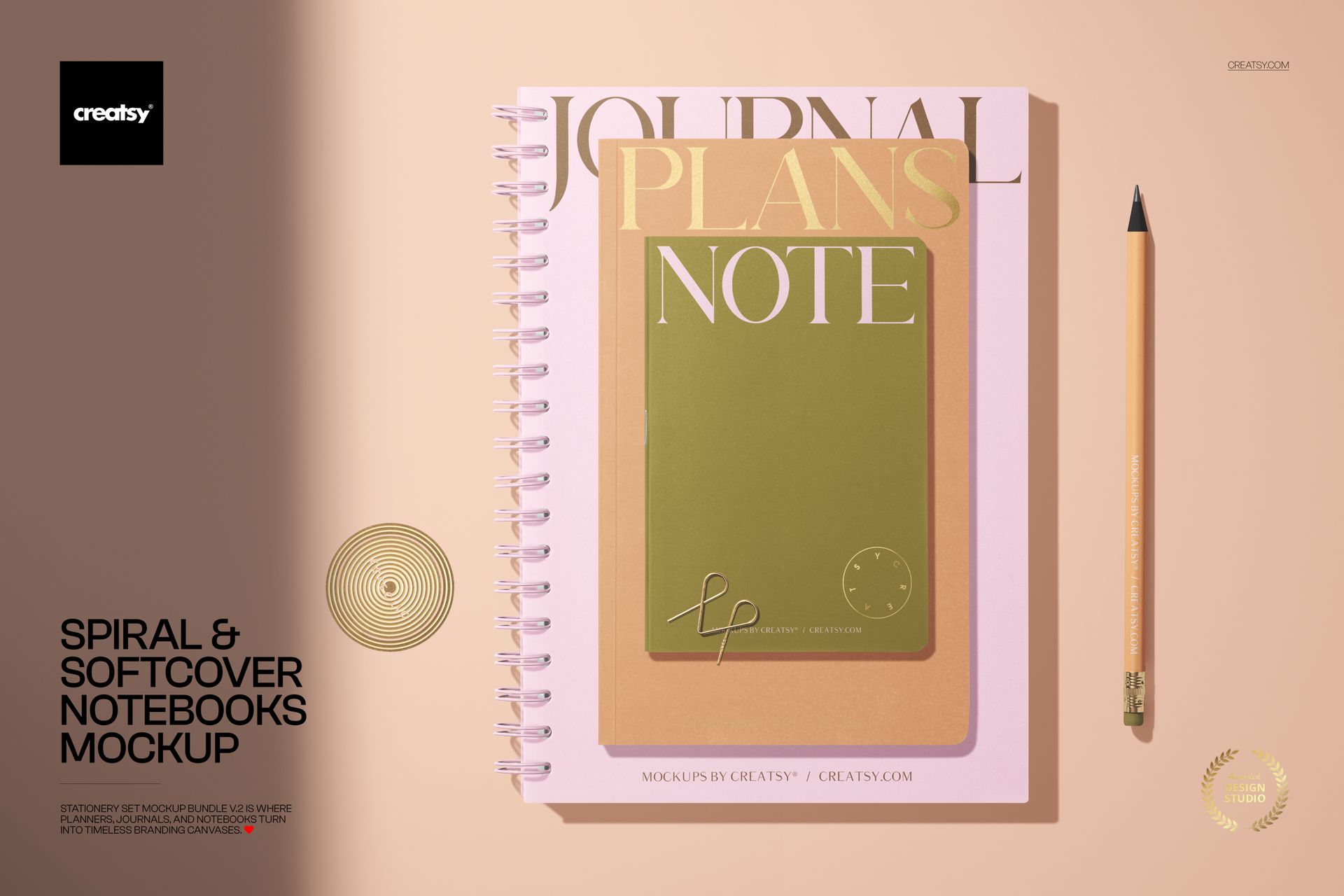
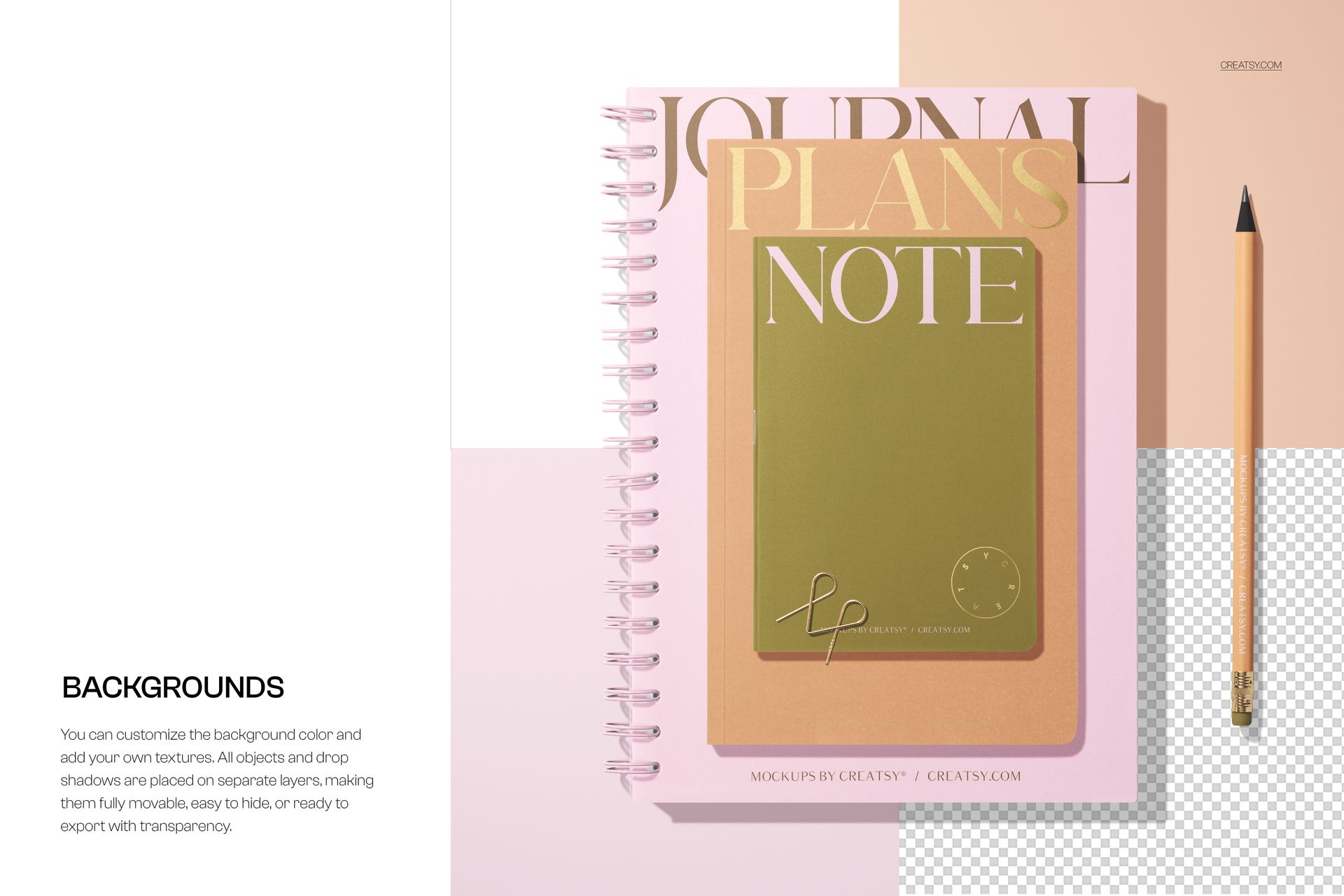
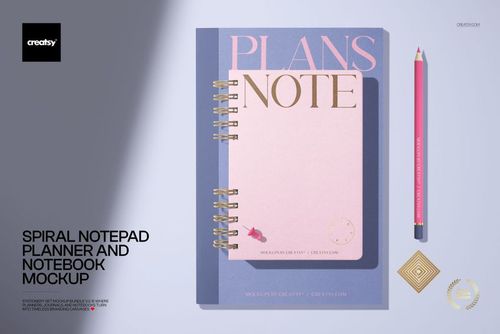
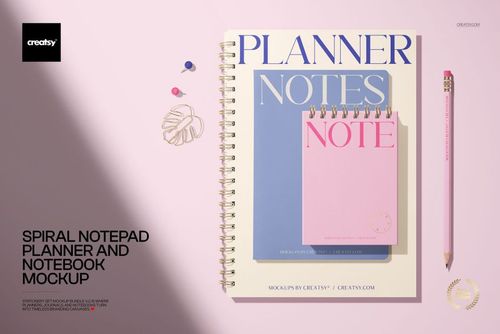
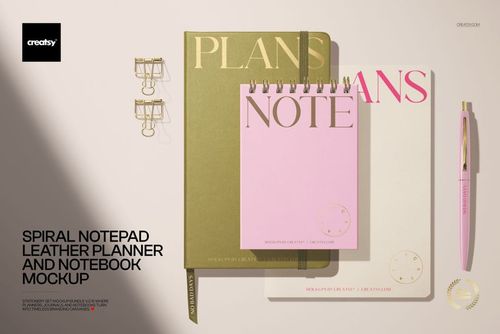
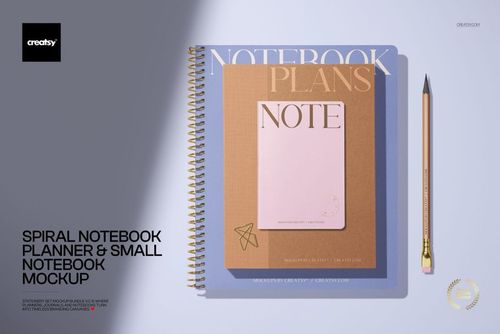
Compare two notebook cover formats at a glance in a clean pastel flat lay. This scene places one spiral notebook and one softcover notebook side by side with a pencil, giving each design a clear area while keeping the pair visually connected. Pink, beige, and color-block details create a modern stationery setting that works with typography, illustration, photography, patterns, and brand artwork.
The focused two-notebook arrangement is useful when you want to show how one visual concept adapts to different bindings or present two complementary covers as a small collection. It can help clients review options in context, give online shoppers a quick comparison, and turn flat artwork into polished portfolio or promotional imagery without photographing physical samples.
What Is Included
1 layered PSD mockup file
1 matching JPG preview file
2 files in total
Canvas listed at approximately 6000 x 4000 px
300 DPI source specification
Compatibility with Adobe Photoshop and Photopea
Smart Object artwork editing and organized layers
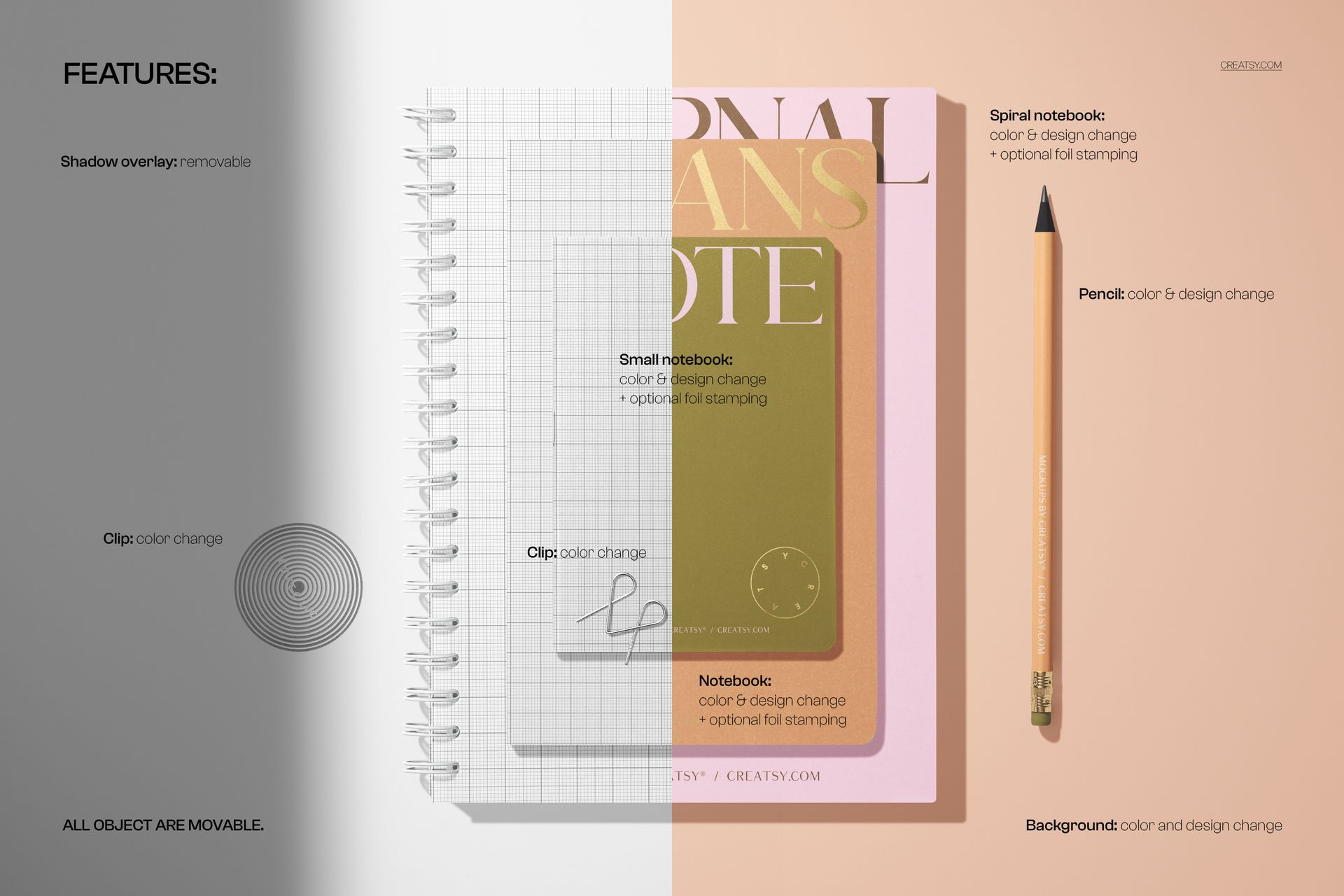
Movable scene objects
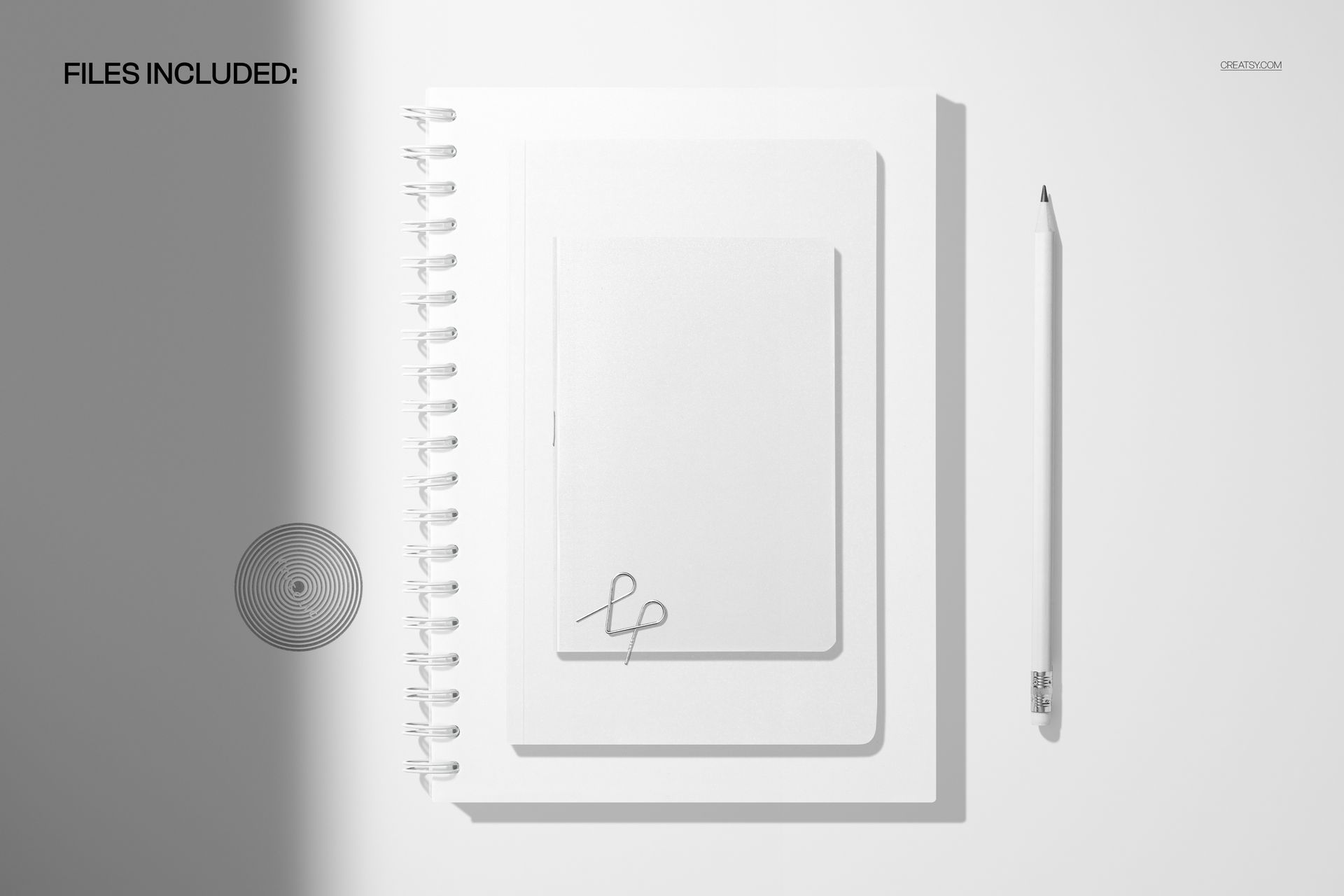
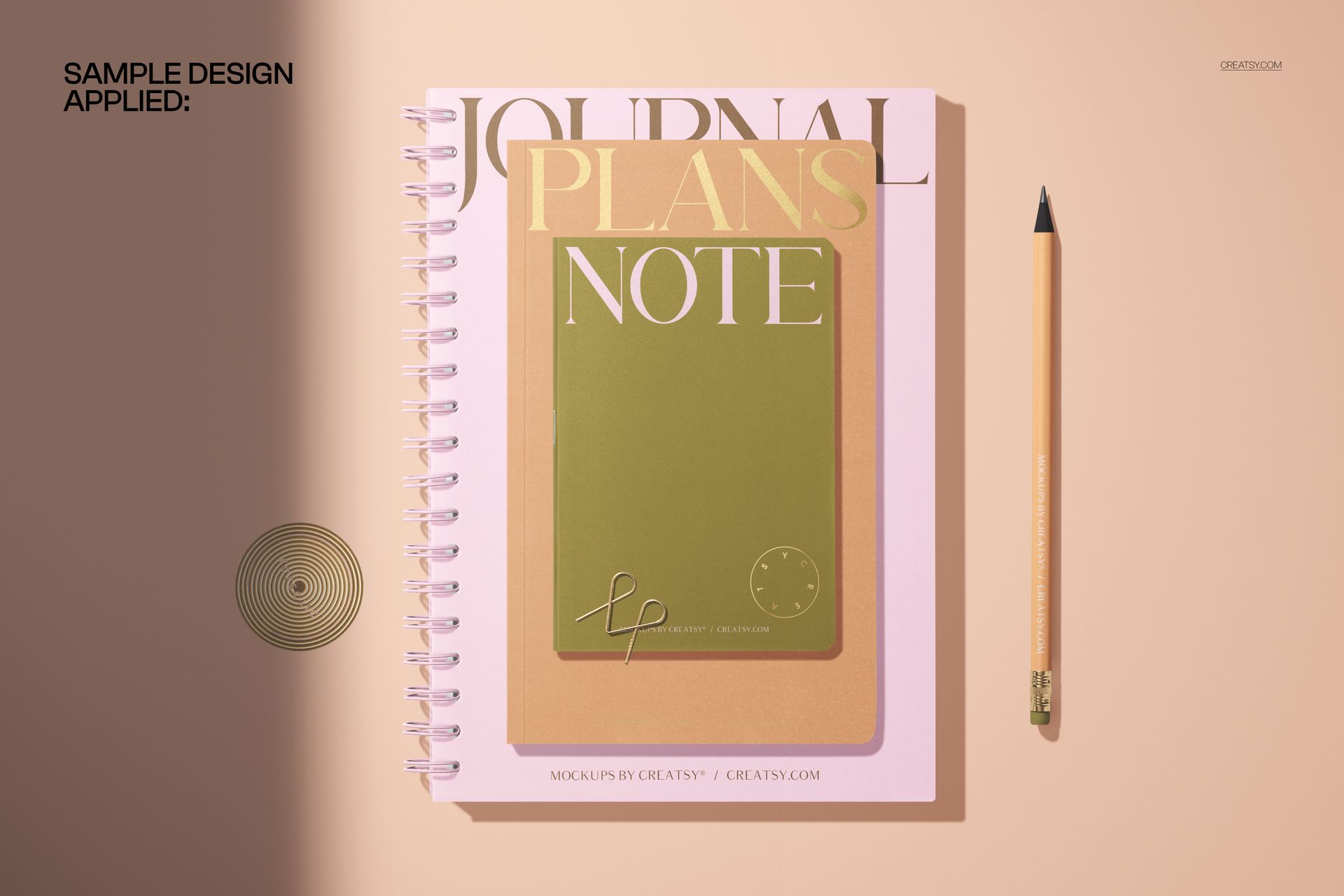
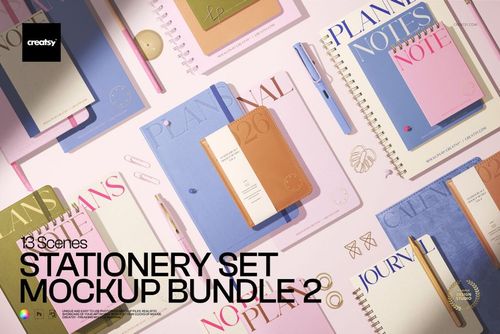
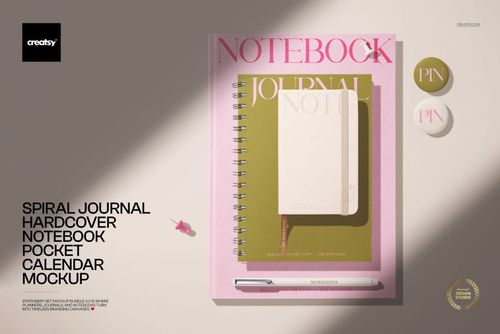
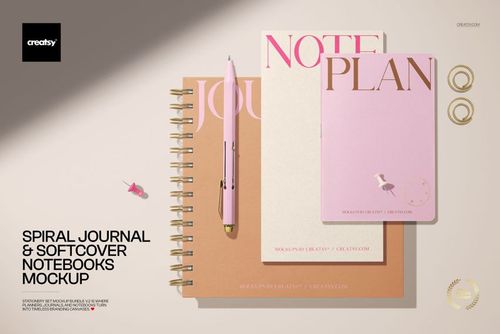
The five images in the listing gallery demonstrate the mockup and its presentation possibilities. They are product screenshots, while the downloadable package contains one editable PSD and one matching JPG.
A Side-by-Side Cover Comparison
Use the spiral and softcover formats to compare matching artwork, alternate colorways, or two distinct cover concepts within the same composition. The overhead view keeps logos, titles, and repeat patterns easy to assess. Because the pair shares one scene, viewers can concentrate on differences in the covers rather than changes in lighting or camera angle.
Easy Smart Object Editing
Open the PSD in Adobe Photoshop or Photopea, locate the designated Smart Object, insert your cover artwork, and save it to update the main scene. Clearly organized layers support a practical workflow when preparing variations or returning to adjust a presentation. Keep an untouched copy of the original PSD before starting a new project.
Adjust the Flat-Lay Arrangement
Movable objects give you room to refine the supplied composition for a particular layout. Reposition scene details when you need more breathing room around a title, want a different crop, or are preparing an image for a narrow or square placement.
Perfect For
Paired notebook and journal cover concepts
Stationery branding and collection previews
Pattern, illustration, and typography portfolios
Client approvals before printing or manufacturing
Online shop graphics, launch images, and social posts
This is a digital mockup product. No physical notebooks or pencil will be shipped. Sample cover artwork shown in the previews is for presentation purposes only and is not included with the mockup files.