Paper Bags Mockup Set (gifting edition)
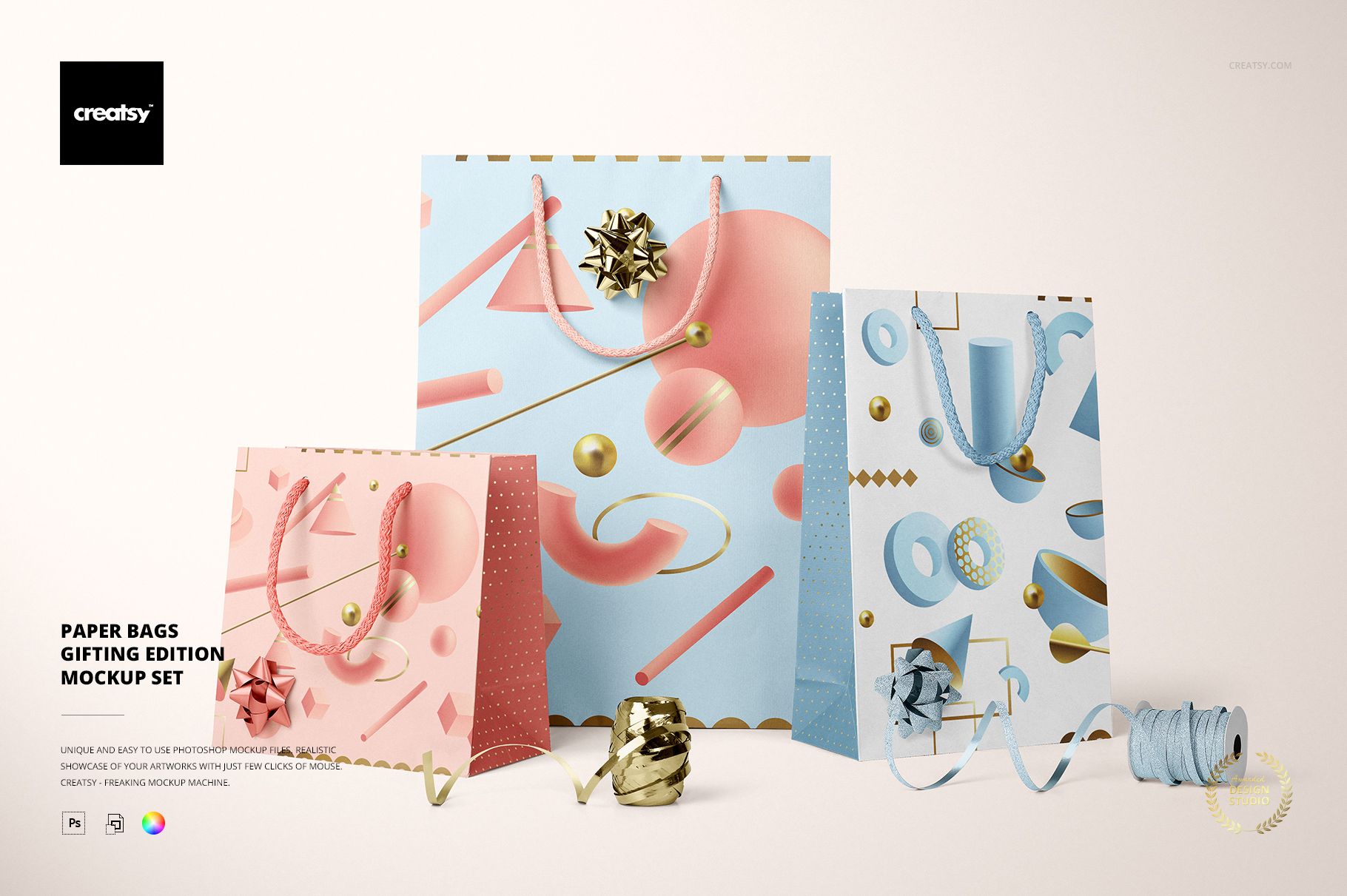
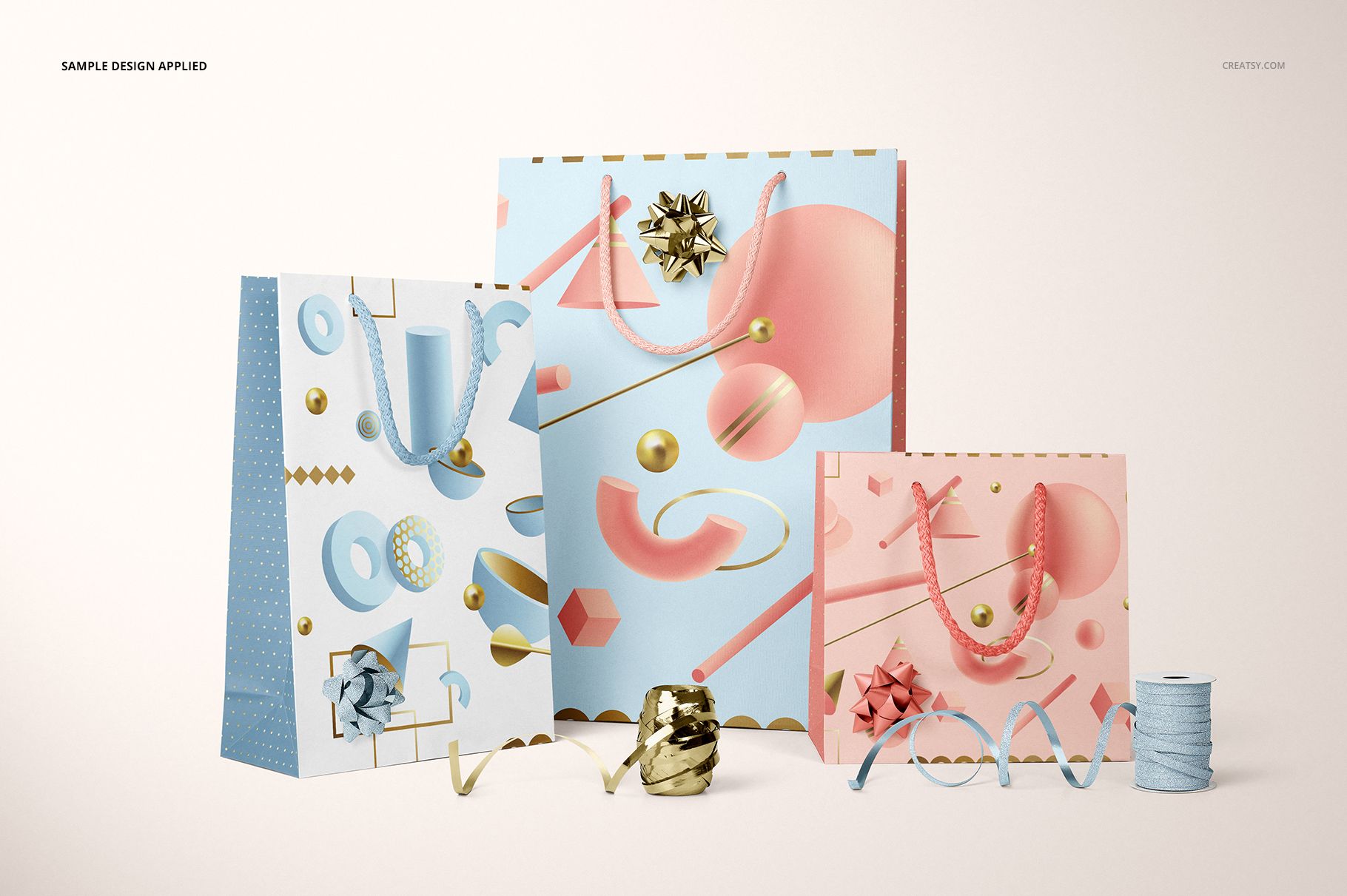
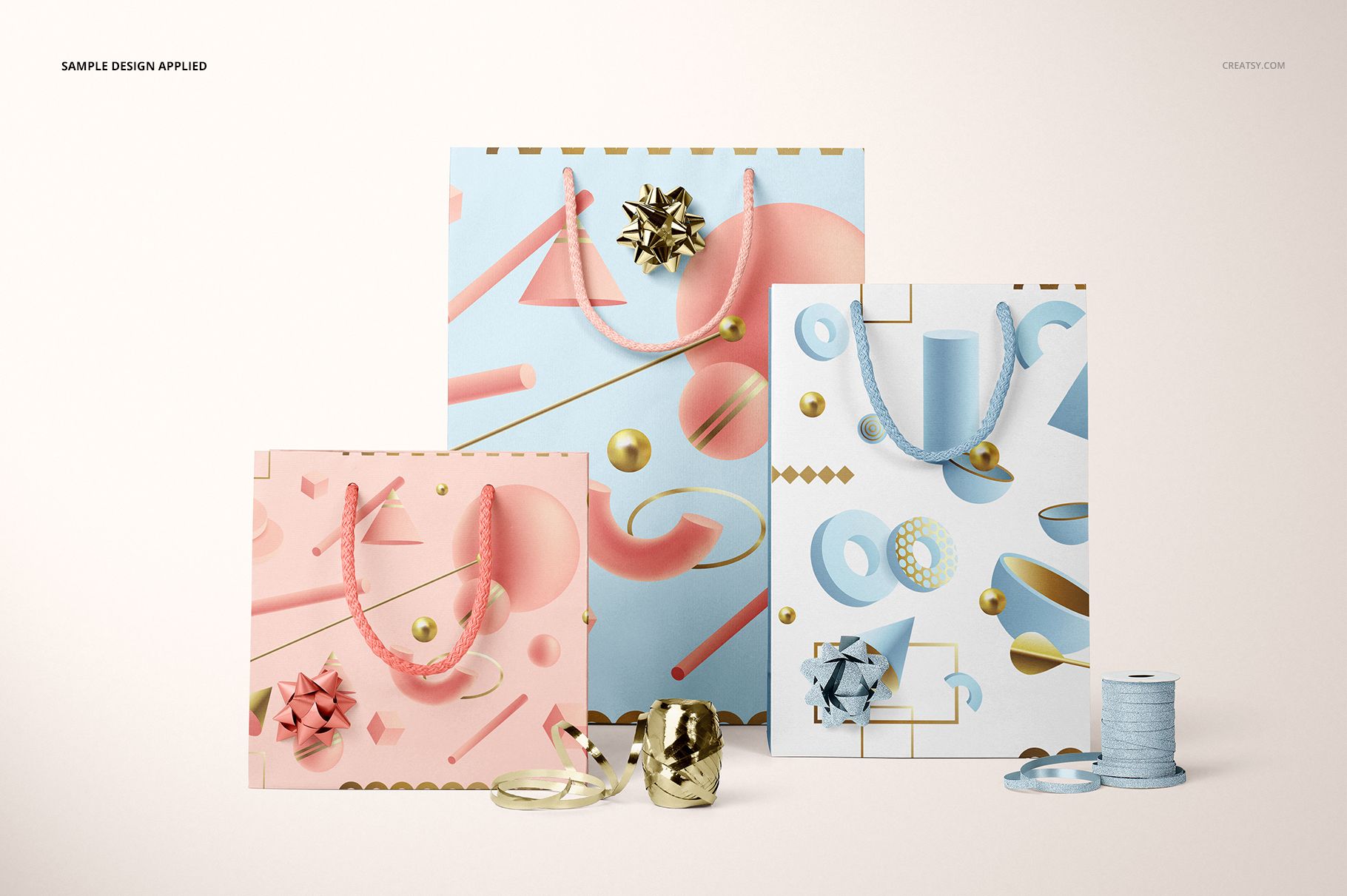
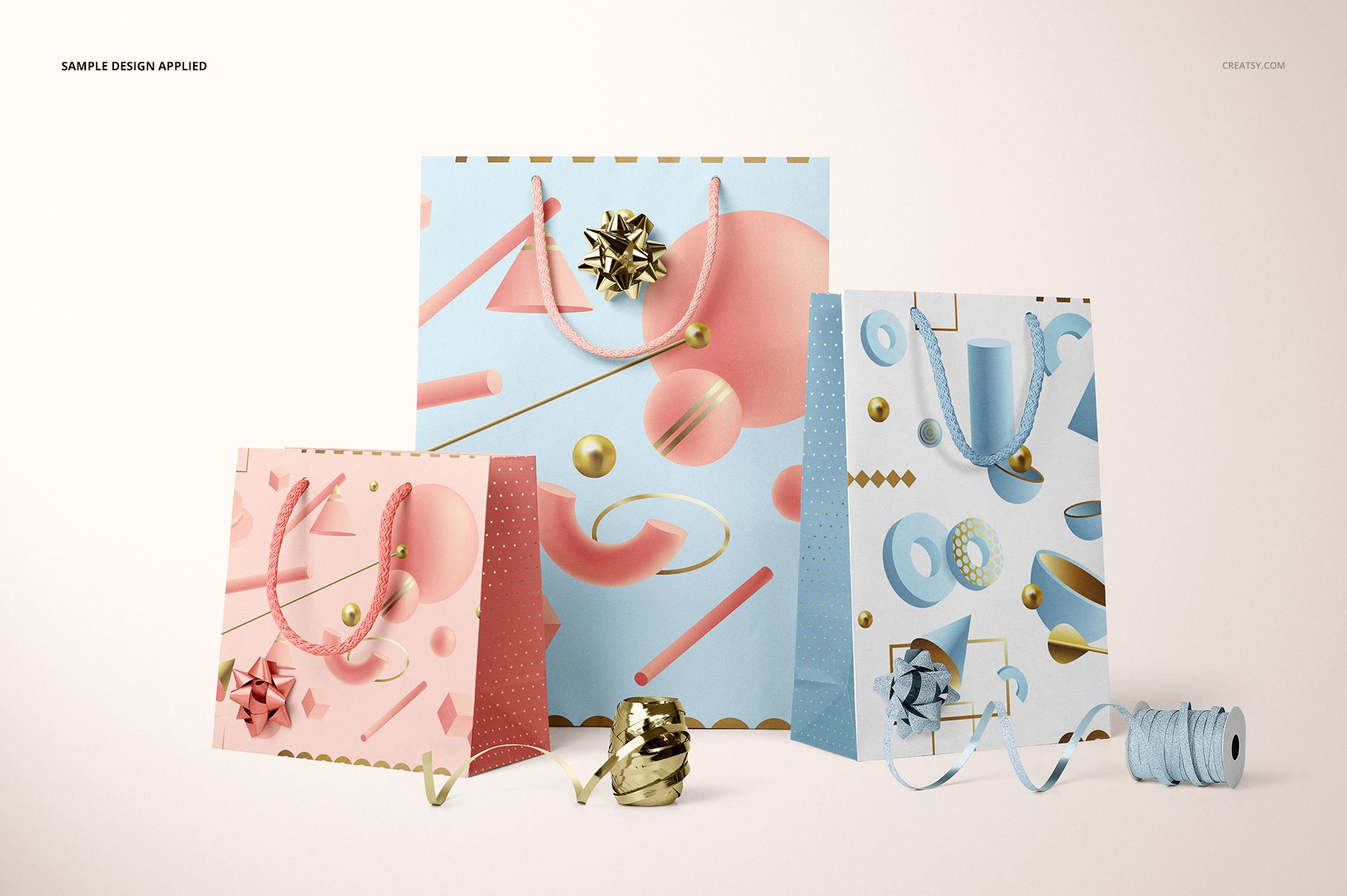
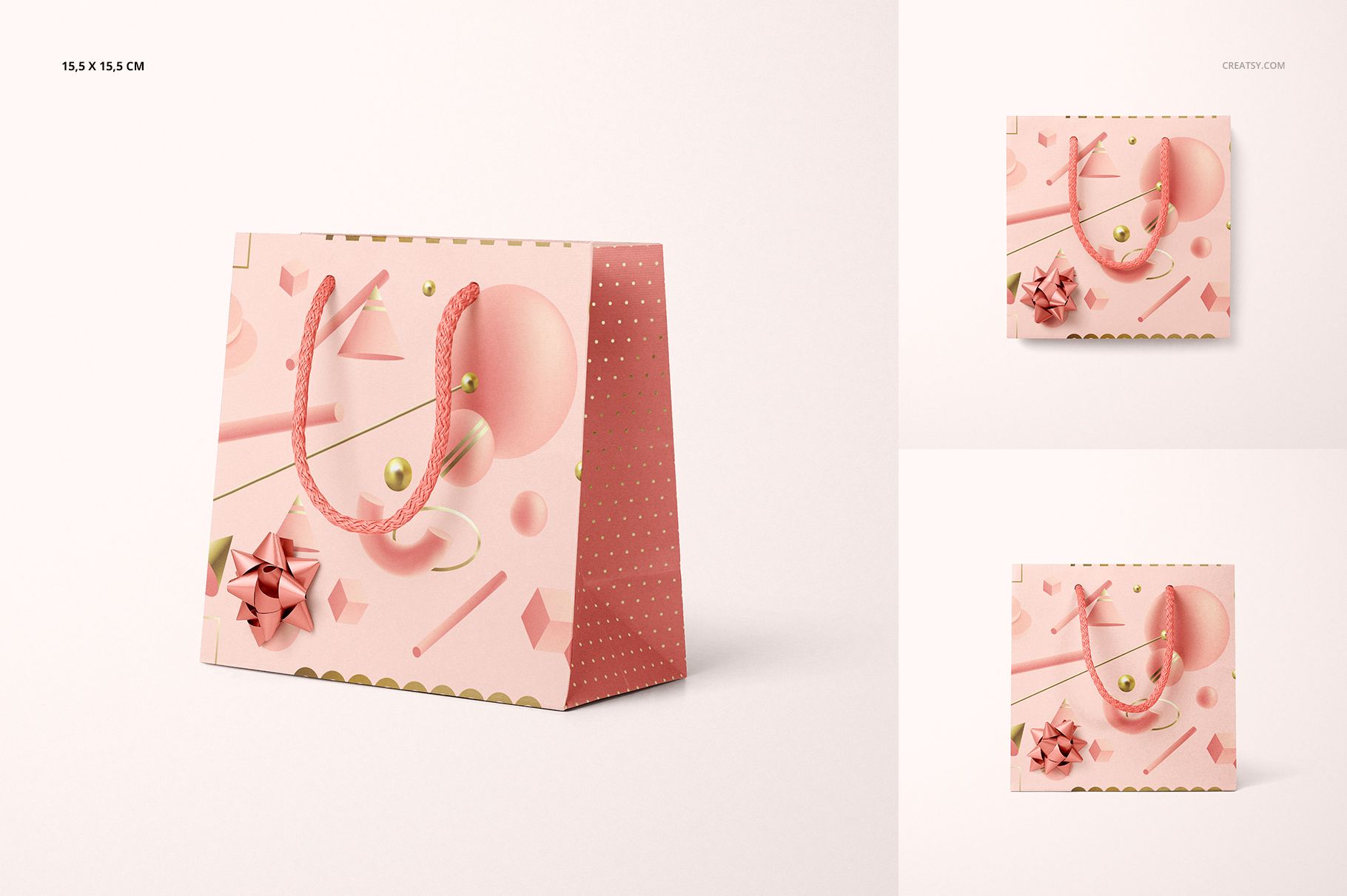
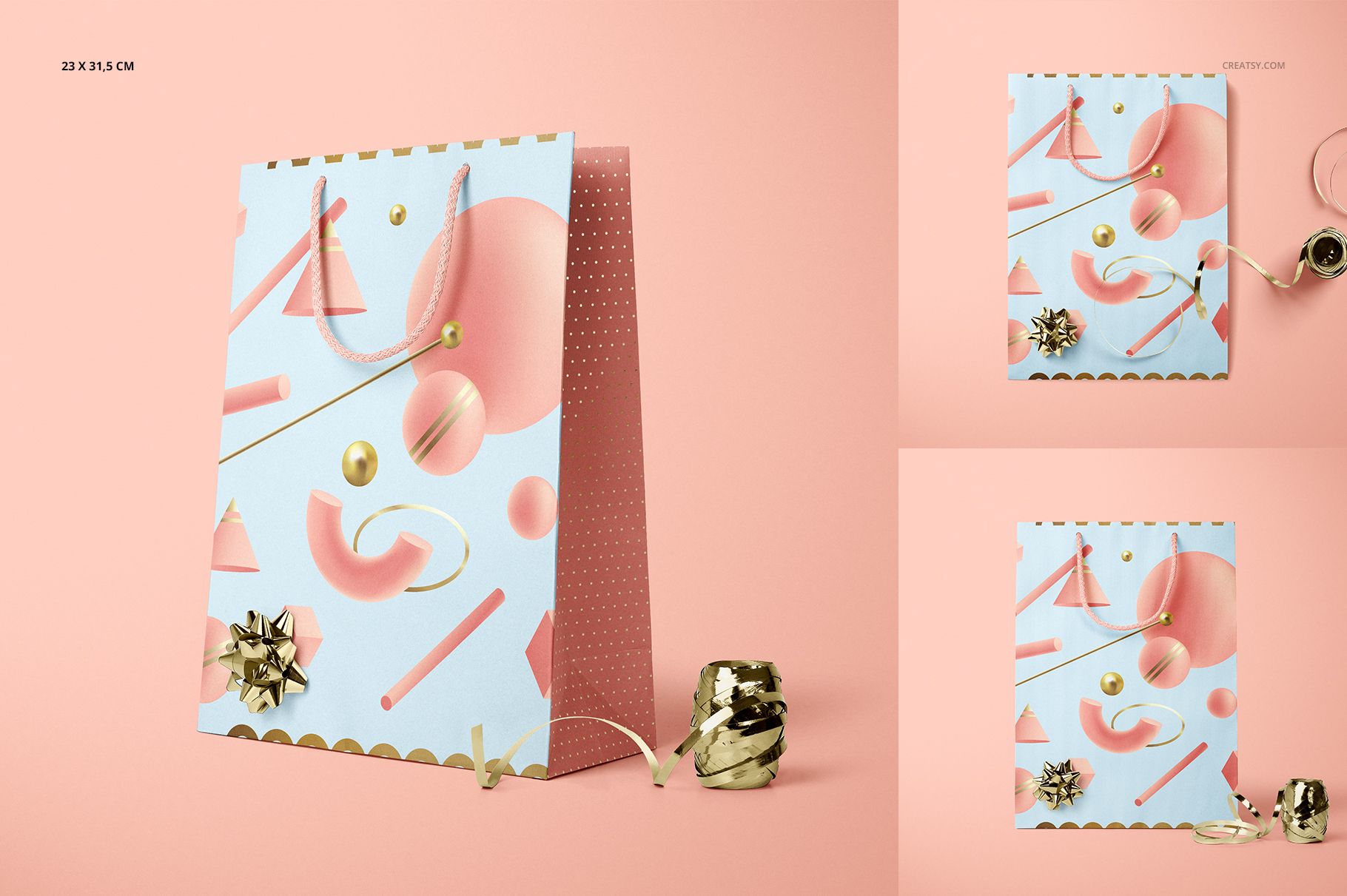
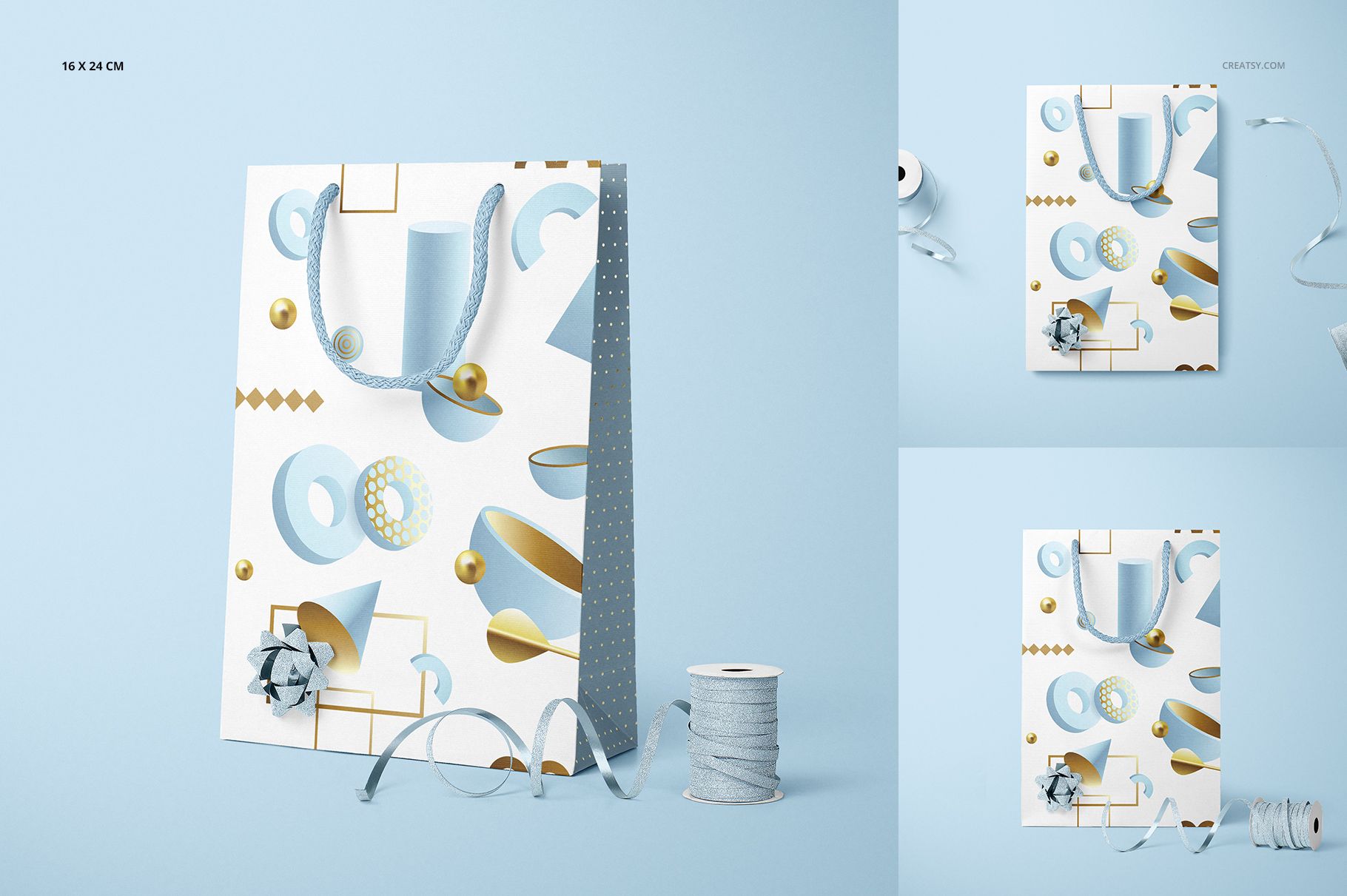
A gift bag can carry the same artwork in several directions: a small square format, two taller proportions, a quiet satin accent or a brighter metallic bow. This gifting edition brings those choices together in 13 prepared paper bag scenes, with three bag sizes, rope handles and separate ribbon and bow assets for styling a coordinated collection.
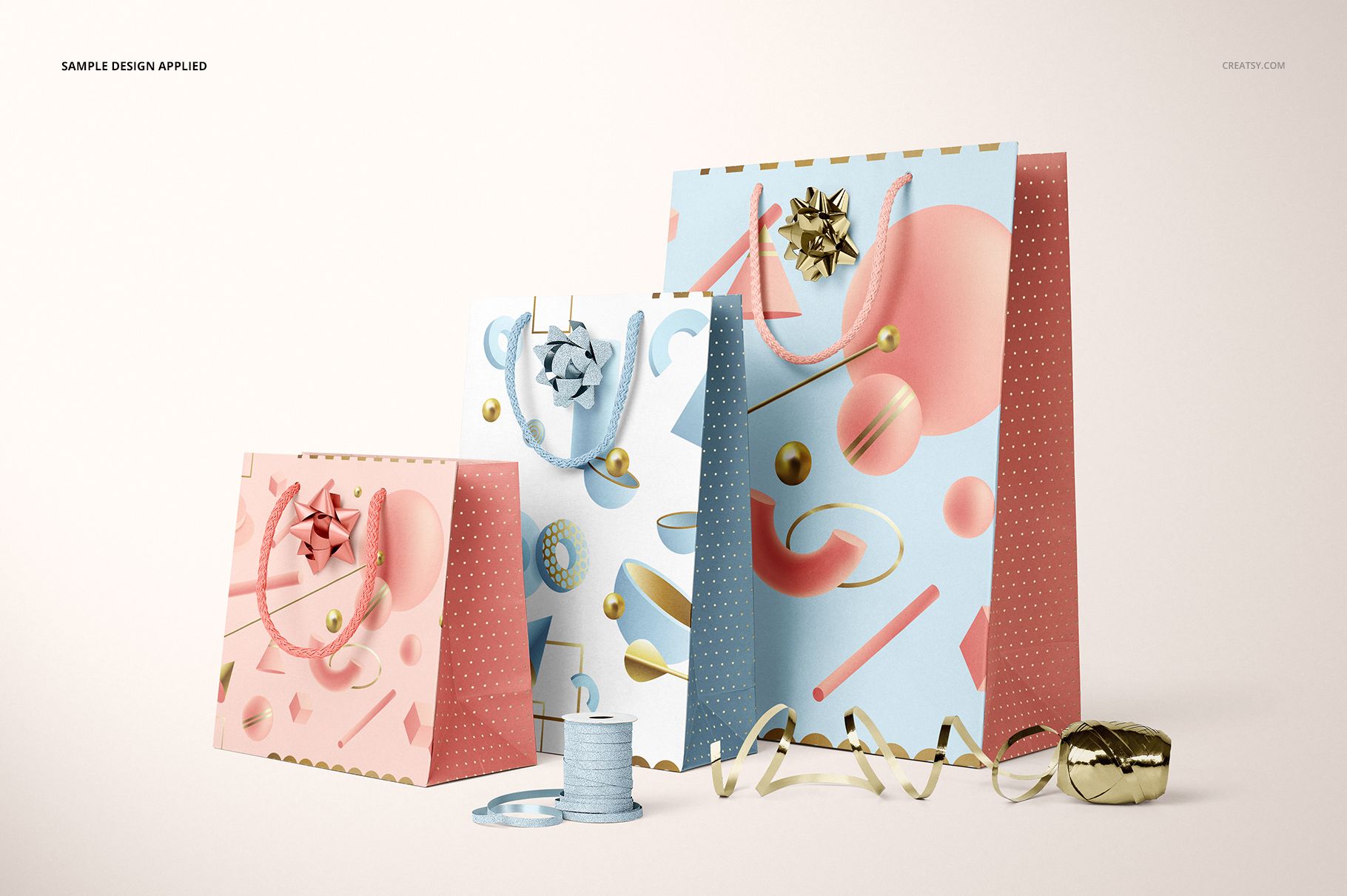
Present one bag on its own to explain the artwork, then use a grouped composition to show how the range belongs together. The foil-stamp effect adds another editable design surface, letting you compare printed motifs with reflective accents instead of relying on color alone.
What Is Included
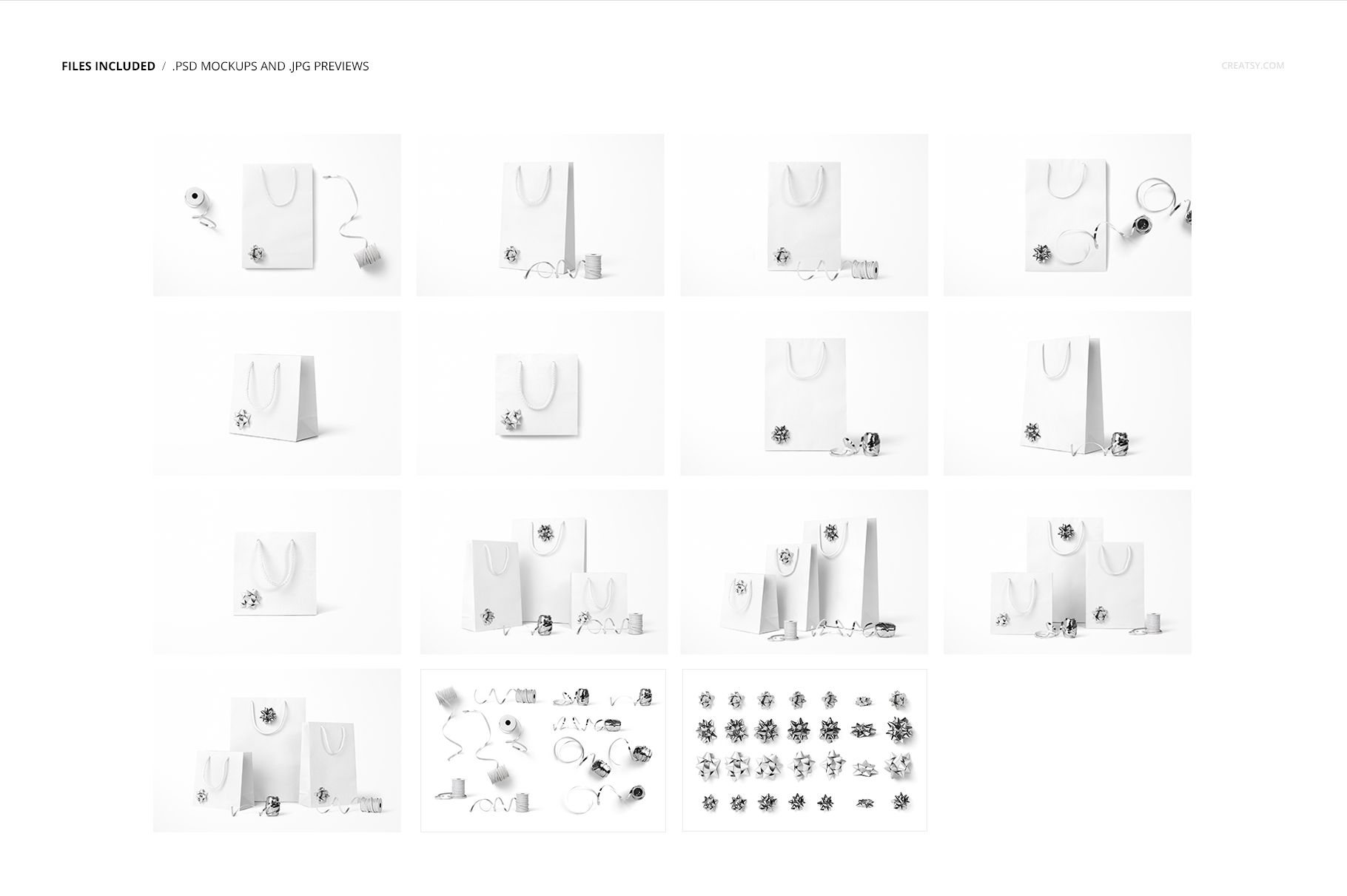
13 gift bag scene PSDs: 9 individual-bag views and 4 group compositions.
2 additional PSD files containing ribbons and bows, giving 15 PSD files in total.
16 JPG files: 13 scene previews, 2 accessory previews and 1 guide, making 31 files in the download.
Small, medium and large bag formats, with metallic, satin and glitter ribbon and bow options.
Coordinate the Print, Foil and Finishing Touches
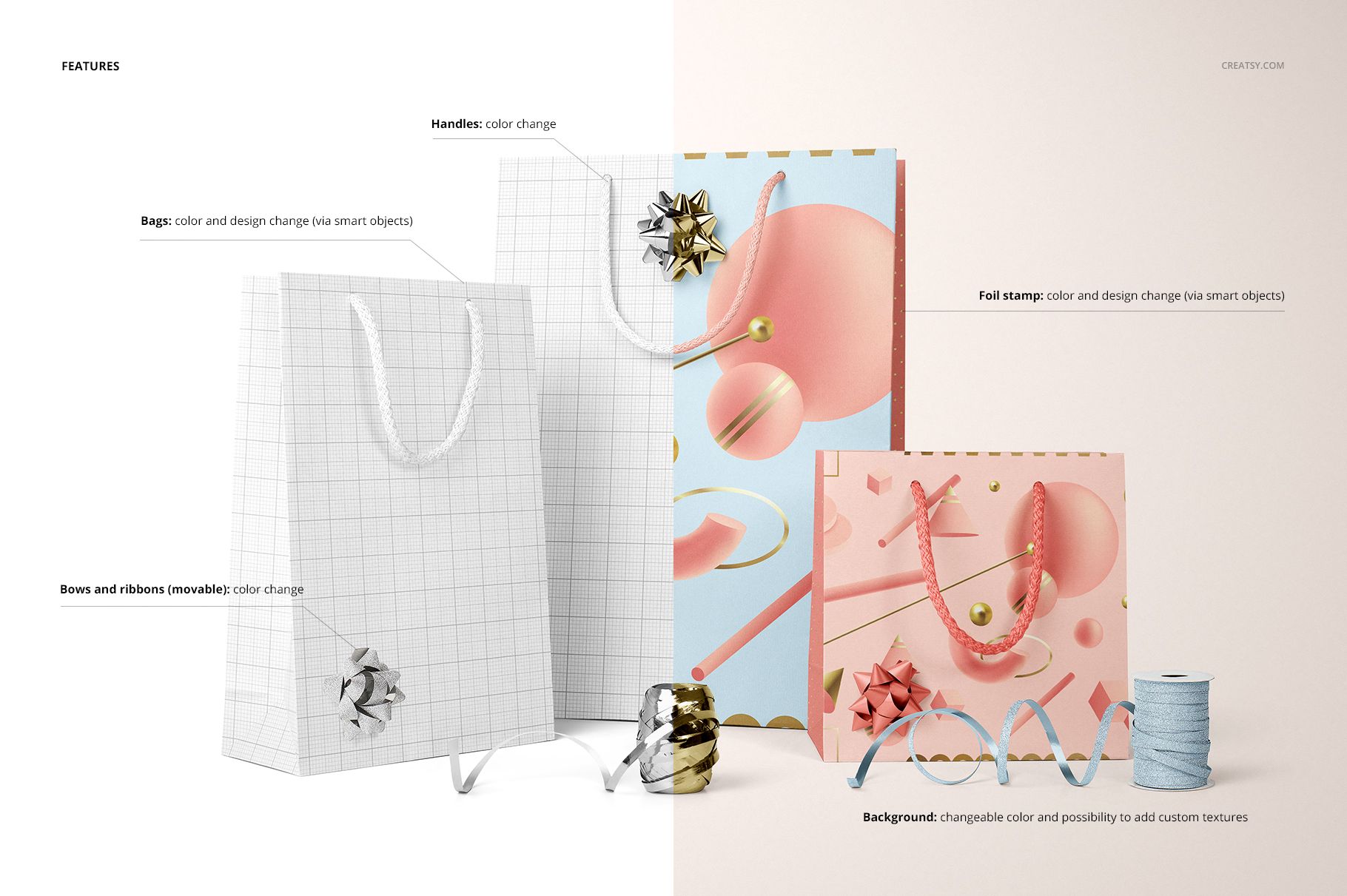
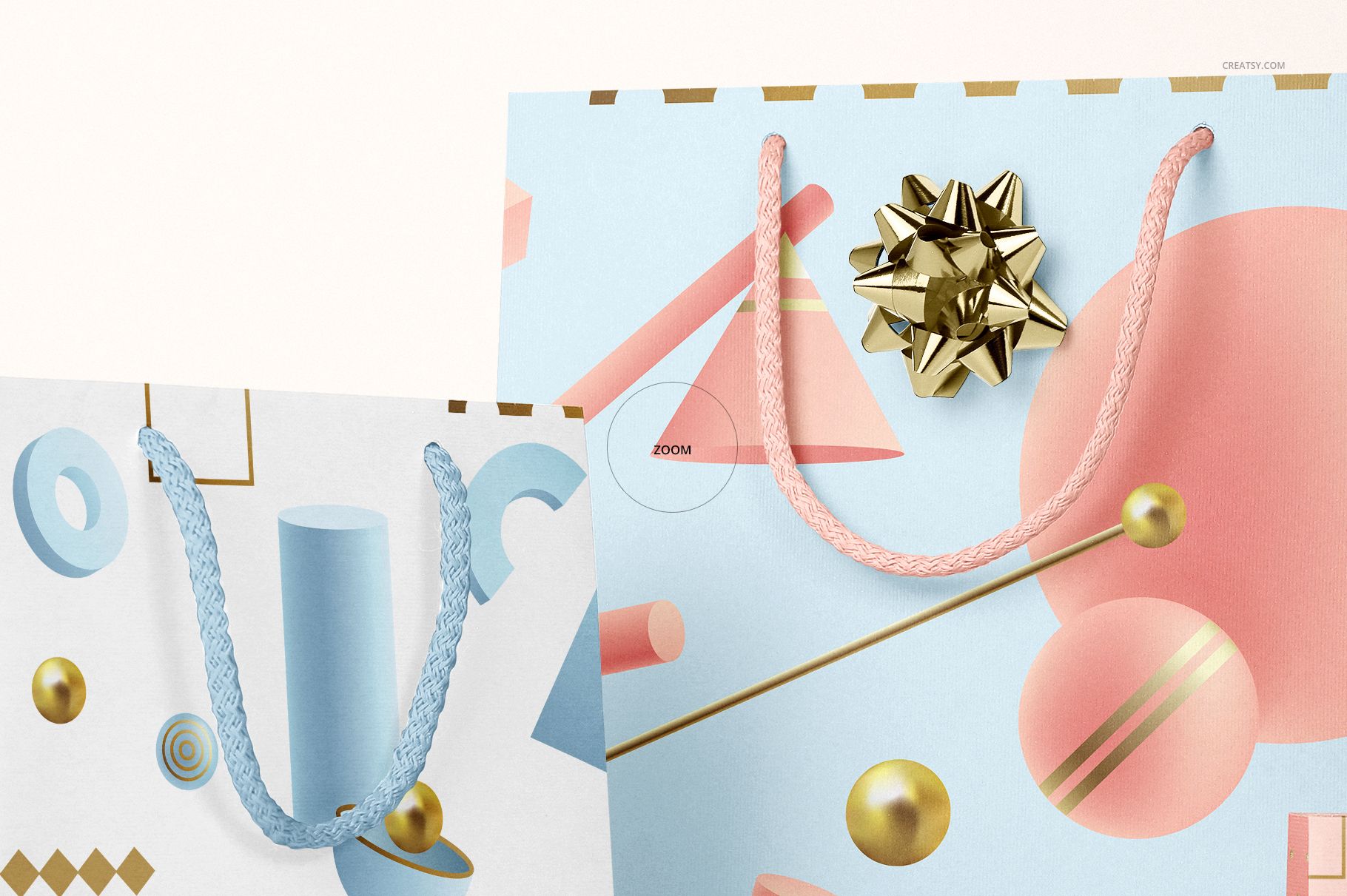
Change the bag color and artwork, customize the foil-stamp color and design, and adjust the rope-handle color. The bows and ribbons are movable and offer color changes. Keep them close to the palette of the print for a coordinated look, or choose a contrasting finish to create a distinct focal point.
Easy Smart Object Editing
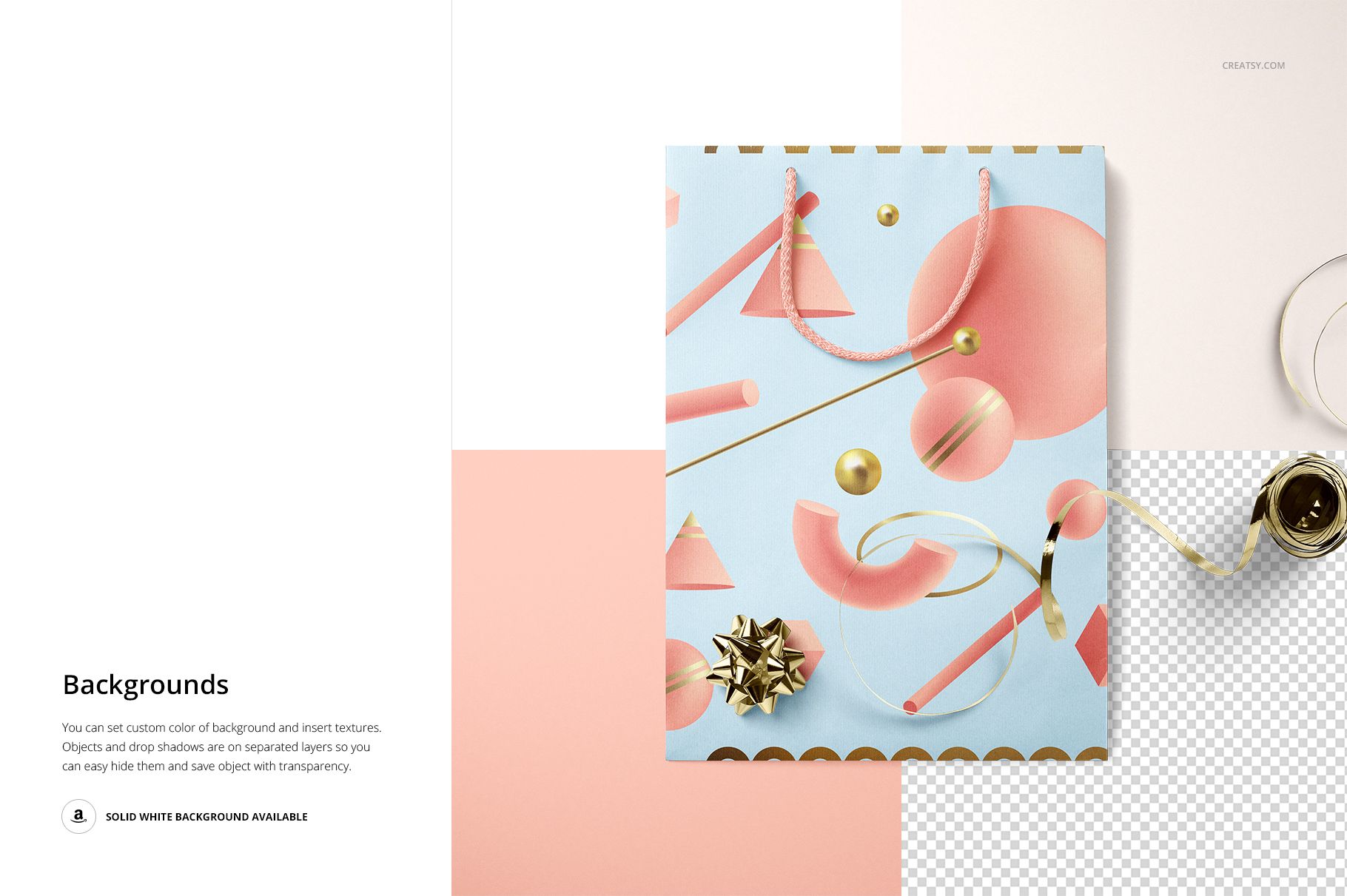
Open a scene PSD in Adobe Photoshop CC 2015 or later, or in Photopea. Replace the bag artwork and foil design through the Smart Objects, save the edited object within the document and review the result in the composition. Use the color controls for the bag, handles and accessories. Background colors can be changed, custom textures can be inserted, and separate object and drop-shadow layers support transparent-background output.
Perfect For
Gift packaging designers, surface pattern designers, illustrators and boutique retailers can use this set to present coordinated bag collections, celebration packaging and client-ready finish comparisons. The prepared group views are useful for showing related designs without treating every size as a separate brand direction.
This is a digital mockup product. Physical bags, ribbons and bows are not included. The example artwork is for presentation only and is not supplied with the mockup files.