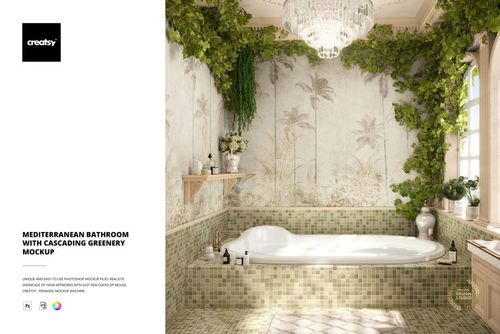
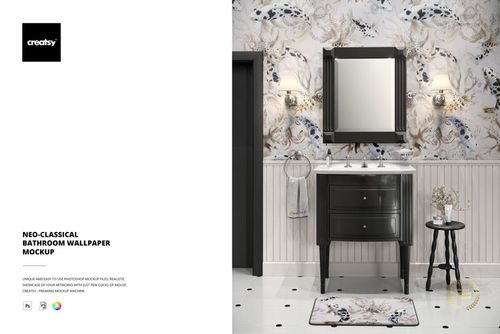
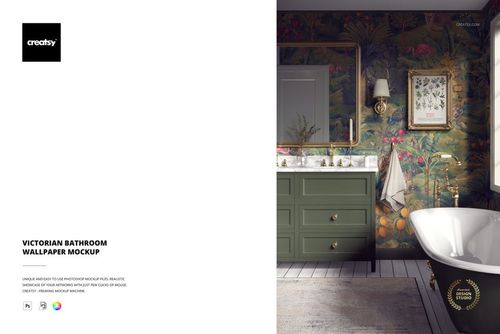
Traditional Bathroom Wallpaper Mockup with Classic Wainscoting

ID: 1400469845 | Updated: Aug 22, 2025

Product Details

About the Product

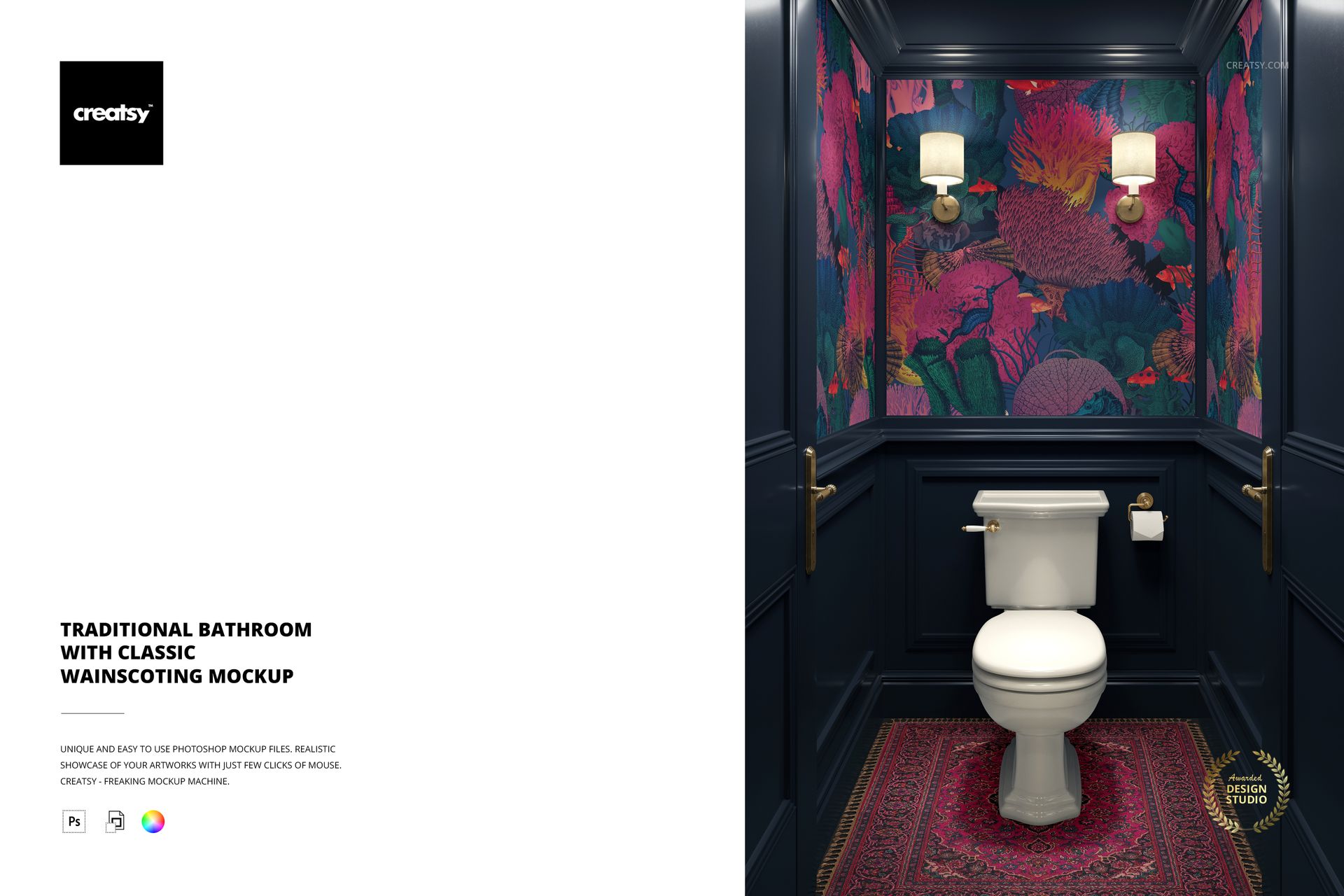
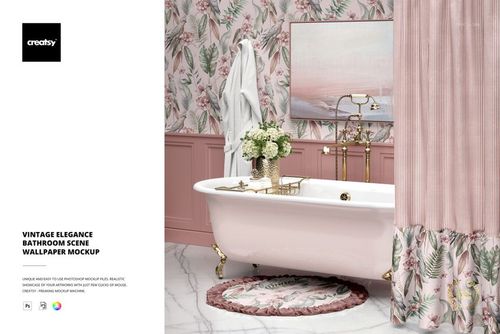
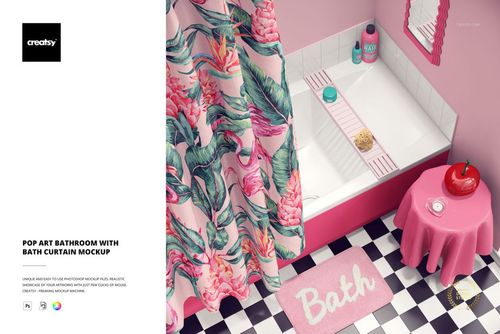
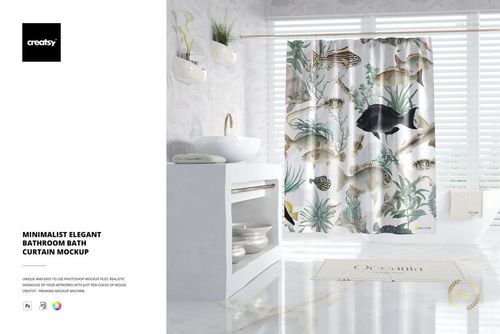
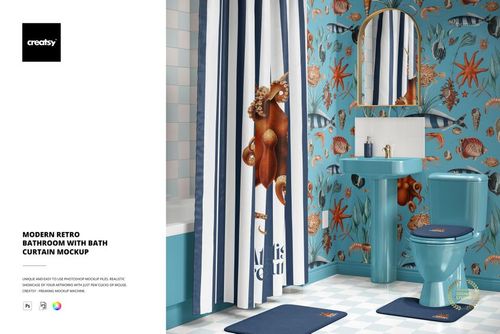
Traditional Bathroom Wallpaper Mockup with Classic Wainscoting by Creatsy is a wallpaper mockup that shows your repeat pattern as real wallpaper on a styled bathroom wall, built as one layered Photoshop PSD at 4000 by 6000 px and 300 dpi with smart object placement. Hang a whole pattern collection in a finished room without booking a photographer, and reuse the one file for every design in your line. It ships blank and white, so surface pattern designers can preview a repeat at true wall scale, and wallpaper sellers get ready listing images for Etsy or Shopify.

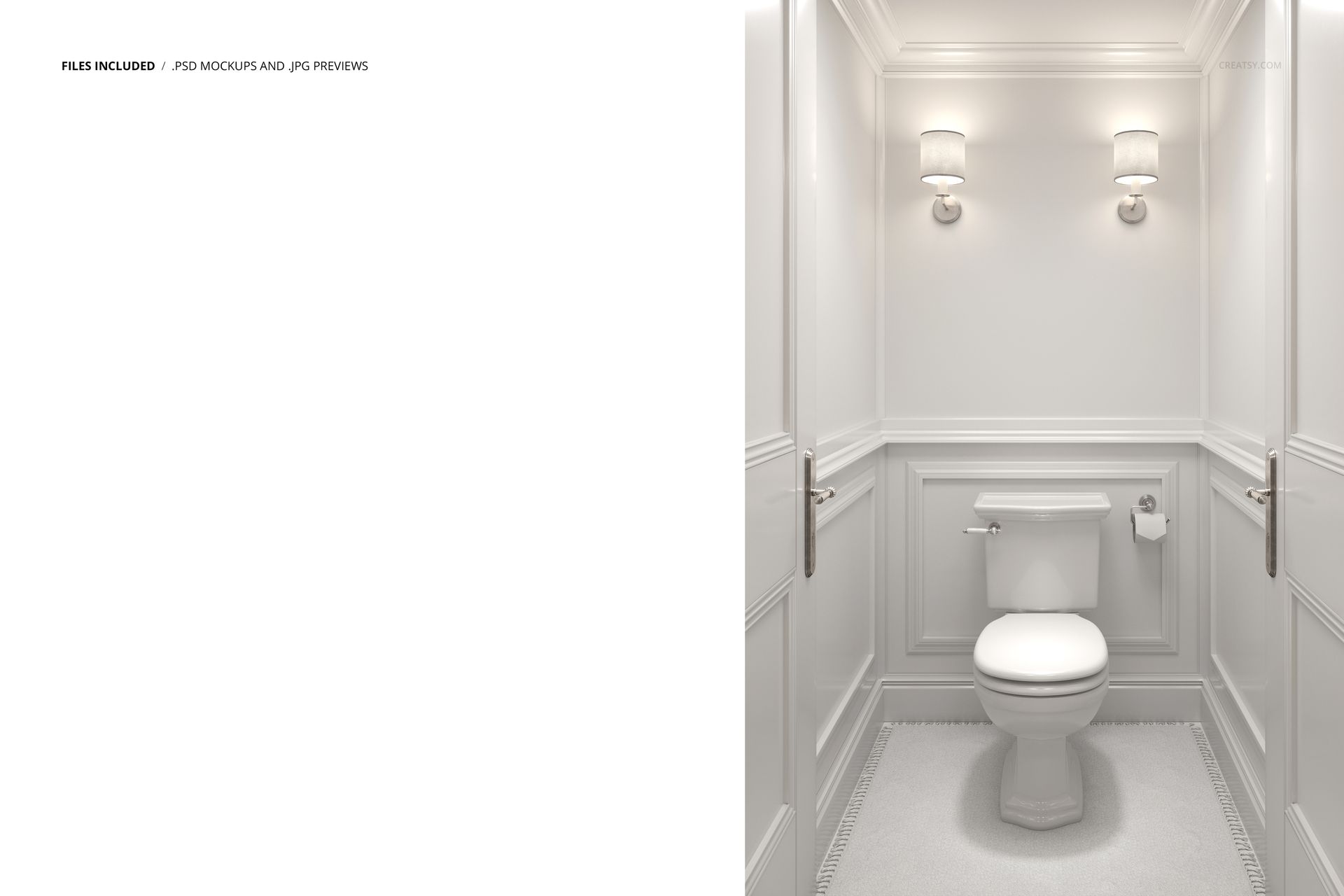
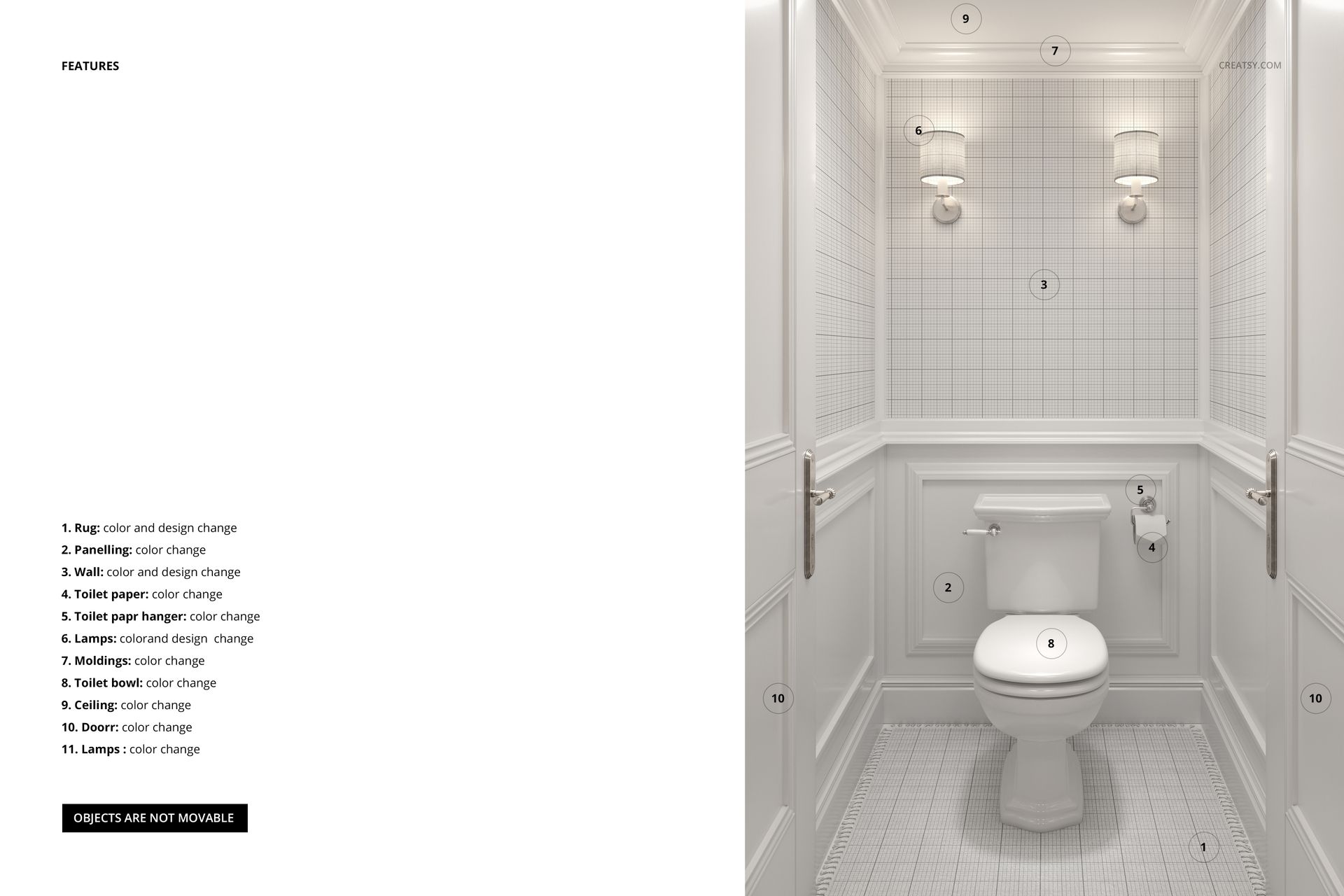
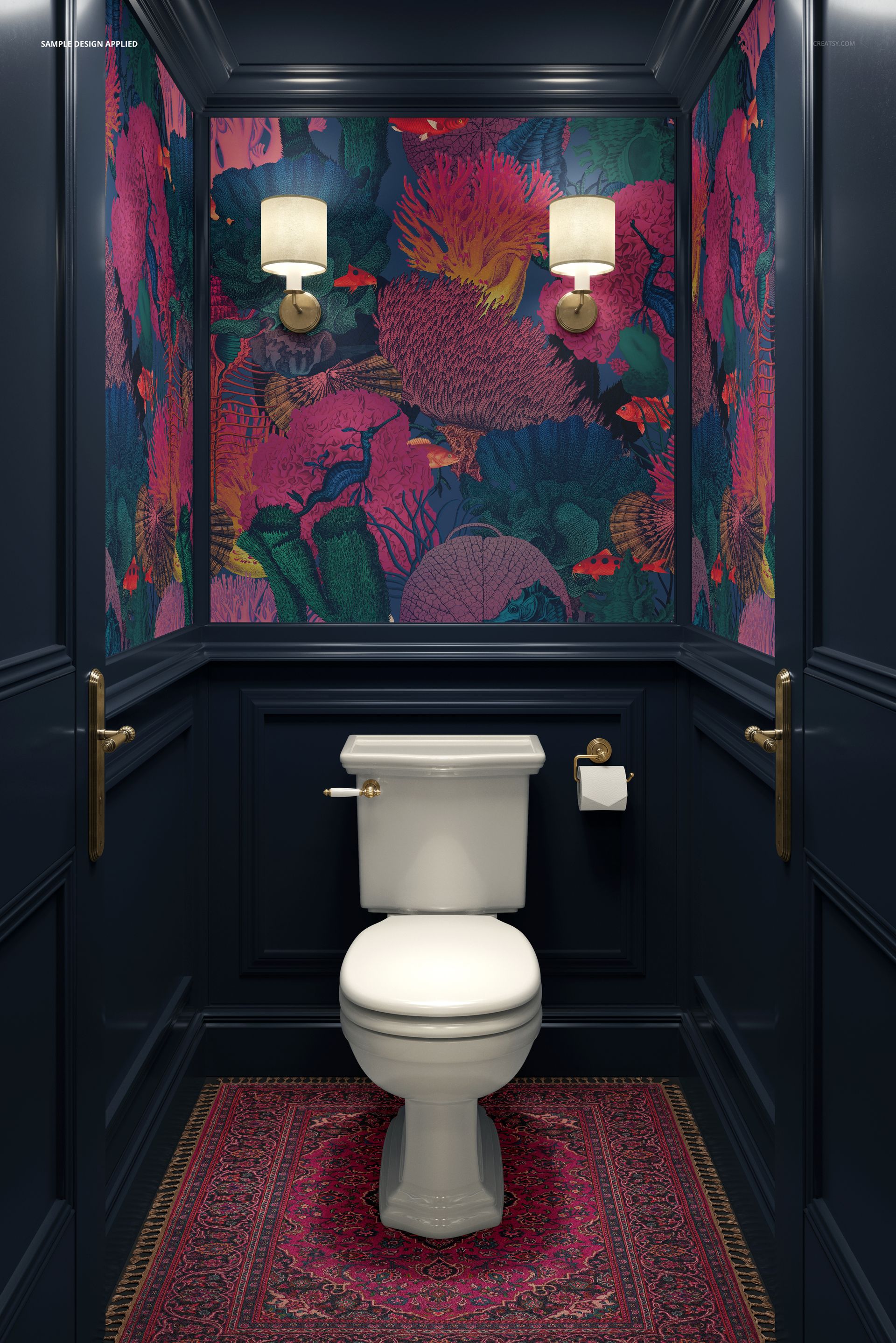
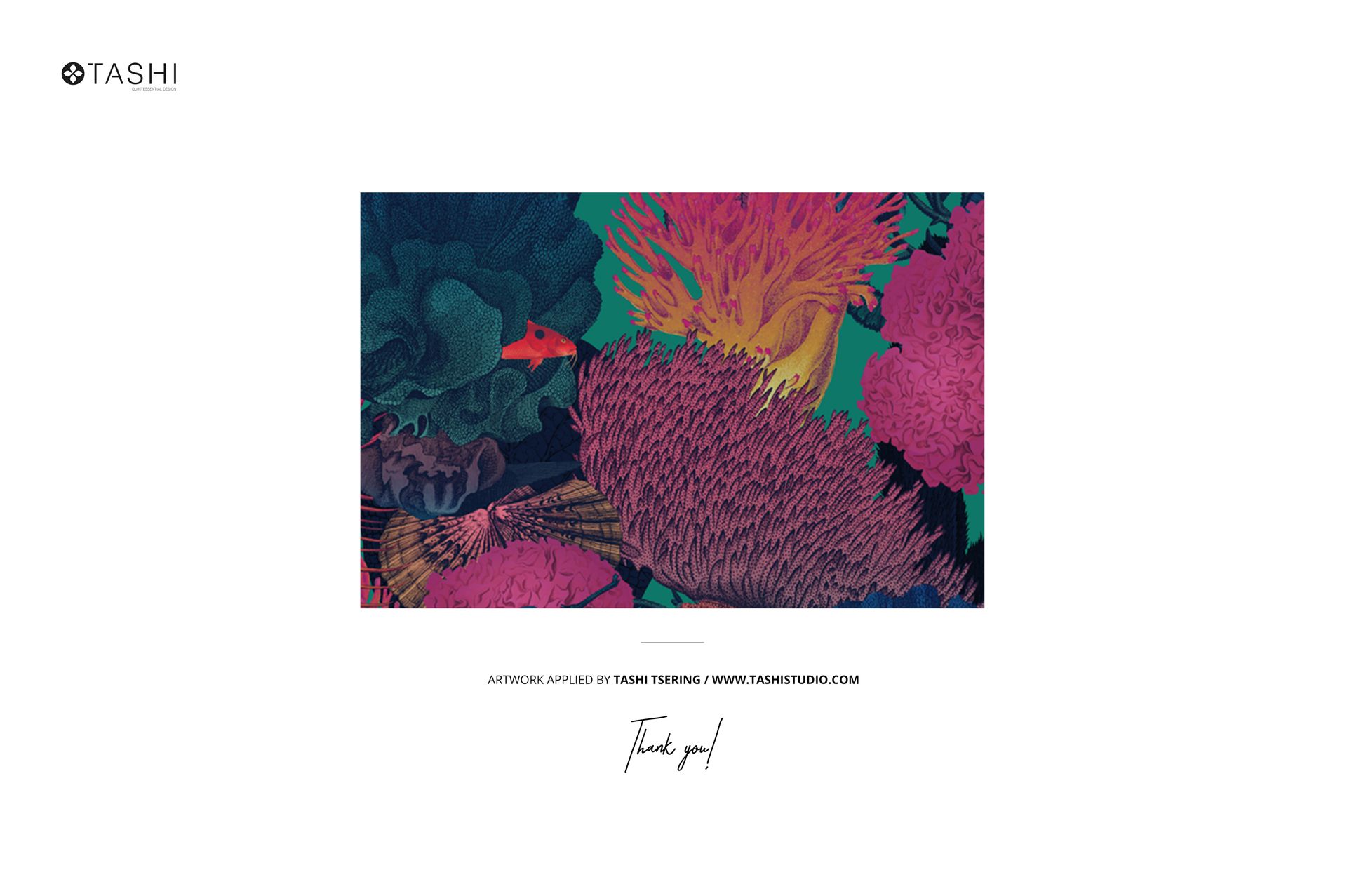
The scene is framed from the front: deep blue wainscoting along the lower wall, a white toilet, chrome fittings, and two sconces lighting the surface above the paneling. Your artwork sits along the trim line where real wallpaper would hang, and one preview shows the bare grid wall so you can see where it lands. The toilet-side wall makes it a fit for powder room, guest bathroom, half bath, and small bathroom wallpaper listings, where a vanity or bathtub scene would not. The botanical print in the previews is display-only artwork by Tashi Tsering, not part of the download.

What you get

  • One layered Adobe Photoshop PSD, 4000 by 6000 px at 300 dpi

  • A blank bathroom scene with the wall built as an editable smart object

  • Front view: deep blue wainscoting, white toilet, chrome fixtures, two lit sconces

  • A preview of the empty grid wall, so placement is clear before purchase

  • Organized layers that keep the room and lighting separate from your artwork

  • Download package: 253 MB on Windows, 265 MB on macOS; includes .psd and .jpg files

  • Opens in Adobe Photoshop CC2020 or later, and free in the browser with Photopea

How it works

  1. Open the PSD in Adobe Photoshop, or free in your browser with Photopea.

  2. Double-click the wall smart object and paste your wallpaper or repeat pattern.

  3. Save, and your design lands on the wall with the room lighting back on top.

  4. Export the JPG for your Etsy or Shopify listing, portfolio, or client pitch.

File details

Compatibility
PhotopeaAdobe Photoshop
Number of files included
2
Package size
253 MB253 MB|265 MB265 MB
Files type
.psd, .jpg
Files size
4000x6000
TEST FOR FREE

MEET THE SHOP

Creatsy logo

Creatsy

Poland
4.7 (641)

Bring your ideas to life.

We're a family-run studio in Katowice, Poland, making PSD mockups by hand since 2016. Everything in this shop starts in our own studio. We shoot the photography, build the 3D, and put together every Smart Object PSD ourselves - then we test it, organize the layers, and only ship it once it actually works...
GO TO SHOP

HOW IT WORKS

3 clicks. That's it.

No tutorial needed. If you can copy-paste, you can use this.

  1. 1OpenDouble-click the smart object inside the PSD - in Adobe Photoshop, or free in your browser with Photopea.
  2. 2PasteDrop in your pattern, print, or artwork. Any design, any style.
  3. 3SaveHit save and the mockup wraps it in for you - shadows, folds, and lighting included.

FROM IDEA TO IMAGE

Built for real workflows

Skip the photo shoot Show your artwork on the real product type for approvals or listings - no studio, no model, no sample.

See it on the product, not a swatch Drop your file into the smart object and the scene's lighting and folds wrap around it, so you judge the real thing before you commit.

Smart Objects

Edit once and you're done. Your artwork drops into a smart object and the mockup updates itself - no masking, no warping by hand.

Perfectly Organized

Named layers and folders you can actually navigate. Find what you need, change what you want, and get out fast.

Print-Ready

High-resolution files built to hold up on screen and in print. Exact size and DPI are in this product's Details above.