ID: 2094438741 | Updated: Jul 18, 2025

Product Details

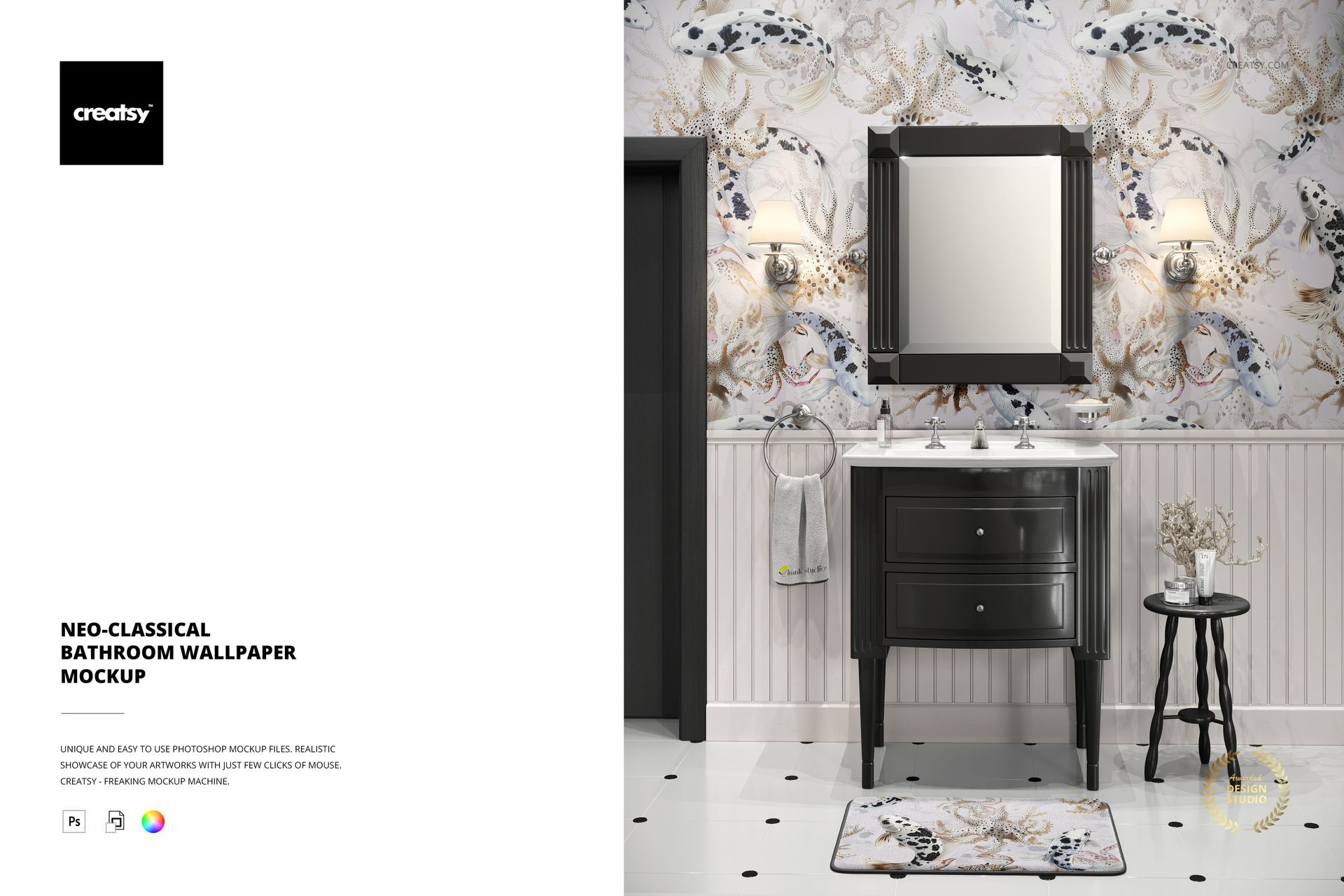
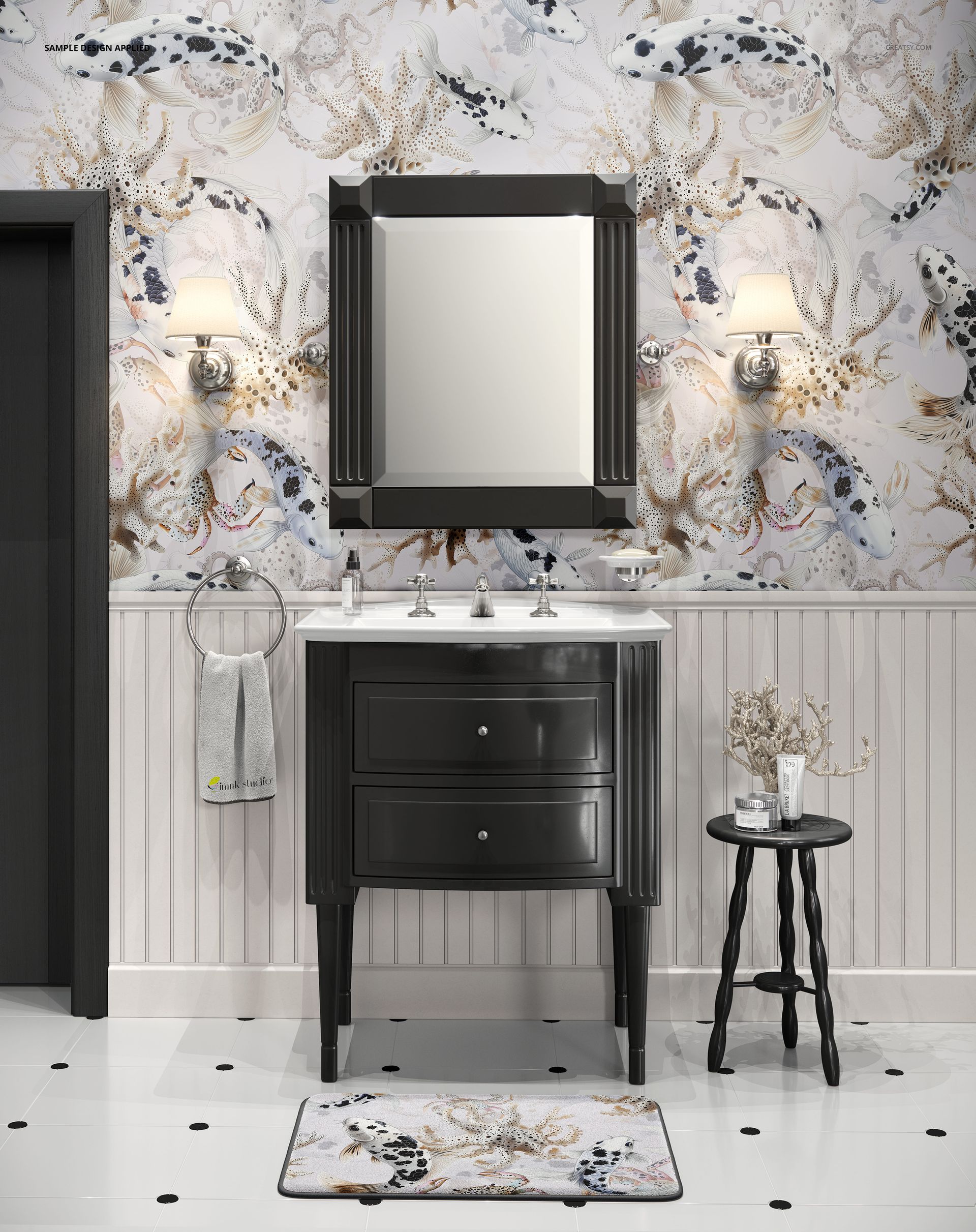
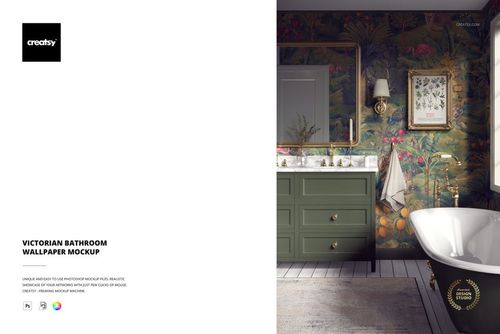
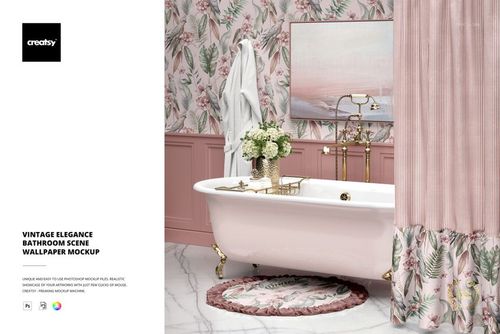
Neo-classical Bathroom Wallpaper Mockup from Creatsy places your wallpaper pattern or surface design on the walls of a styled neo-classical bathroom complete with vanity, mirror, wall sconces, and marble flooring. This mockup lets you present wallpaper designs, repeat patterns, and decorative wall treatments in an authentic residential bathroom context where the architectural details and luxury fixtures reinforce the premium quality of your work. Whether you design wallpaper collections for manufacturers, create surface patterns for home decor brands, or sell custom wallpaper through online platforms, this scene provides the kind of high-end interior context that helps clients and customers visualize how your pattern will transform a real space. The 7500 x 6000 pixel file at 300 DPI delivers exceptional resolution for detailed presentations.

Why This Mockup Works

Wallpaper designs need to be seen on actual walls to sell. Flat pattern tiles and repeat swatches show technical accuracy but miss the emotional response that comes from seeing a pattern in a real room with furniture, lighting, and architectural context. This mockup fills that gap by placing your design in a neo-classical bathroom where ornate fixtures, marble floors, and elegant sconce lighting create the kind of setting where premium wallpaper belongs. The bathroom environment is particularly valuable because it is one of the most popular spaces for statement wallpaper, where bold patterns and decorative designs make the strongest visual impact.

What Is Included

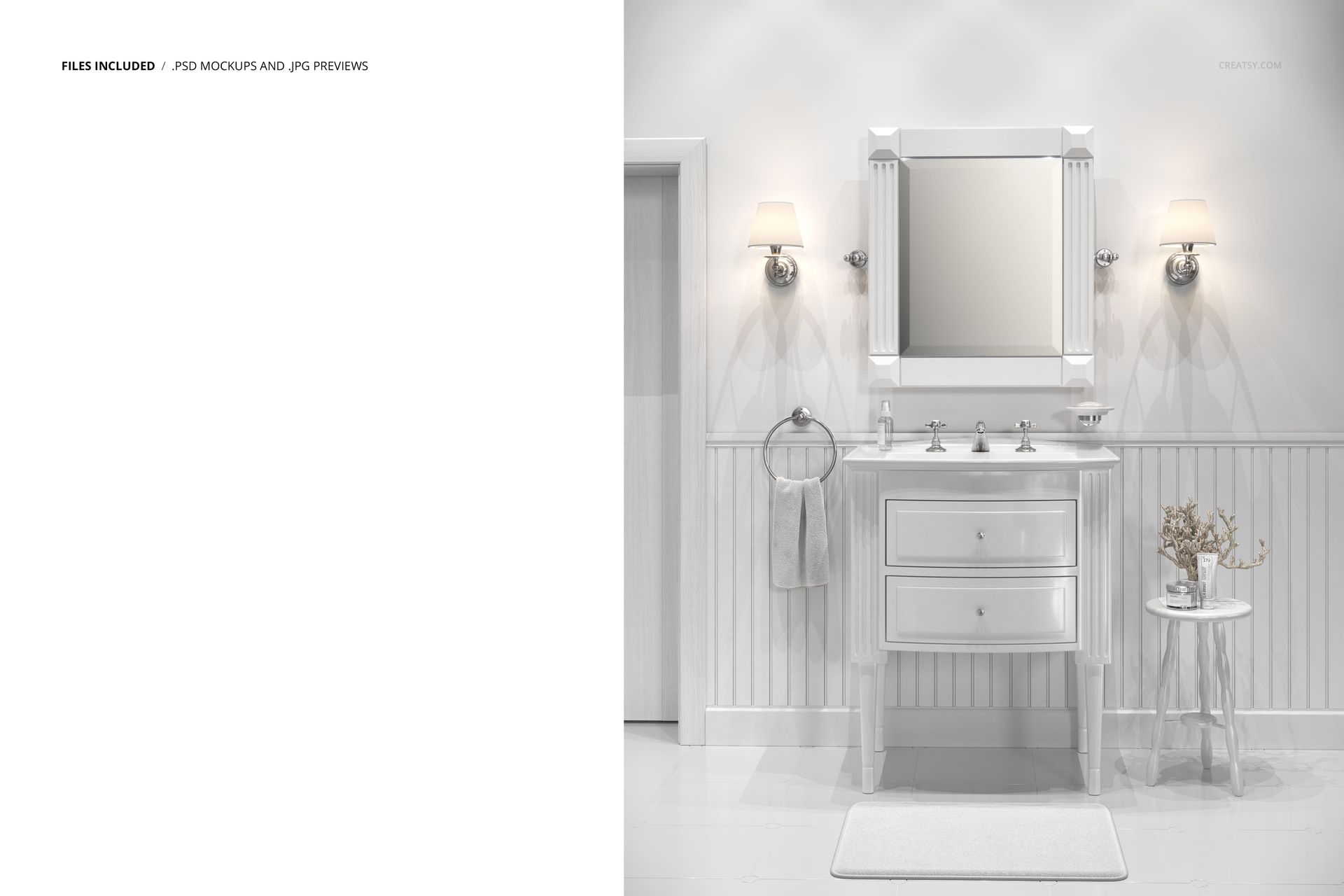
This download contains 1 PSD file at 7500 x 6000 pixels and 300 DPI. The file features a neo-classical bathroom interior with vanity, framed mirror, wall sconces, marble flooring, and decorative accessories. Layers are well organized for efficient navigation and quick editing. The file works in Adobe Photoshop (minimum version CC 2020) and in Photopea, a free browser-based editor that supports PSD files and smart object editing.

What You Can Customize

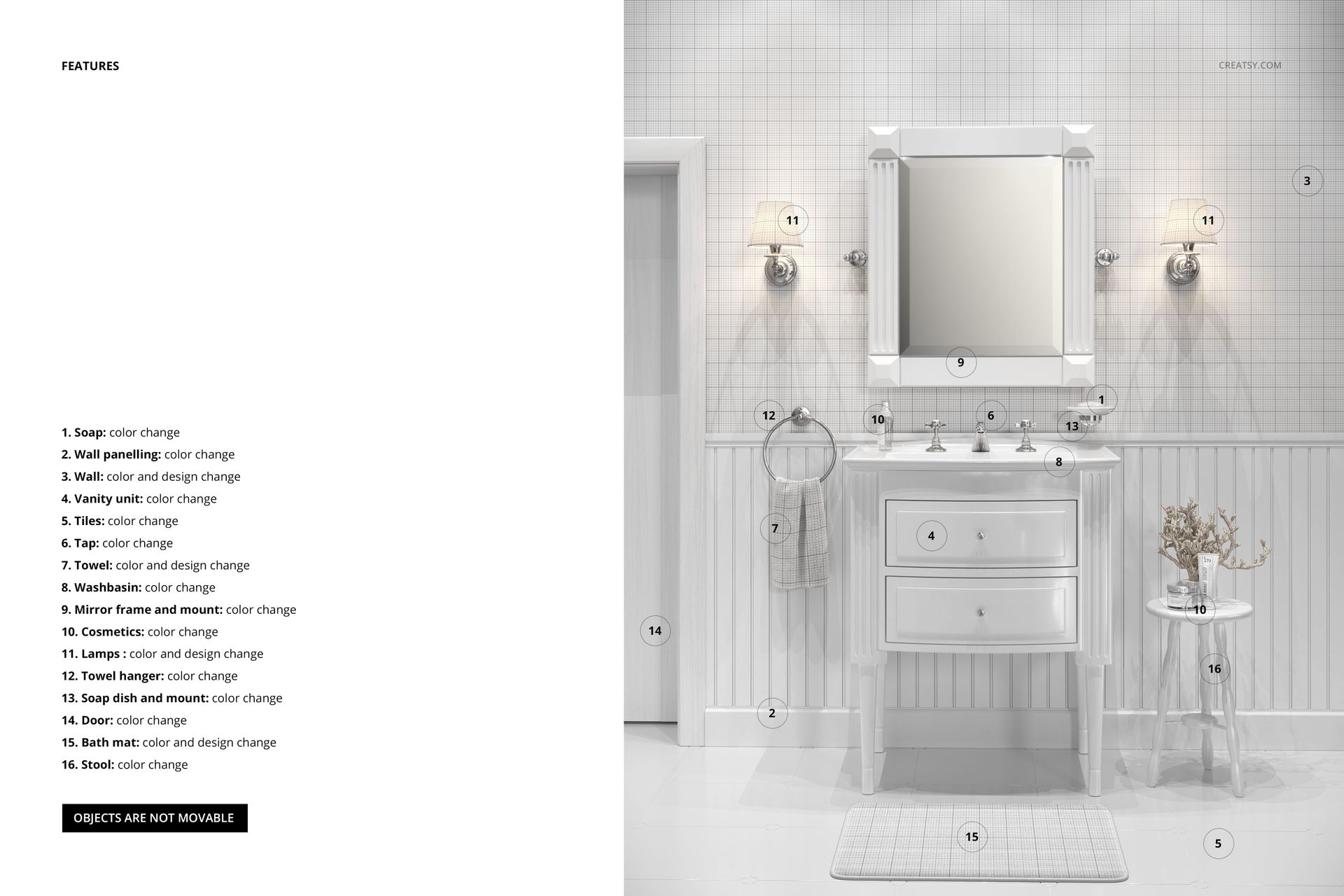
Smart object layers let you place your wallpaper pattern, surface design, or decorative wall treatment onto the bathroom walls with accurate perspective mapping, realistic surface texture, and natural interaction with the room lighting. Your design wraps around the wall geometry and responds to the ambient light from the sconces, creating a convincing installed appearance. You can adjust overall color tone and background elements to complement your pattern or match specific brand guidelines.

Who This Mockup Is For

This mockup serves wallpaper designers presenting collections to manufacturers or licensing partners, surface pattern artists building portfolios for home decor applications, and interior designers showing clients how specific wallpaper choices will look in a bathroom setting. Wallpaper sellers on Etsy, Spoonflower, or their own e-commerce stores can use it for product listing images. Home decor brands preparing catalog pages, social media content, or marketing materials for wallpaper product lines will find the neo-classical bathroom setting ideal for positioning their patterns as premium design products.

File Specifications

File count: 1 PSD. Dimensions: 7500 x 6000 pixels. Resolution: 300 DPI. File size: 482.69 MB. Compatibility: Adobe Photoshop CC 2020 or newer, Photopea. Editing method: smart object layers for non-destructive wallpaper placement with realistic wall perspective and lighting interaction. Example pattern applied on mockup screenshots by Imrik Studio (imrikstudio.com) and is not included in the download file.

File details

Compatibility
PhotopeaAdobe Photoshop
Number of files included
2
Package size
482 MB482 MB|506 MB506 MB
Files type
.psd, .jpg
Files size
6000x4000
TEST FOR FREE

MEET THE SHOP

Creatsy logo

Creatsy

Poland
4.7 (648)

Bring your ideas to life.

We're a family-run studio in Katowice, Poland, making PSD mockups by hand since 2016. Everything in this shop starts in our own studio. We shoot the photography, build the 3D, and put together every Smart Object PSD ourselves - then we test it, organize the layers, and only ship it once it actually works...
GO TO SHOP

HOW IT WORKS

3 clicks. That's it.

No tutorial needed. If you can copy-paste, you can use this.

  1. 1OpenDouble-click the smart object inside the PSD - in Adobe Photoshop, or free in your browser with Photopea.
  2. 2PasteDrop in your pattern, print, or artwork. Any design, any style.
  3. 3SaveHit save and the mockup wraps it in for you - shadows, folds, and lighting included.

FROM IDEA TO IMAGE

Built for real workflows

Skip the photo shoot Show your artwork on the real product type for approvals or listings - no studio, no model, no sample.

See it on the product, not a swatch Drop your file into the smart object and the scene's lighting and folds wrap around it, so you judge the real thing before you commit.

Smart Objects

Edit once and you're done. Your artwork drops into a smart object and the mockup updates itself - no masking, no warping by hand.

Perfectly Organized

Named layers and folders you can actually navigate. Find what you need, change what you want, and get out fast.

Print-Ready

High-resolution files built to hold up on screen and in print. Exact size and DPI are in this product's Details above.