Tissue Paper in Gift Bag Mockup
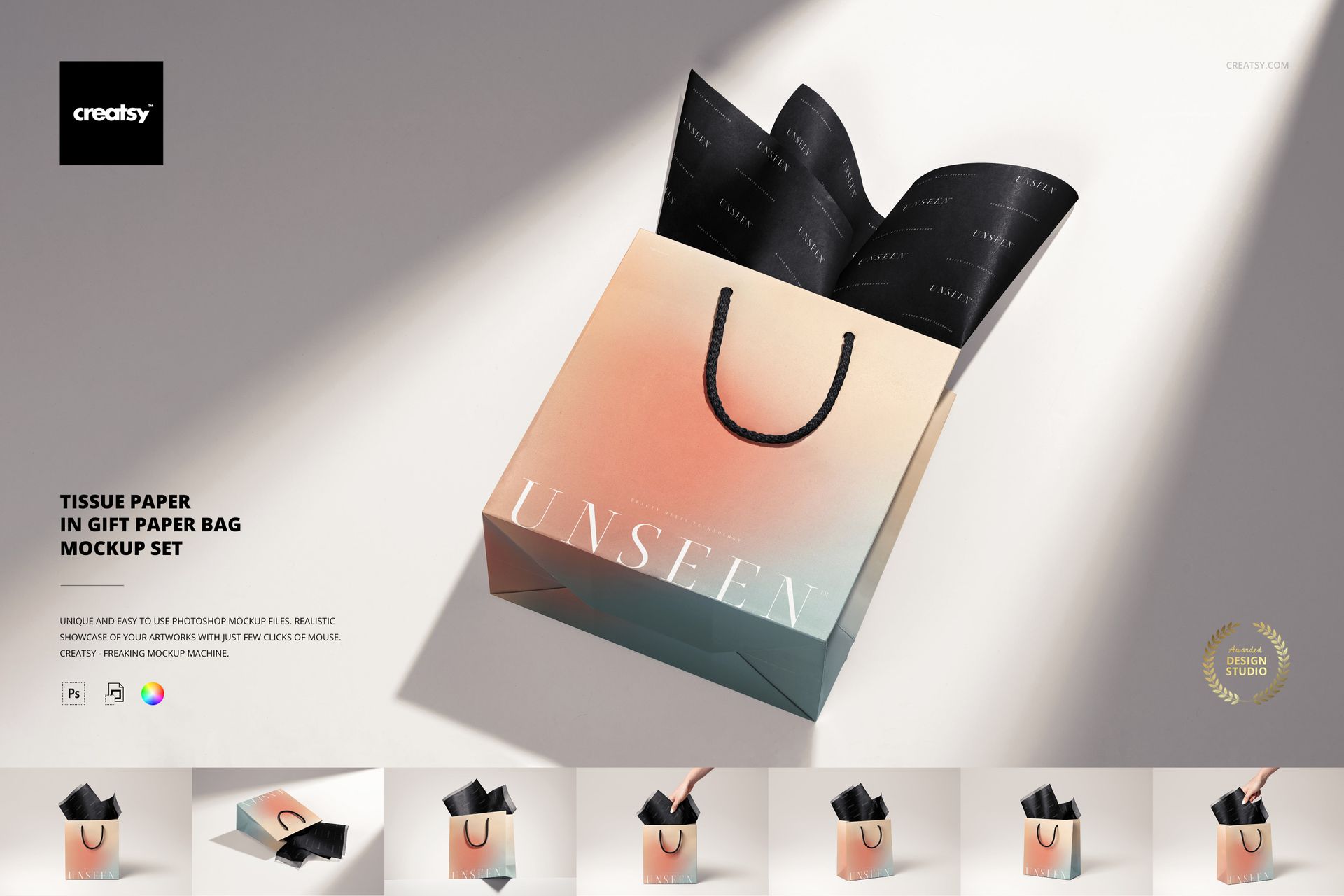
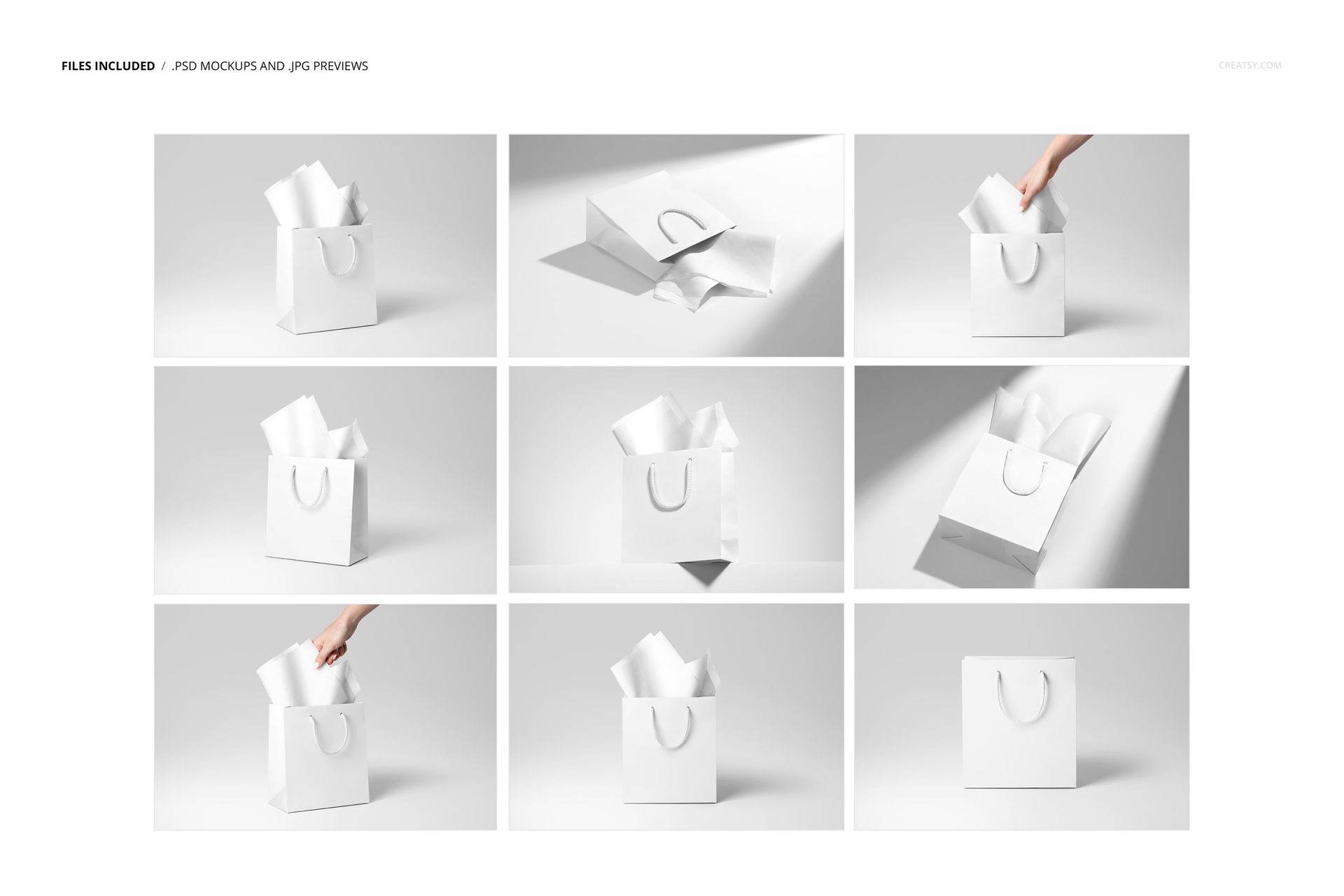
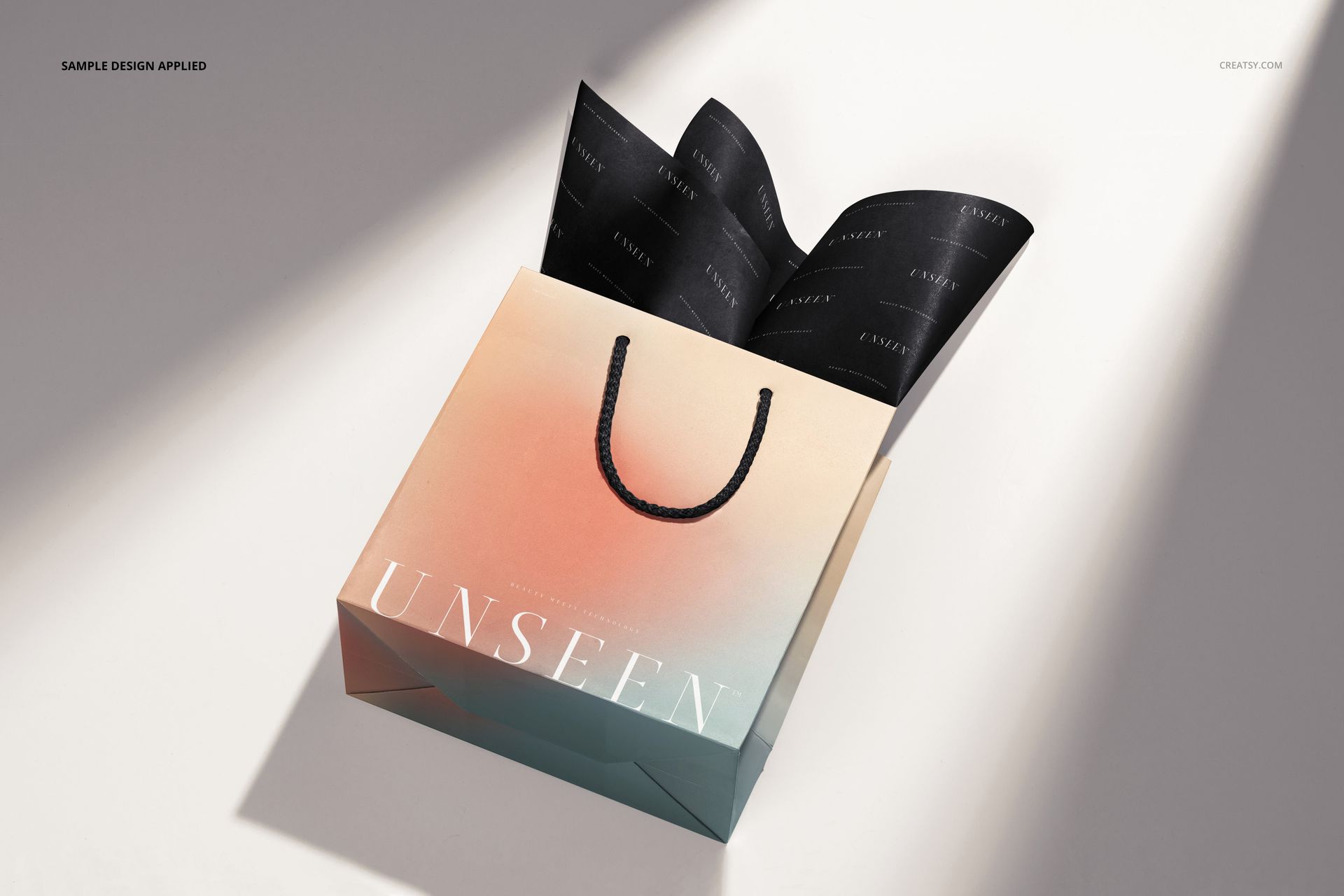
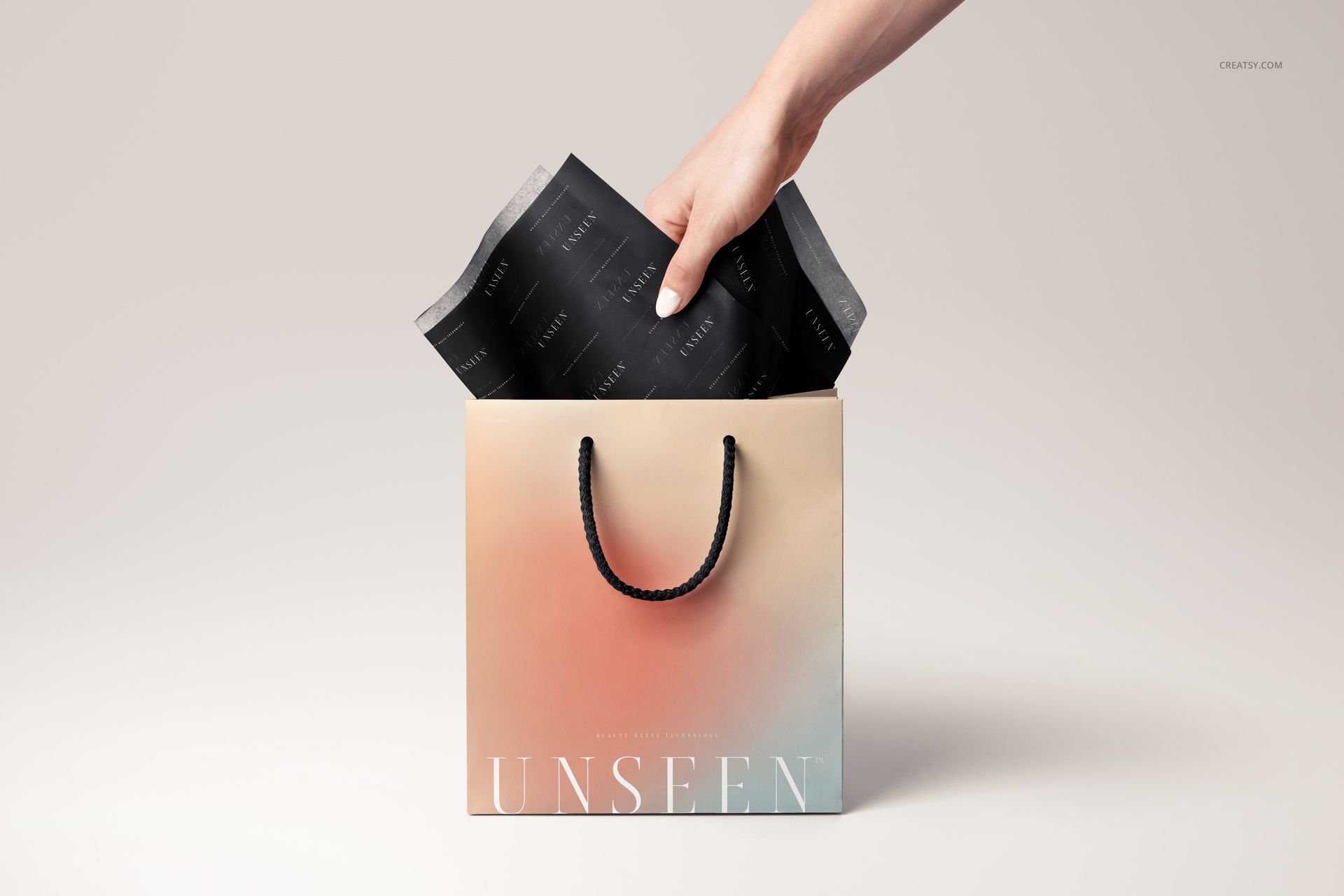
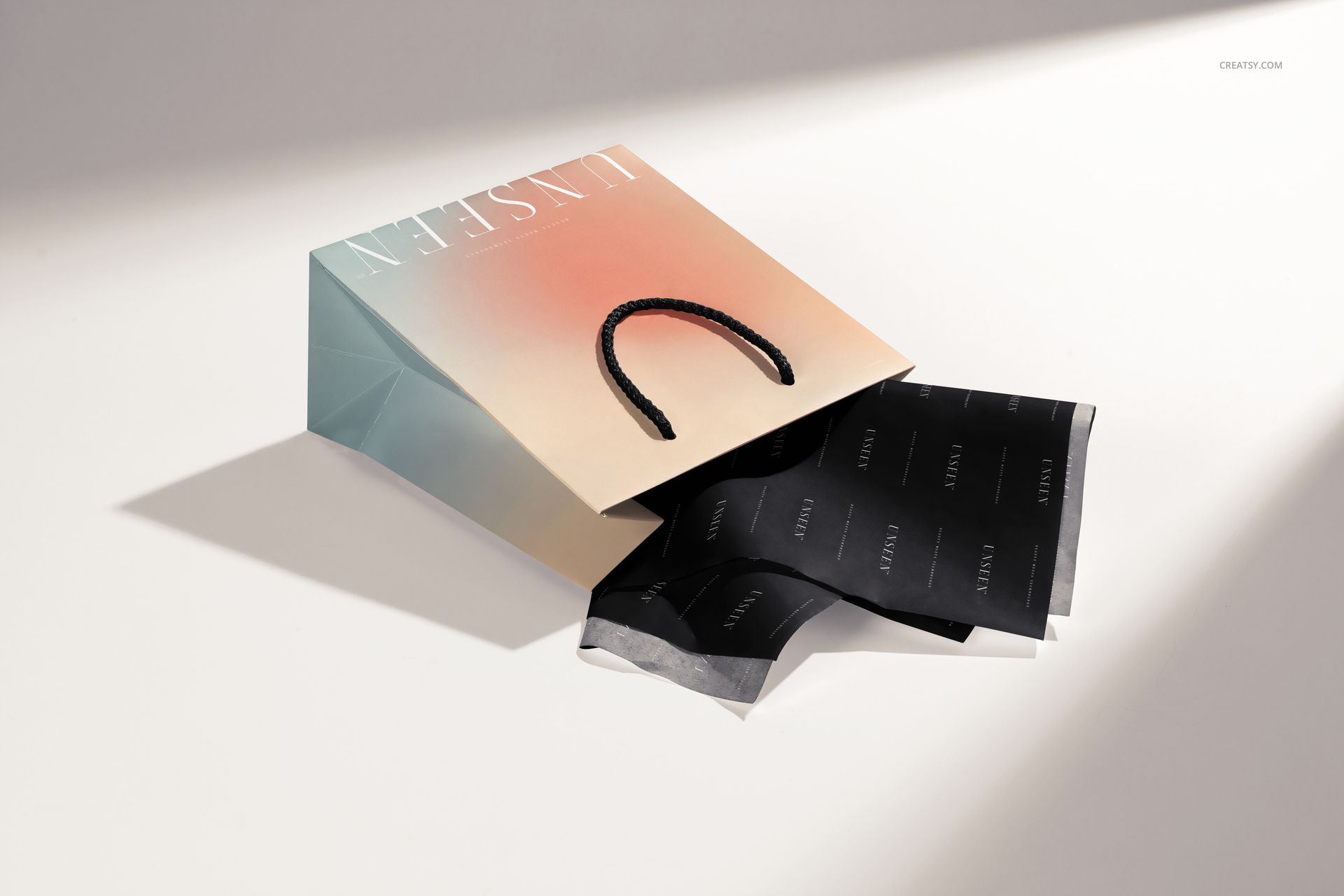
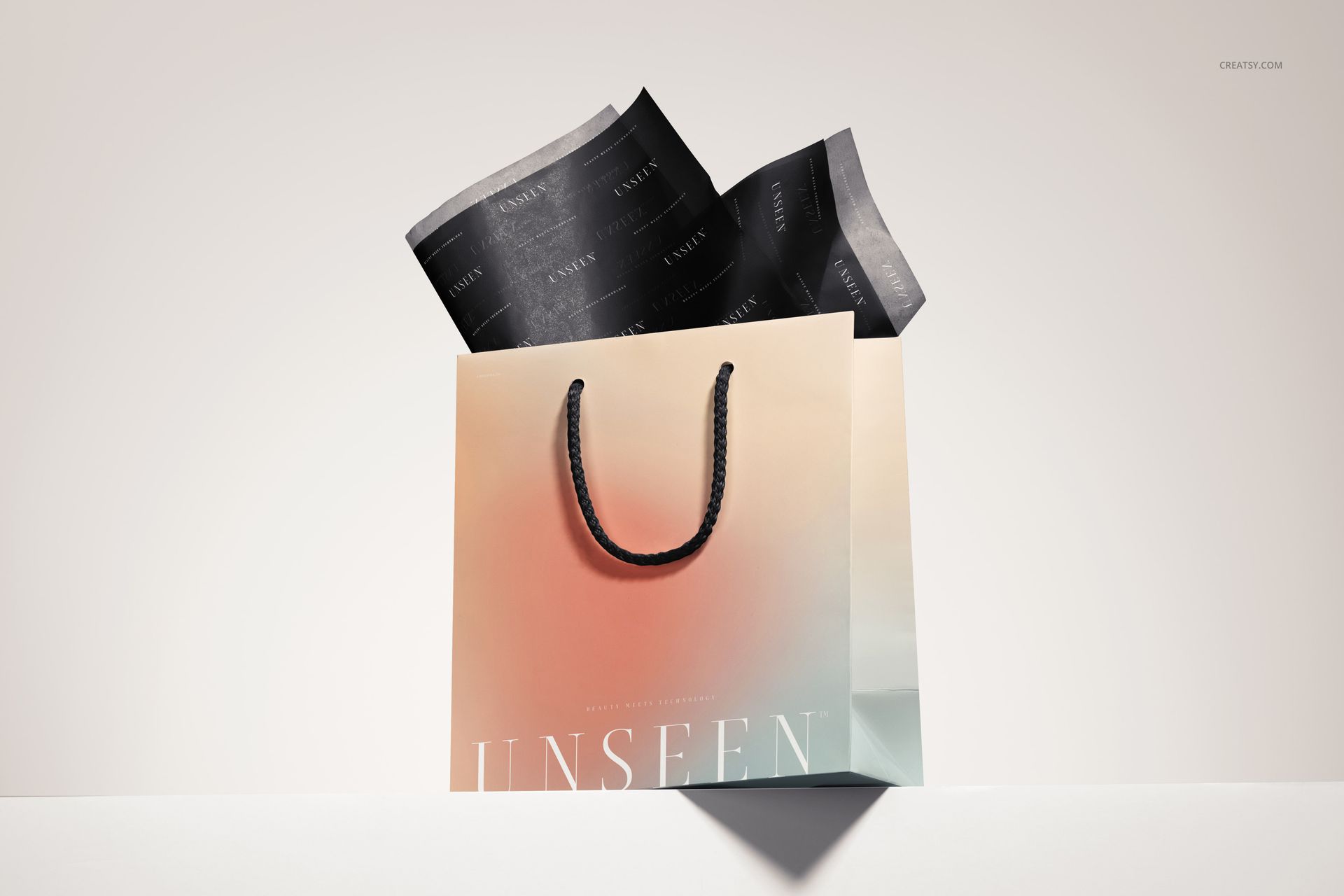
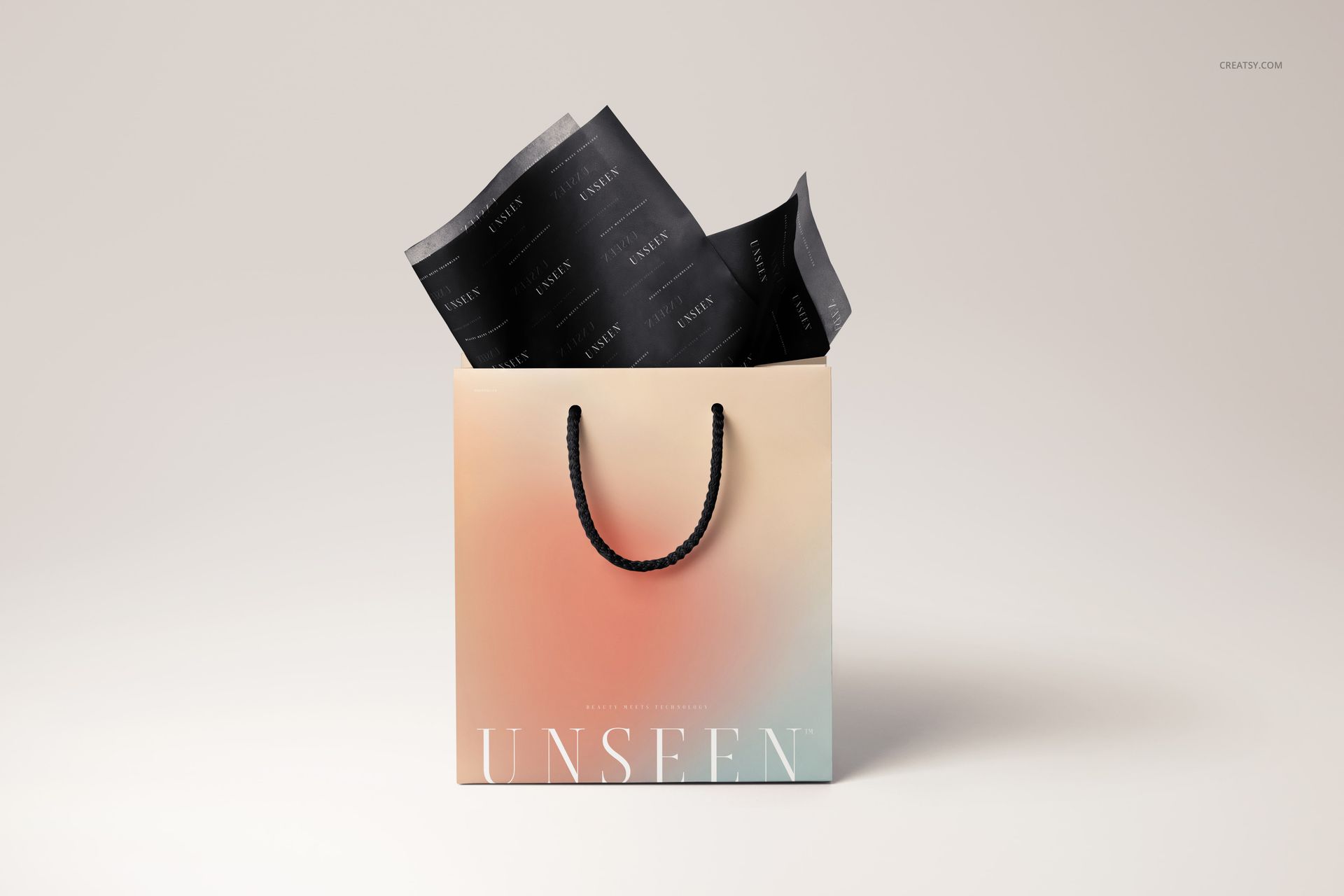
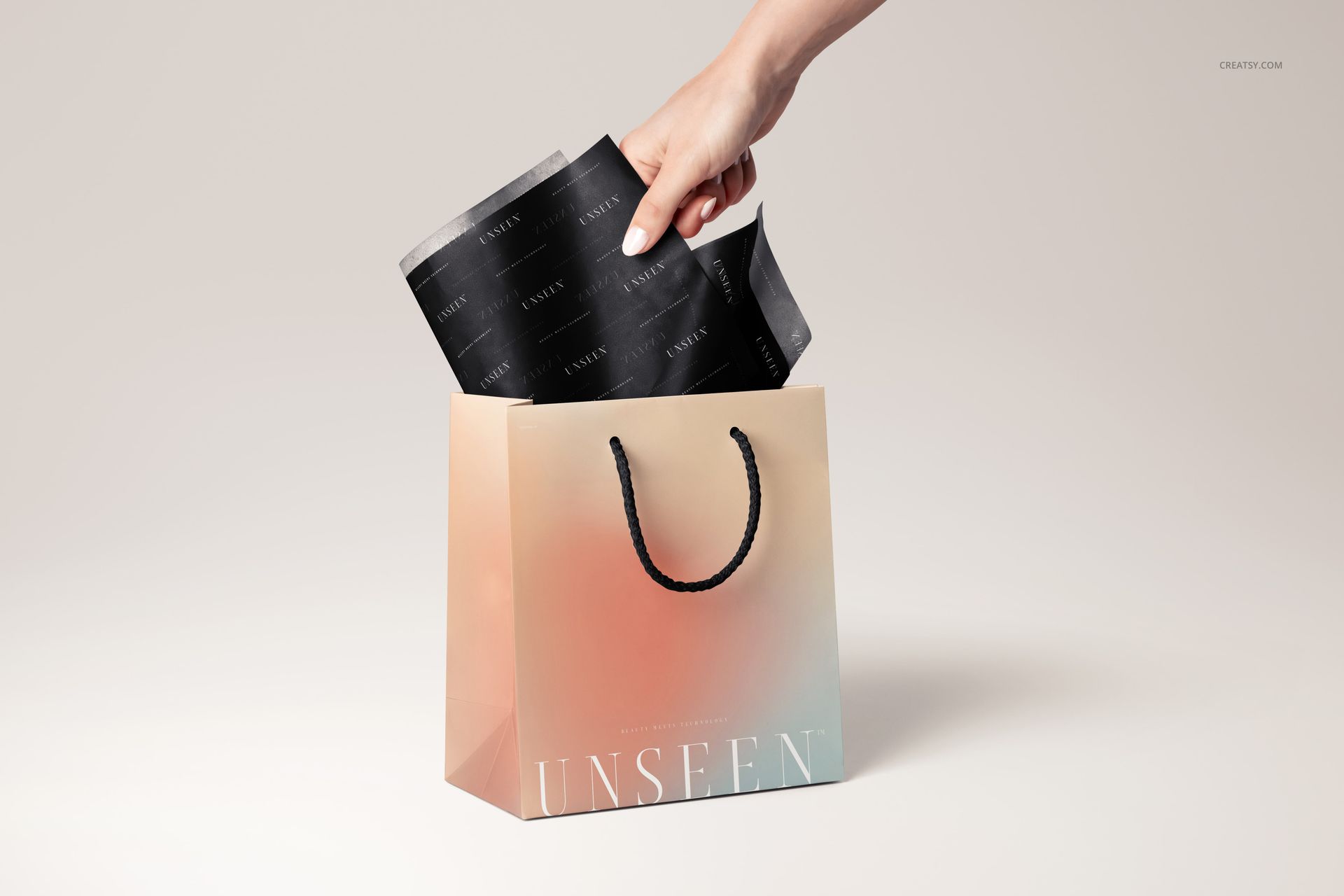
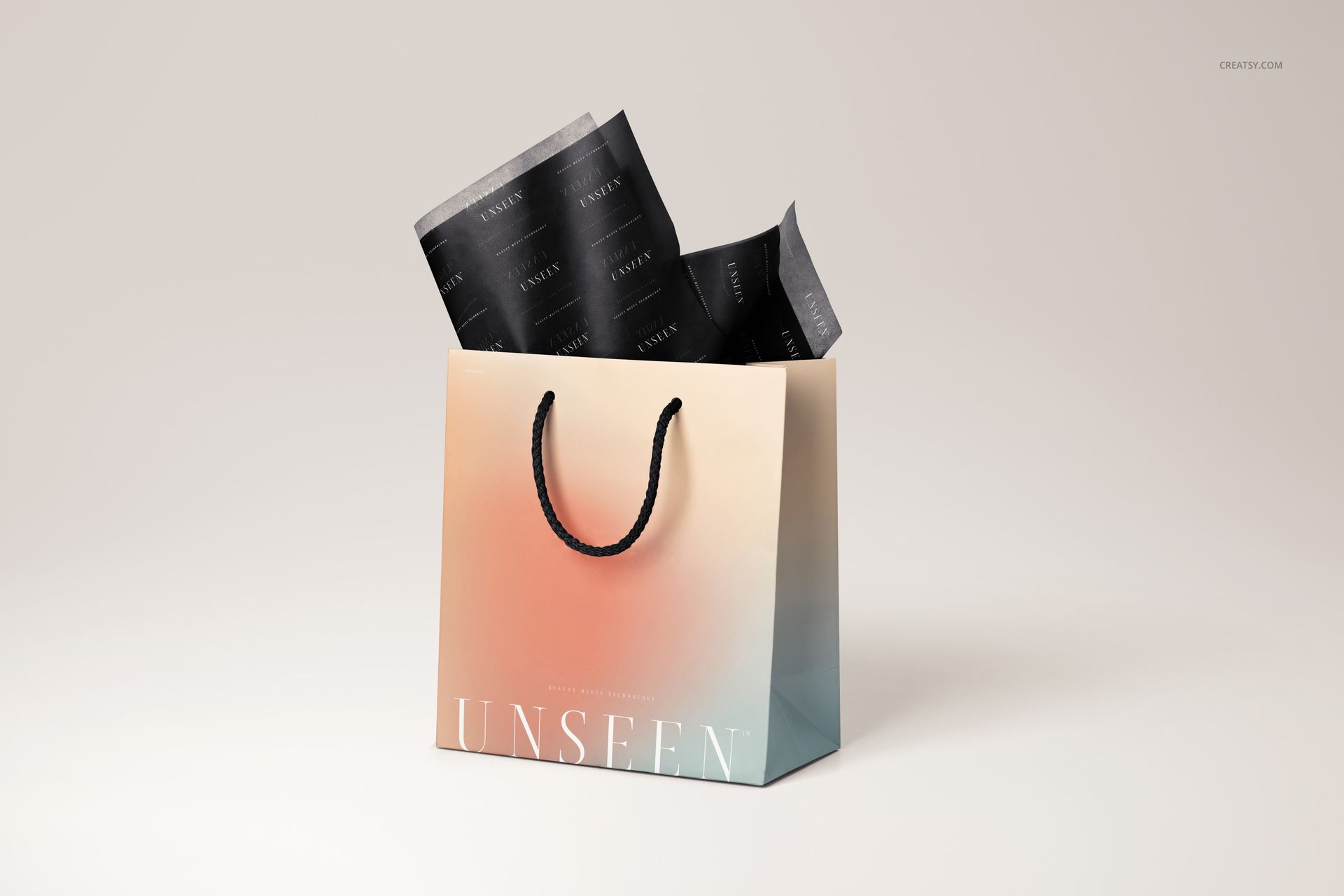
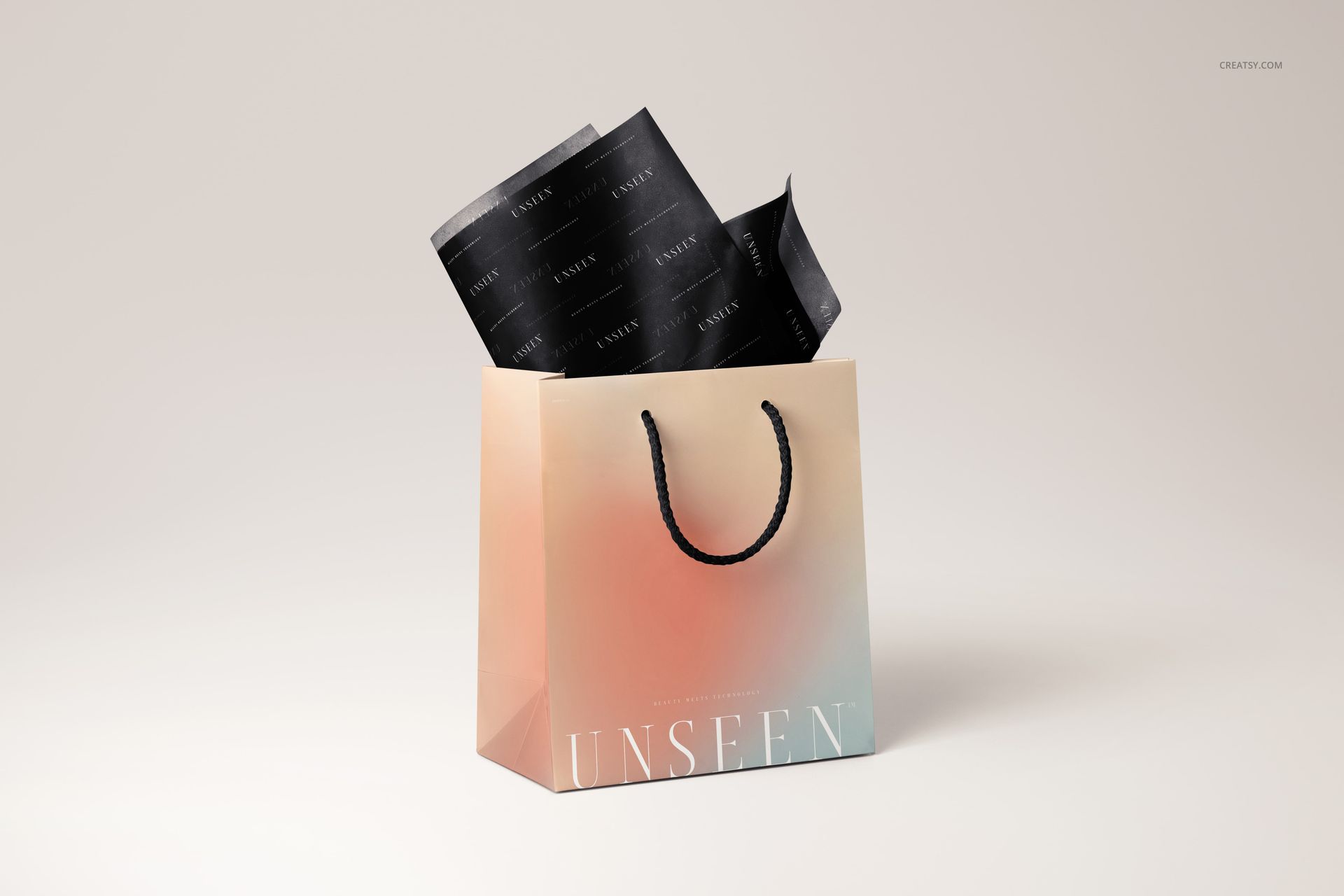
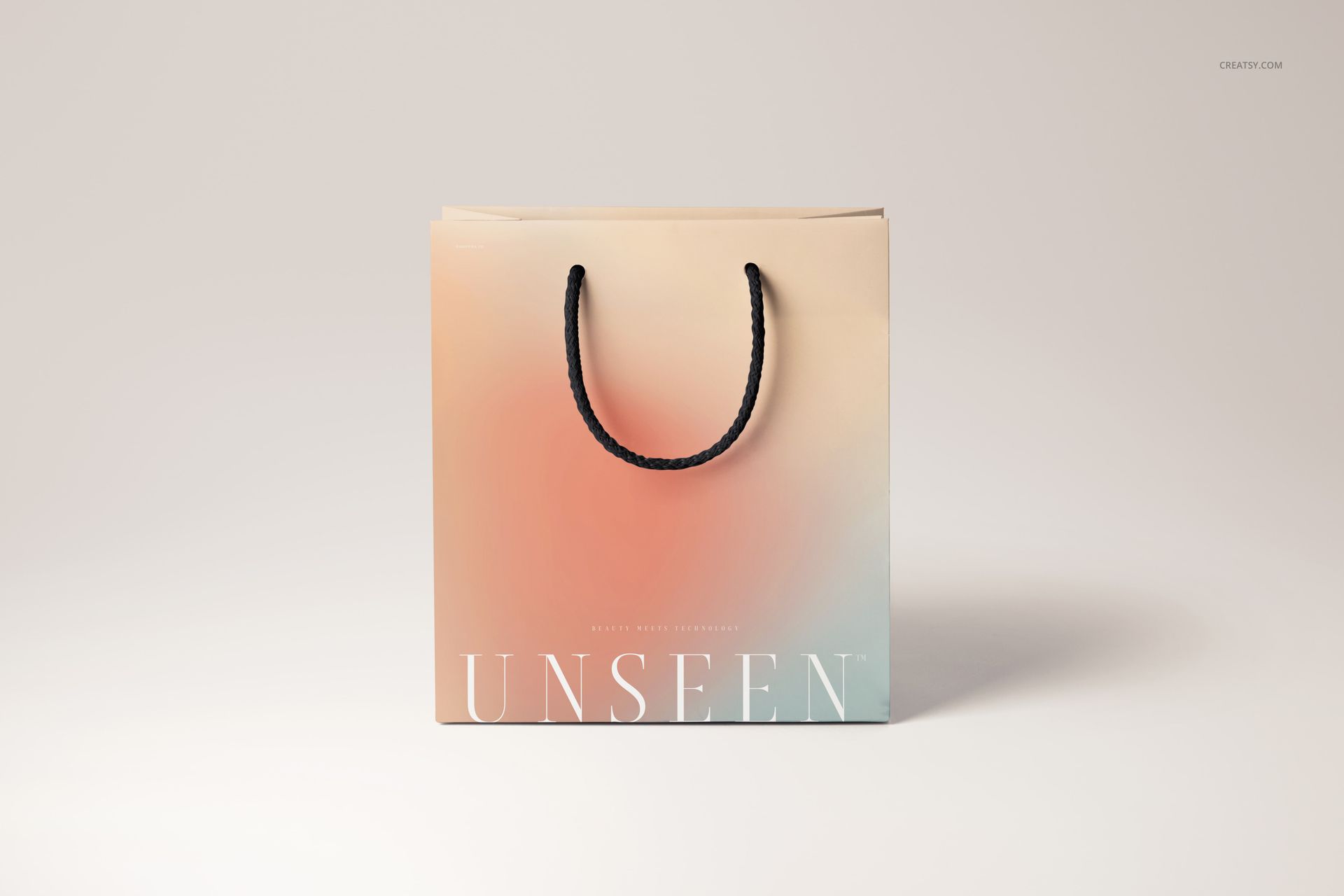
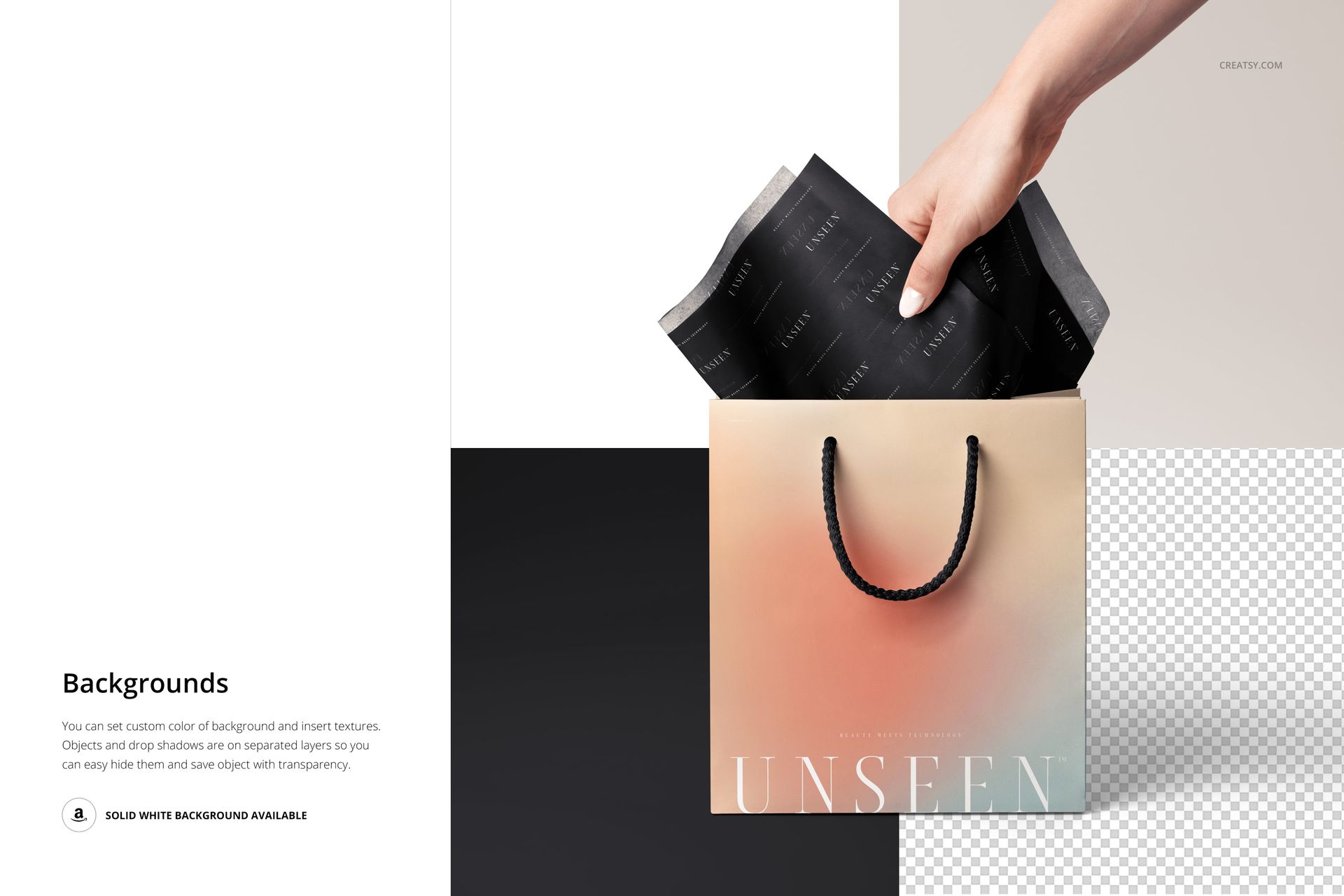
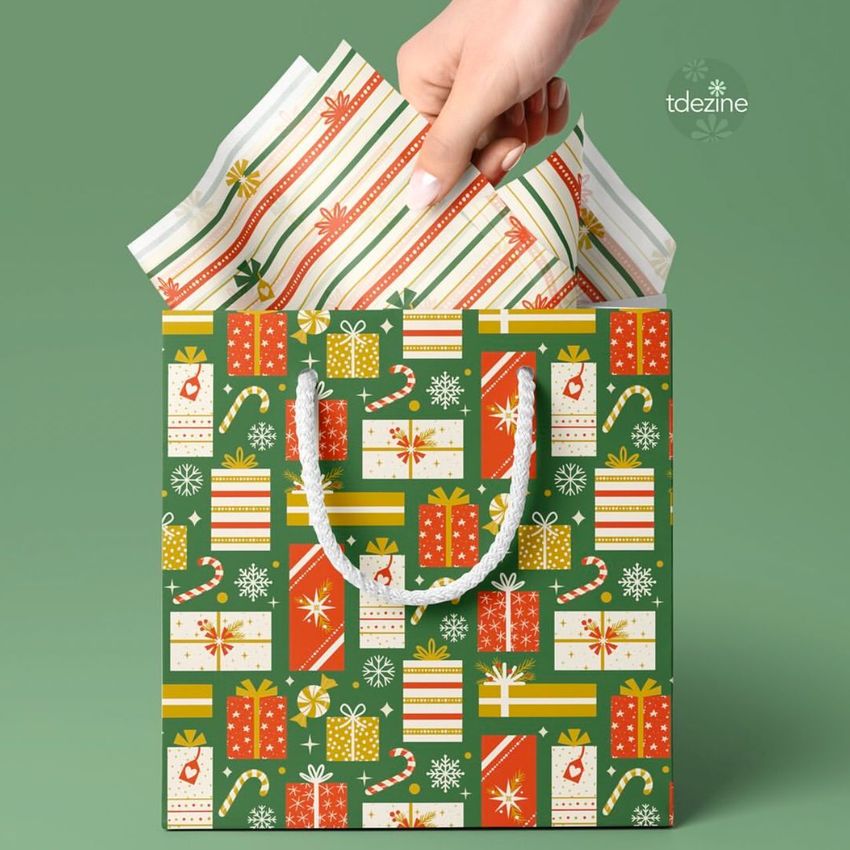
The bag carries the main message, while the tissue above its opening introduces a second layer of artwork. This collection presents a cord-handle paper gift bag across nine PSD views, including upright angles, a bag lying on its side, hand-and-tissue scenes, and a front view without visible tissue. It lets you show how the same packaging design reads before and during the finishing touches.
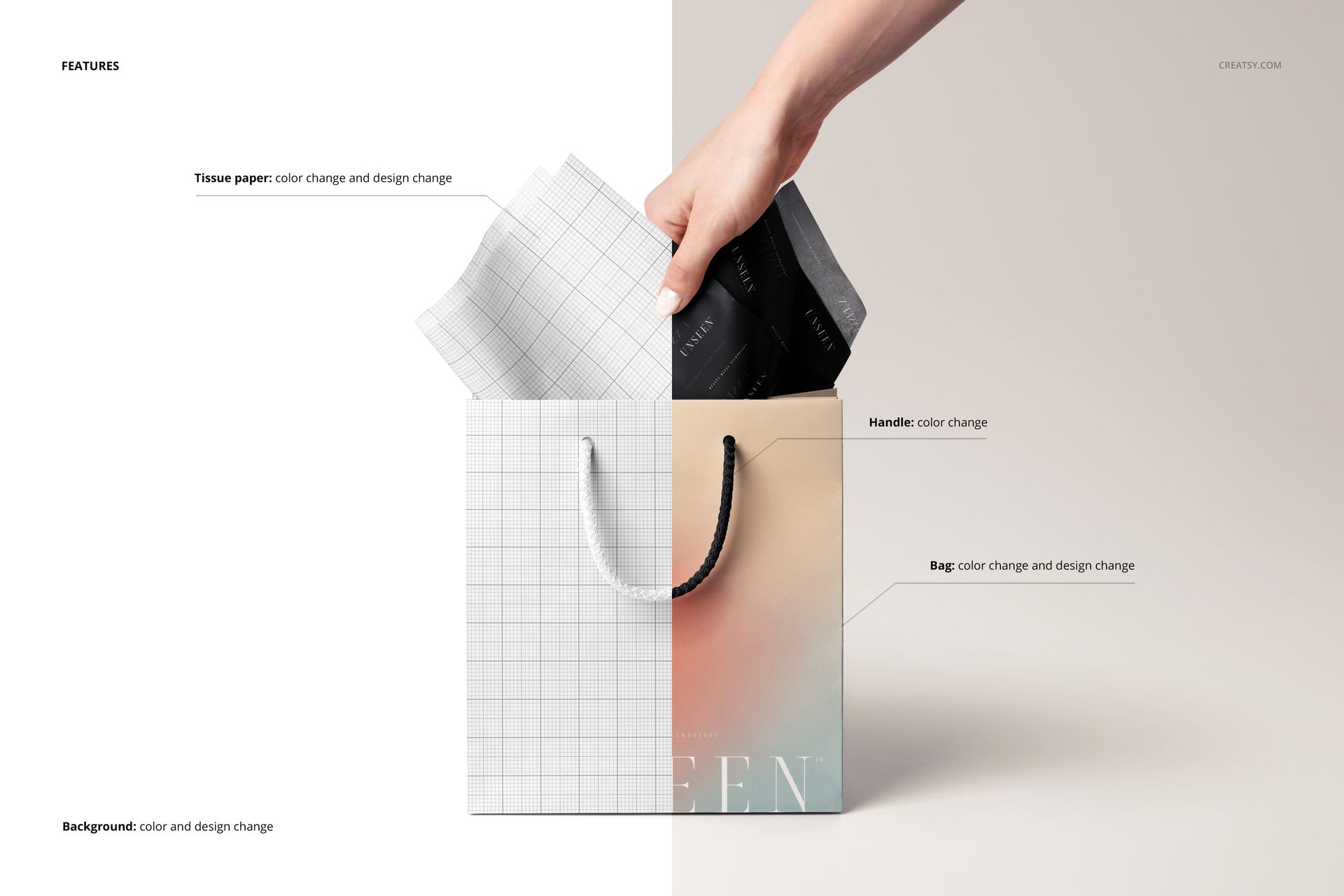
Use the broad bag front for a name or illustration, then explore a smaller repeat on the tissue. The folded edges, side gusset, handles, and overlapping sheets give you useful reference points when deciding which details need to remain visible in the finished presentation.
What Is Included
Nine layered PSD mockup files with different gift bag views.
Nine small JPG previews, bringing the download to 18 files.
Editable bag and tissue artwork and colors, handle color, and background color or design.
From a Finished Bag to the Wrapping Gesture
A standing view gives the bag design a clear introduction. The side-lying composition exposes more tissue, while the hand scenes draw attention to the wrapping gesture. Choose a short sequence to explain the relationship between both printed surfaces without showing every angle at once.
Easy Smart Object Editing
Work in Adobe Photoshop CC2020 or newer, or Photopea. Insert your artwork through Smart Objects, adjust the available color controls, and check each selected PSD. The background options include textures and solid white; separate object and drop-shadow layers also support transparent-background presentation.
Perfect For
Suitable for boutique packaging proposals, surface pattern portfolios, seasonal gift collections, and branded tissue presentations. This is a digital mockup product. No physical bag or tissue paper is supplied, and sample artwork is not included.