Wrapped Tissue Paper with Rectangular Sticker Mockup

Product Details
Wrapped Tissue Paper with Rectangular Sticker Mockup
The first branded moment inside a parcel often happens before the customer sees the product.
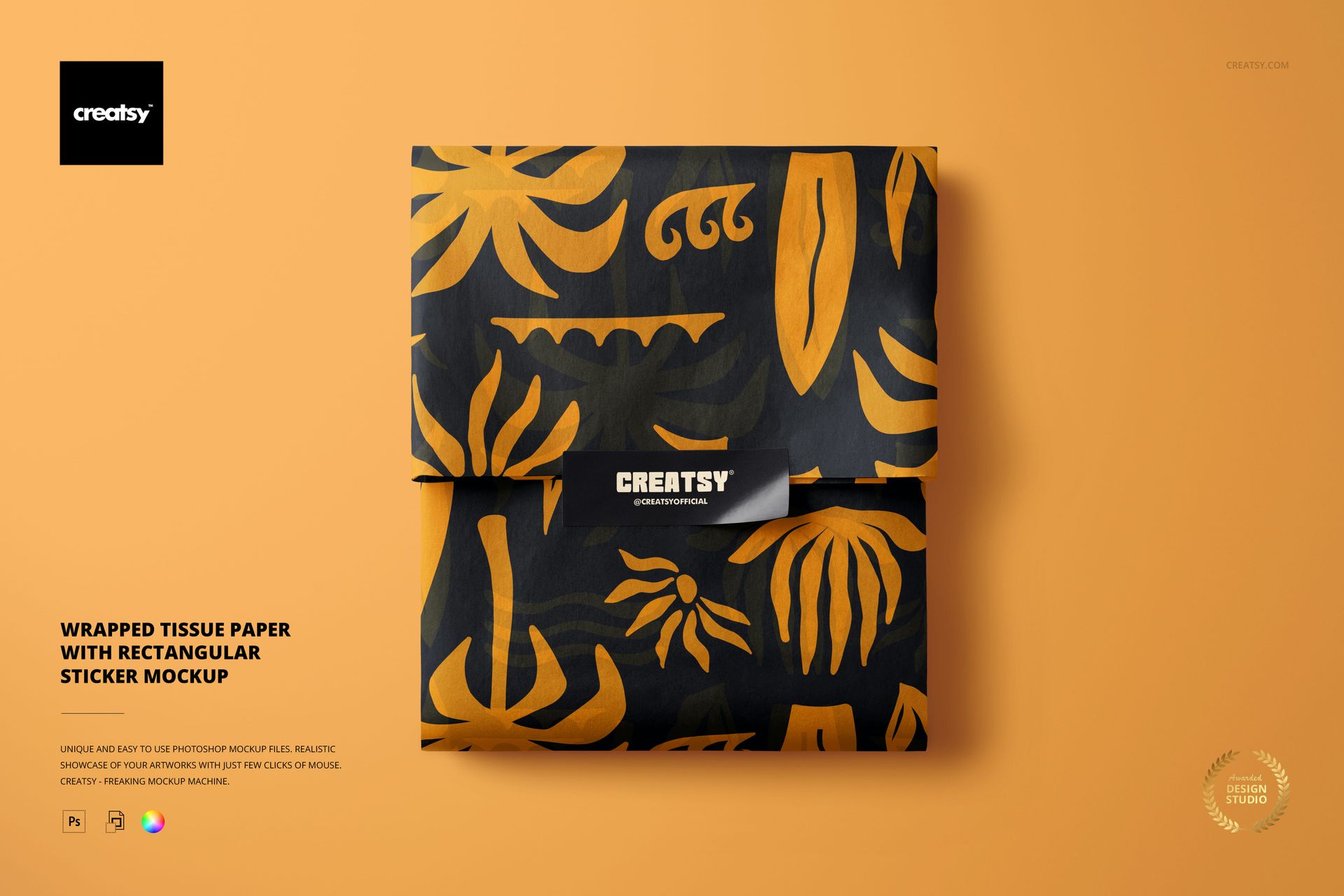
This Wrapped Tissue Paper with Rectangular Sticker Mockup helps you present that moment clearly. The top-view composition features a rectangular item wrapped in tissue paper and secured with a sticker, creating a polished visual for branded orders, boutique packaging and thoughtful unboxing experiences.
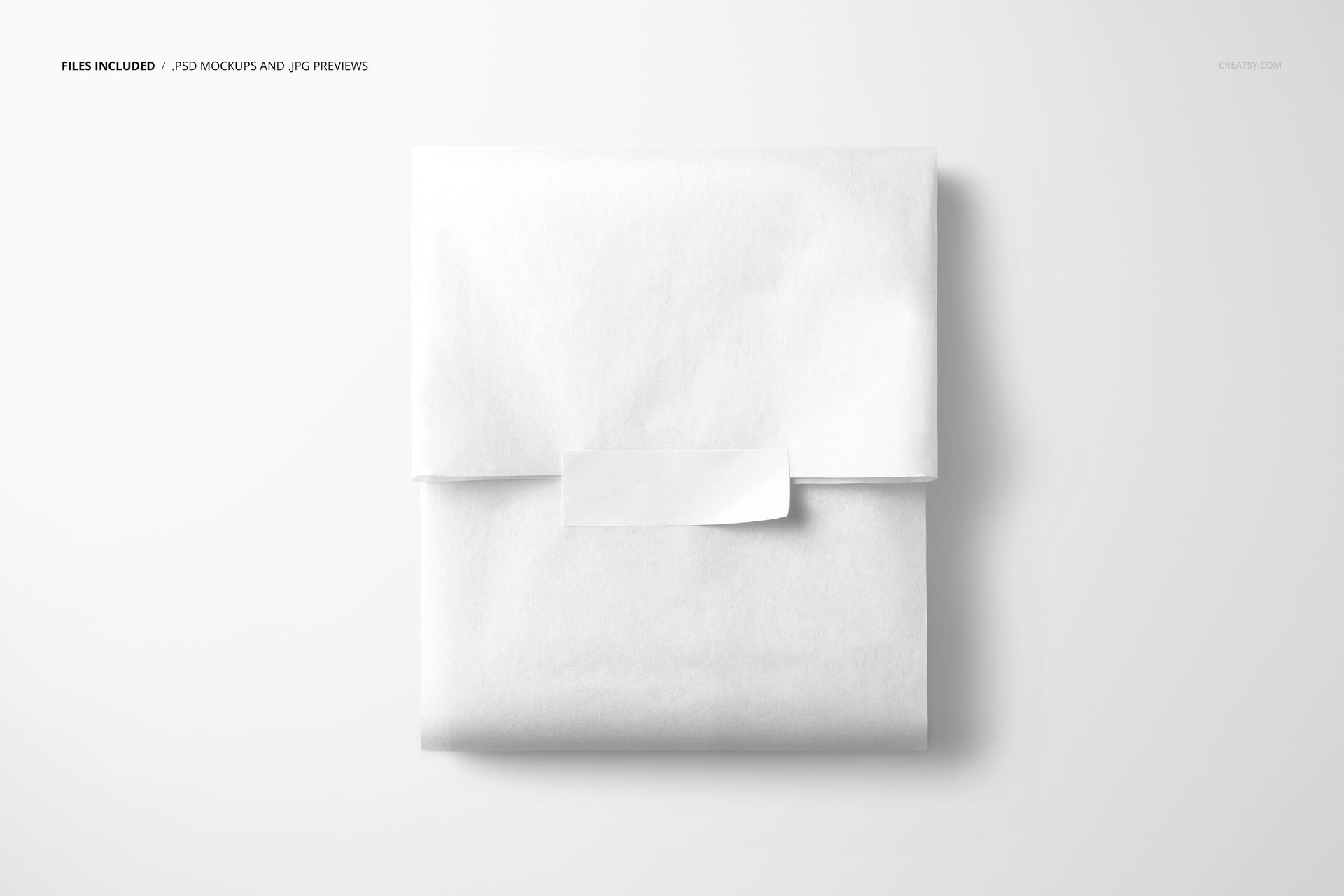
The preview gallery shows the scene with plain white tissue paper, a structured grid design and a dark botanical treatment with orange details. These variations demonstrate how the composition can support both minimal branding and expressive pattern-led packaging.
Make the Inside of the Package Feel Branded
Tissue paper is often treated as a practical layer between the shipping box and the product. With the right design, it can become a memorable part of the brand experience.
A custom pattern can build anticipation before the product is revealed. A rectangular sticker can add a logo, product name, short message or campaign detail. Together, they help even a simple order feel more considered.
Use this mockup to present packaging for:
Fashion and accessory boutiques
Bakeries and confectionery brands
Stationery and gift shops
Jewelry and handmade products
Beauty and skincare orders
Subscription boxes
Art prints and creative goods
Homeware and lifestyle products
Seasonal gift collections
Independent ecommerce brands
The clean top-view format keeps the packaging easy to understand and gives both the tissue wrap and sticker a clear role within the composition.
Two Brand Elements Working Together
Good packaging is rarely built from one element alone.
The tissue paper may carry the main visual language through a repeat pattern, illustration or brand color. The rectangular sticker can then provide a focal point with a logo, label or short message.
This mockup can help you review whether those two elements feel connected. Use it to compare:
Pattern scale across the wrapped parcel
Sticker size and visual weight
Logo placement
Contrast between the sticker and tissue paper
The relationship between primary and secondary colors
Whether the packaging feels minimal, playful or premium
How the order may look when opened by the customer
Instead of reviewing each item separately, you can see how the full packaging combination works as one branded moment.
Designed for Boutique Orders and Unboxing Content
Customers increasingly photograph and share the way products arrive. Tissue paper, stickers and inserts can become part of social media content, customer reviews and unboxing videos.
This scene gives you a professional way to preview that experience before ordering printed materials.
Use the finished image for:
Ecommerce packaging presentations
Online product launches
Instagram and Pinterest content
Client branding proposals
Packaging portfolio projects
Website graphics
Newsletter banners
Wholesale presentations
Seasonal campaigns
Custom packaging listings
Behance case studies
Order packing guides
The composition is detailed enough to feel realistic, but simple enough to remain useful across different product categories.
A Useful Mockup for Pattern Designers
The broad tissue paper surface makes this scene particularly helpful for repeat patterns and surface design.
You can use it to explore how a print behaves once the paper is folded around a rectangular item. This gives the artwork more practical context than a flat pattern tile or isolated sheet.
Try the mockup with:
Botanical repeats
Food and bakery illustrations
Geometric grids
Hand-drawn motifs
Seasonal patterns
Playful character designs
Minimal logo repeats
Abstract artwork
Luxury monograms
Typographic patterns
Holiday packaging graphics
Coordinated brand collections
The folds introduce natural interruptions in the design, helping you evaluate whether the artwork remains recognizable when used as real packaging.
Preview Packaging Before Printing
Custom tissue paper and stickers usually require minimum order quantities. A realistic preview can help you make better decisions before committing to production.
Use the mockup to test:
Several tissue paper colorways
Different repeat scales
Sticker shapes and artwork directions
Seasonal packaging variations
Logo-led and pattern-led concepts
Client packaging proposals
A new ecommerce order experience
It can also help clients understand the final result more quickly than a flat artwork file alone.
Simple Smart Object Workflow
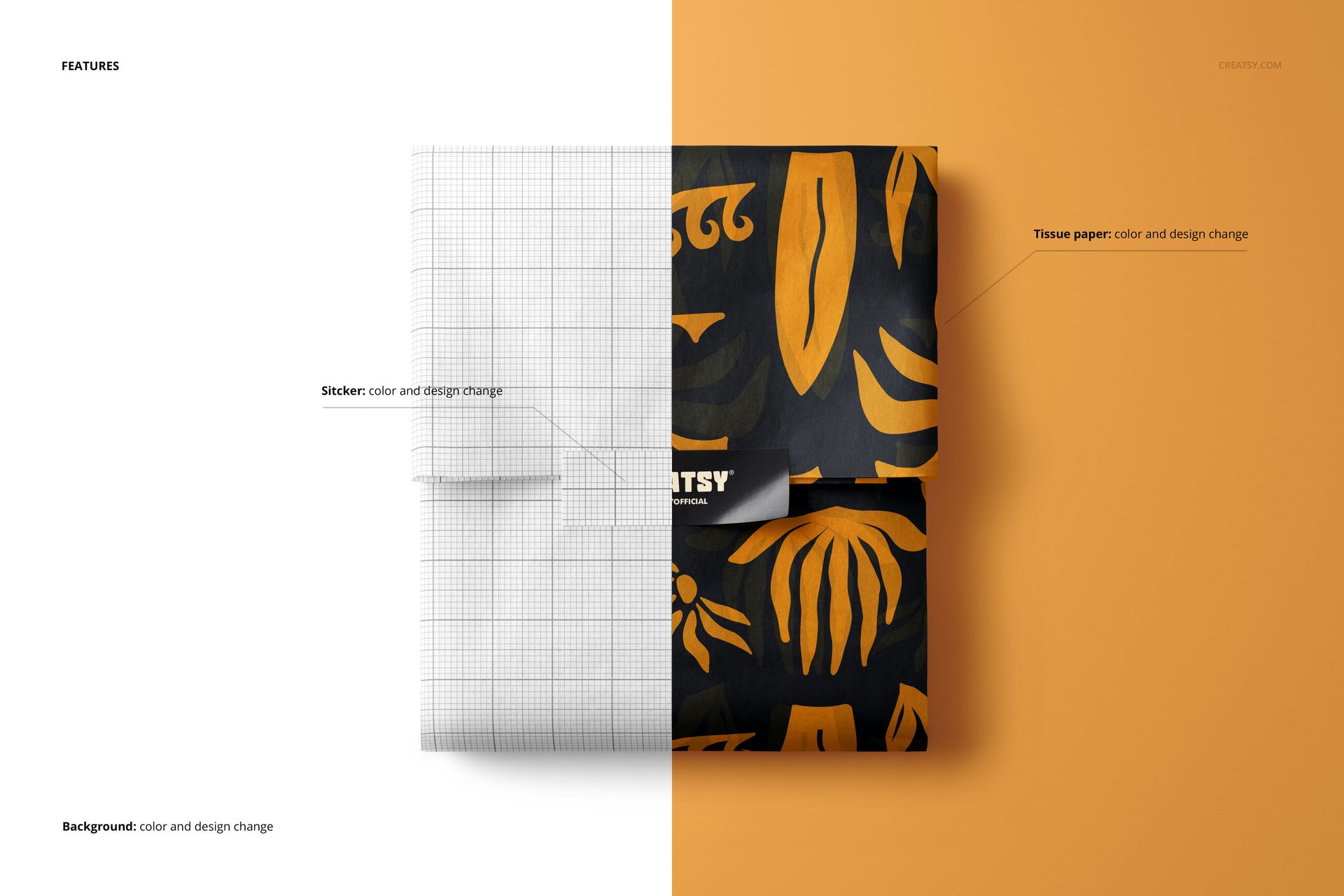
Open the PSD in Adobe Photoshop or Photopea, double-click the relevant Smart Object, add your artwork and save the file. The mockup updates the presentation while retaining the original folds, lighting, shadows and perspective.
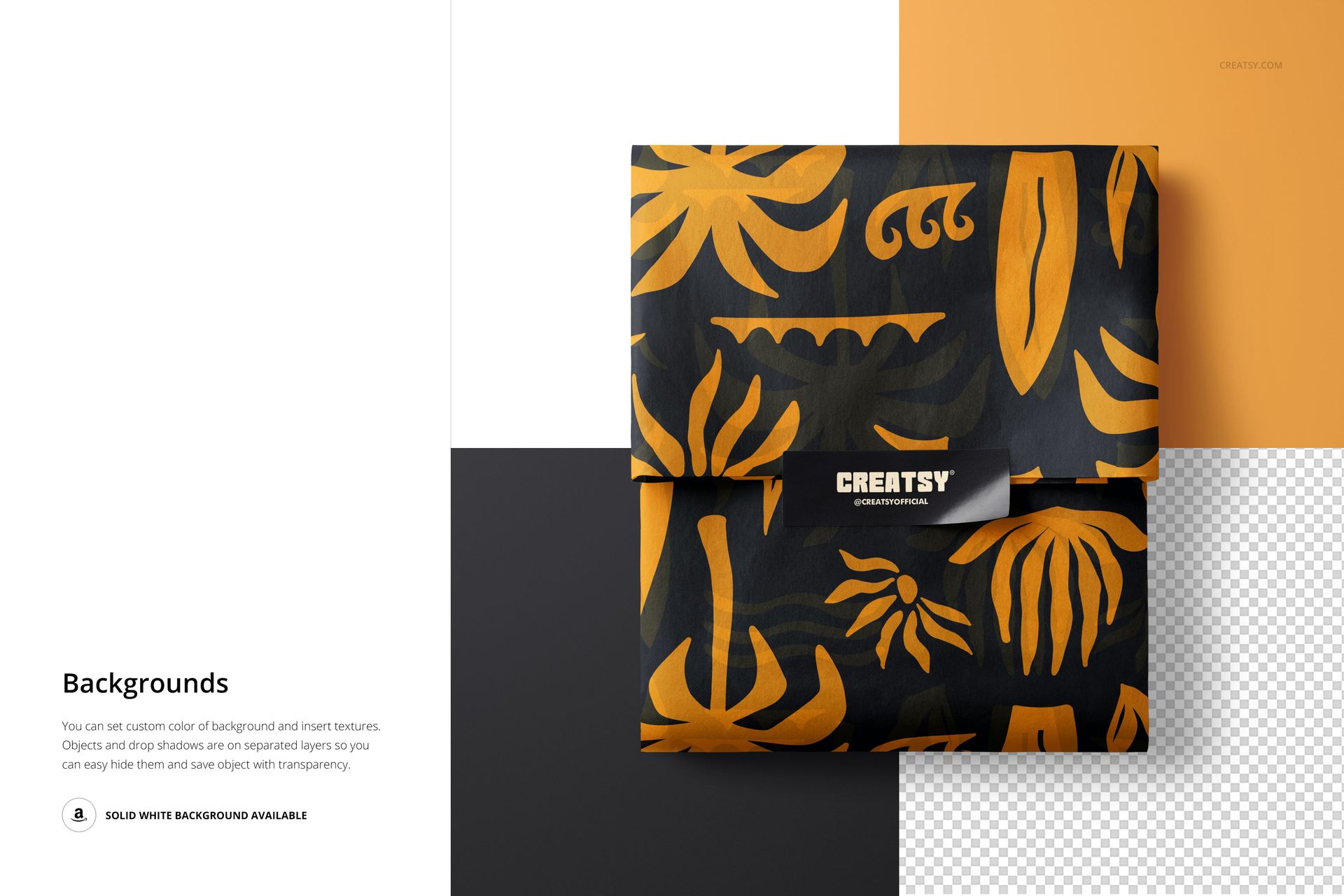
The page describes a Smart Object workflow with organized layers and folders, allowing artwork to be added without manually rebuilding the scene or warping the design by hand. Check the product screenshots for the exact editable options included in the file.
What You Can Showcase
Use this mockup to present:
Custom tissue paper patterns
Rectangular packaging stickers
Logo sticker concepts
Wrapped ecommerce orders
Boutique product packaging
Bakery and food wrapping
Gift shop packaging
Subscription box presentation
Seasonal tissue paper collections
Handmade business branding
Retail unboxing concepts
Surface pattern designs
Client packaging proposals
Online shop visuals
Packaging portfolio work
File Specifications
Pack includes 1 PSD file
2 files included in total
File formats: PSD and JPG
PSD dimensions: 6000x4000 px
Resolution: 300 DPI
Compatible with Adobe Photoshop CC2020 or newer
Compatible with Photopea
Smart Object workflow
Well organized layers
Package size listed as approximately 277 MB for Windows and 291 MB for macOS
File details
- Compatibility
- Package size
- 277 MB
|291 MB
- Files type
- .psd, .jpg
- Files size
- 6000x4000


Made with Creatsy
Real designs. Real customers. See how creatives use Creatsy mockups to turn their artwork, branding, and product ideas into polished visuals.
MEET THE SHOP
- $1615$19.00
- $1870$22.00
- $1615$19.00
- $2125$25.00

HOW IT WORKS
3 clicks. That's it.
No tutorial needed. If you can copy-paste, you can use this.
- 1OpenDouble-click the smart object inside the PSD - in Adobe Photoshop, or free in your browser with Photopea.
- 2PasteDrop in your pattern, print, or artwork. Any design, any style.
- 3SaveHit save and the mockup wraps it in for you - shadows, folds, and lighting included.
FROM IDEA TO IMAGE
Built for real workflows
Get the label signed off before the print run Wrap your design onto the box, pouch, or bottle and show the client exactly what ships.
See it on the product, not a swatch Drop your file into the smart object and the scene's lighting and folds wrap around it, so you judge the real thing before you commit.
Smart Objects
Edit once and you're done. Your artwork drops into a smart object and the mockup updates itself - no masking, no warping by hand.
Perfectly Organized
Named layers and folders you can actually navigate. Find what you need, change what you want, and get out fast.
Print-Ready
High-resolution files built to hold up on screen and in print. Exact size and DPI are in this product's Details above.