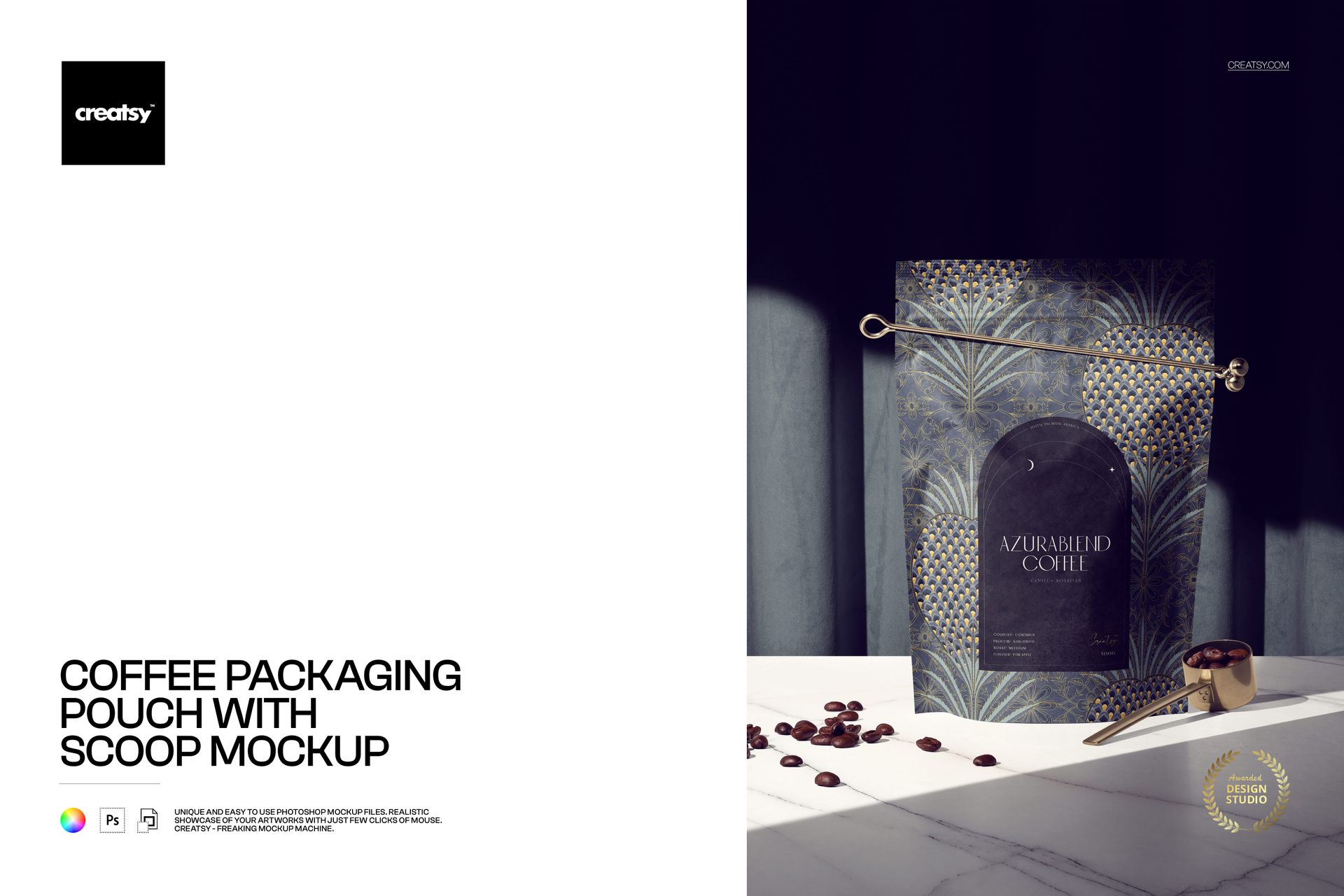
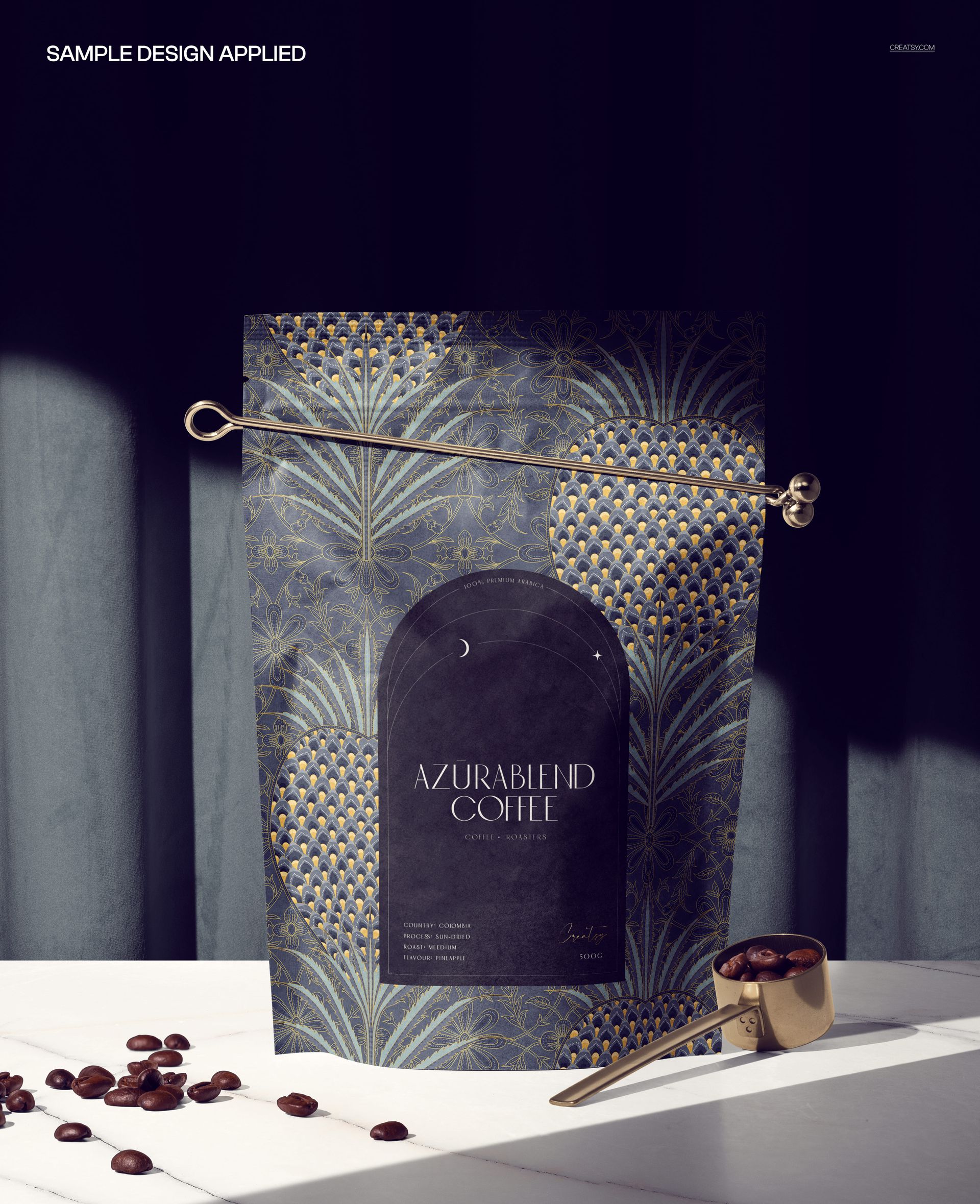
Brew a rich, premium look for your brand with this free Coffee Packaging Pouch with Scoop Mockup. Place your artwork into the Smart Object to see it printed on a standing coffee pouch styled with a metal scoop, scattered beans, and dramatic curtain shadows. Customize the pouch design, curtain and floor tones, plus scoop and clip colors, then export café-ready visuals for branding decks, ecommerce, or social media – all free for commercial use (see license for details).
Highlights
Format: 1× PSD, 6000×4000 px, 300 dpi
Workflow: Smart Objects; well-organized layers
Apps: Photoshop (min. CC 2020) + Photopea (free online editor)
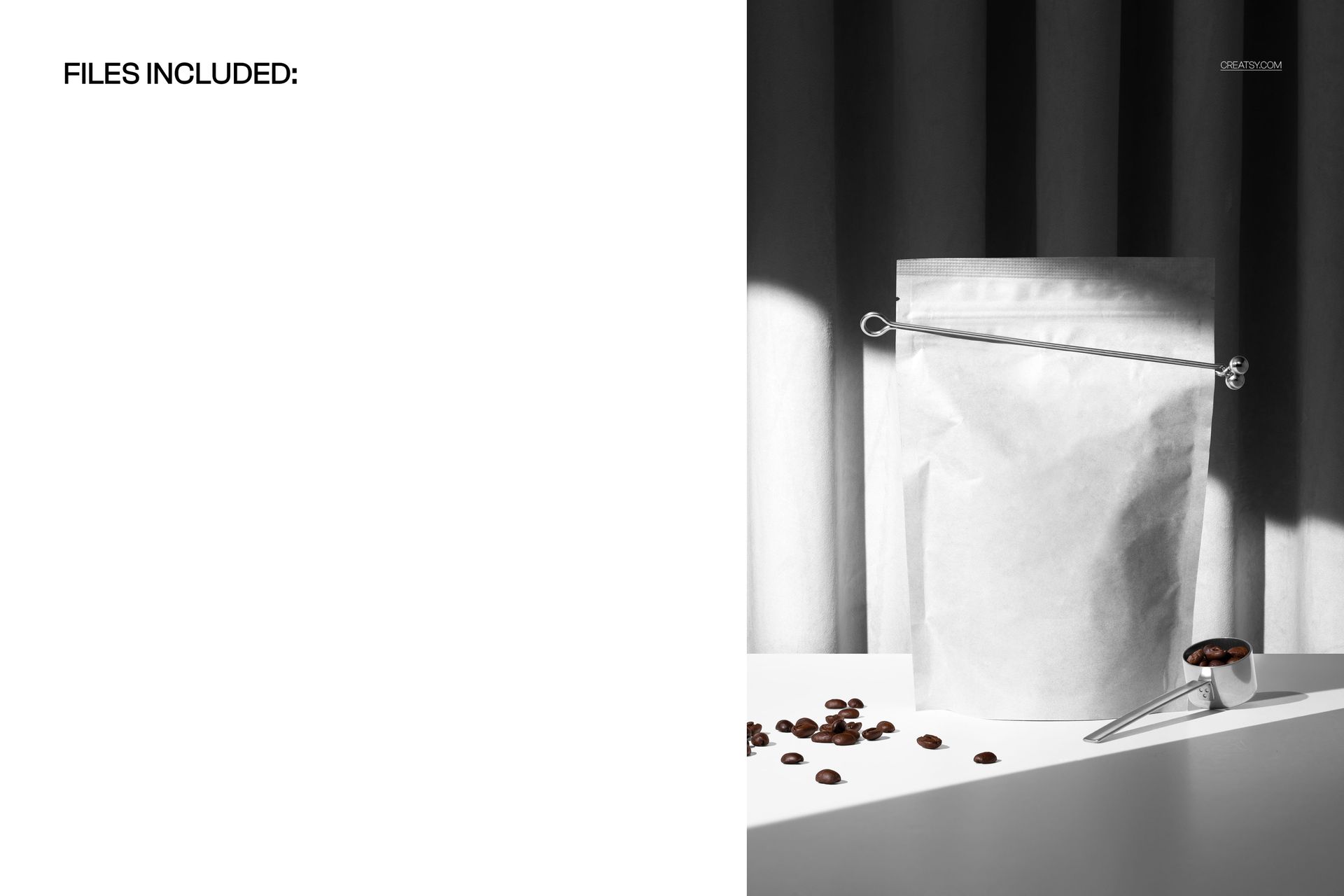
Scene: Coffee pouch with metal scoop and beans on a stylized floor in front of draped curtains
Use cases: coffee & tea brands, specialty roasters, gourmet food packaging, ecommerce listings, campaign visuals
License: free for personal & commercial use (see terms)
What’s inside / Specs
Files: 1× PSD (+ JPG preview)
Canvas: 6000×4000 px, 300 dpi
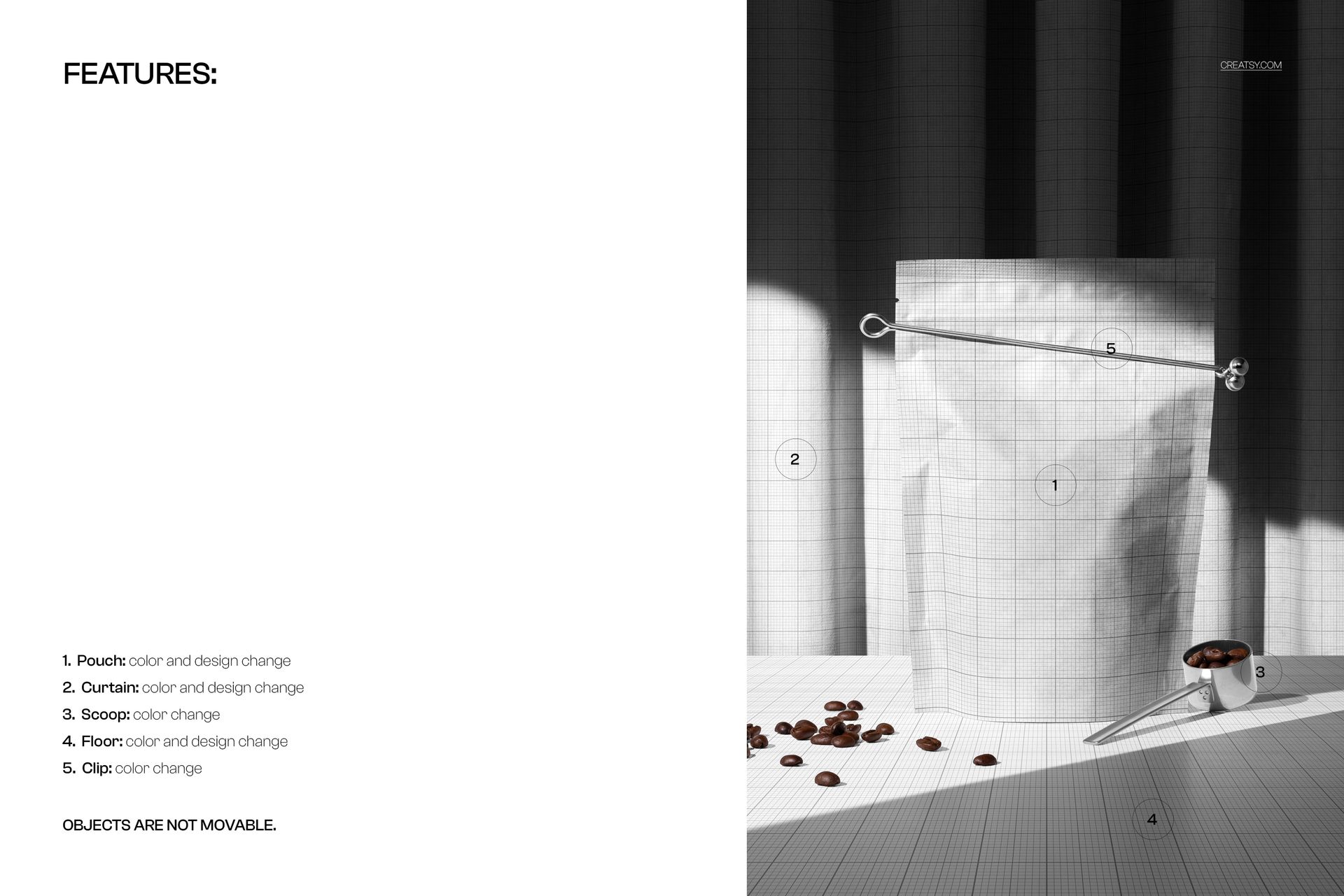
Editable elements: Pouch design (via Smart Object); pouch base color; curtain color & design; floor color & design; scoop color; clip color
Fixed elements: object positions (pouch, scoop, beans, clip are not movable)
Effects & details: realistic pouch folds, soft spotlight, long shadows, metal reflections, and coffee beans
Compatibility: Photoshop CC 2020 or newer; works in Photopea
Approx. size: ~283–297 MB (archive may vary by compression)
How-to (Photoshop & Photopea)
Open the PSD in Photoshop (CC2020+) or Photopea.
Double-click the pouch Smart Object, paste your design, save, and return to the main file.
Adjust color layers for the pouch, curtain, floor, scoop, and clip to match your branding.
Fine-tune overall contrast and light/shadow layers if needed.
Export high-resolution JPG/PNG/WebP for web, print, or client presentations.
License & usage
Free for personal & commercial use (for 1 business, up to 5,000 end products). Source files may not be resold, shared, or redistributed in any form. See the full license on the product page – check the “Freebie” row for complete details.