Penny Skateboard Wheels Mockup Set

Product Details
Penny Skateboard Wheels Mockup Set
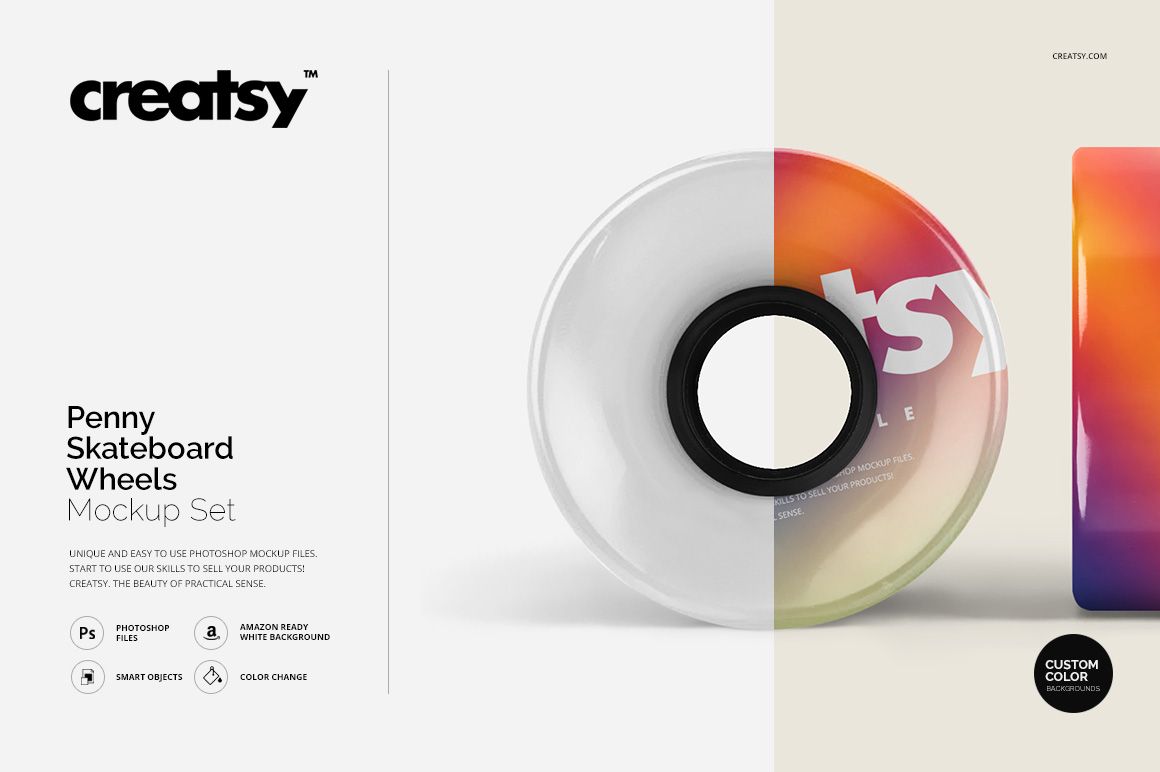
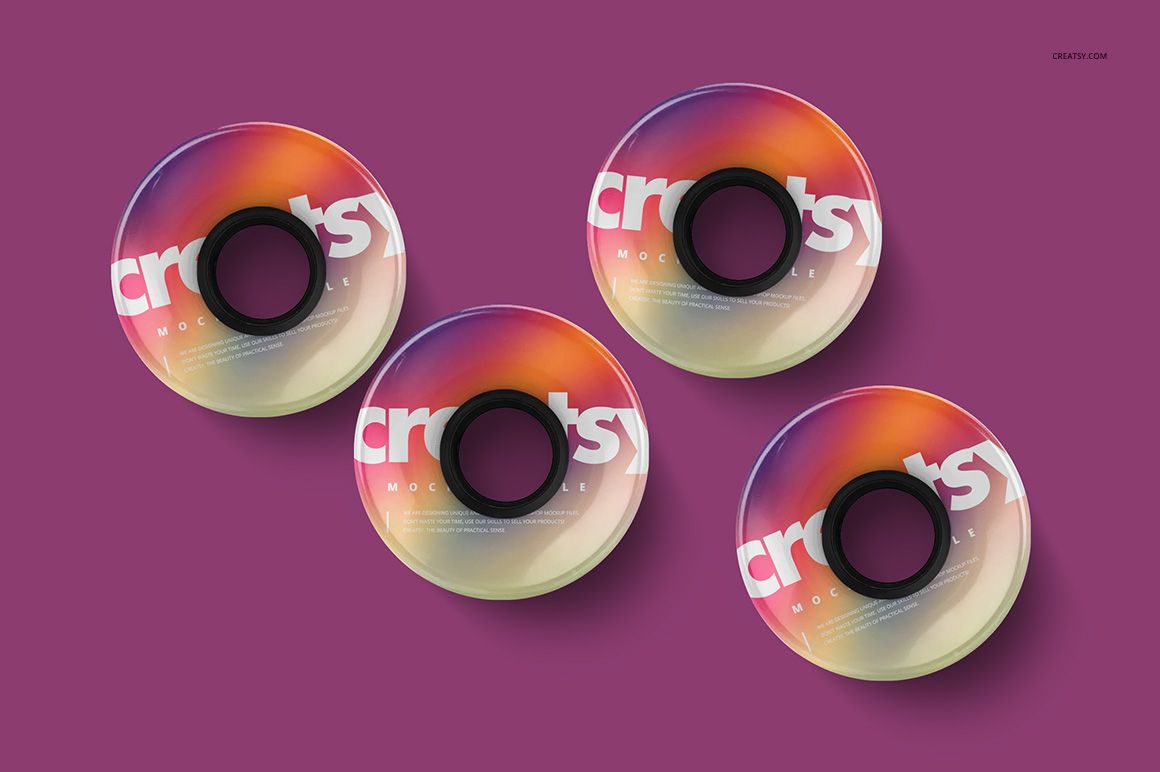
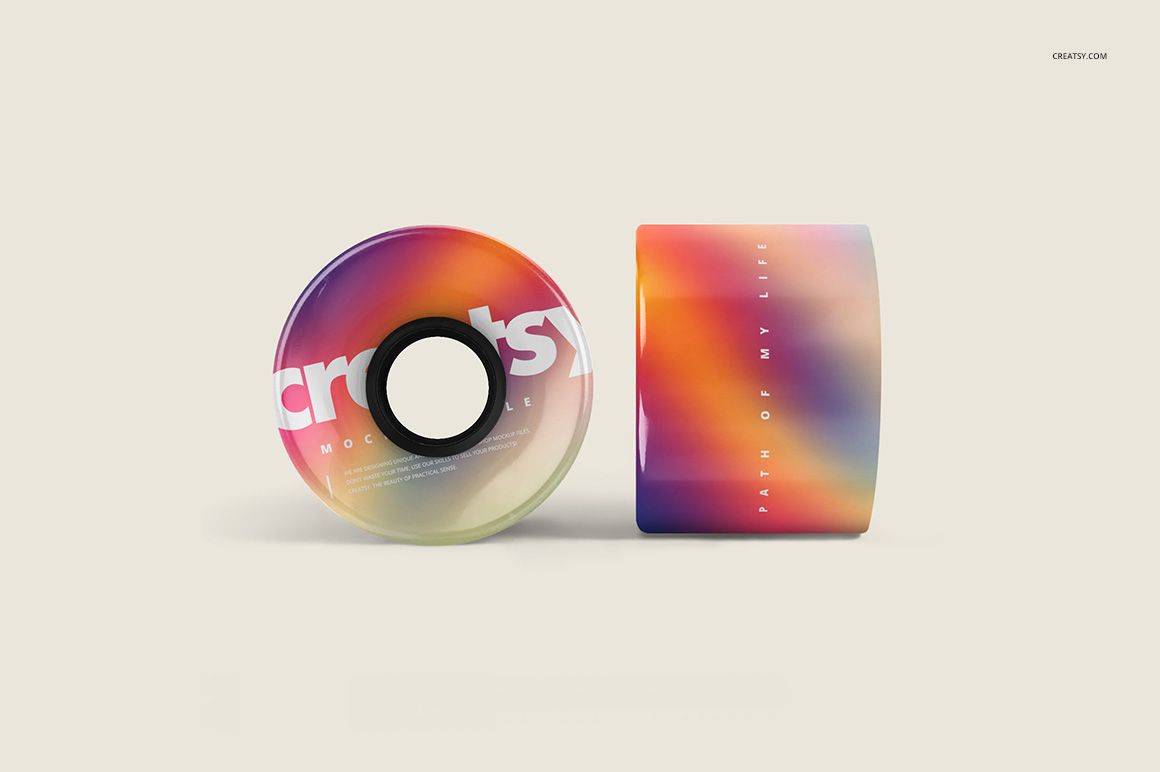
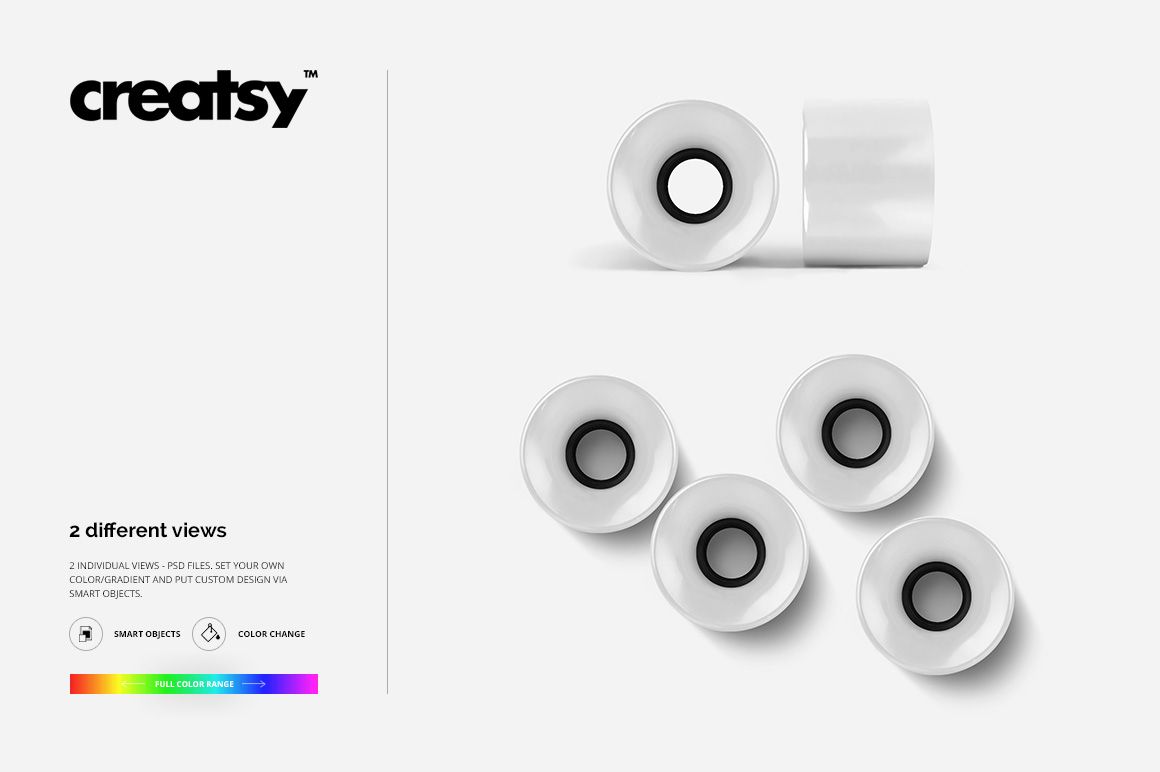
Show colorful skateboard wheel graphics in three layered portrait PSD scenes. Top, front, side, and grouped wheel arrangements help present tread artwork, sidewall color, hub details, gradients, and coordinated wheel sets.
What Is Included
3 layered PSD mockup files at 1800 × 2500 px and 300 DPI
2 JPG preview images
1 TIF guide at 1000 × 1414 px
6 files in total
Wheel Views and Grouped Arrangements
The scenes include a top view of four wheels, mixed front and side angles, and a clean grouped presentation. Use them to compare sidewall graphics, hub colors, gradients, repeated motifs, or several coordinated colorways.
Editable Artwork and Colors
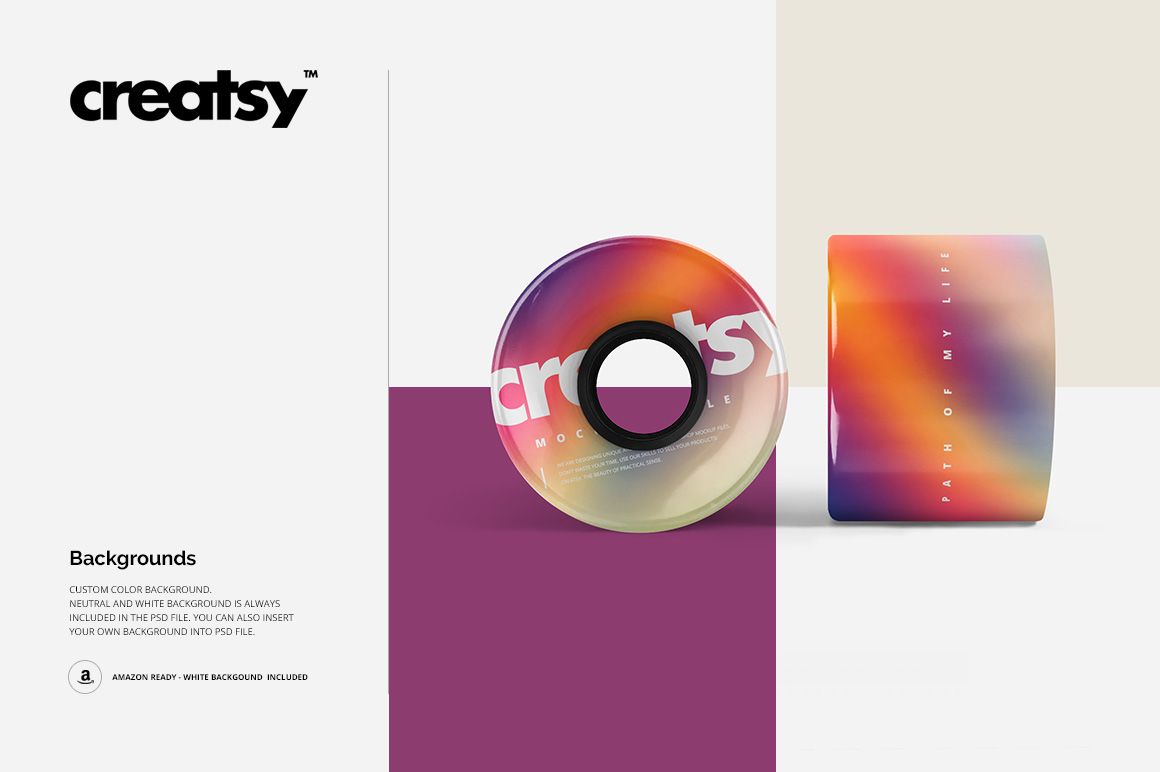
Apply artwork through Smart Objects, change wheel colors, use custom backgrounds, and manage objects and shadows on separate layers. The files work in Adobe Photoshop CS4 or newer and in Photopea through the current Creatsy workflow.
Perfect For
Skateboard hardware and accessory brands
Wheel graphics and product designers
Skate shops, teams, and event branding
Ecommerce images, approvals, and portfolios
Digital product: No physical skateboard wheels are included. Preview graphics and patterns are not included.
File details
- Compatibility
- Package size
- 38.3 MB
|40.2 MB
- Files type
- .psd, .jpg
- Files size
- 1800x2500


MEET THE SHOP
- $1615$19.00
- $1615$19.00
- $2890$34.00

HOW IT WORKS
3 clicks. That's it.
No tutorial needed. If you can copy-paste, you can use this.
- 1OpenDouble-click the smart object inside the PSD - in Adobe Photoshop, or free in your browser with Photopea.
- 2PasteDrop in your pattern, print, or artwork. Any design, any style.
- 3SaveHit save and the mockup wraps it in for you - shadows, folds, and lighting included.
FROM IDEA TO IMAGE
Built for real workflows
Skip the photo shoot Show your artwork on the real product type for approvals or listings - no studio, no model, no sample.
See it on the product, not a swatch Drop your file into the smart object and the scene's lighting and folds wrap around it, so you judge the real thing before you commit.
Smart Objects
Edit once and you're done. Your artwork drops into a smart object and the mockup updates itself - no masking, no warping by hand.
Perfectly Organized
Named layers and folders you can actually navigate. Find what you need, change what you want, and get out fast.
Print-Ready
High-resolution files built to hold up on screen and in print. Exact size and DPI are in this product's Details above.