Paper Bag Mockup Set (outdoor)
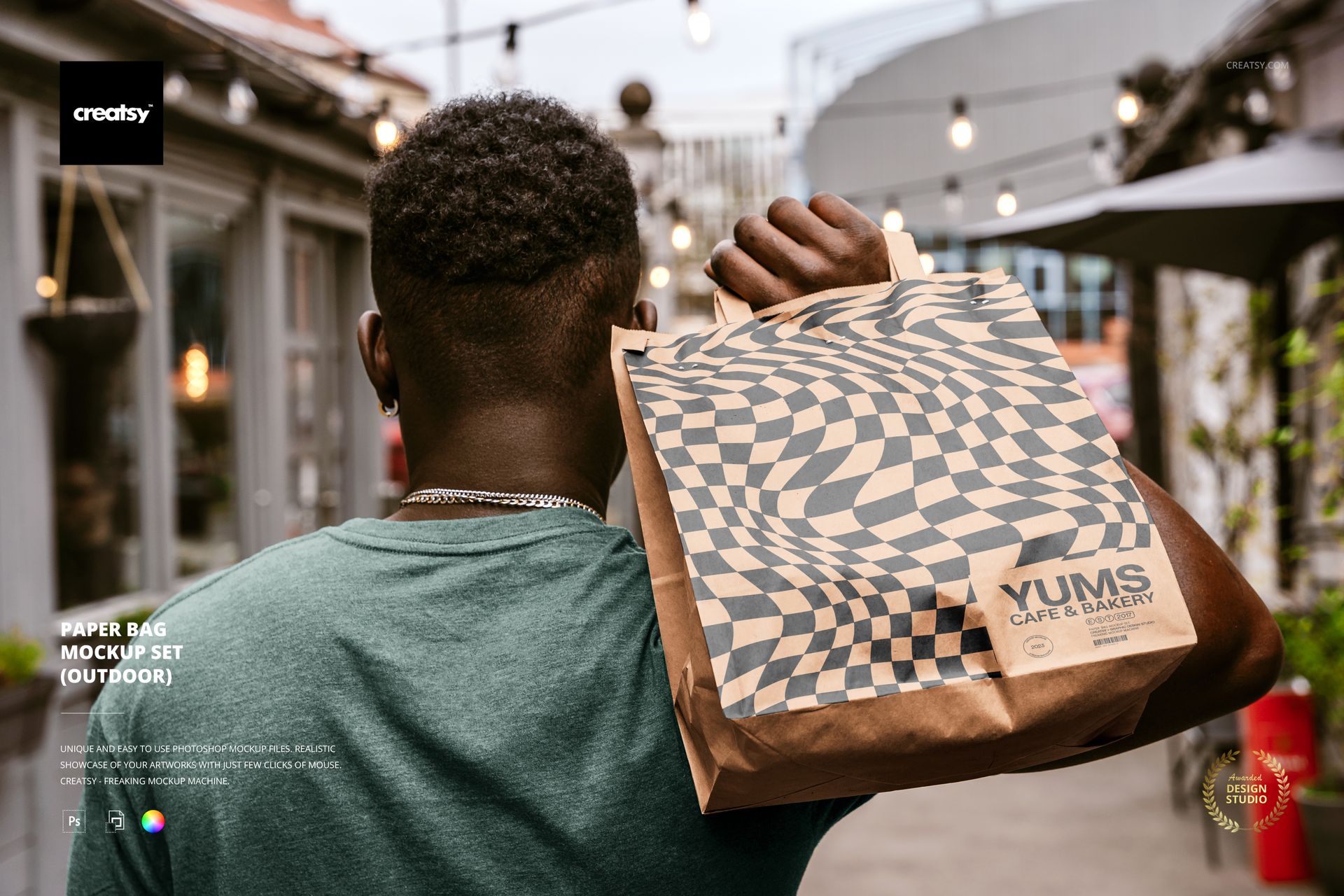
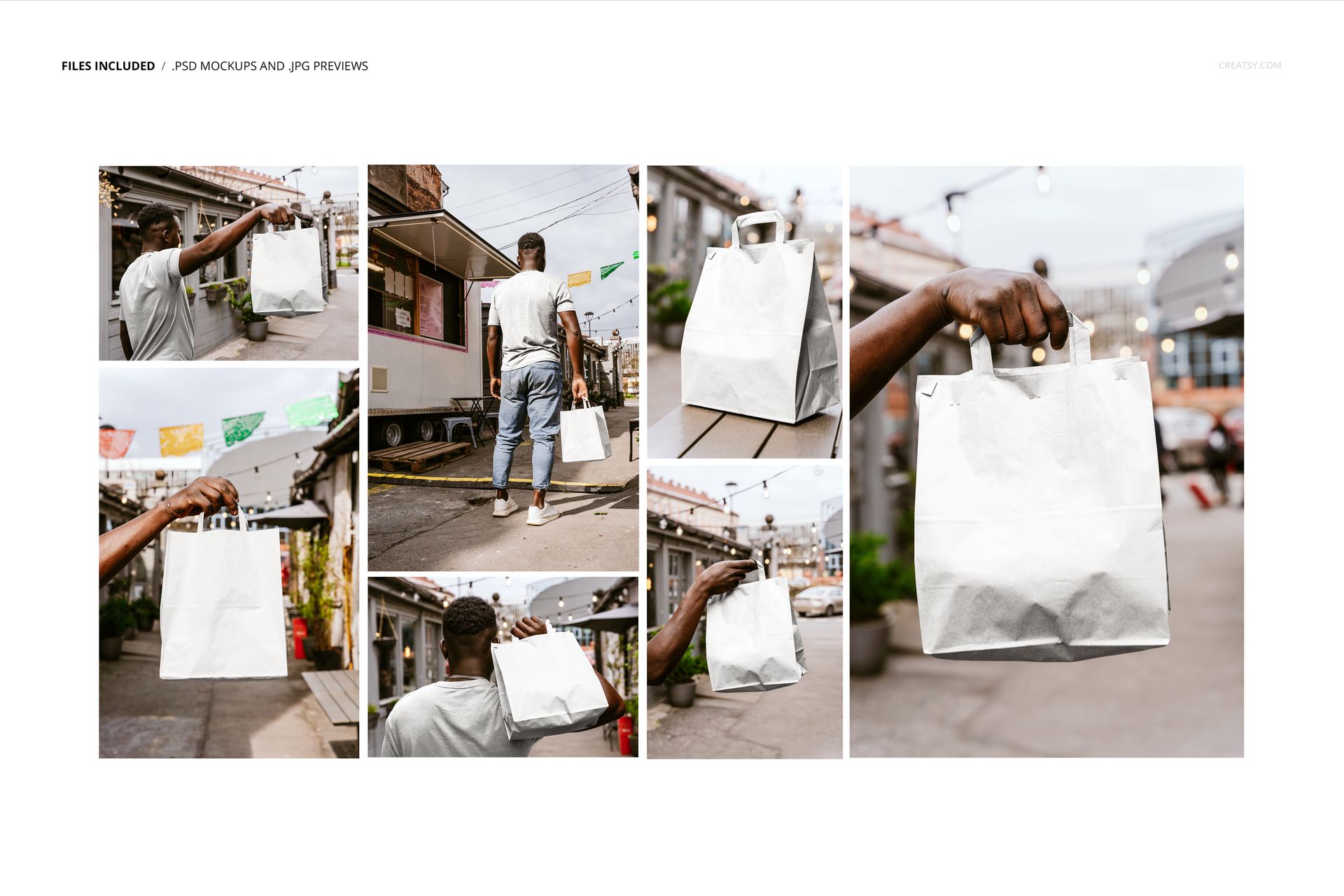
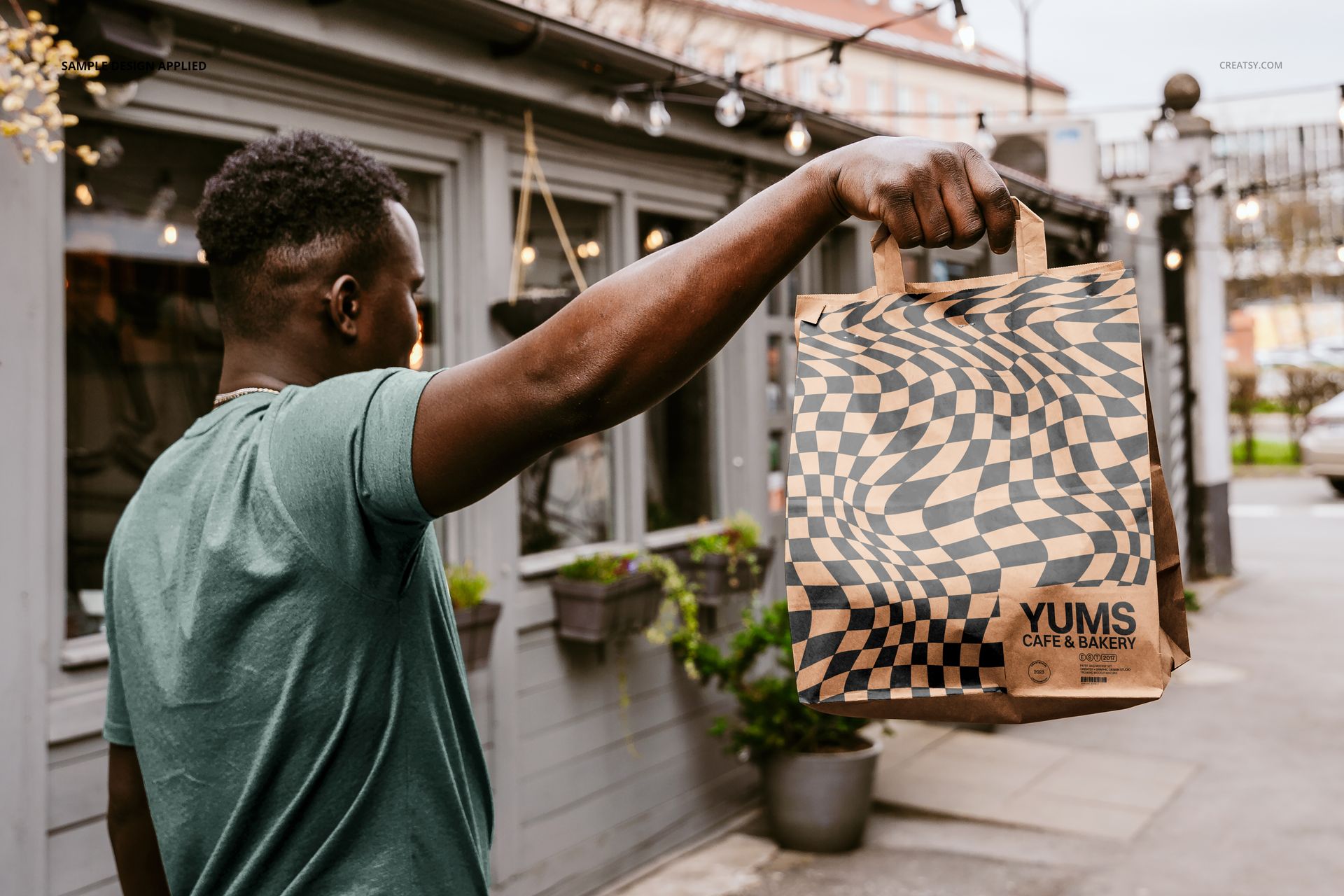
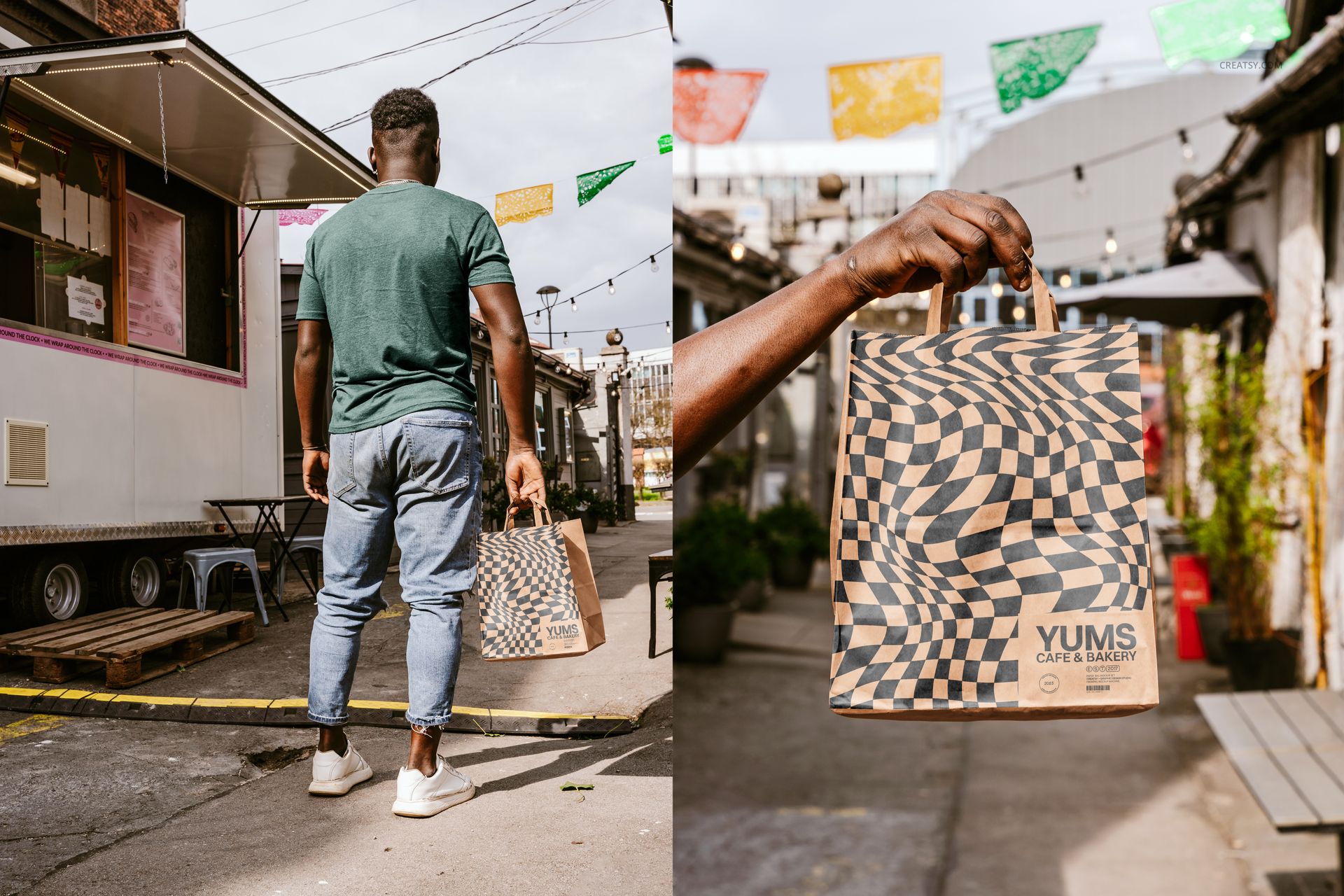
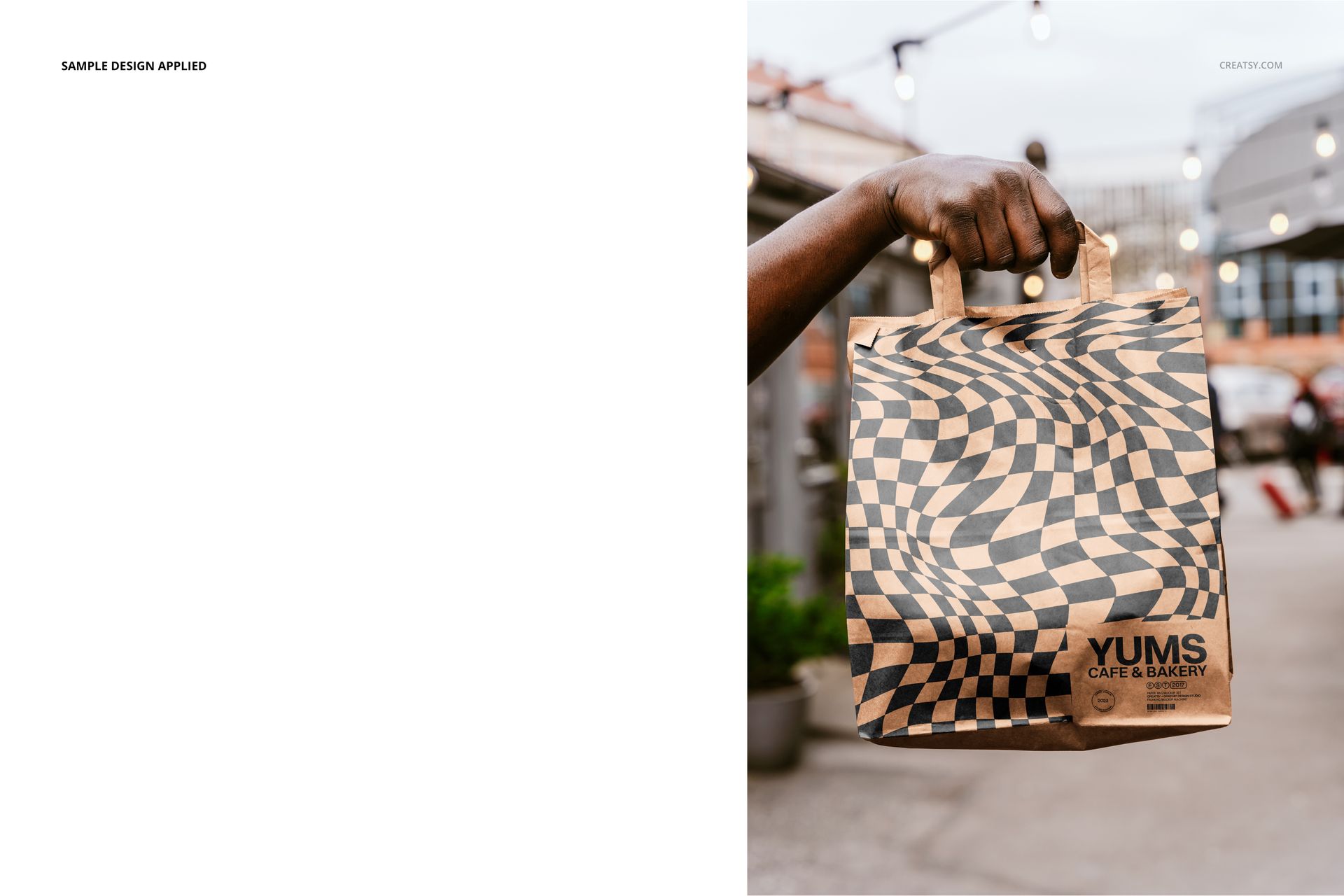
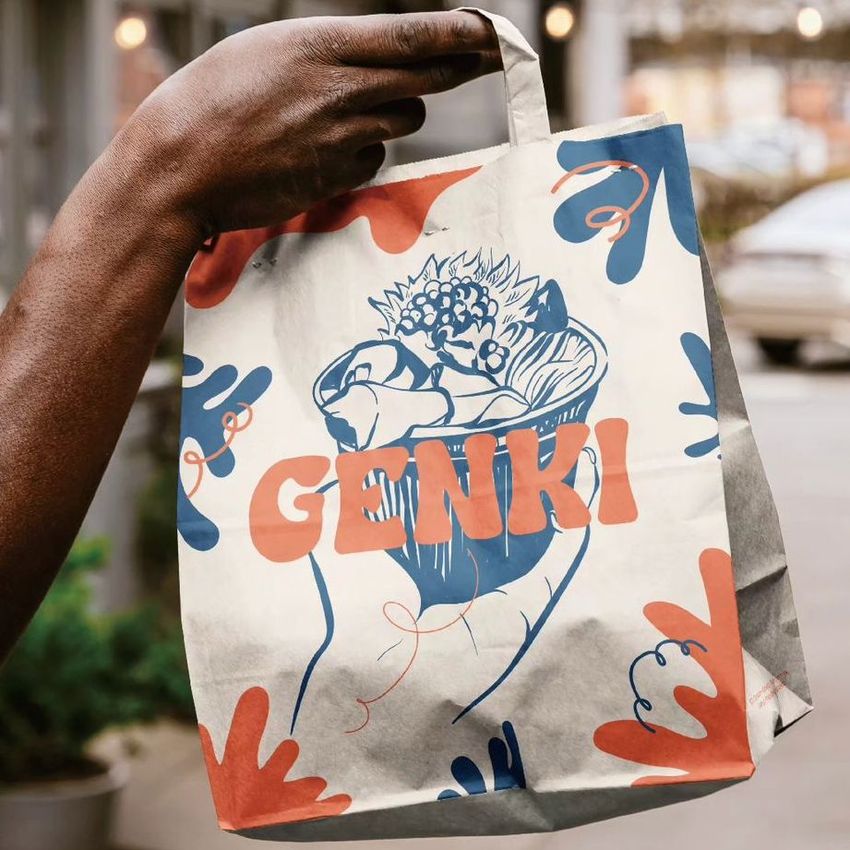
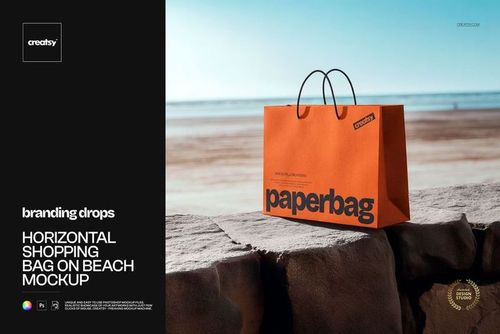
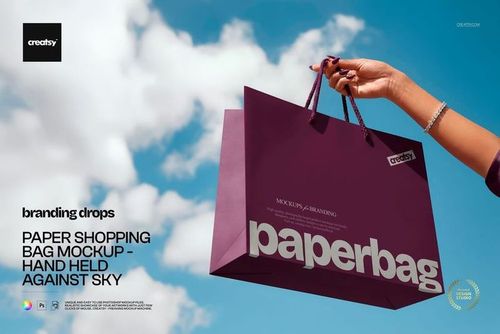
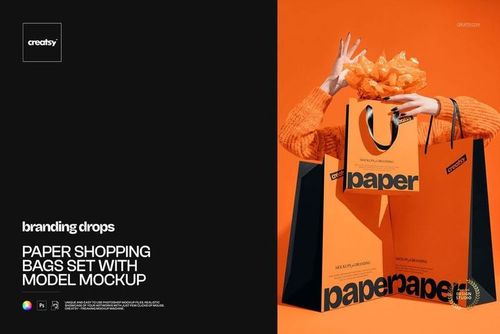
Move paper bag artwork beyond a plain studio backdrop and into a natural urban setting. Seven coordinated PSD scenes show a flat-handle paper carrier in use, held by a model or hand and placed on an outdoor table, so customers and clients can understand scale, shape and everyday context.
The mix of close views, full-body framing and varied orientations helps you check whether a logo, illustration or repeating pattern stays clear across the front panel, paper folds and changing viewing distances. It also gives you enough visual variety to build a consistent launch gallery from one download.
What Is Included
7 layered PSD paper bag mockup scenes
7 corresponding JPG preview files
1 PDF user manual, 15 files in total
Portrait and landscape compositions at 300 DPI
Compatibility with Adobe Photoshop CC2020 or newer and Photopea
Outdoor Context and Human Scale
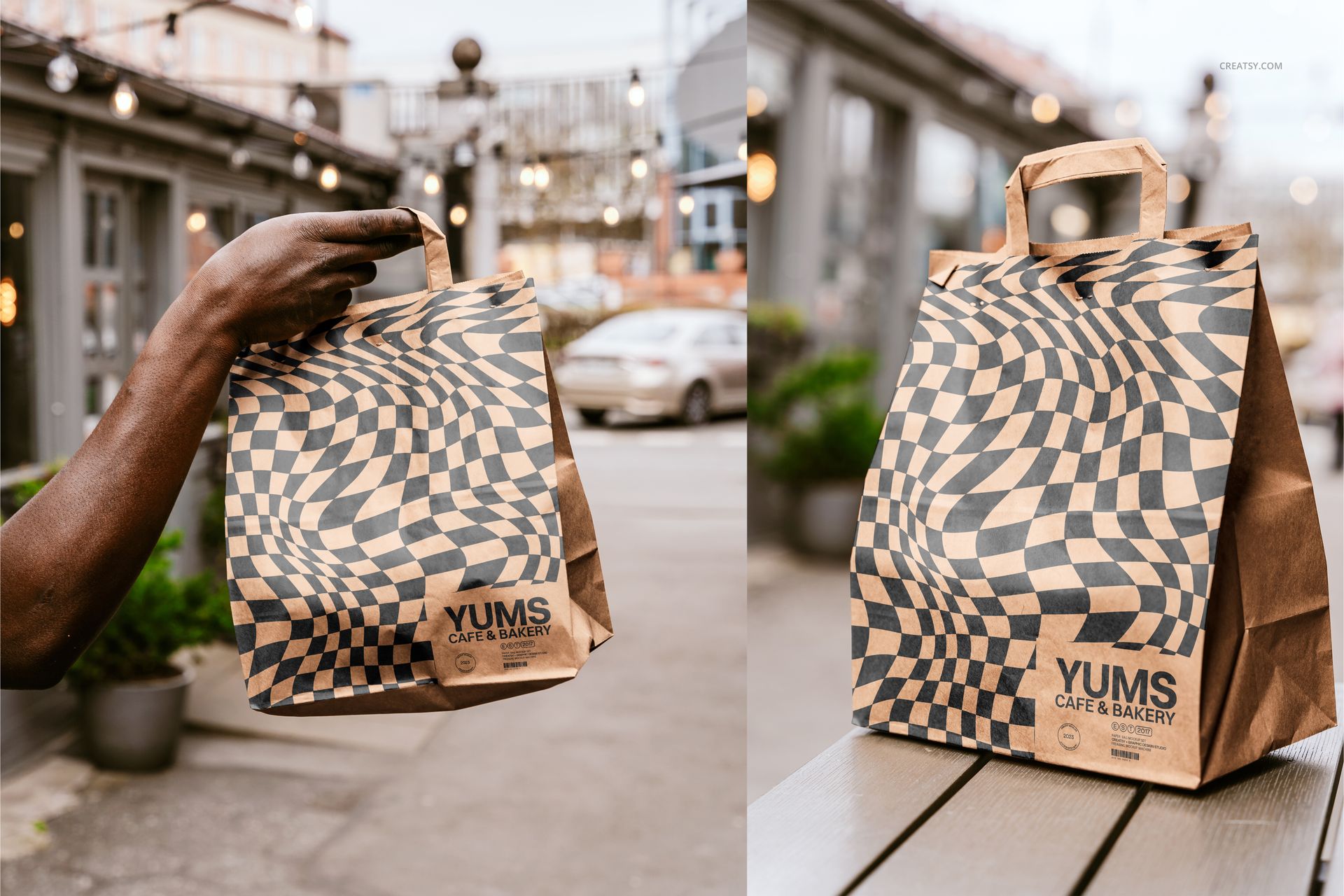
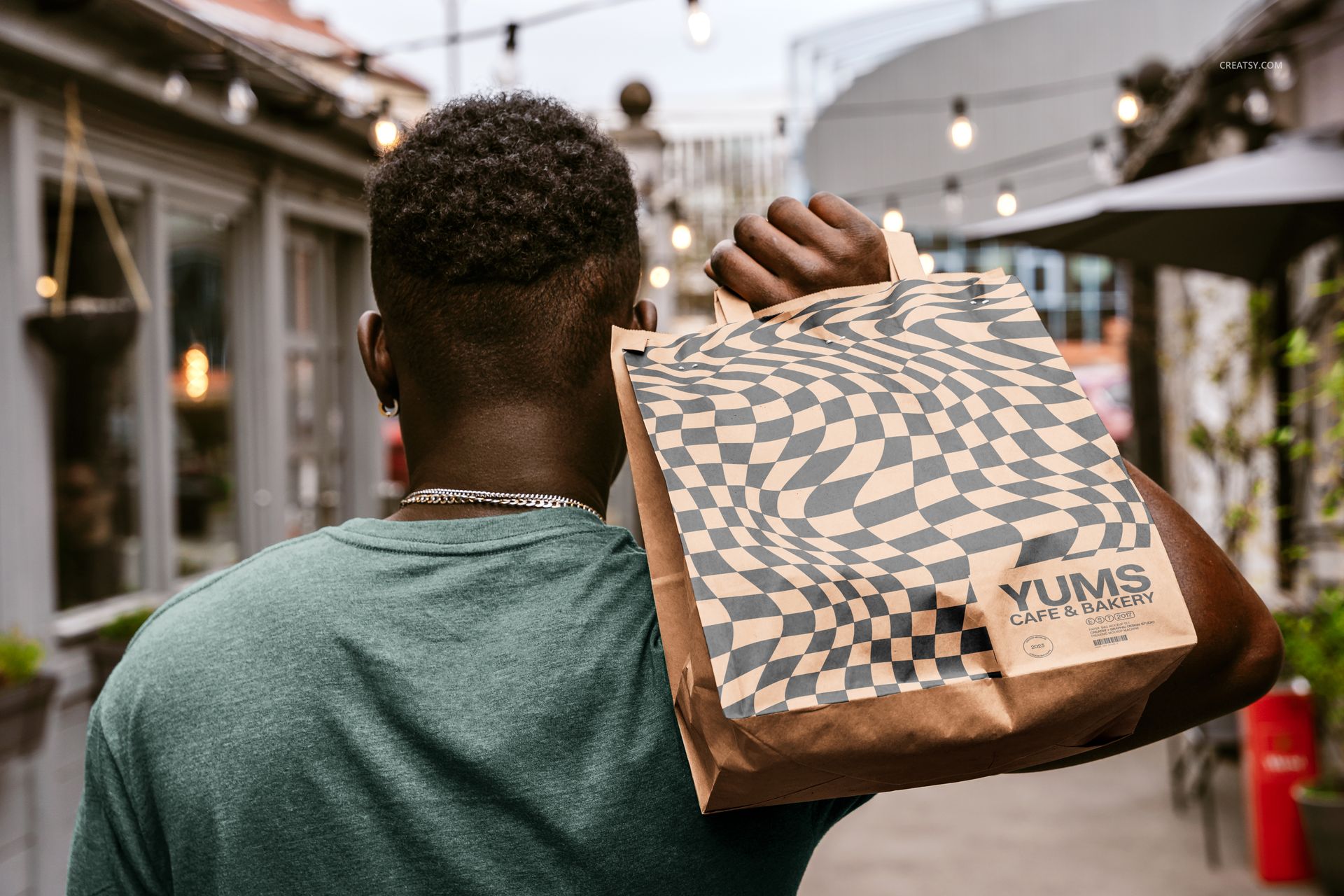
The set combines an over-the-shoulder carry, a full-body street view, extended-arm poses, front-facing closeups and a tabletop angle. Together, the scenes show both the bag structure and how the branding reads while the carrier is being used in natural light.
Easy Smart Object Editing
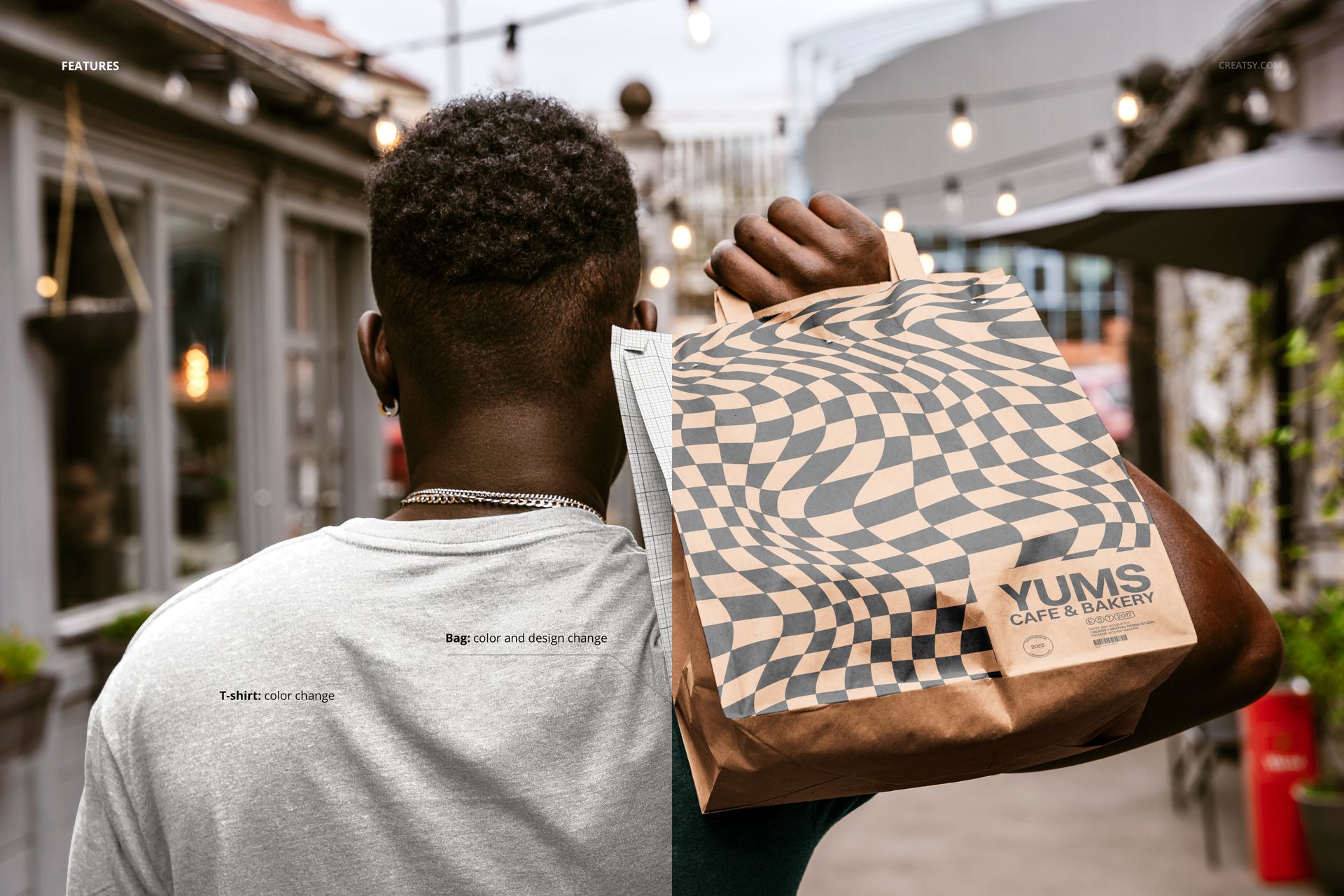
Replace the placeholder artwork through Smart Objects, then adjust the bag color and design to match your concept. A feature shown in the previews also allows the model's T-shirt color to be changed. The files are confirmed for Adobe Photoshop CC2020 or newer and Photopea.
Perfect For
Restaurant, cafe, bakery and takeaway packaging
Retail identities and branded paper carriers
Logo, illustration and surface pattern presentations
Client approvals, portfolio case studies and launch galleries
This is a digital presentation mockup, not a production dieline. The sample artwork shown in the previews is not included.