Baby Room Crib & Decor Mockup
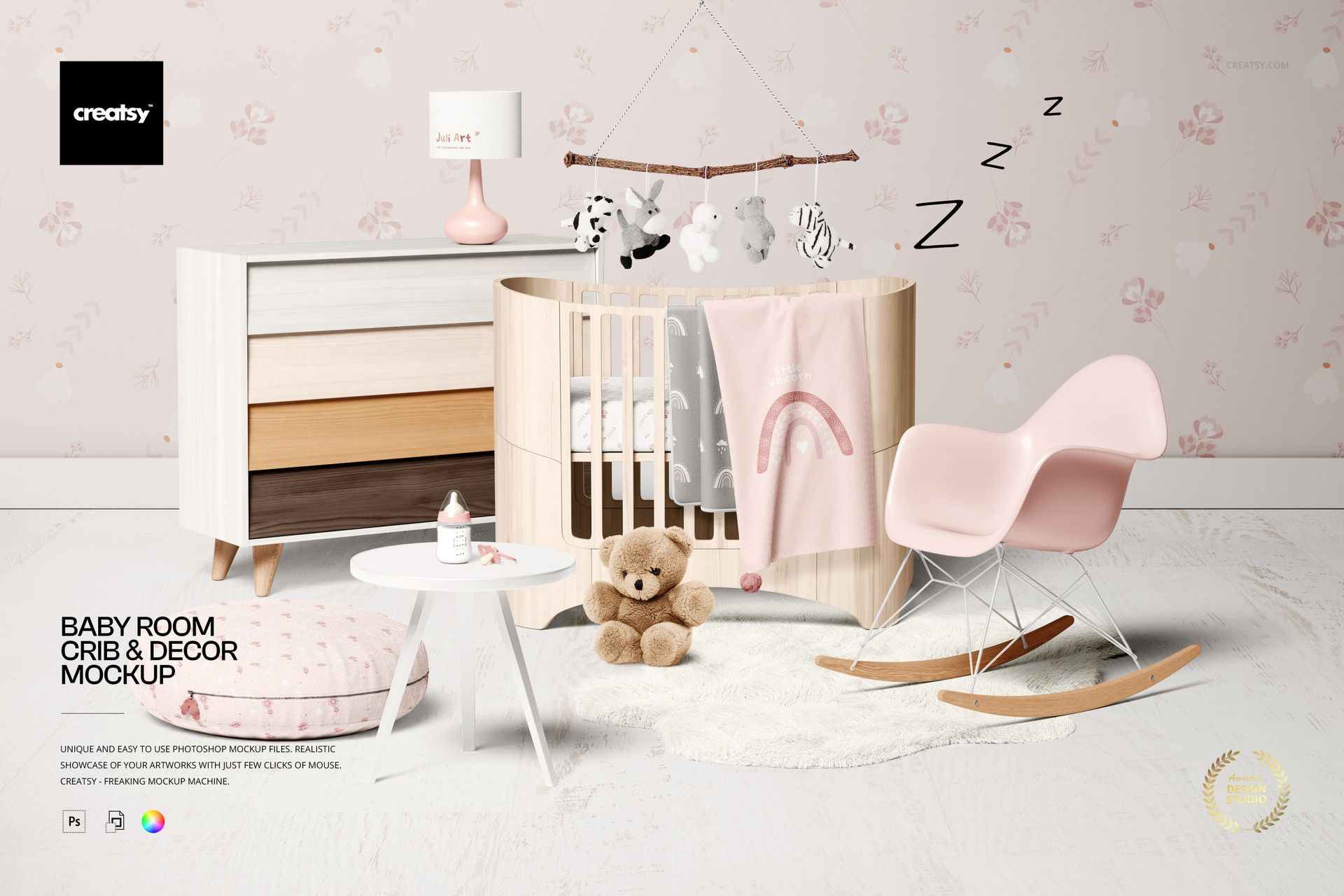
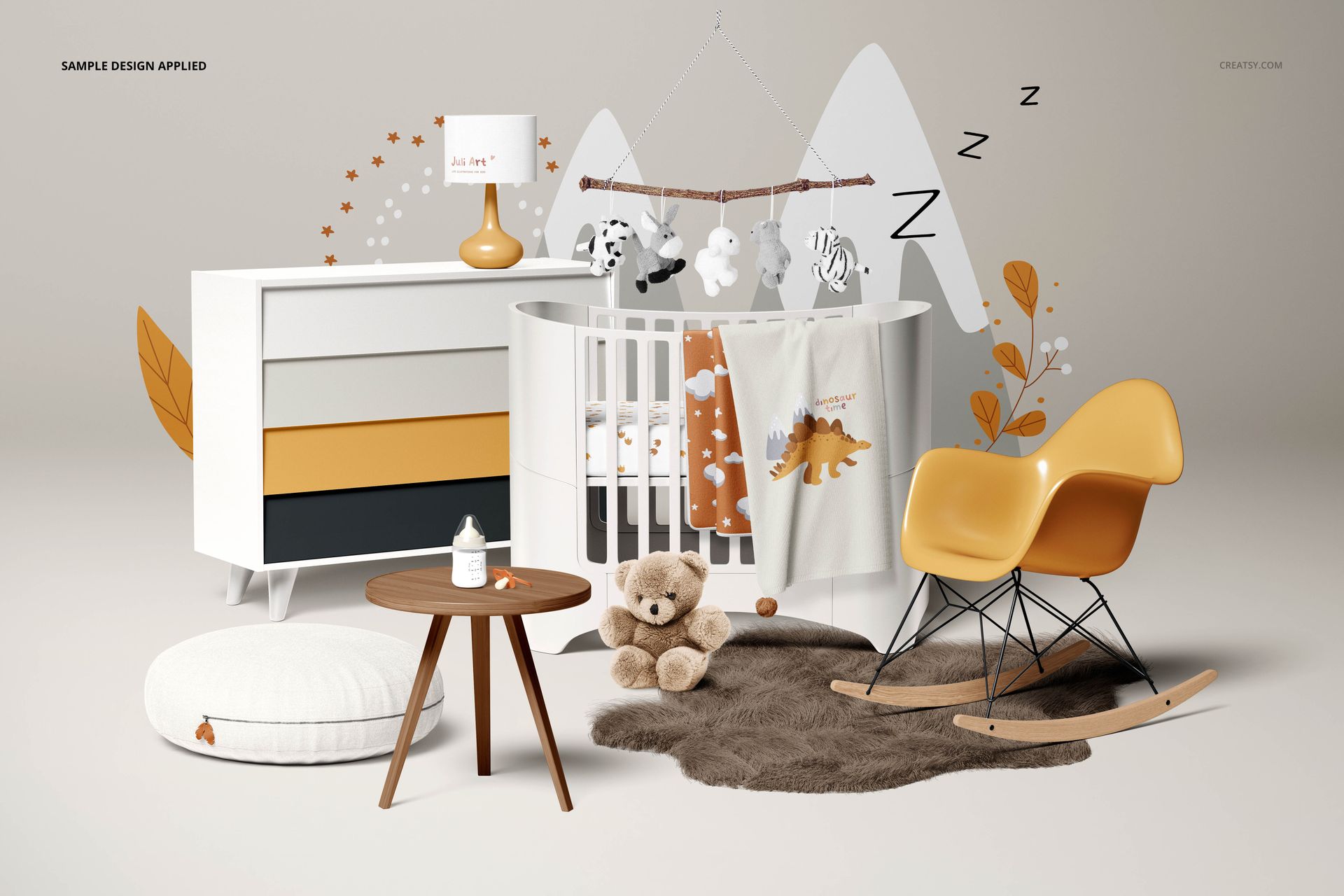
Take a nursery collection beyond the fabric swatch. This editable room scene brings a crib, draped blankets, a chest of drawers, a rocking chair, a cushion and a lampshade into one composition, letting you present coordinated textiles and wall designs alongside furniture colors.
What Is Included
1 layered PSD room mockup at 6600 × 4400 px and 300 DPI.
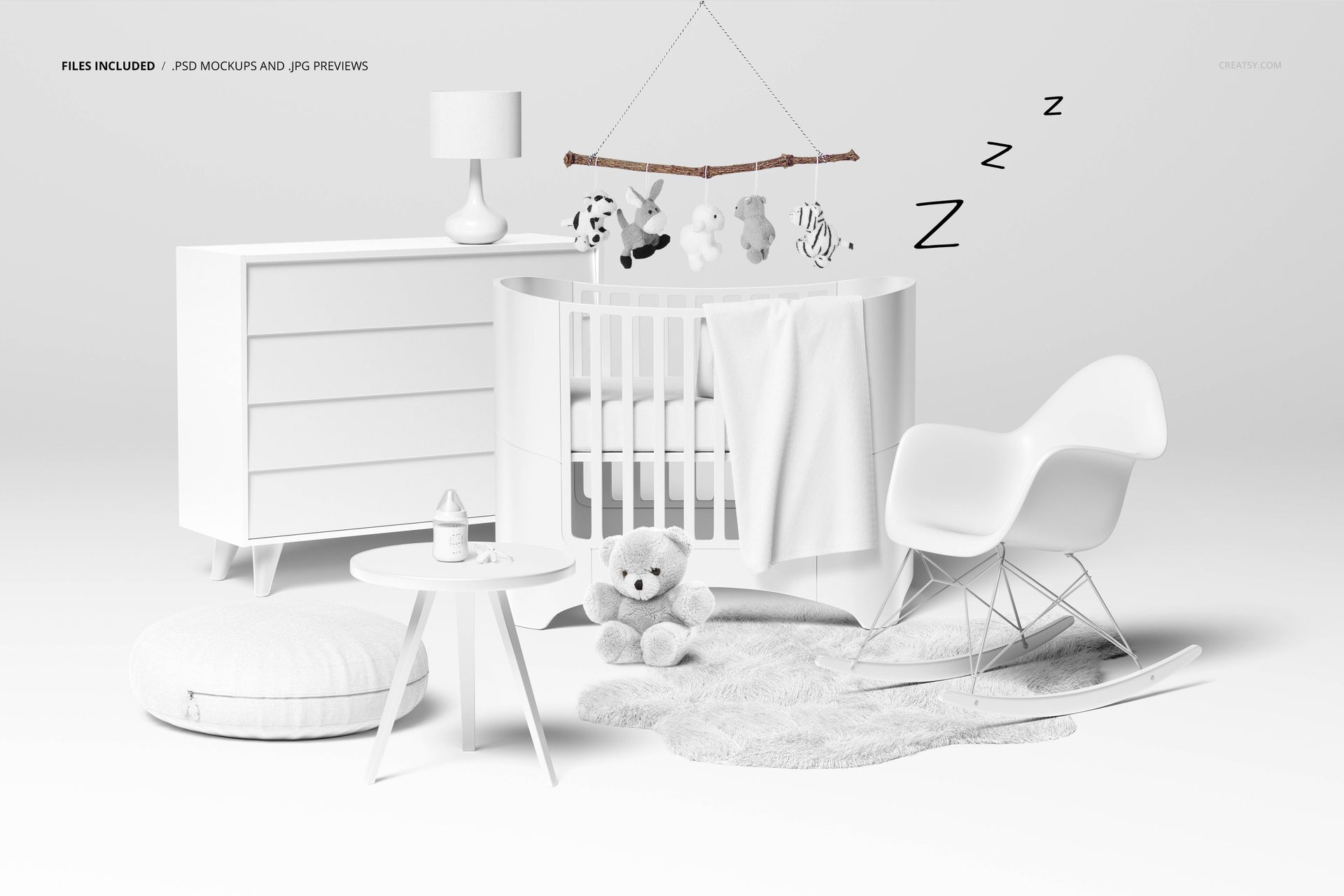
1 JPG preview and 1 PDF user manual, 3 files in total.
A nursery composition with movable scene elements and organized layers.
Style More Than the Bedding
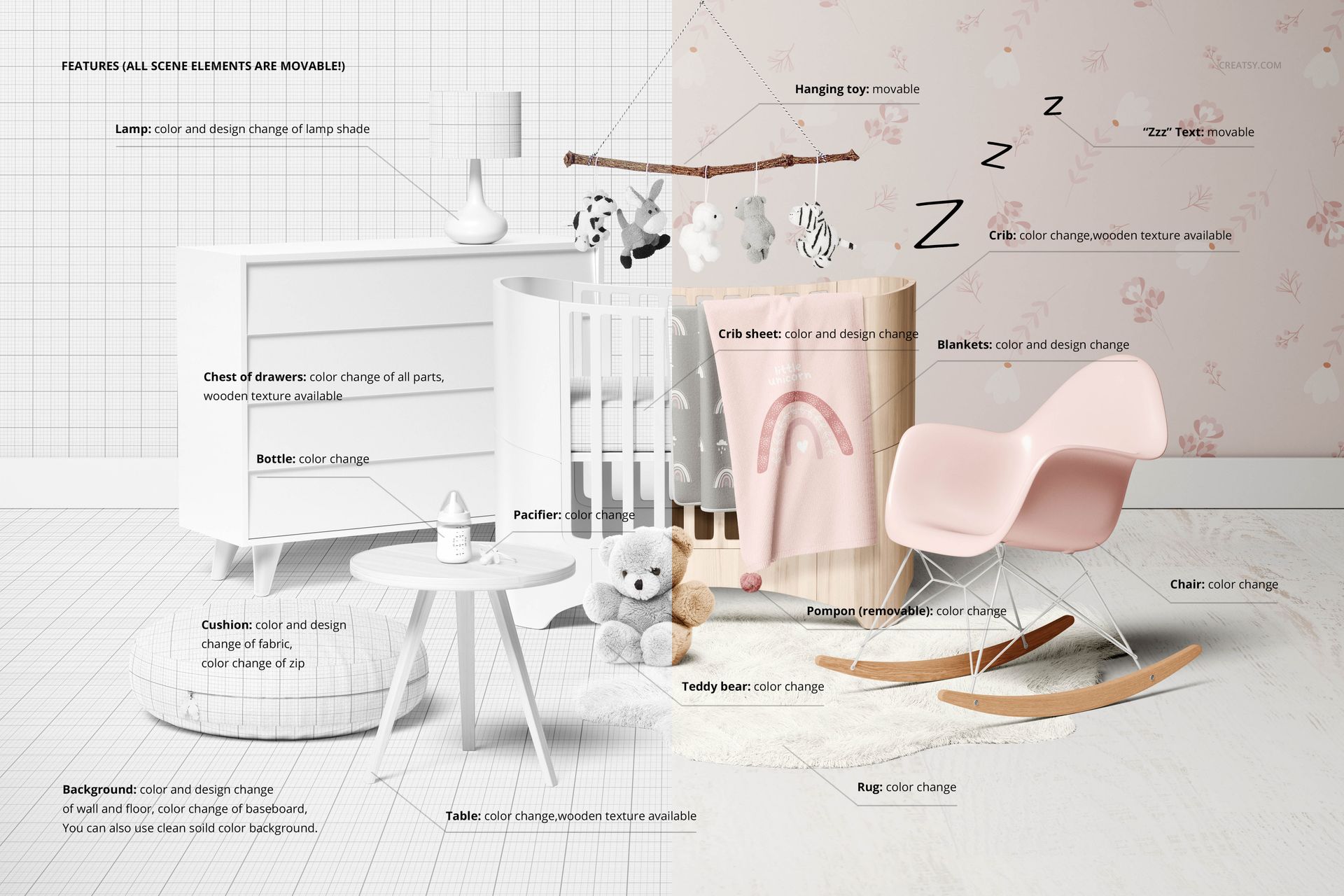
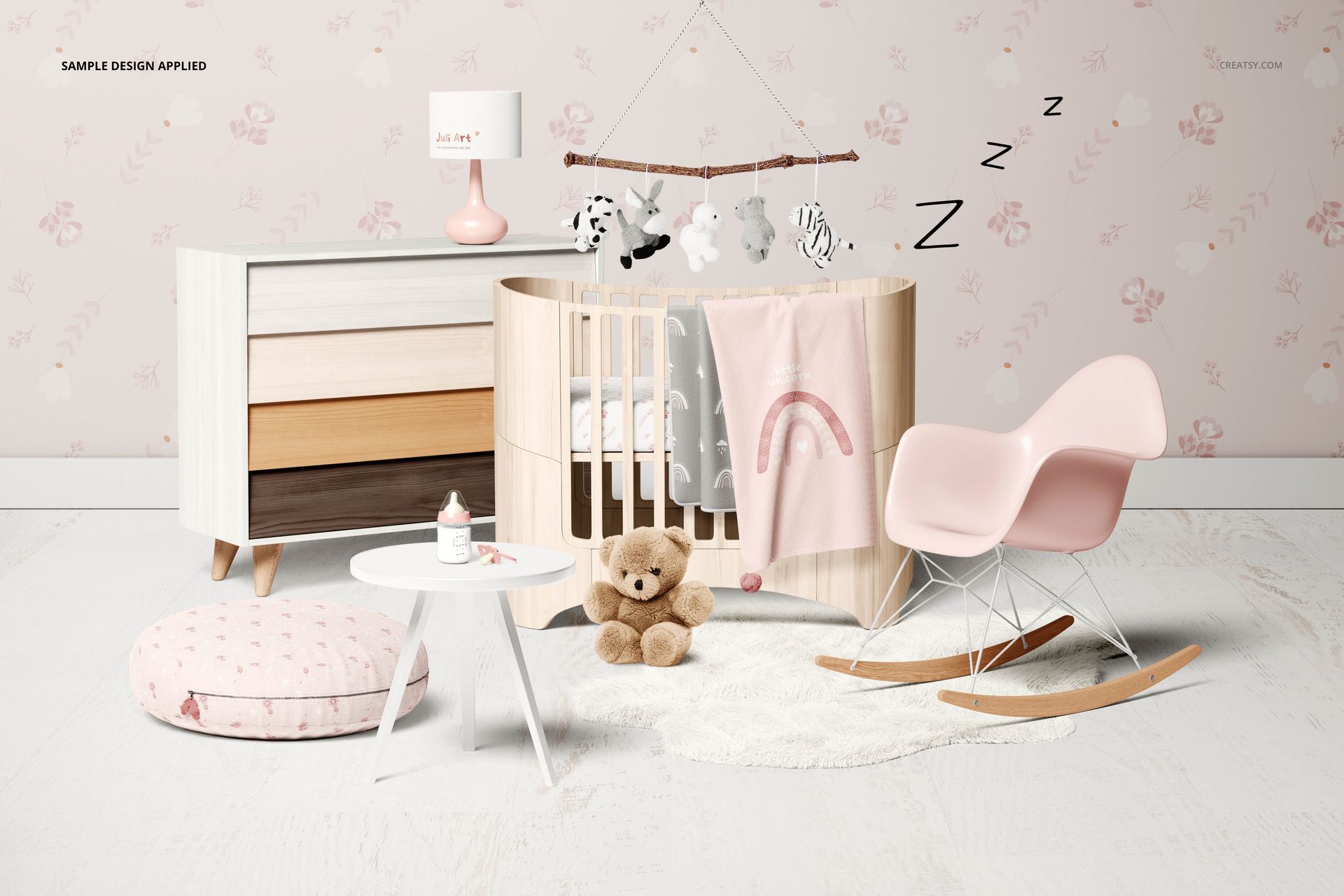
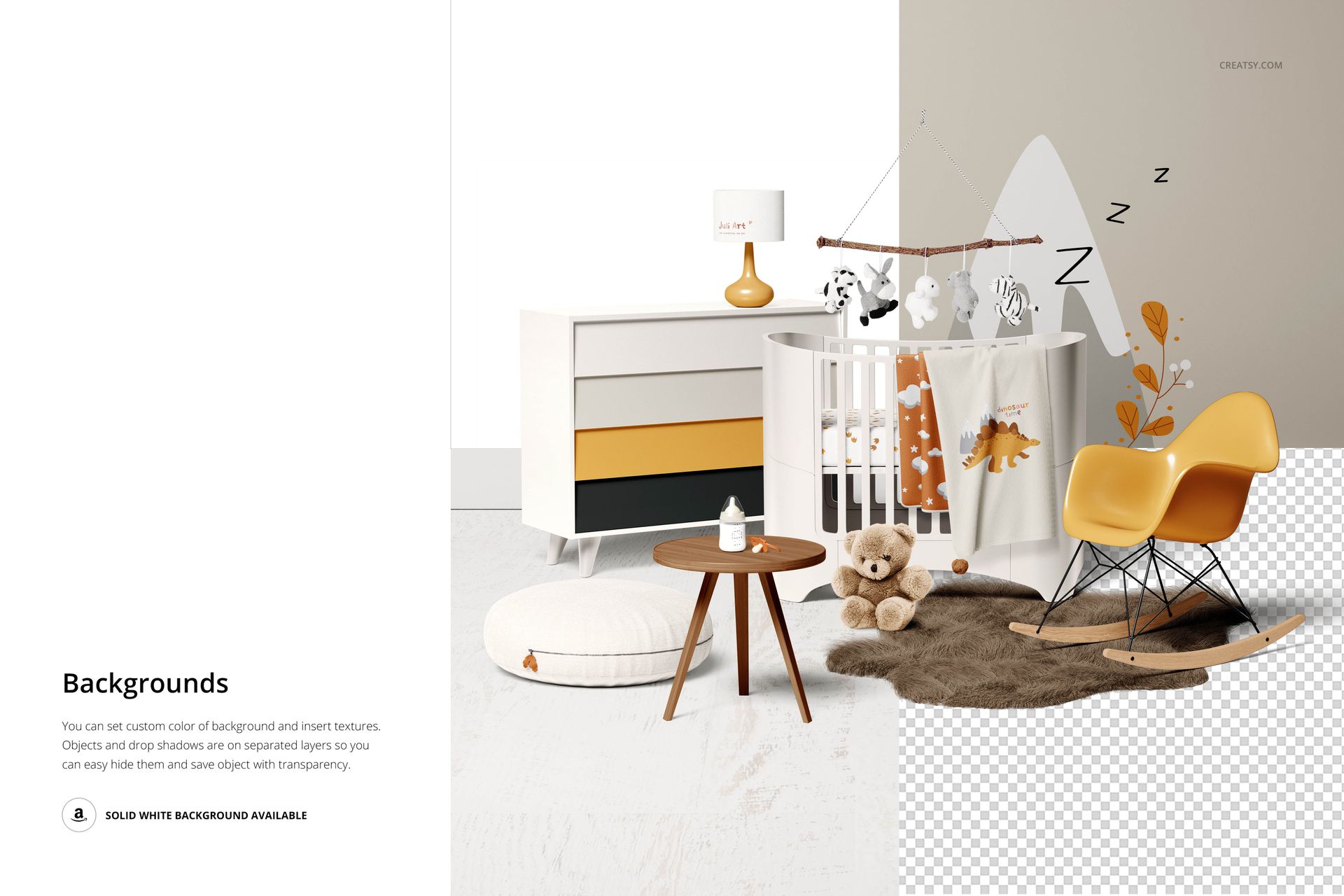
Add your designs to the crib sheet, blankets, cushion fabric and lampshade. Customize the wall and floor design or color, and adjust the baseboard color. The crib, chest of drawers and table offer color changes and wood-texture options. Separate color controls are also shown for the chair, rug, teddy bear, bottle and pacifier.
Reposition scene elements to shape the composition. Move the hanging toy and the “Zzz” decoration, change the cushion zip color and adjust or remove the blanket pompon. The gallery feature board shows the editable areas in detail.
Easy Smart Object Editing
Use Adobe Photoshop CC2015 or newer, or Photopea, to place artwork in the designated Smart Objects, then save each edit and adjust the color layers. Separate objects and drop shadows support a custom background or an export with transparency.
Perfect For
Surface pattern designers, nursery decor brands and textile studios presenting a coordinated collection, a licensing pitch or alternative room palettes.
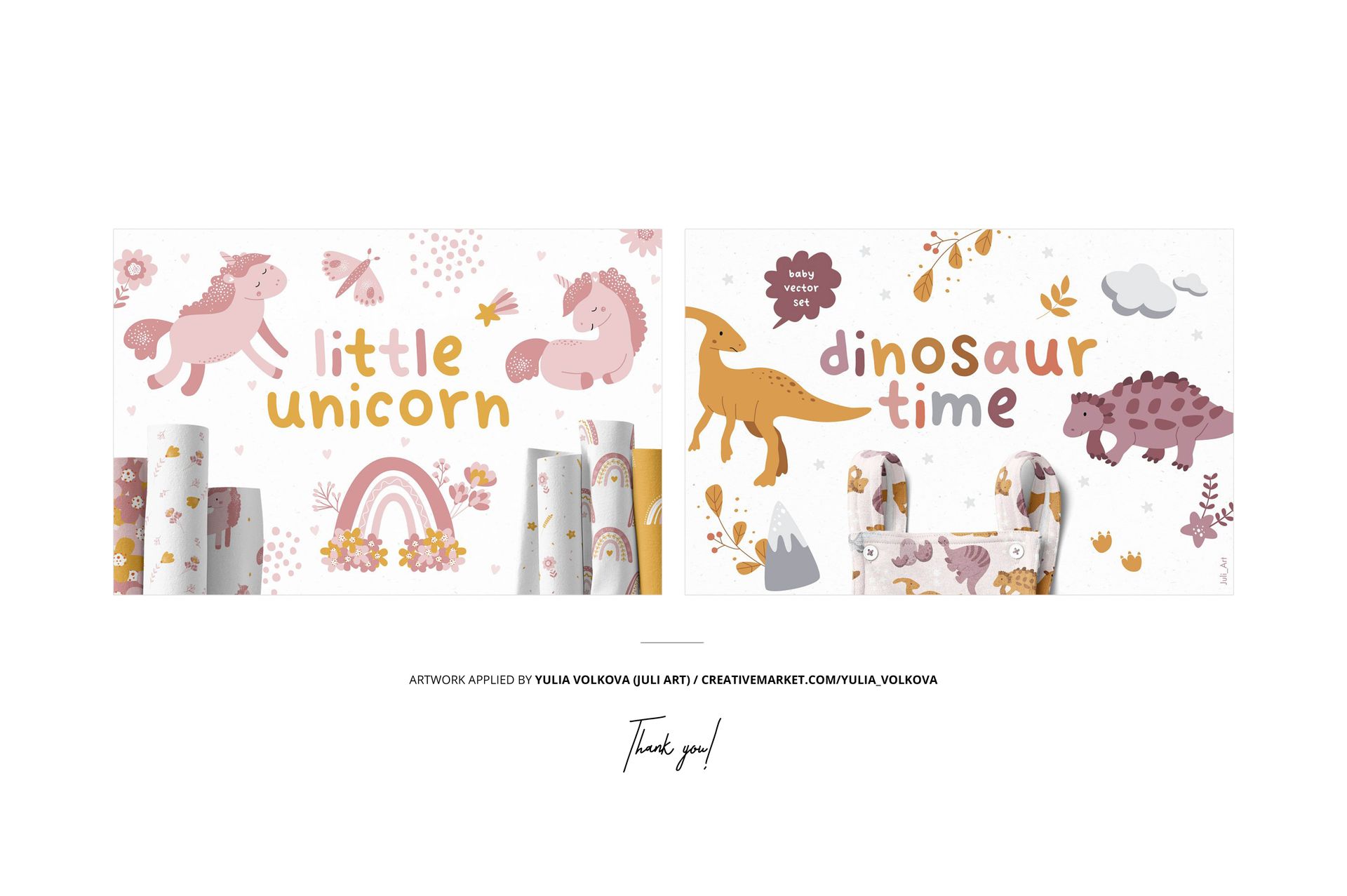
Digital mockup only. Furniture, textiles and the sample artwork are not supplied as physical products. The preview designs are not included.