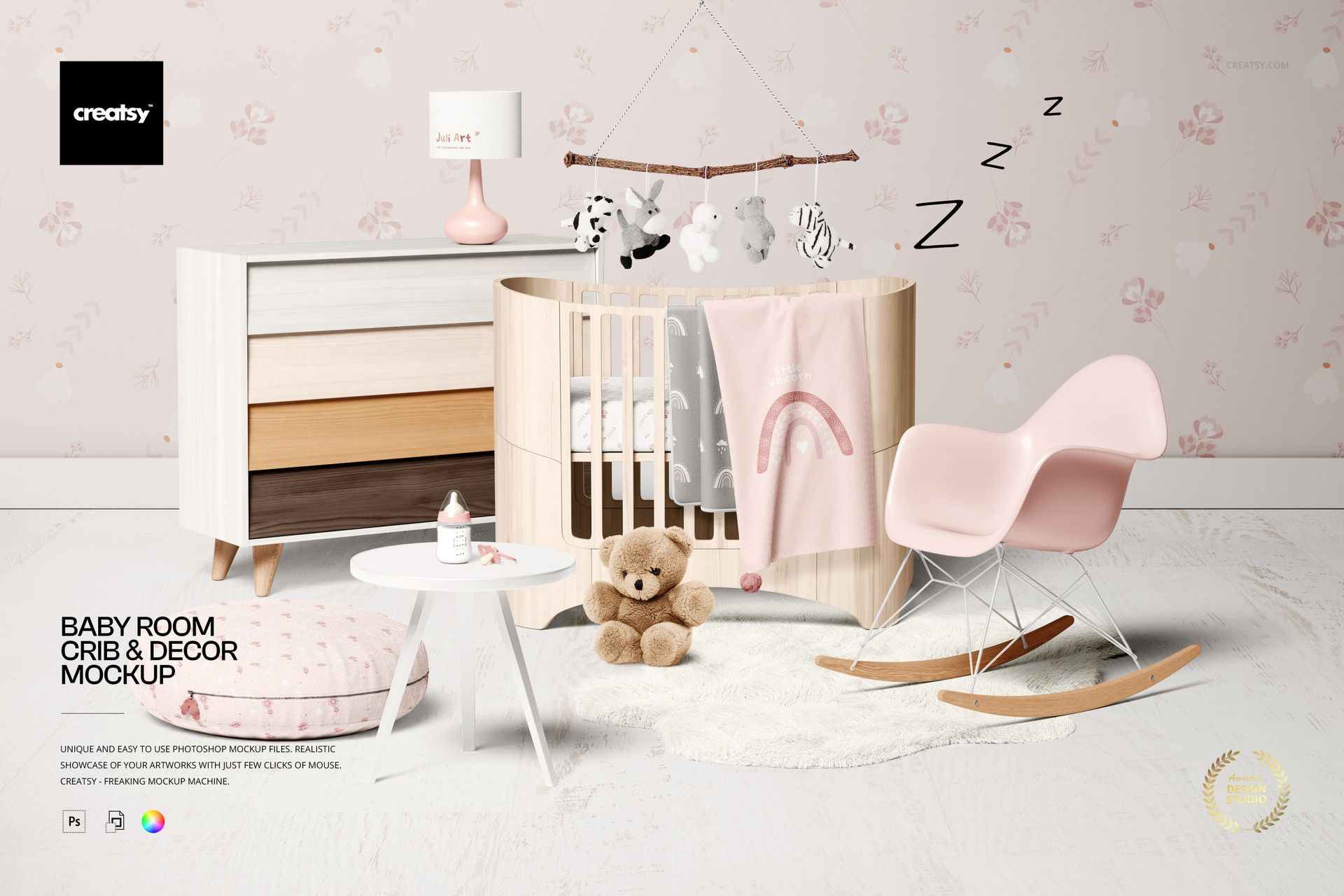
Baby Room Crib & Decor Mockup

ID: 1802666325 | Updated: Jun 8, 2022

Product Details

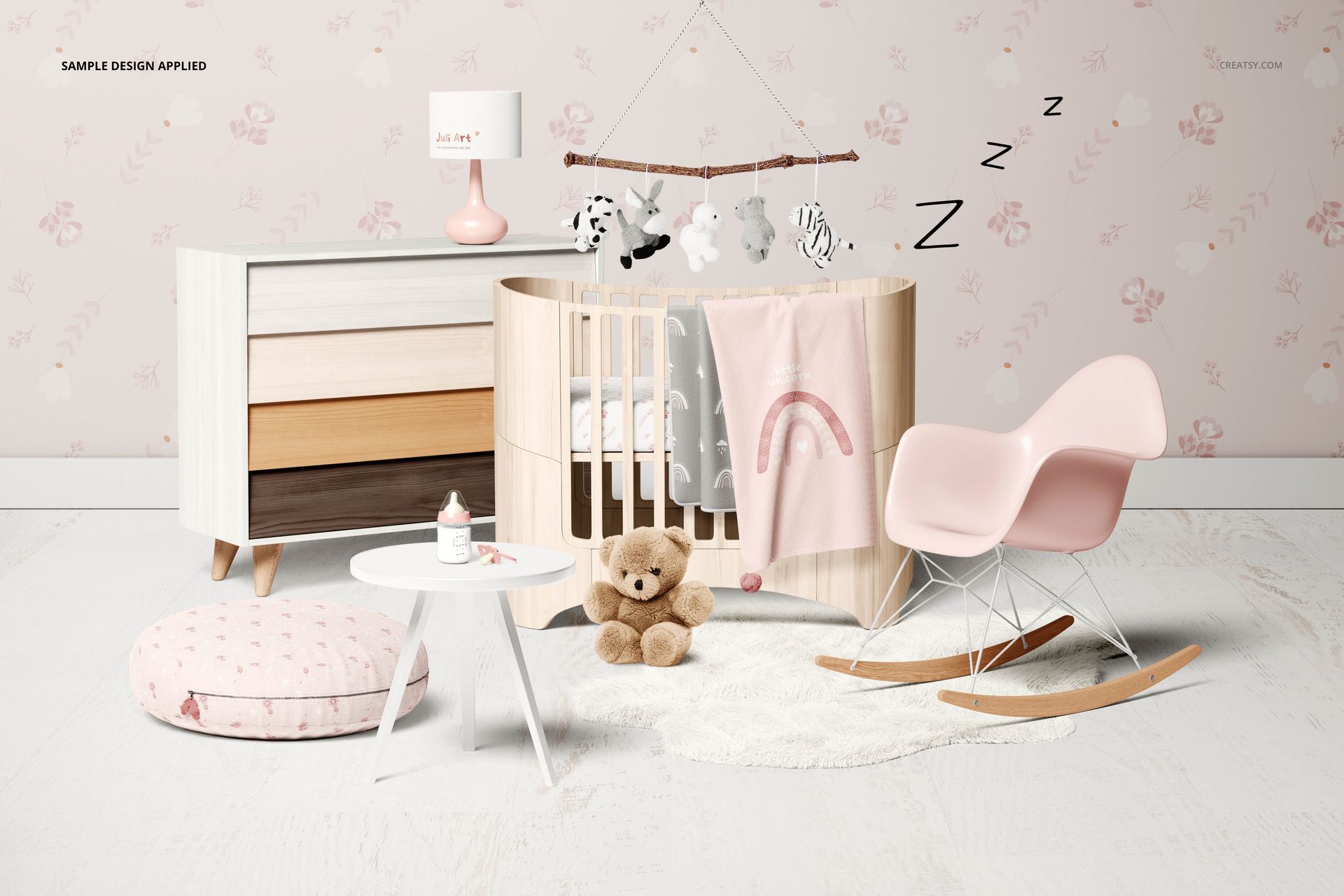
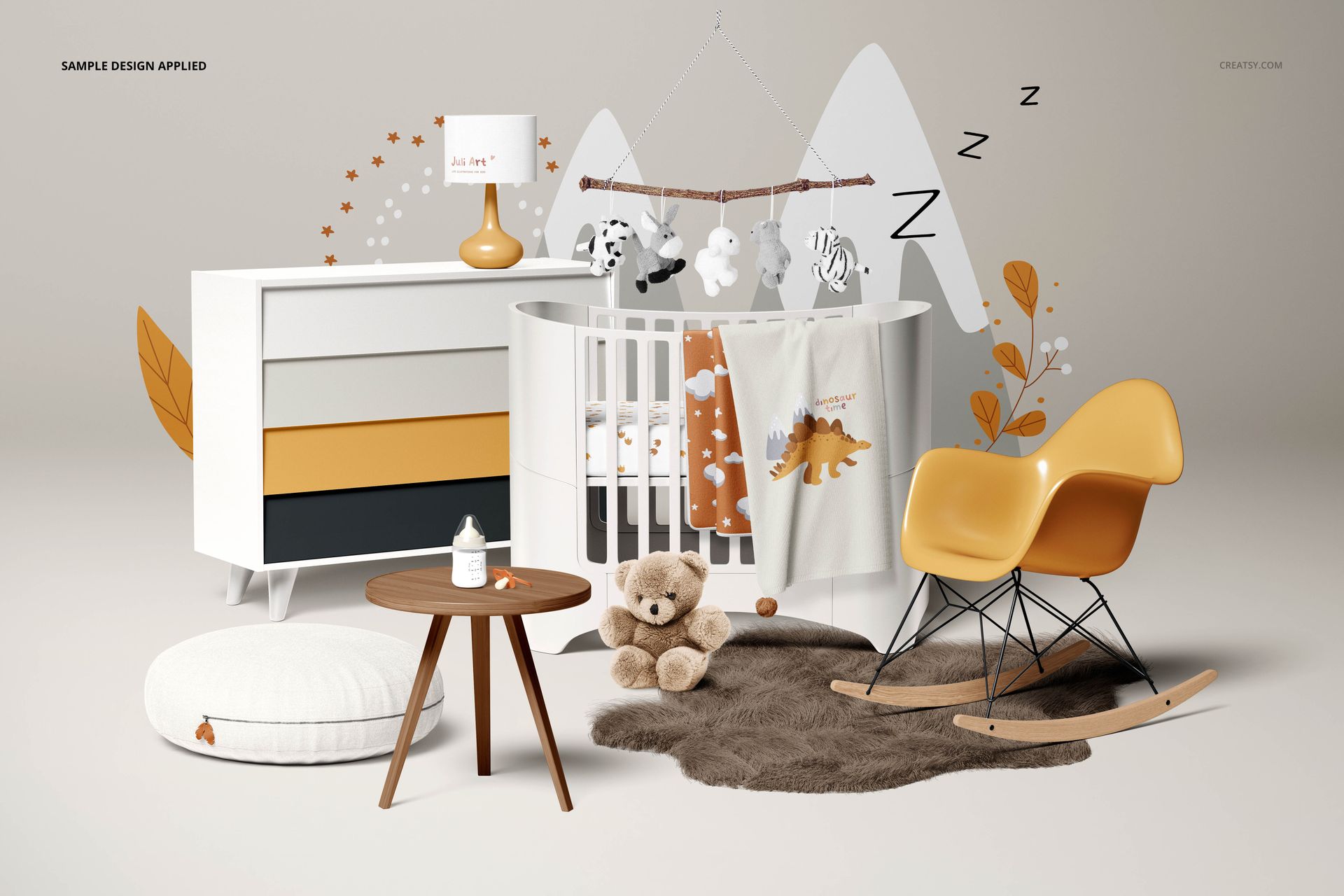
The Baby Room Crib and Decor Mockup lets you present nursery textile designs, wallpaper patterns, and baby bedding collections in a fully styled room setting. Built from a real nursery photograph with carefully arranged decor and natural lighting, this layered PSD file gives you control over crib bedding, wall color, wallpaper, and decorative elements - so every preview looks like a finished interior photo shoot rather than a flat digital composite.

Why This Mockup Works

Flat swatches and isolated product shots rarely communicate how a nursery pattern will feel in a real room. Parents and nursery designers want to see how a crib sheet coordinates with the wallpaper, how a blanket pattern looks against the wall color, and how the overall palette comes together. This mockup places your artwork on a crib fitted sheet, blanket, and wall surface simultaneously, showing customers how your designs coordinate across multiple products in one cohesive scene. The warm, neutral styling with natural wood tones, soft plush toys, and curated decor keeps the focus on your patterns while adding the lifestyle context that drives purchase decisions on Etsy, Shopify, Amazon, and wholesale platforms.

What Is Included

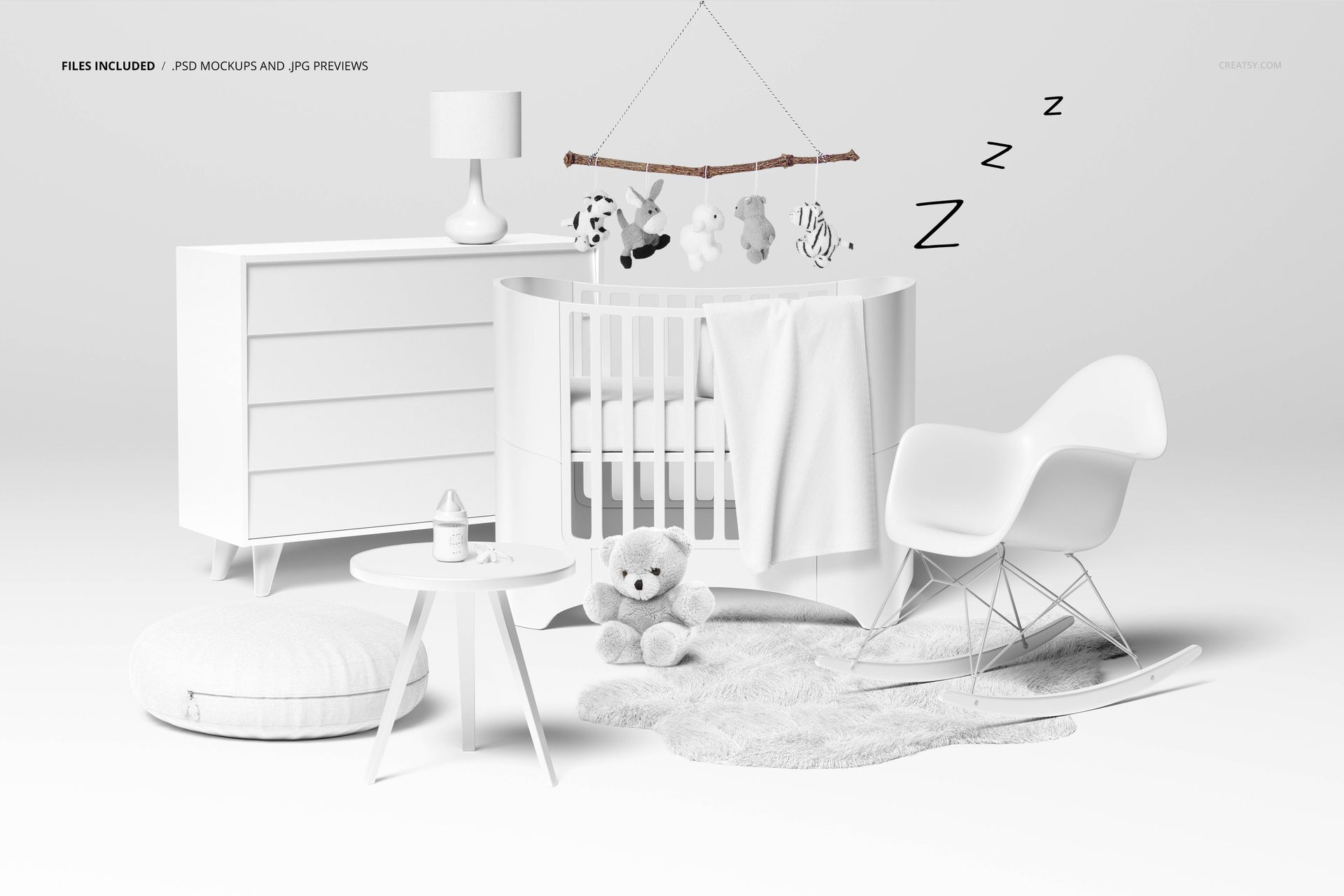
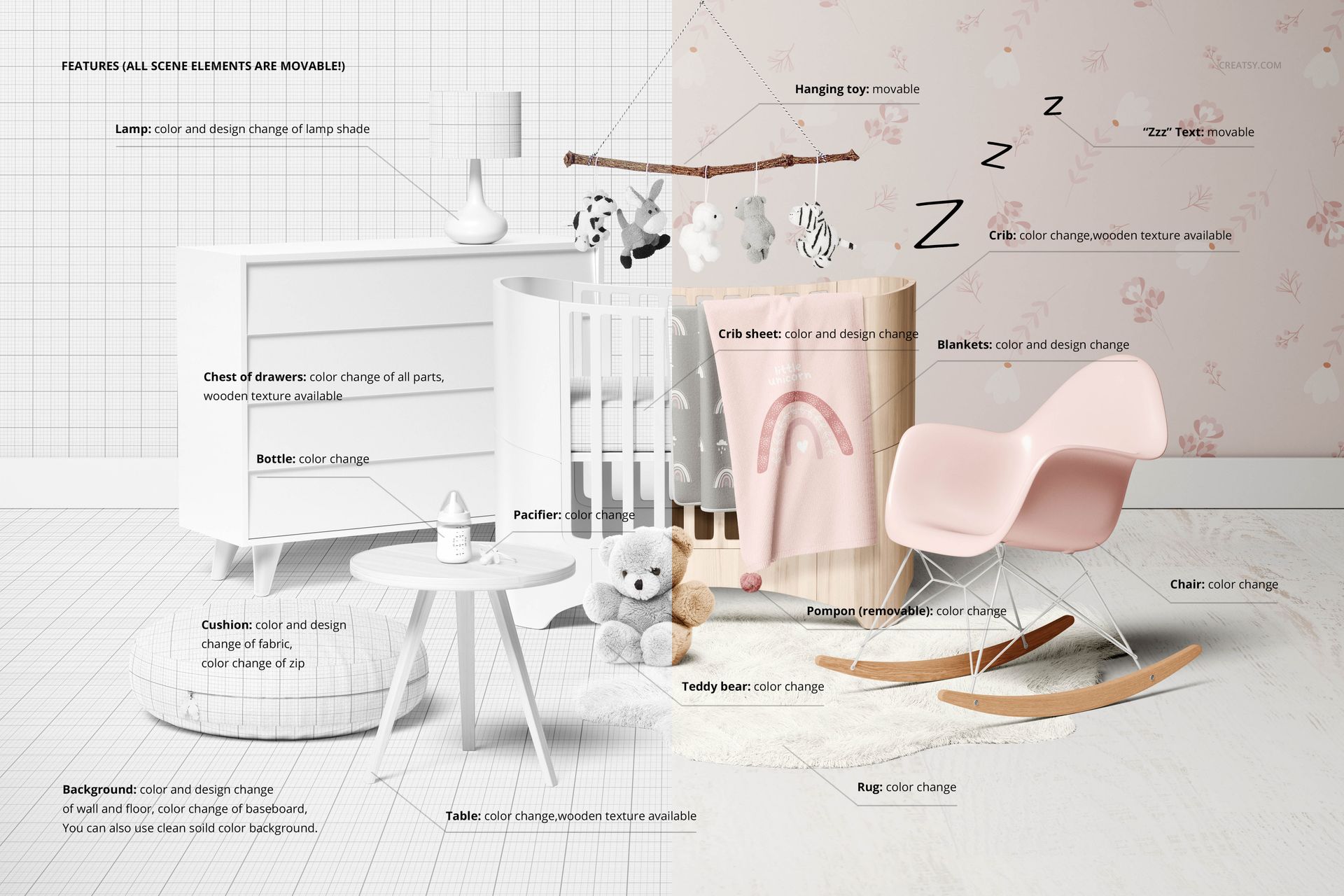
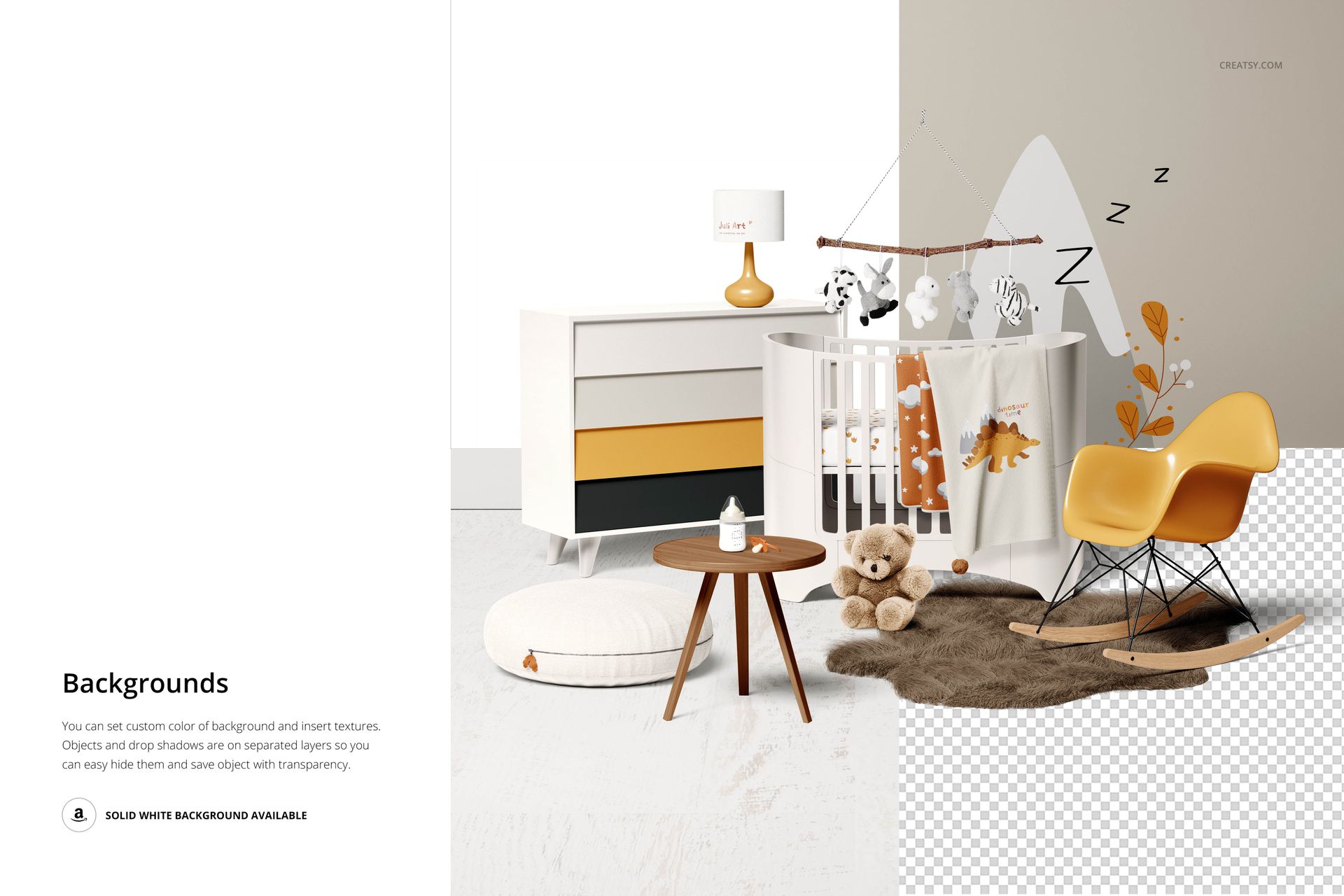
You receive 1 high-resolution PSD file containing a complete baby room scene with a white wooden crib as the centerpiece. The file includes editable crib bedding surfaces (fitted sheet and blanket), a customizable wallpaper area covering the back wall, wall art frames for additional design placement, and coordinating nursery decor elements. Multiple smart object layers let you place different designs on each surface independently, giving you the flexibility to showcase full pattern collections, coordinating sets, or individual standalone prints - all from the same source file.

What You Can Customize

Open the PSD in Adobe Photoshop CC 2015 or newer and double-click any smart object layer to place your design. You can change the crib sheet pattern, blanket design, wallpaper pattern, and wall color independently. Each editable surface accepts your artwork at full resolution with no quality loss, and the built-in lighting, perspective warp, and shadow layers update automatically to maintain photorealistic results across every combination. Adjust background colors and toggle decorative elements on or off to match your brand palette, seasonal theme, or target customer aesthetic.

Who This Mockup Is For

This mockup serves surface pattern designers creating baby and nursery fabric collections, baby bedding brands preparing e-commerce product pages and marketing campaigns, nursery decor shops building social media content for Instagram and Pinterest, print-on-demand sellers listing crib sheets and blankets on Etsy or Shopify, and interior designers presenting nursery room concepts to expecting parents. It is equally useful for textile manufacturers preparing wholesale lookbooks and for design students building professional portfolio presentations.

File Specifications

Format: 1 layered PSD file with organized smart object layers. Dimensions: 6600 x 4400 px at 300 DPI - suitable for both web product pages and high-quality print output. Compatibility: Adobe Photoshop CC 2015 or newer (all CC versions supported). File size: 903.7 MB. Editable elements: crib sheet, blanket, wallpaper, wall color, and decorative accents. Original artwork and scene photography by Yulia Volkova (JuliART).

File details

Compatibility
Adobe Photoshop
Number of files included
3
Package size
903 MB903 MB|947 MB947 MB
Files type
.psd, .jpg, .pdf
Files size
6600x4400
TEST FOR FREE

Made with Creatsy

Real designs. Real customers. See how creatives use Creatsy mockups to turn their artwork, branding, and product ideas into polished visuals.

MEET THE SHOP

Creatsy logo

Creatsy

Poland
4.7 (651)

Bring your ideas to life.

We're a family-run studio in Katowice, Poland, making PSD mockups by hand since 2016. Everything in this shop starts in our own studio. We shoot the photography, build the 3D, and put together every Smart Object PSD ourselves - then we test it, organize the layers, and only ship it once it actually works...
GO TO SHOP

HOW IT WORKS

3 clicks. That's it.

No tutorial needed. If you can copy-paste, you can use this.

  1. 1OpenDouble-click the smart object inside the PSD - in Adobe Photoshop, or free in your browser with Photopea.
  2. 2PasteDrop in your pattern, print, or artwork. Any design, any style.
  3. 3SaveHit save and the mockup wraps it in for you - shadows, folds, and lighting included.

FROM IDEA TO IMAGE

Built for real workflows

Skip the photo shoot Show your artwork on the real product type for approvals or listings - no studio, no model, no sample.

See it on the product, not a swatch Drop your file into the smart object and the scene's lighting and folds wrap around it, so you judge the real thing before you commit.

Smart Objects

Edit once and you're done. Your artwork drops into a smart object and the mockup updates itself - no masking, no warping by hand.

Perfectly Organized

Named layers and folders you can actually navigate. Find what you need, change what you want, and get out fast.

Print-Ready

High-resolution files built to hold up on screen and in print. Exact size and DPI are in this product's Details above.