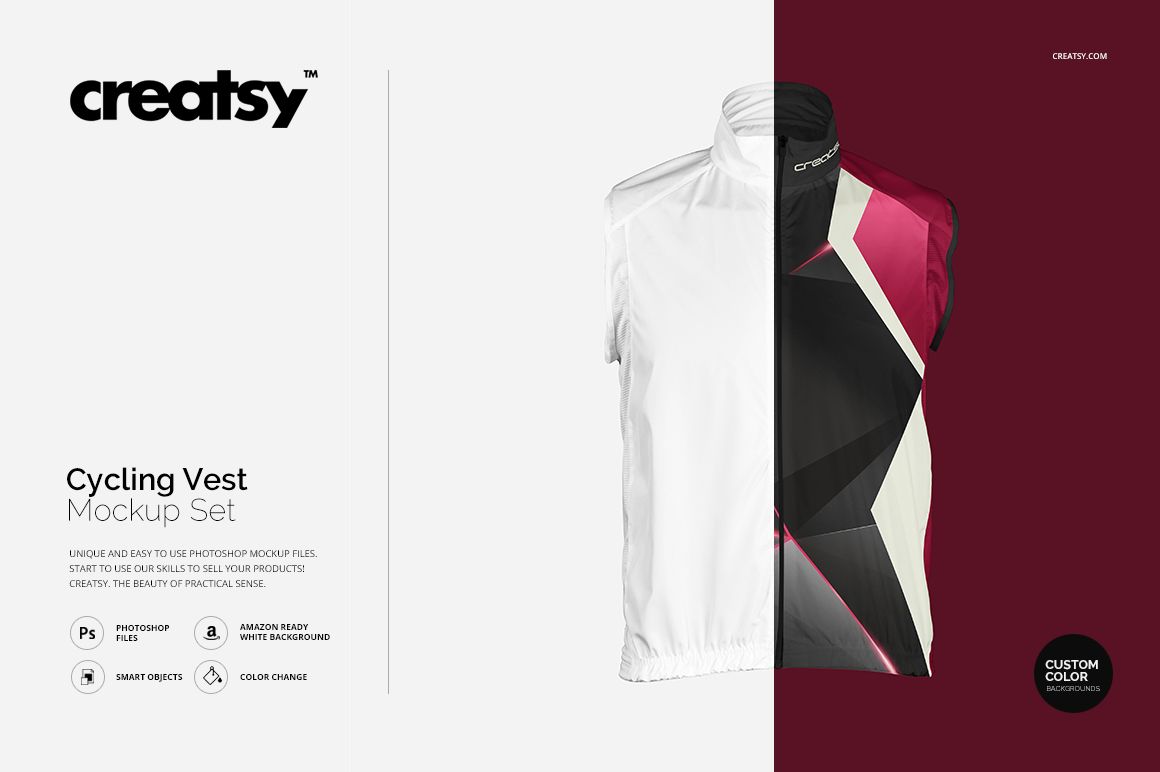
Cycling Vest Mockup Set
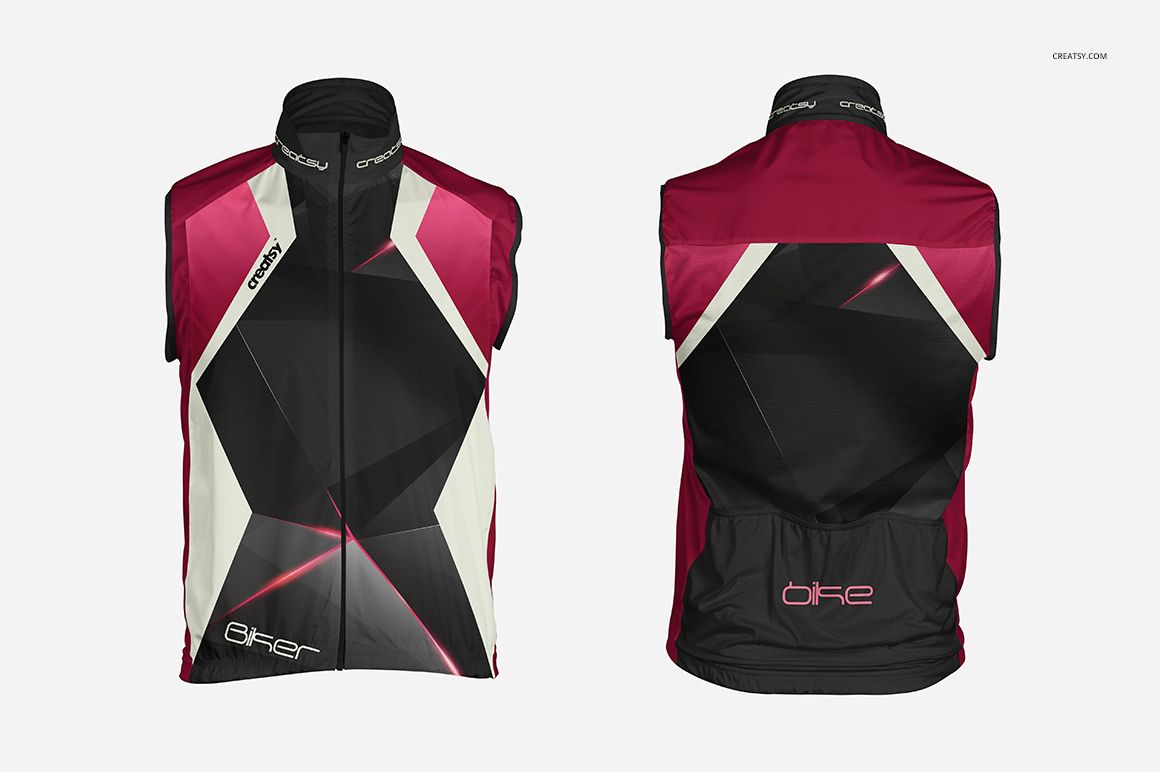
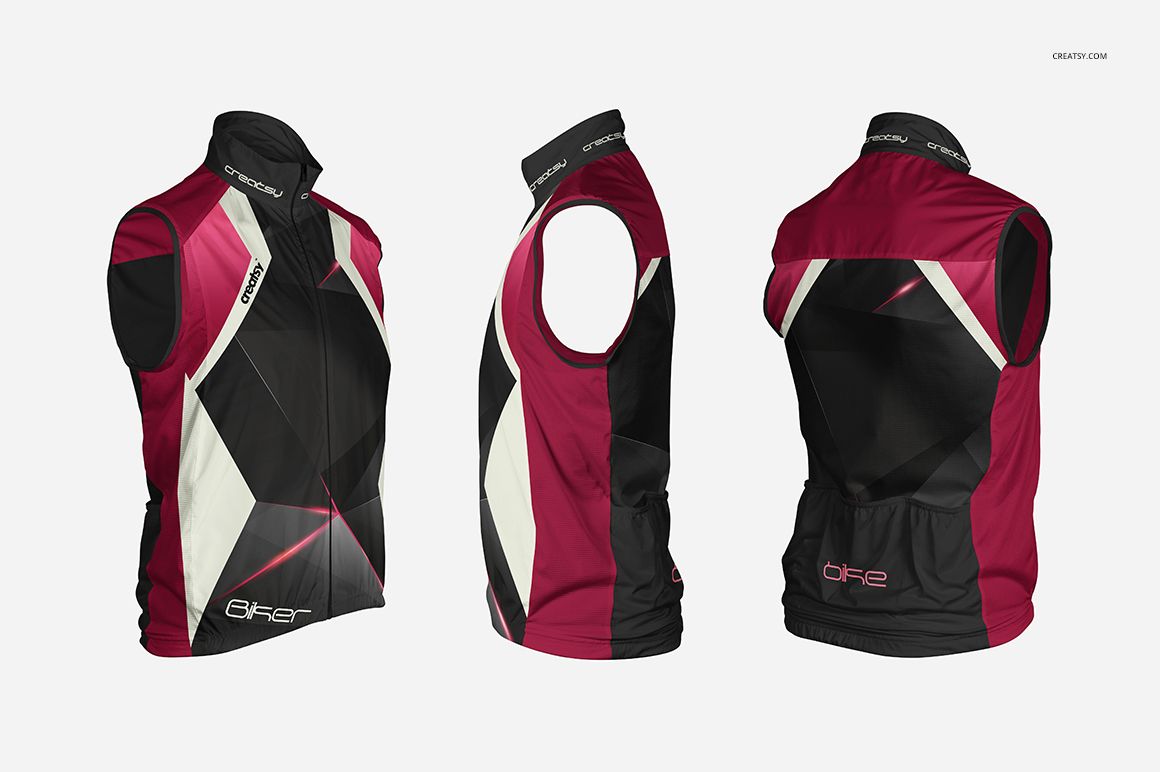
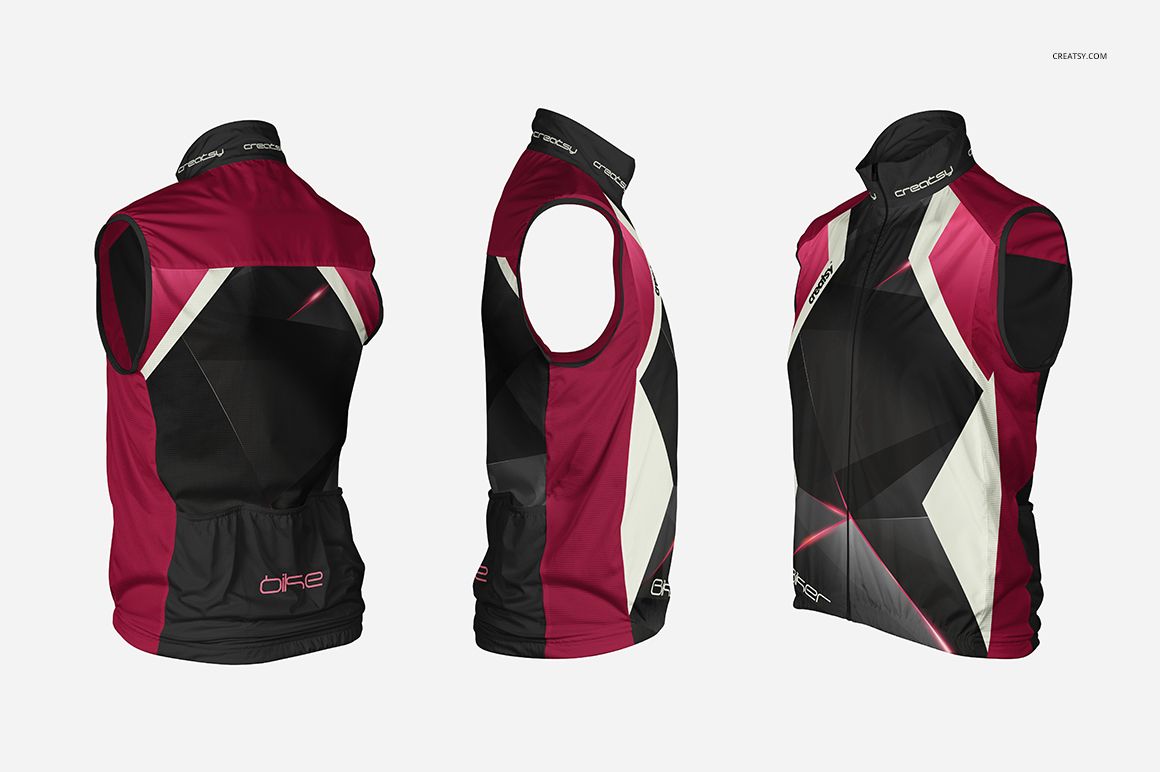
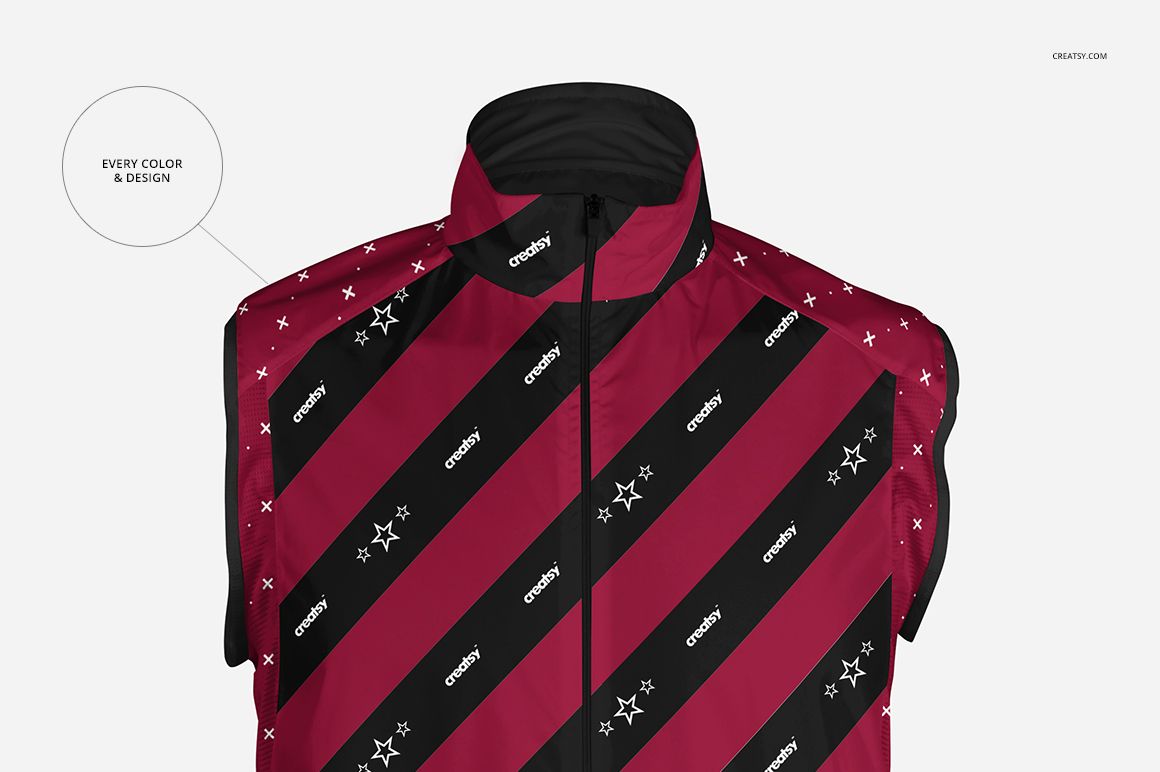
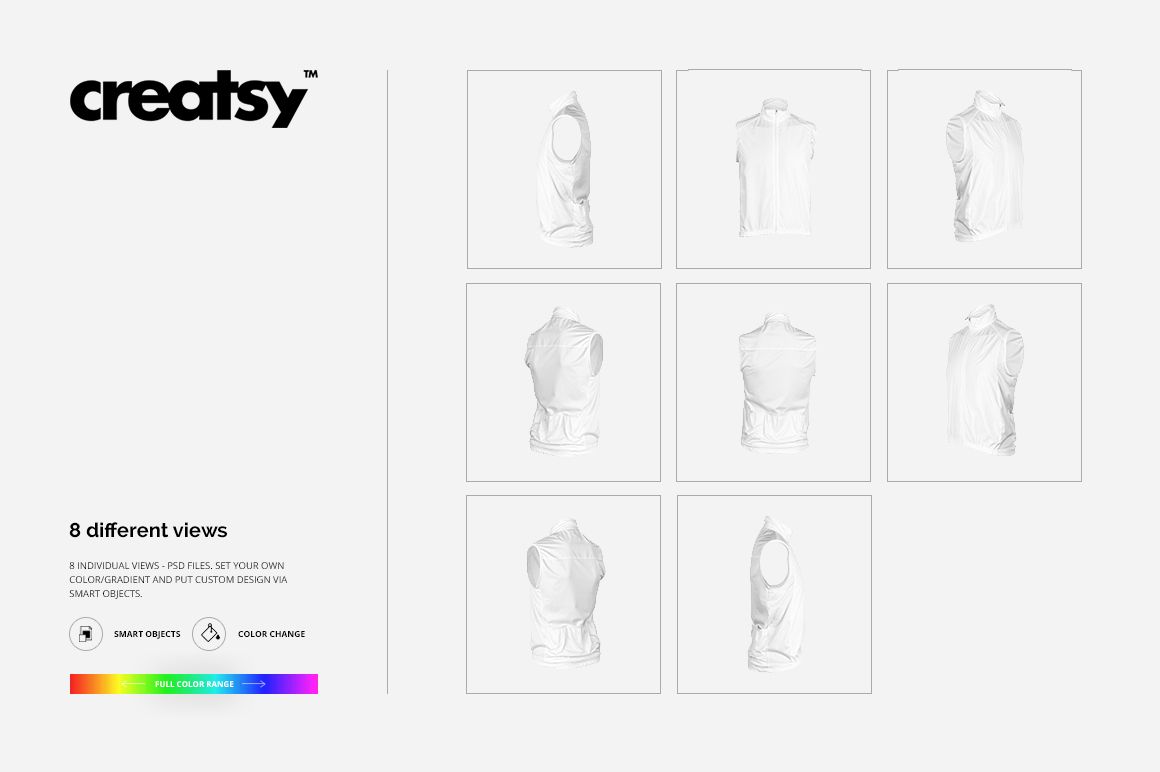
Present a complete cycling vest identity from every key direction with eight coordinated square views. The set covers front, back, left, right, and four perspectives, helping you review how artwork, sponsor marks, and color blocking continue around the sleeveless, high-collar garment.
Each layered PSD supports artwork placement through Smart Objects, color and gradient changes, plus flexible background options. Use the set to compare colorways, prepare client approvals, or build a consistent product gallery without arranging a physical apparel shoot.
What Is Included
8 layered PSD mockup files: front, back, left, right, and four perspective views
8 matching JPG preview files
1 TIFF guide at 1000 × 1414 px
17 files in total
4000 × 4000 px at 300 DPI per PSD
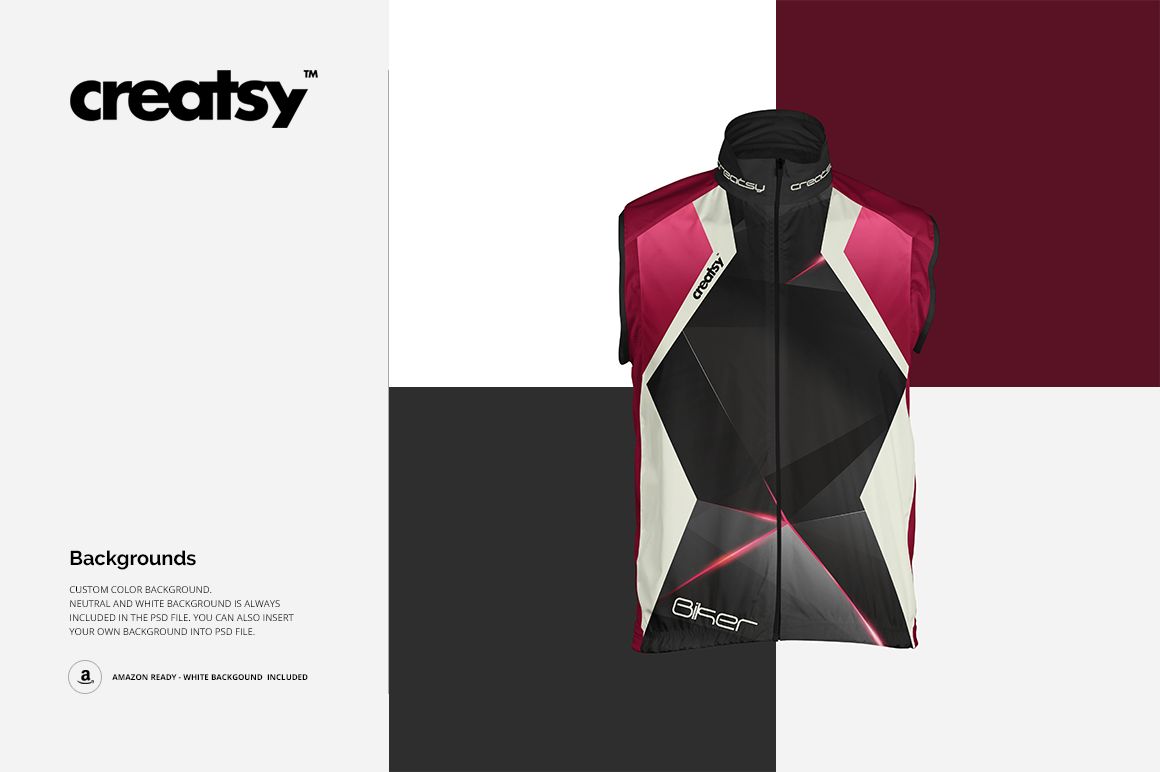
Neutral, white, custom-color, and personal background options
Eight Coordinated Vest Views
The front and back scenes reveal the main branding zones, zipper line, high collar, and rear pocket panel. Left, right, and four perspective views help you check continuity across the side areas and compare a complete color system around the garment.
Easy Smart Object Editing
Open the layered PSDs in Adobe Photoshop or Photopea. Replace the sample design through Smart Objects, adjust garment colors or gradients, then choose a neutral, white, or custom-color background, or insert your own image.
Perfect For
Cycling apparel and racewear brands
Cycling clubs and team identity designers
Event organizers and sponsor campaign designers
Uniform suppliers preparing client previews
Graphic and surface pattern designers building sportswear portfolios
This is a digital presentation mockup, not a garment sewing pattern or manufacturing template. Sample artwork and patterns shown in the previews are not included.