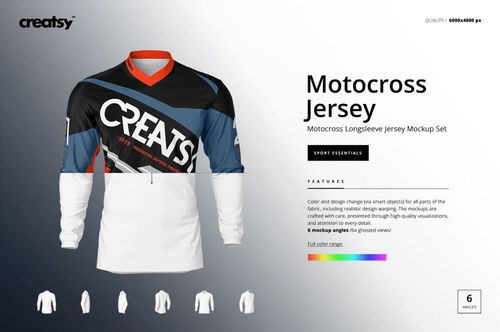
Bike Jersey Mockup Set
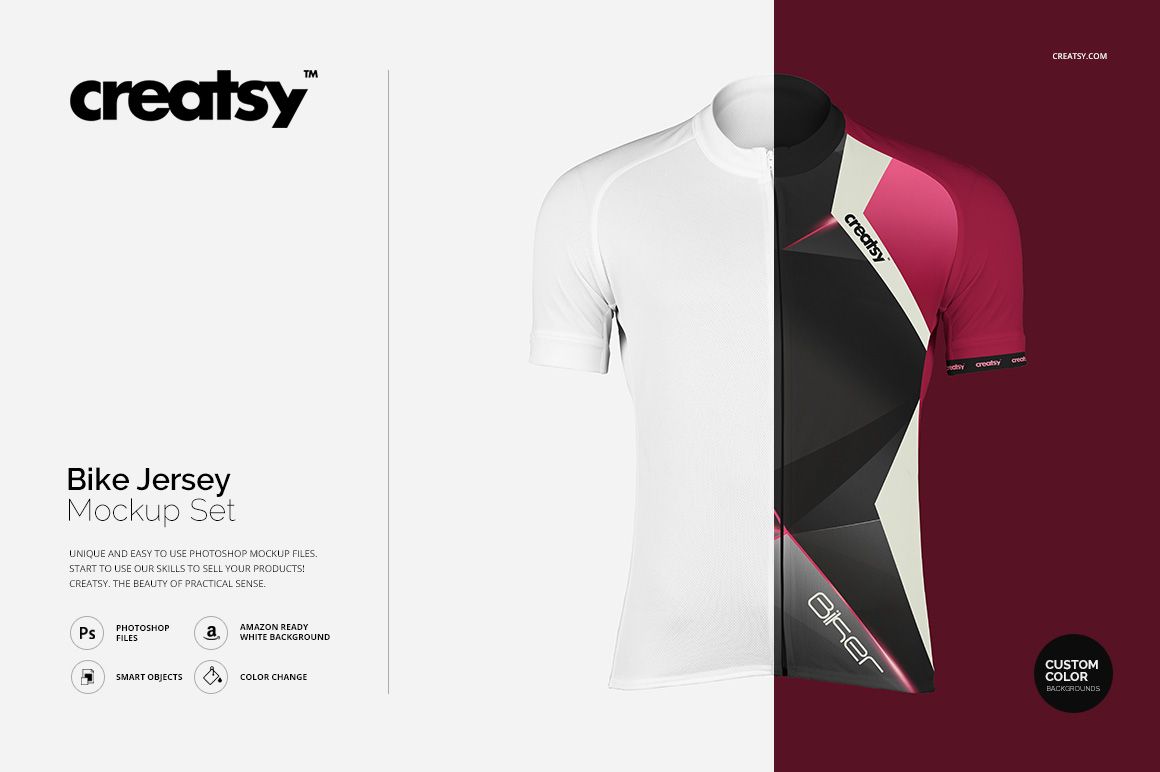
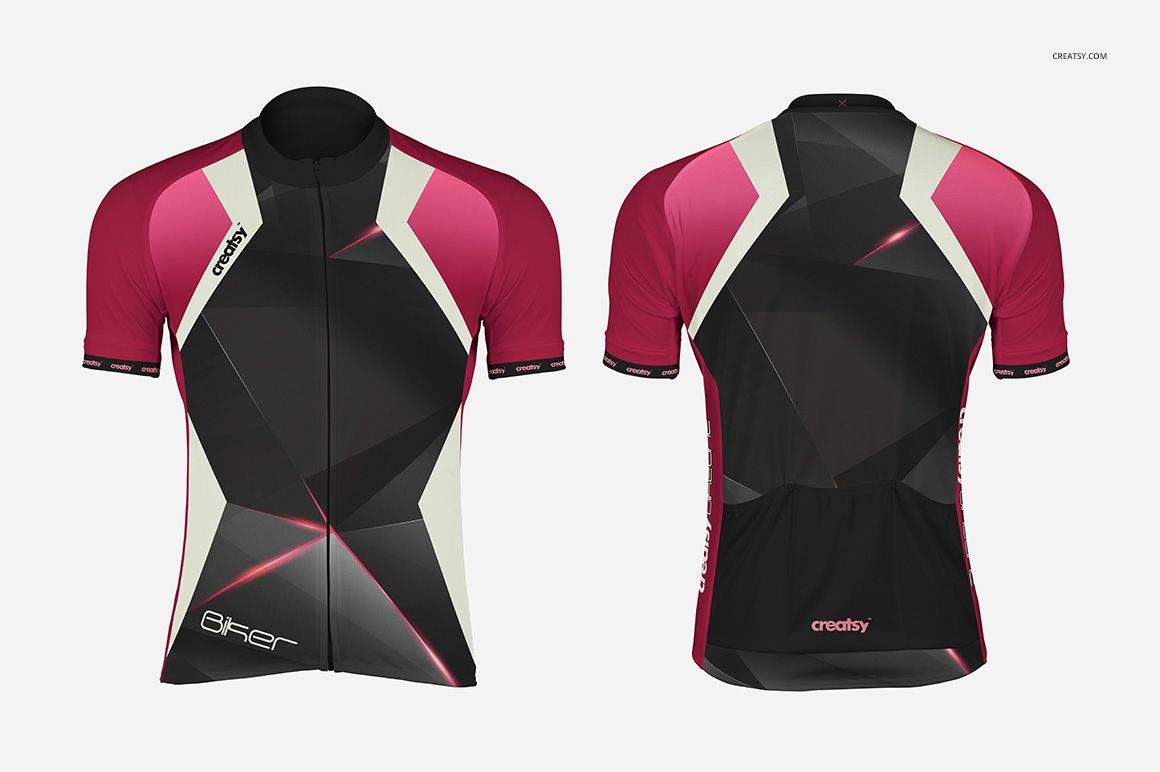
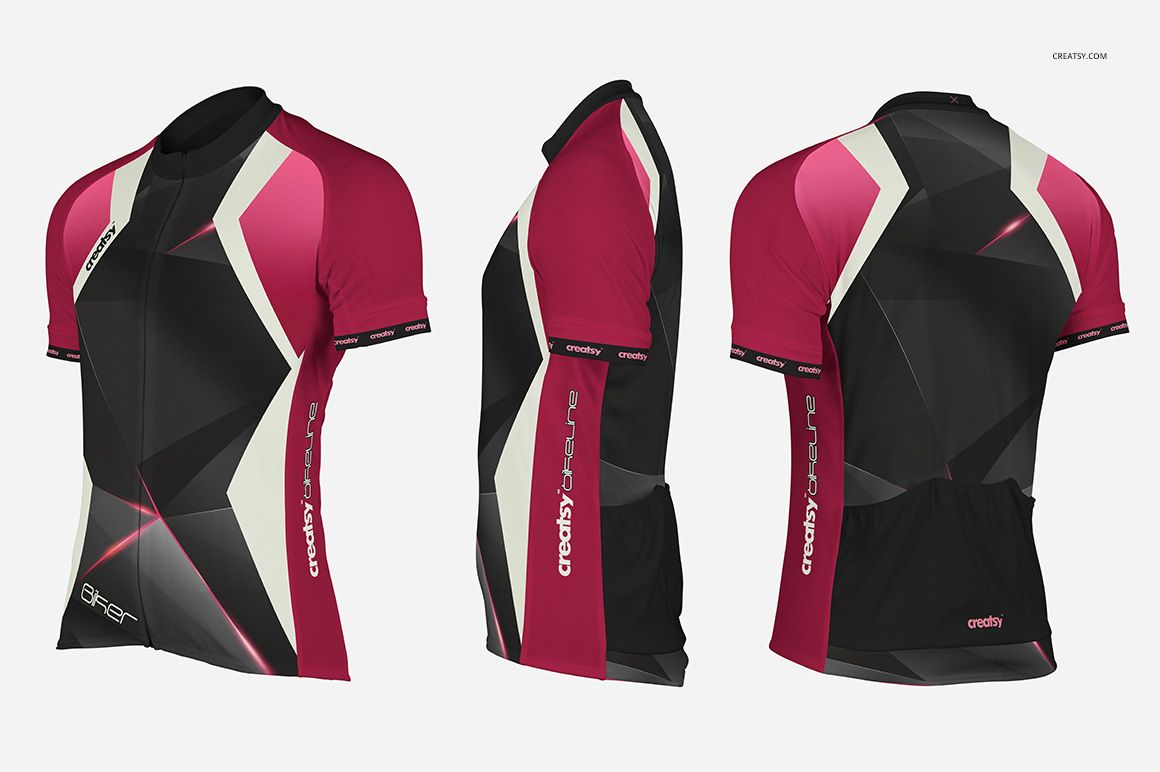
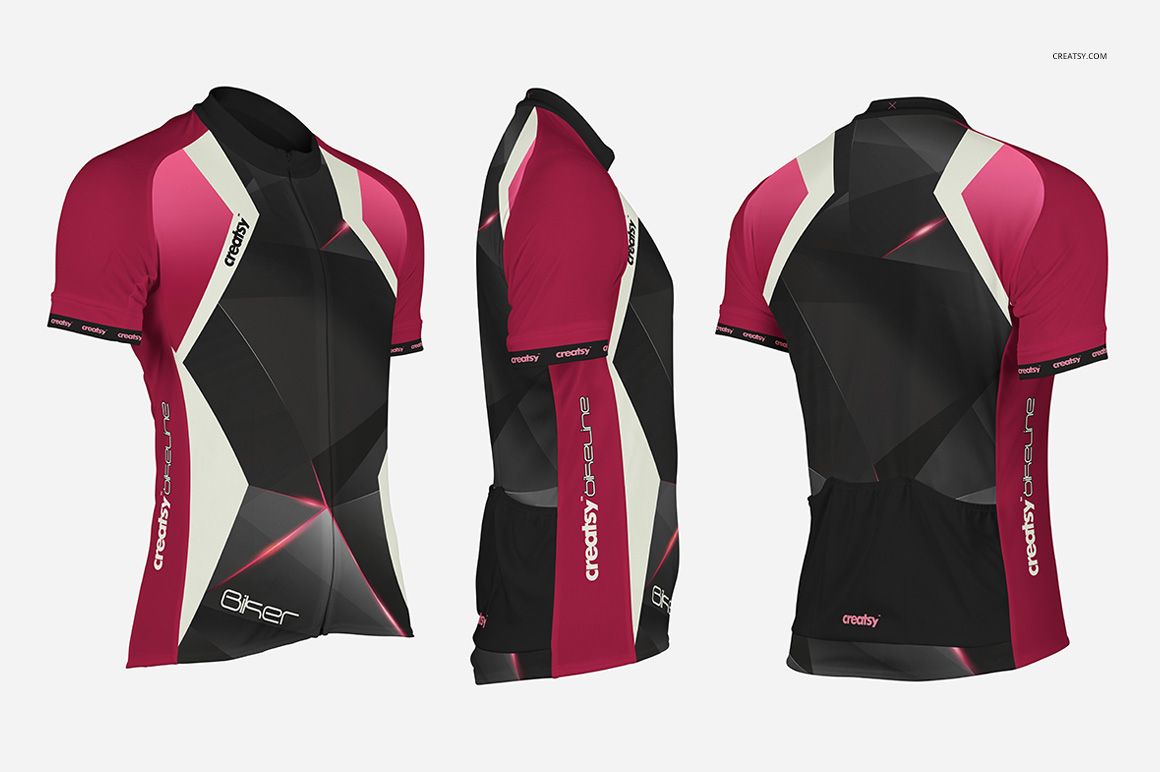
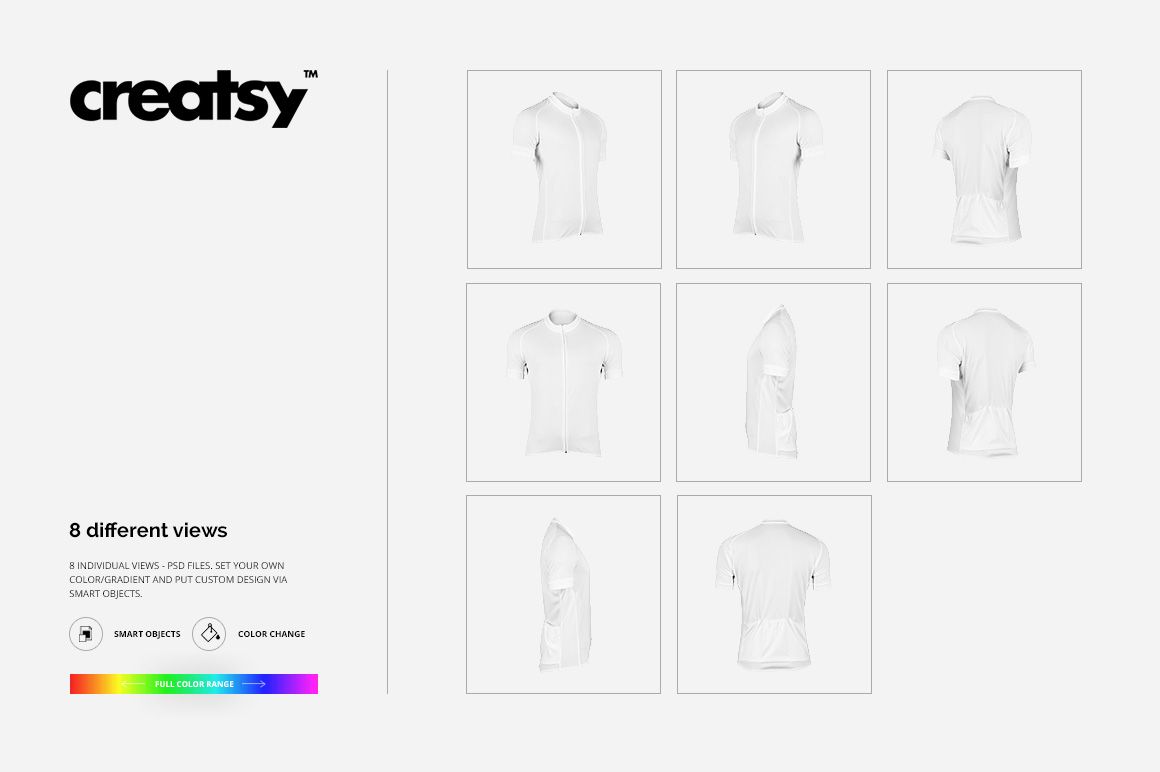
Review a complete short-sleeve cycling jersey design across eight coordinated PSD views. Front, back, left, right, and four perspectives reveal how chest graphics, sleeve treatments, side panels, and rear branding work together around the fitted garment.
This wider view set is useful when a single hero angle is not enough. Compare colorways, check artwork continuity, create approval images, and assemble a varied product gallery without preparing a physical jersey sample.
What Is Included
8 layered PSD mockup files: front, back, left, right, and four perspective views
8 matching JPG preview files
1 TIFF guide at 1000 × 1414 px
PSD formats described as 6000 × 6000 px and 6000 × 4000 px at 300 DPI
17 files in total
Smart Object, color, gradient, and background controls
Eight Views for a Complete Jersey Review
Move from the front and back to both side views and four perspectives to see how one design travels around the jersey. The sequence helps you assess the zipper line, standing collar, short sleeves, side panels, and rear pocket area while balancing logos, numbers, patterns, and sponsor placements.
Easy Smart Object Editing
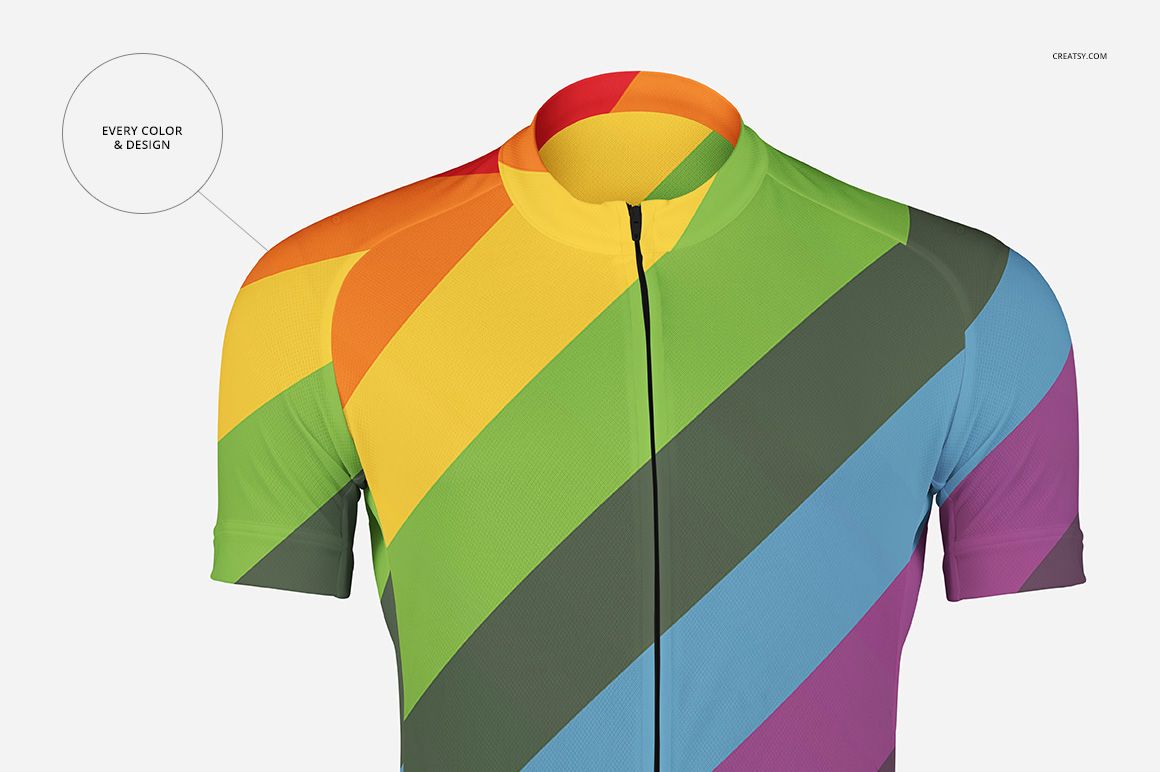
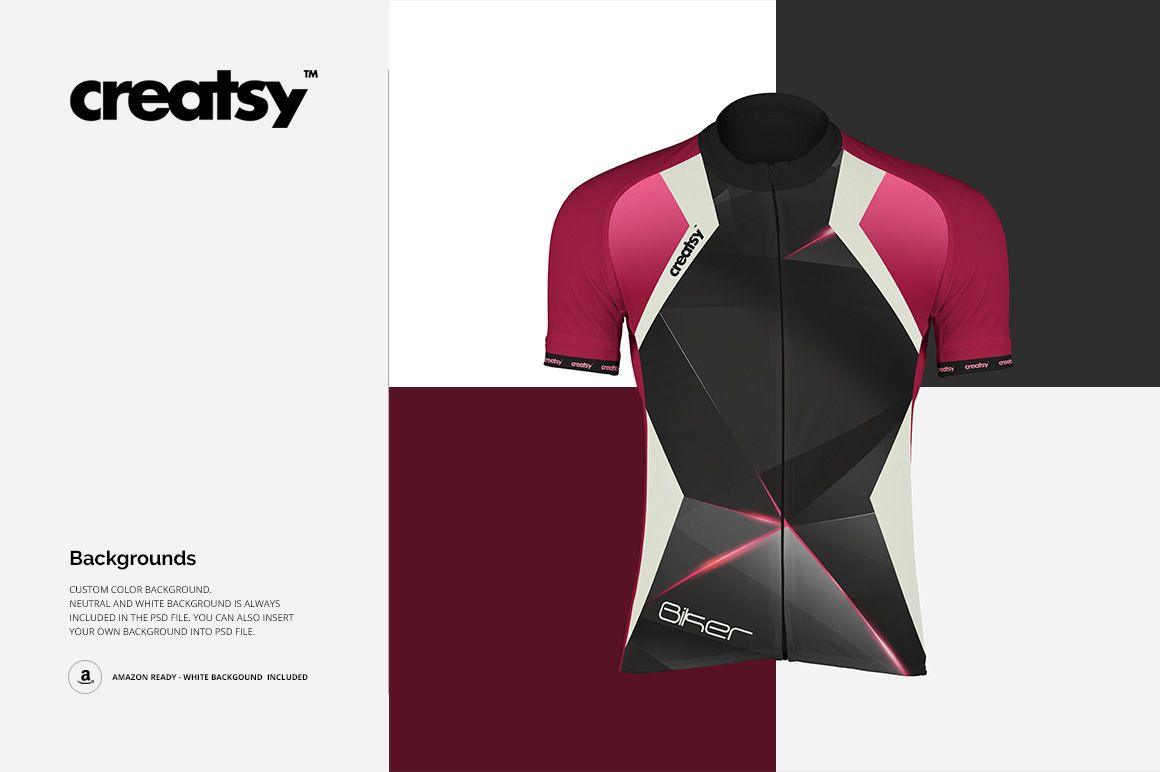
Open the layered PSDs in Adobe Photoshop or Photopea and add your artwork through Smart Objects. Adjust garment colors or gradients, use the included neutral or white background, set a custom background color, or insert your own image.
Perfect For
Cycling apparel and racewear brands
Club and team identity designers
Race organizers and sponsor partners
Uniform suppliers preparing client approvals
Graphic and surface pattern designers presenting sportswear concepts
This is a digital presentation mockup, not a sewing pattern, garment specification, or production template. Sample artwork and patterns shown in the previews are not included.