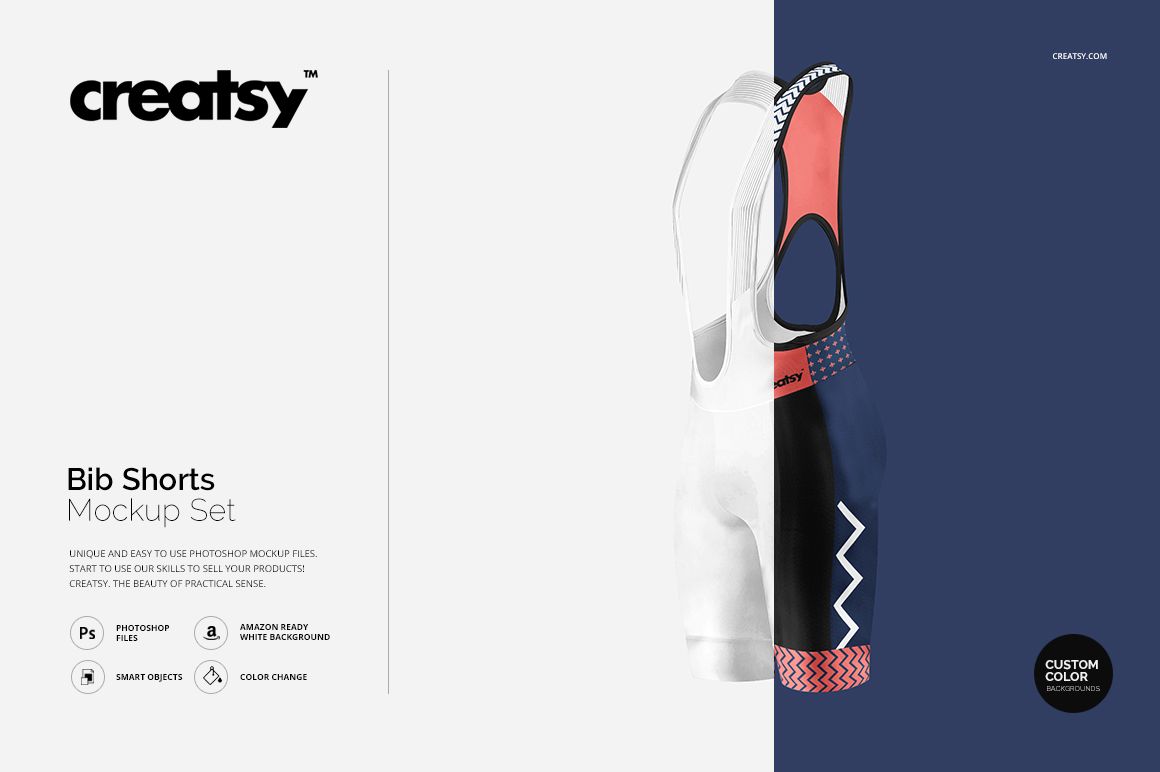
Bib Shorts Mockup Set
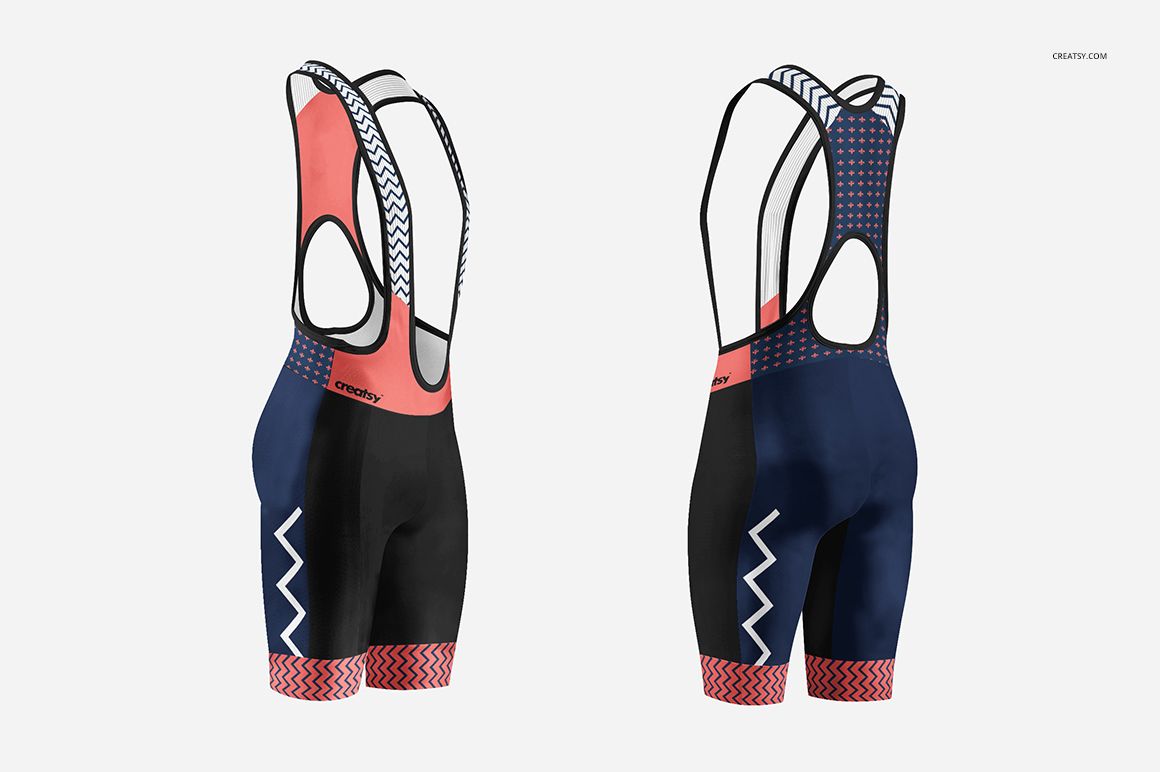
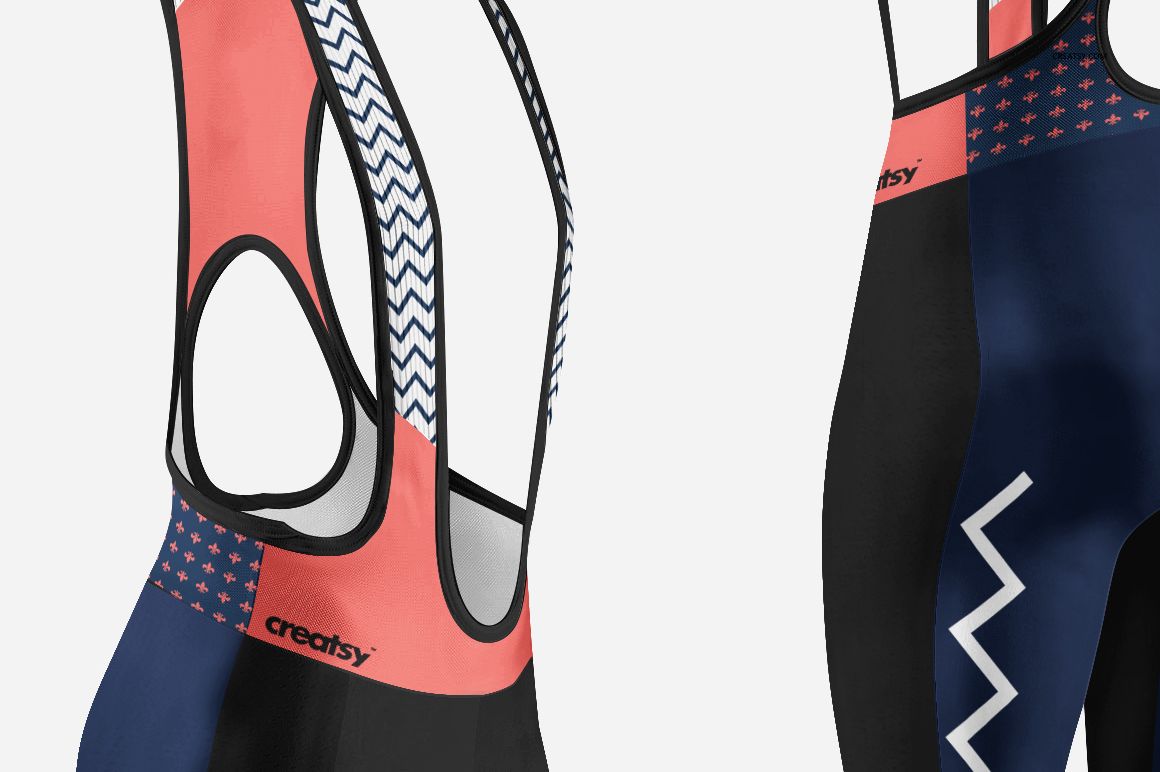
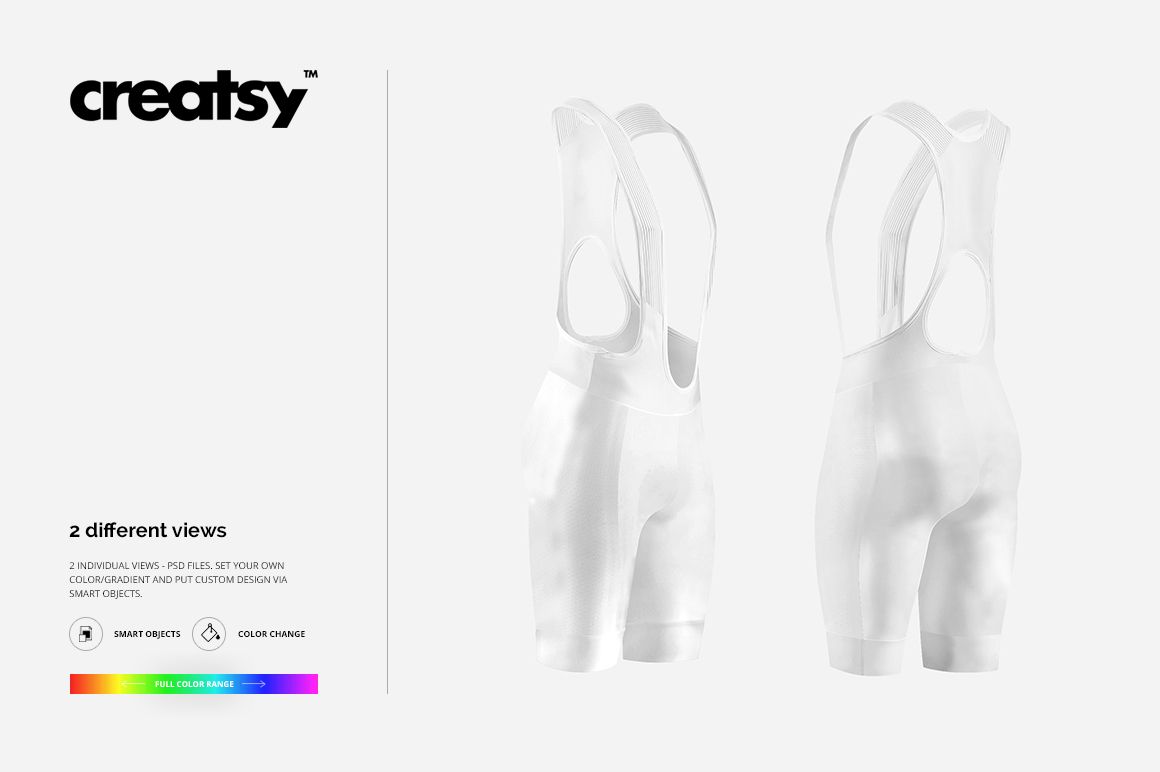
Present cycling bib shorts from the front and back in two focused square views. The fitted leg panels, shoulder straps, waist construction, and rear shape provide a clear surface for reviewing how team colors, sponsor marks, and continuous graphics work around a technical cycling garment.
Apply custom artwork through Smart Objects, then explore solid colors or gradients without rebuilding the scene. The matched views help designers compare both sides of one kit, prepare realistic approval images, and coordinate the shorts with jerseys or other racewear.
What Is Included
2 layered PSD mockup files: front and back bib shorts views
2 JPG preview files
1 TIFF guide at 1000 × 1414 px, 5 files in total
PSD scenes described as 1800 × 1800 px at 300 DPI
Smart Object editing with color, gradient, design, and background controls
Front and Back Bib Shorts Views
The front scene shows the leg panels, bib straps, and central construction, while the back view reveals the rear layout and how graphics continue around the garment. Use both to assess logo placement, pattern direction, contrasting panels, or a coordinated club color system.
Clean and Custom Backgrounds
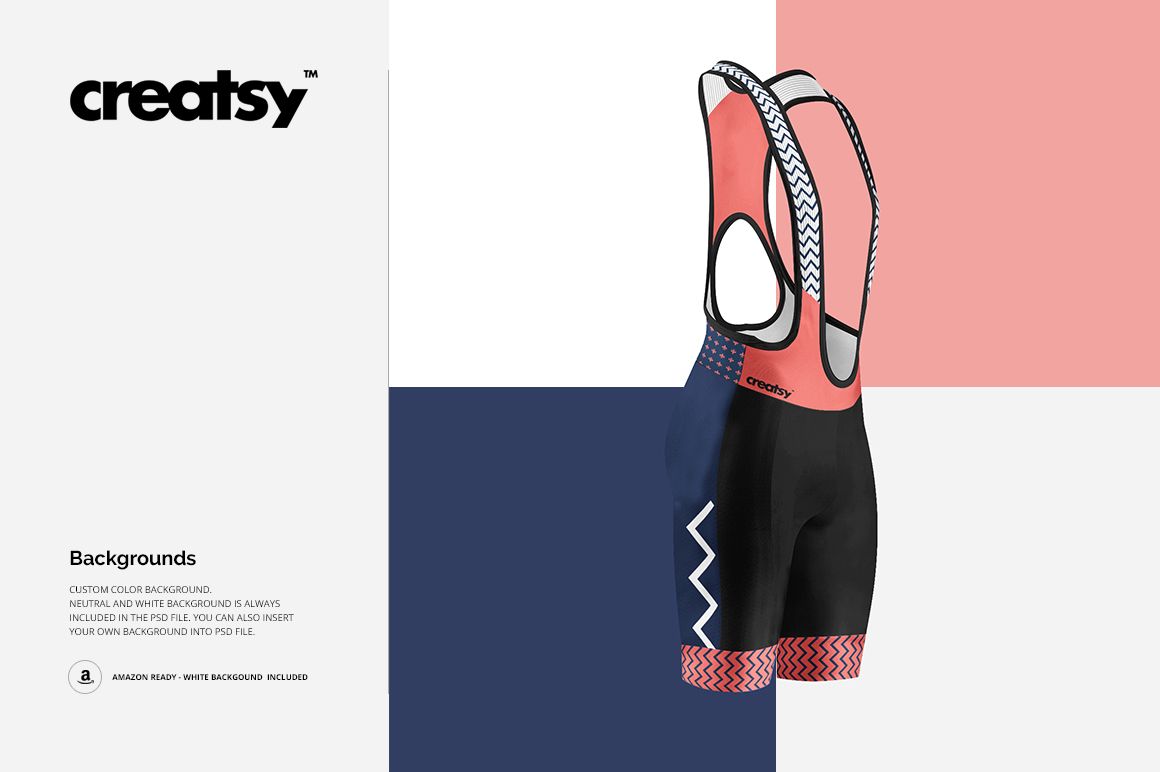
Neutral and white backgrounds are included, and the PSD files support a custom background color or your own inserted image. The clean white option works well for catalog-style presentation, while custom colors can connect the shorts to a race campaign or team identity.
Easy Smart Object Editing
Add stripes, typography, sponsor graphics, numbers, illustrations, or repeating patterns through Smart Objects and adjust the garment colors or gradients. The current public compatibility panel lists Adobe Photoshop and Photopea.
Perfect For
Cycling apparel and performance-wear brands
Club, race, and team identity designers
Graphic designers preparing sponsor systems
Uniform suppliers creating client proofs
Ecommerce galleries and sportswear portfolios
This is a digital presentation mockup, not a sewing pattern or manufacturing specification. Sample artwork shown in the previews is not included.