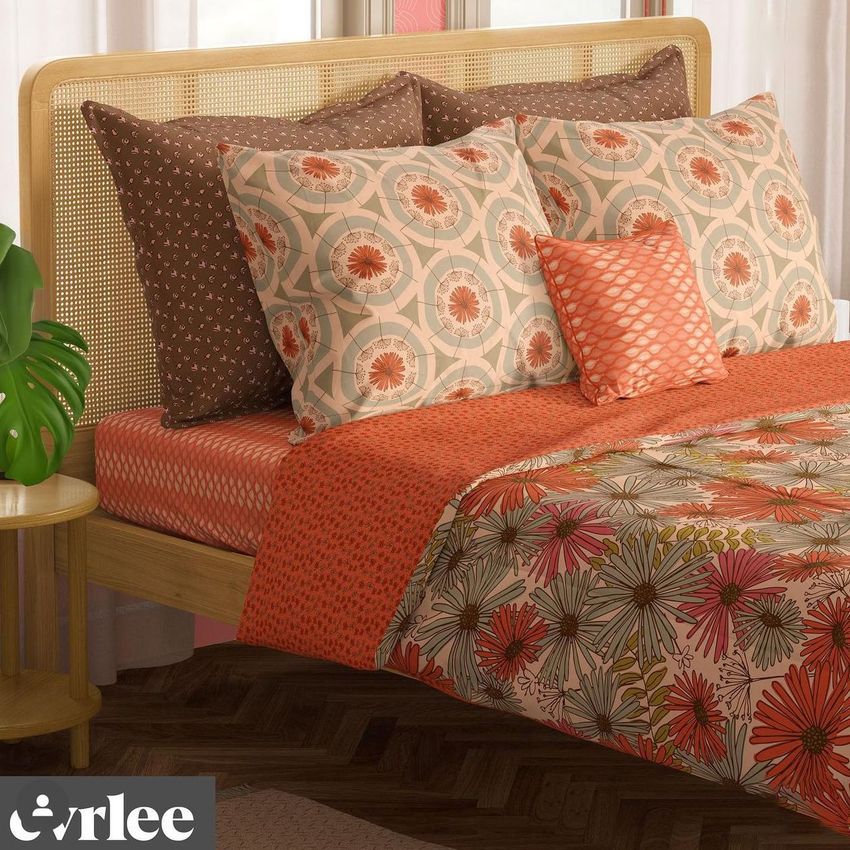
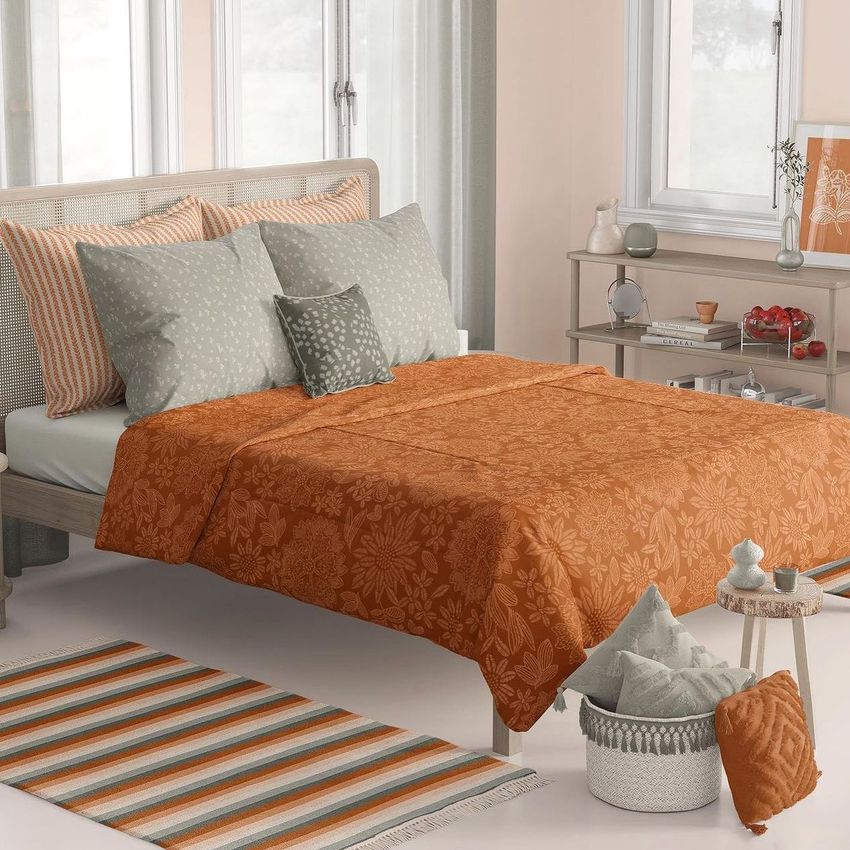
Boho Bedroom MWW Bedding Mockup Set

Product Details
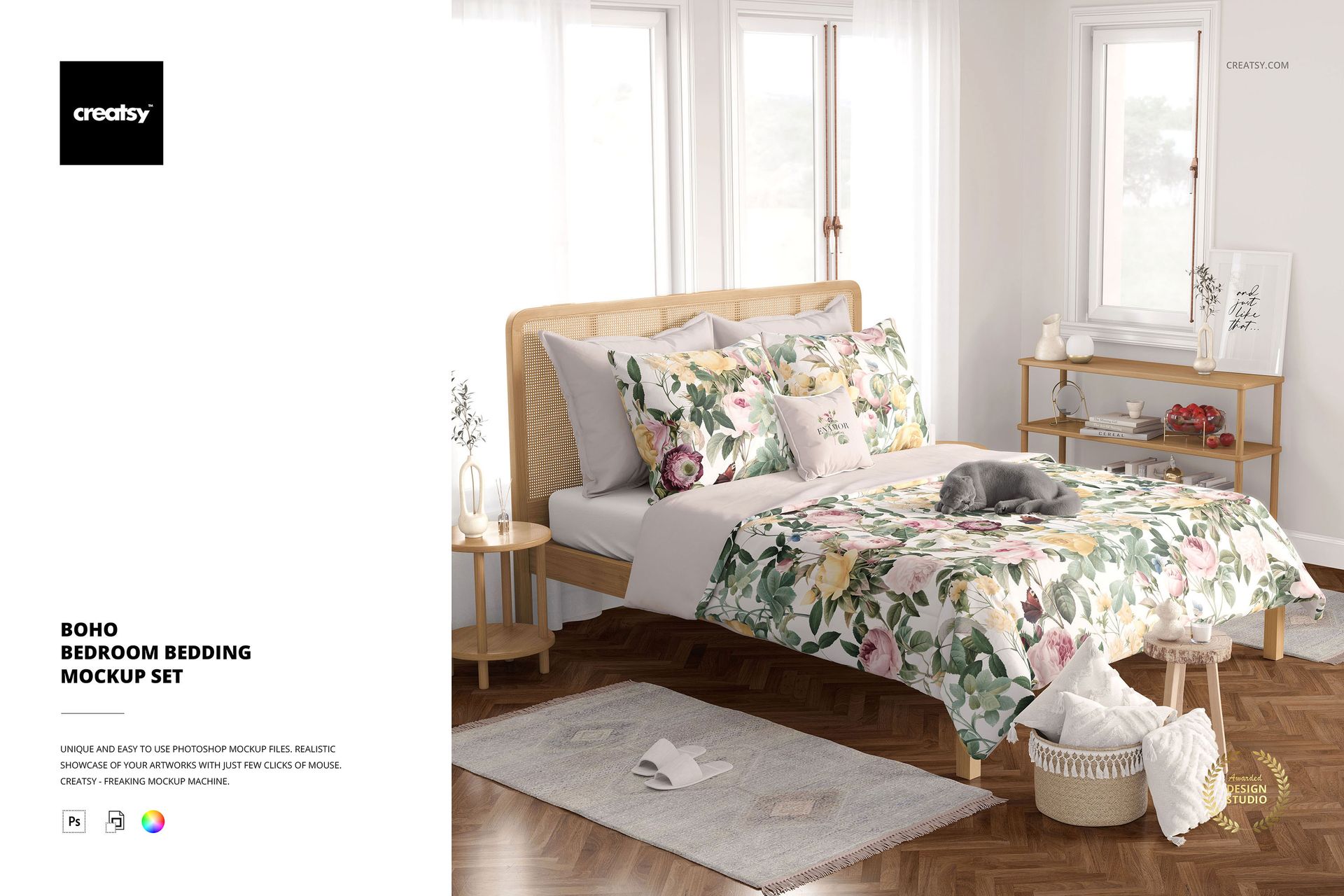
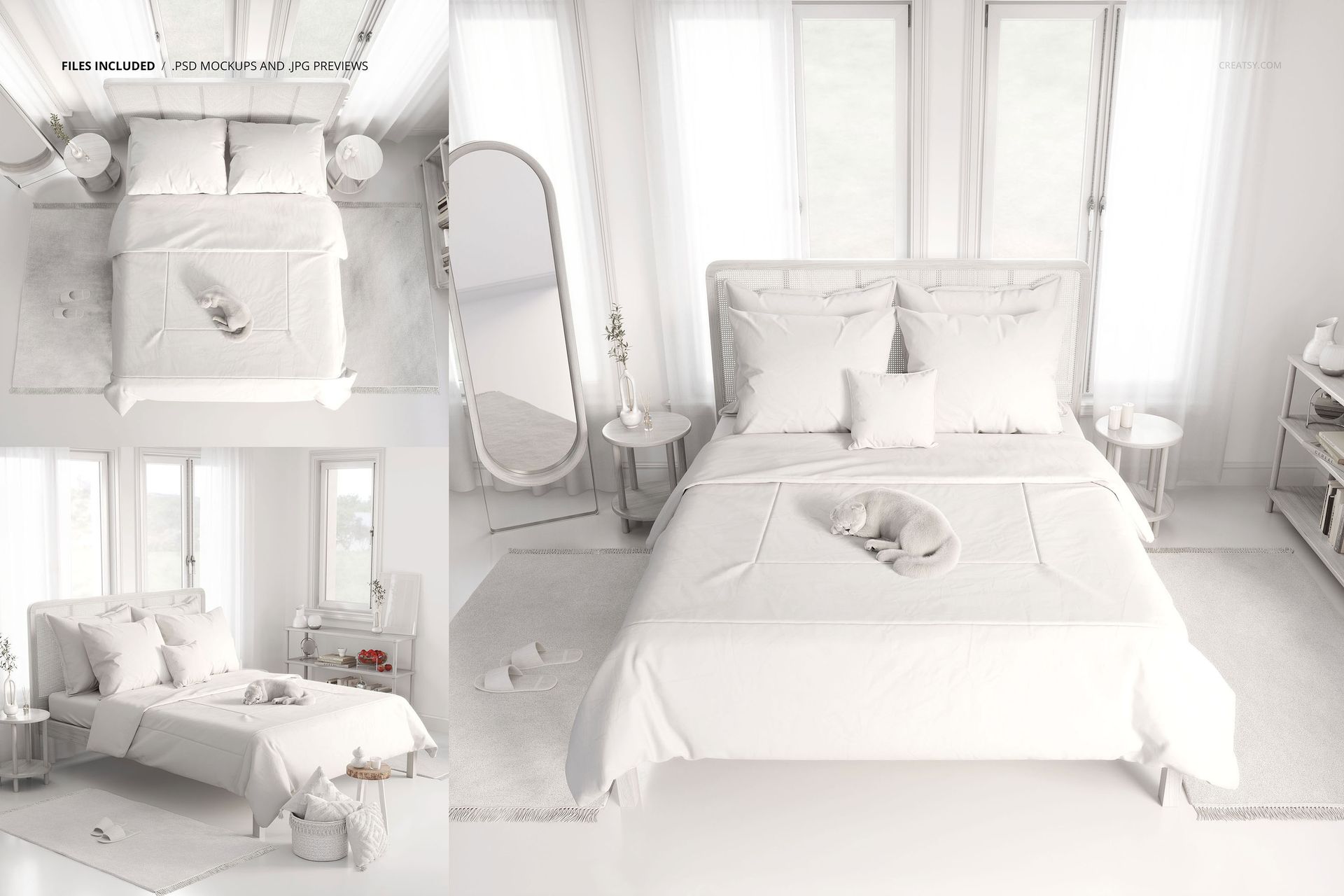
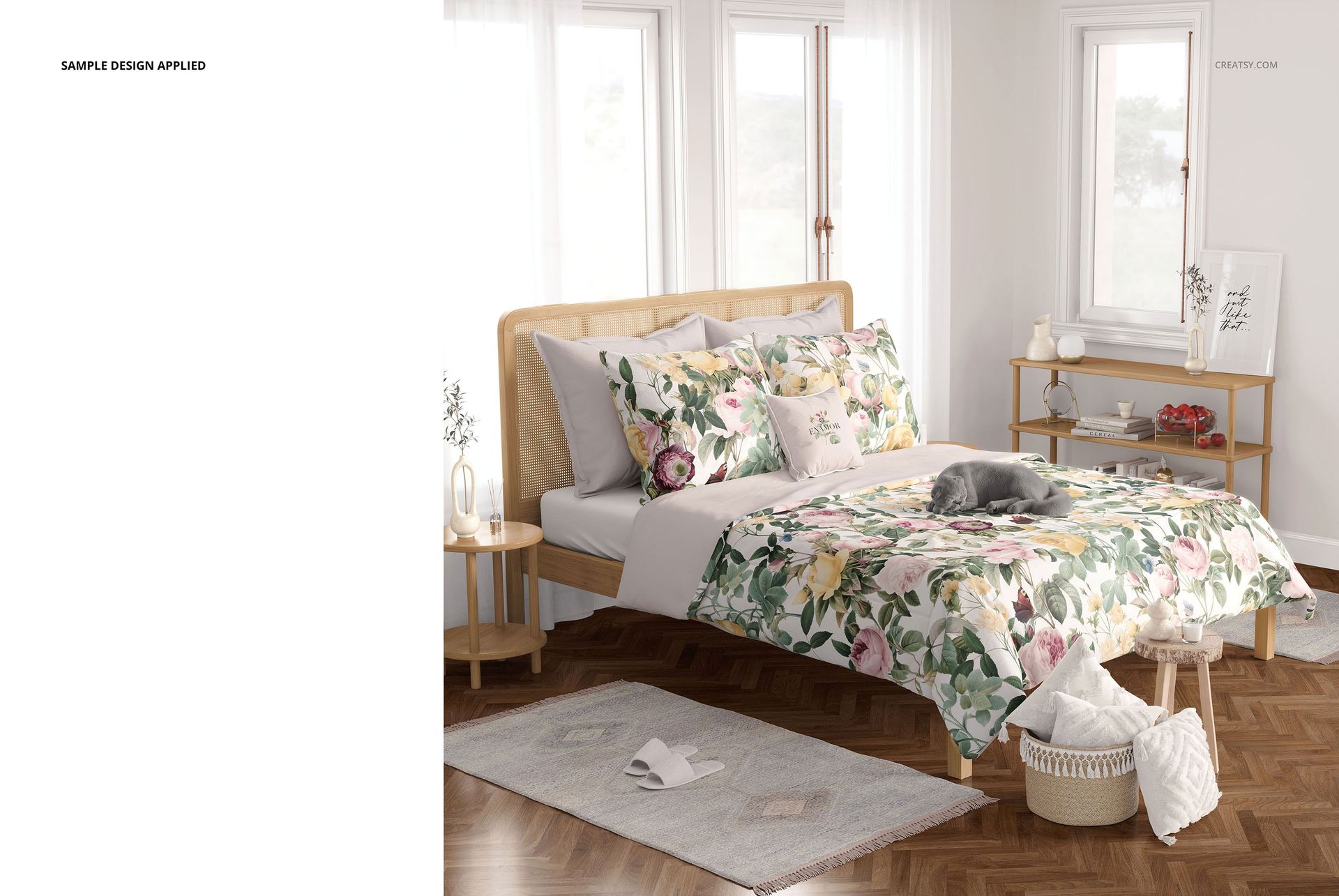
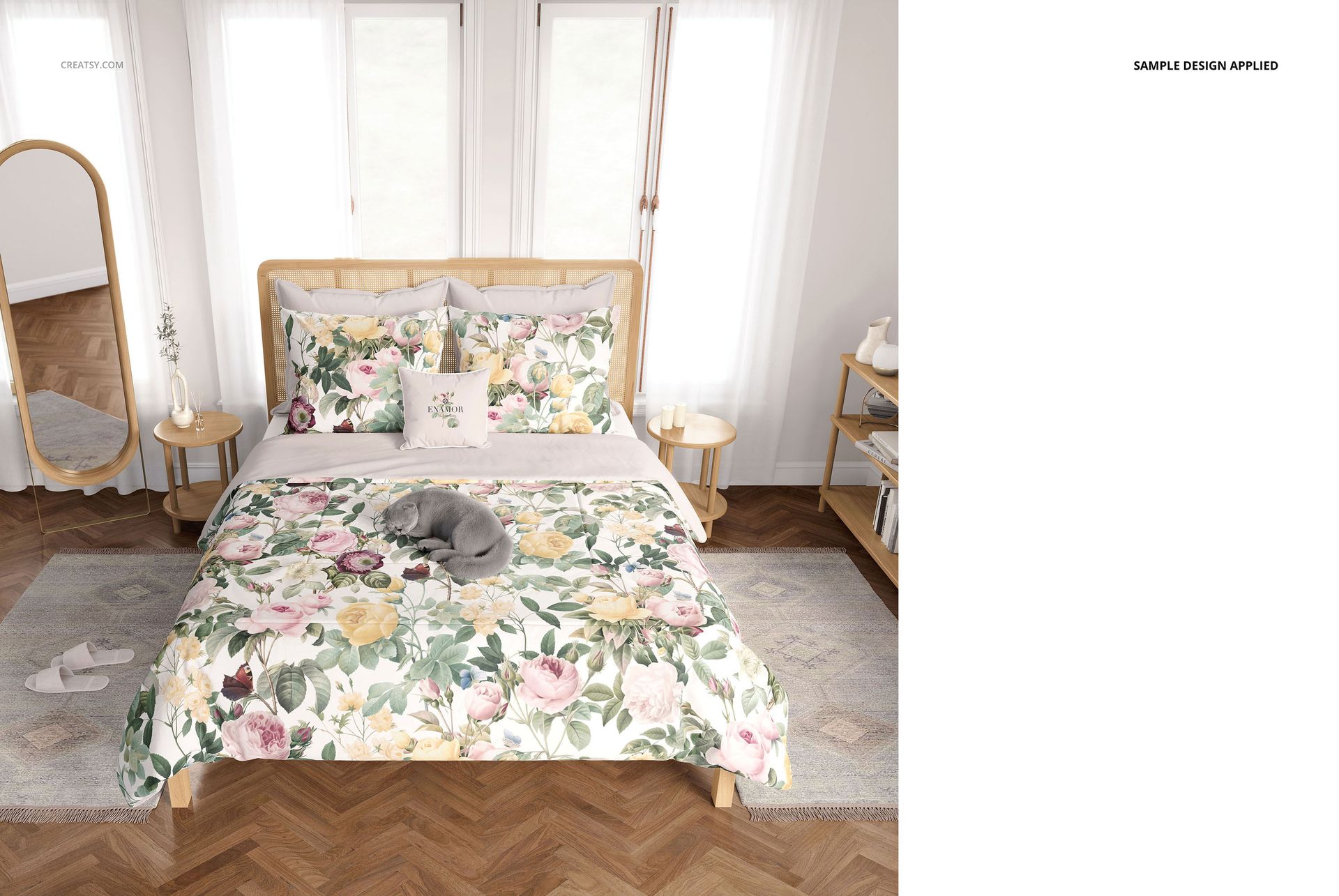
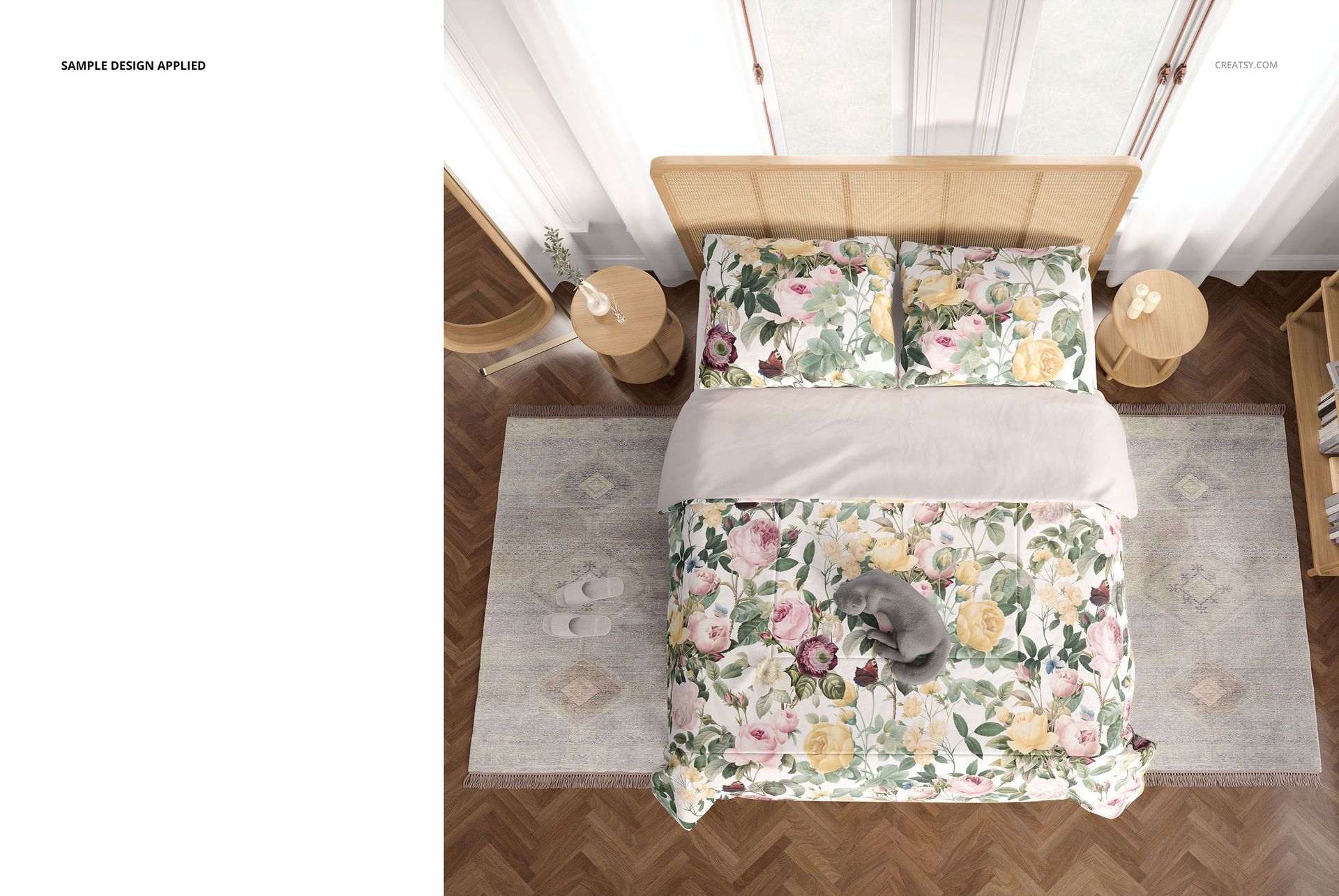
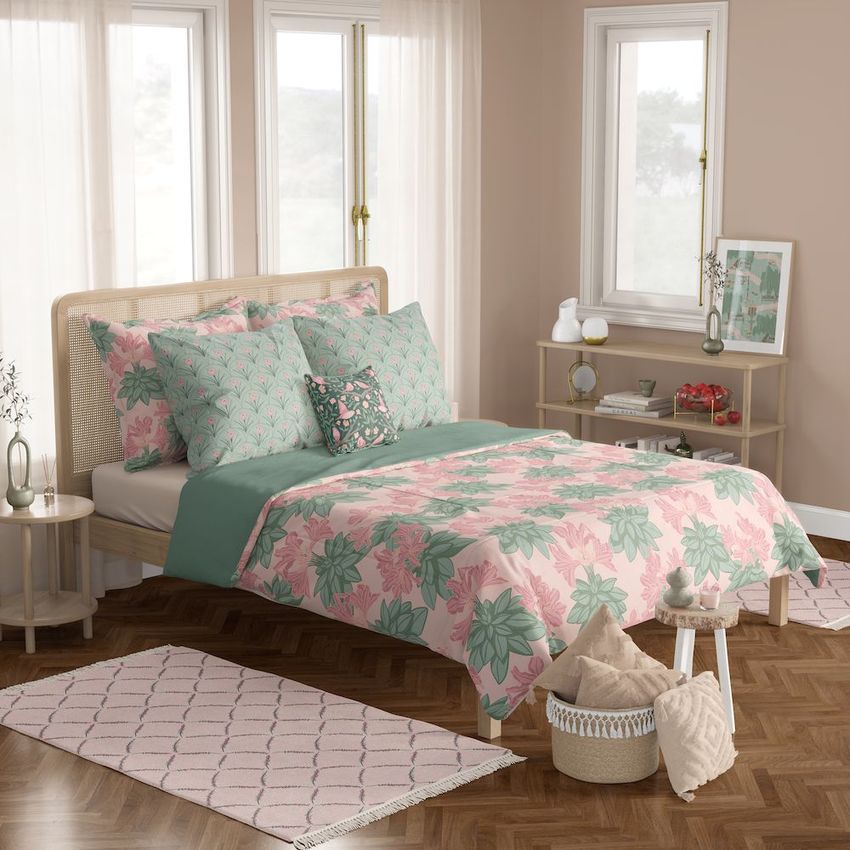
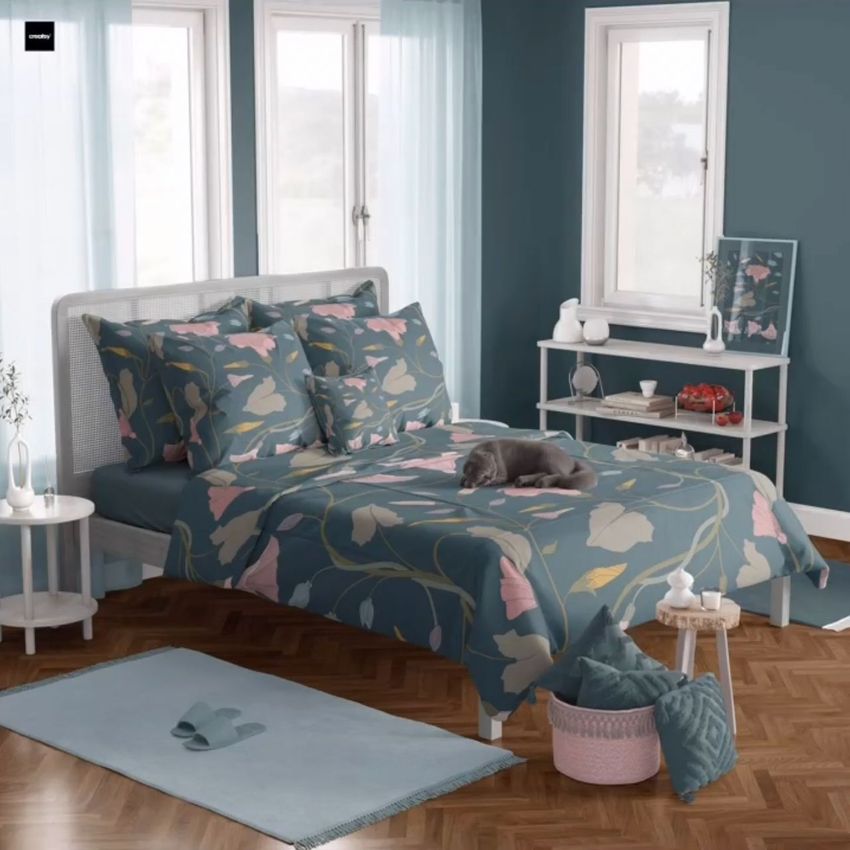
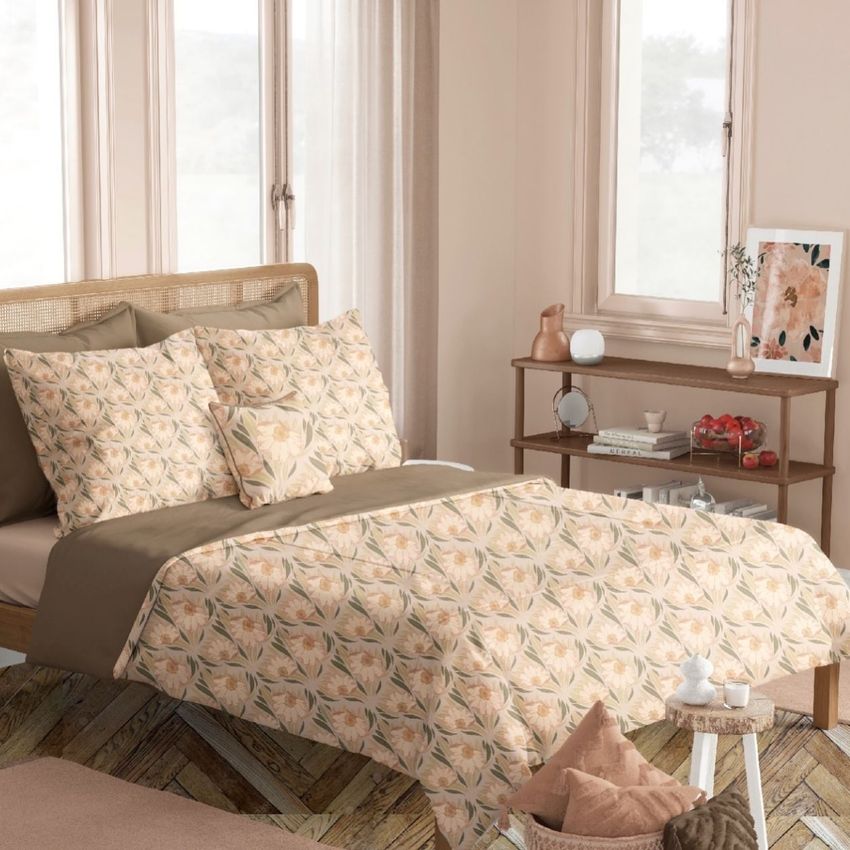
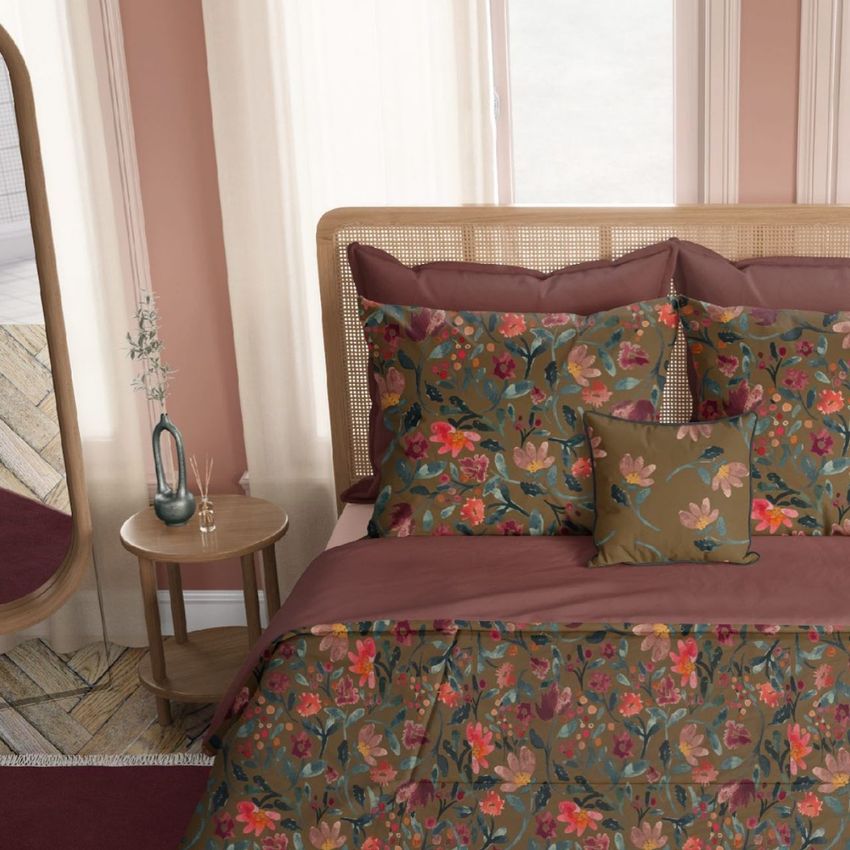
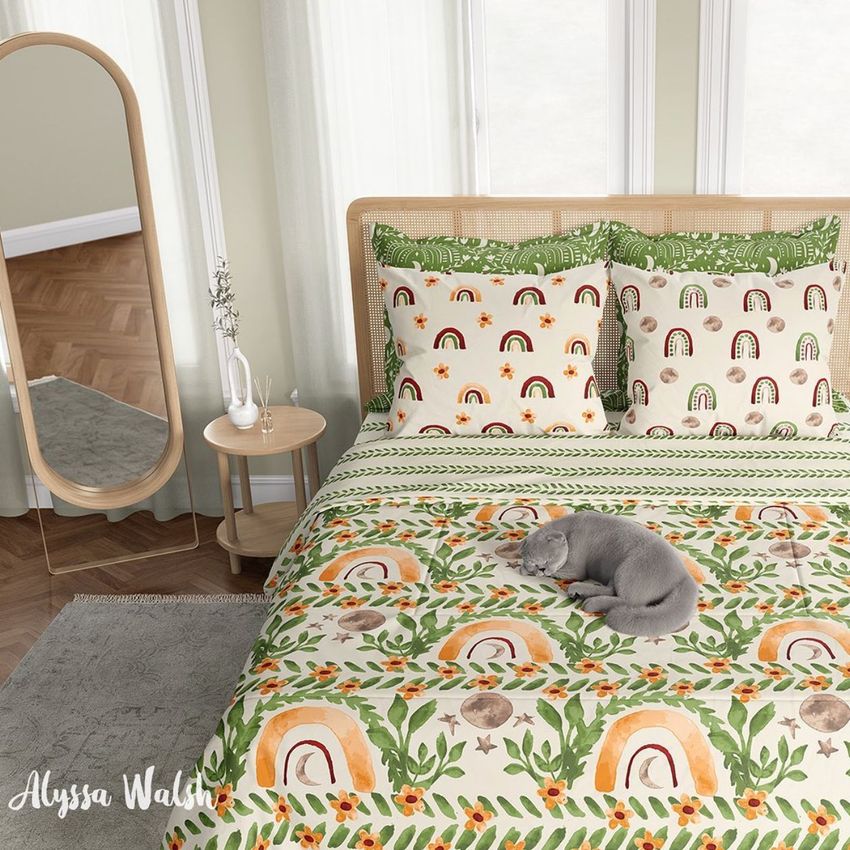
The Boho Bedroom MWW Bedding Mockup Set places a complete bedding arrangement in a bohemian-styled bedroom scene with warm natural light, woven textures, and earthy decor. The set includes 3 PSD files showing the bed from different angles and distances, giving you a full range of compositions for presenting duvet cover designs, comforter patterns, and pillow artwork in a styled interior setting. Each file measures 6000x6000px at 300 DPI with smart object layers and requires Adobe Photoshop CC 2020 or newer. This mockup does not support Photopea or other free PSD editors. Example patterns applied on mockup screenshots by Tashi Tsering (not included in the download file).
Why This Mockup Set Works
Flat fabric swatches cannot communicate how a textile design looks on an actual bed in a real room. This set solves that by placing your artwork in a complete bedroom environment with boho-style decor, natural wood surfaces, and soft directional lighting that creates realistic shadows across the bedding folds. The three different viewing angles let you show the full bed from a distance for overall pattern impact, a mid-range shot for layout and proportion, and a closer composition for texture detail. The bohemian aesthetic appeals to a broad range of home decor buyers and works particularly well for floral, botanical, watercolor, and organic pattern styles.
What Is Included
The download contains 3 layered PSD files and a user manual PDF. Each PSD presents the same boho bedroom scene from a different camera position, providing variety for product listings, lookbooks, and marketing materials. The smart object layers cover the duvet cover surface, pillow surfaces, and other visible bedding elements, allowing you to apply your textile design across the entire bed set. The bedroom environment includes a wooden bed frame, a nightstand with decorative objects, a textured wall, and natural light coming through a window. All three files share the same 6000x6000px square format at 300 DPI, which works well for both web and print applications.
What You Can Customize
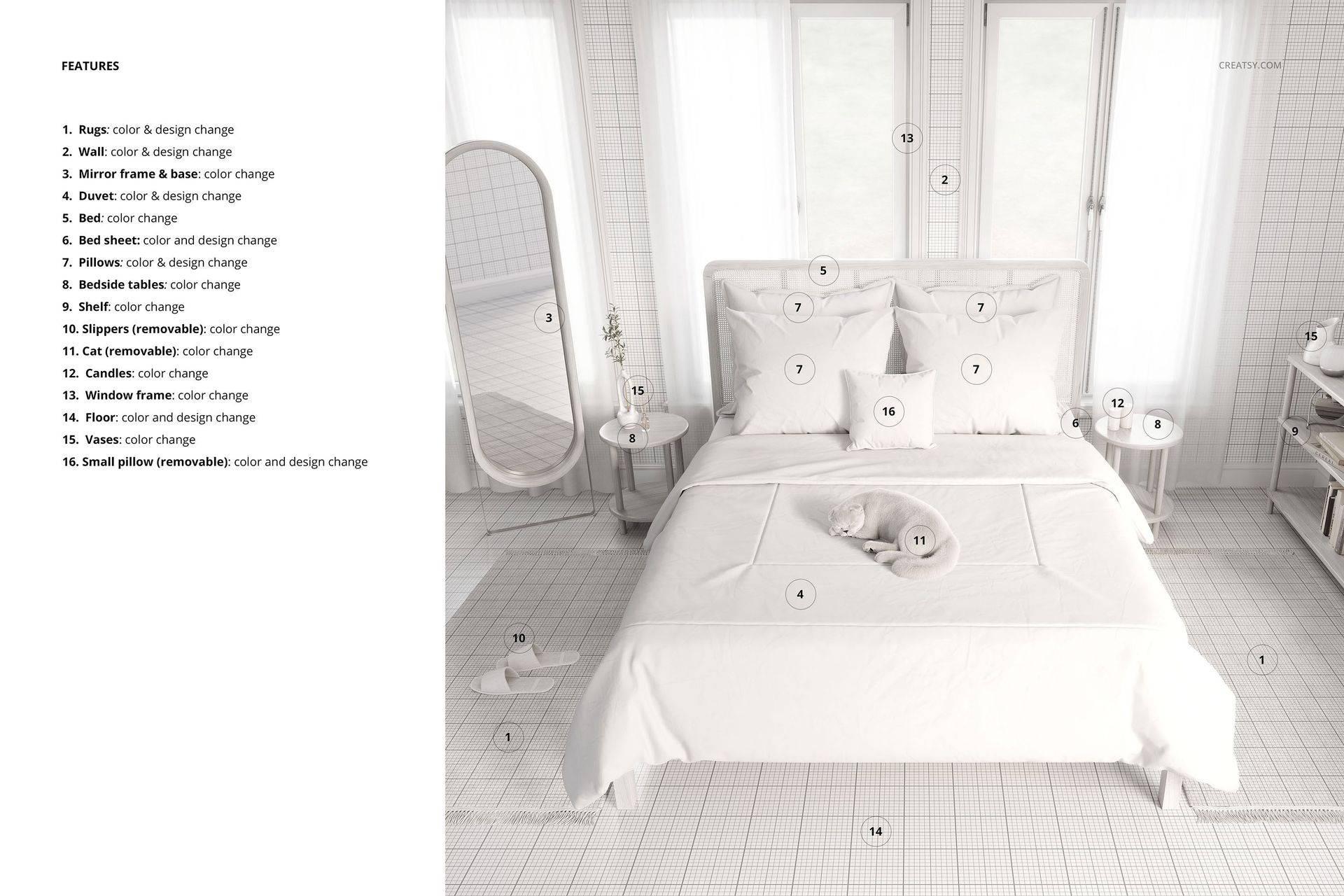
Each PSD file uses smart object layers for the bedding surfaces. Double-click a smart object to open the embedded canvas, place your pattern or textile design, save, and the artwork maps onto the bedding with accurate perspective, fold distortion, and shadow interaction. You can apply different designs to the duvet cover and pillows independently, which lets you present coordinating print collections or test how a hero pattern pairs with a secondary design. The adjustment layers allow you to modify the overall lighting warmth, brightness, and contrast to match your brand aesthetic or to simulate different times of day.
Who This Mockup Set Is For
Bedding brands and home textile companies creating product listing images for Shopify, Amazon, Etsy, or wholesale catalogs where lifestyle bedroom photography outperforms plain product shots. Surface pattern designers presenting bedding-specific textile collections to manufacturers or licensing partners who need to see the design in a realistic room context. Interior design studios assembling mood boards or room visualization presentations for clients considering custom textile options. Print-on-demand sellers listing duvet covers, comforter sets, or pillowcase designs on platforms that require lifestyle-quality product images to compete. Home decor influencers, bloggers, and content creators producing visual content around bedroom styling, textile trends, and boho interior aesthetics.
File Specifications
Files: 3 PSD + 1 user manual PDF. Dimensions: 6000x6000 px. Resolution: 300 DPI. Color mode: RGB. Total download size: 1.09 GB. Compatibility: Adobe Photoshop CC 2020 or newer only. This mockup does not support Photopea or other free PSD editors.
File details
- Compatibility
- Number of files included
- 6
- Package size
- 1.08 GB
|1.16 GB
- Files type
- .psd, .jpg, .pdf
- Files size
- 6000x6000


Made with Creatsy
Real designs. Real customers. See how creatives use Creatsy mockups to turn their artwork, branding, and product ideas into polished visuals.
MEET THE SHOP
- $1820$26.00
- $1890$27.00
- $1330$19.00
- $1330$19.00

HOW IT WORKS
3 clicks. That's it.
No tutorial needed. If you can copy-paste, you can use this.
- 1OpenDouble-click the smart object inside the PSD - in Adobe Photoshop, or free in your browser with Photopea.
- 2PasteDrop in your pattern, print, or artwork. Any design, any style.
- 3SaveHit save and the mockup wraps it in for you - shadows, folds, and lighting included.
FROM IDEA TO IMAGE
Built for real workflows
Skip the photo shoot Show your artwork on the real product type for approvals or listings - no studio, no model, no sample.
See it on the product, not a swatch Drop your file into the smart object and the scene's lighting and folds wrap around it, so you judge the real thing before you commit.
Smart Objects
Edit once and you're done. Your artwork drops into a smart object and the mockup updates itself - no masking, no warping by hand.
Perfectly Organized
Named layers and folders you can actually navigate. Find what you need, change what you want, and get out fast.
Print-Ready
High-resolution files built to hold up on screen and in print. Exact size and DPI are in this product's Details above.