Paper Coffee Bag Mockup Set
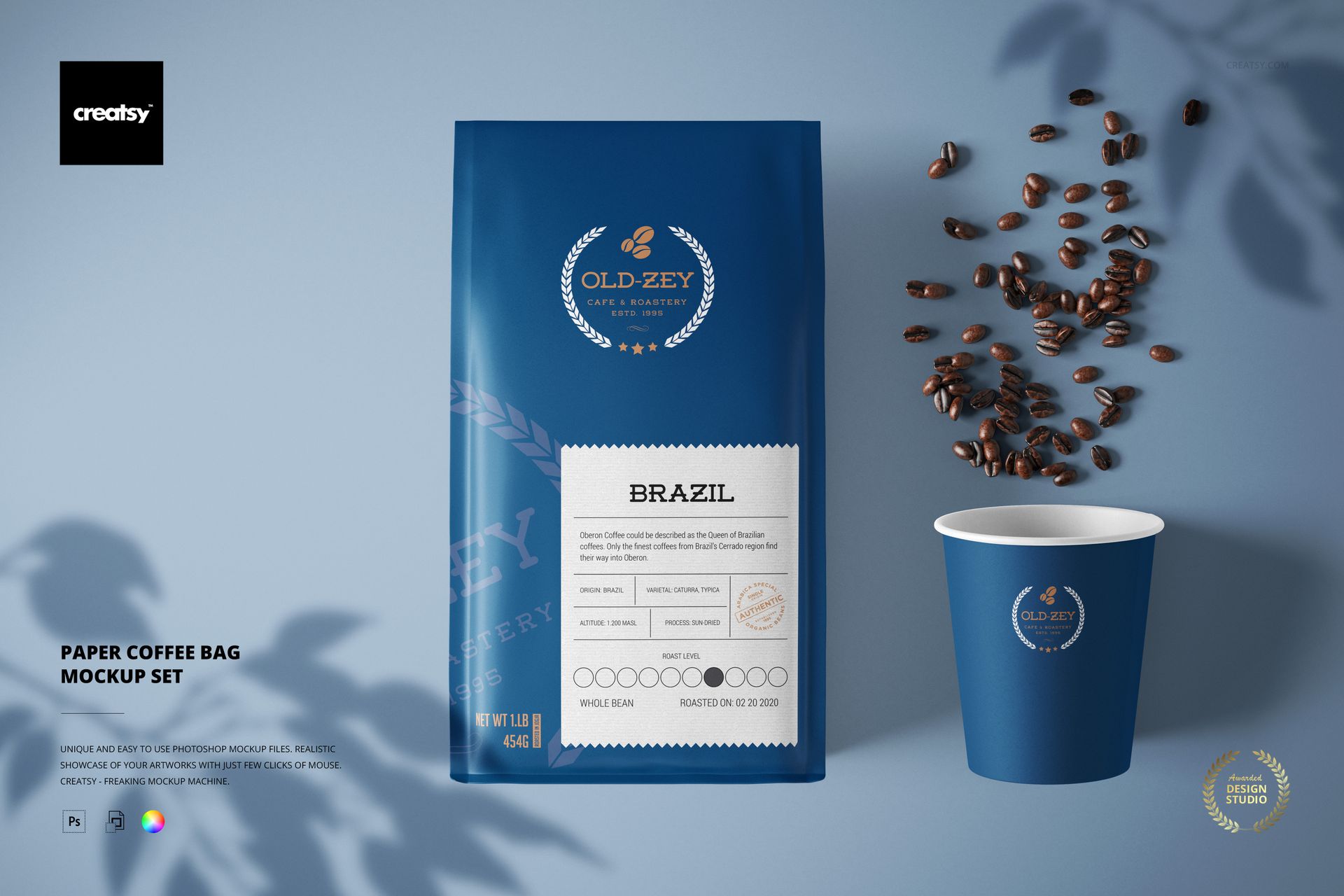
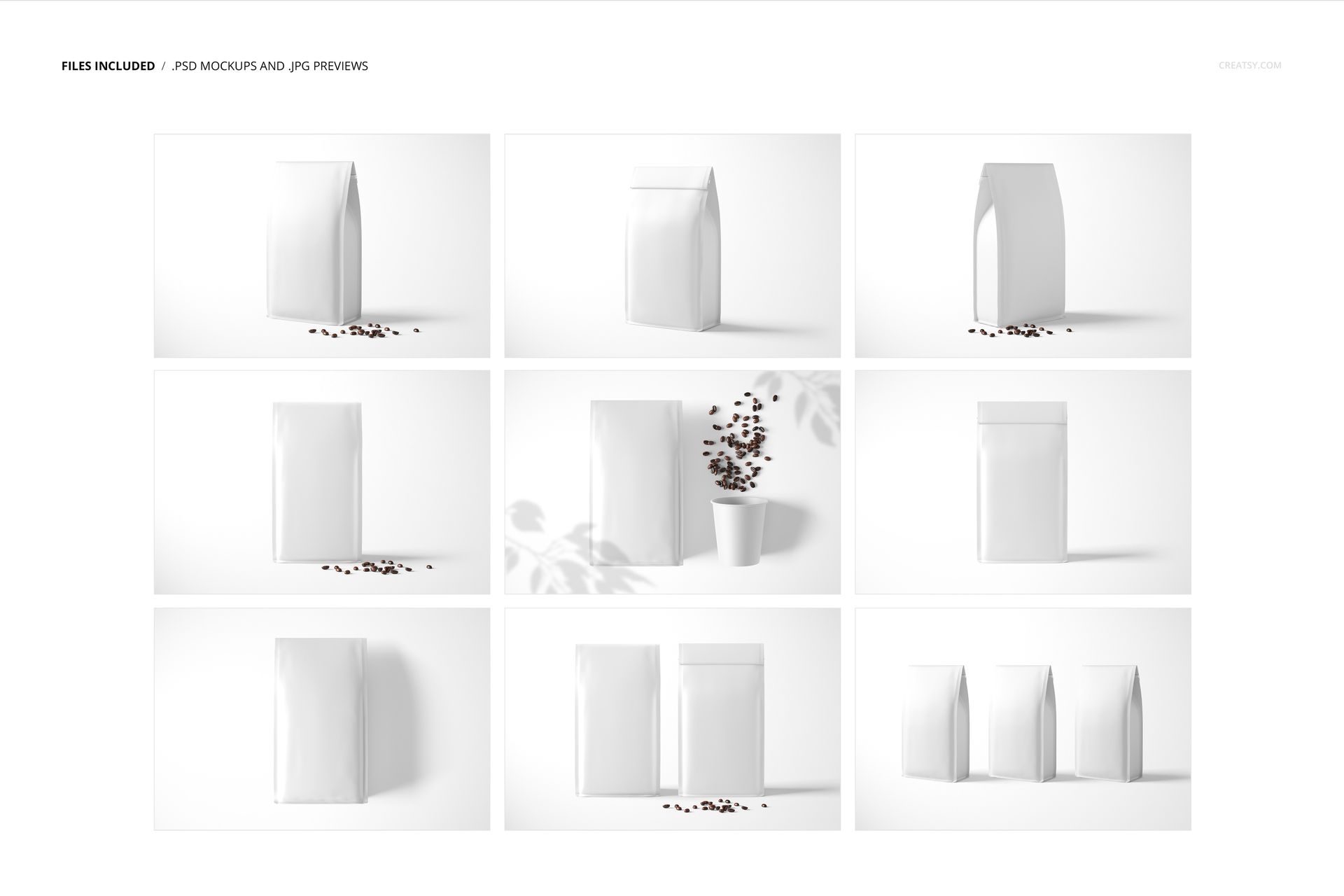
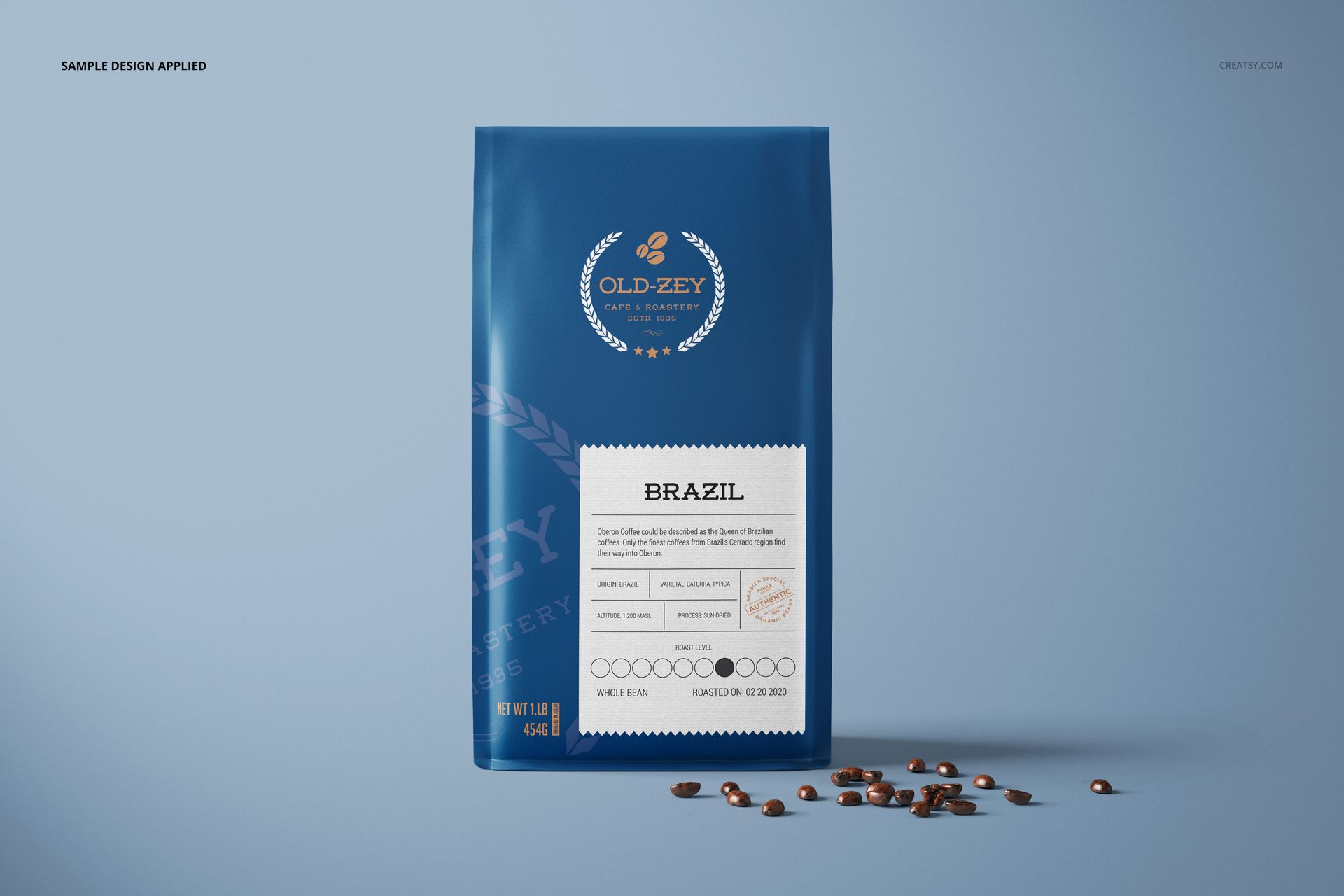
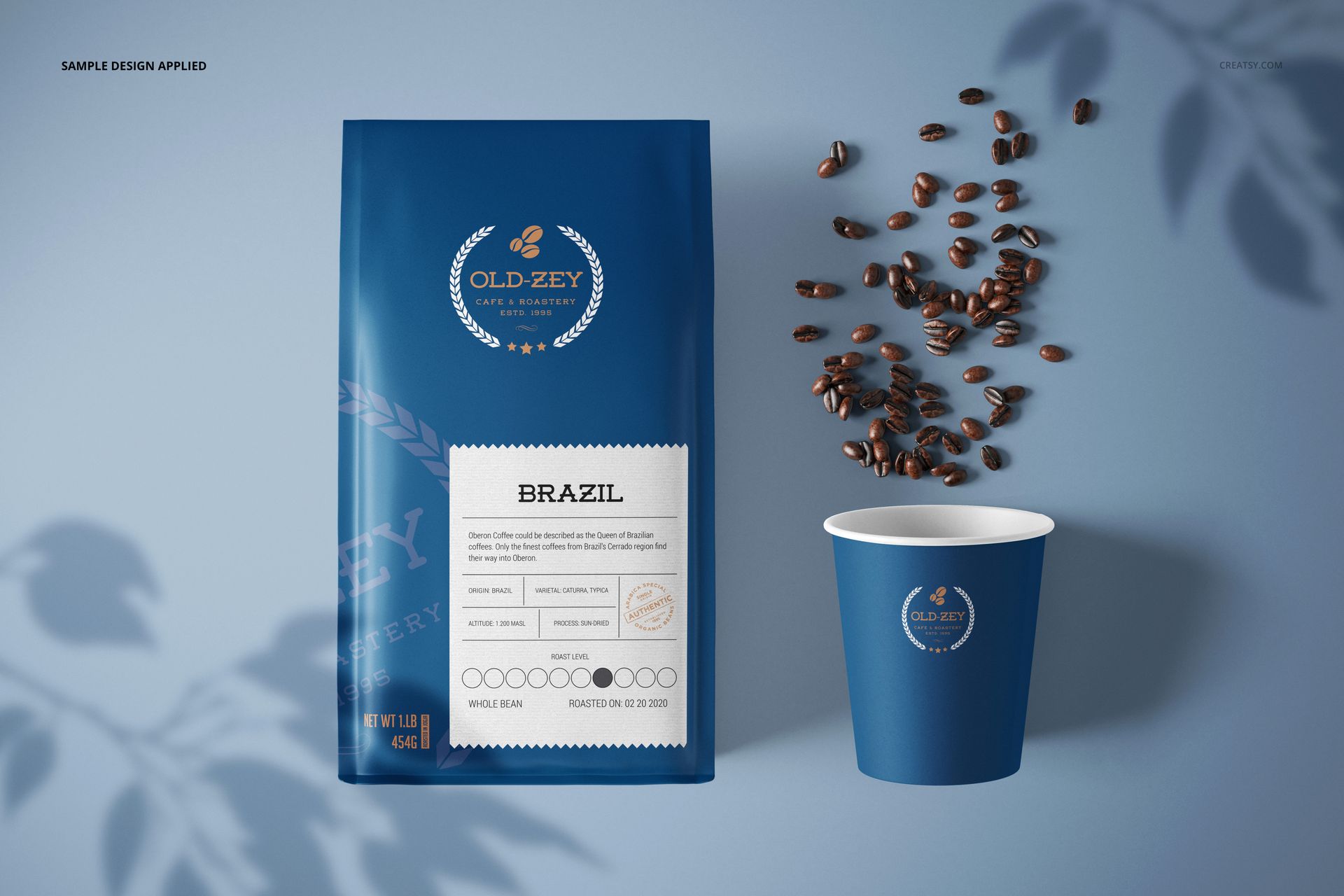
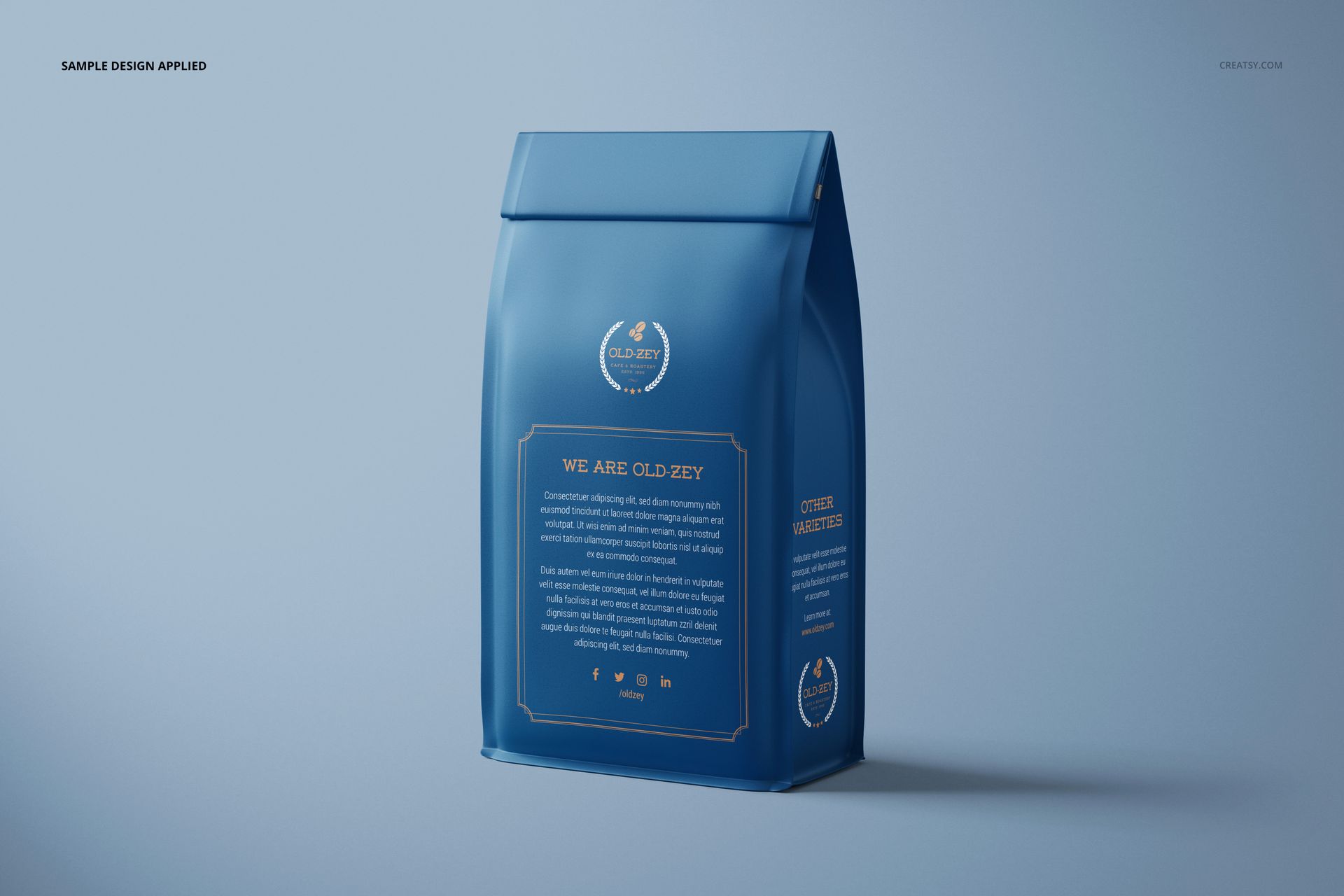
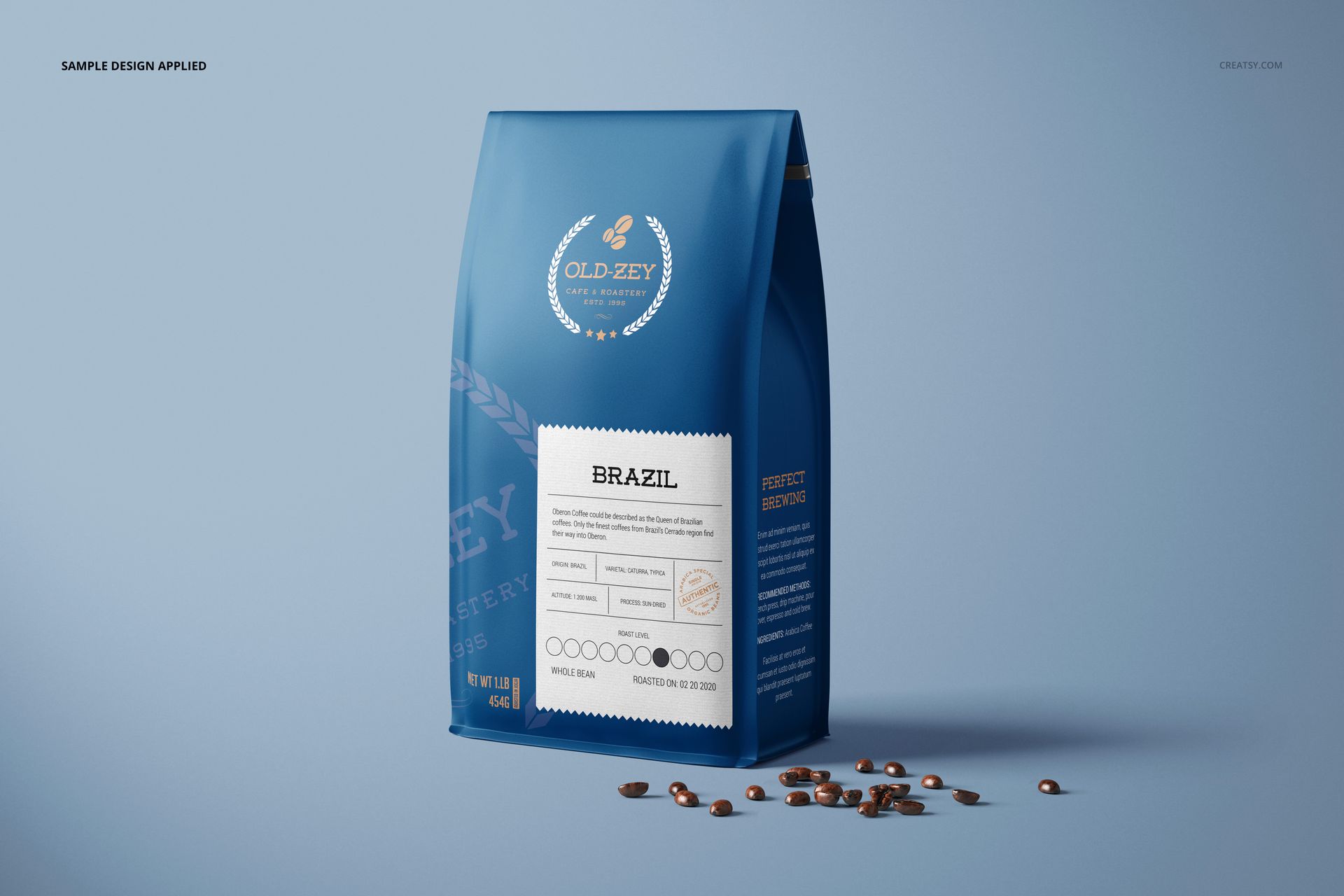
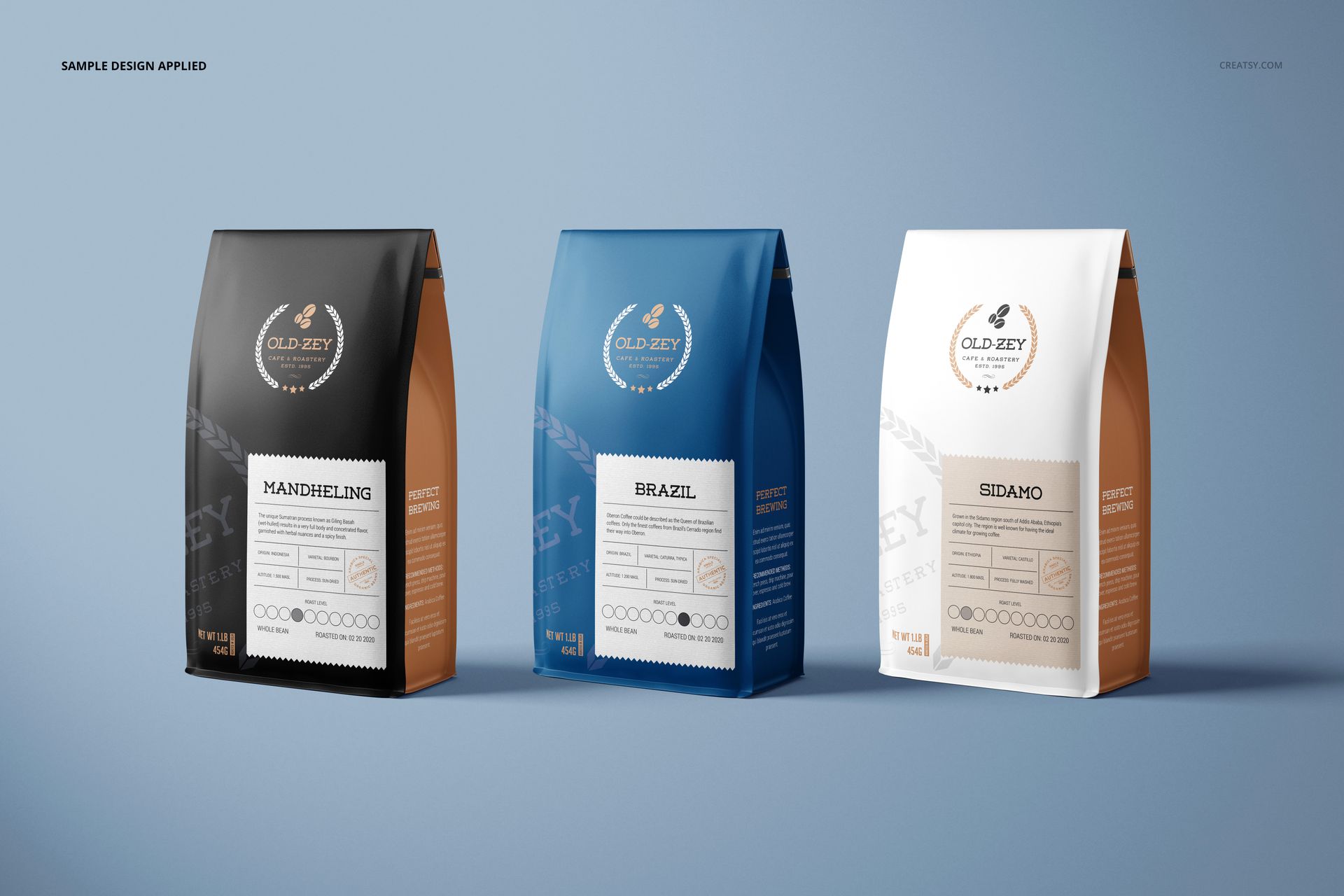
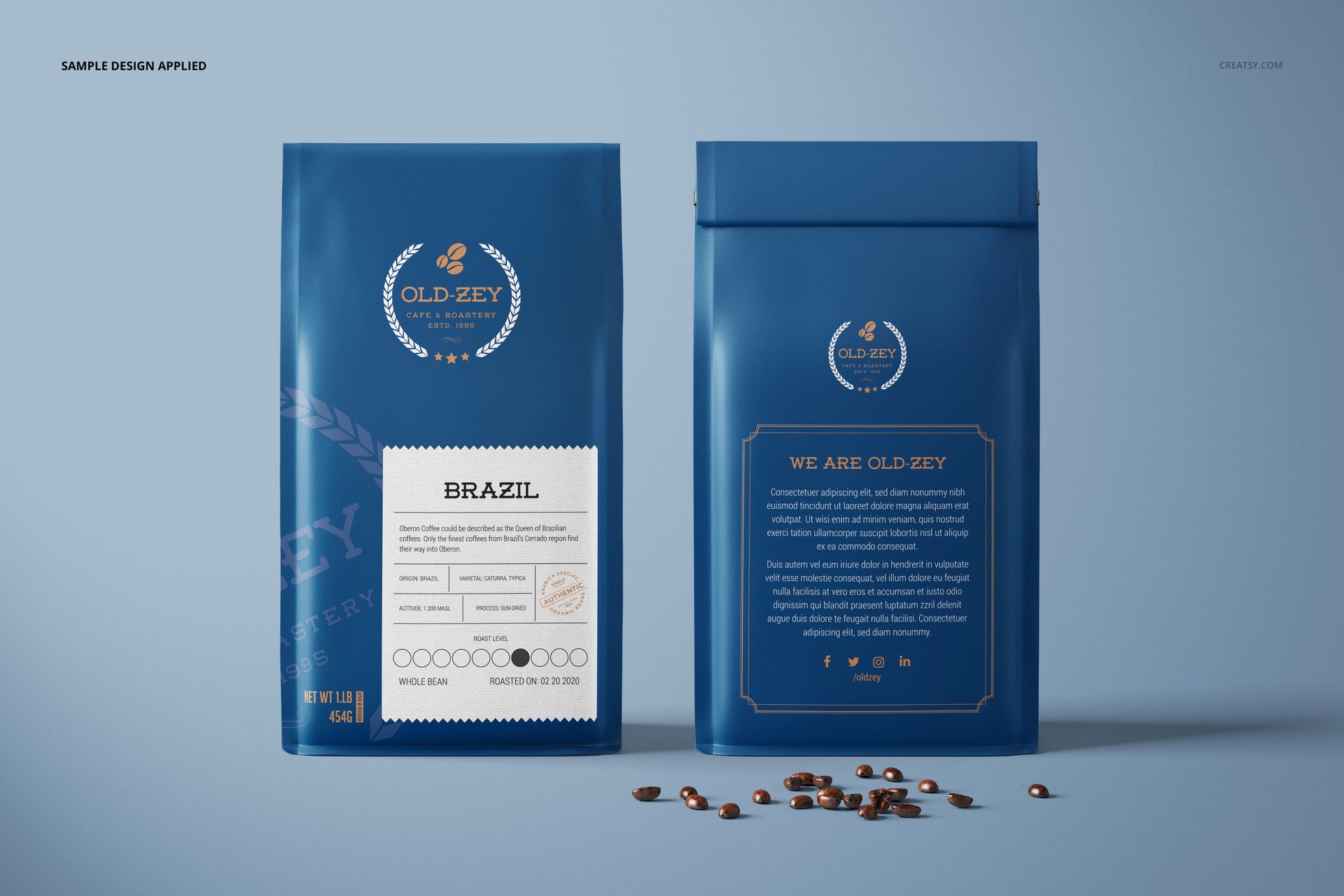
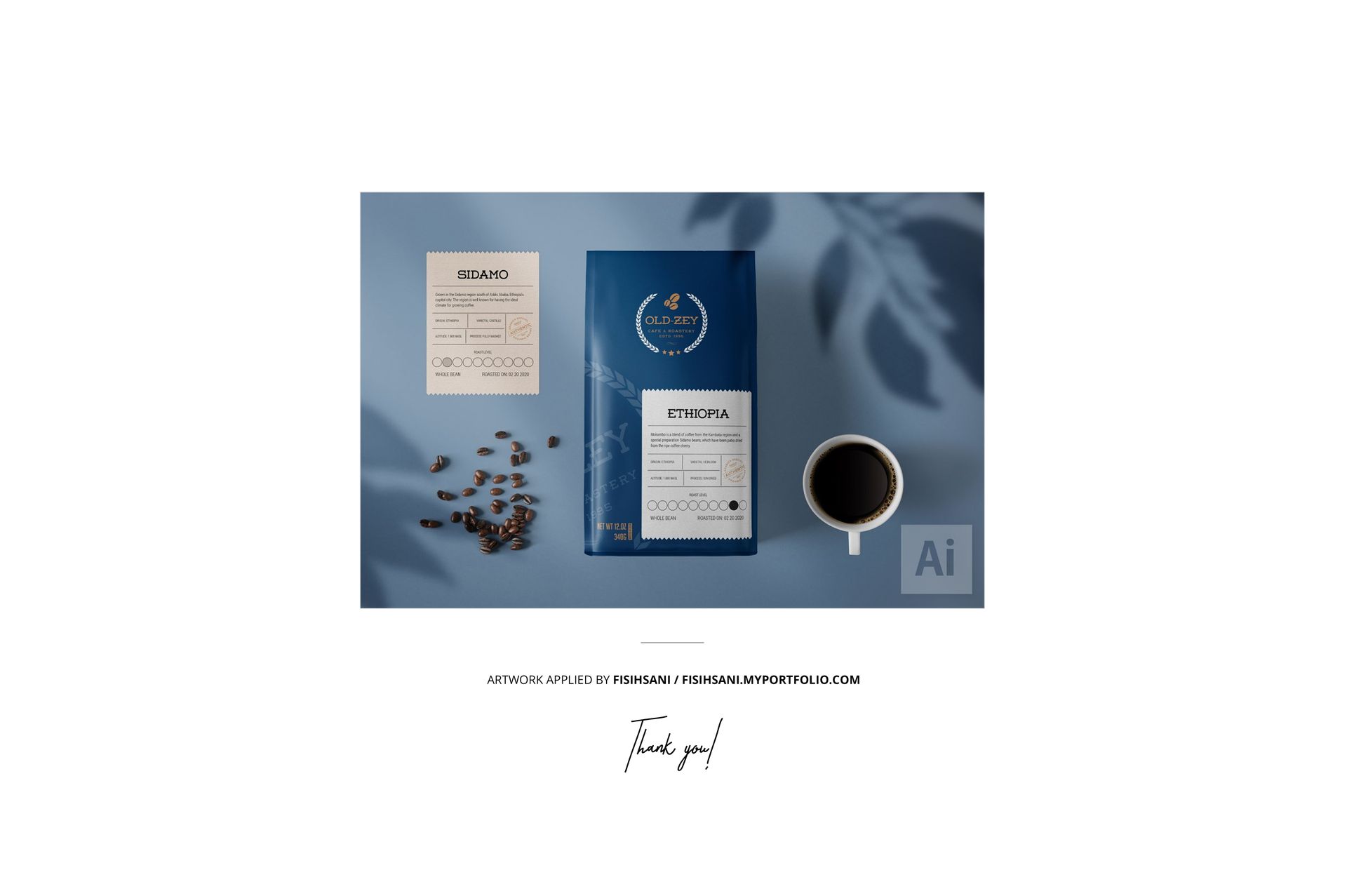
Put the retail bag and the takeaway cup in the same brand story. This paper coffee bag mockup set contains nine PSD scenes, from single front and angled views to a front-and-back pair and a three-bag lineup. A coordinated paper cup and coffee bean props add context for a cafe or roastery presentation.
What Is Included
9 layered PSD mockup scenes at 6000 × 4000 px and 300 DPI.
9 JPG previews and 1 PDF user manual, 19 files in total.
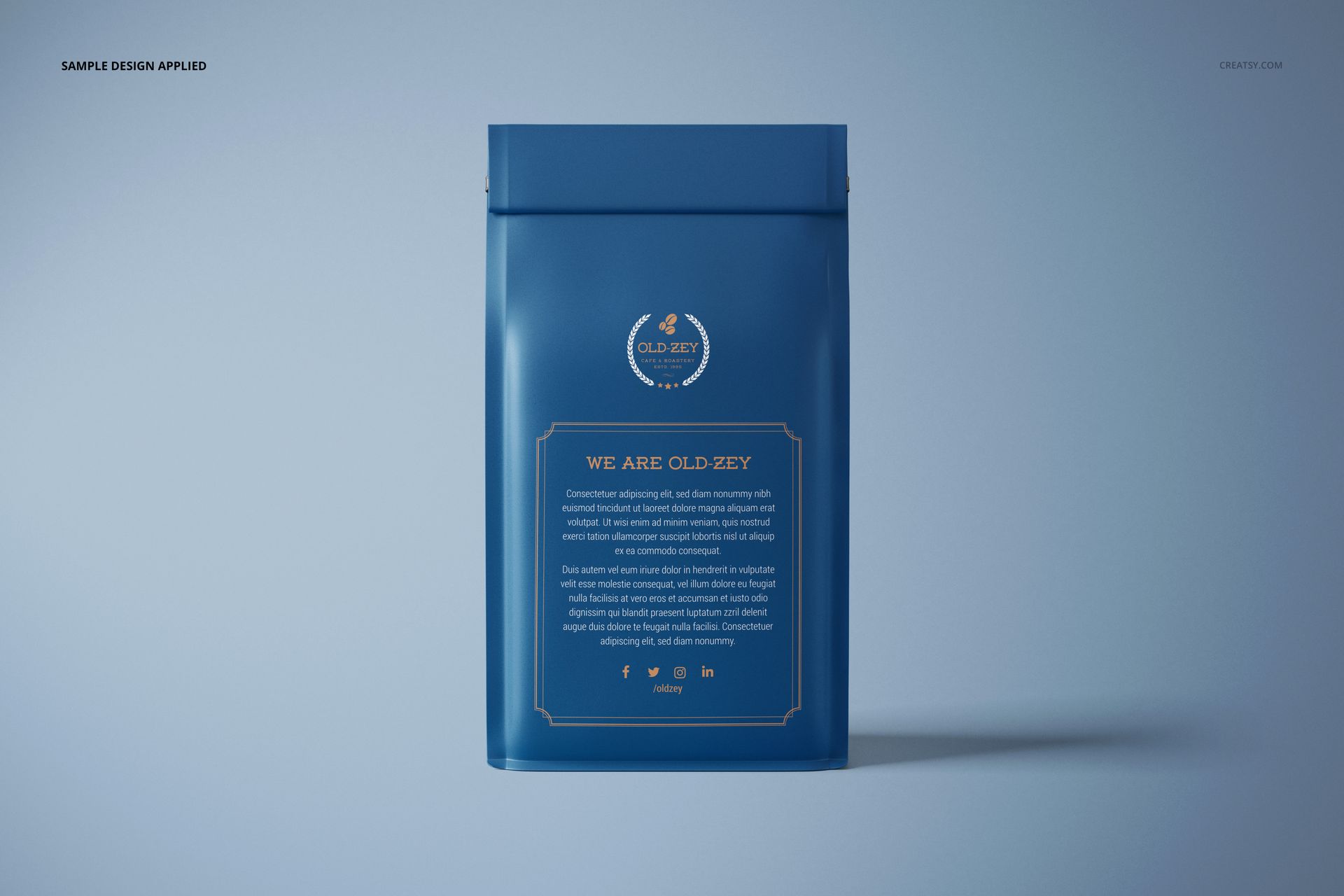
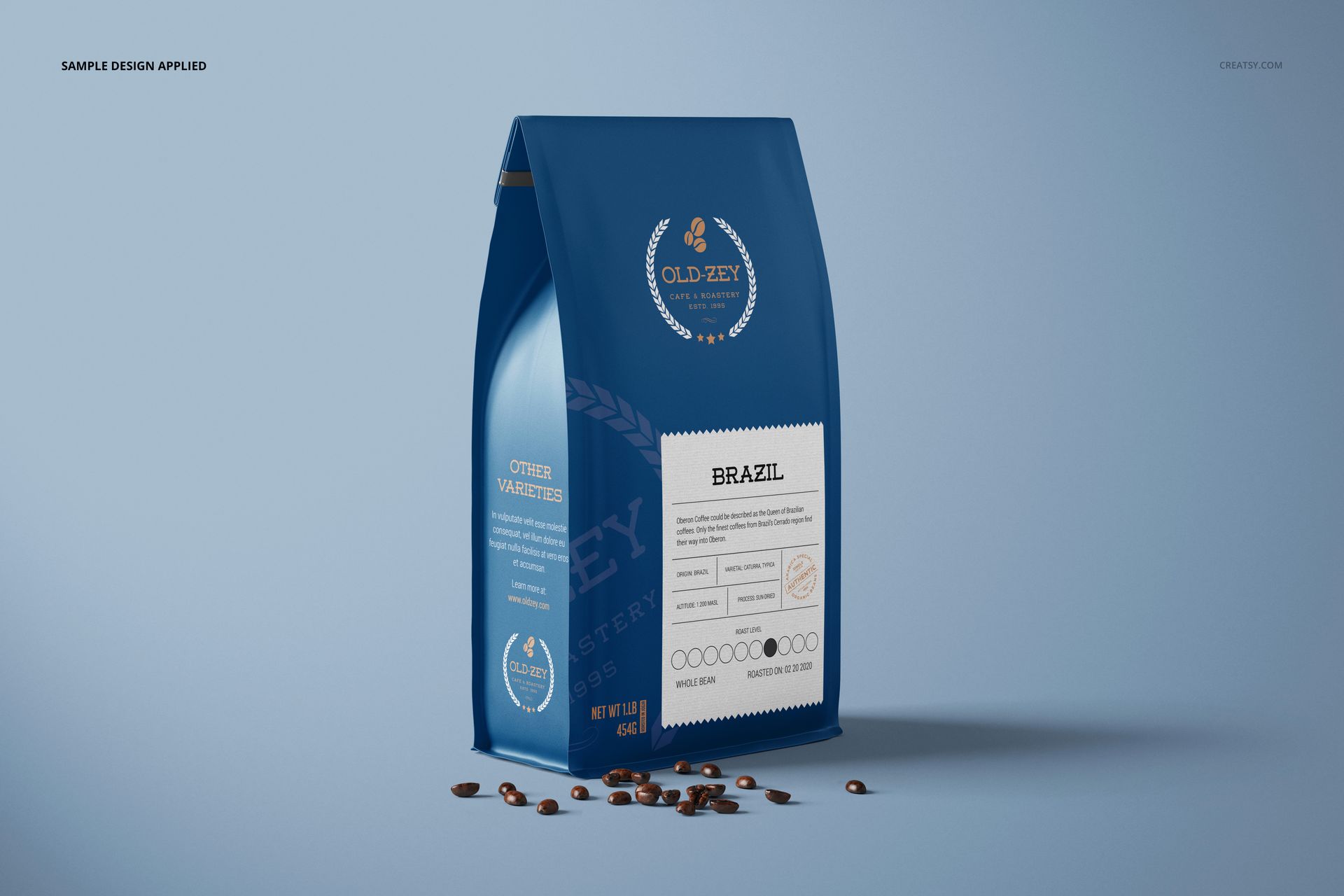
Front, back, angled, paired and three-bag compositions, plus a bag-and-paper-cup scene.
Compatibility with Adobe Photoshop CC2020 (version 21) or newer.
One Identity Across the Roast Range
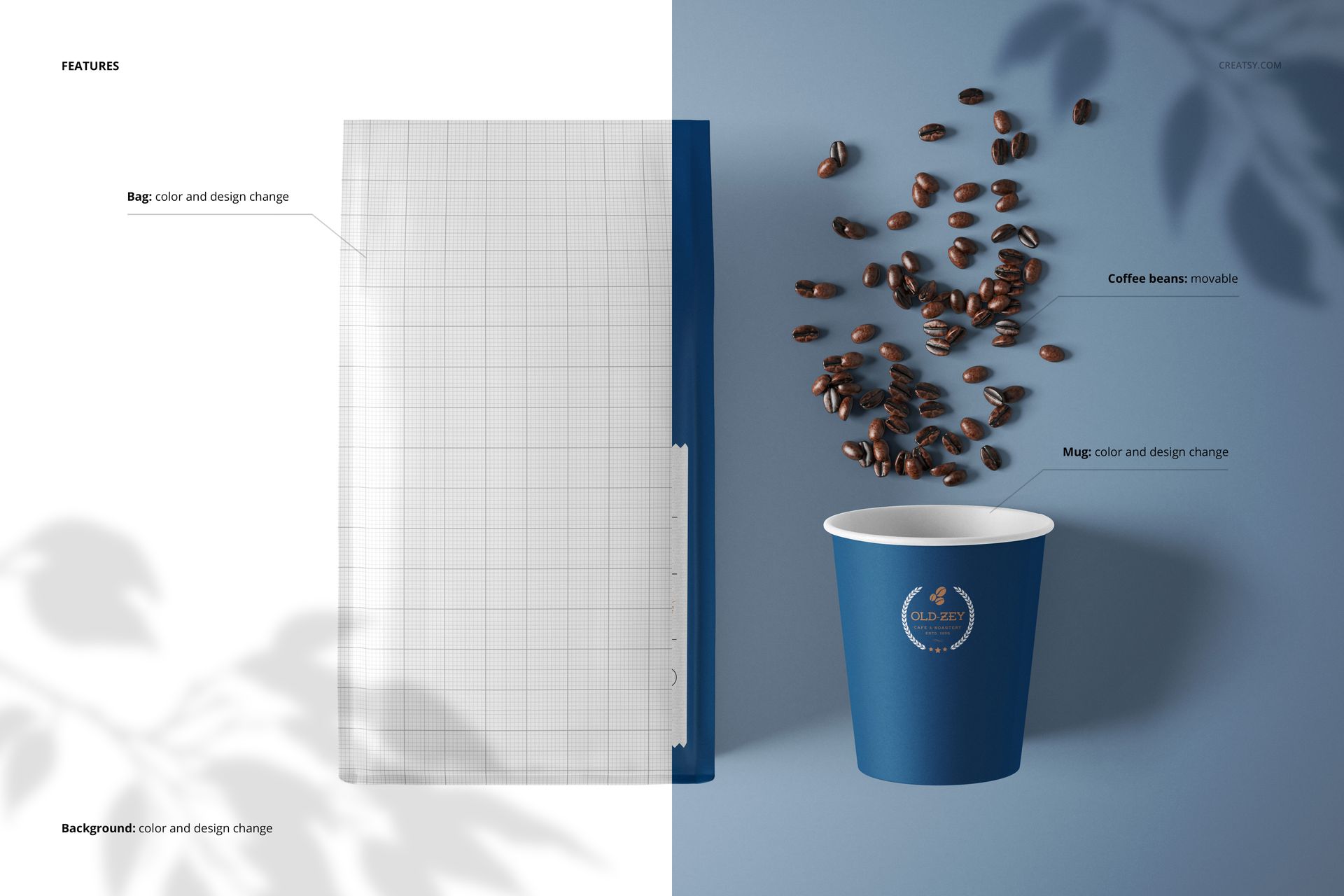
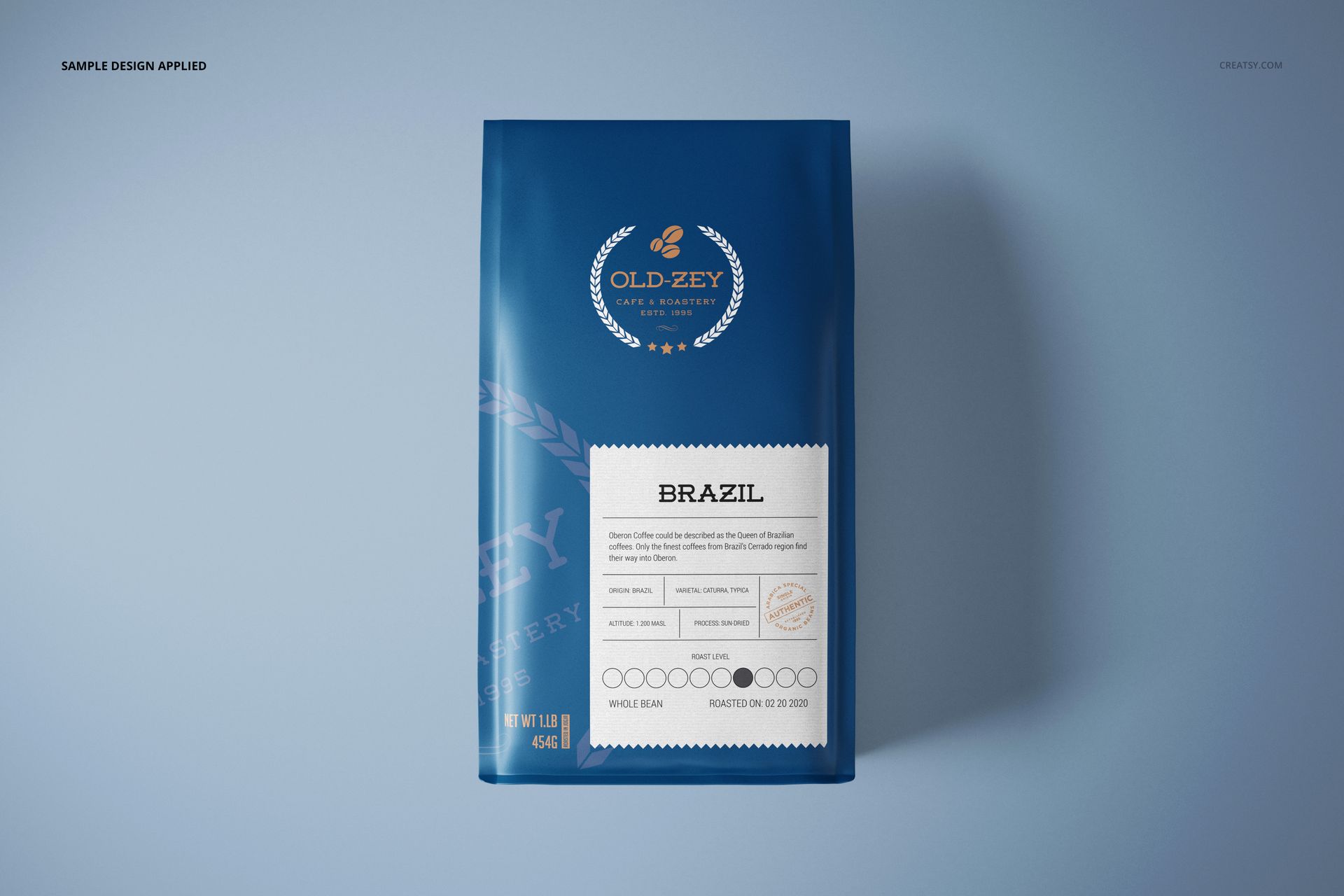
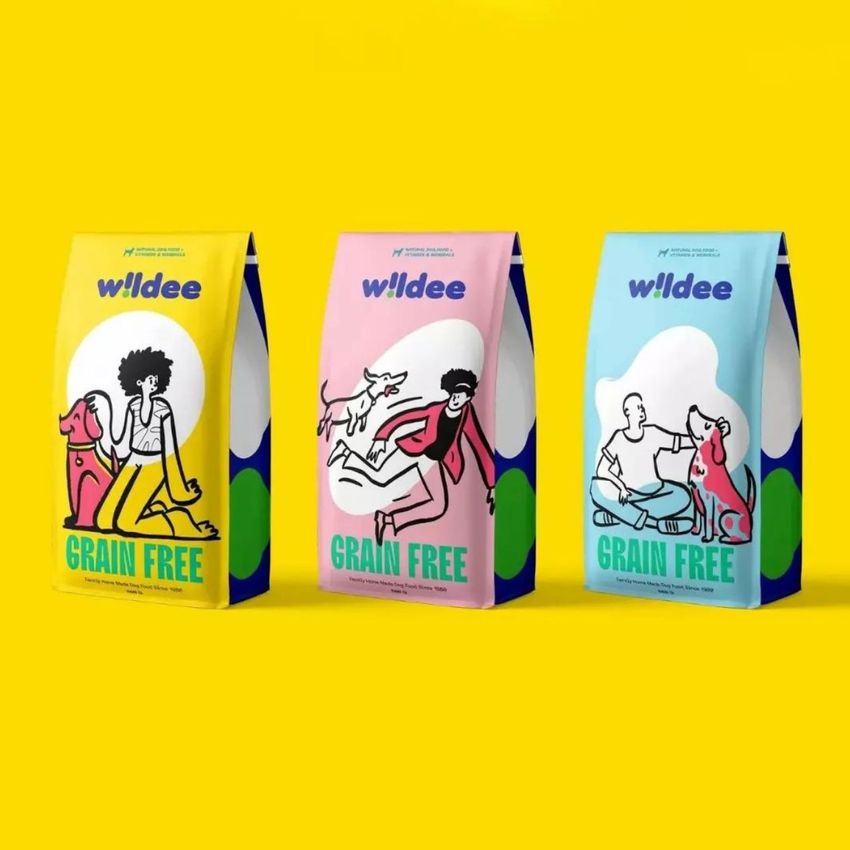
Use the three-bag scene to compare roast or origin labels while keeping the brand recognizable. Change the bag and paper cup colors and designs, and move the coffee bean props to suit the layout. The separate front, side and back views give supporting information a place in the presentation too.
Easy Smart Object Editing
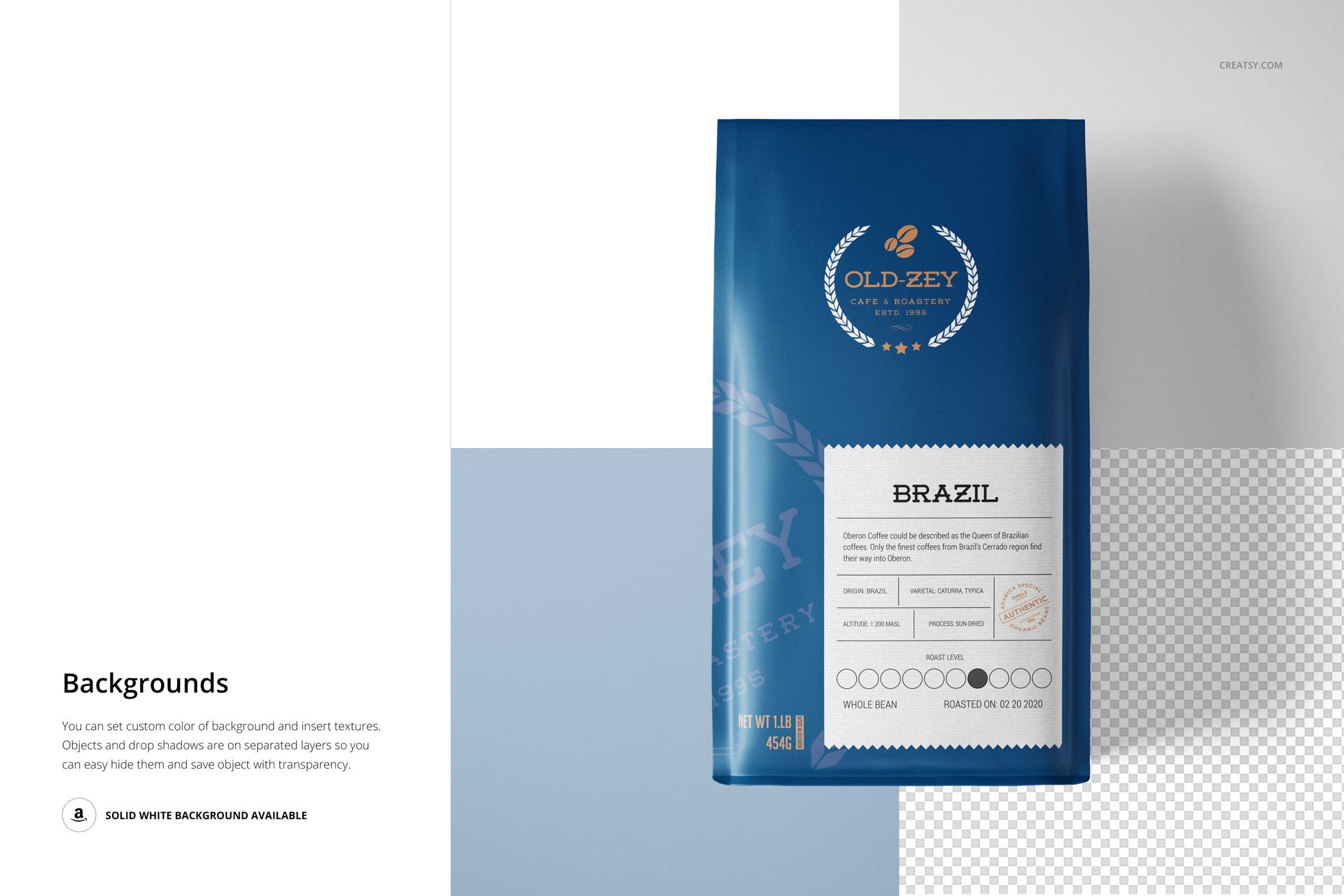
Open a scene, insert your design into its Smart Objects and save the edited contents. Return to the main PSD to adjust colors and export your preview. Background colors can be changed, your own textures can be added, and objects and drop shadows are on separate layers.
Perfect For
Coffee roasters building a coordinated bag collection.
Branding designers connecting retail packaging and paper cups.
Packaging studios presenting labels, illustrations and colorways.
A digital mockup download only. Coffee, bags and cups are not physically supplied. The sample graphics and patterns are not included.