Can Mockup Set (type 2)
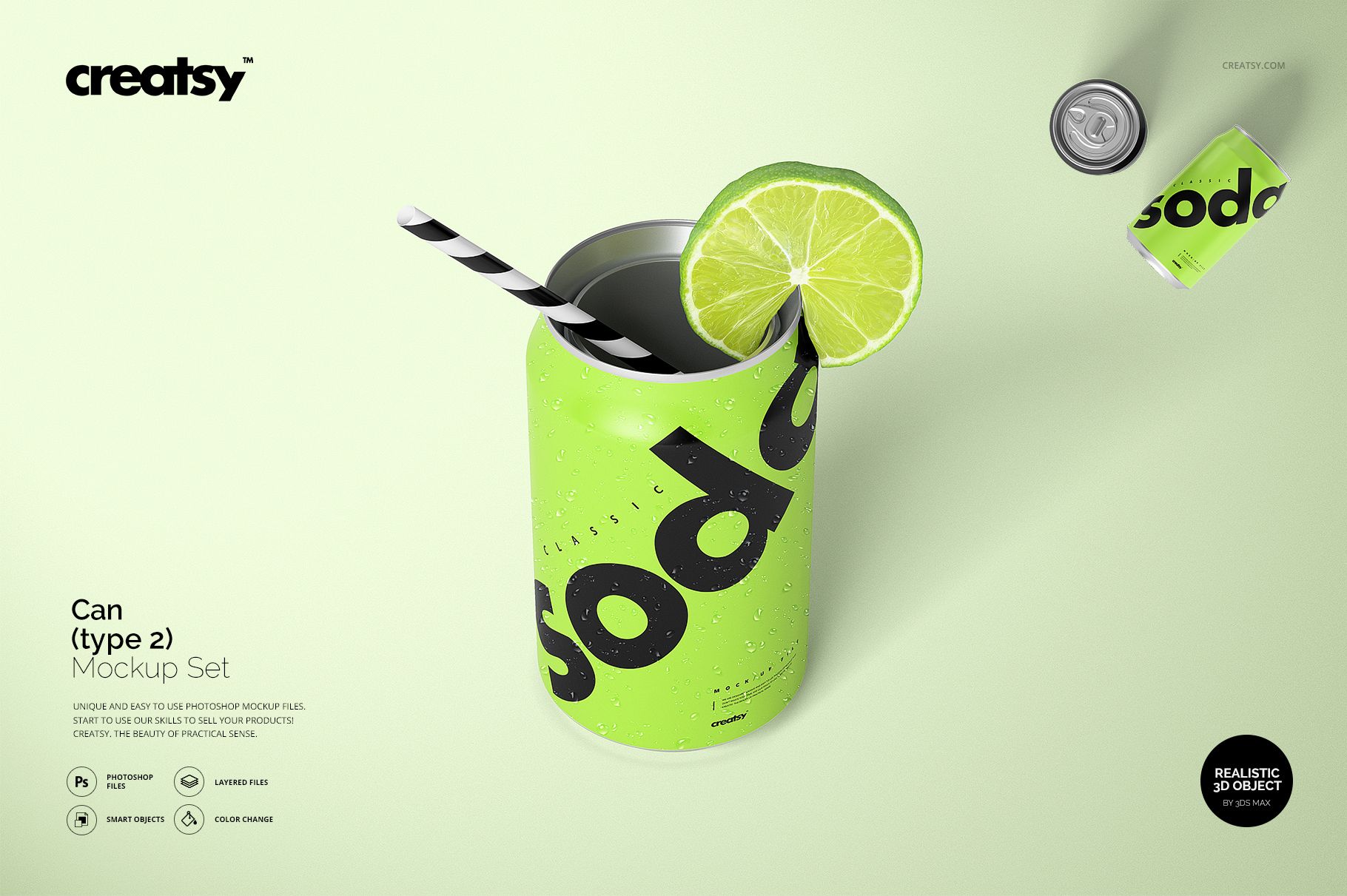
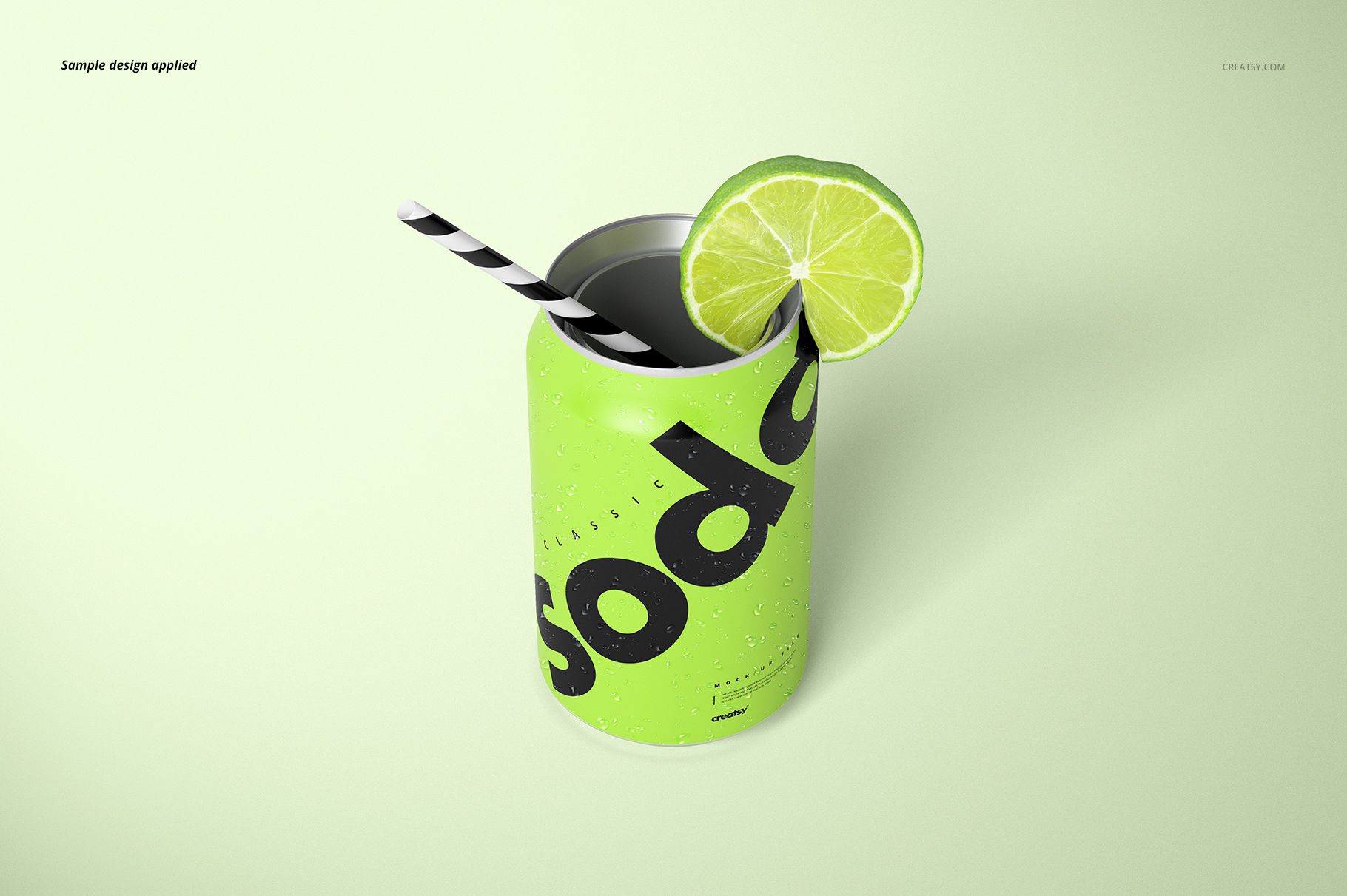
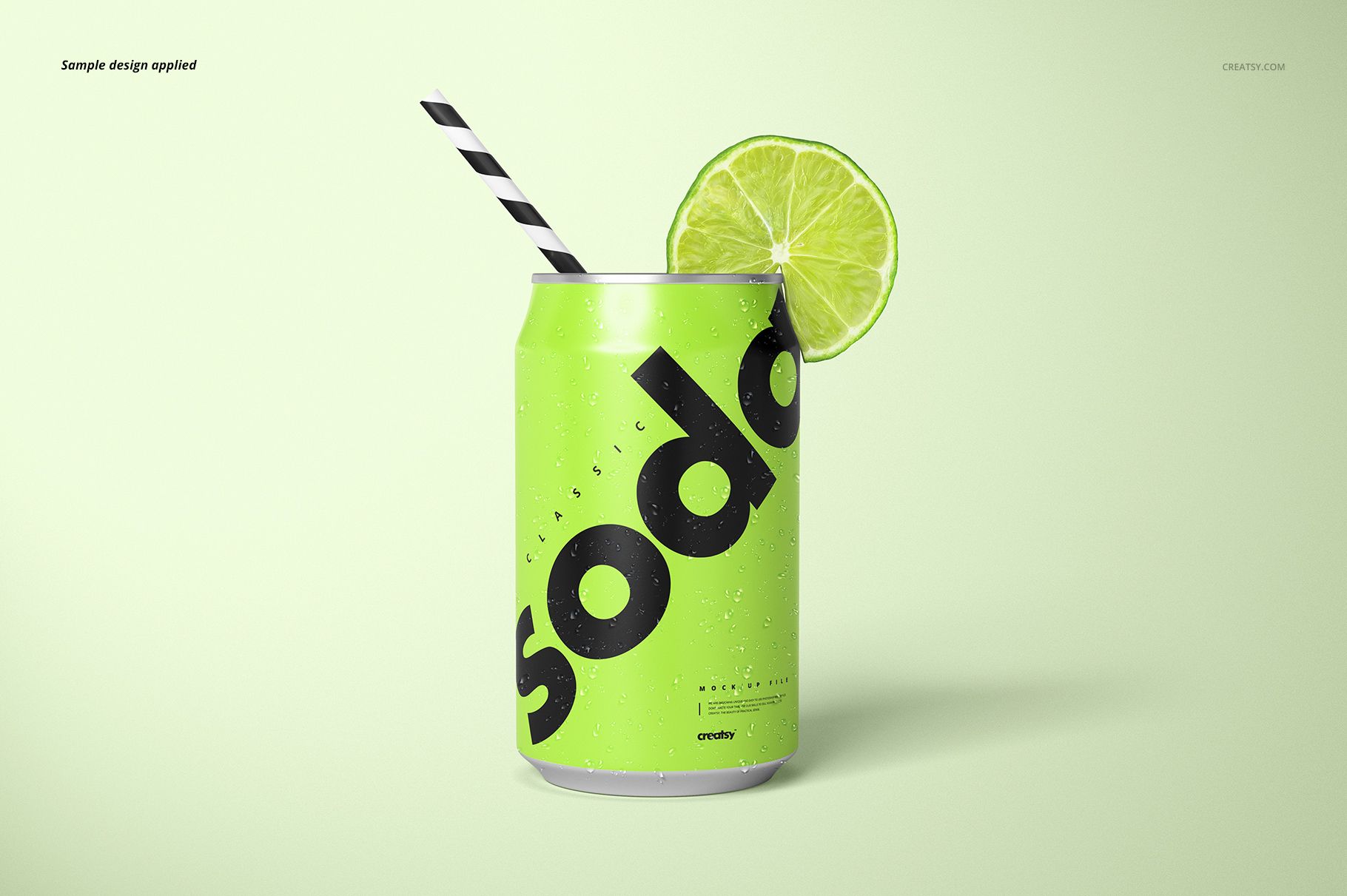
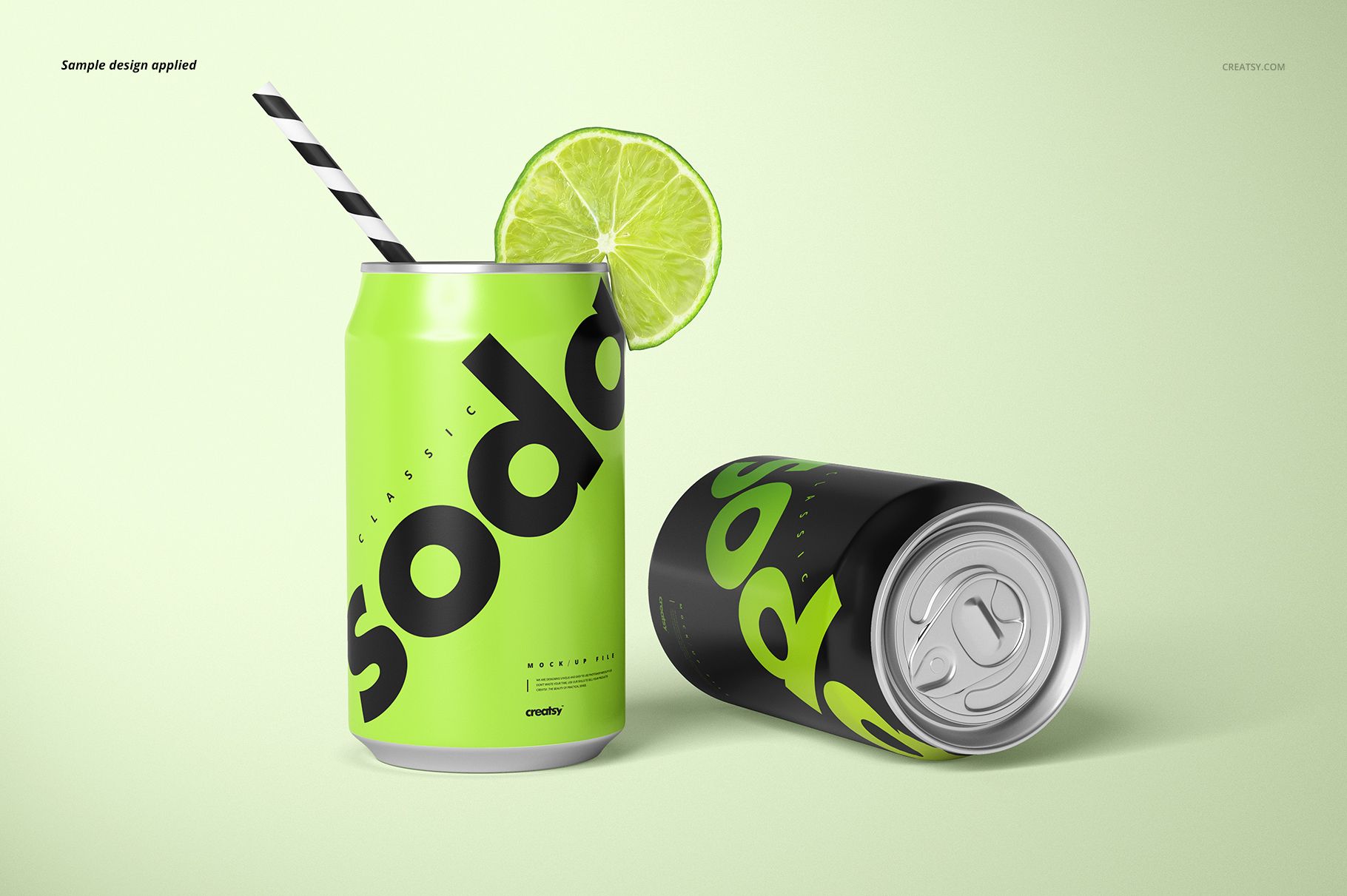
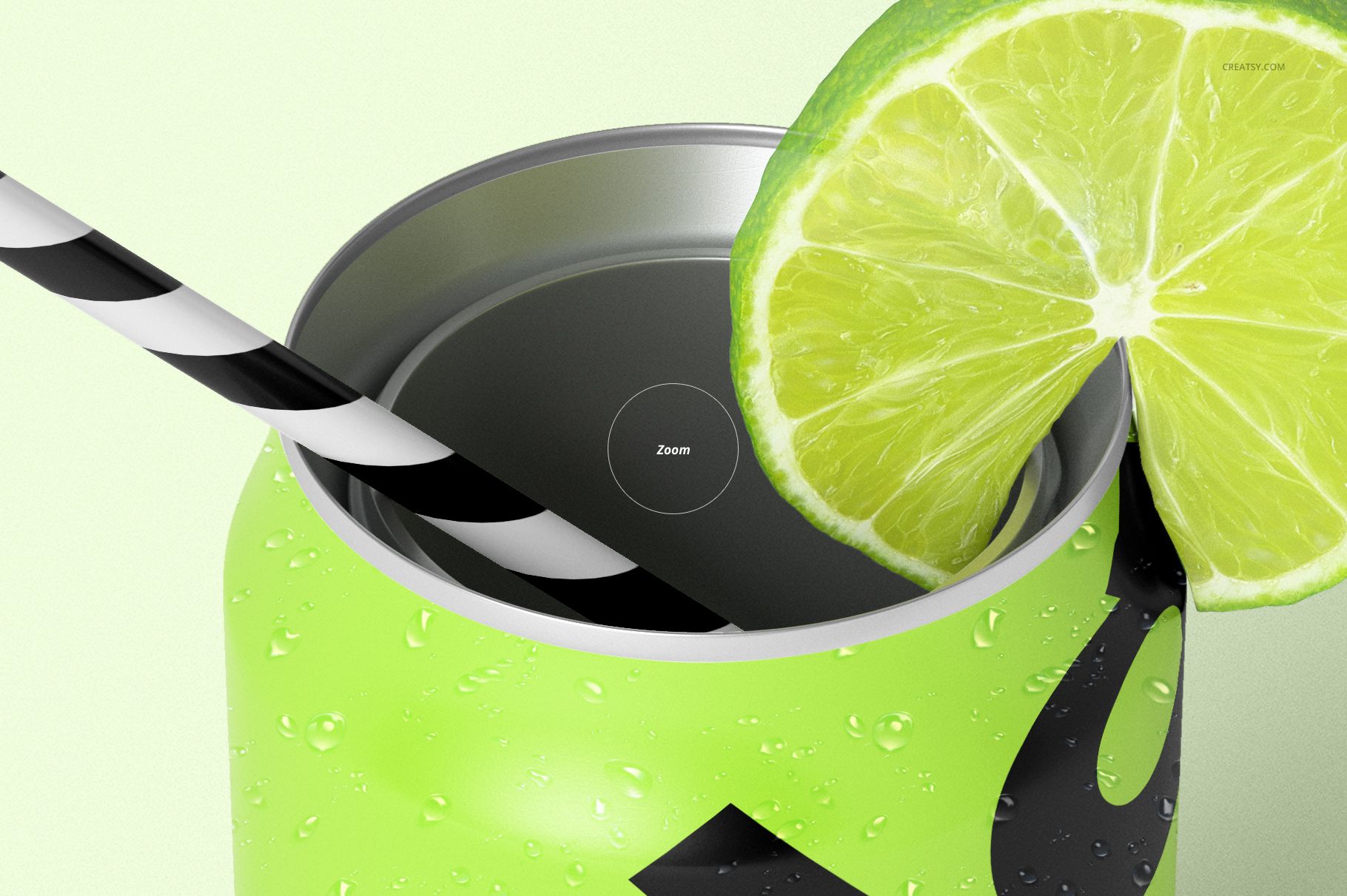
A lime slice and striped straw turn a simple soda can into a serving suggestion. This seven-file PSD set combines garnished presentations with clean can views, giving beverage branding a clear product image and a more inviting campaign direction.
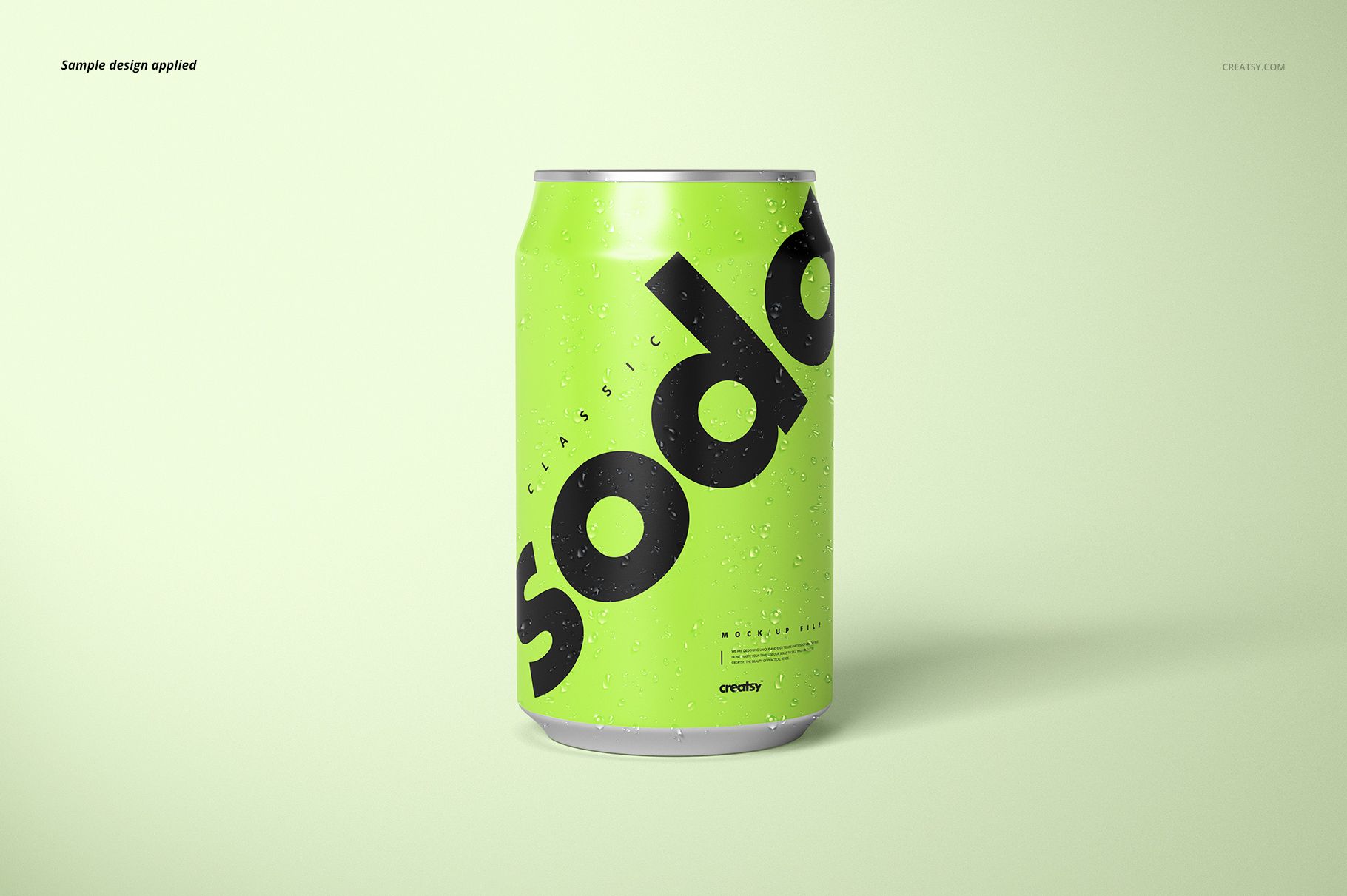
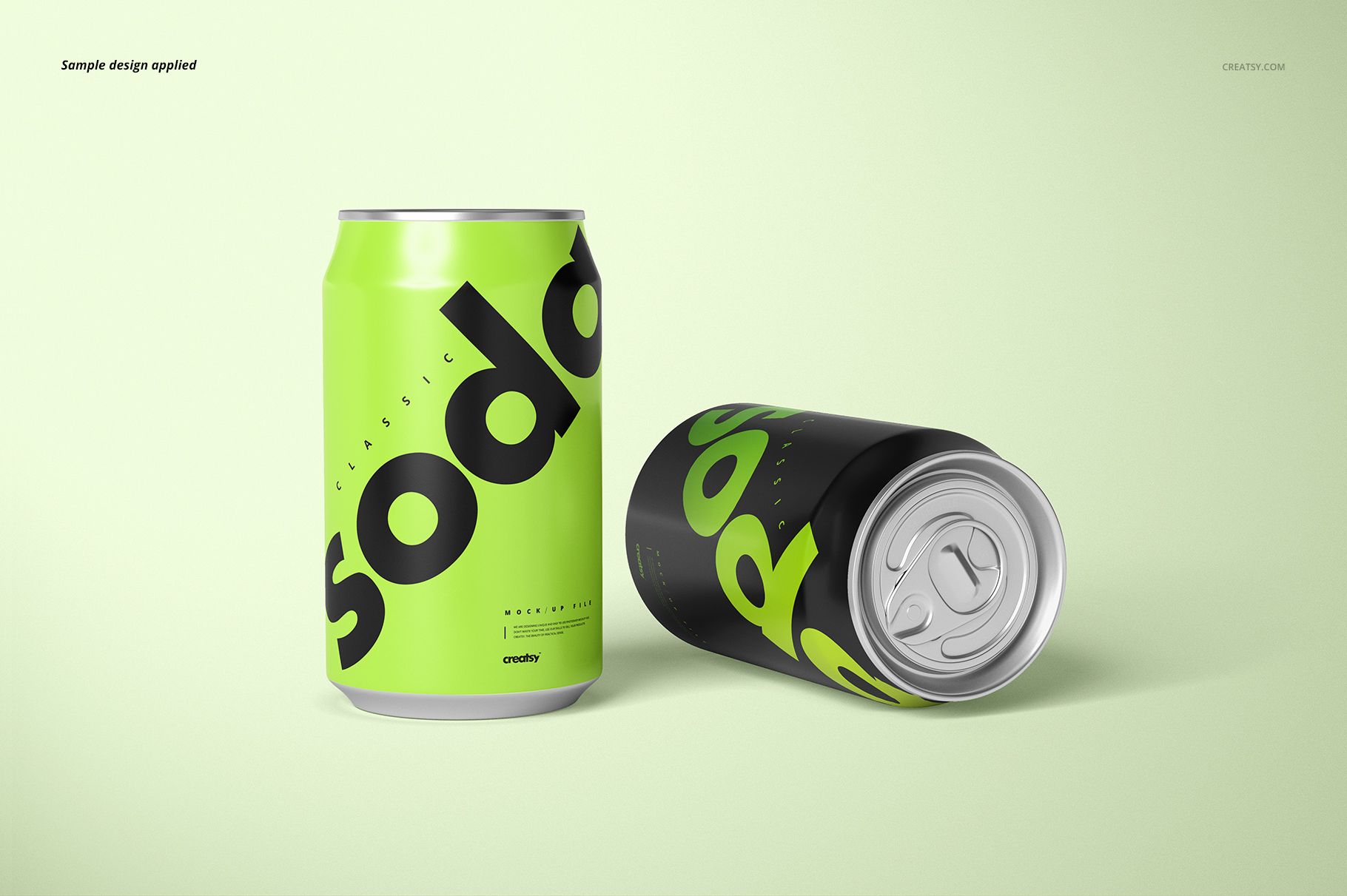
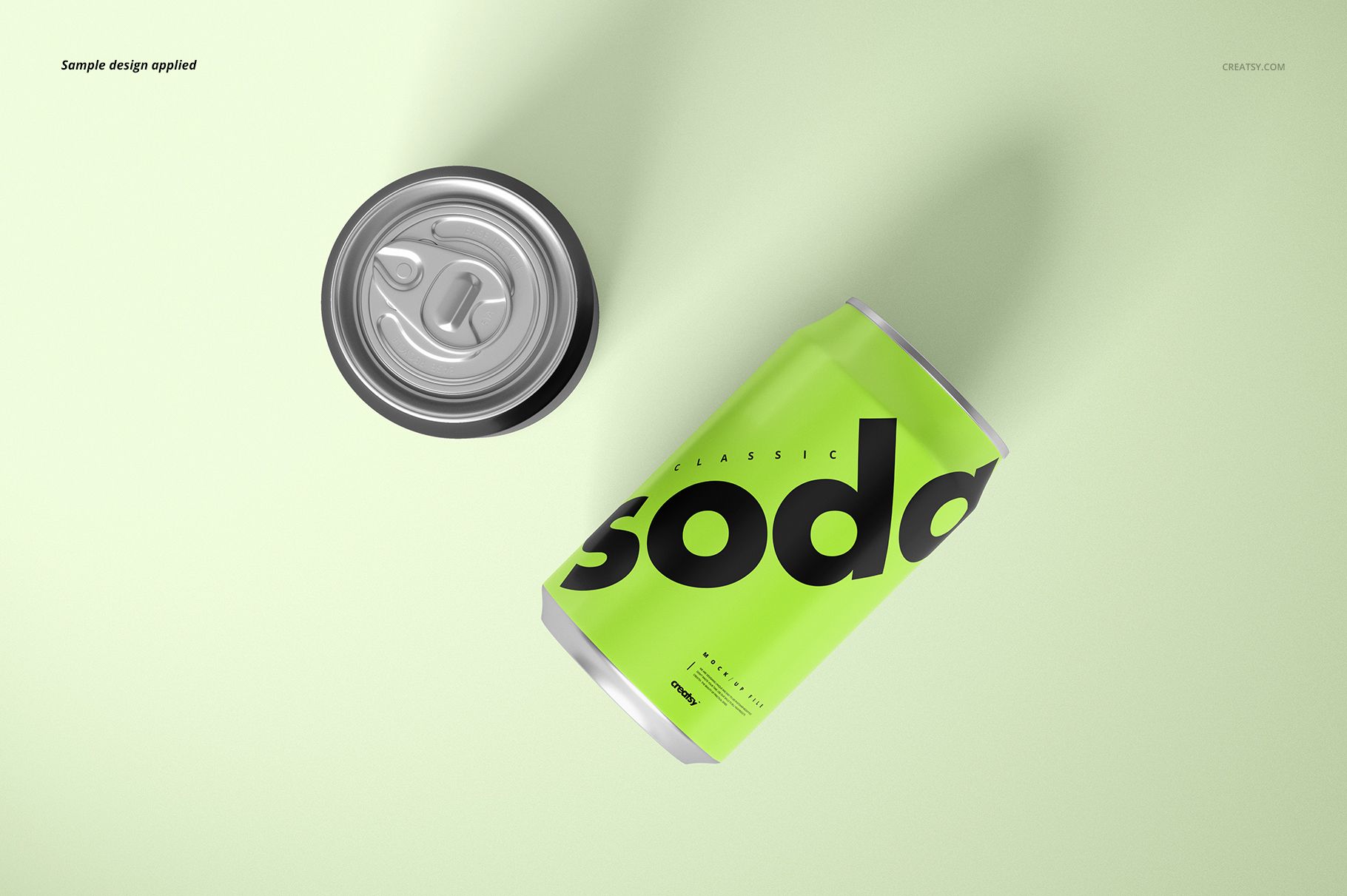
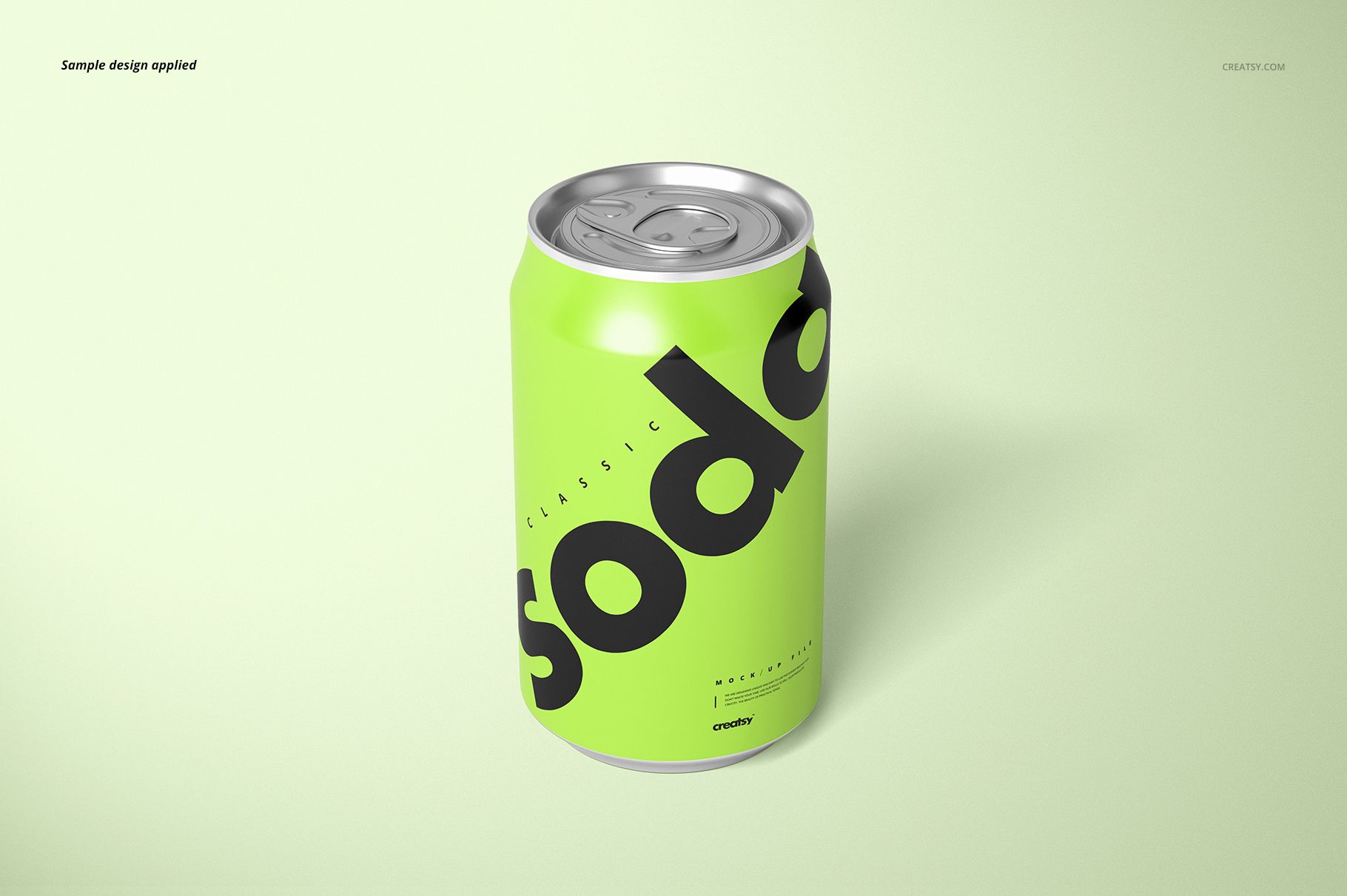
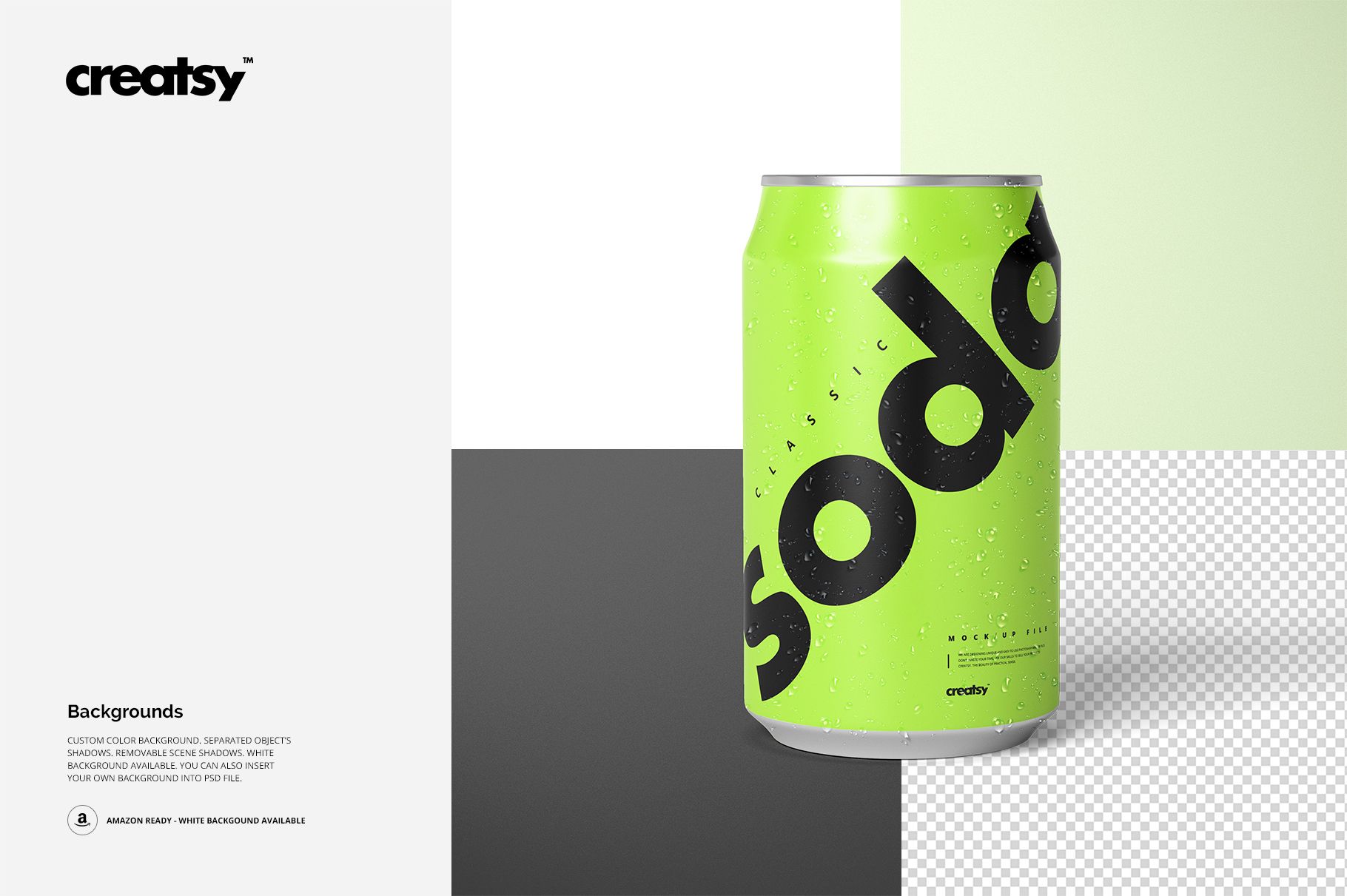
Use the upright, paired and overhead compositions to see how bold lettering and flavor graphics travel around the curved aluminum surface. Removable water drops let you compare a chilled presentation with a cleaner view of the artwork.
What Is Included
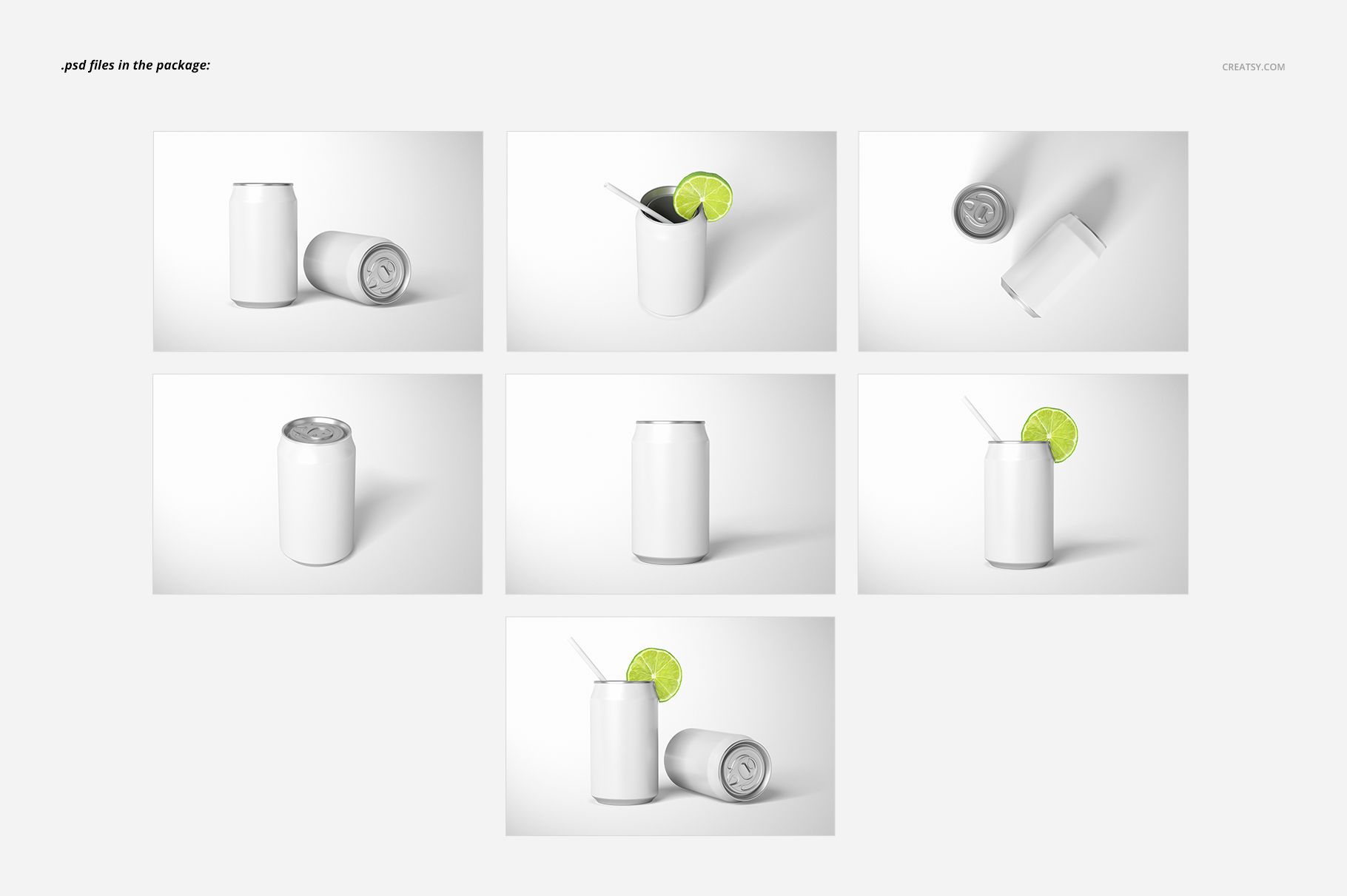
7 layered PSD mockup files, 6000 × 4000 px at 300 DPI each.
7 JPG previews and 1 TIF guide, 15 files in total.
Landscape presentations with single cans, two-can arrangements and lime-and-straw styling.
Compatibility with Adobe Photoshop CS6 or newer and Photopea.
From Plain Can to Citrus Serving
Change the can color and design to explore lemon-lime soda, sparkling citrus drinks or a new beverage identity. The supplied views include both closed cans and open-top presentations with garnish. Custom-color and white backgrounds, separate object shadows and removable scene shadows support a coordinated gallery; you can also insert your own background.
Easy Smart Object Editing
Open a PSD, replace the artwork inside its Smart Object, save that embedded document and return to the scene. Adjust the available color and water-drop layers, then repeat the artwork update in the other files you want to use.
Perfect For
Citrus soda and sparkling beverage branding proposals.
Packaging portfolios that pair clean artwork views with serving inspiration.
Flavor-range presentations, retailer decks and launch graphics.
This is a digital mockup product. Physical cans are not supplied, and the sample artwork shown in the previews is not included.