Mailing Box with Sticker Mockup - Closeup
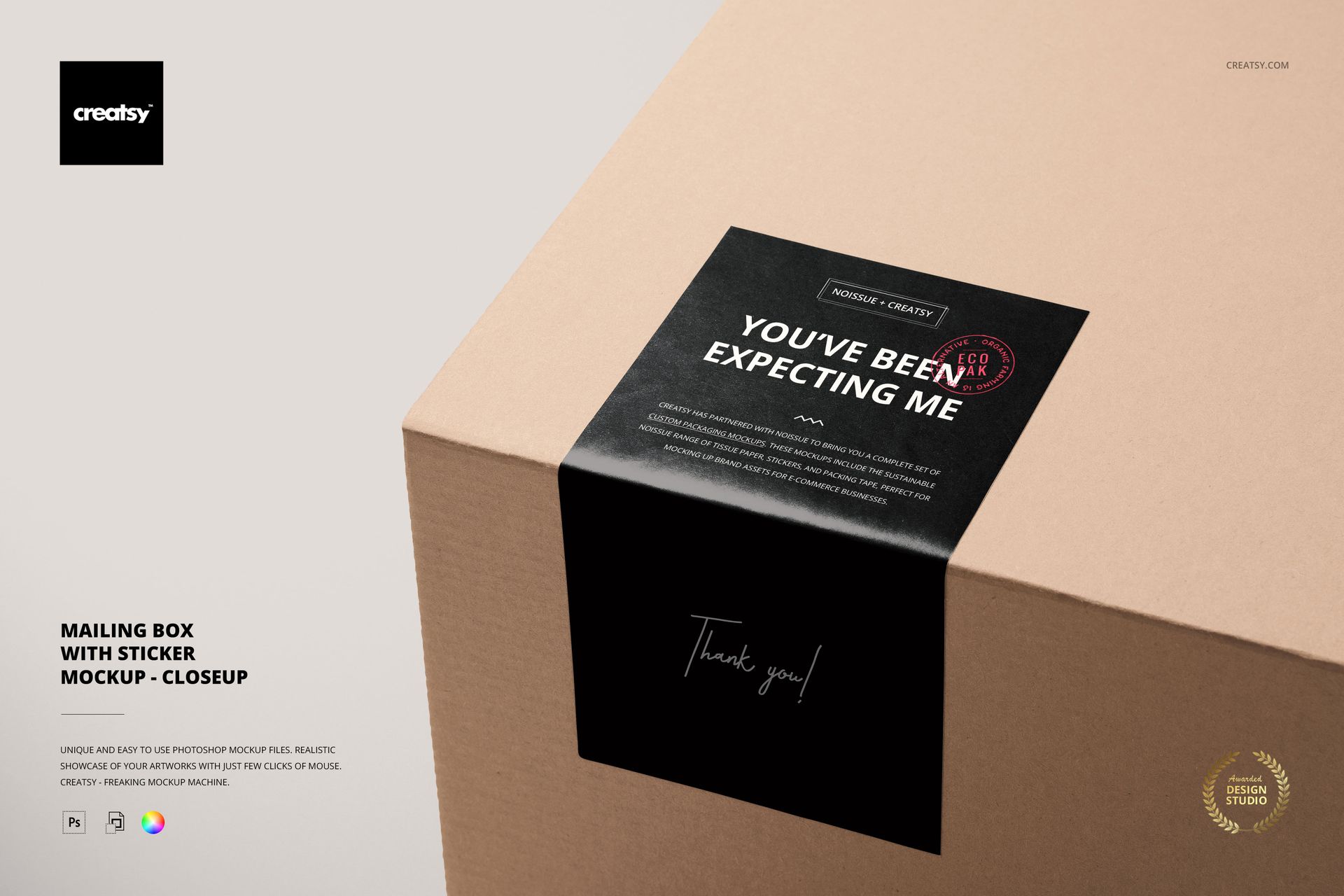
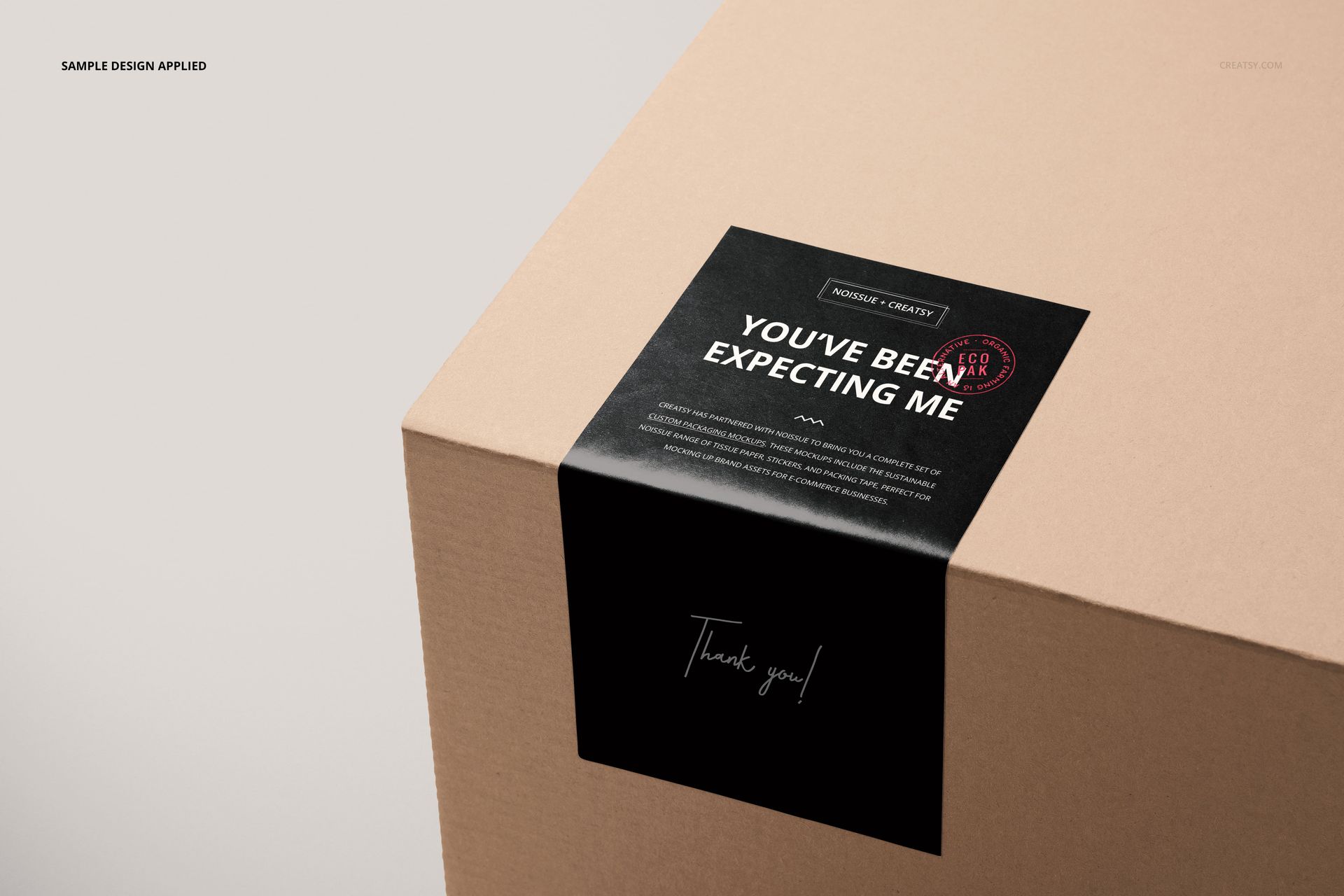
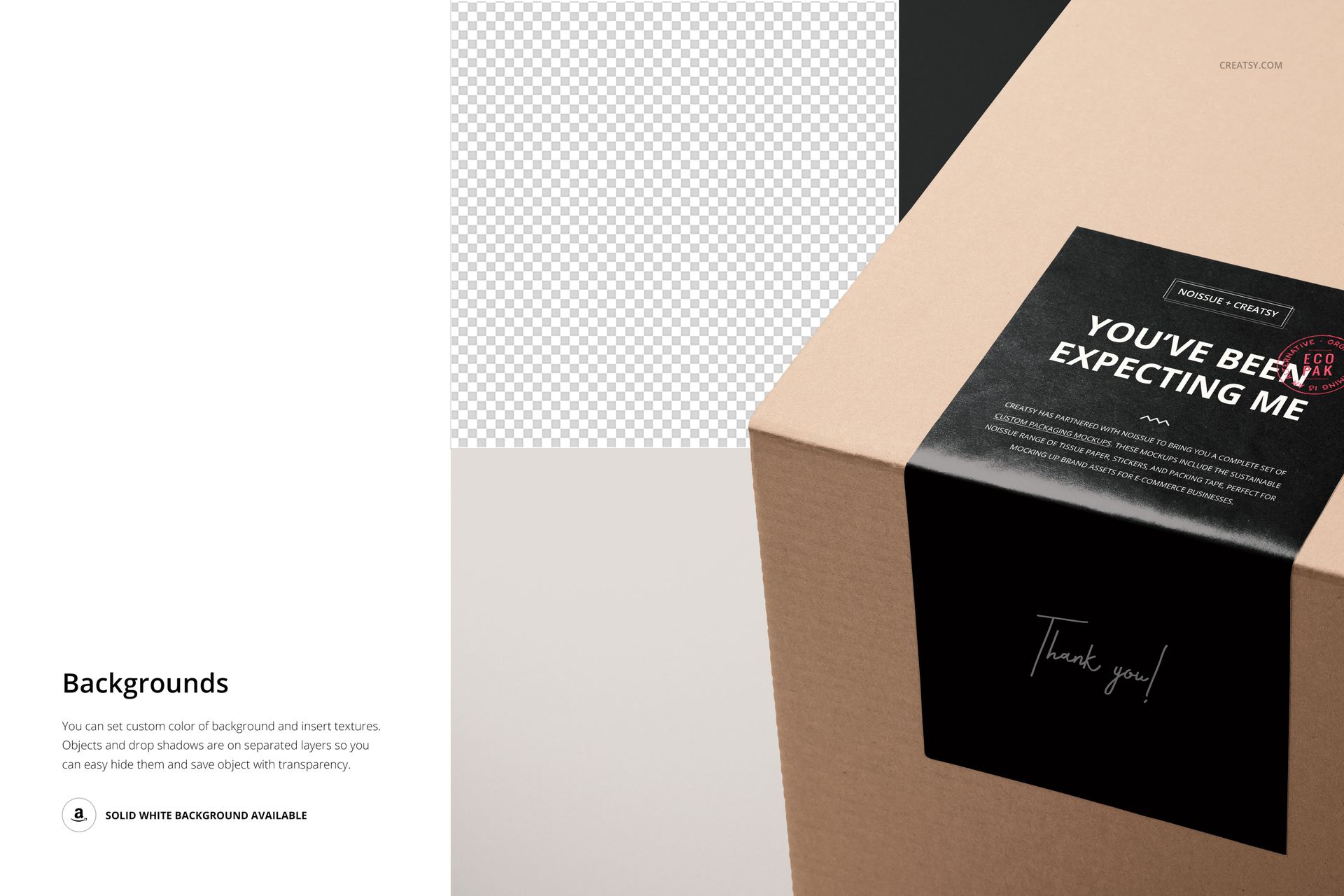
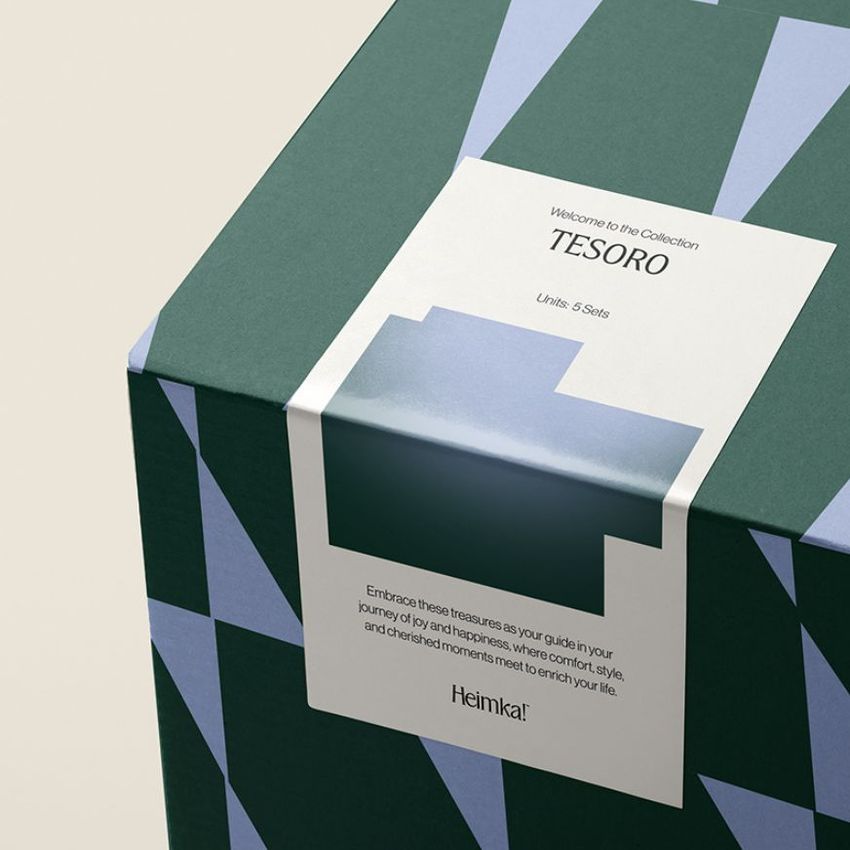
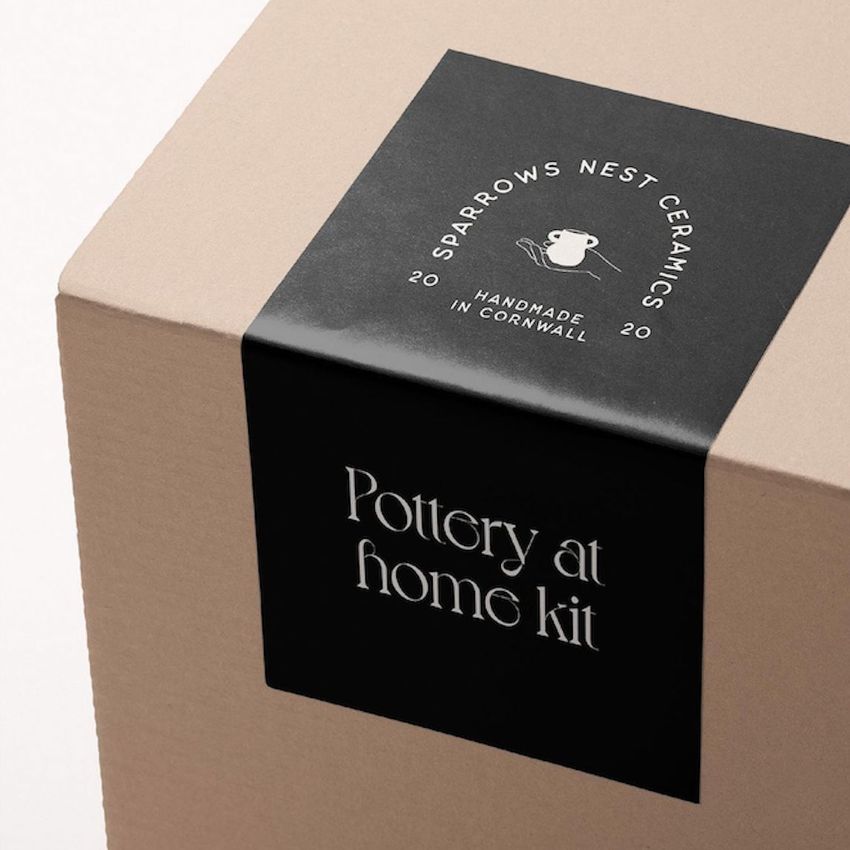
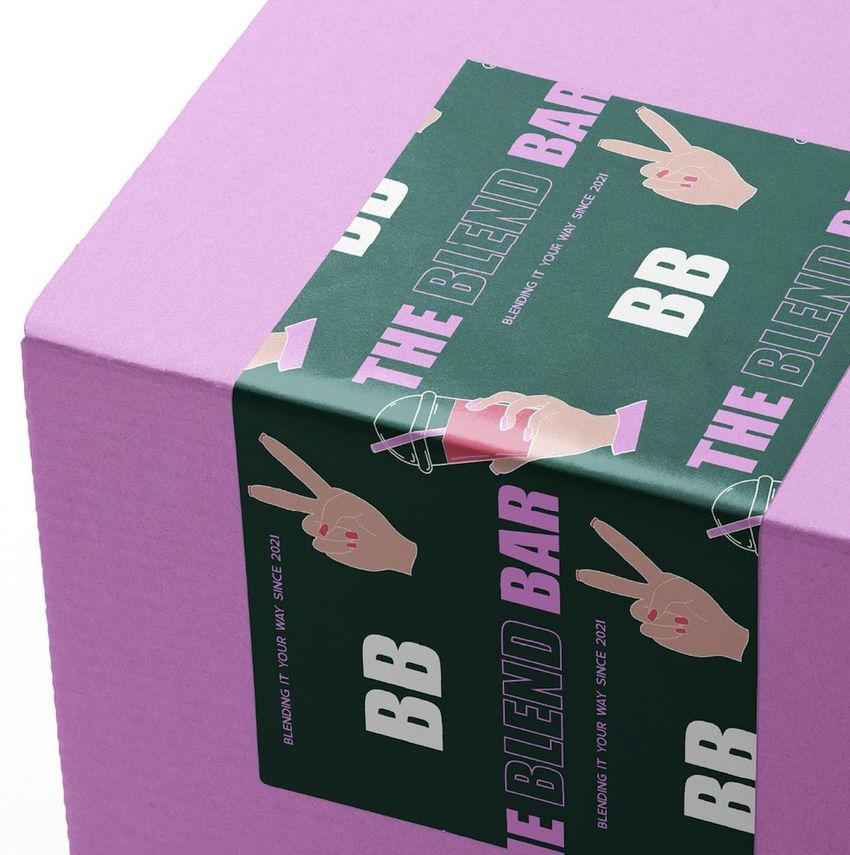
A sticker that looks balanced on a flat sheet can read differently once it bends over a box edge. This mailing box corner sticker closeup mockup brings that transition into view, with a rectangular sticker continuing from the top panel onto the front of a cardboard box. The tight angled crop highlights the printed message, the fold and the surrounding box surface.
What Is Included
1 layered PSD mockup with one closeup scene, 6000 x 4000 px at 300 DPI.
1 JPG preview at 256 x 171 px, 2 files in total.
Organized layers for Adobe Photoshop CC and Photopea.
Two Surfaces, One Message
Use the upper part of the sticker for a logo or short introduction and the front-facing part for a second message. The captured highlight at the bend helps you see where fine lettering may become harder to read. Compare the sticker artwork with plain or printed box panels to decide which surface should carry the strongest visual emphasis.
Easy Smart Object Editing
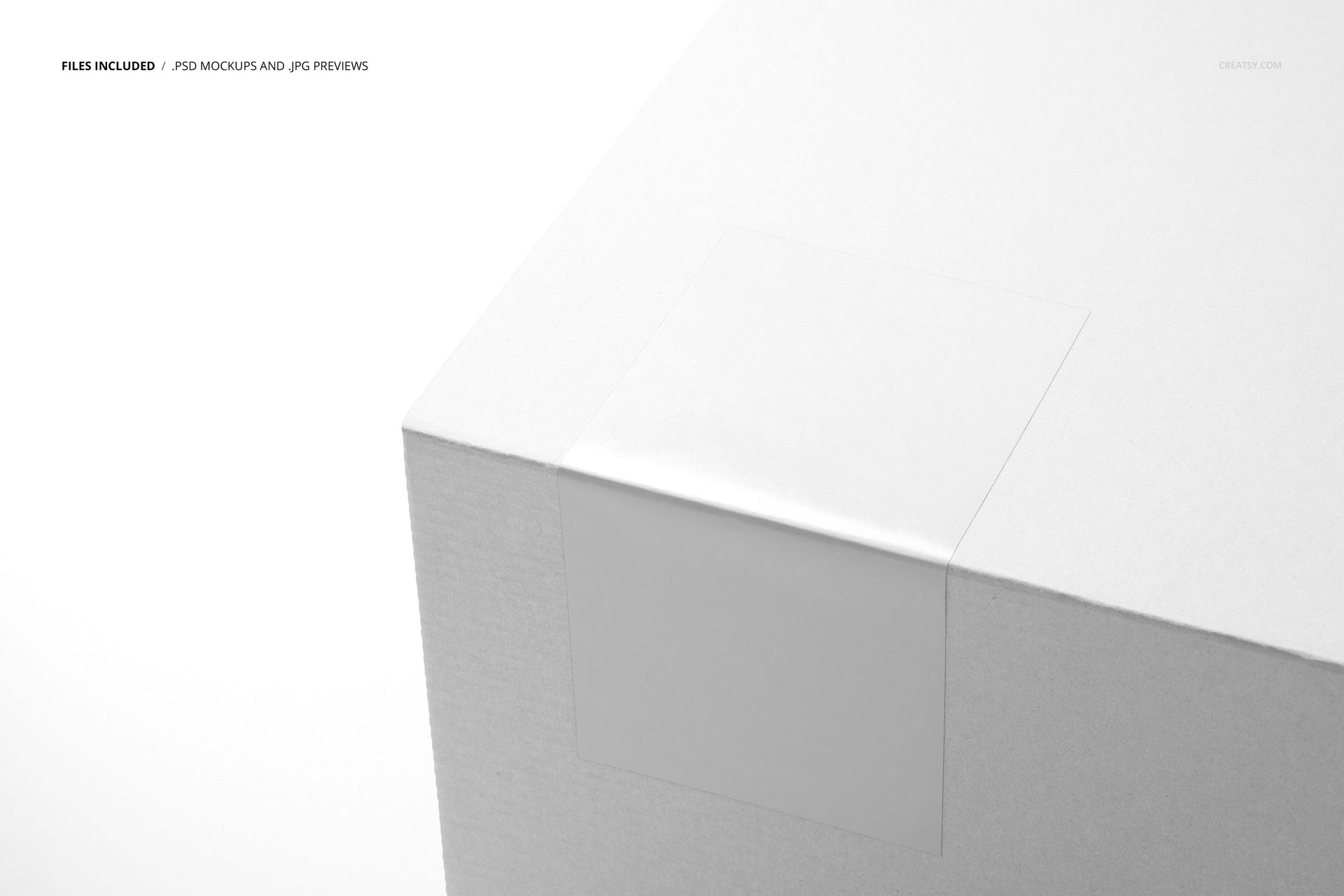
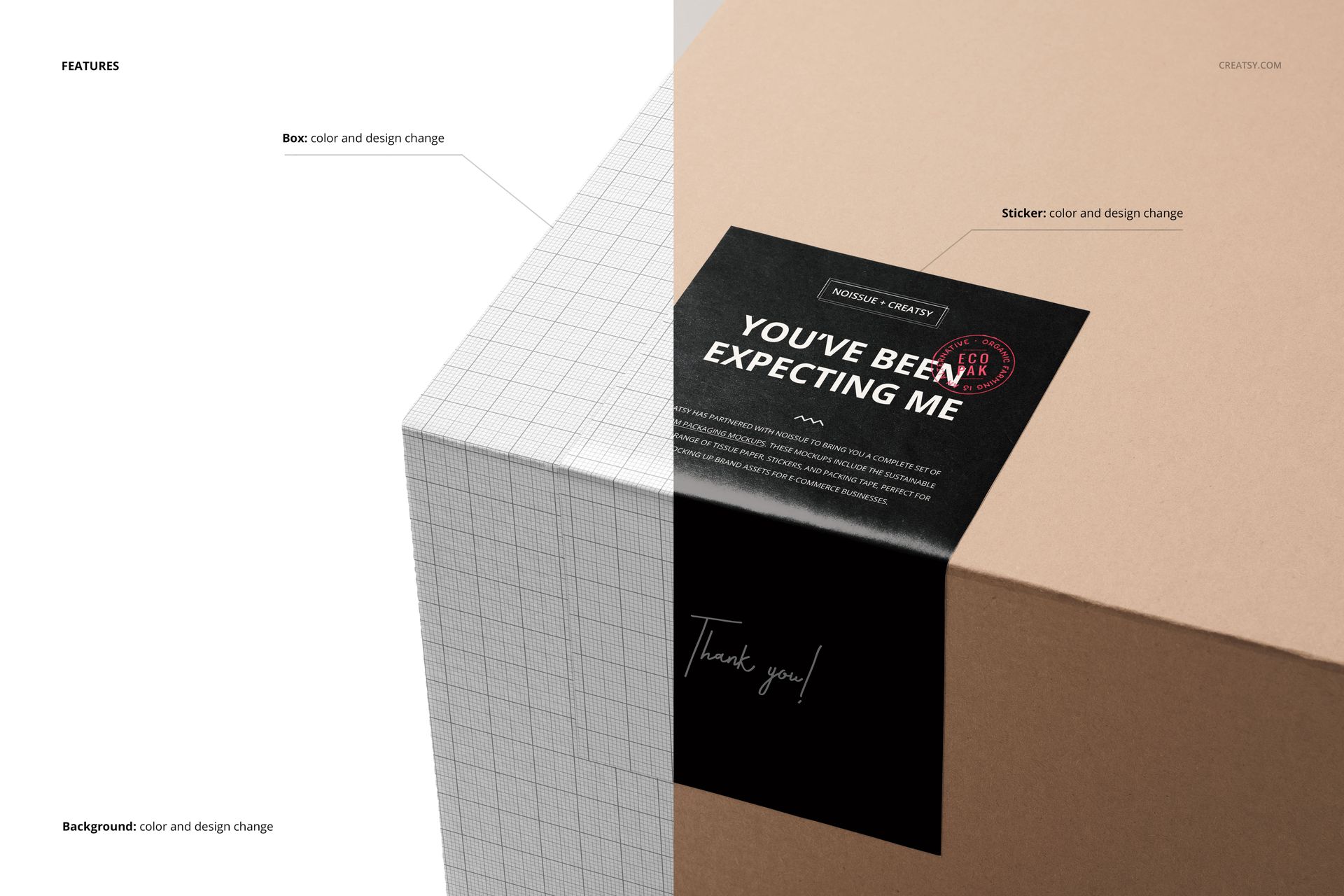
Apply your artwork through the prepared Smart Objects. The feature preview confirms color and design changes for the box, sticker and background. You can insert a background texture, use the available solid white background, or hide the separate background and shadow layers for a transparent presentation.
Perfect For
Packaging designers developing fold-over branding stickers.
Independent brands preparing thank-you or welcome messages for parcels.
Sticker printers presenting a label design on its intended packaging.
Branding studios adding a packaging detail to a client presentation.
This is a digital mockup, not a physical box or sticker. Sample artwork is shown for presentation purposes and is not included.