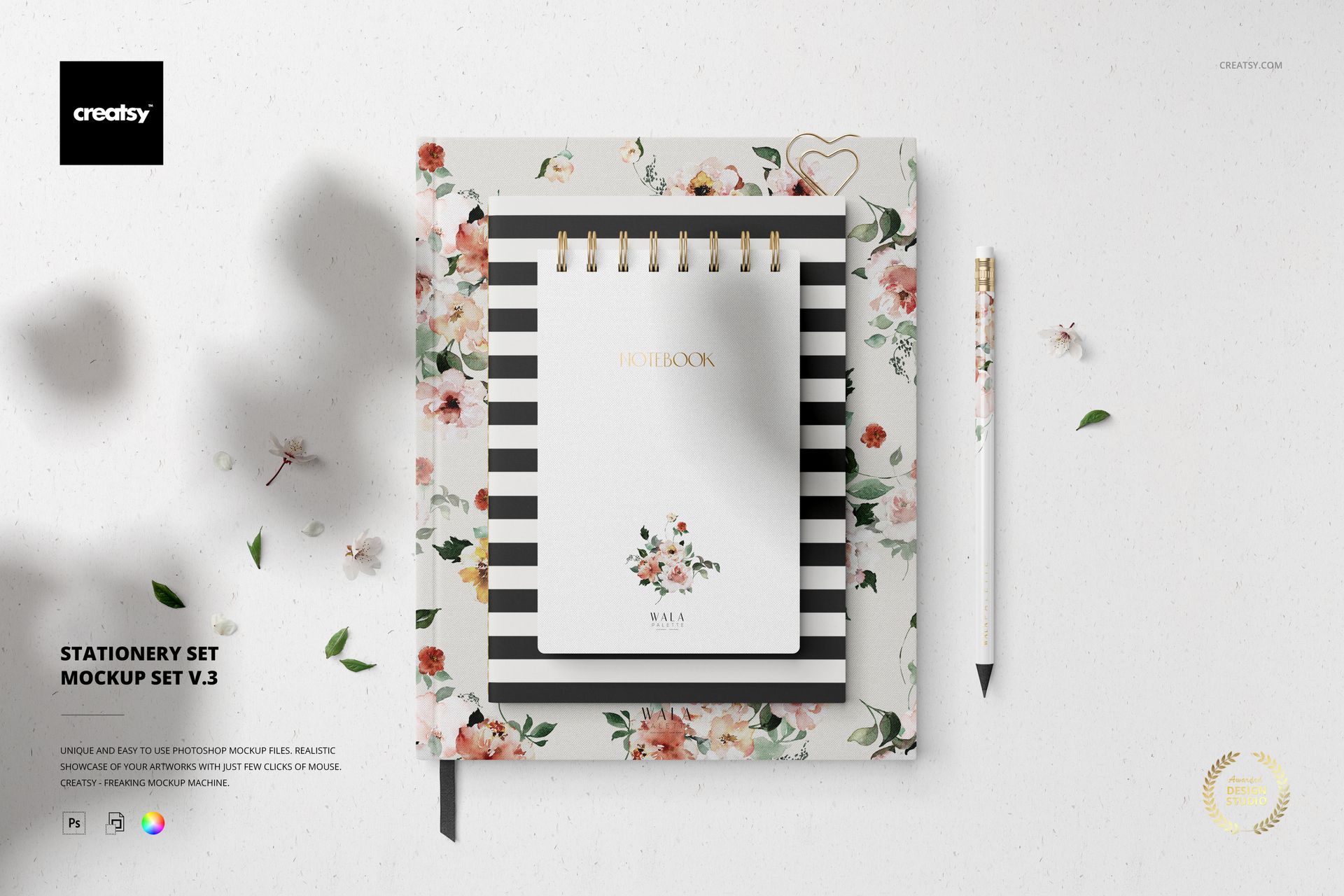
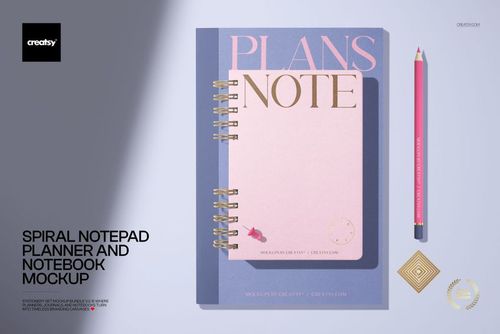
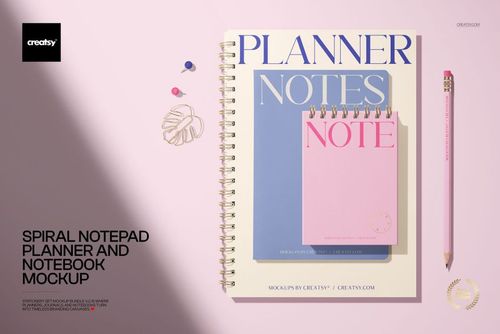
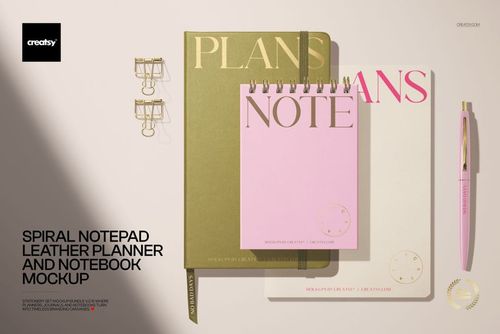
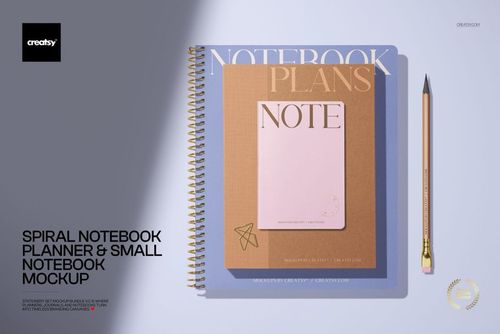
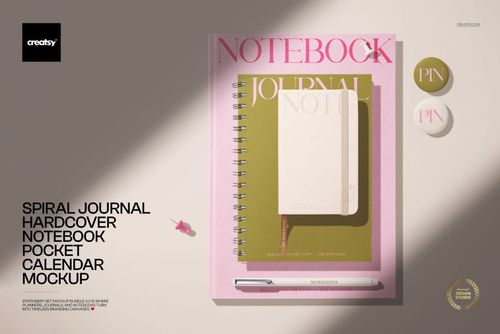
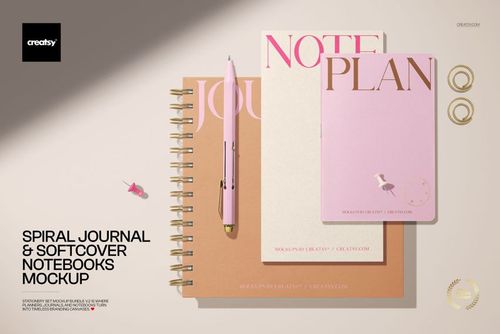
Stationery Set Mockup v.3 - 5 PSD Files
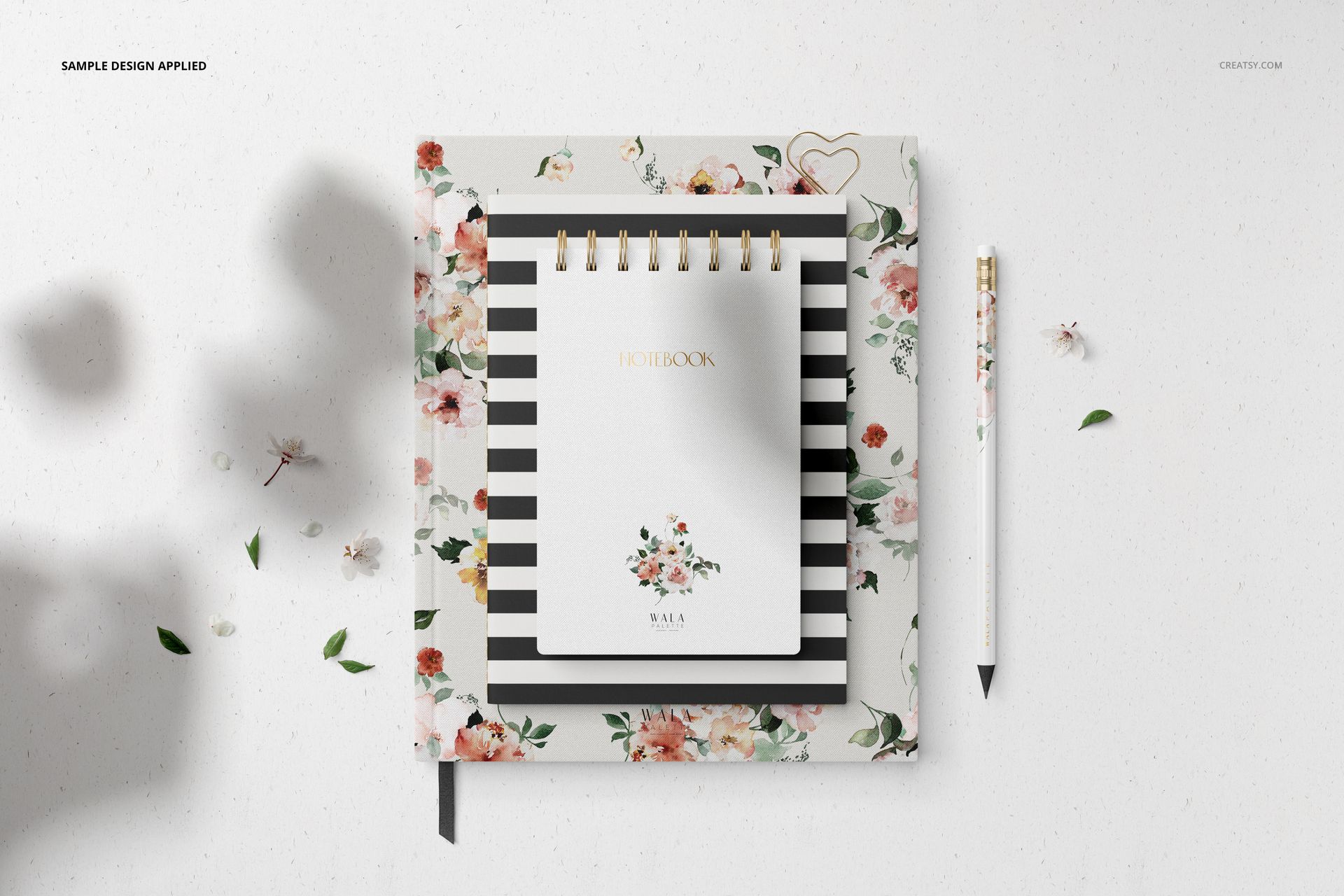
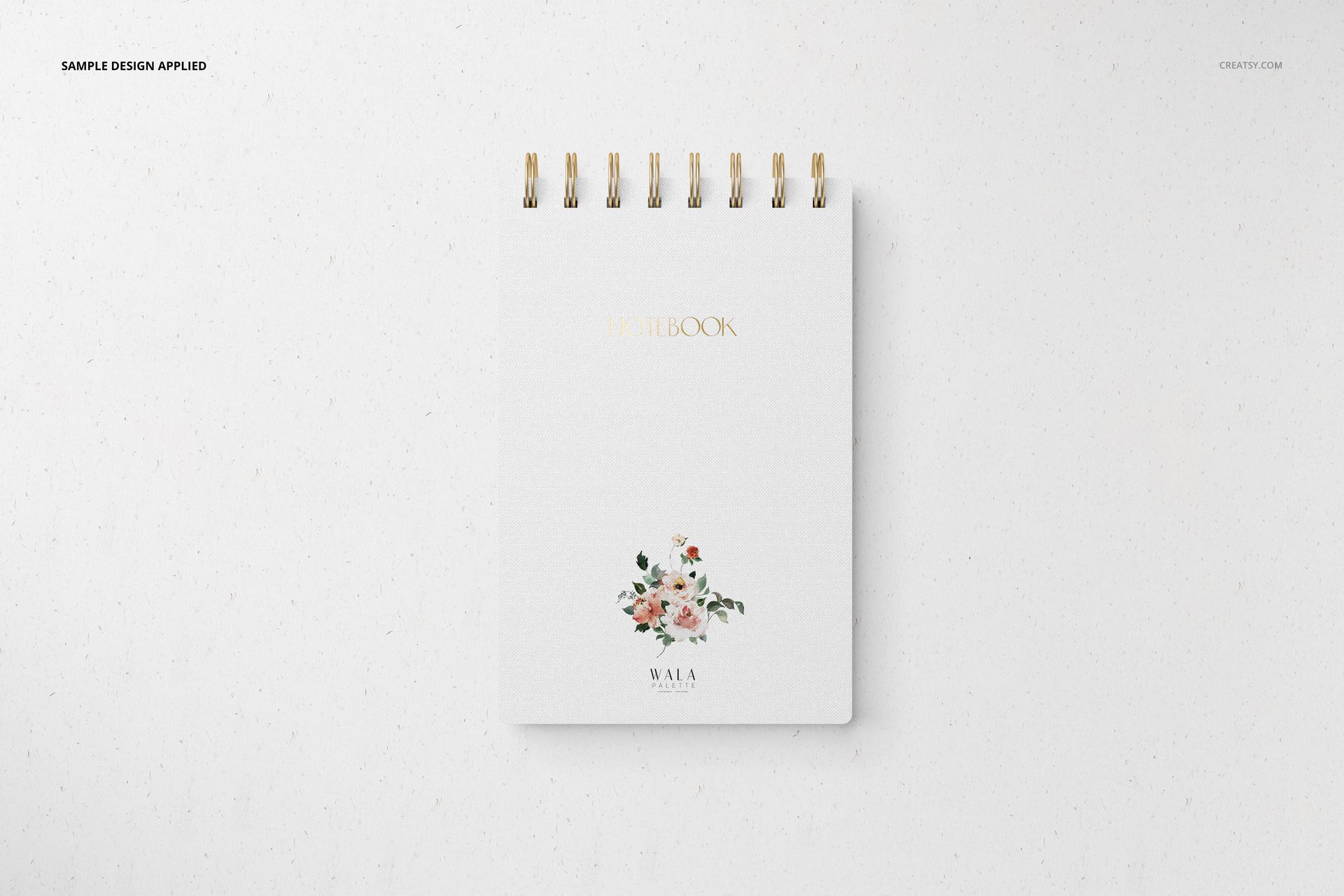
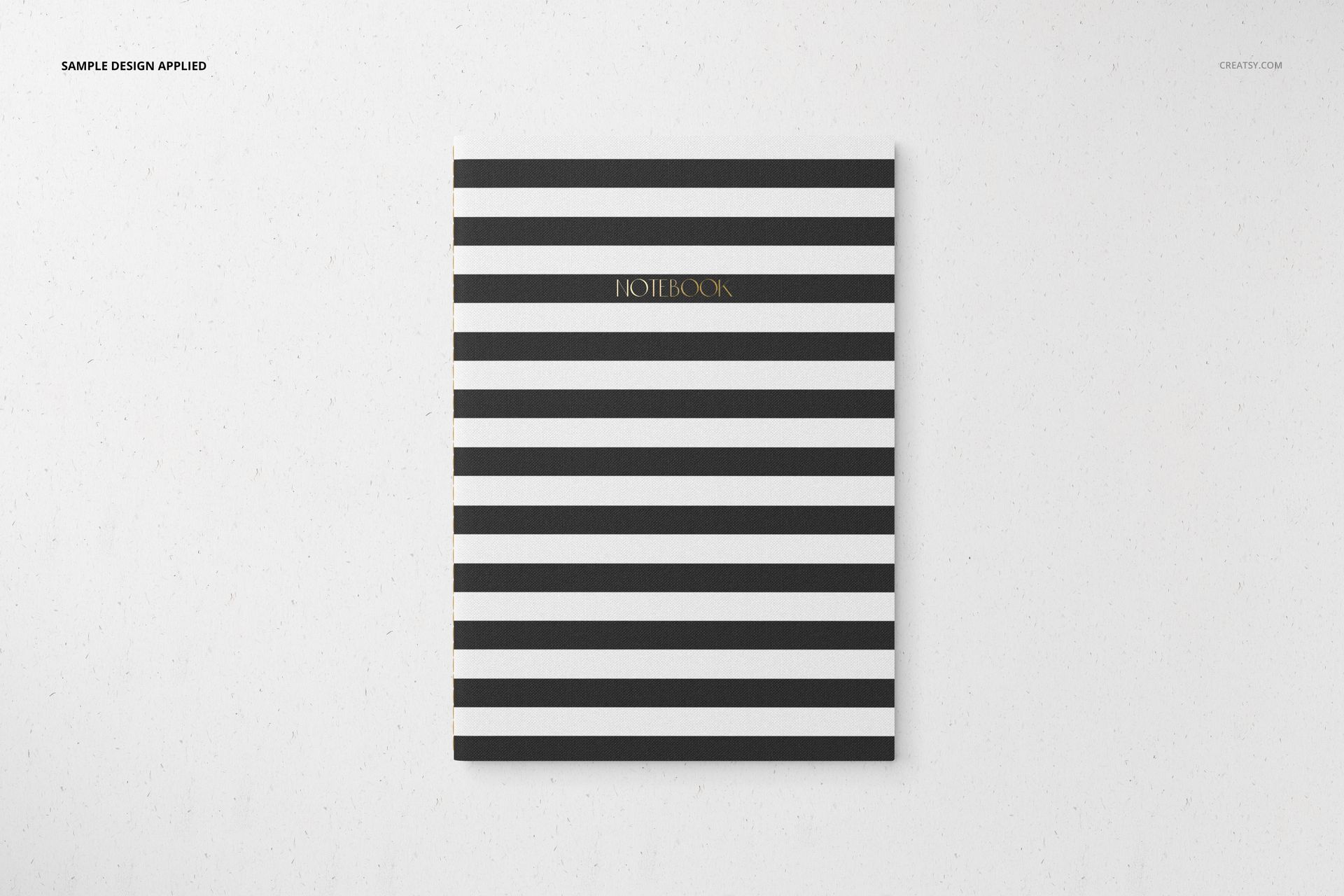
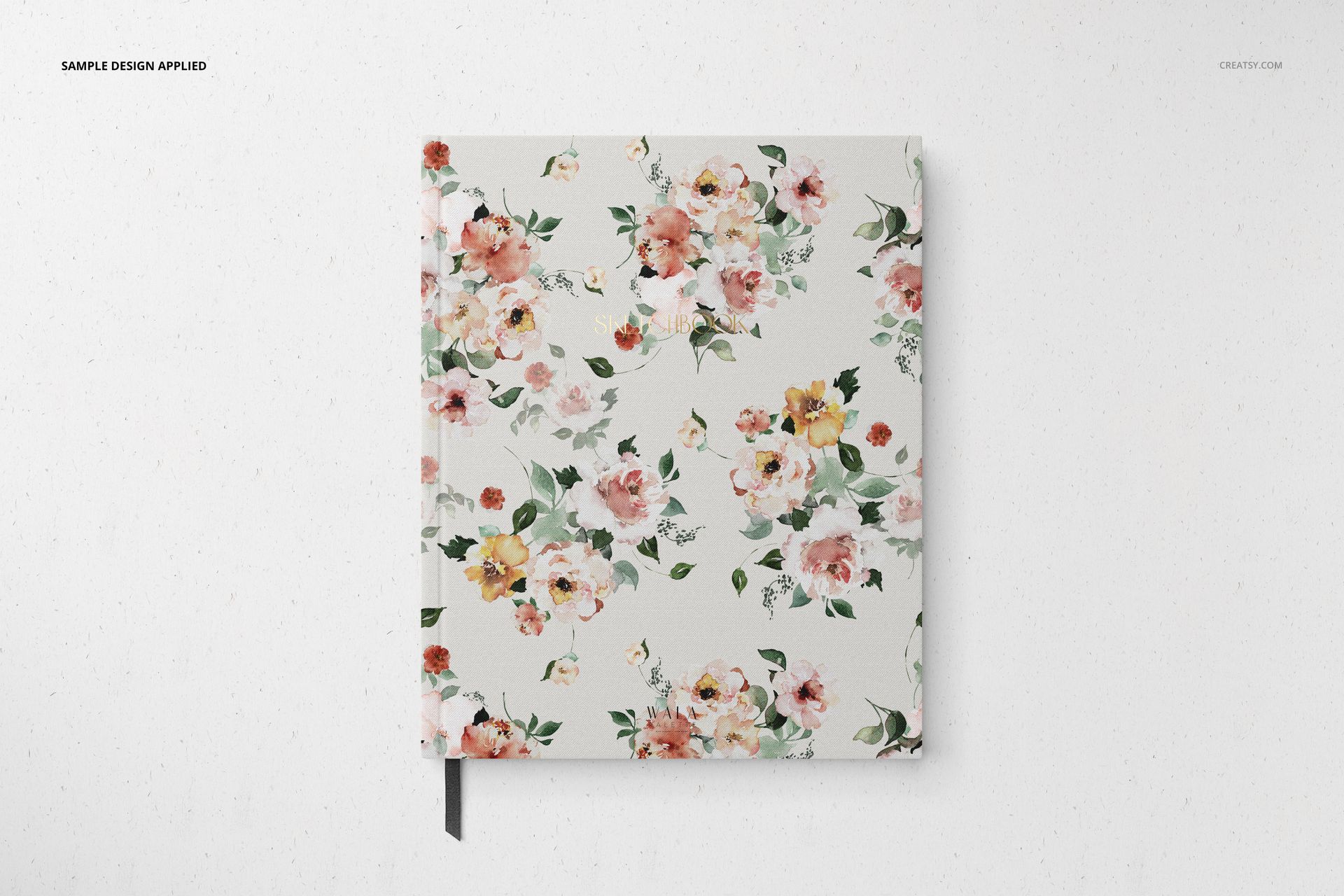
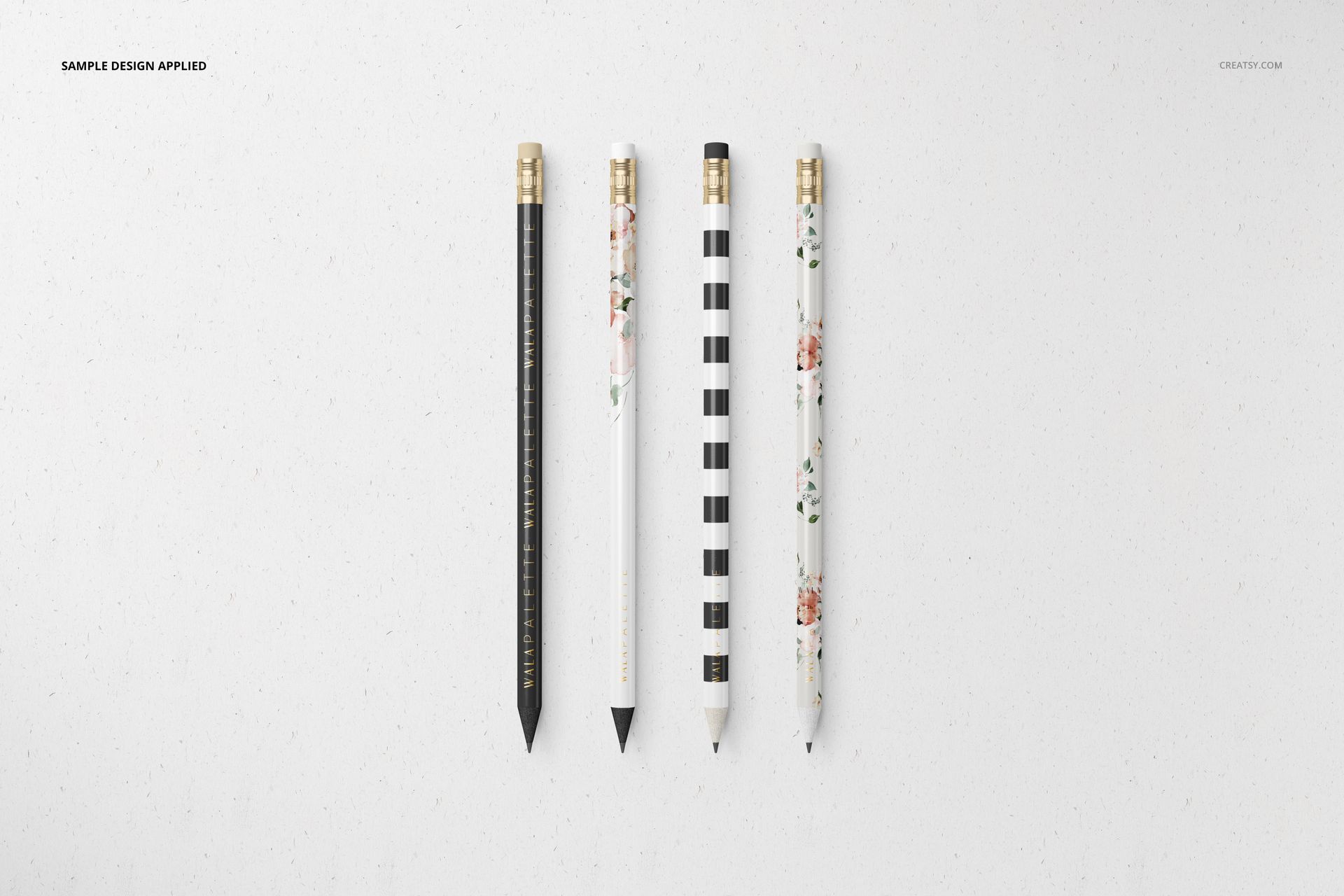
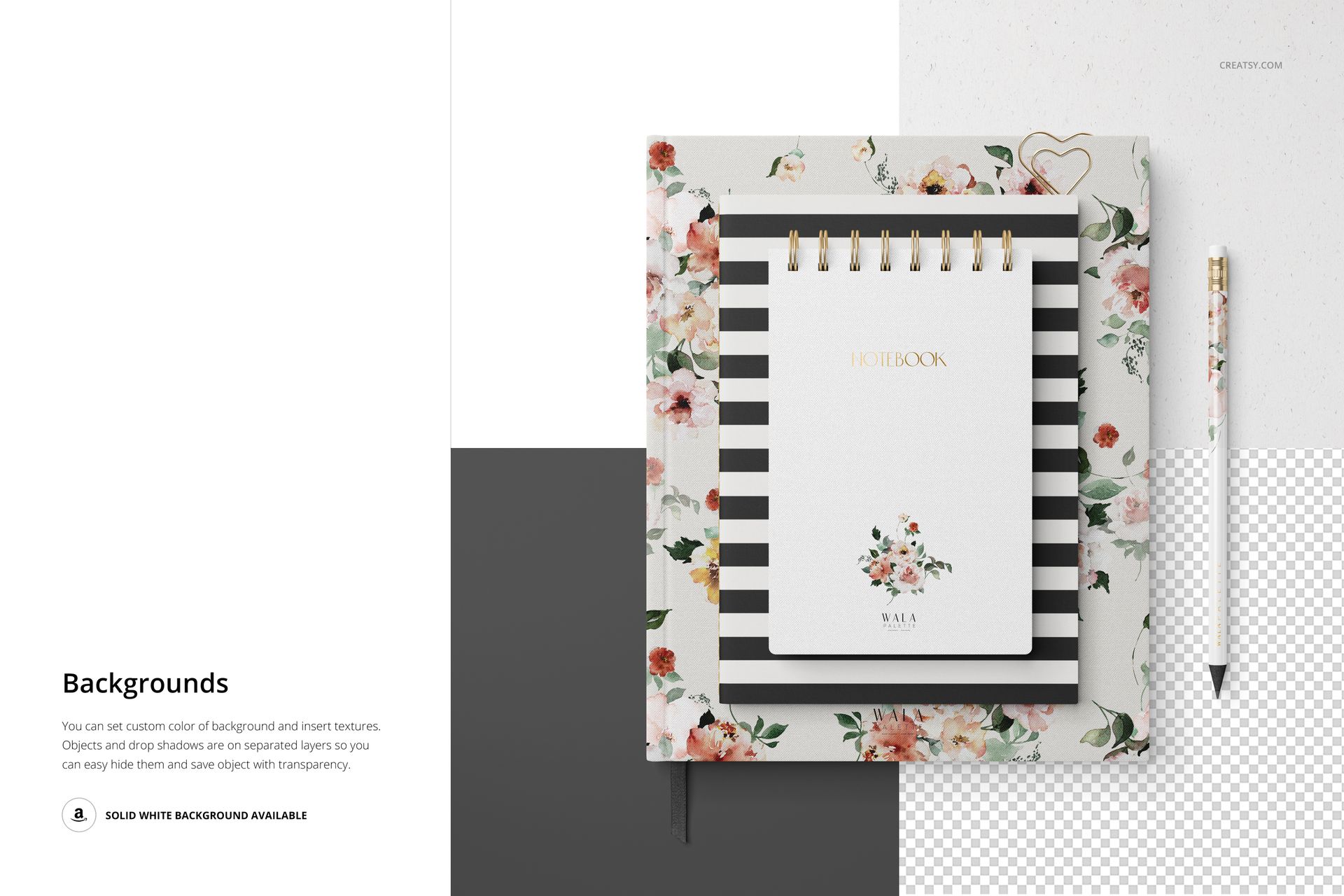
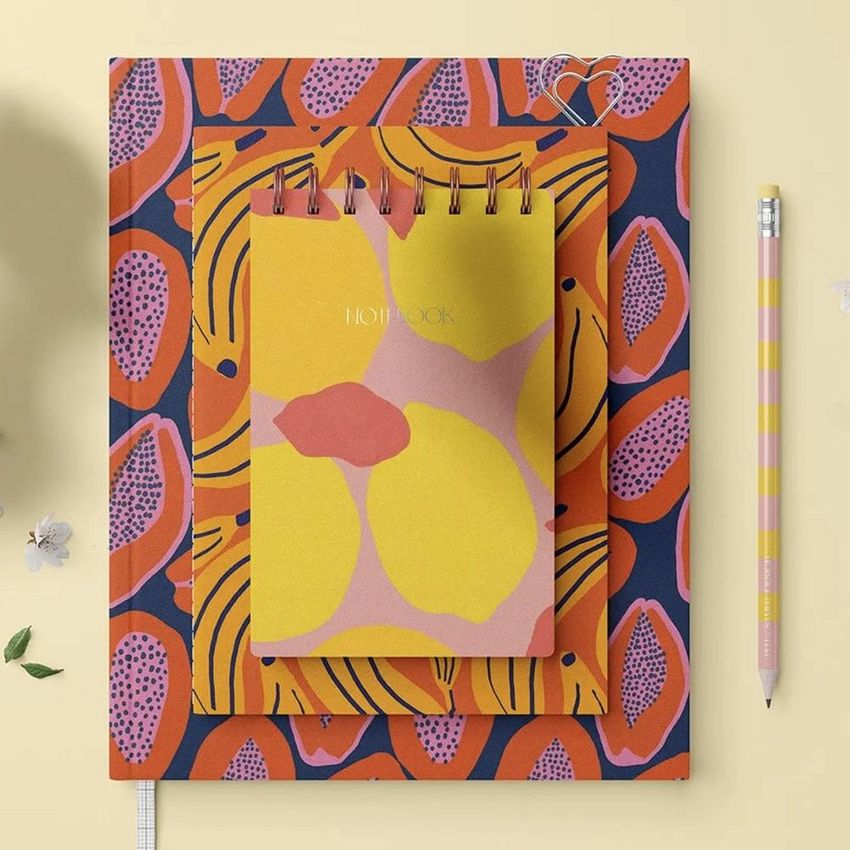
Present a complete stationery brand identity on photorealistic mockups that show notebooks, notepads, pencils, and paper items arranged in styled studio compositions. This set includes 5 high-resolution PSD files designed for showcasing surface patterns, branding designs, and color palettes across a coordinated stationery collection. Each scene was photographed with real stationery products under controlled lighting, so the paper textures, spiral bindings, and pencil details look genuine at any zoom level. Drop your design into the smart object layers, and the entire set updates with your pattern or brand identity in under a minute.
Why This Mockup Set Works
Stationery branding lives or dies on how cohesive the collection looks as a whole. These mockups show multiple items together in a single frame - notebooks beside pencils, notepads stacked with letterheads - so viewers immediately see how a pattern or color scheme works across different product formats. The compositions are styled with neutral backgrounds and clean spacing that keeps the focus on your design work. Because every file was shot with real products, the mockups preserve paper grain, edge shadows, and binding details that 3D renders typically miss. Clients and buyers perceive the presentation as production-ready rather than conceptual.
What Is Included
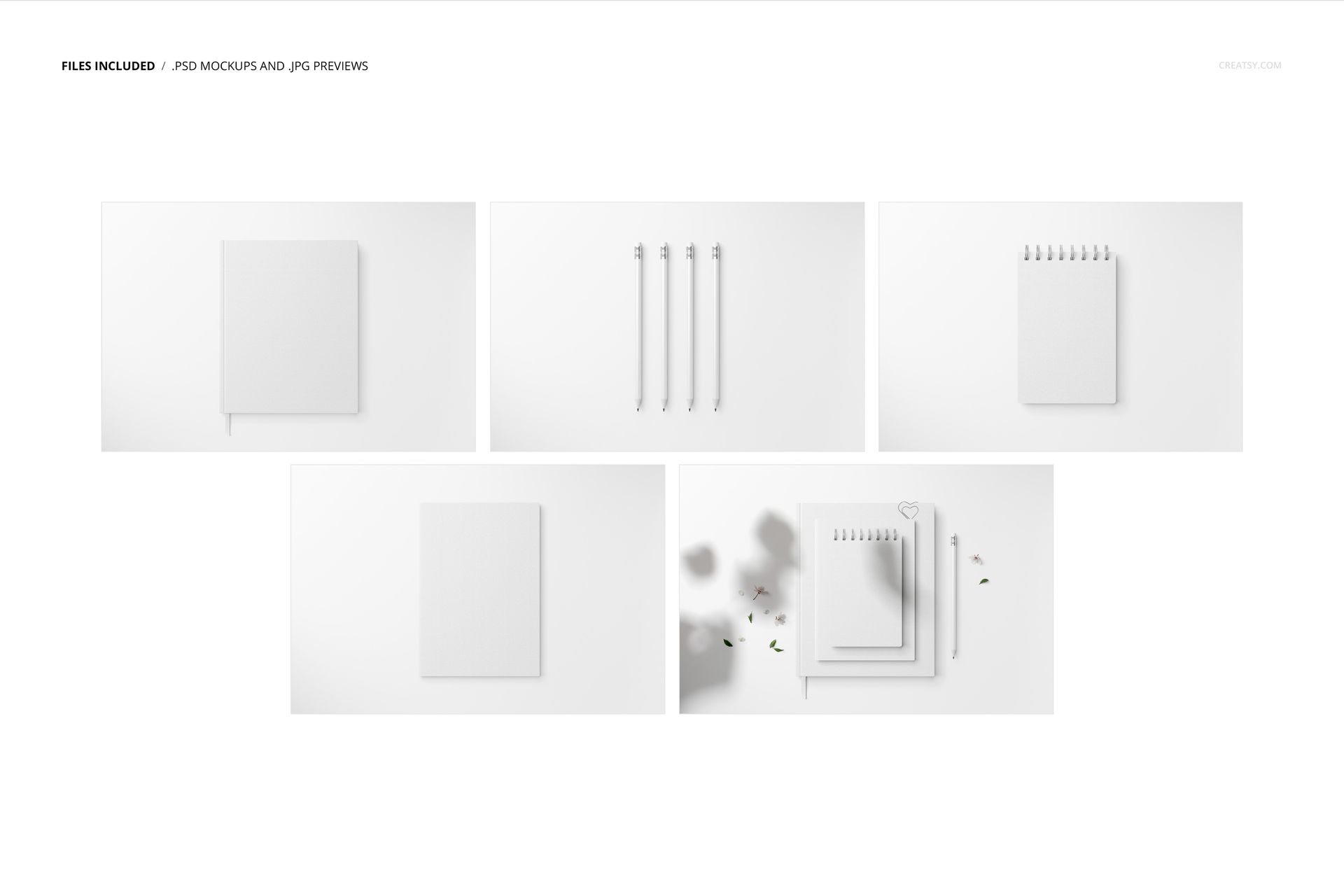
The set contains 5 PSD mockup files at 6000x4000 pixels and 300 DPI. You get overhead compositions showing the full stationery collection arranged on a clean surface, angled detail views that highlight individual items like spiral notebooks and pencils, and close-up crops that let viewers inspect print quality and paper texture. Each file includes multiple editable stationery items within a single scene, giving you a complete brand presentation from just one mockup placement. Background options are included for switching between different surface tones and textures.
What You Can Customize
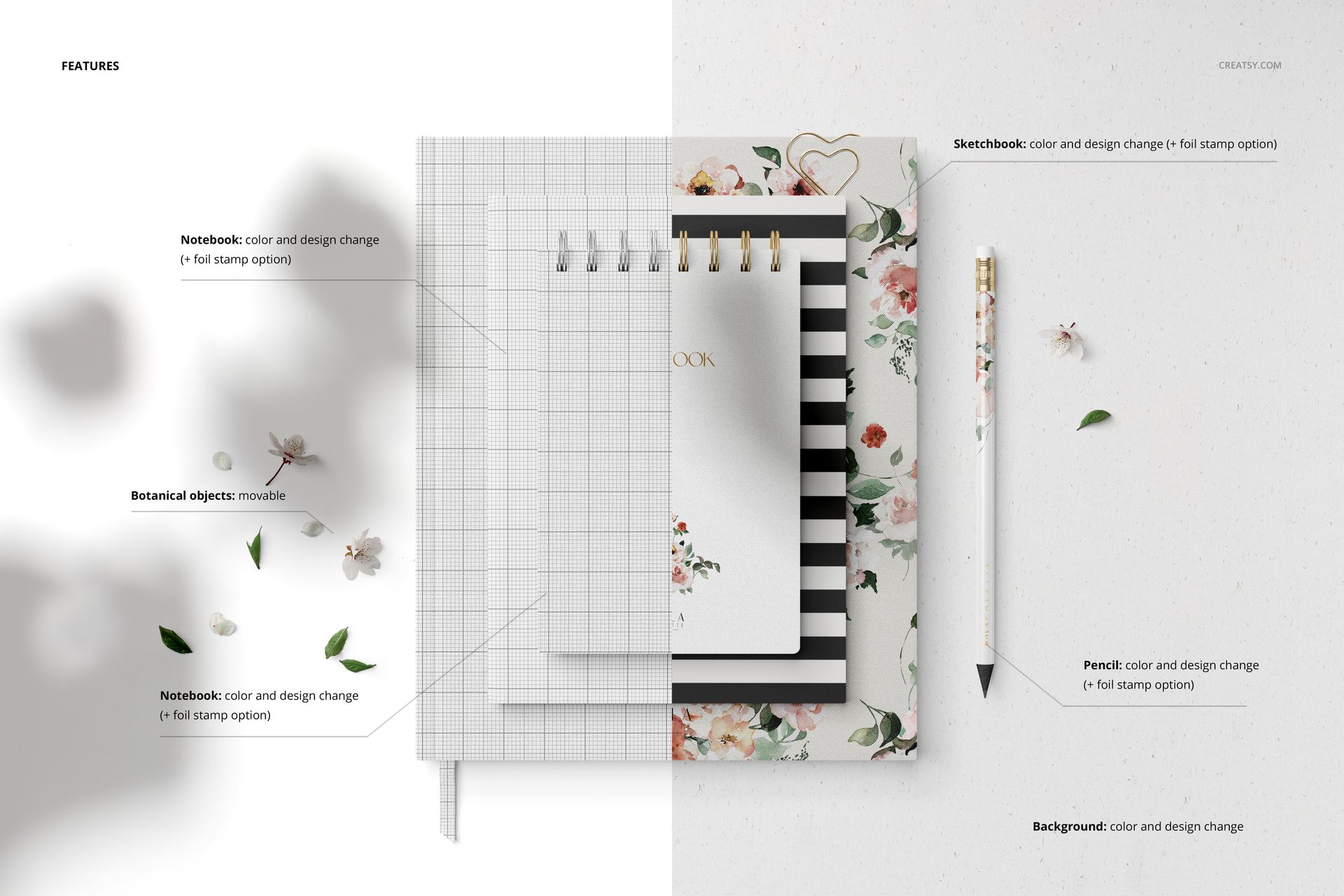
Every stationery item in each PSD uses its own smart object layer, so you can apply different designs to different products or use the same pattern across the entire collection. Both the surface design and background color are editable. Place your repeat pattern, brand identity elements, logo, or solid color palette into the designated layers, and the mockup applies your design with correct perspective, paper curvature, and shadow interaction. The process requires no advanced Photoshop skills - open the smart object, paste your artwork, save, and the mockup updates automatically.
Who This Mockup Is For
Surface pattern designers presenting stationery-ready collections to licensing clients or retail buyers. Branding designers showcasing full identity systems with coordinated stationery suites. Stationery brands previewing new product lines before manufacturing. E-commerce sellers creating product listings for custom notebooks and stationery on Etsy, Shopify, or Amazon Handmade. Illustrators and artists displaying artwork applied to practical consumer products for portfolio or commission presentations.
File Specifications
Format: PSD (Adobe Photoshop CC2015 or newer). Files: 5 mockup scenes. Resolution: 6000x4000 px at 300 DPI. Editable components: color and design on all stationery items plus background. Layers: well organized with labeled smart objects. Example artwork by WalaPalette: linktr.ee/walapalette. Preview designs are not included in the download.