Packing Tape Many Types Mockup Set
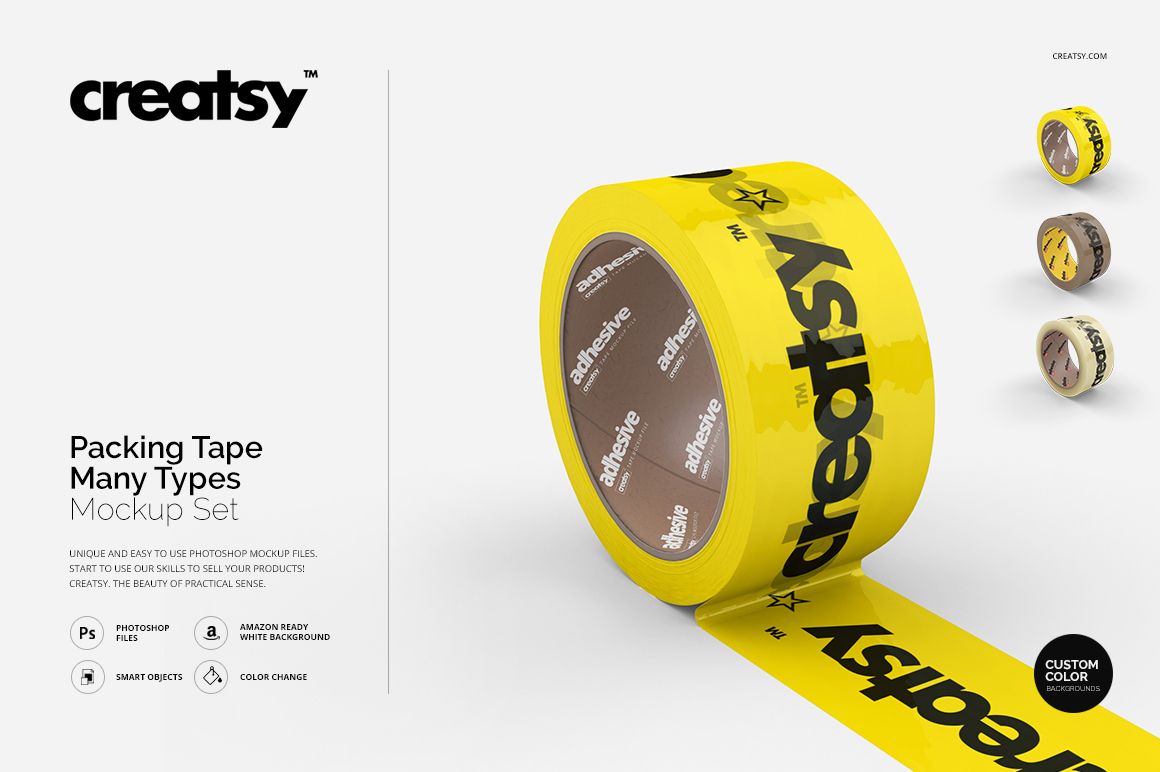
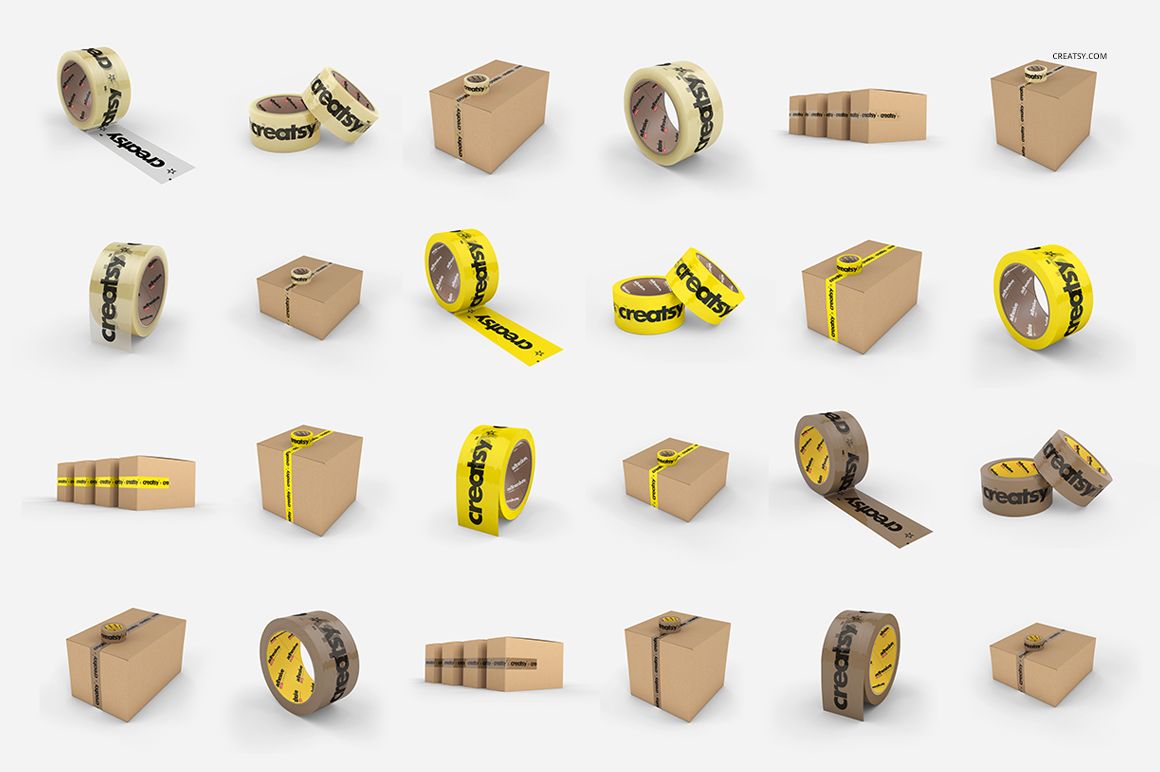
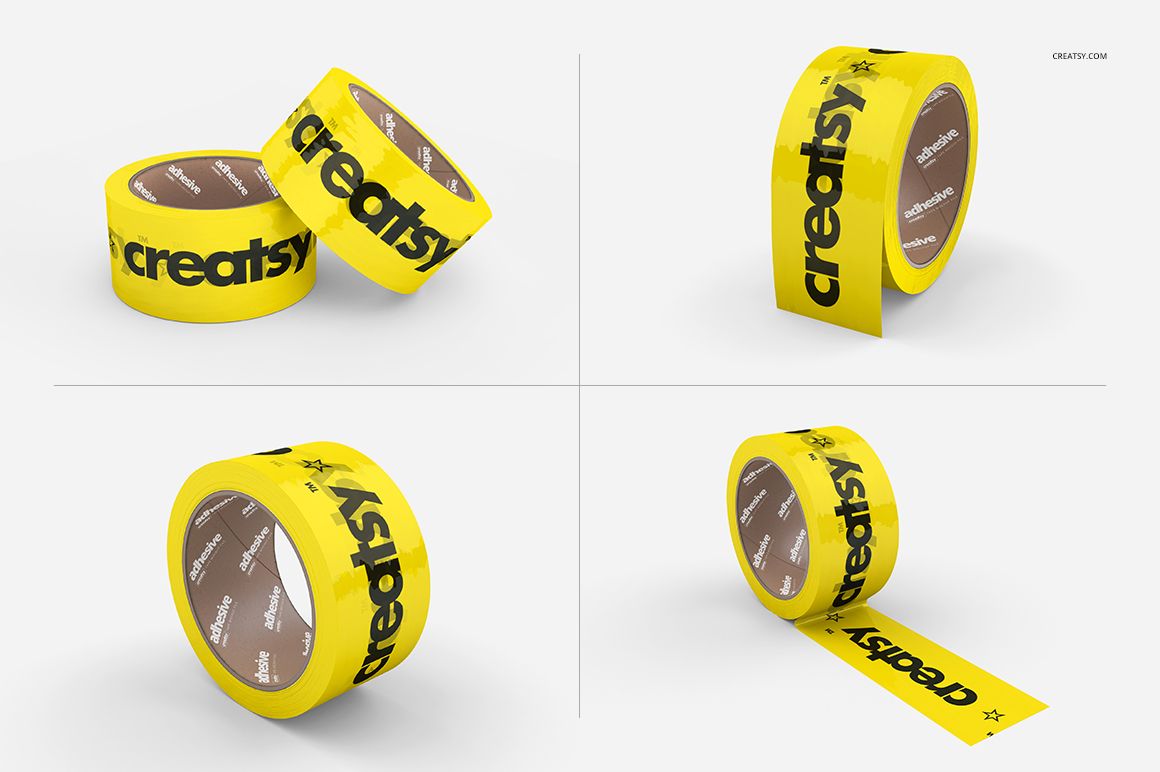
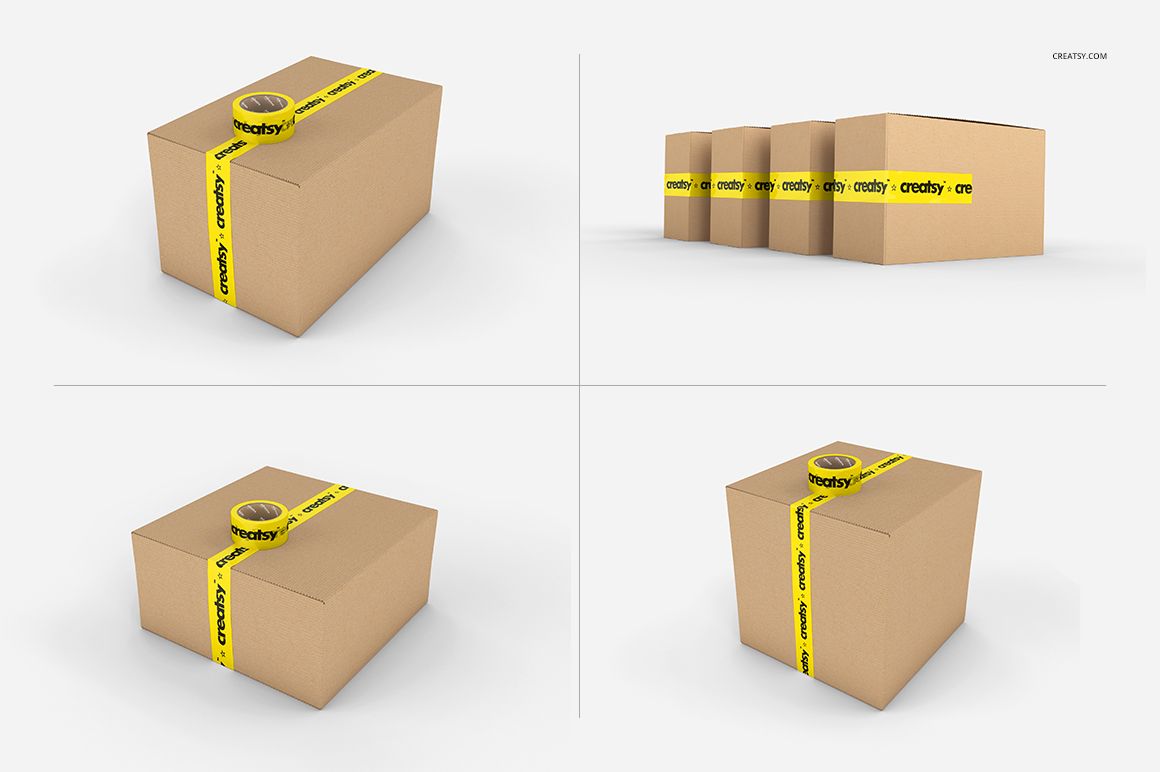
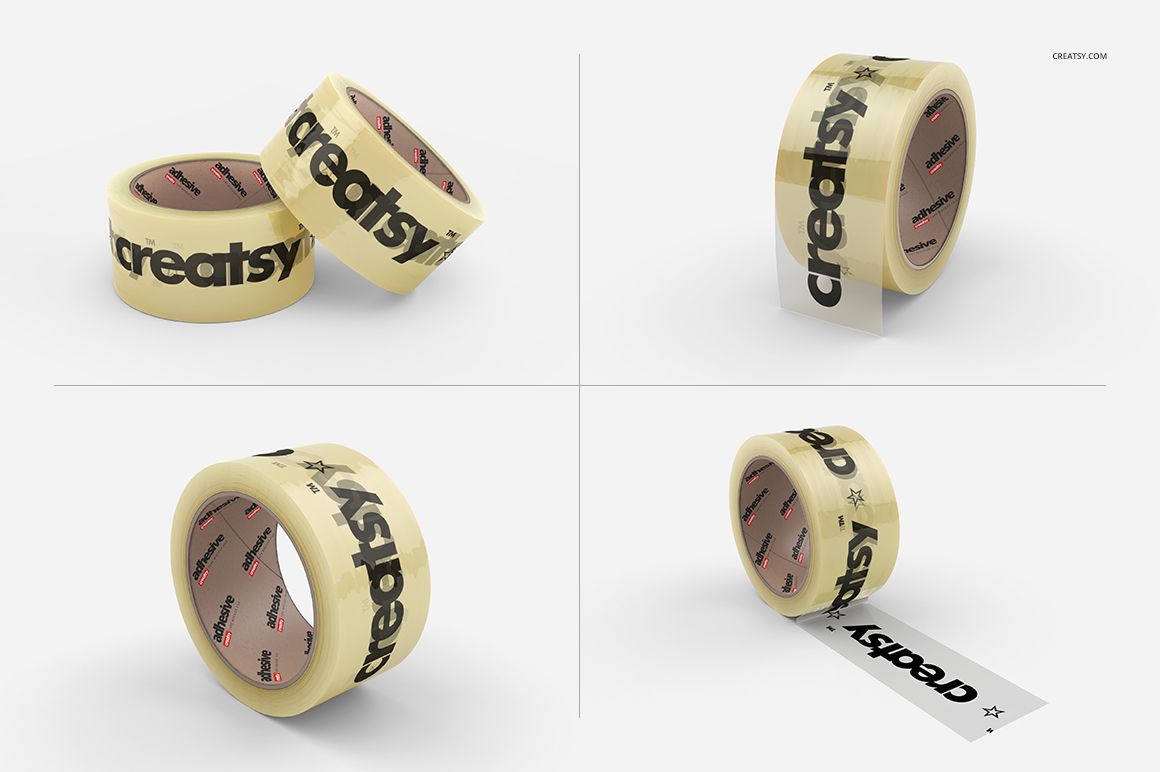
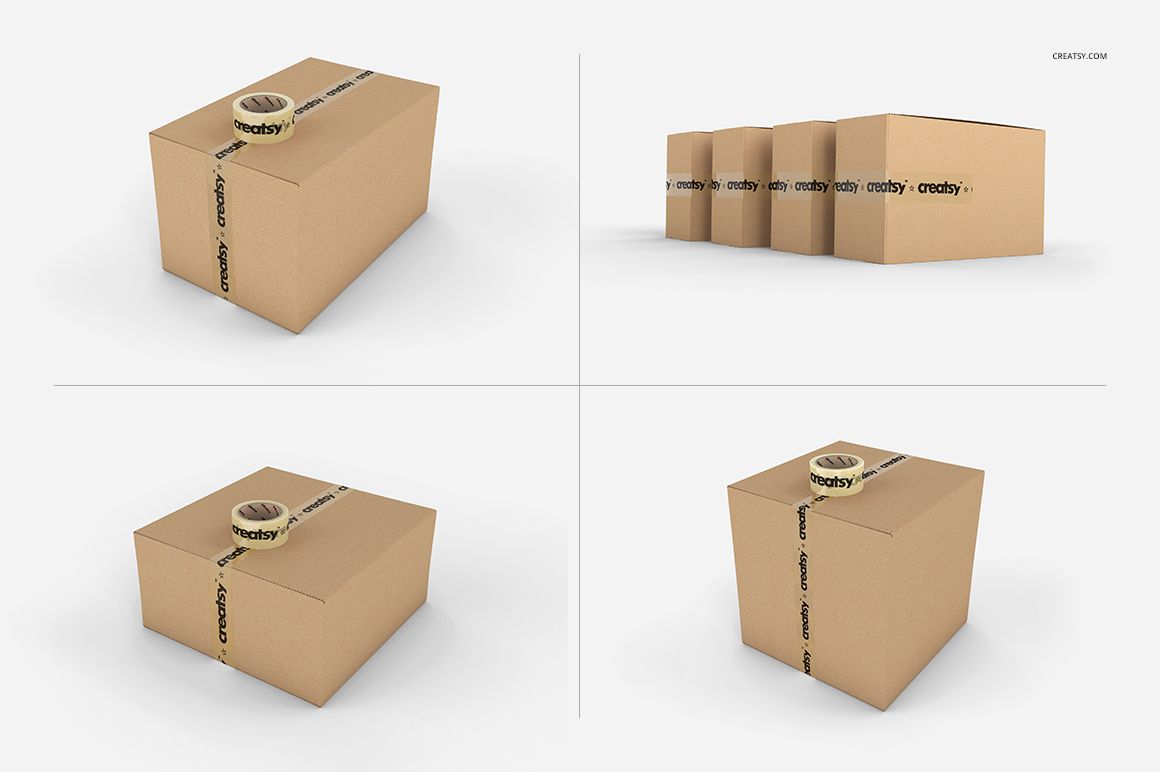
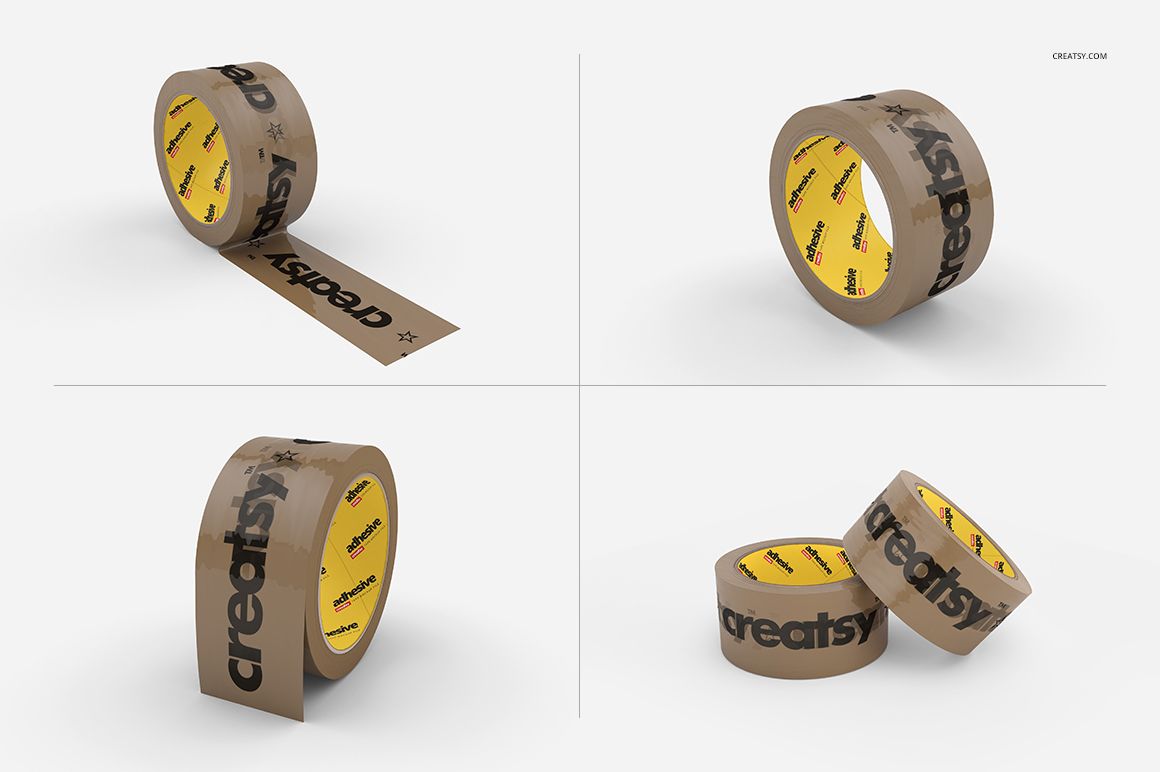
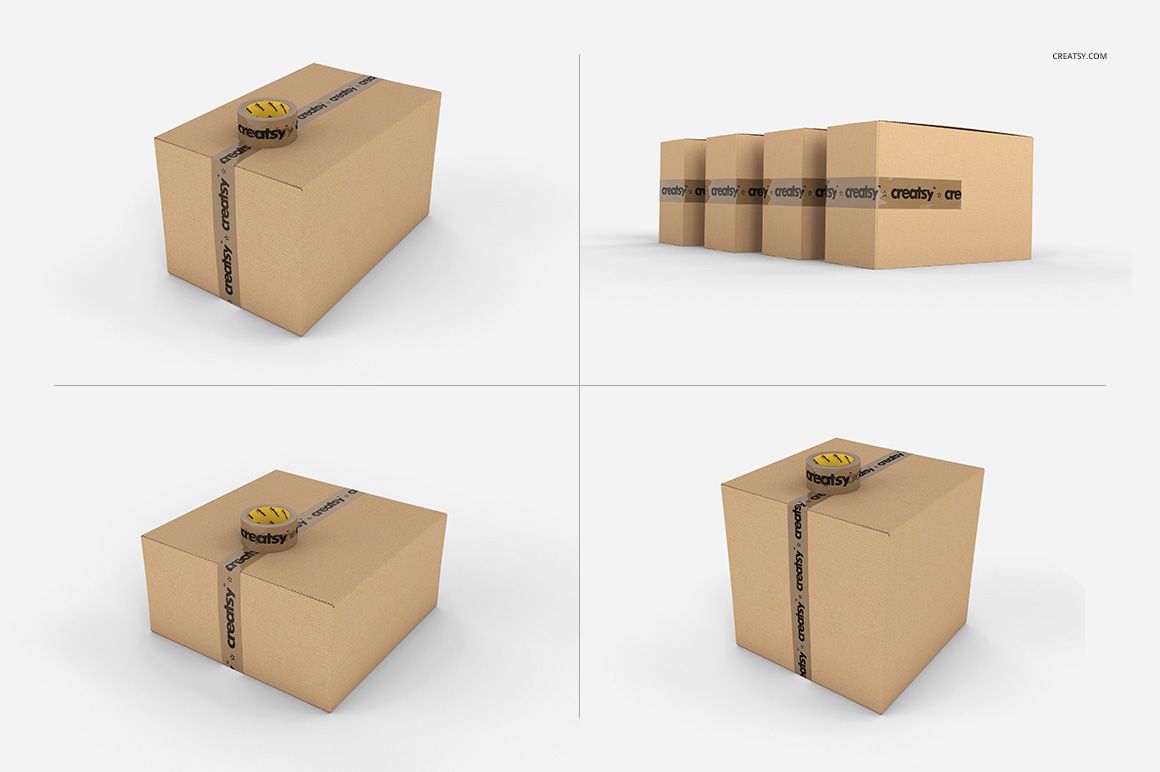
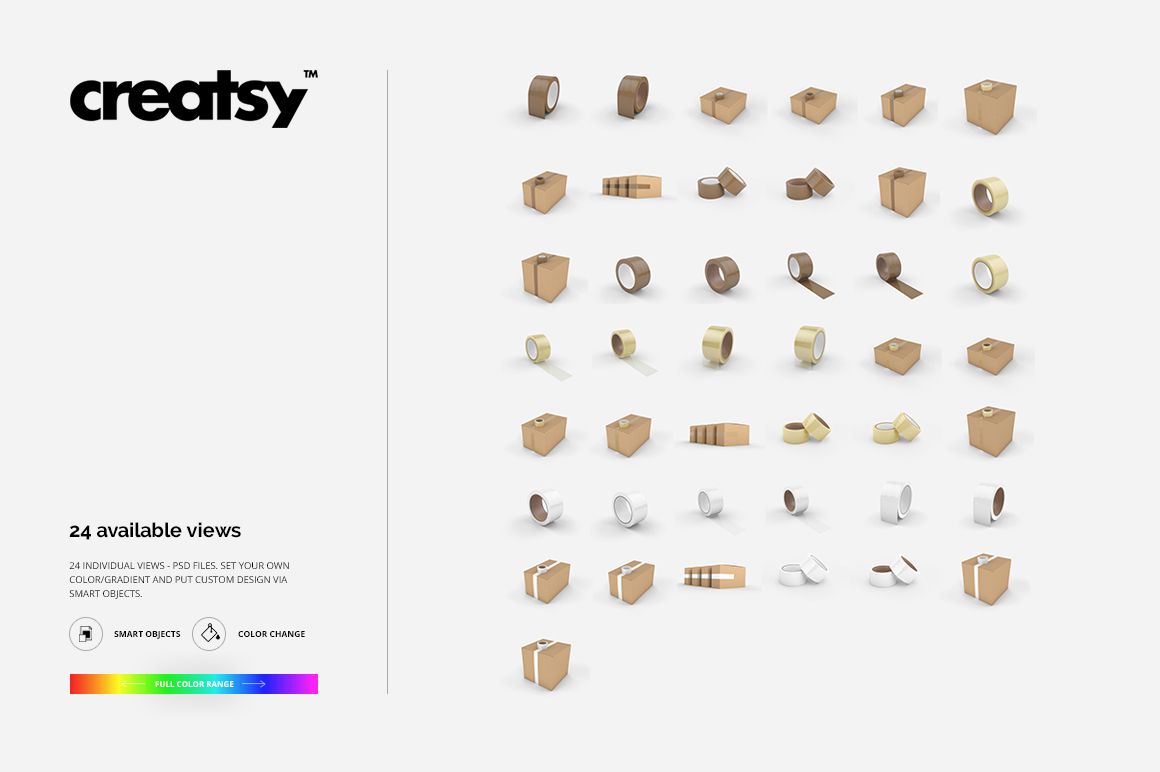
Compare one packaging identity across clear, custom color, and brown packing tape without producing a physical sample first. The 24 square PSD scenes combine isolated roll views with tape applied to cardboard boxes, so you can prepare detailed product shots and practical shipping presentations from one coordinated set.
What Is Included
24 layered PSD mockups, with eight views for each of three tape families
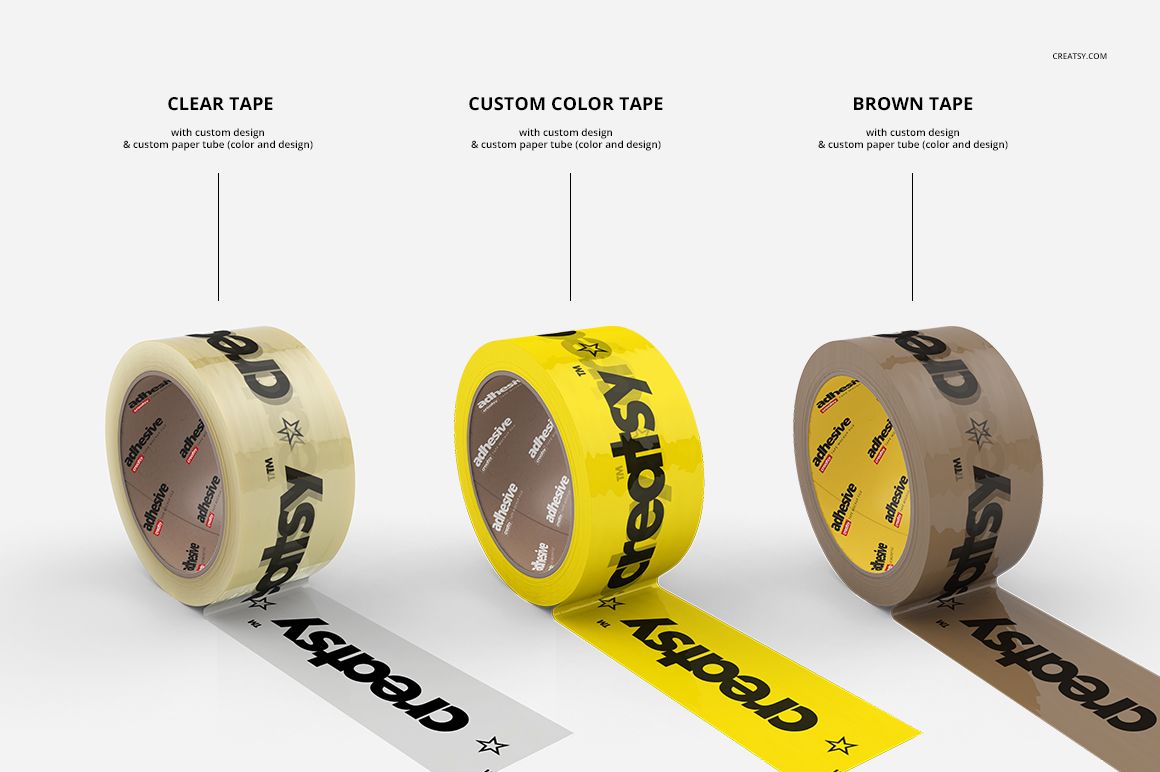
Clear tape, custom color tape, and brown tape options
Upright, angled, paired, and partially unrolled tape views, plus sealed cardboard box arrangements
45 JPG reference previews and one portrait TIFF guide
70 files in total
Compare Three Tape Treatments
Apply the same logo, repeat pattern, handling message, or campaign artwork to transparent, colored, and brown tape. Coordinated viewpoints help you judge how a design reads on the roll, along an exposed strip, and across a box seam.
Easy Smart Object Editing
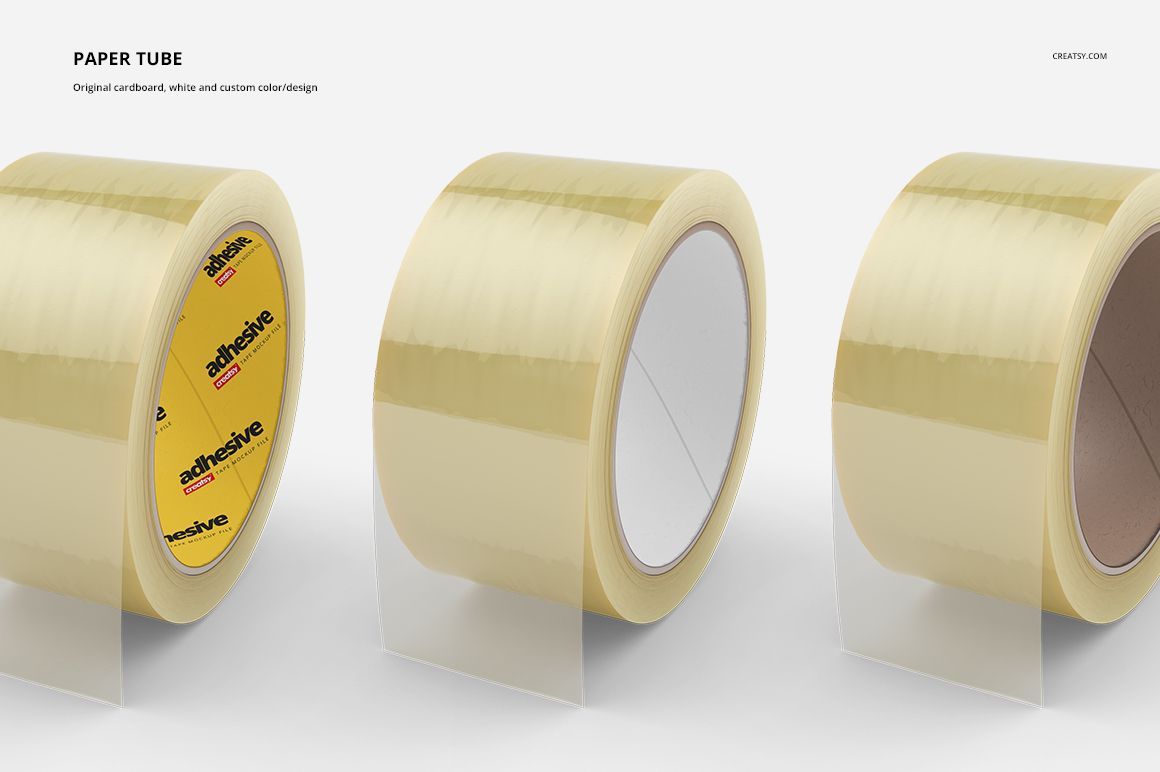
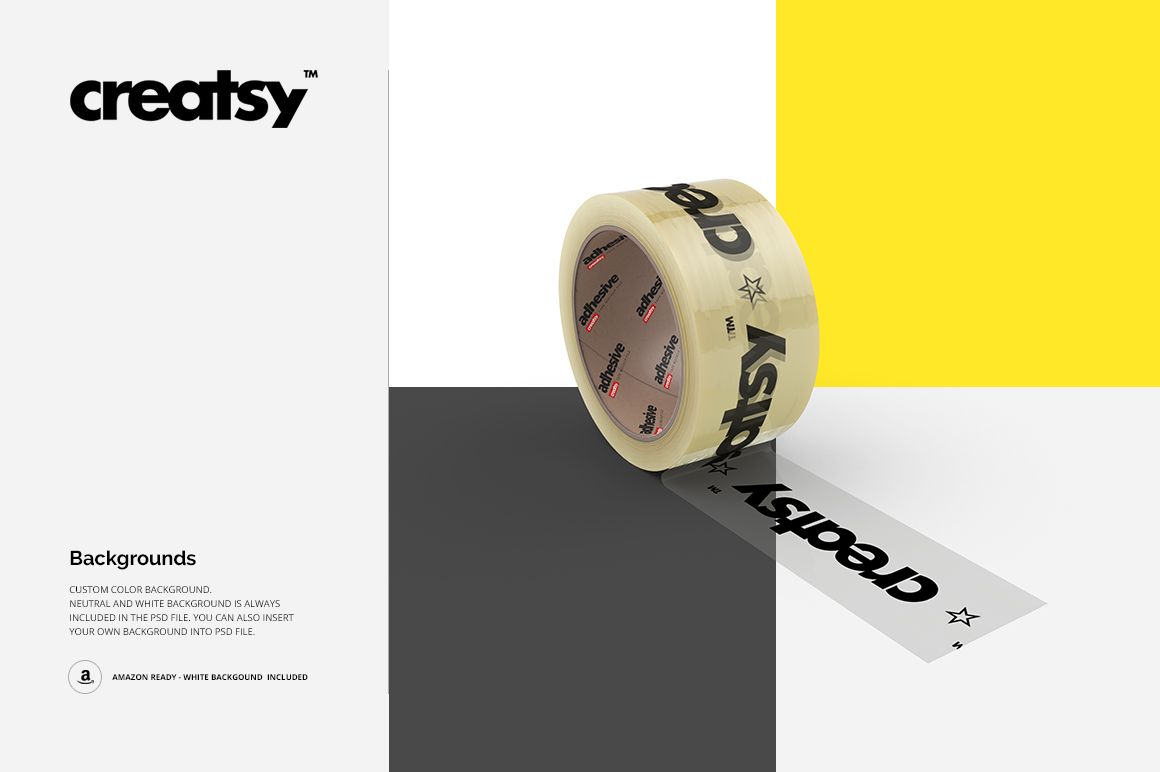
Place artwork through Smart Objects, then adjust the tape color or gradient and the paper tube color or design where those controls are provided. The previews also confirm background controls, a neutral white background, and the option to insert your own background.
Perfect For
Shipping and ecommerce brand presentations
Packaging identity systems and client approvals
Printed tape pattern and logo placement previews
Portfolio, catalog, and product listing visuals
Production and Preview Credit
Mockup imagery and PSD production are credited to Creatsy®. The example Creatsy and adhesive artwork demonstrates placement and is not included as a separate design asset. No external preview artist is identified on the product page.