Adhesive Tape Mockup on Mossy Tree Branch
Packaging tape may be a small part of the unboxing experience, but it can carry a surprising amount of brand character.
This Adhesive Tape Mockup on Mossy Tree Branch places three tape rolls in an organic outdoor setting, combining clean packaging graphics with the rich textures of bark and moss. The result feels tactile, distinctive and much more atmospheric than a standard studio presentation.
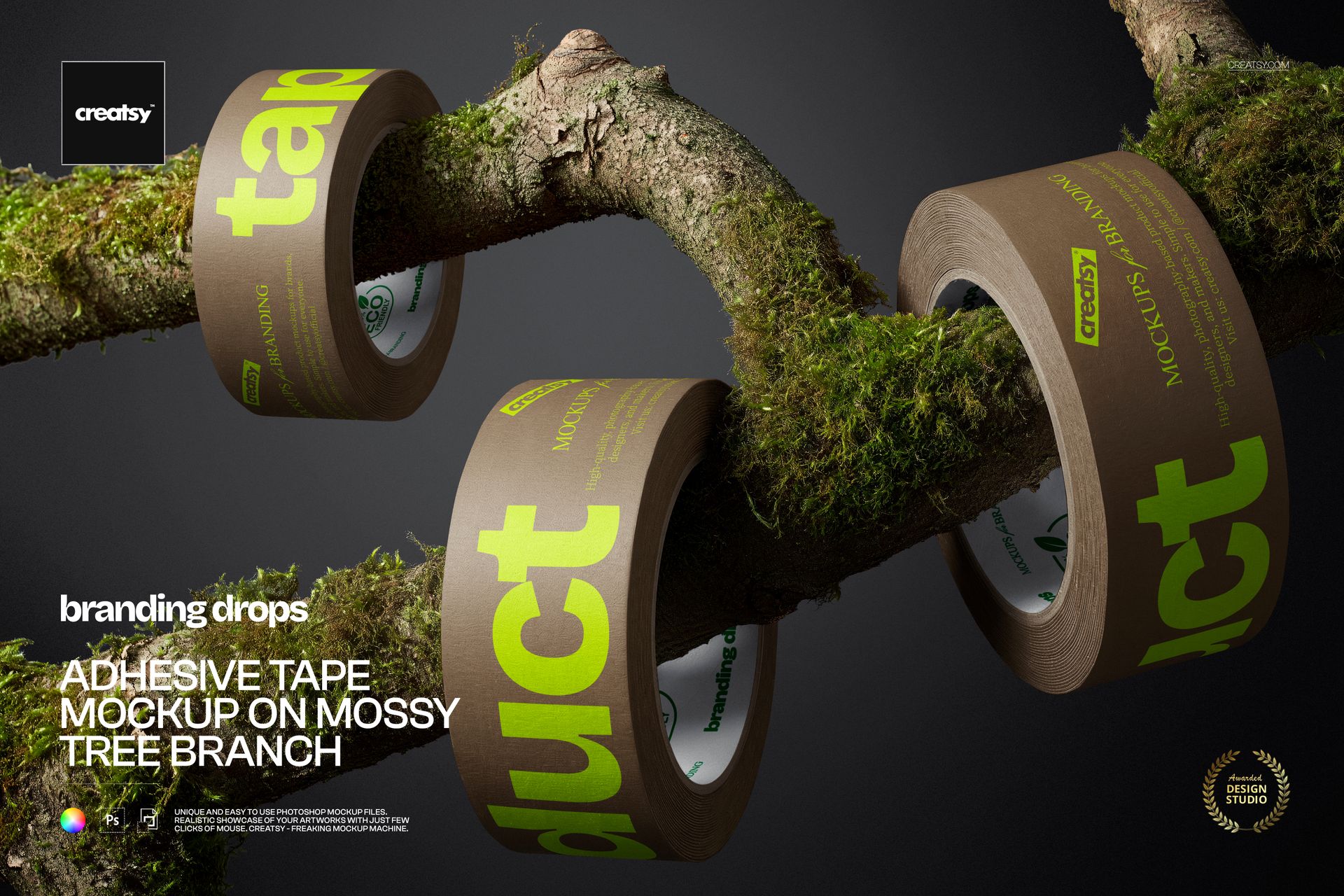
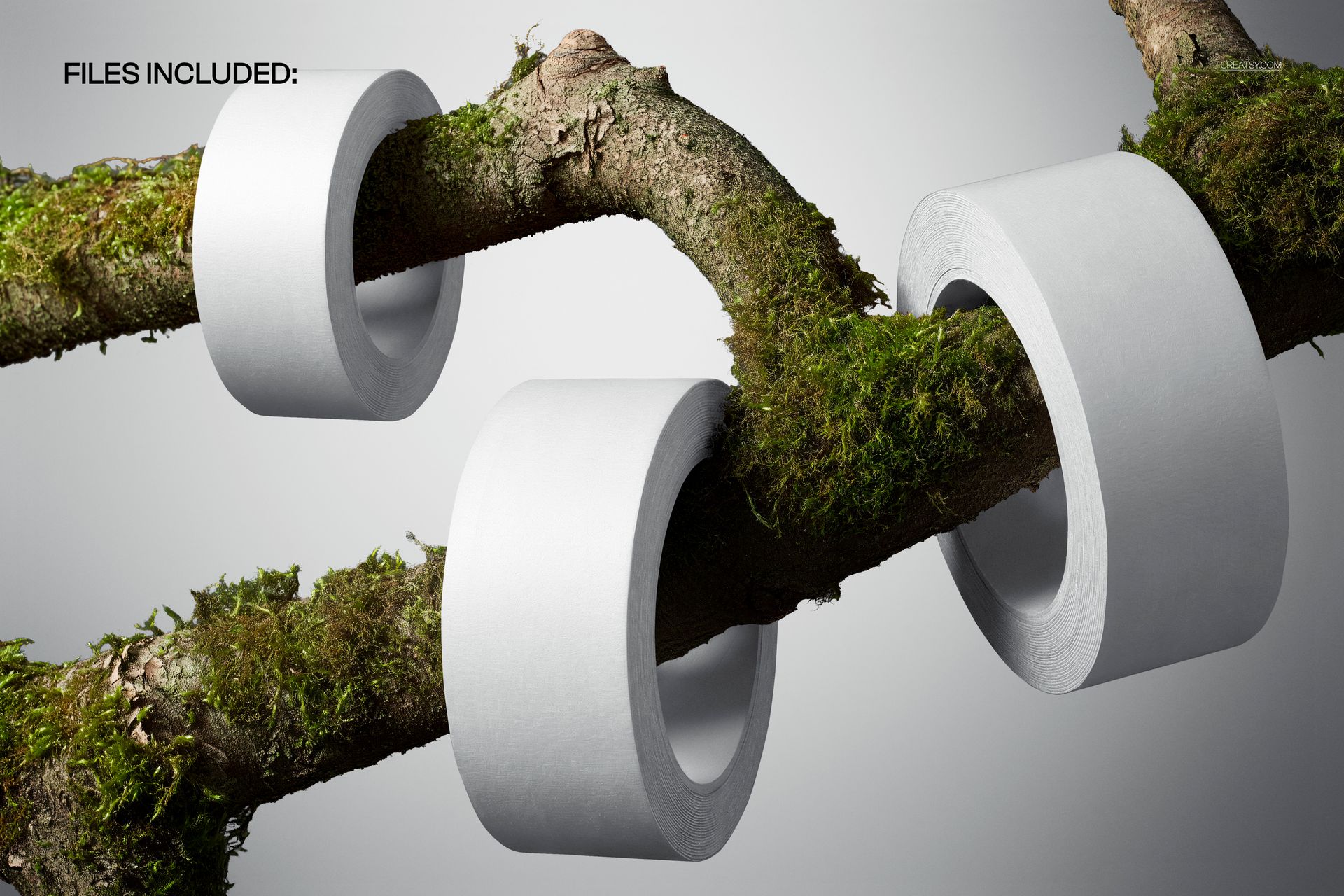
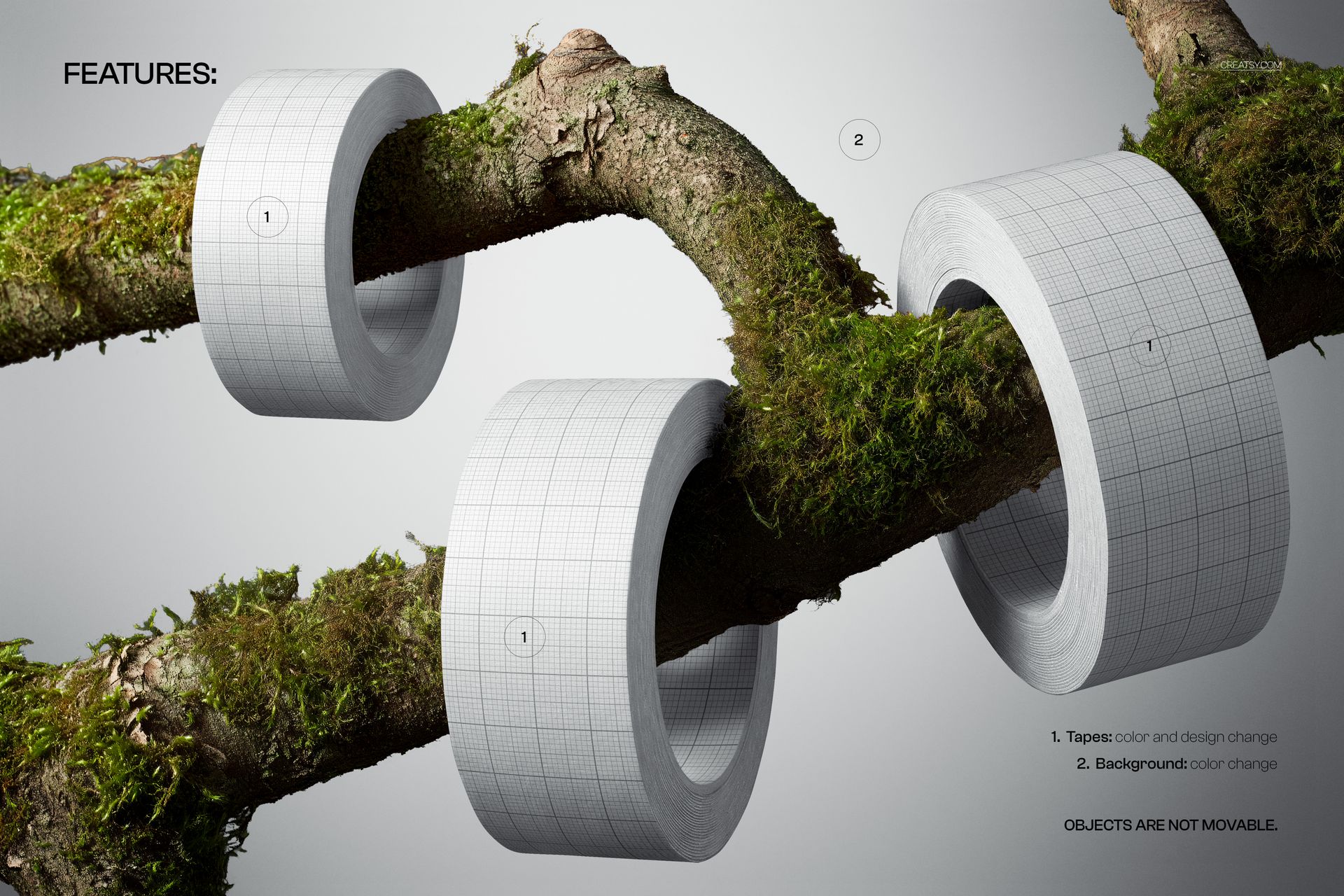
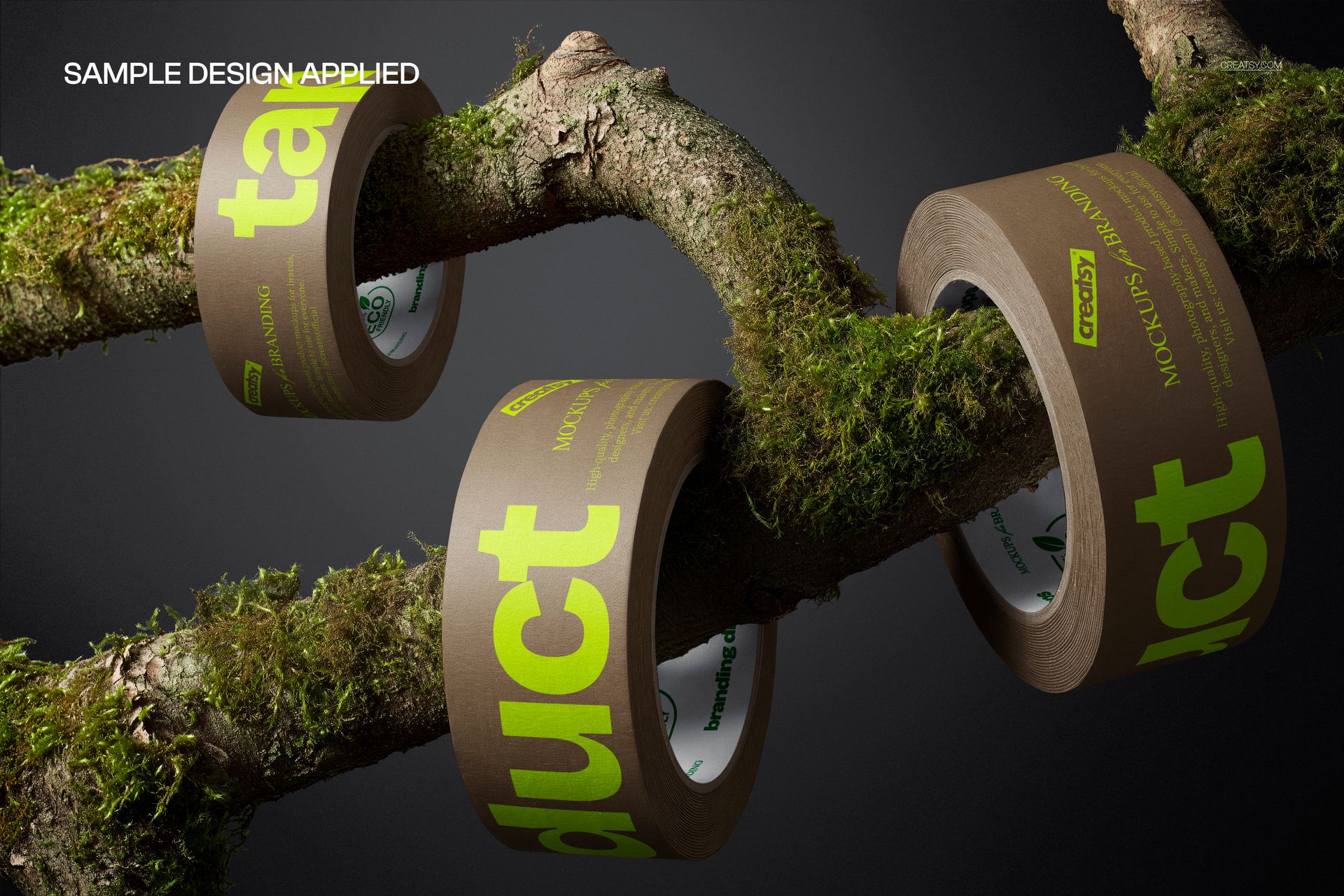
The previews show plain white tape, a grid-based design and brown tape with bold green typography, all presented from the front on the same moss-covered branch. This gives you a clear view of how logos, patterns, lettering and repeated brand elements can work across several rolls.
Turn a Functional Detail into Part of the Brand
Packaging tape is not only used to close a parcel. It can continue the visual identity beyond the product itself.
A custom tape design can introduce the brand before the box is opened, make a shipment easier to recognize and add another considered detail to the customer experience. This mockup helps you show that idea in a way that feels intentional rather than purely functional.
Use it to present:
Custom shipping tape
Repeated logo systems
Branded parcel sealing tape
Typography-led tape designs
Decorative packaging patterns
Seasonal ecommerce packaging
Limited edition shipping materials
Boutique order packaging
Subscription box branding
Handmade business packaging
Product launch mailers
Press and influencer packages
Why the Natural Setting Works
The mossy branch gives the scene a strong personality without competing with the artwork on the tape.
It can help create the right visual language for outdoor, botanical, handmade, artisanal and nature-led brands. The scene is also a good fit for businesses selling garden products, natural cosmetics, specialty foods, stationery, craft supplies, home goods or lifestyle products.
The organic textures add warmth and contrast, while the simple front-facing arrangement keeps the branding easy to read. This balance makes the mockup useful for both expressive patterns and minimal logo-based packaging.
Also Suitable for Washi Tape Designs
The scene can also be used to present washi tape designs, decorative paper tape collections and craft-focused branding. Add repeating patterns, illustrations, short messages, logos or coordinated colorways to create realistic previews for stationery shops, craft brands, handmade businesses and decorative tape collections.
The natural moss and bark textures work particularly well with botanical prints, floral patterns, woodland illustrations, handmade aesthetics and nature-inspired washi tape designs.
A Different Kind of Packaging Presentation
Many tape mockups focus only on the roll itself. This scene gives the design more context.
The tape becomes part of a visual story that can suggest exploration, craftsmanship, natural materials or a closer connection to the outdoors. That makes the image especially useful for campaigns where the overall mood matters as much as the technical packaging preview.
You can use the finished visual in:
Packaging identity presentations
Client approval decks
Brand guideline examples
Ecommerce campaign graphics
Product launch announcements
Website hero sections
Instagram and Pinterest posts
Newsletter banners
Packaging portfolios
Behance case studies
Wholesale presentations
Seasonal marketing campaigns
Creative Directions to Try
Use a repeating logo to create instantly recognizable shipping tape.
Add a short brand message, thank-you phrase or campaign slogan that becomes visible as the roll repeats.
Apply a bold pattern to create contrast against the natural moss and bark.
Use coordinated tape colors to distinguish product ranges, collections or seasonal releases.
Present several design variations together to show how one packaging system can adapt across a wider brand identity.
The three-roll composition gives you enough visual space to compare ideas while keeping them within one cohesive scene.
Easy Smart Object Editing
Open the PSD in Adobe Photoshop or Photopea, double-click the Smart Object, add your artwork and save the file. The mockup updates the tape presentation while preserving the original scene lighting, perspective and shadows. The file is organized into clearly named layers and folders for a faster editing workflow.
This makes it practical for testing several branding directions before ordering printed tape or arranging a custom packaging photoshoot.
File Specifications
Product title: Adhesive Tape Mockup on Mossy Tree Branch
Category: Packaging Tapes
Part of Branding Drops Mockup Bundle
Pack includes 1 PSD file
2 files included in total
File formats: PSD and JPG
PSD dimensions: 5300x3500 px
JPG preview dimensions: 5300x3533 px
Resolution: 300 DPI
Compatible with Adobe Photoshop CC2020 or newer
Compatible with Photopea
Smart Object editing workflow
Well organized layers
Package size listed as approximately 329 MB for Windows and 345 MB for macOS