Multiple Tape Rolls on Natural Rock Mockup
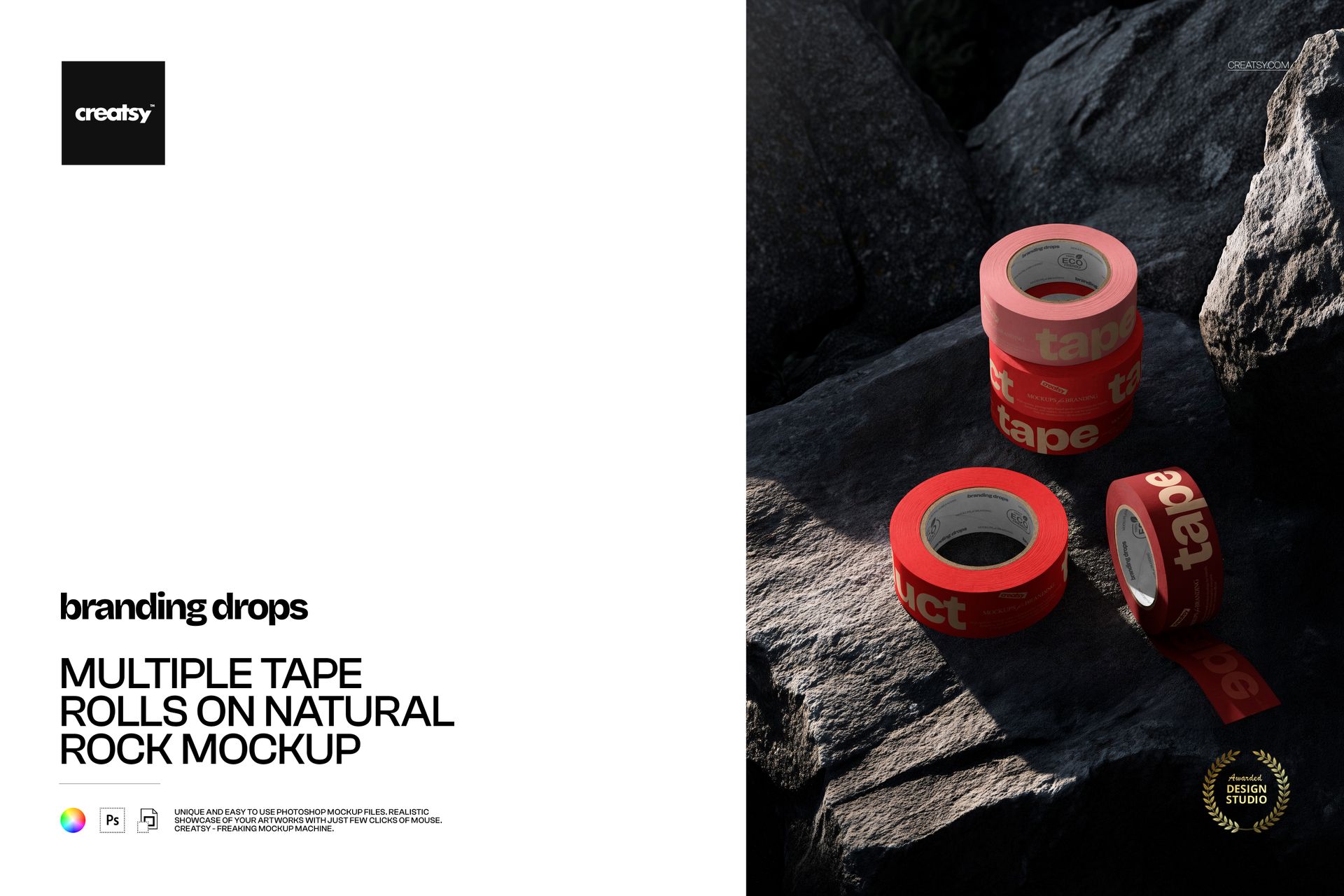
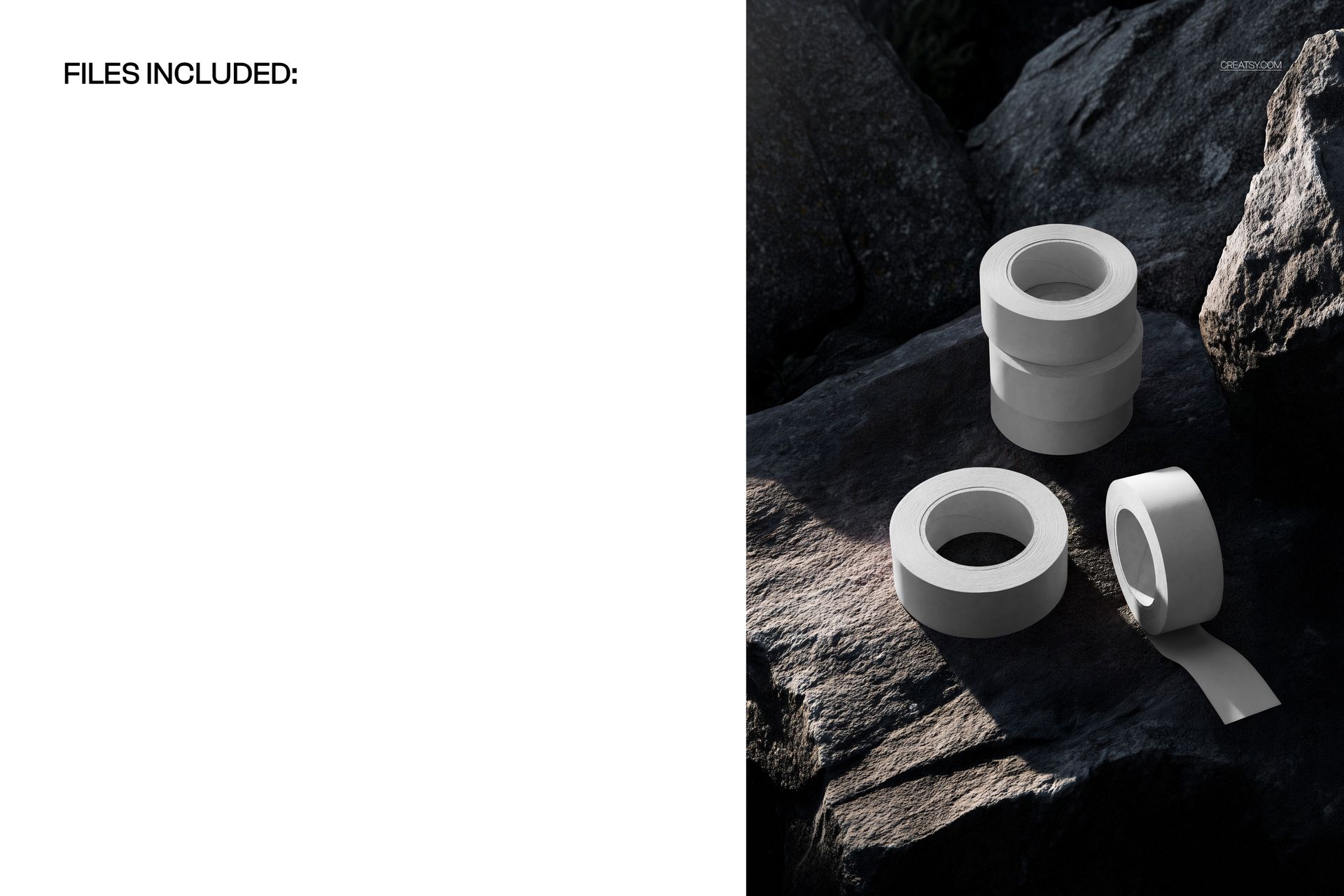
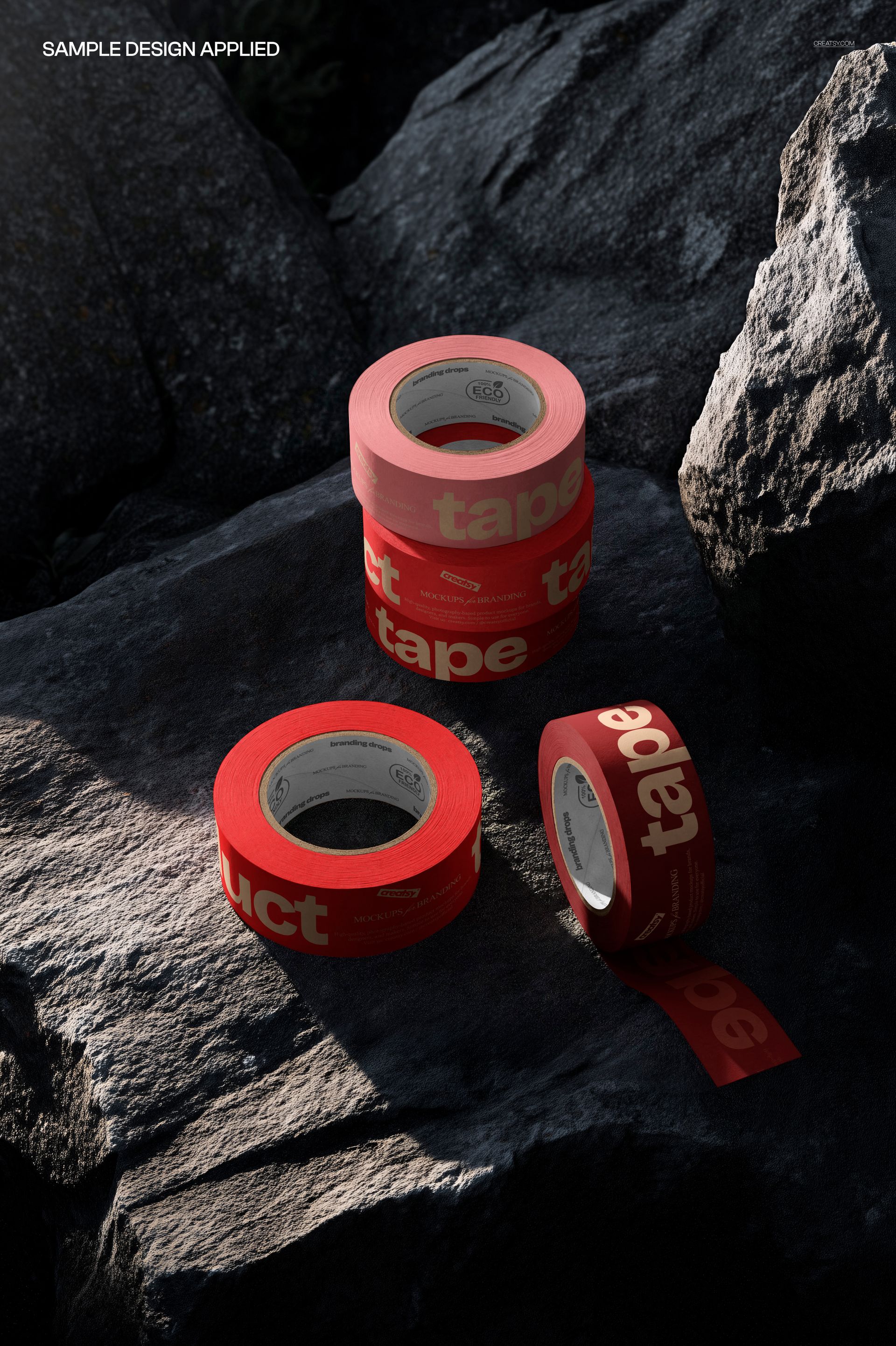
Five tape rolls meet the irregular texture of dark natural rock in a portrait scene with directional light and deep shadows. Three rolls form a stack, one lies flat and another stands on its edge with a short strip unrolled. The arrangement brings a tape collection into one image while showing printed artwork around the rolls and along the exposed end.
What Is Included
1 layered PSD mockup with one fixed scene featuring five tape rolls.
PSD dimensions of 3500 × 5300 px at 300 DPI.
1 JPG preview at 3580 × 5370 px, 2 files in total.
Well-organized layers for Adobe Photoshop CC2020 or newer and Photopea.
Printed Tape Against Rugged Stone
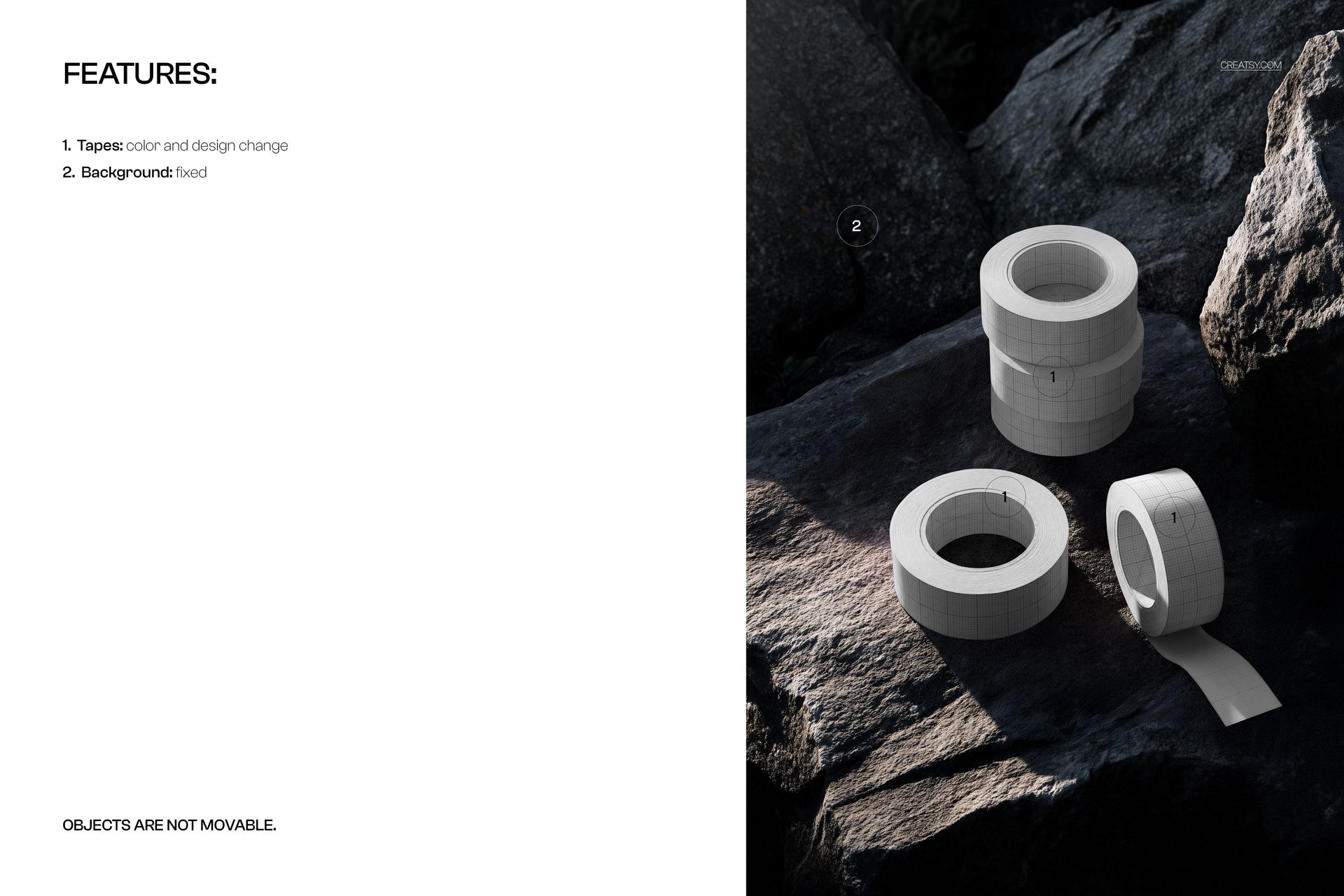
Change the tape colors and designs to present logos, bold typography or repeat patterns against the detailed rock surface. The contrast between regular circular rolls and uneven stone gives the image a distinct visual rhythm. The background is fixed, and the objects cannot be moved.
Easy Smart Object Editing
Open the PSD in Photoshop or Photopea, replace the artwork in the Smart Objects and save those edits to update the mockup. Refine the tape colors through the organized layers, then export the scene for a branding presentation or portfolio.
Perfect For
Use this composition for printed packing tape ranges, packaging identity concepts and nature-inspired brand presentations. It is a digital mockup, not a physical tape product. The example artwork shown in the previews is not included.