Packaging Tape - Forest Nature Scene Mockup Set
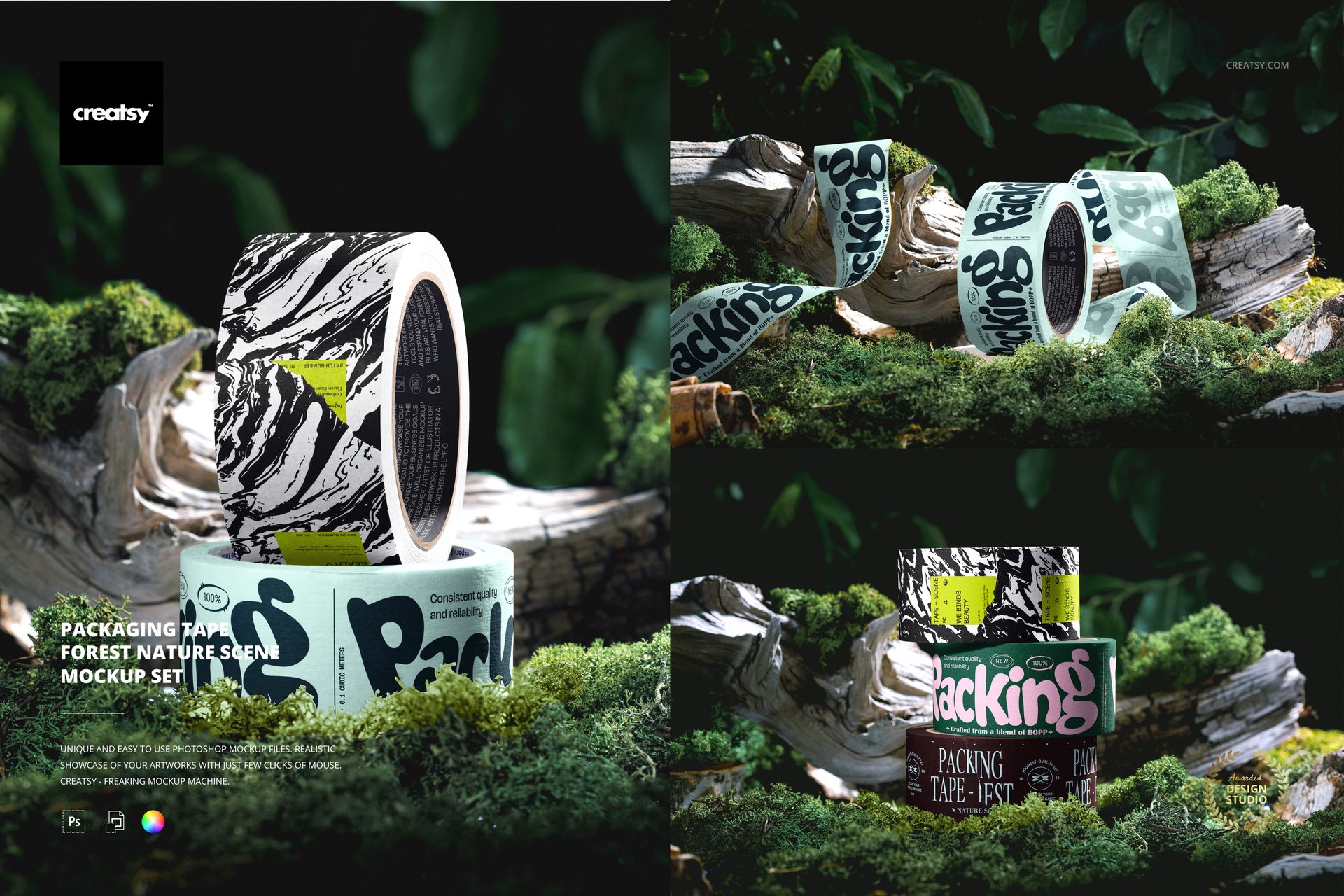
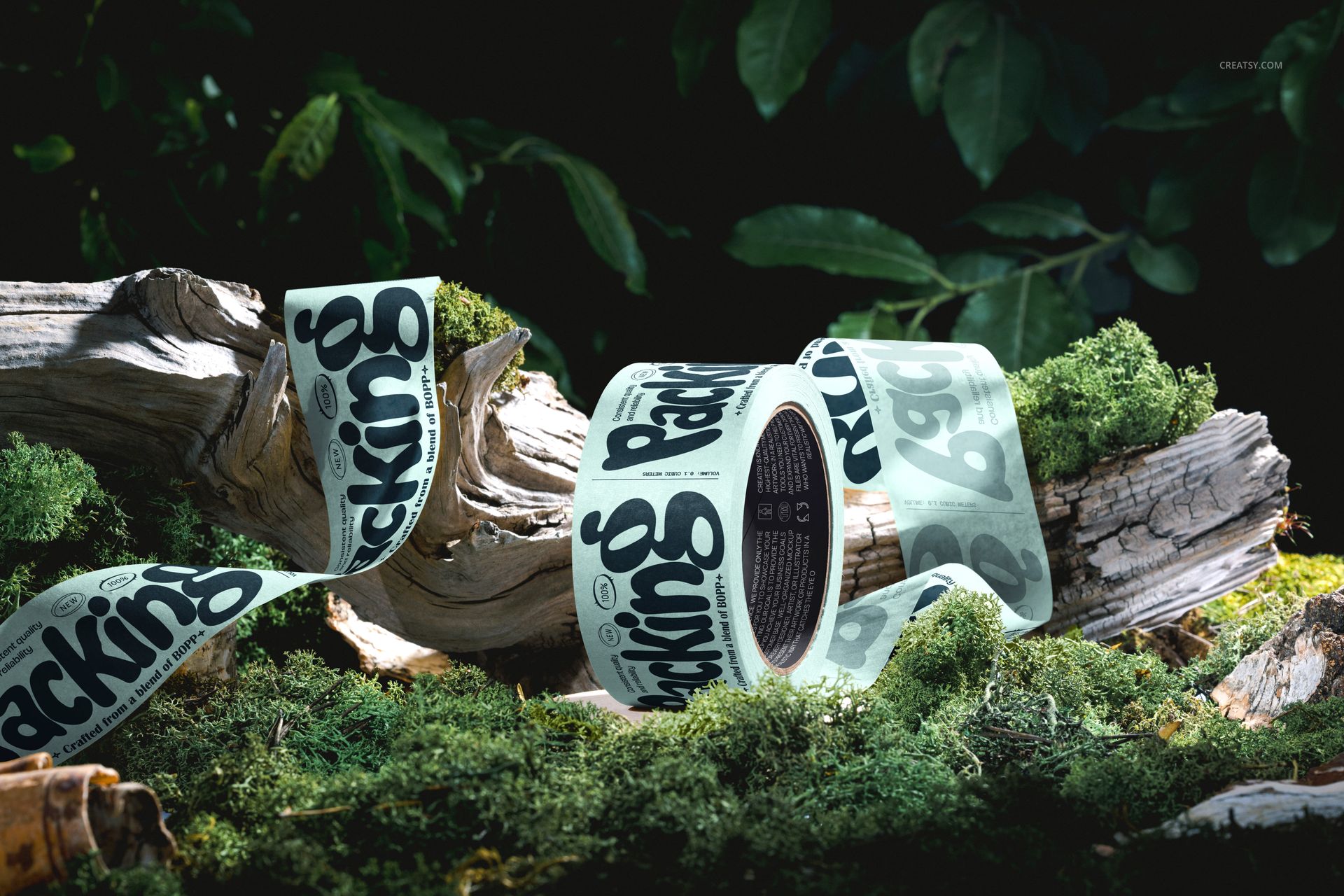
Moss, weathered wood and deep green foliage give this forest packaging tape mockup set a distinctive setting for branded tape. Three PSD scenes move from a stack of rolls to a two-roll arrangement and an unrolled strip, so a single artwork direction can become a varied, coordinated presentation.
What Is Included
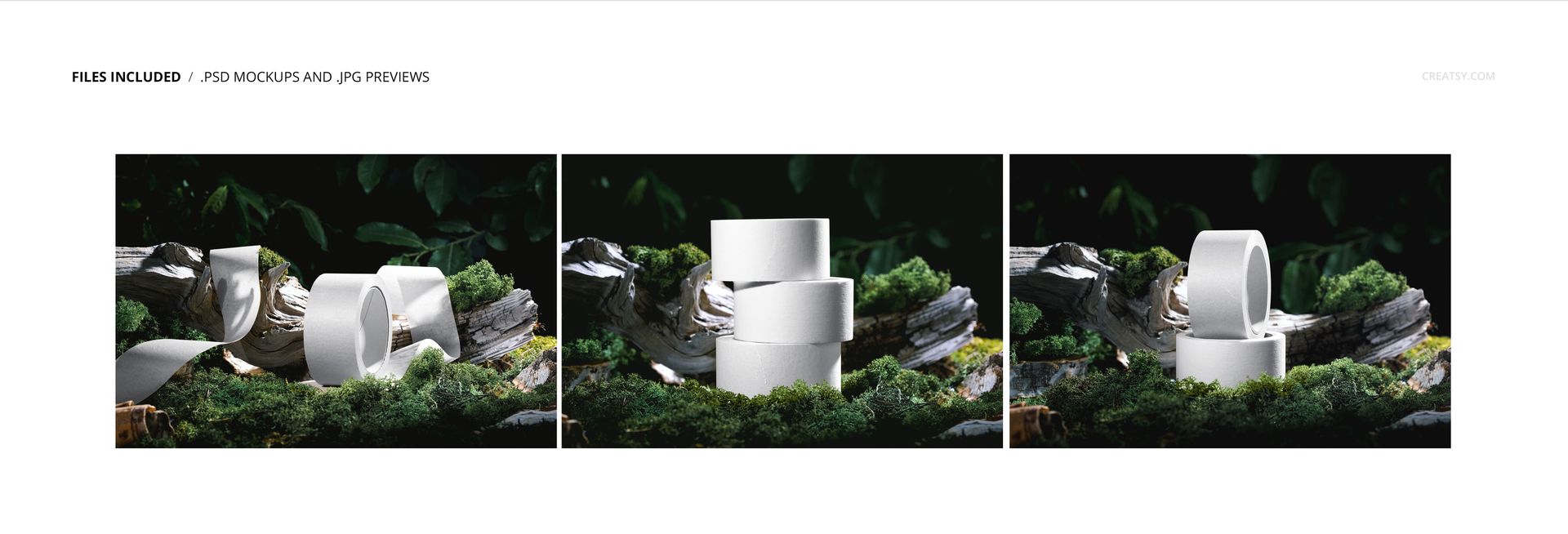
3 layered PSD mockup files with three prepared woodland arrangements.
3 JPG previews, supplied separately from the editable PSDs.
6000 x 4600 px PSD dimensions at 300 DPI.
Compatibility with Adobe Photoshop CC2020 or newer and Photopea.
Three Ways to Tell the Same Brand Story
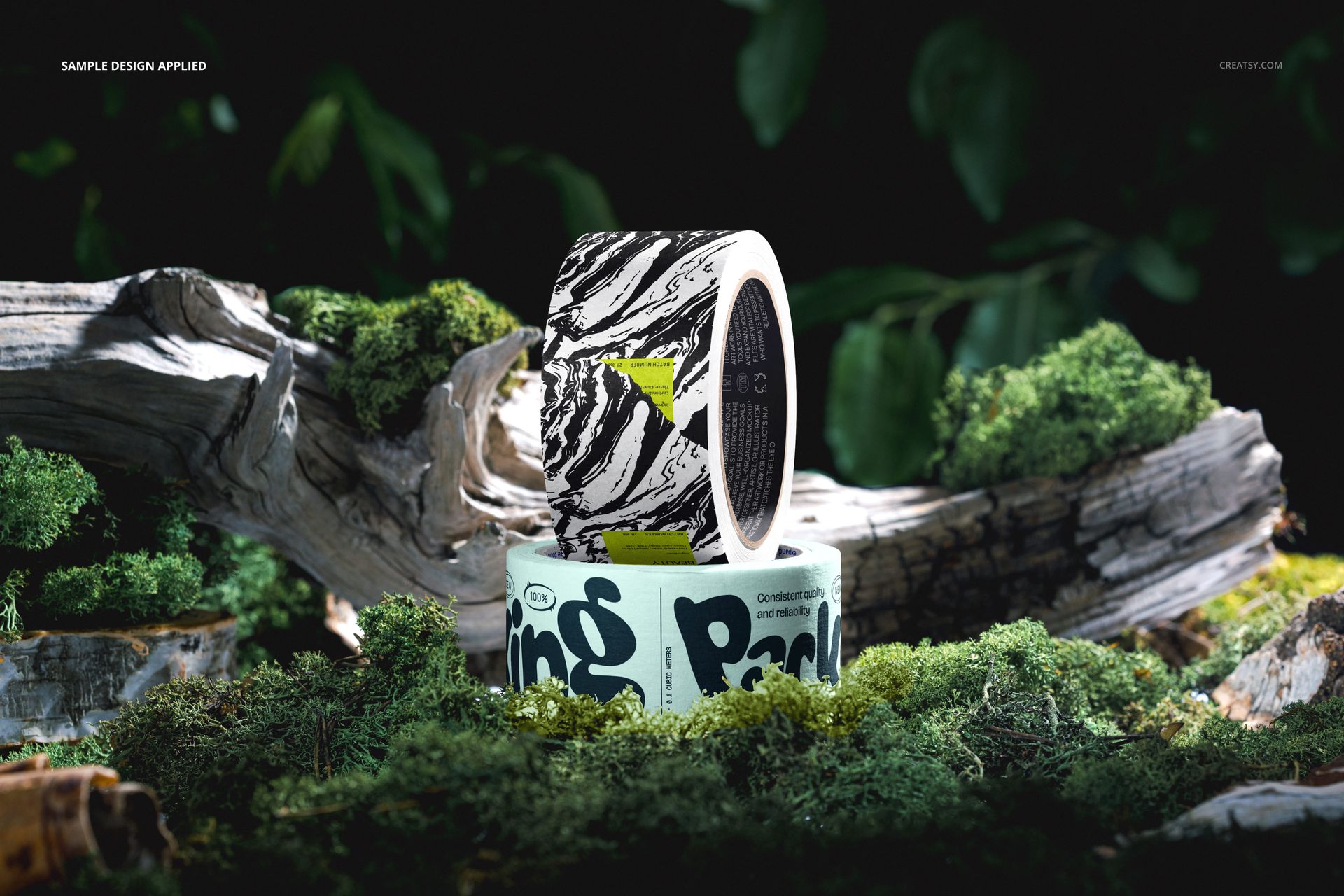
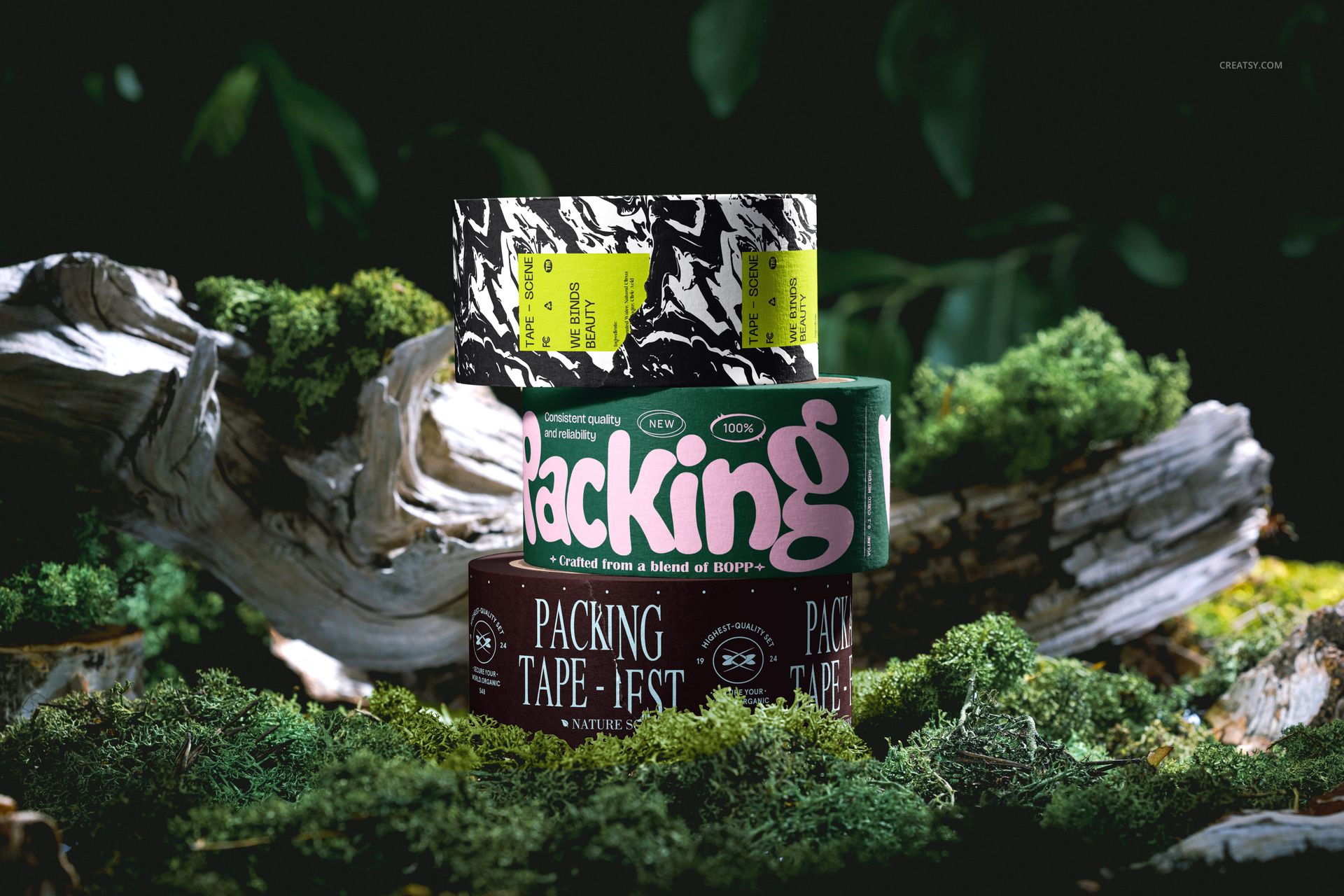
Use the three-roll stack to introduce a family of colorways. The two-roll composition places an upright roll above a flat one, bringing the outer tape and visible inner core into the same view. In the unrolled scene, the long strip curves across wood and moss, giving repeating lettering or a continuous pattern more room to unfold.
Easy Smart Object Editing
Place your artwork into the prepared Smart Objects and update the mockup to see it within the scene. Use the organized layers to work on the tape presentation, with the supplied lighting and woodland setting providing visual context. The previews show both plain and printed tape, including artwork on visible inner cores; check the relevant PSD layers when preparing each arrangement.
Perfect For
Packaging designers developing a nature-led visual identity.
Surface pattern designers showing coordinated prints across several rolls.
Outdoor and lifestyle brands preparing campaign imagery or packaging proposals.
Branding studios building a three-image client presentation with a consistent setting.
This is a digital mockup set, not physical tape or a production template. The sample artwork shown in the previews is for presentation only and is not included.