Non-transparent Narrow Duct Tape Mockup Set
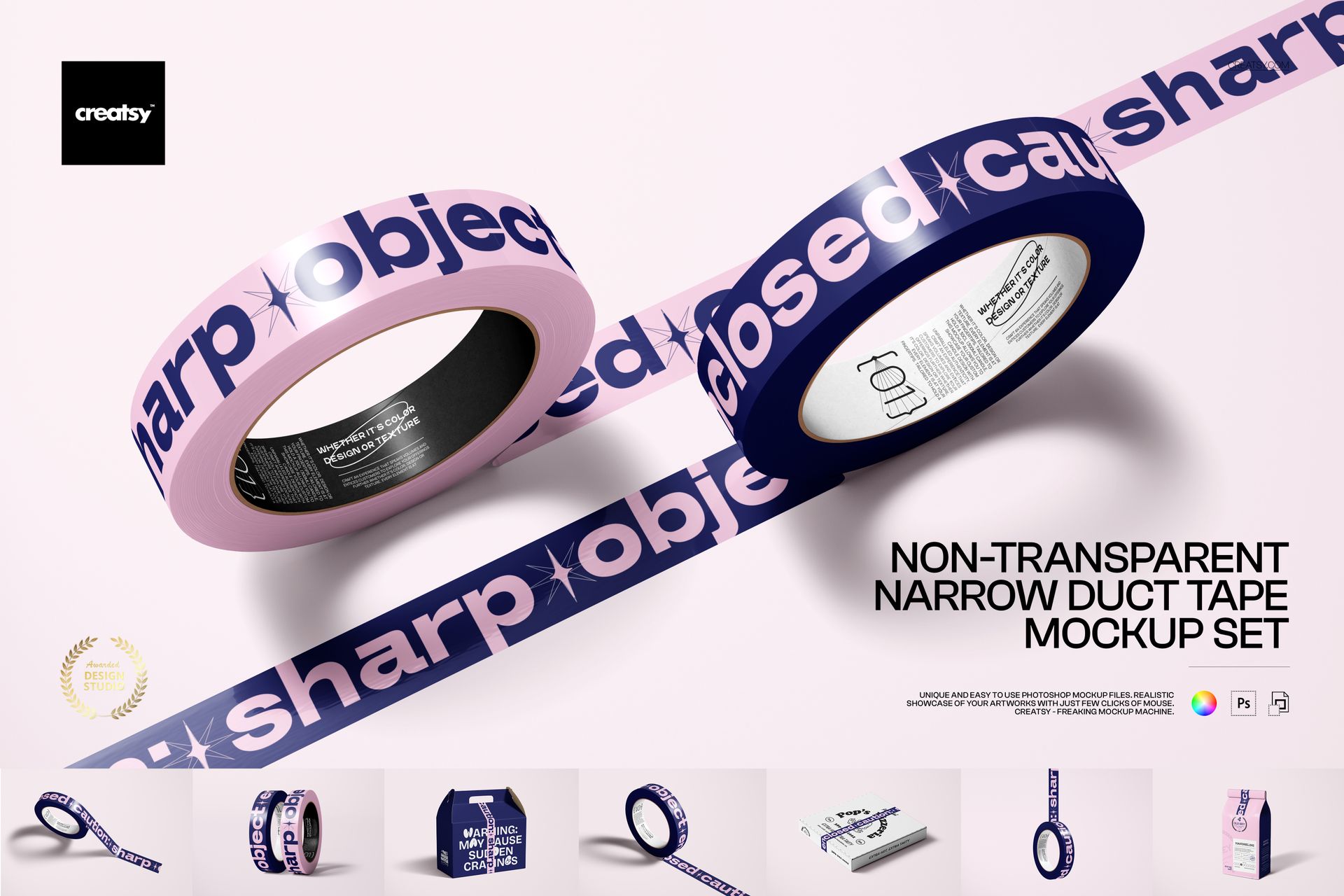
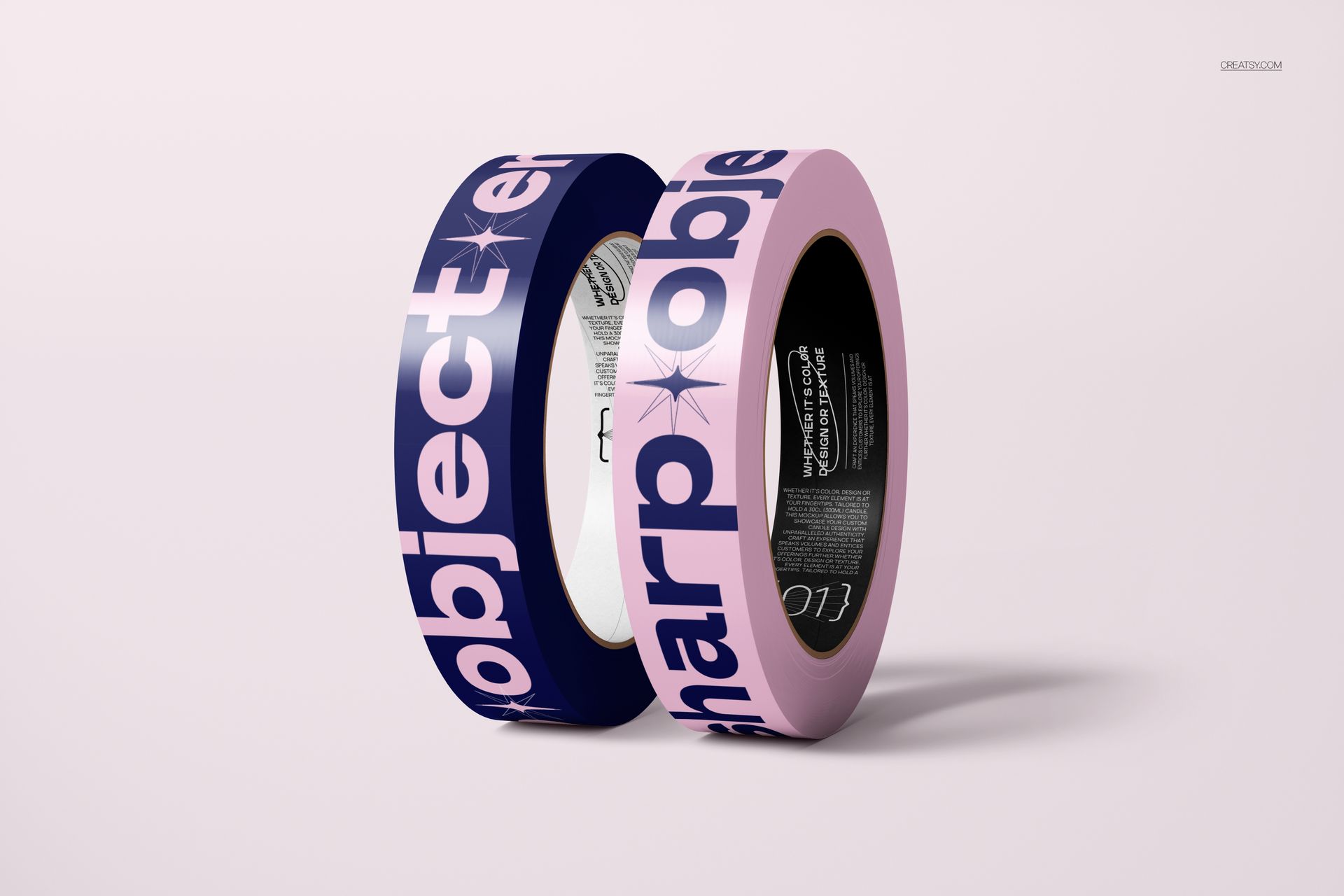
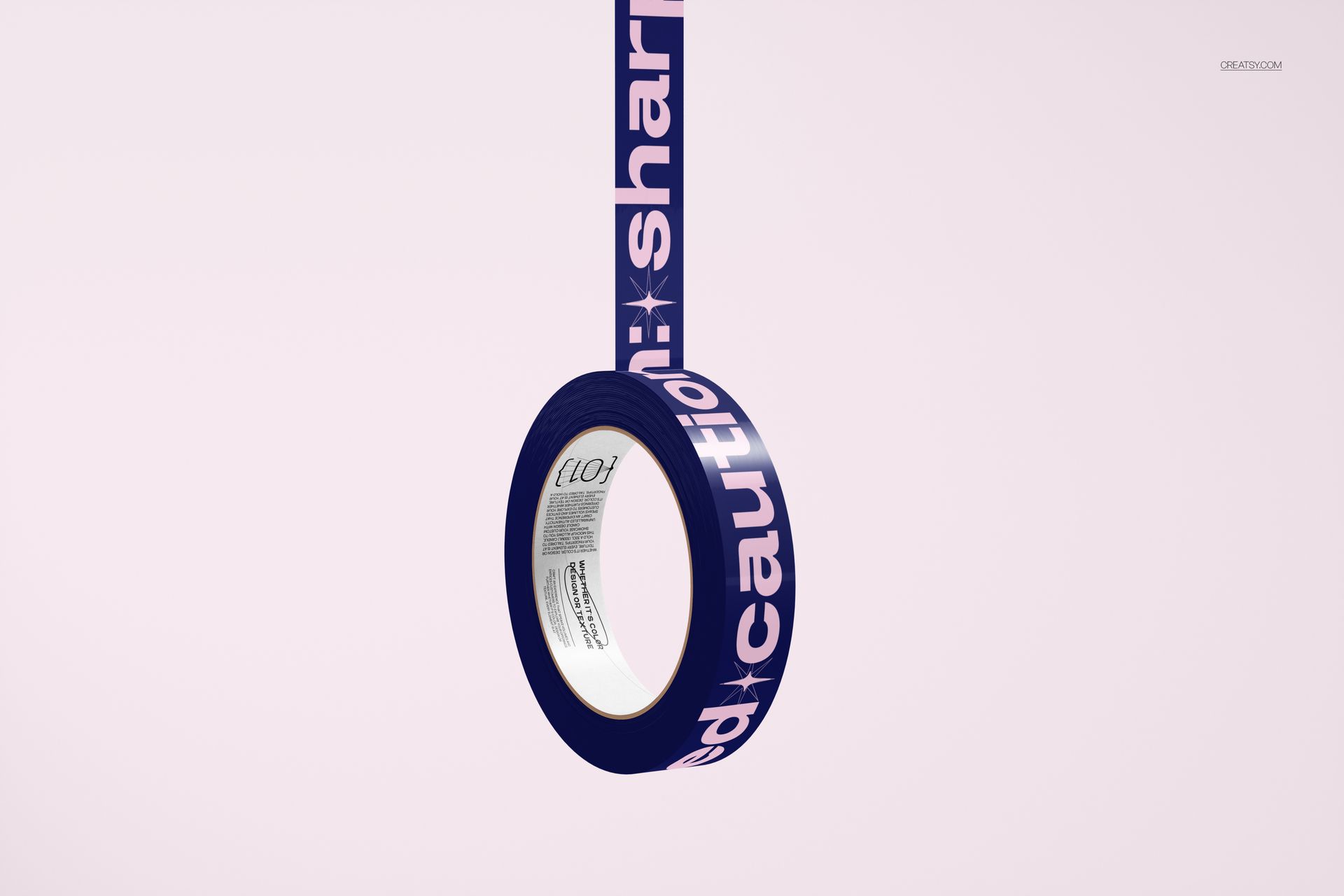
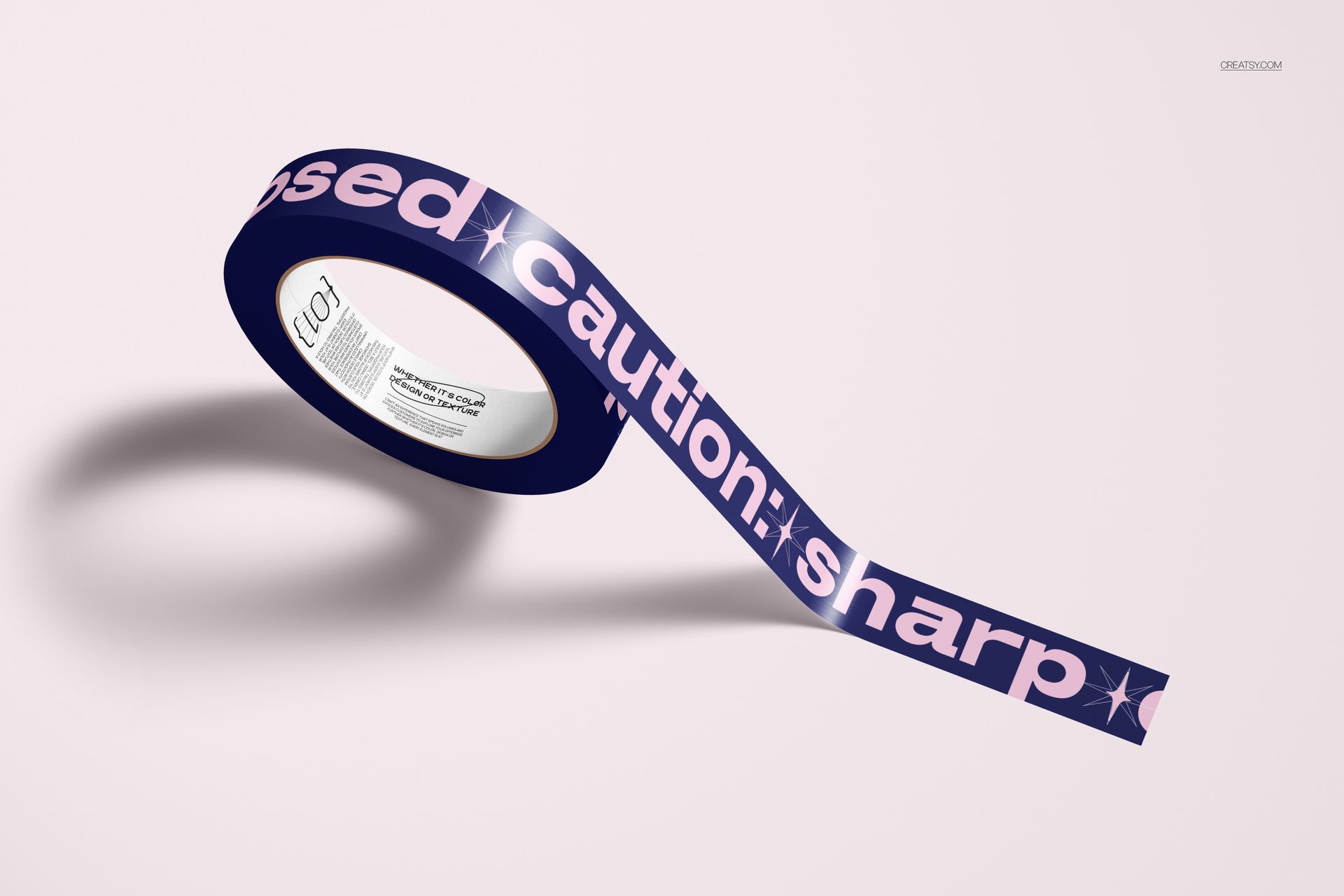
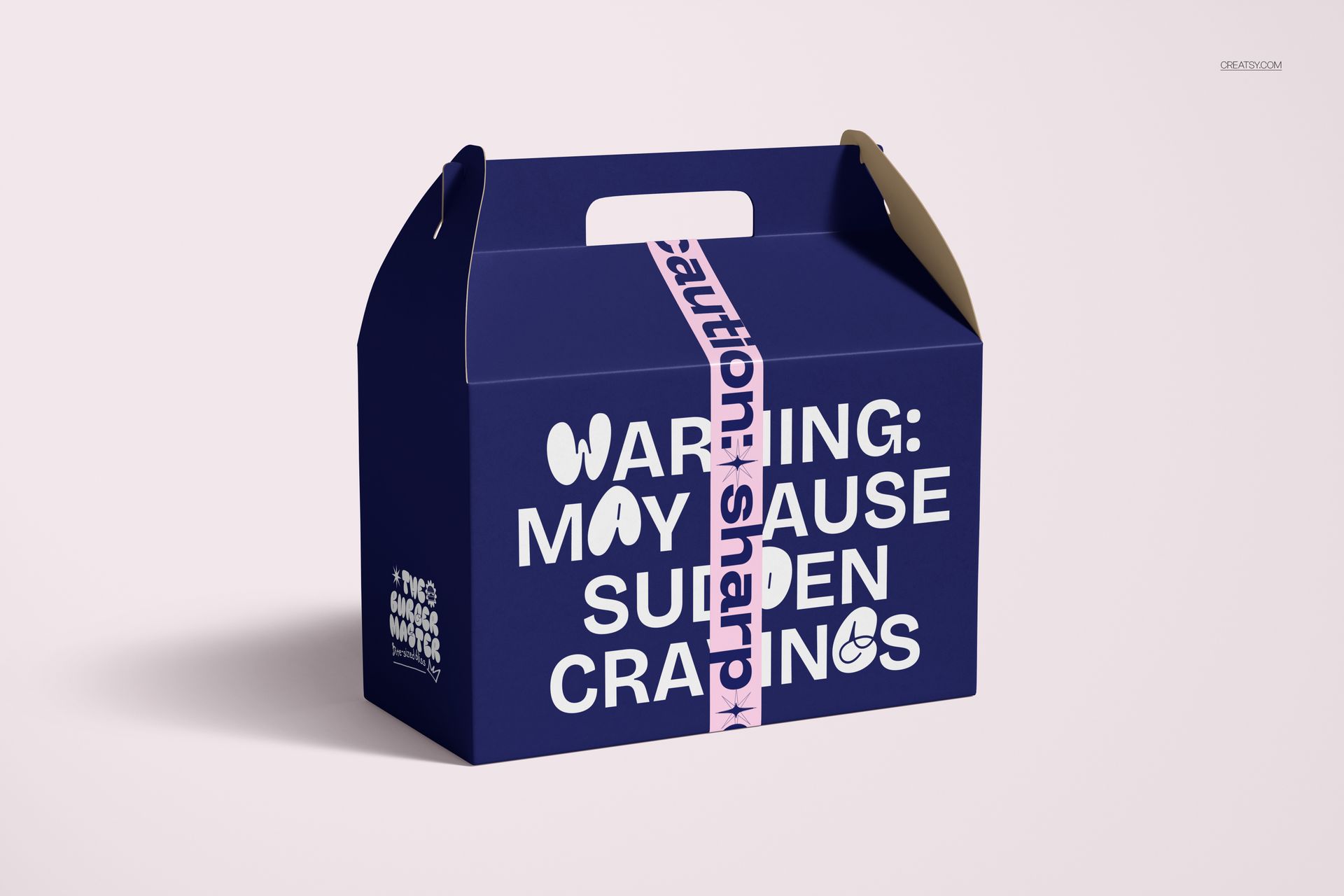
Follow a tape design from the roll to the finished package. This opaque narrow duct tape mockup set brings eight scenes together: individual and paired rolls, a hanging arrangement, and tape applied to three packaging formats. The solid tape surface gives logos, lettering and repeat patterns a defined band of color across the presentation.
What Is Included
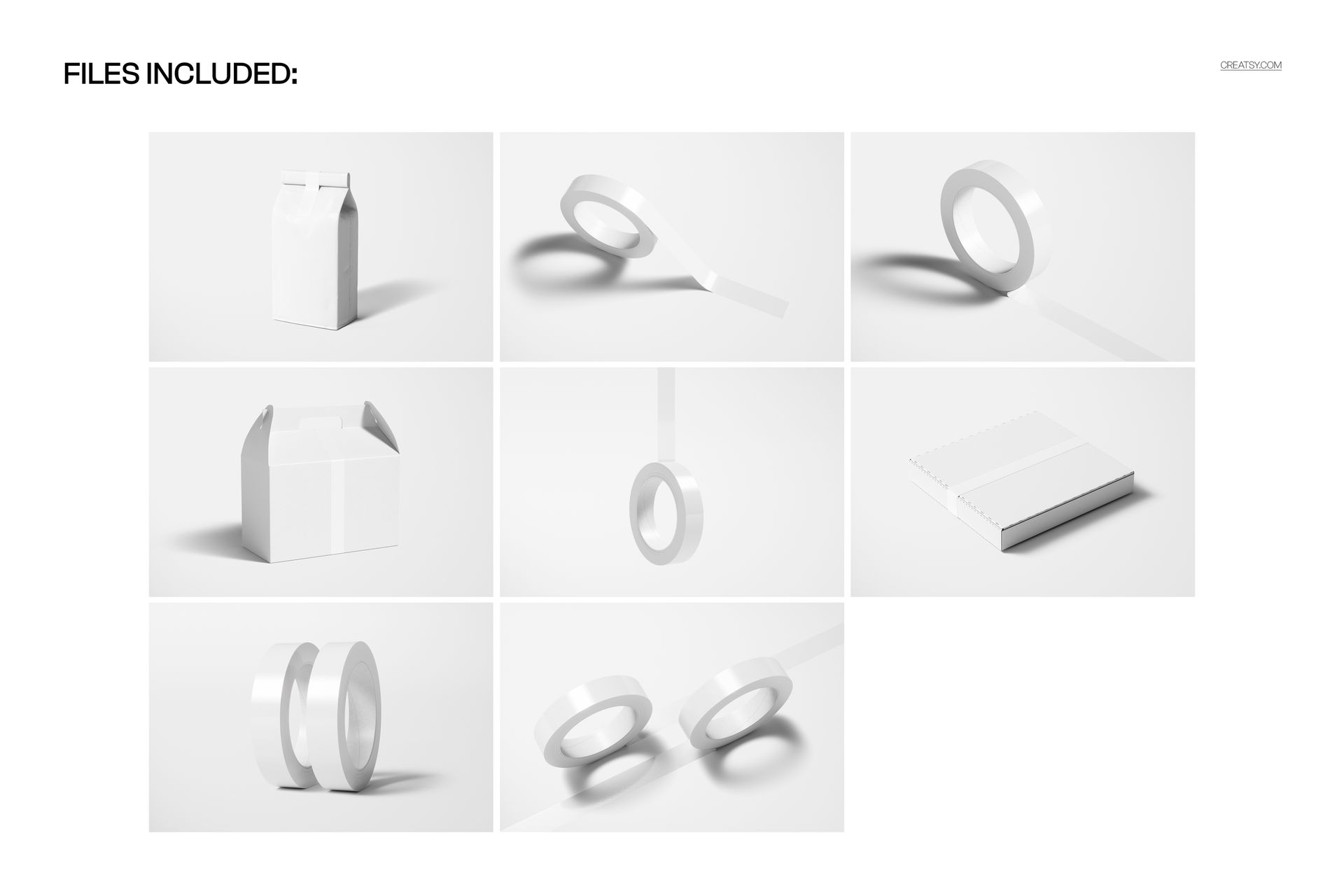
8 layered PSD mockup files, 6000 x 4000 px at 300 DPI.
8 JPG previews at 6000 x 4000 px, separate from the editable PSDs.
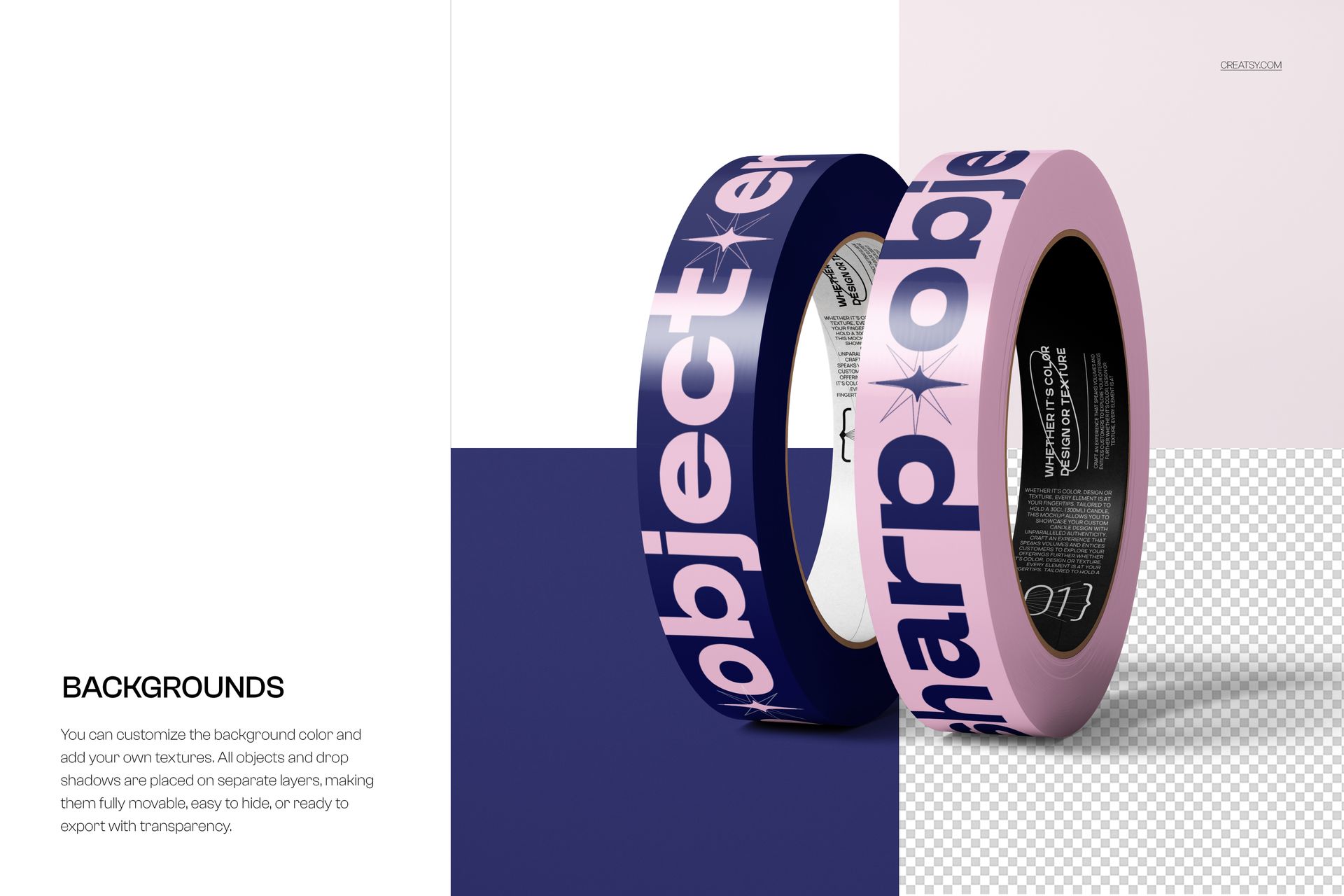
5 roll-based scenes, including single rolls, paired rolls and a hanging roll.
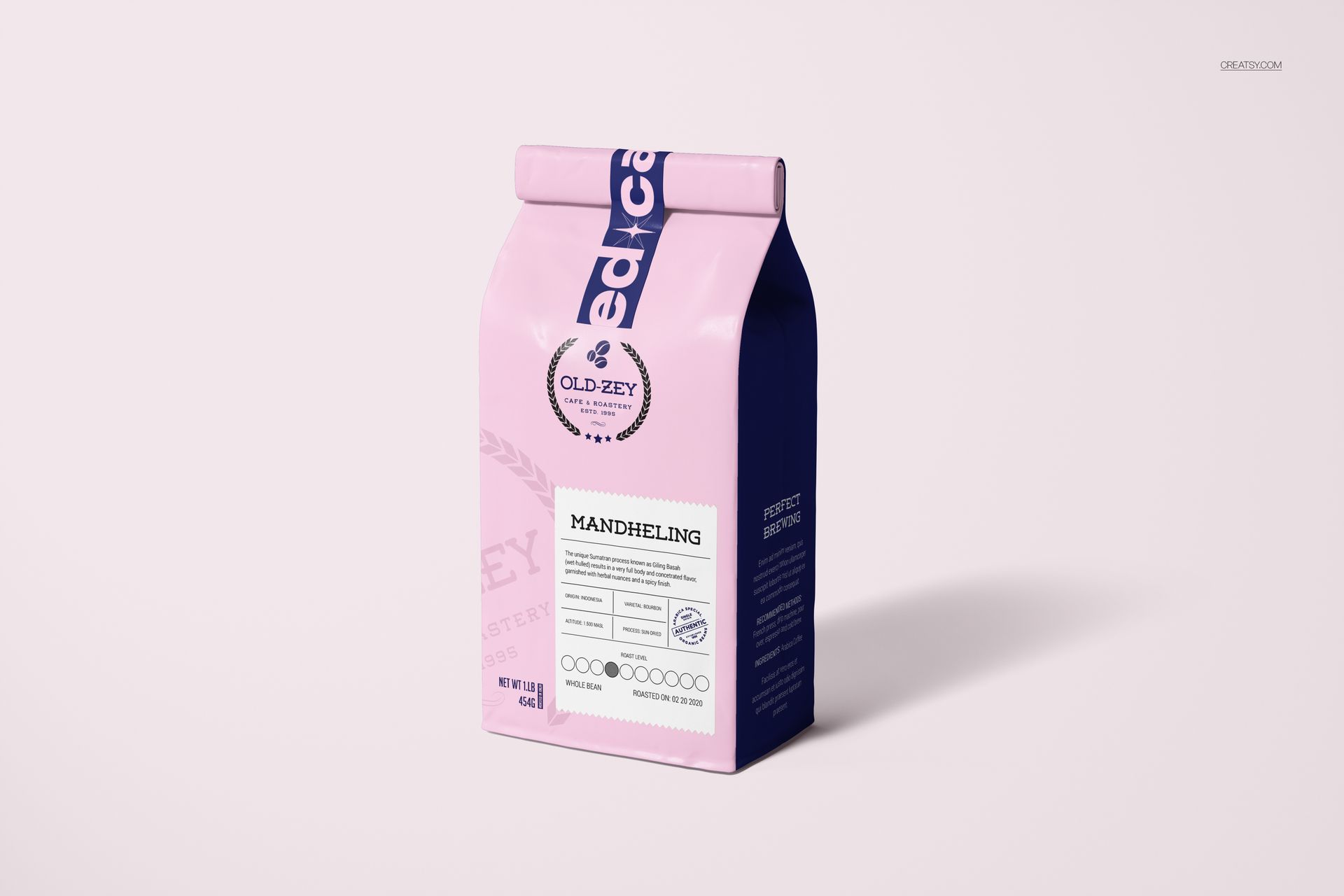
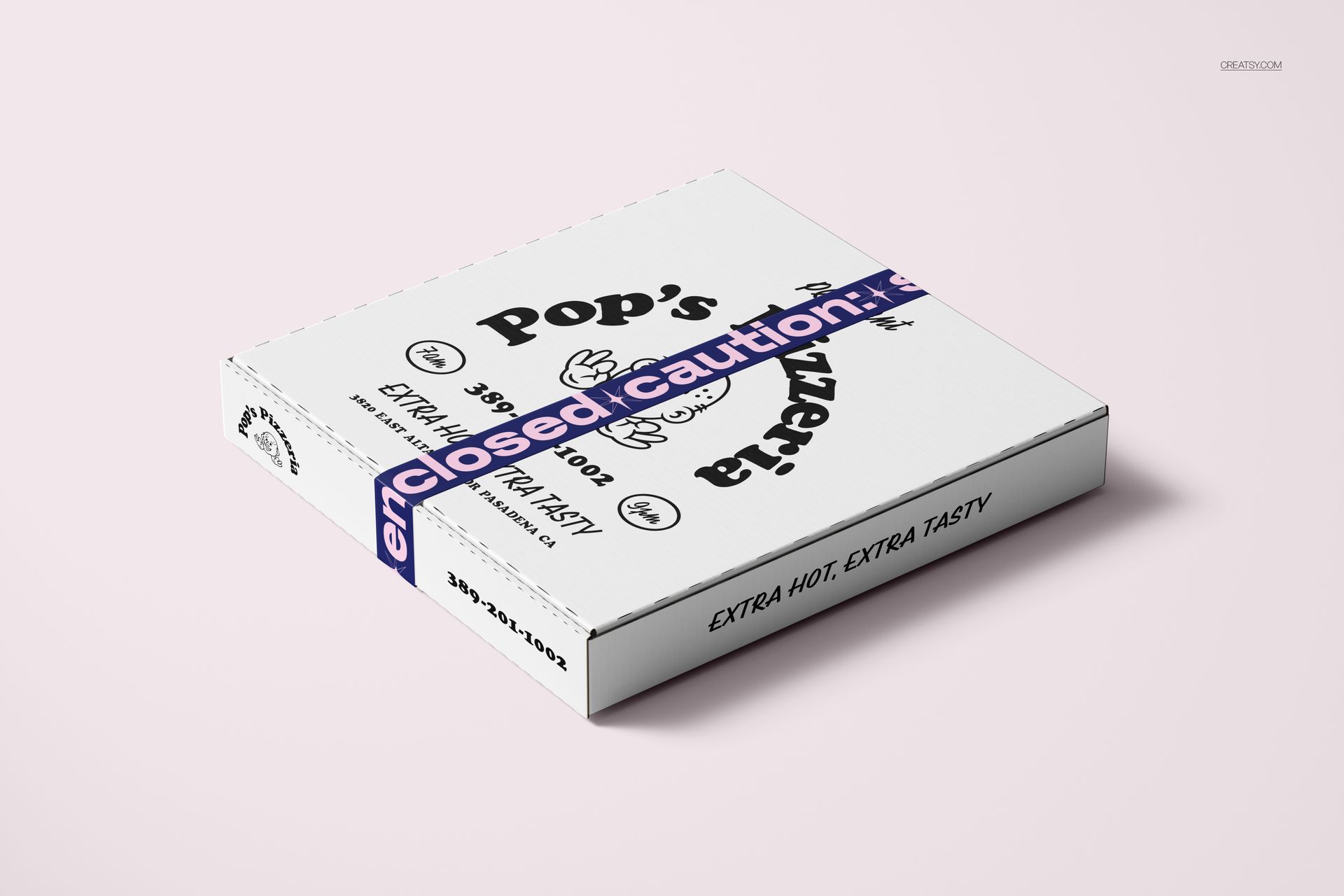
3 packaging scenes: a handled box, a folded-top coffee bag and a flat pizza box.
Present the Roll and Its Packaging Role
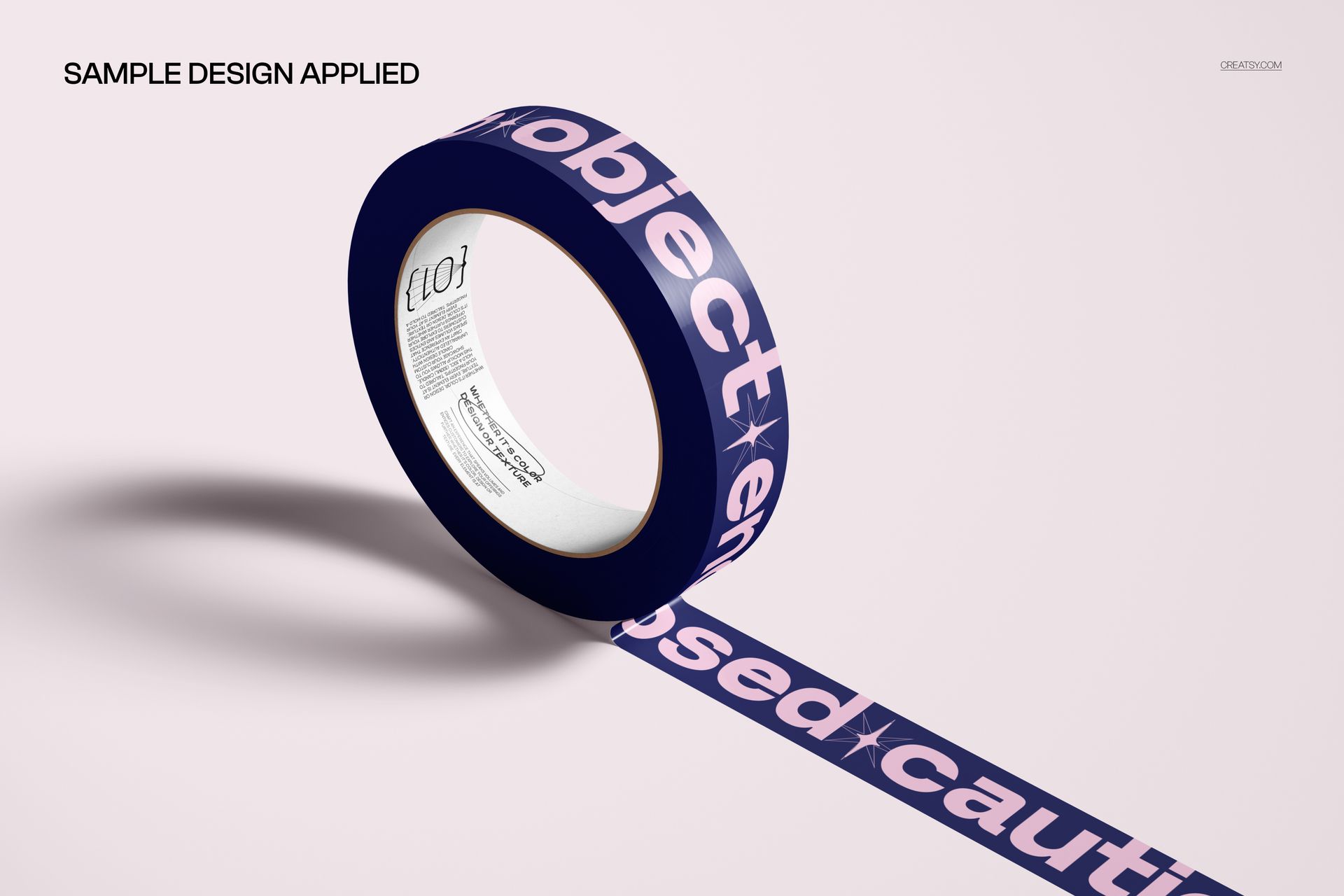
Start with a roll close-up to show the tape artwork and inner core. Use the paired arrangements to compare two colorways, then move to the packaging scenes to see how the same narrow band reads across a box edge or a folded bag closure. The glossy highlights and prepared shadows give the design context beyond a flat pattern tile.
Easy Smart Object Editing
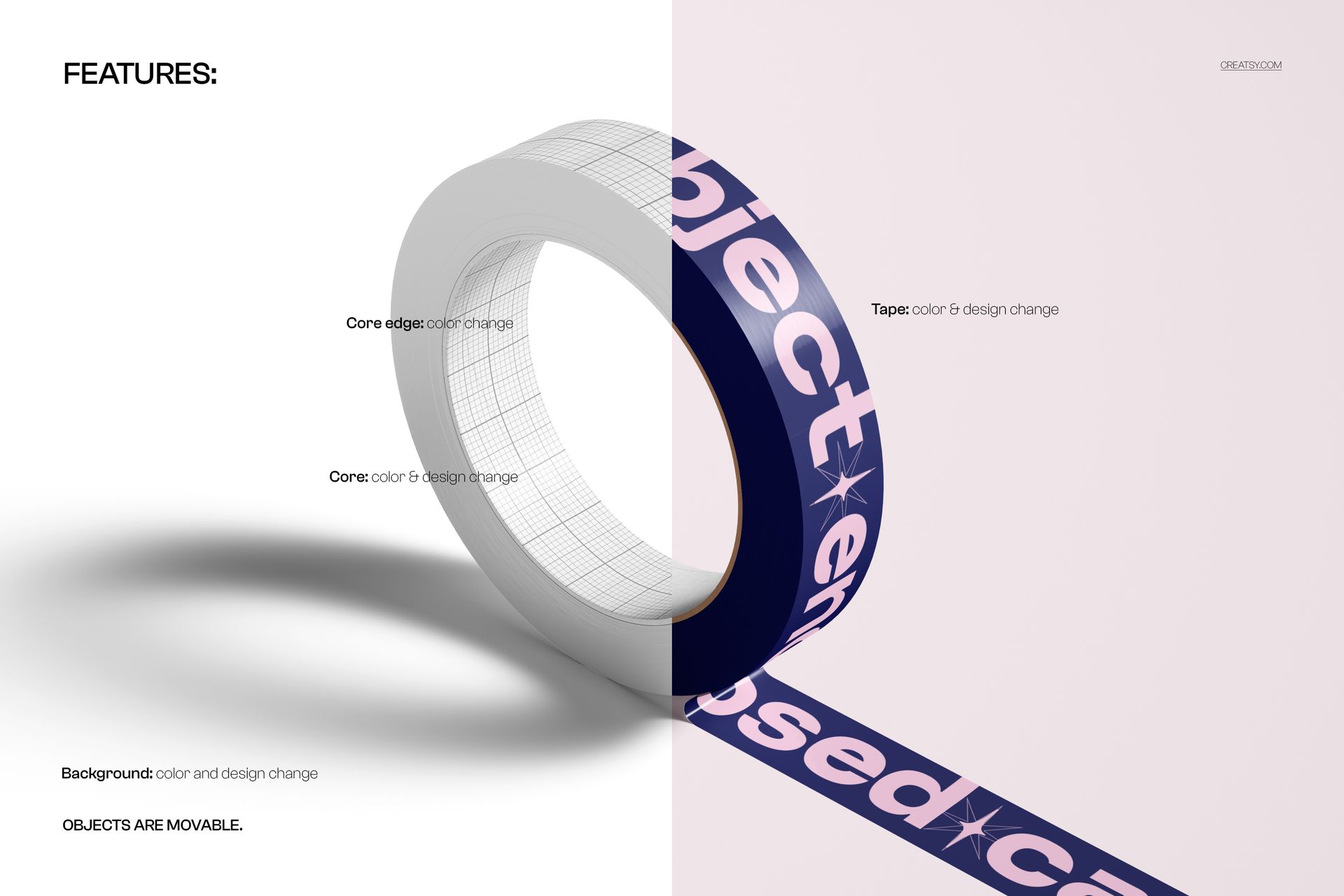
Replace the sample artwork through Smart Objects in Adobe Photoshop CC2020 or newer, or in Photopea. The feature board confirms tape and core color and design changes, core edge color changes, and background color and design changes. Objects and drop shadows are on separate layers, allowing them to be moved or hidden and the composition to be exported with transparency. Add your own background texture when a campaign needs a different surface.
Perfect For
Packaging designers presenting branded tape as part of a coordinated packaging system.
Tape suppliers preparing artwork proposals and colorway comparisons.
Coffee and takeaway brands developing visual packaging concepts.
Surface pattern designers building a portfolio around narrow repeating artwork.
This is a digital mockup set, not physical tape or packaging. Sample artwork is shown for presentation only and is not included.