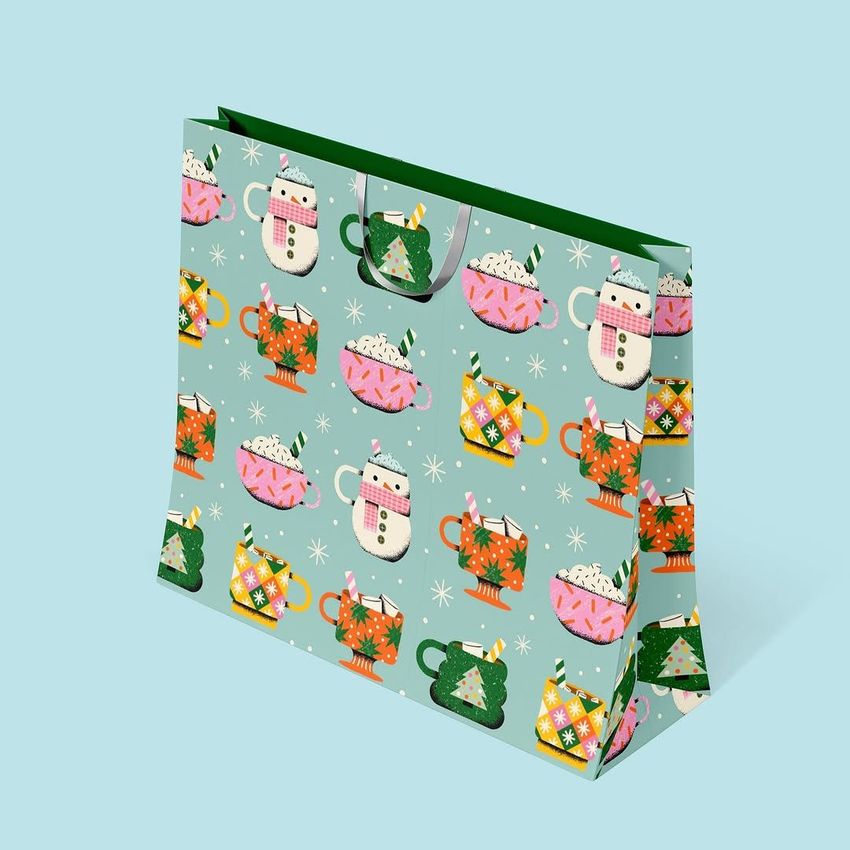
Gift Boxes and Bags Mockup Set
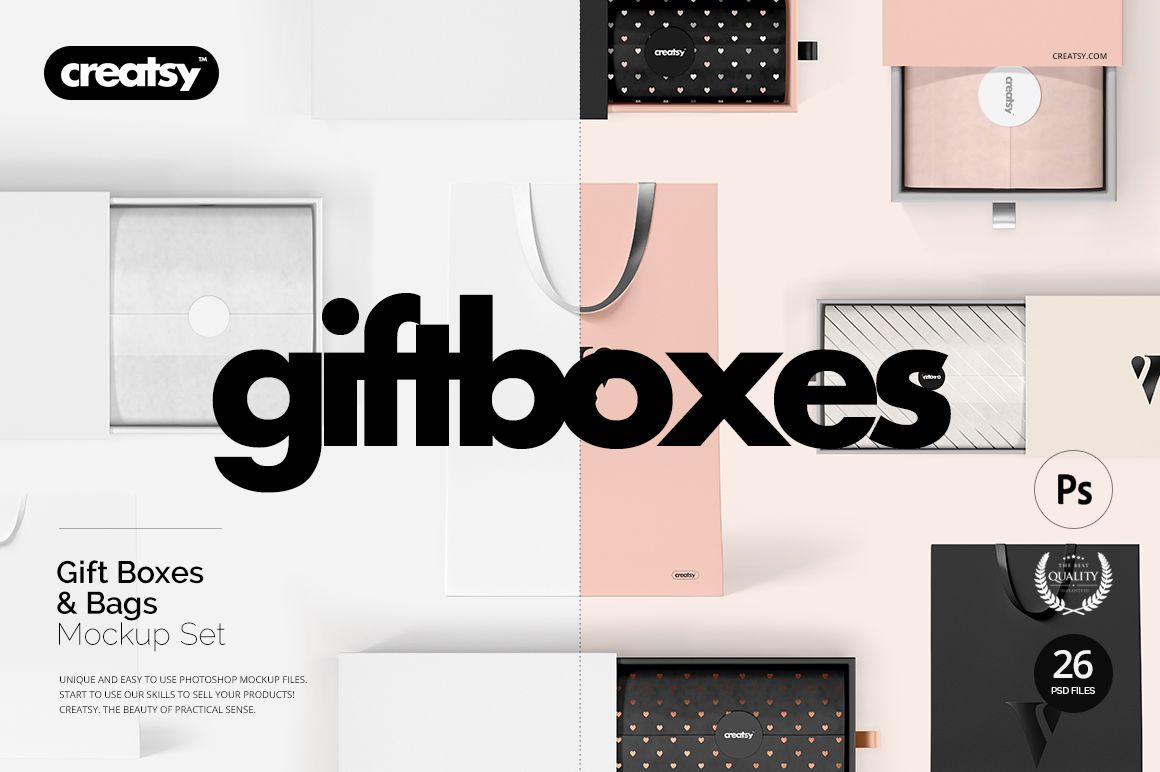
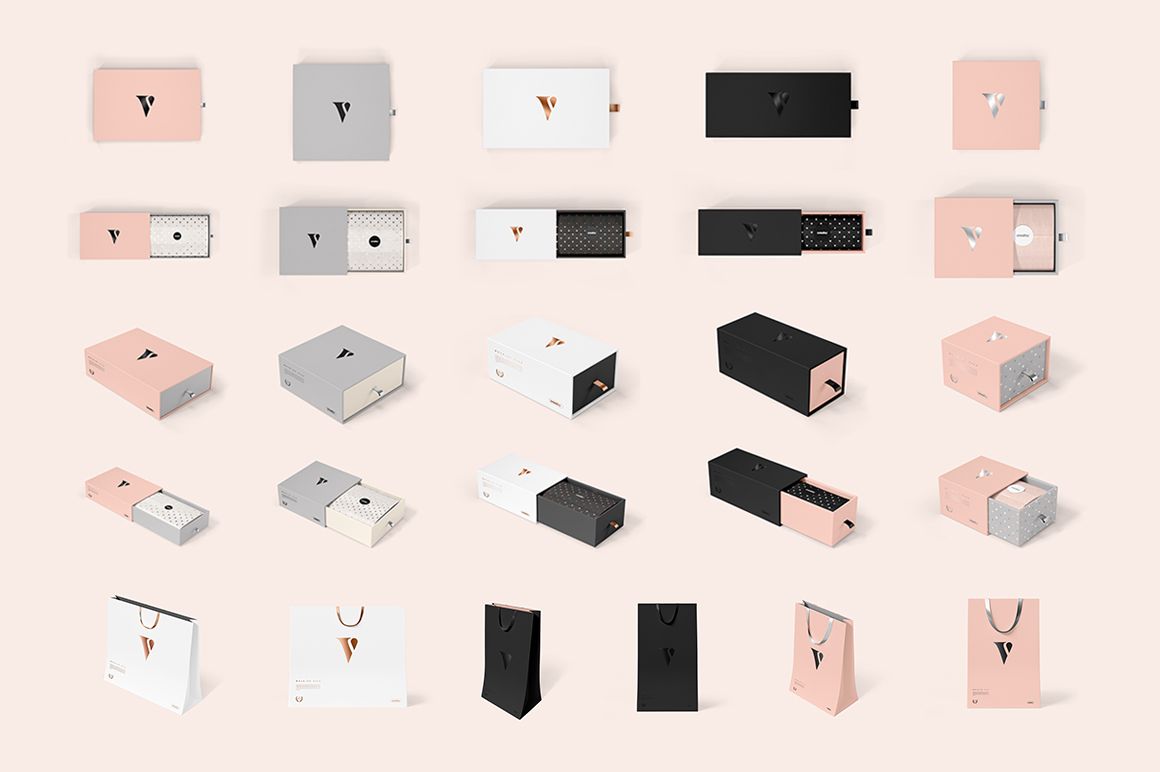
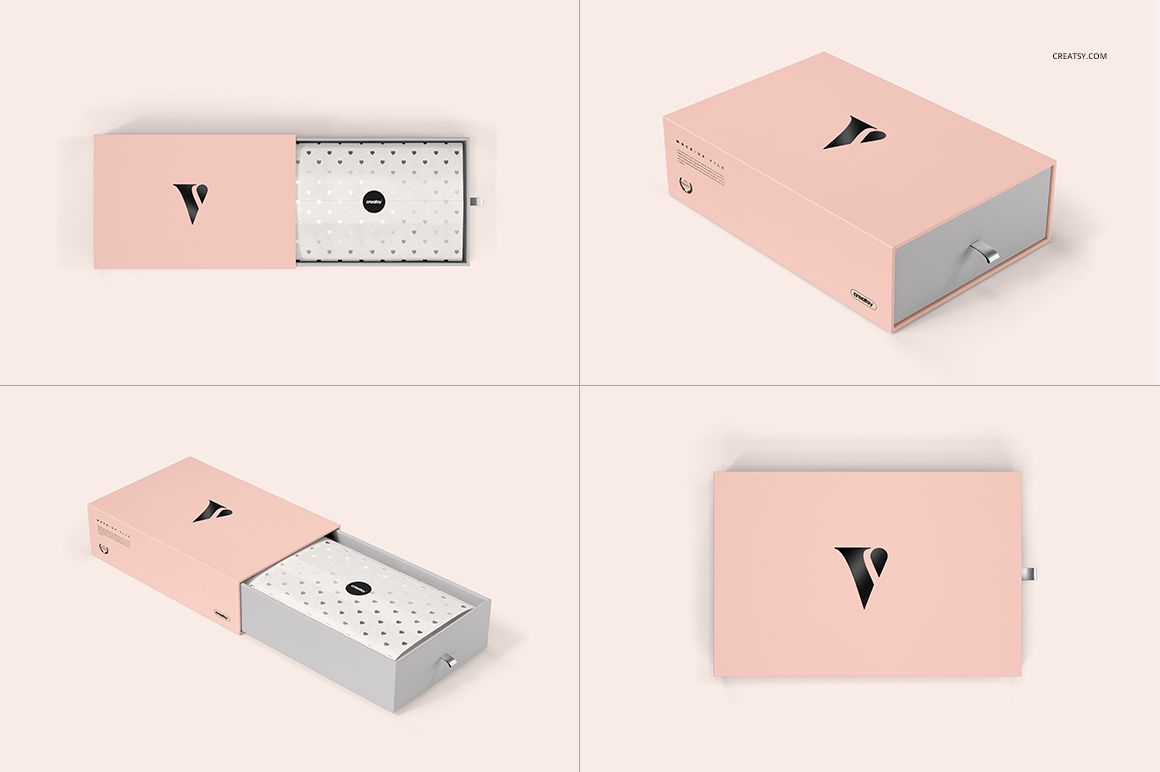
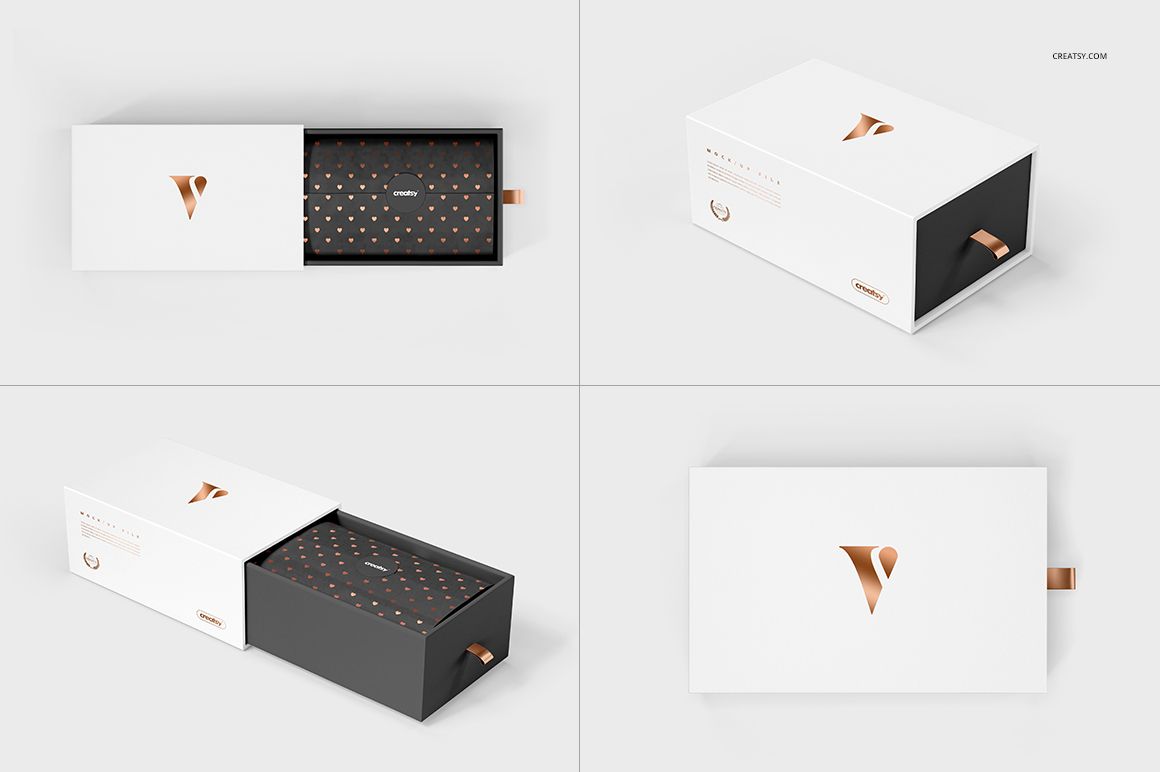
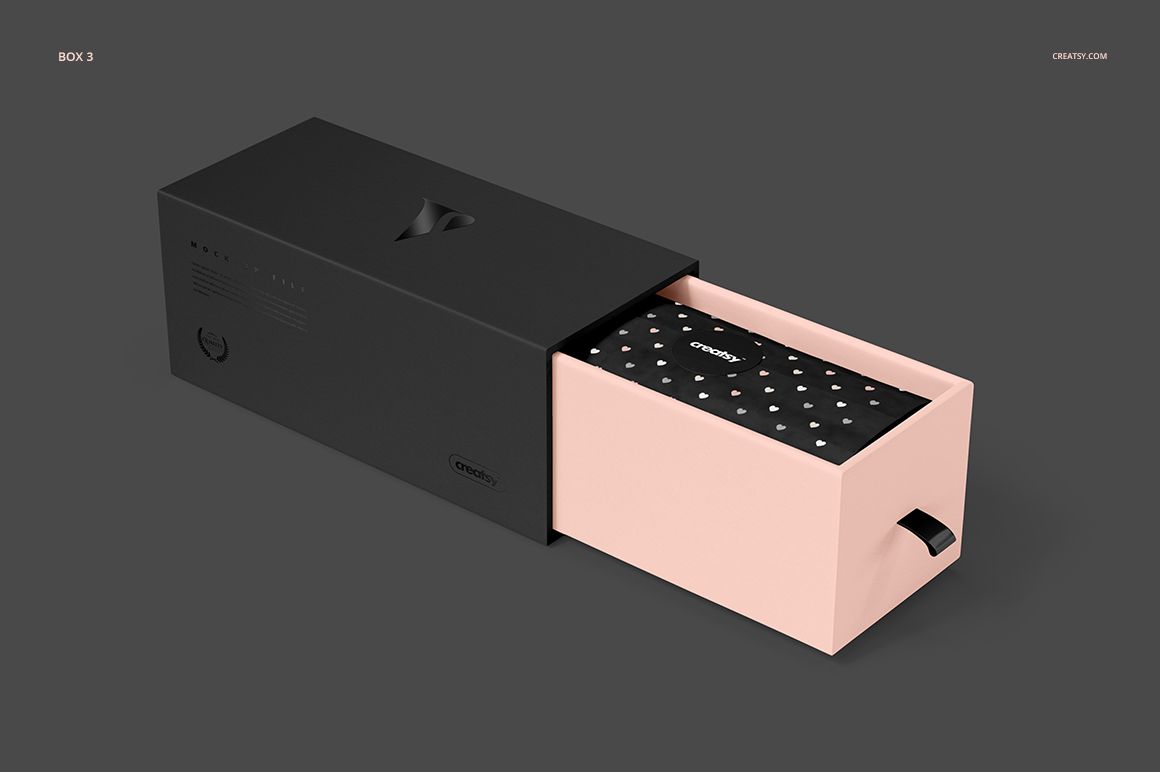
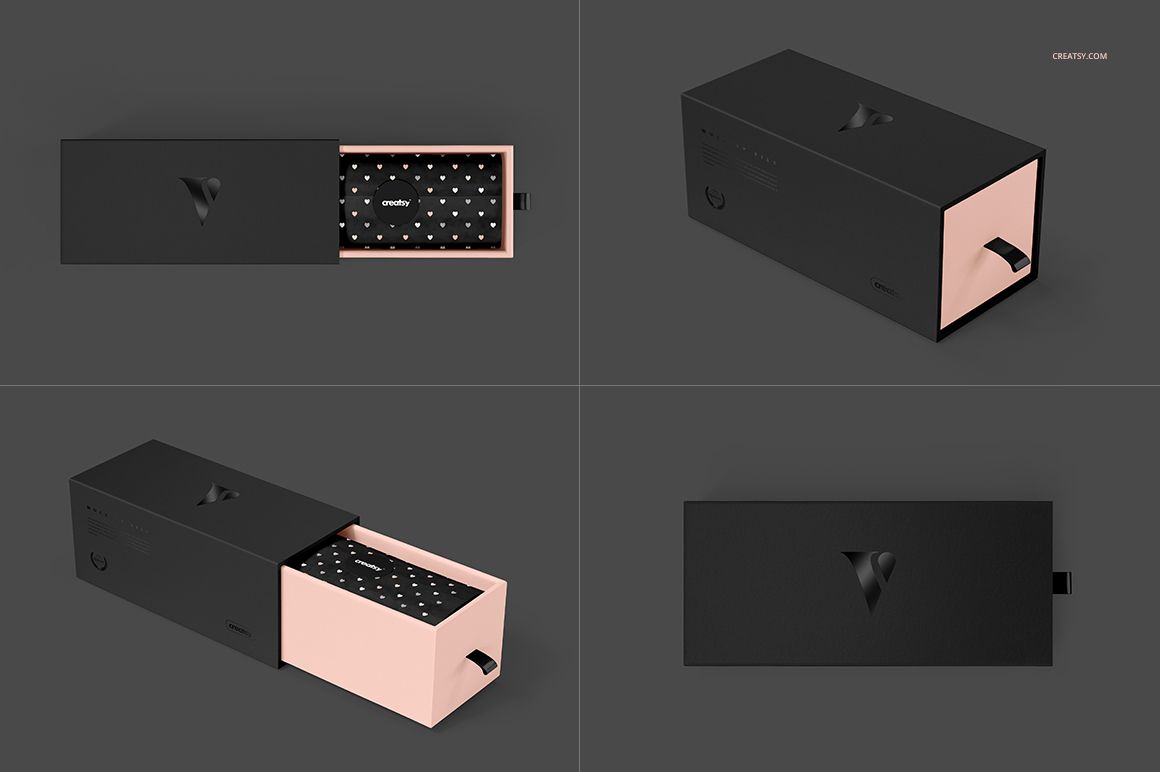
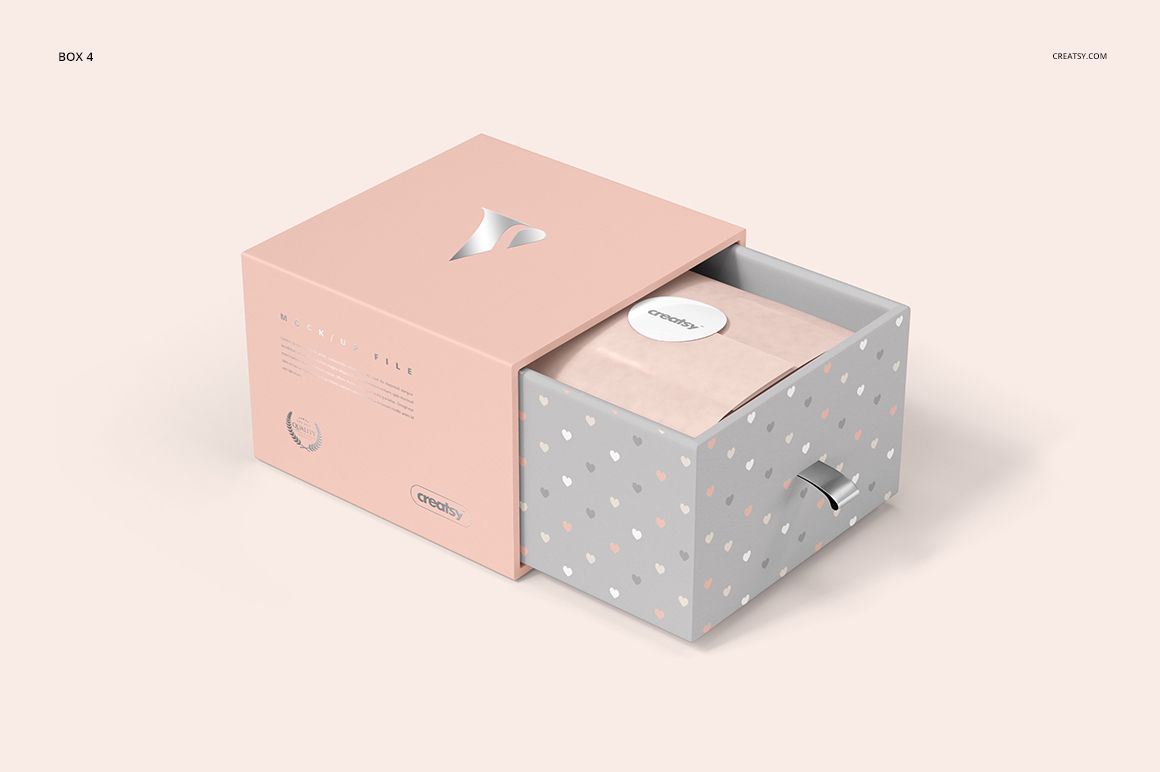
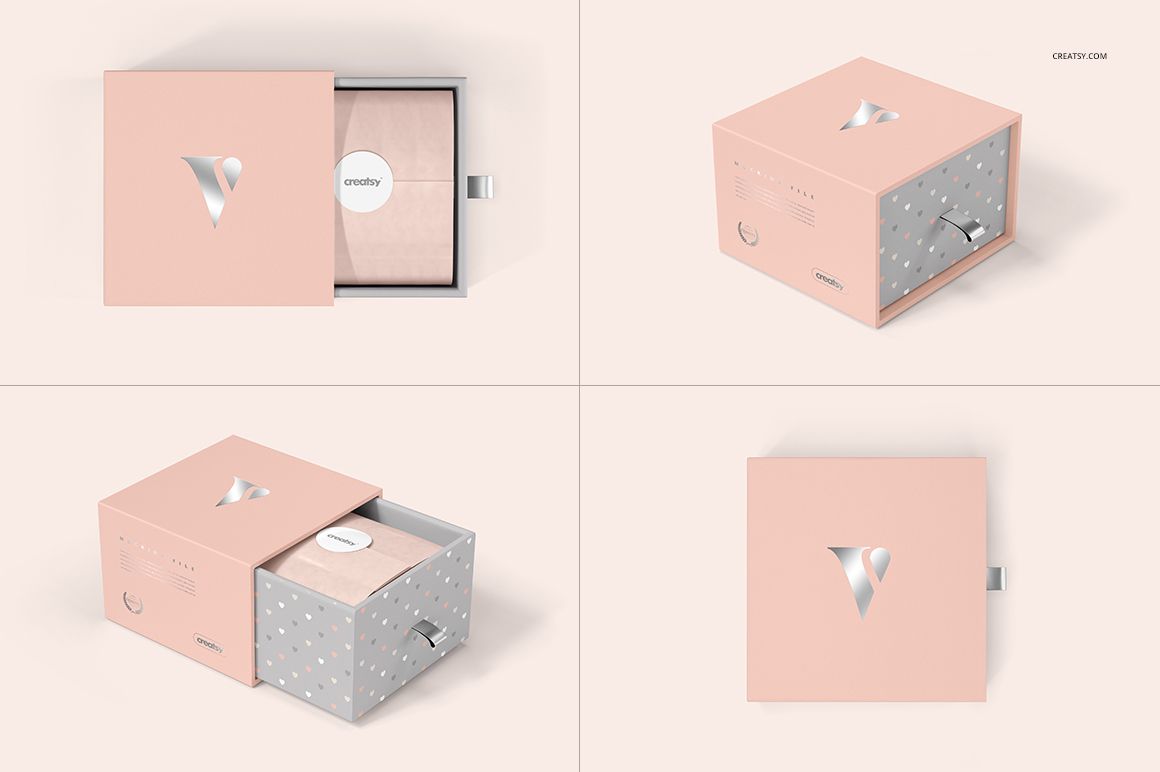
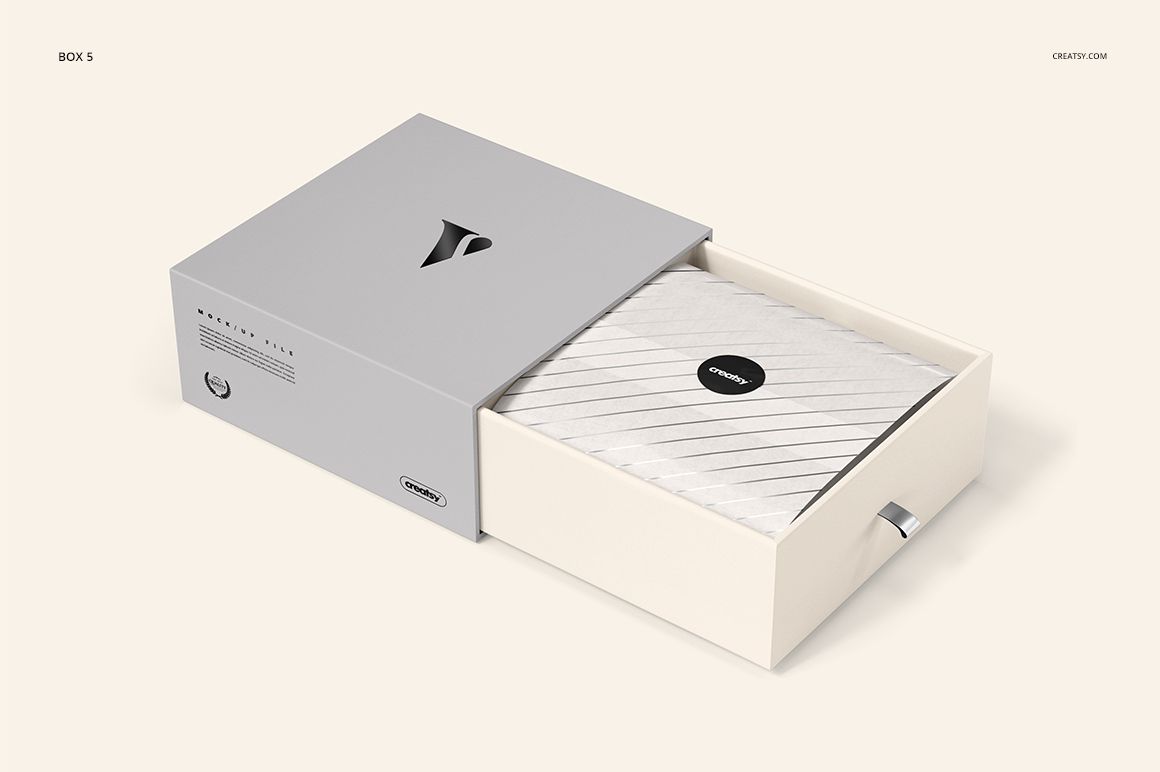
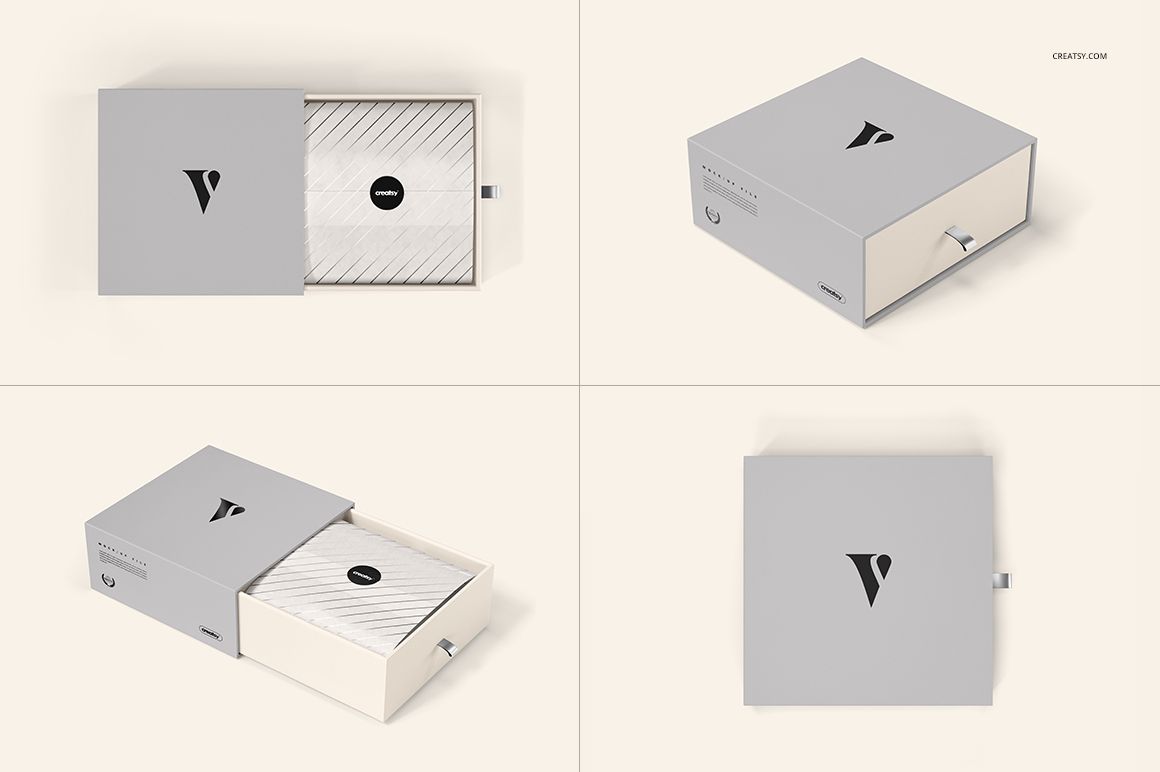
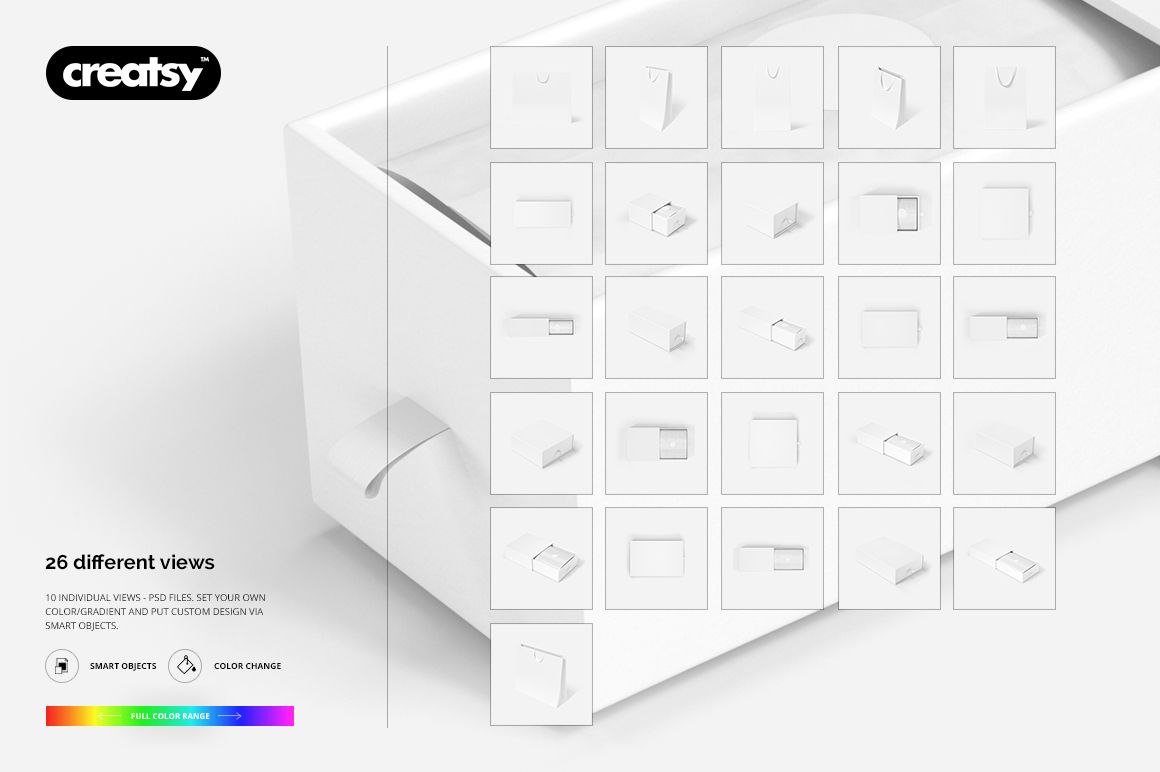
Present a coordinated gift packaging range with five drawer-style box formats and three ribbon-handle bag formats. The gallery brings together 26 views: open and closed boxes from above and at an angle, plus front and angled bag presentations. Use the layered PSD mockups to show how a logo, repeat pattern and color palette carry from the outer sleeve to the tissue-wrapped interior and the shopping bag.
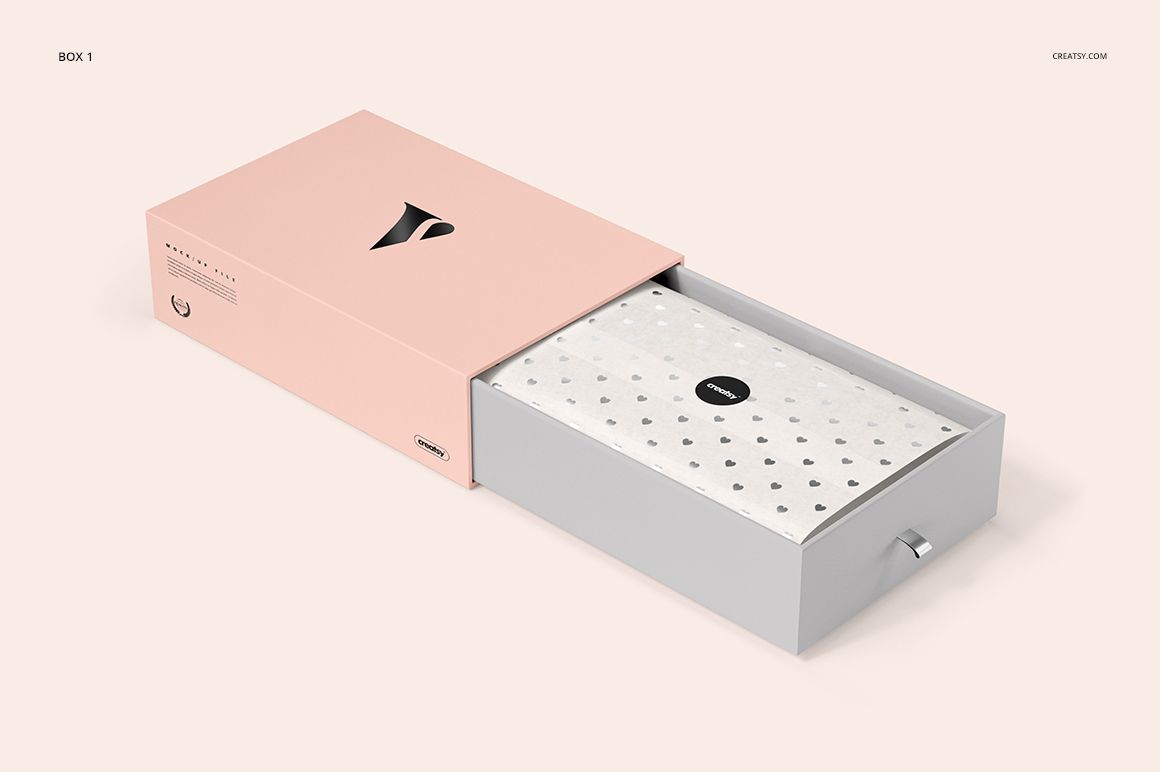
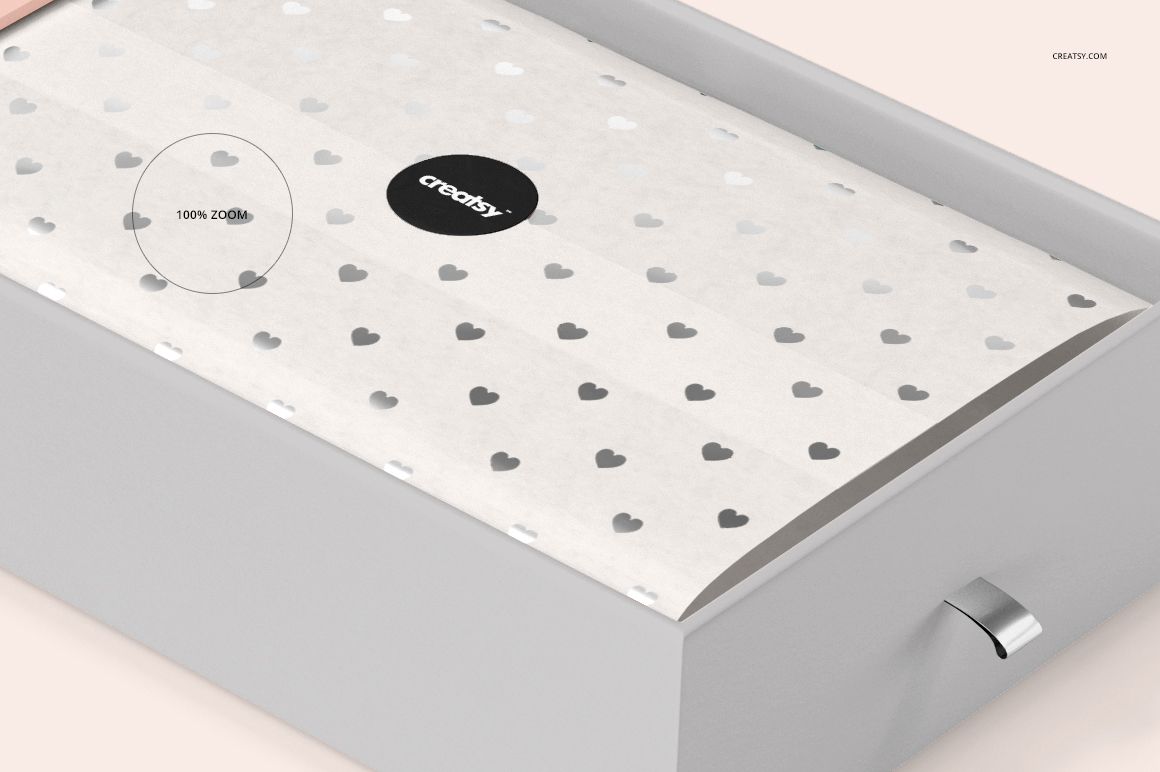
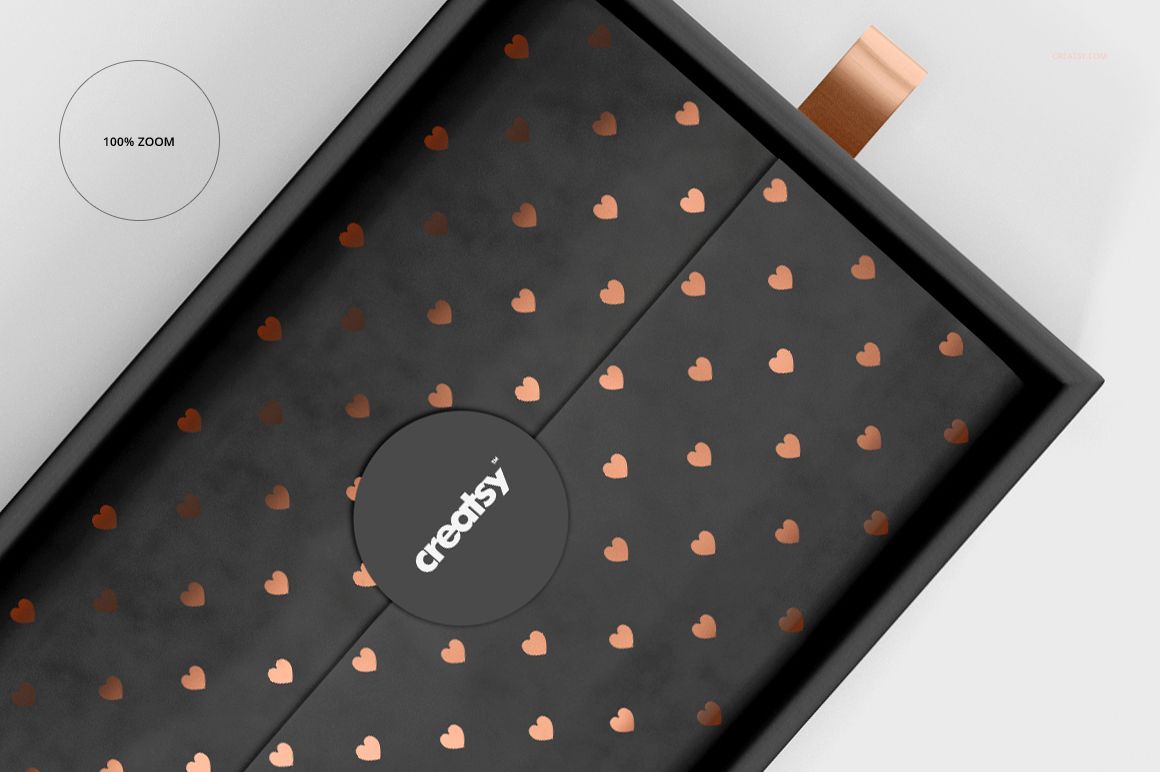
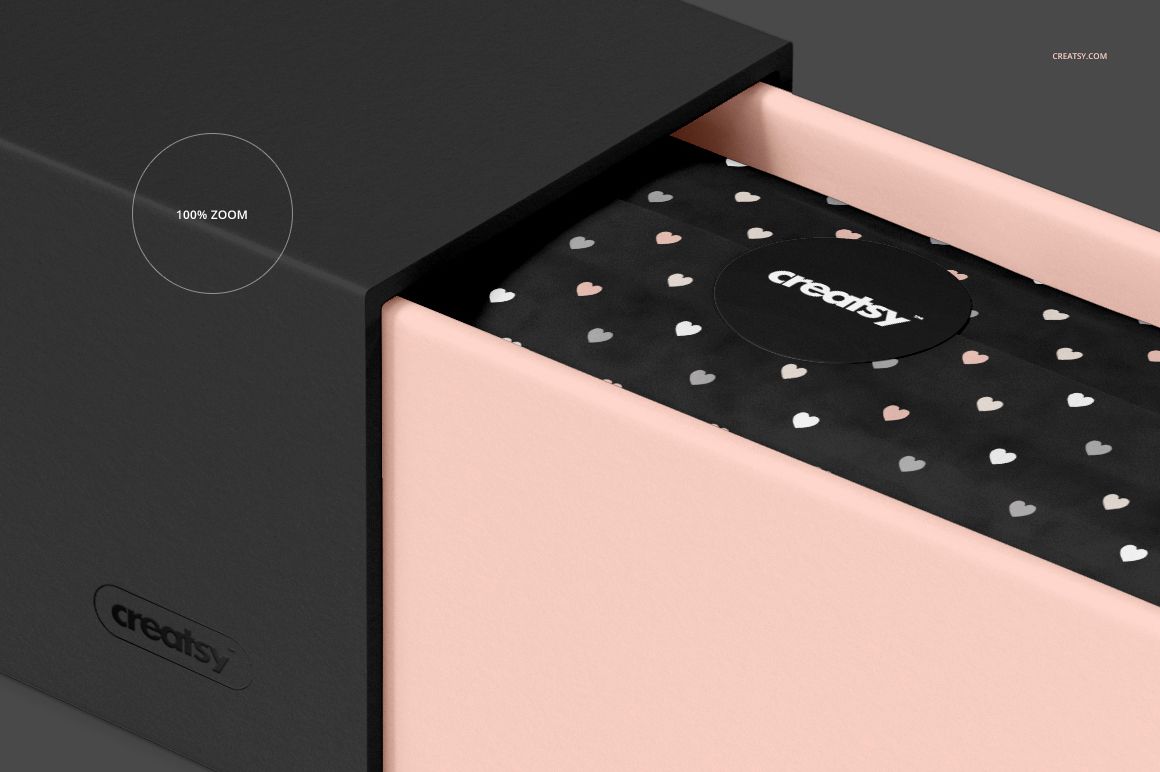
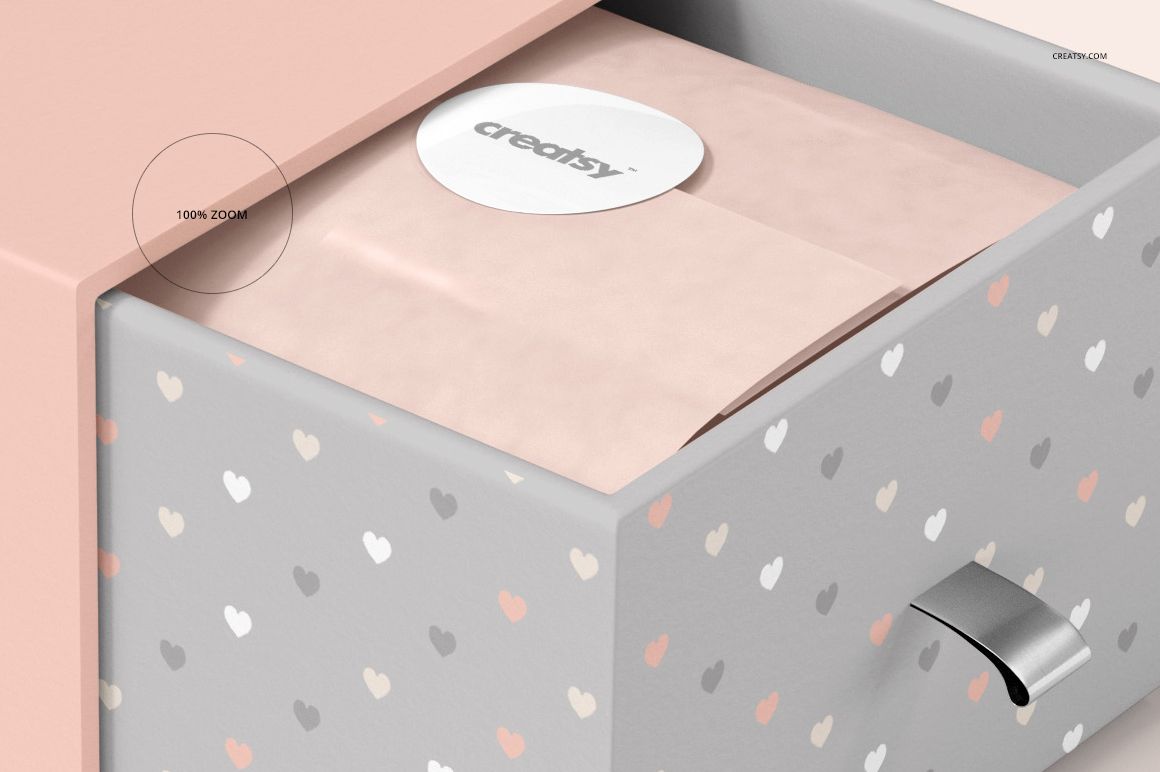
This set suits packaging designers, surface pattern artists, jewelry brands and gift boutiques developing a consistent presentation across different package proportions. The ribbon pull tabs, folded tissue paper and round seals add small surfaces that help explain the unboxing concept.
What Is Included
Five drawer box formats, each presented in four open or closed views.
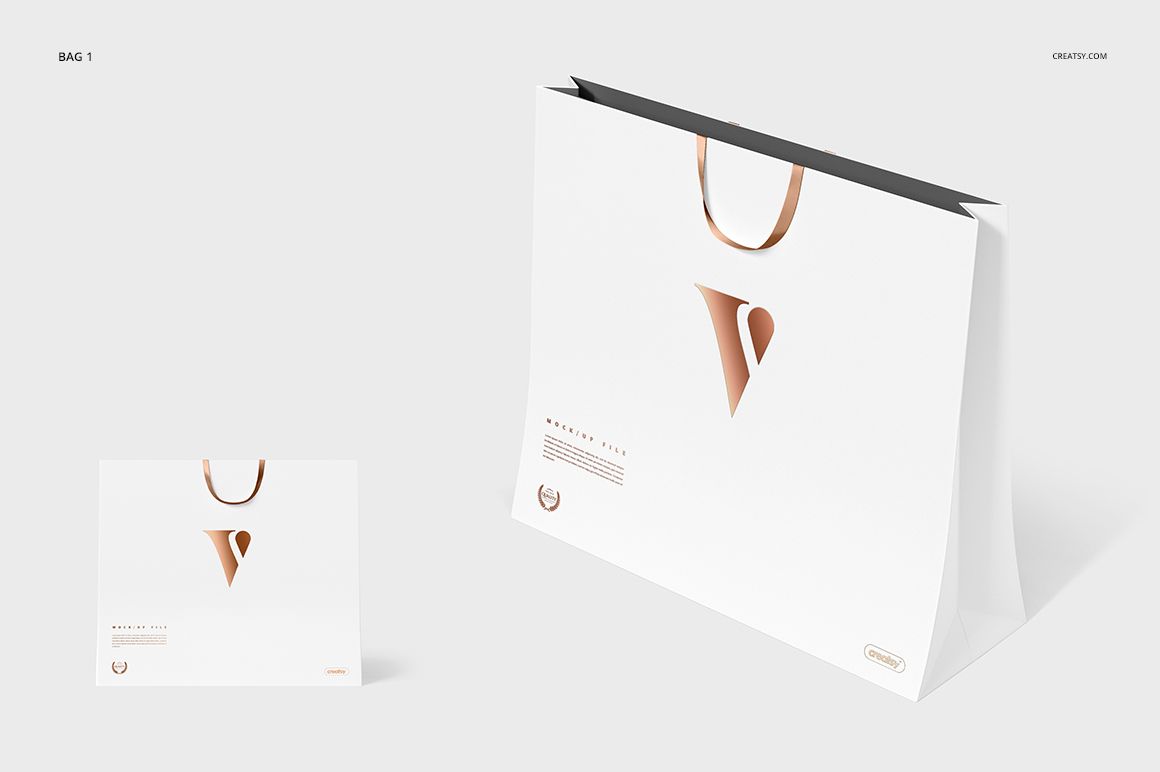
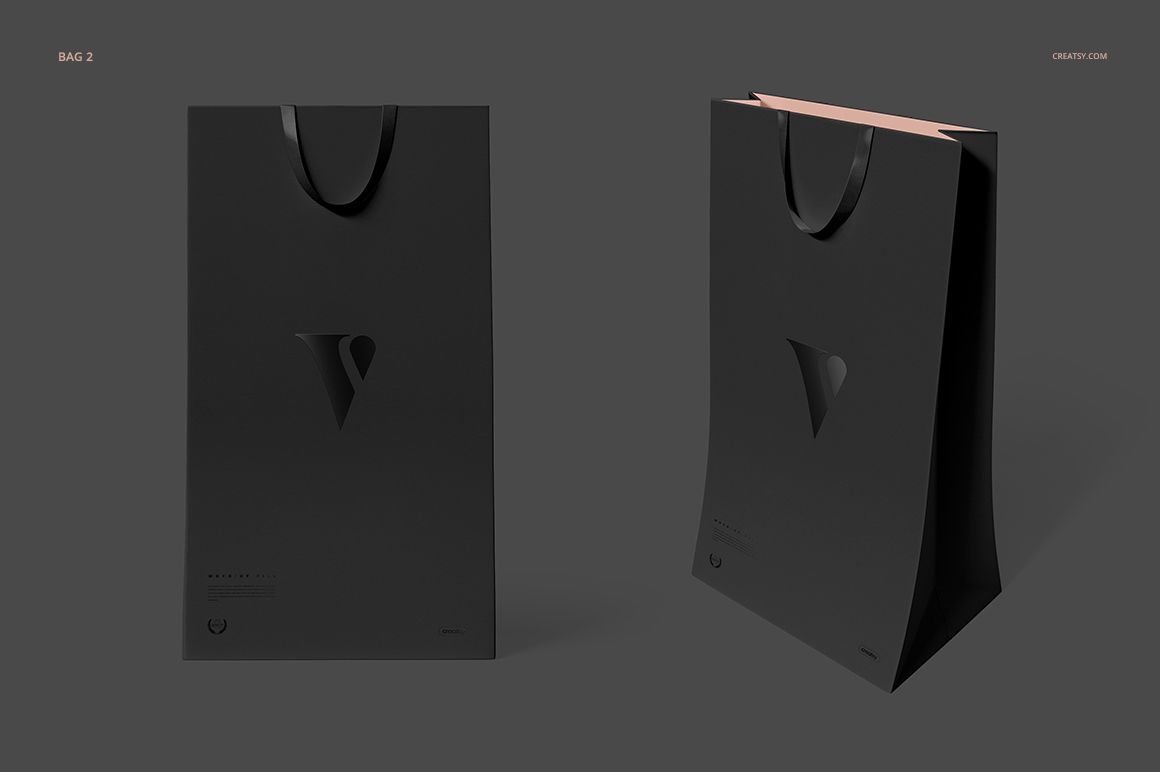
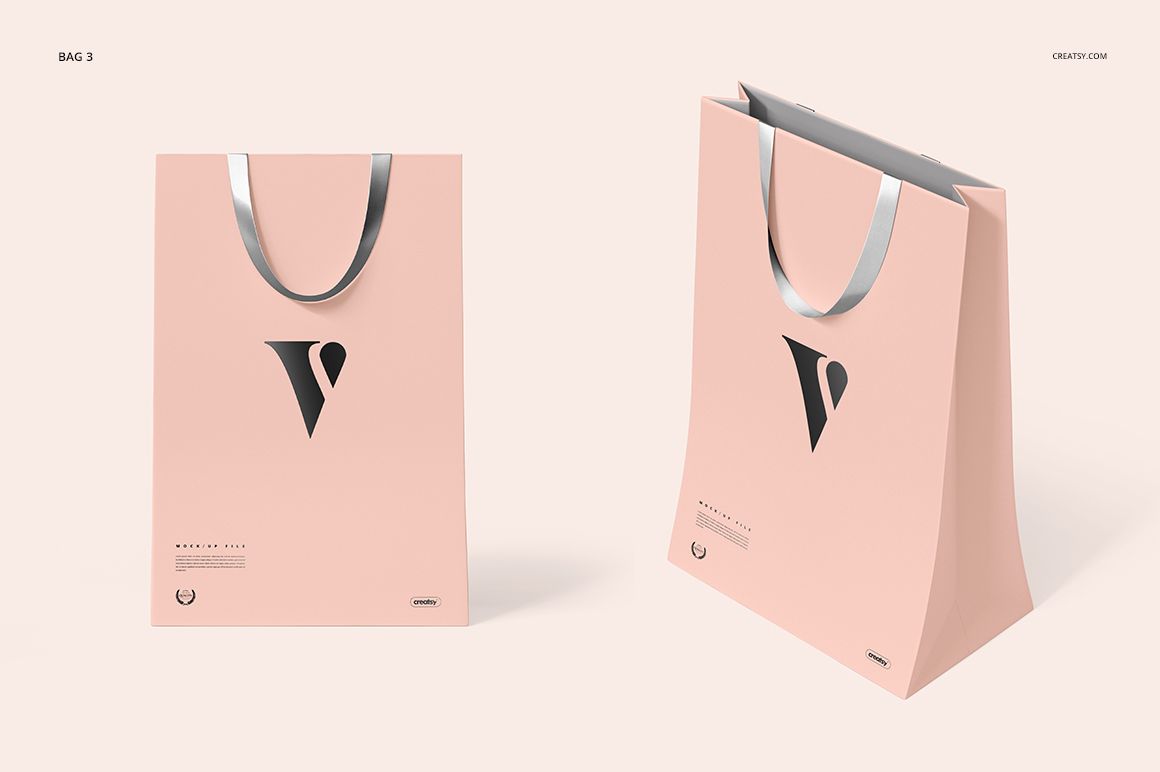
Three gift bag formats, each presented from the front and at an angle.
Layered PSD mockups with Smart Objects, editable colors and designs.
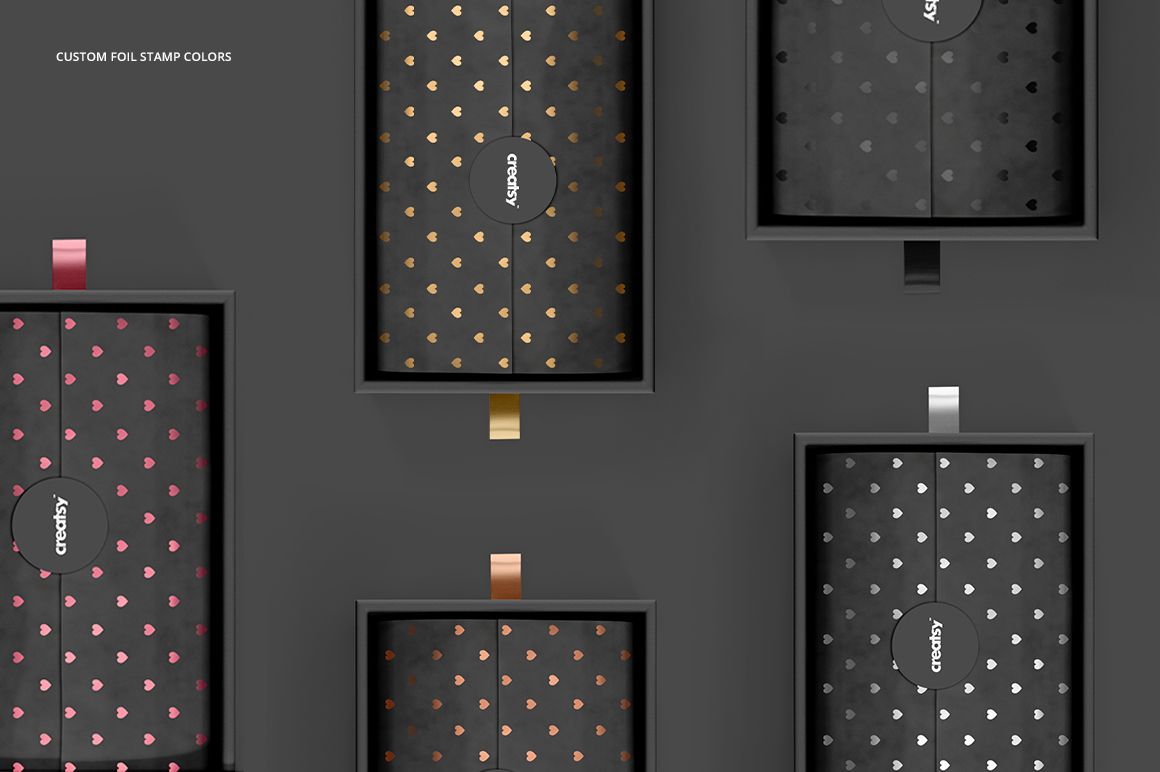
Foil stamp color options and support for flat colors, gradients and patterns.
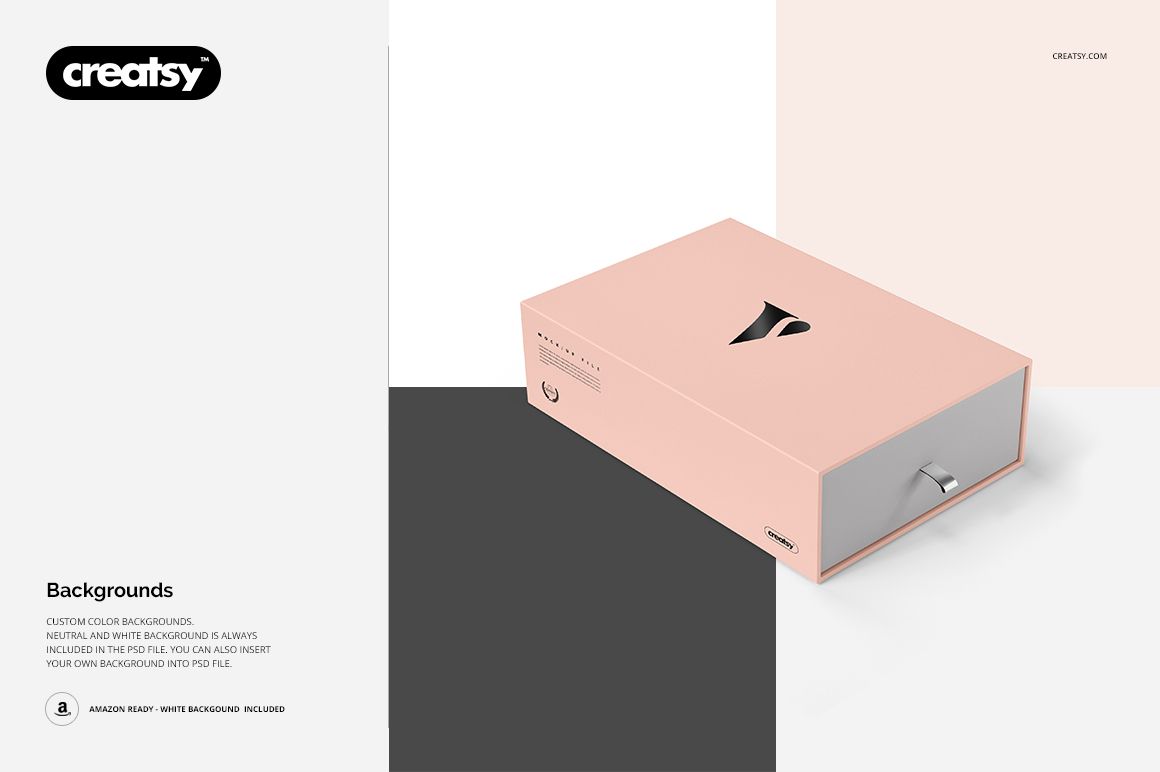
White, neutral and editable color backgrounds, with the option to insert your own background.
JPG supporting images and TIF guides. See File Specifications for the archive inventory.
Design the Exterior and the Reveal Together
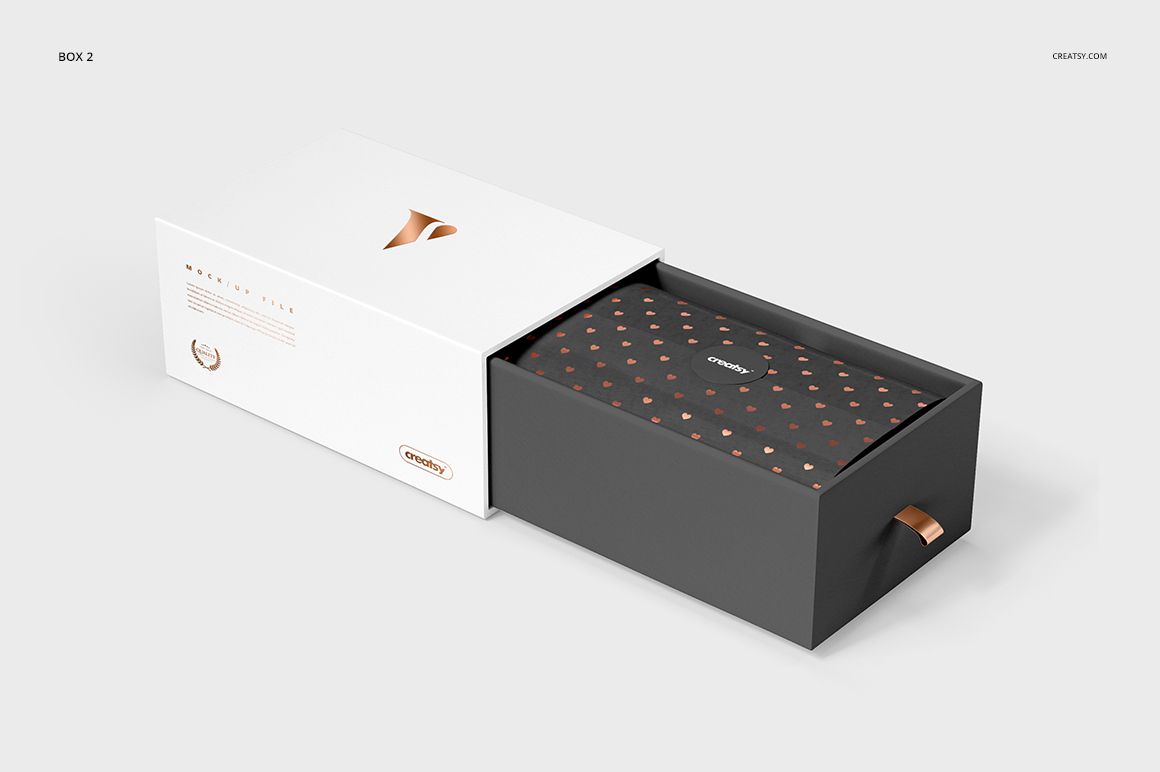
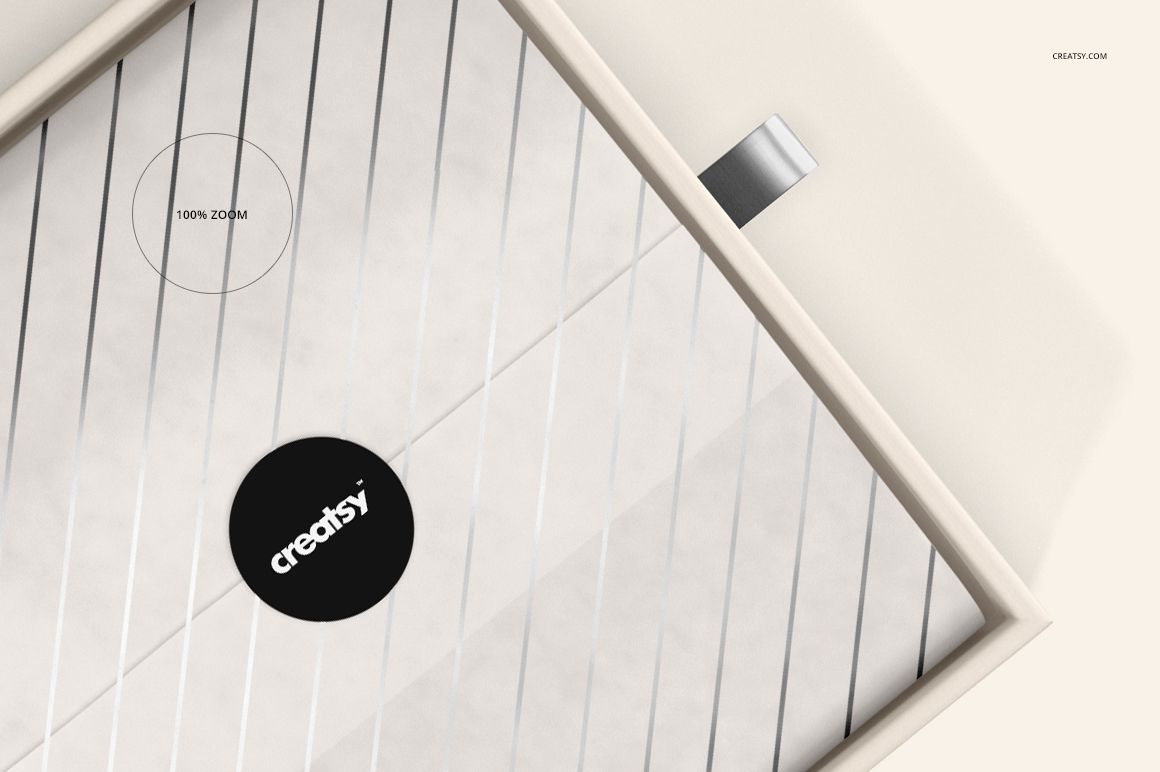
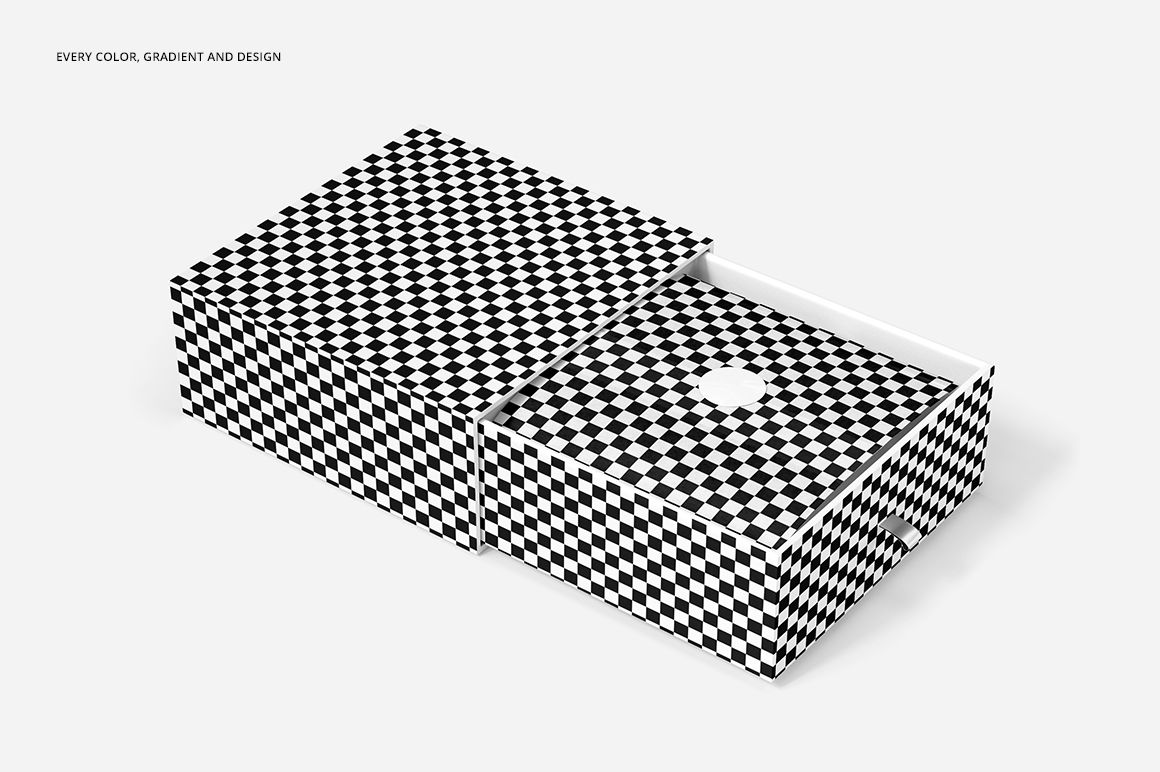
A drawer box presents the branding in stages. Compare the closed sleeve first, then the open view where the inner tray, tissue pattern and seal become visible. Try a restrained wordmark outside and a more expressive repeat inside, or reverse that balance. Keep a recognizable color or motif on the bag so the pieces read as one collection without repeating the same layout everywhere.
Easy Smart Object Editing
Open a PSD in Adobe Photoshop or Photopea, place your artwork in the relevant Smart Object and adjust its scale and position. Save the Smart Object, return to the scene, then refine colors, foil appearance and background. Work through the separate views and artwork areas individually when preparing a complete presentation.
This is a digital mockup product. No physical packaging is supplied, and the sample patterns and artwork shown in the previews are not included.